
Immersive Messages API Mod (1.21.1, 1.20.1) – Cinematic RPG Storylines

 0


Immersive Messages API Mod shows important info, story lines, and in-game alerts right on the player screen as subtitles. This mod gives you full control over text size, color, and screen position, along with built-in transitions and shaking or waving effects. It also works with Caxton to display custom fonts for stylized messages. You can send these messages from a server to a client through the mod API or with a simple in-game command, so no coding is needed.
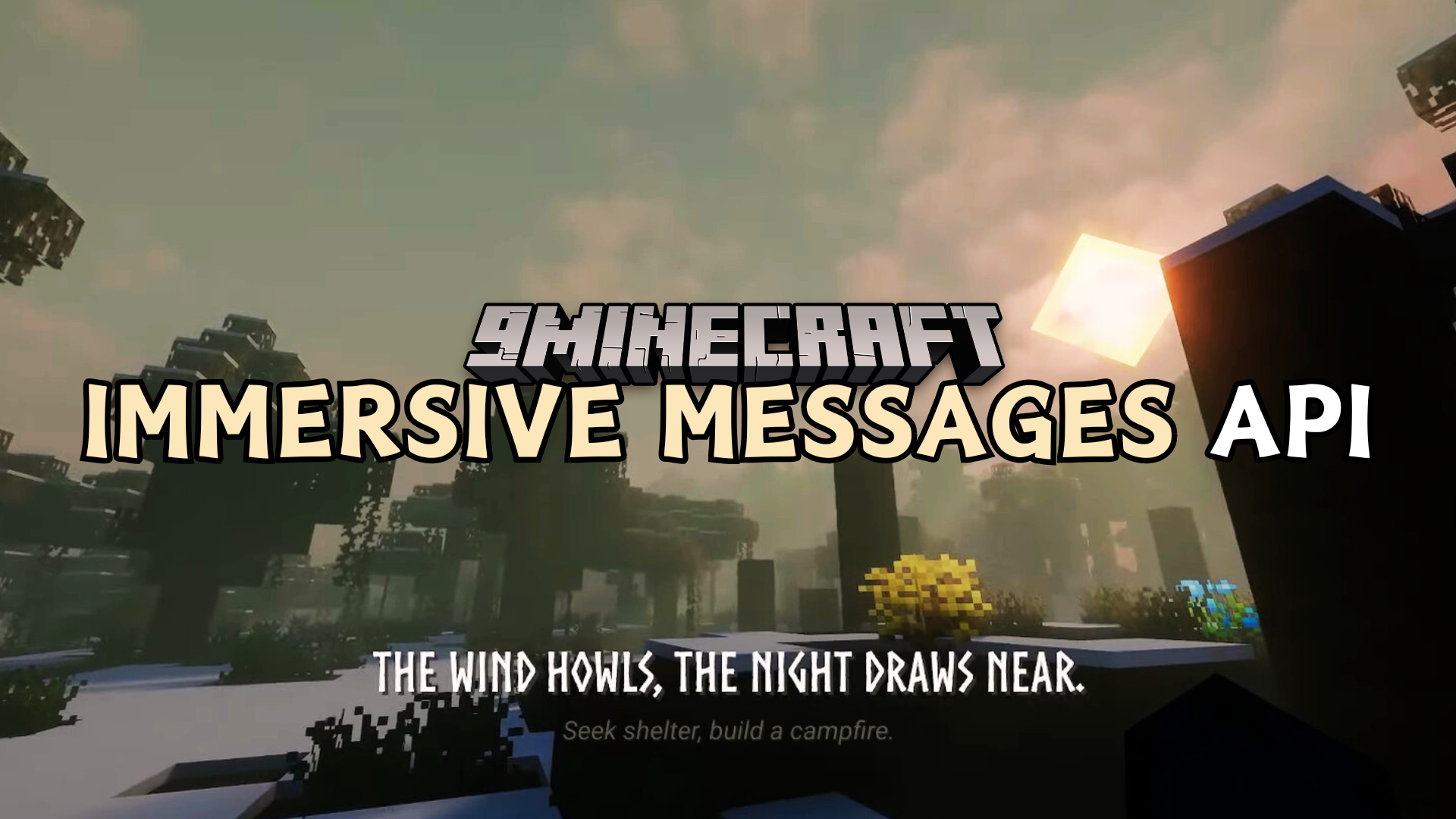
Features:
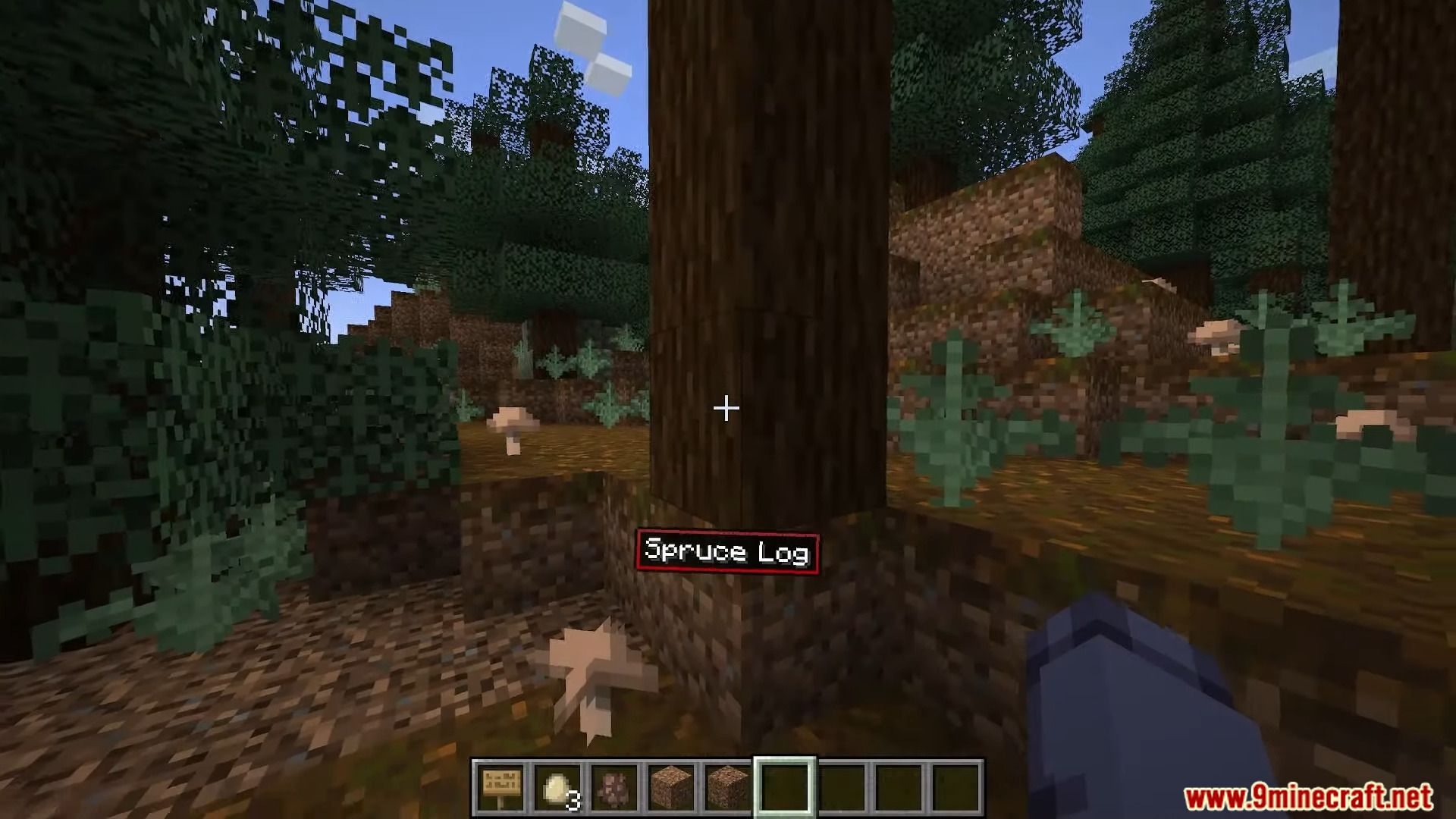
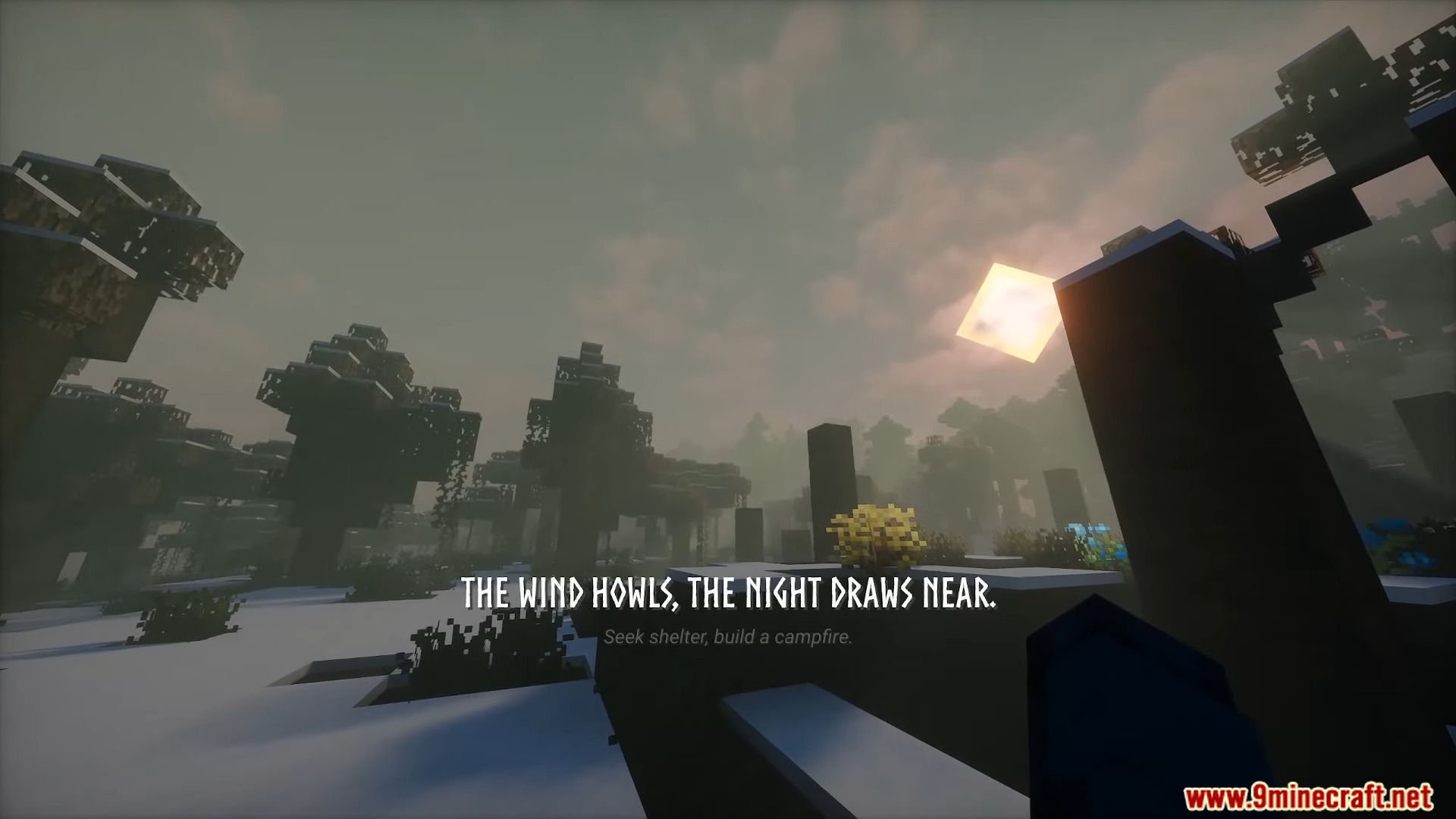
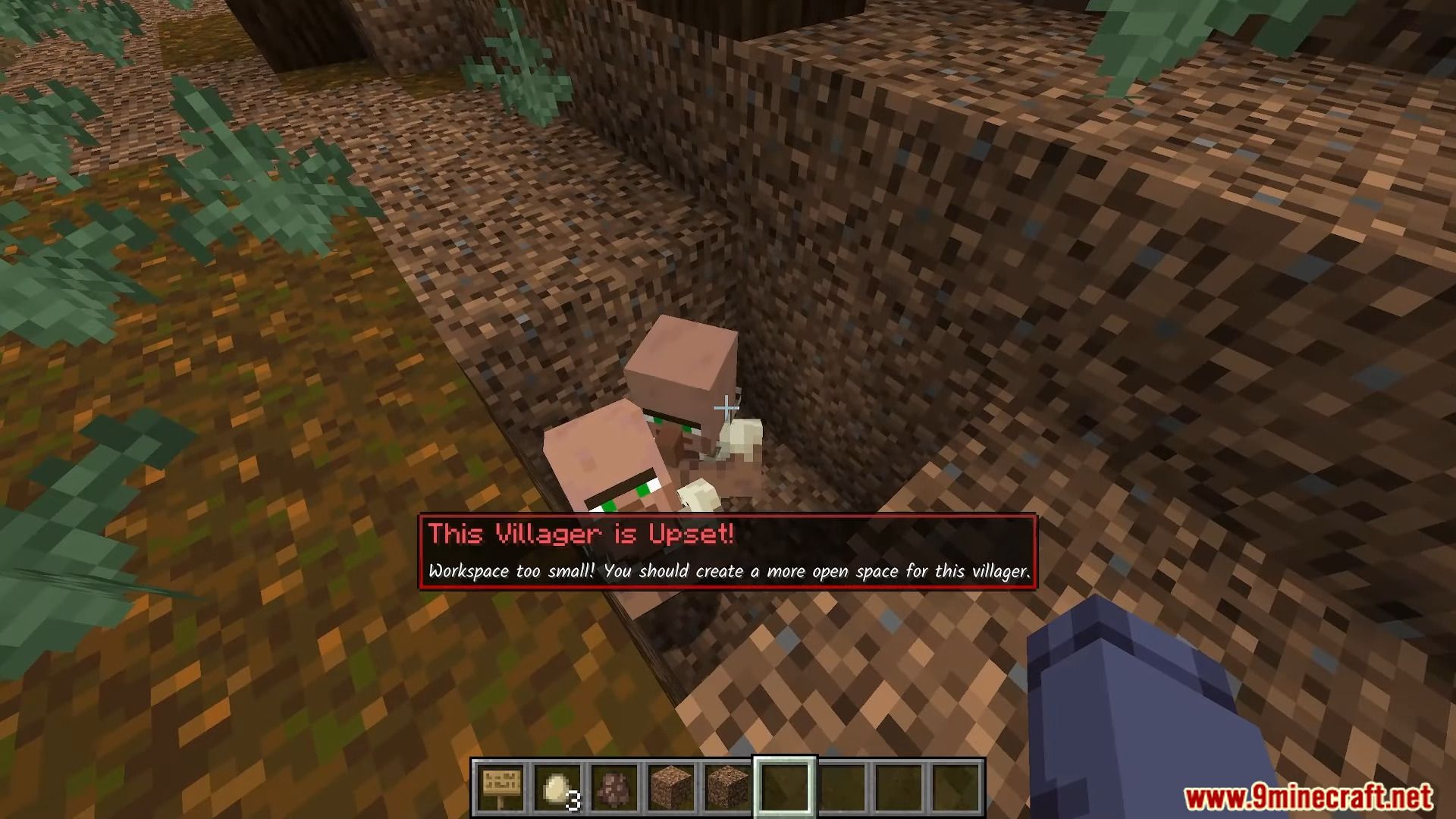
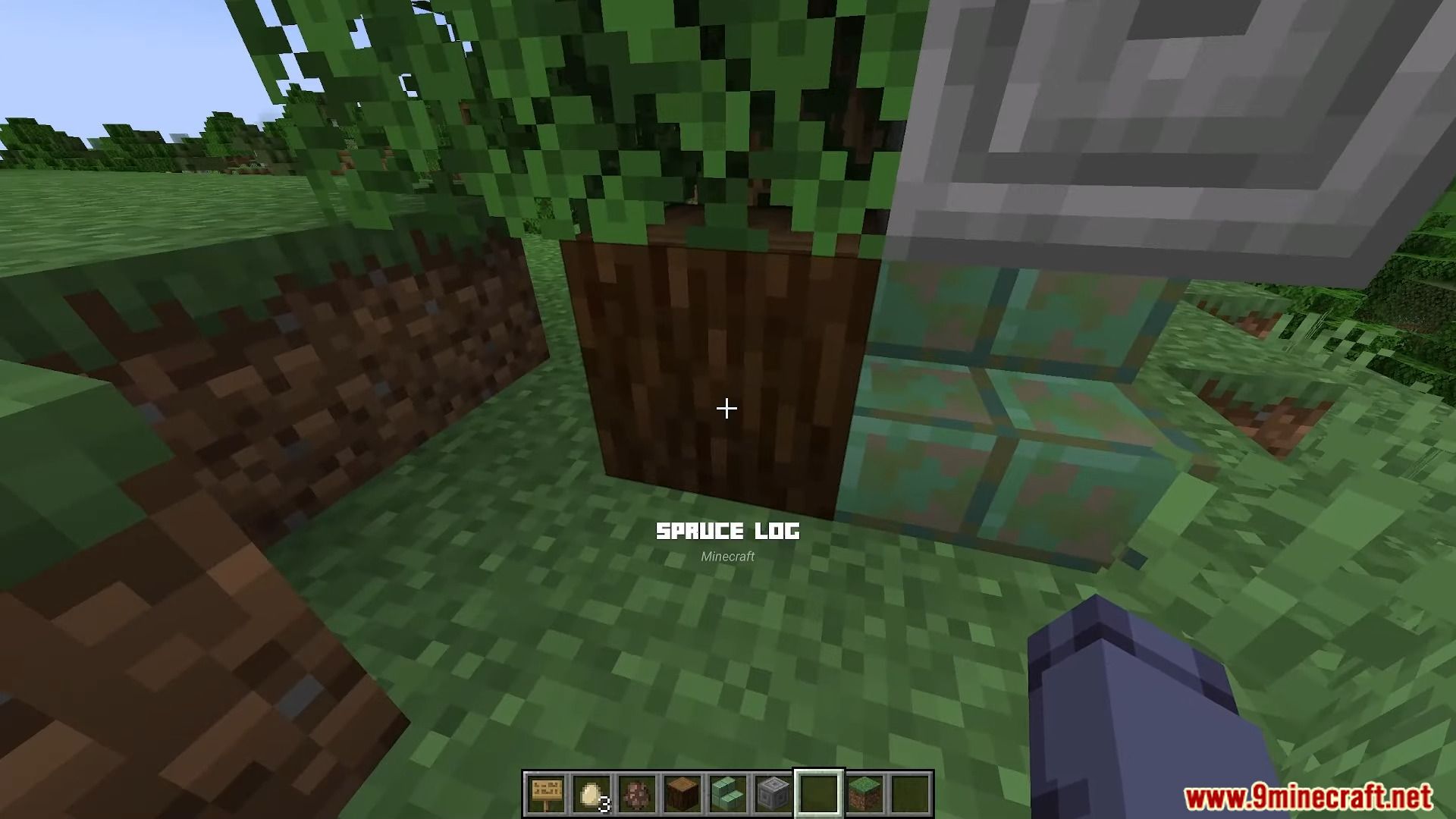
- Displays in-game messages, alerts, and story text right on the player screen using subtitles.
- Gives you full control over the size, color, and position of every text message on screen.
- Includes a built-in animation system with transition effects for on-screen text.
- Adds moving text effects like shaking and waving to make messages stand out.
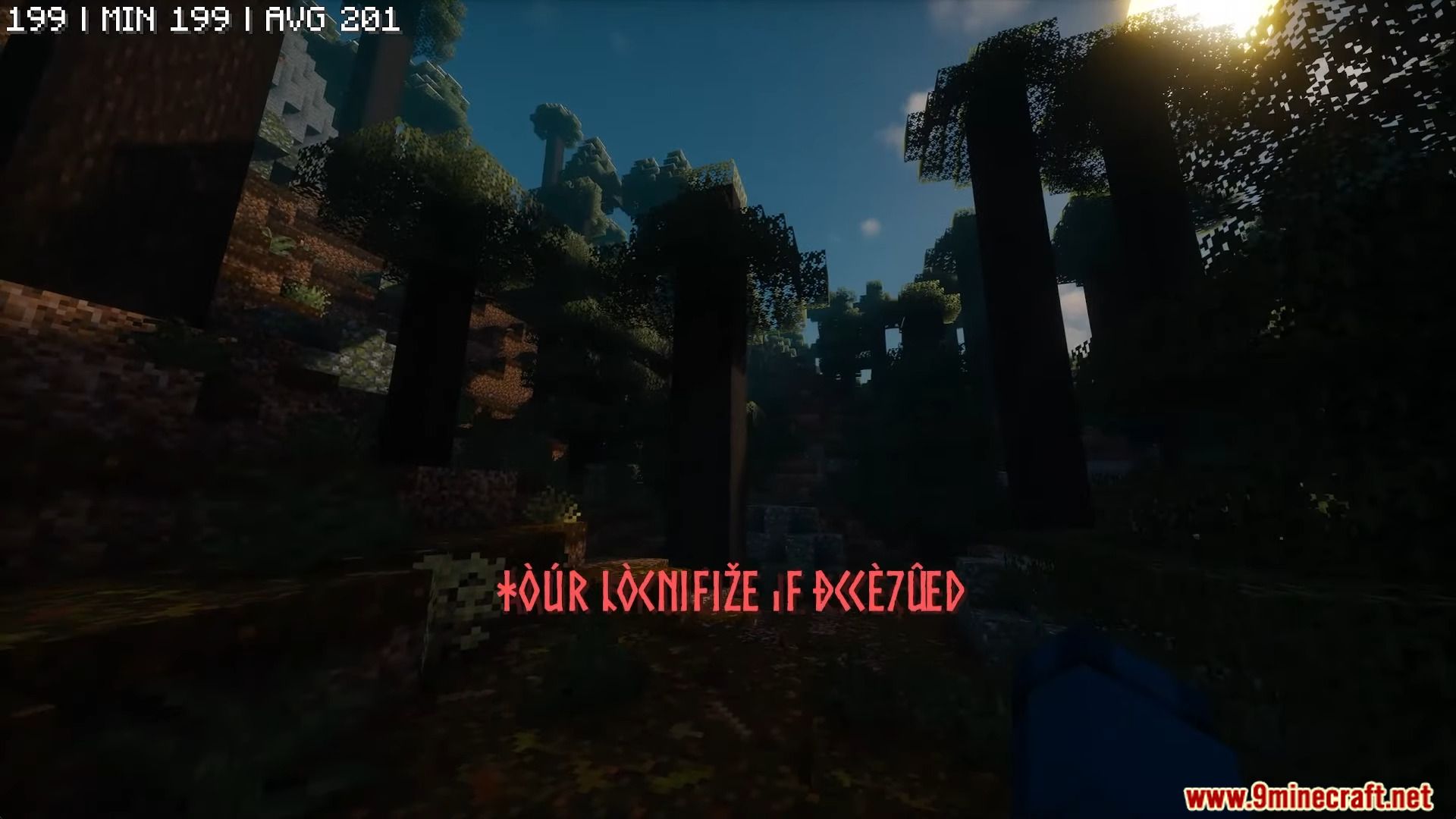
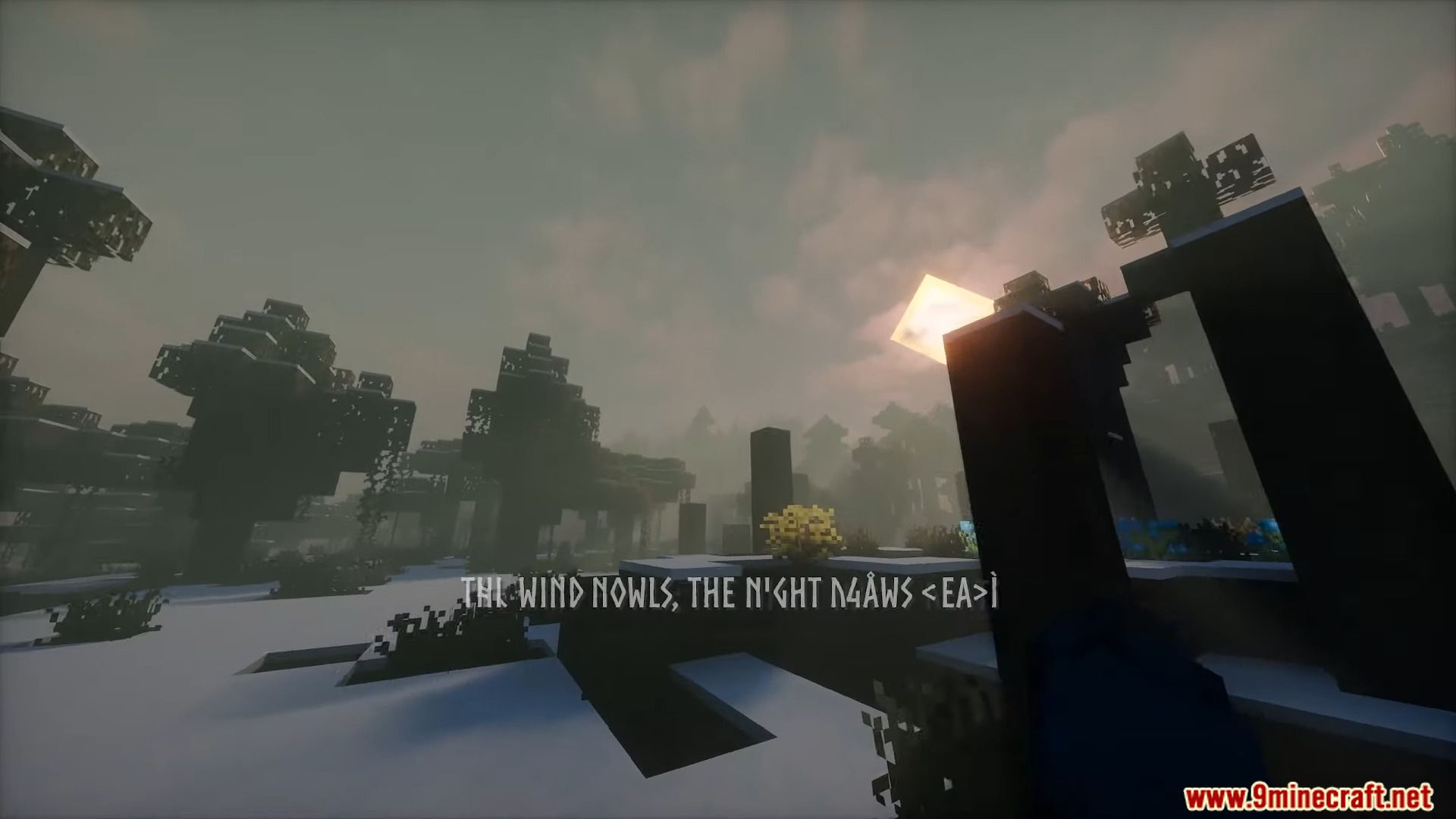
- Works with Caxton to render custom fonts for stylized text displays.
- Sends messages over the network from the server to the client using either the mod API or a built-in chat command.
Commands:
/immersivemessages: Sends a custom on-screen message from the server to the client without needing code.
How to Use:
- Type
/immersivemessagesin chat to send and show a message on the player screen without writing any code. - Use the direct mod API in mods or modpacks to send server-to-client messages with custom sizes, colors, positions, transitions, and text effects.
- Add Caxton to your game if you want to display custom fonts for stylized text.
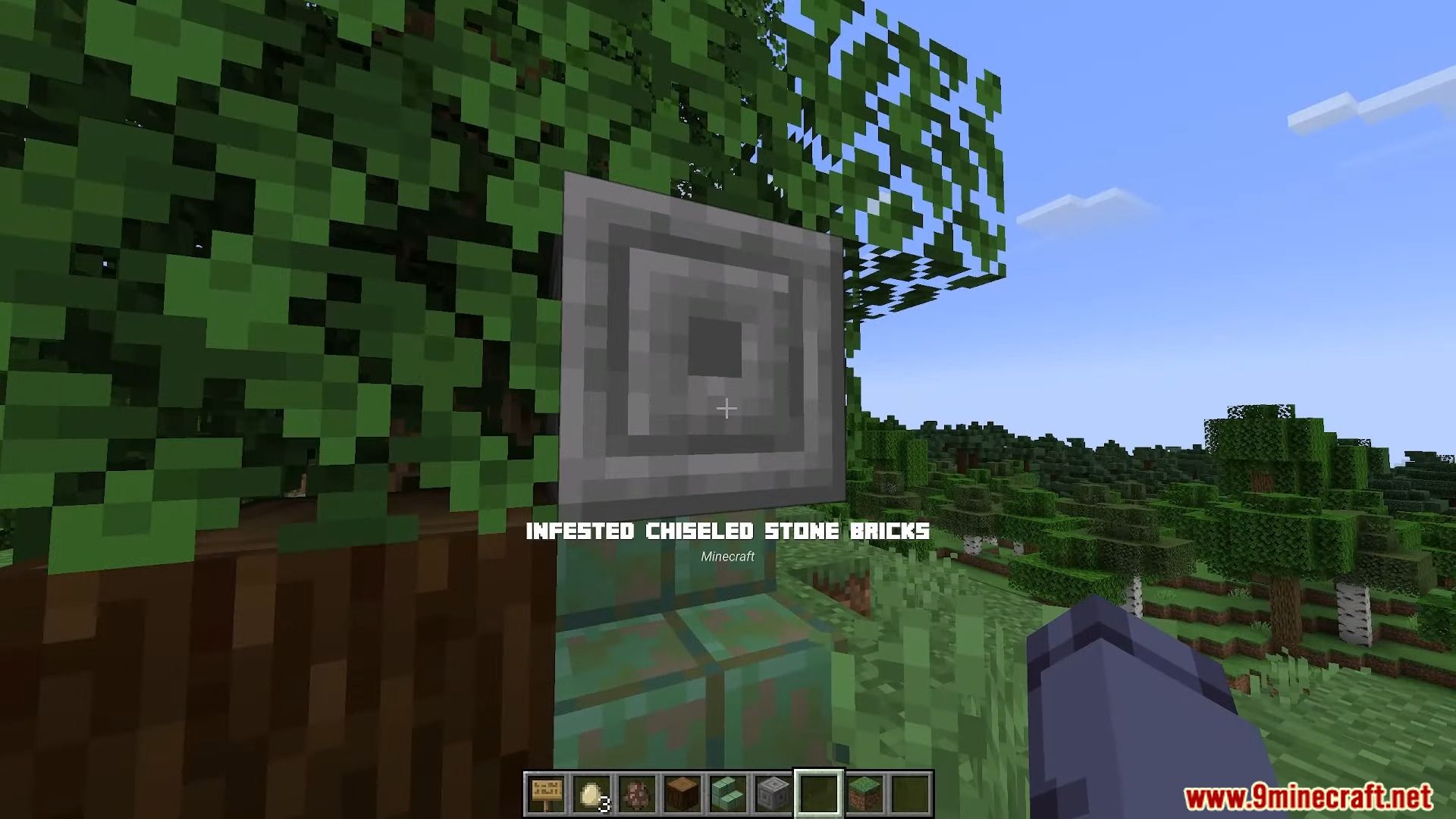
Screenshots:
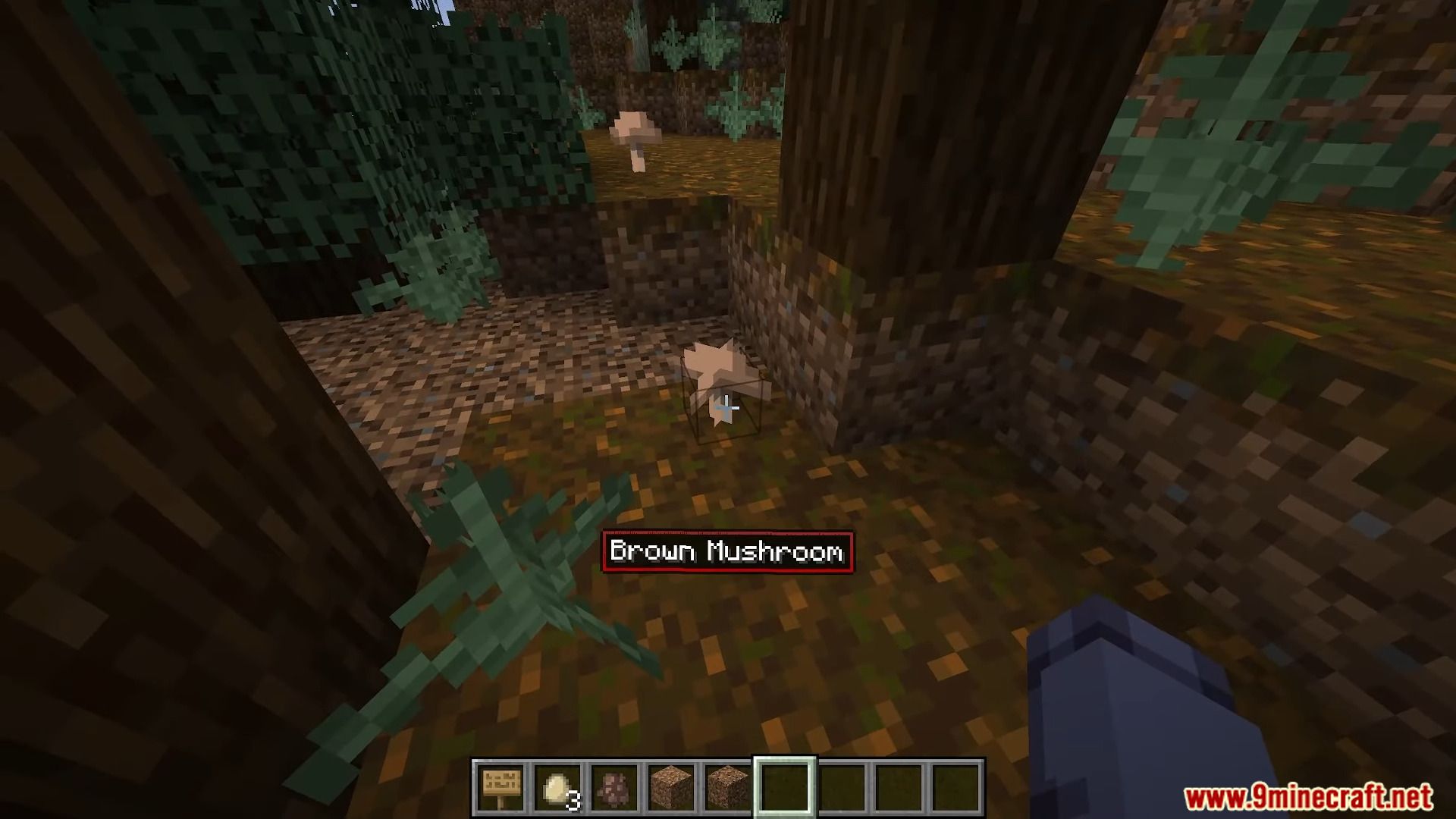
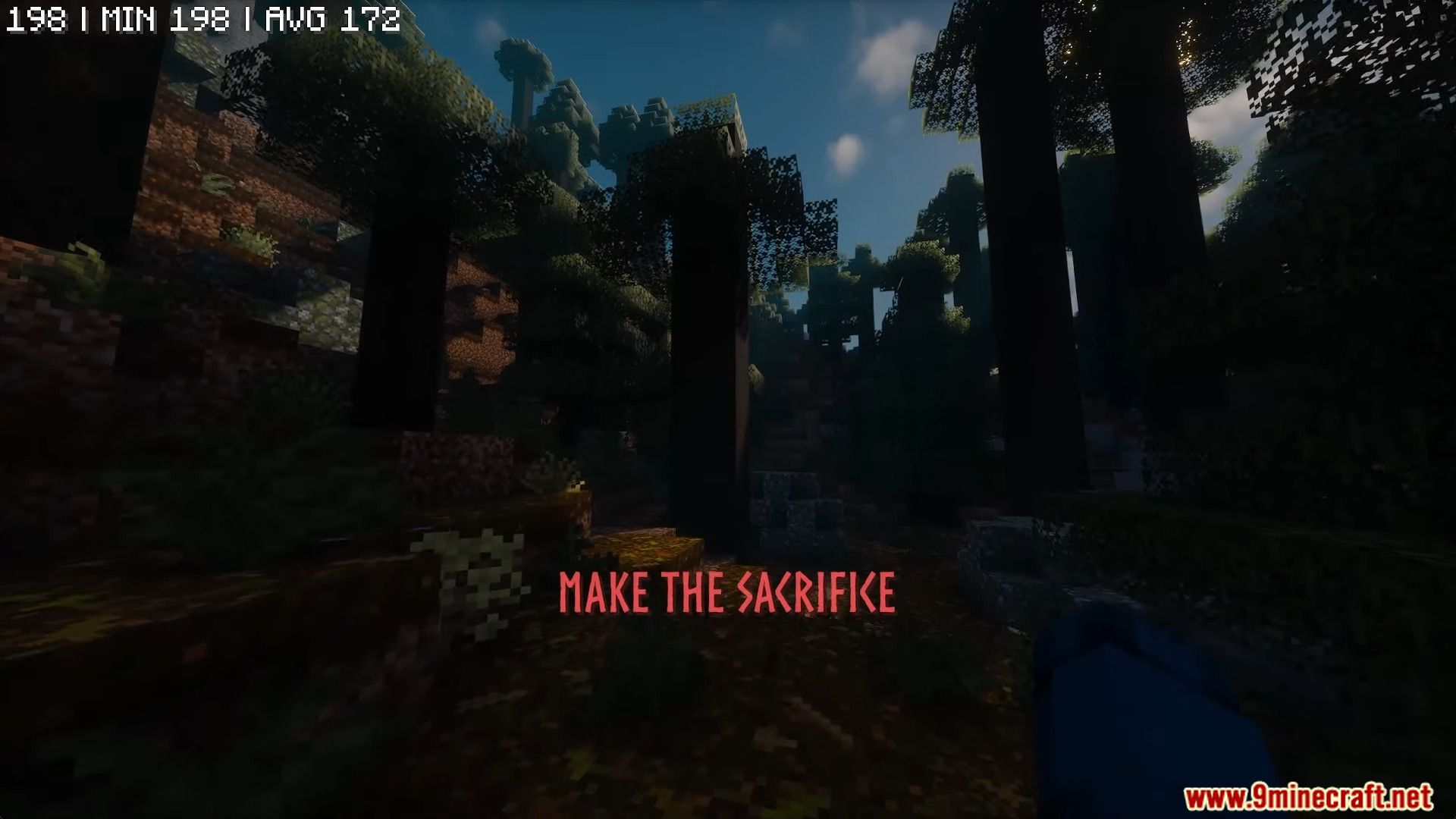
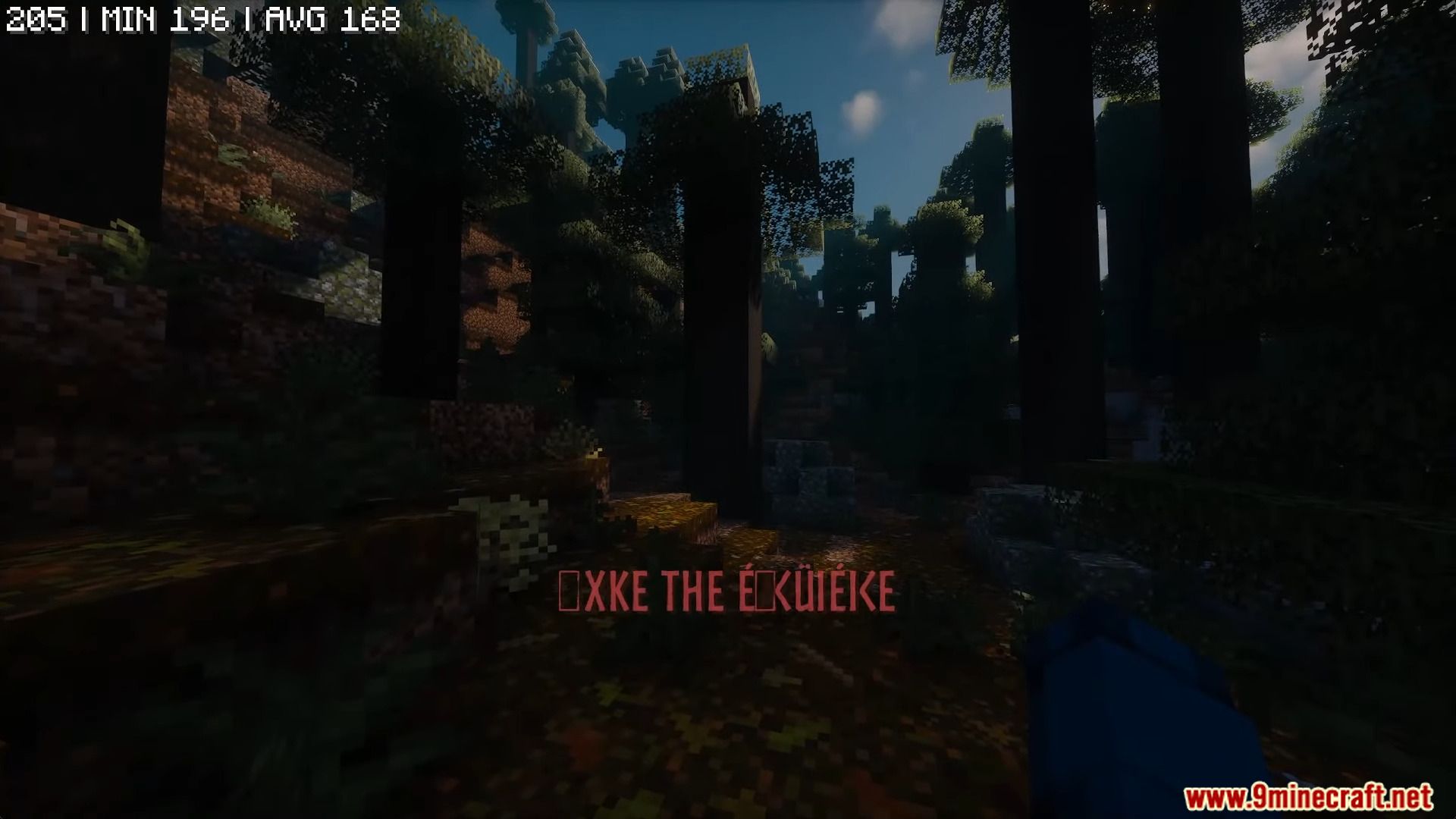
How to Install:
New to Minecraft? Follow our step-by-step guide to install Mods on your PC.View Guide
Requirements:

Immersive Messages API Mod Download Links
For Minecraft 1.21.1, 1.21
Fabric Version: Download from Server 1 – Download from Server 2
NeoForge Version: Download from Server 1 – Download from Server 2
For Minecraft 1.20.1, 1.20
Forge Version: Download from Server 1 – Download from Server 2
Fabric Version: Download from Server 1 – Download from Server 2
Do you include client-side quality-of-life mods (like inventory tweaks or mini-maps) when playing on public servers?
16 responses · See the full results →
You May Also Like
Picked for this page
 Effortless Building Mod (26.3, 1.20.1) – Tools and Functions for Builders
 NoFog Mod (26.2, 1.20.1) – Increased Render Distance
 Universal Enchants Mod (26.3, 1.20.1) – Better Enchantments
 Skin Overrides Mod (26.3, 1.20.1) – Instantly Change Skins and Capes on Screen
 GPU Tape Mod (26.2, 1.20.1) – Boosts Game Rendering Performance
 Trample Everything Mod (26.3, 1.20.1) – Realistic Interactions In Minecraft
 Two Players One Horse Mod (1.21.4, 1.20.1) – Join The Ride
 Differentiate Mod (1.21.1) – Library for Eltrutlikes’s Mods
 Integrated Scripting Mod (26.3, 1.20.1) – Advanced Automation Made Simple
 Noba Addon Mod (1.21.11, 1.21.1) – Modern SkyBlock Enhancements
 Choose Dimension Mod (26.2, 1.21.11) – Select Your Starting Dimension
 YetAnotherConfigLib Mod (26.3, 1.20.1) – Manage Mod Settings with Clean In-Game
Most viewed in Mods over the last 7 days
 Ala Industrial Mod (26.3) – Run Electric Power Grids and Automated Factories
 PleasureCraft Mod (26.3, 1.21.1) – Jenny Mod Remake for Fabric
 Jennycraft Mod (26.3, 1.20.1) – Virtual Girlfriend in Minecraft
 Fapcraft Mod (26.3, 1.12.2) – Comprehensive and Detailed Content
 Jenny Mod (Fapcraft) Official Complete Guide – How to use, Tutorial
 BangCraft Mod (1.20.1) – Jenny, Ellie and Elliot
 Fabric Loader (26.3, 1.20.1) – Fabric Installer for All Minecraft Versions
 Meteor Client Mod (26.3, 1.20.1) – Xray, HUD, Fly
 OptiFine HD (26.3, 1.20.1) – Run Faster, FPS Boost, Shaders Support
 The Shooting Star Demo Mod (26.3, 1.20.1) – Vaporize Terrain From Orbit
 Aristois Client Mod (1.21.4, 1.20.1) – World Class Minecraft Utility
 SchnurriTV Mod (1.12.2) – Characters and Features
More from Mods
 Terrestria Mod (26.3, 1.20.1) – Highly Detailed Biomes
 Tre’s Tack Library Mod (1.20.1) – Outfit Your Horses with Fully Detailed Tack
 Cores Mod (26.3, 1.20.1) – Never Lose Extra Levels and Recolor In-Game Menus
 DayTimeControl Mod (1.20.1) – Enjoy Longer Days for Big Builds or Endless Nights
 Builders Companion Core Mod (1.20.1) – Power Custom Waters for Better Creative
 Giacomo’s Fishing Net Mod (1.20.1) – Catch Fish and Treasure While Away
 Ender Portal Stone Mod (1.22) – Fast Travel to Distant Biomes and Dungeons
 Chat Spellcheck Mod (26.2) – Never Send Embarrassing Typos to Friends Again
 NovaUtils Mod (26.1.2) – Locate Buried Ores and Inspect Chests Through Walls
 In-Game Account Switcher with Cookies Mod (1.21.11) – Swap Your Alts Without Relaunching
 CrewX Mod (1.8.9) – Dominate Competitive Server Matches Without Lag
 Vanilla Refit Mod (1.21.1) – Build Thinner Walls with Vertical Slabs

This post has no comments yet. Be the first — your comment will appear here.