
PicoHUD Mod (1.21.1, 1.20.1) – Track Coordinates and Time Without Cluttering
 856
 0


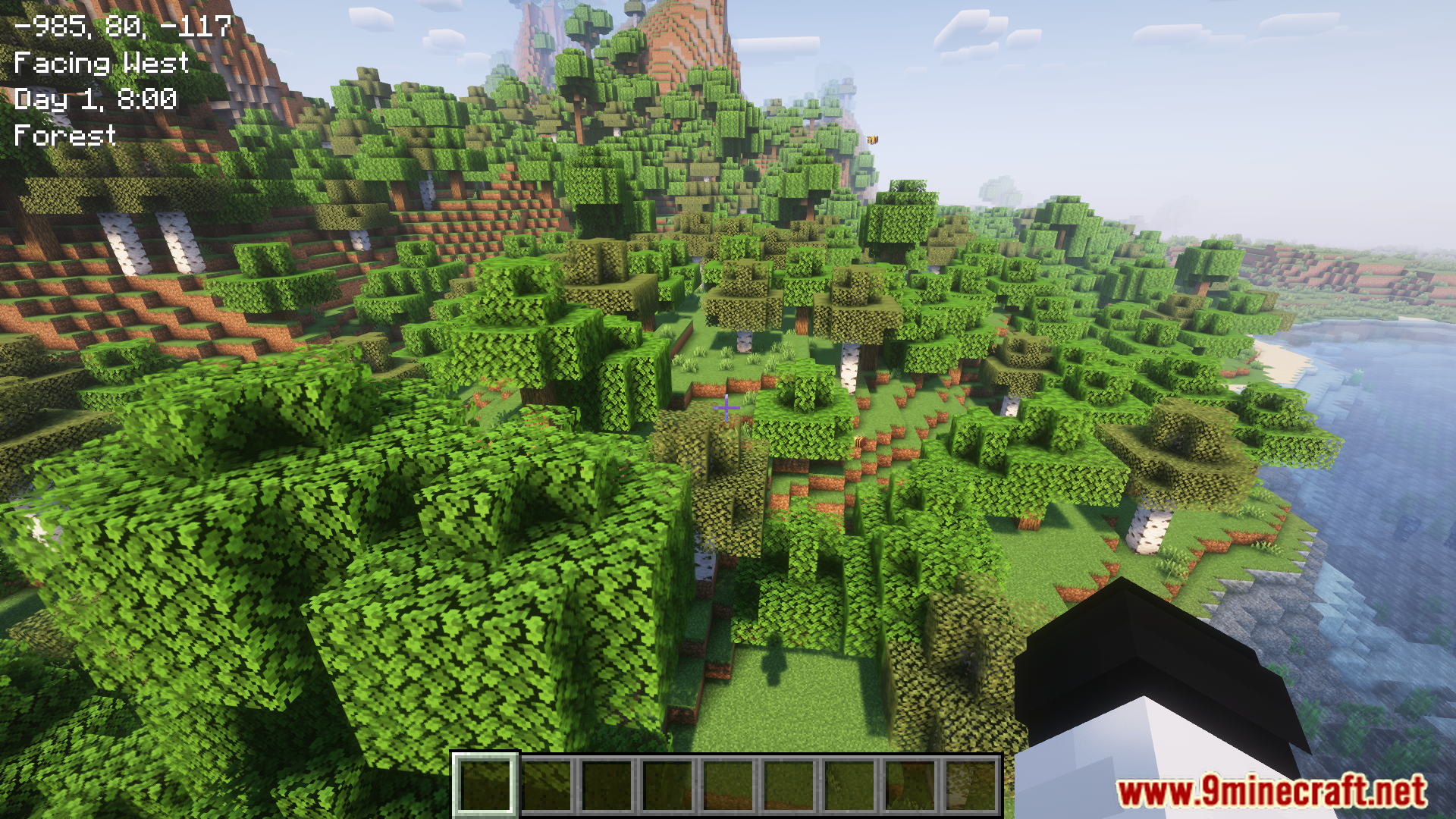
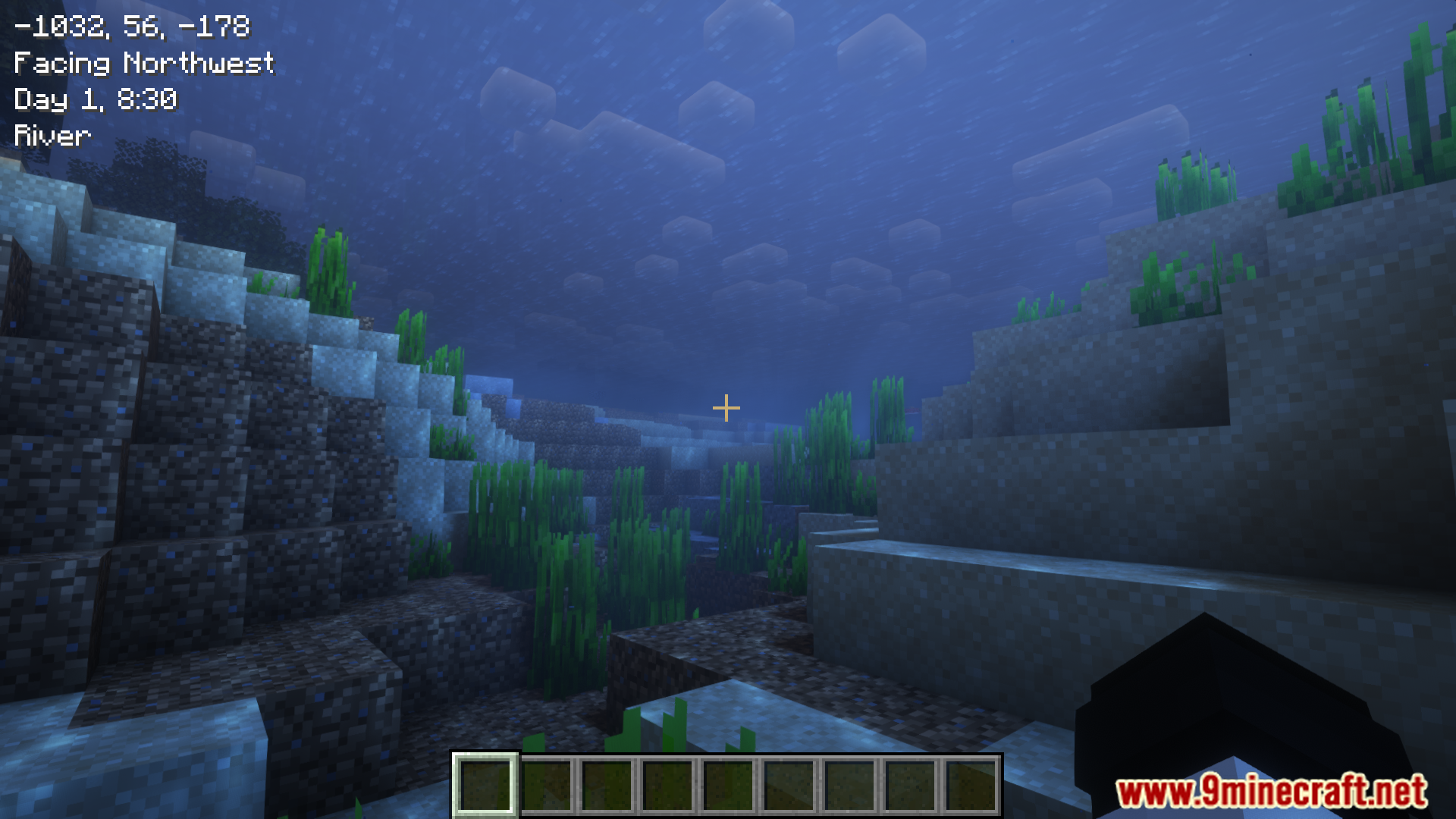
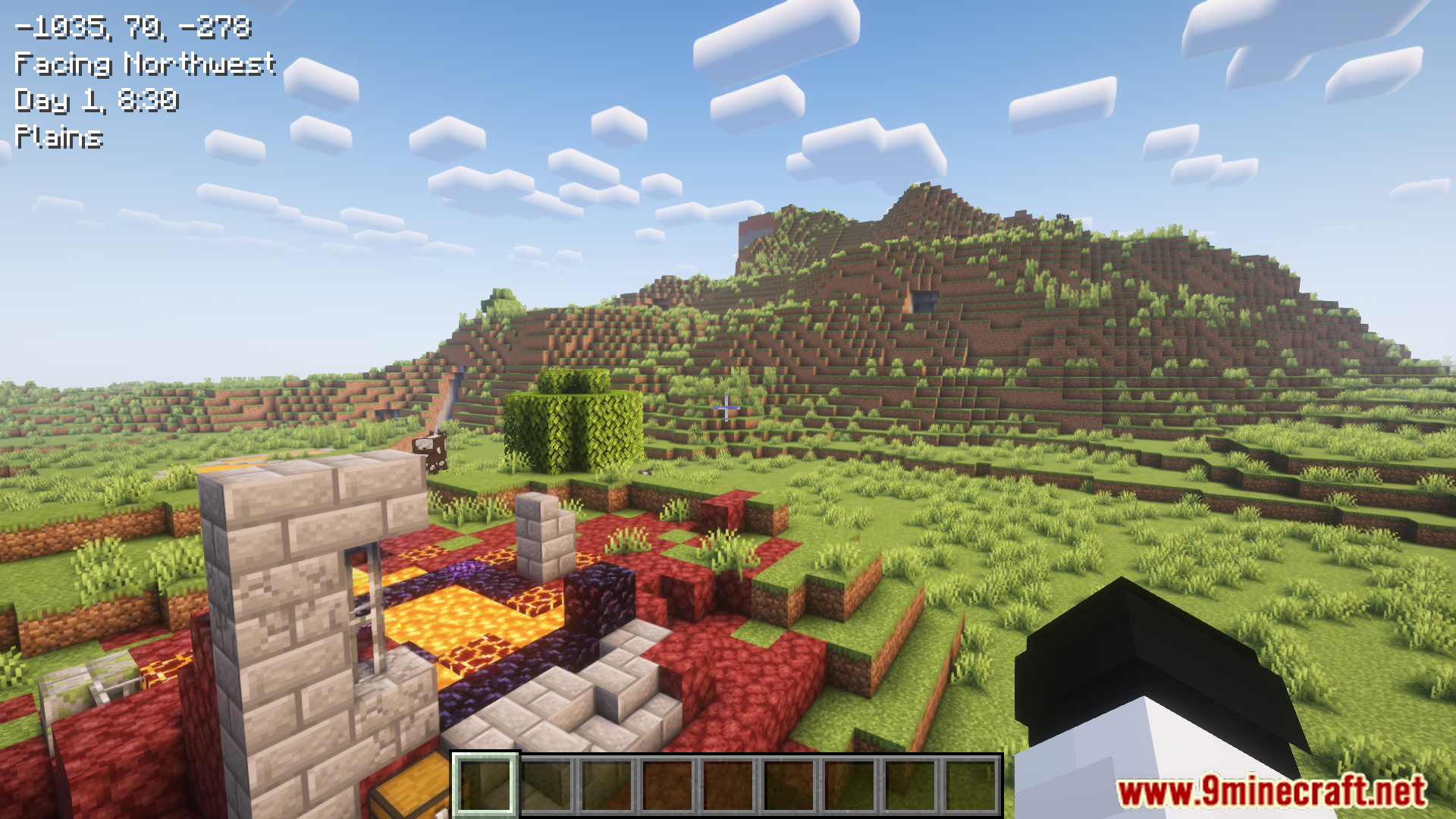
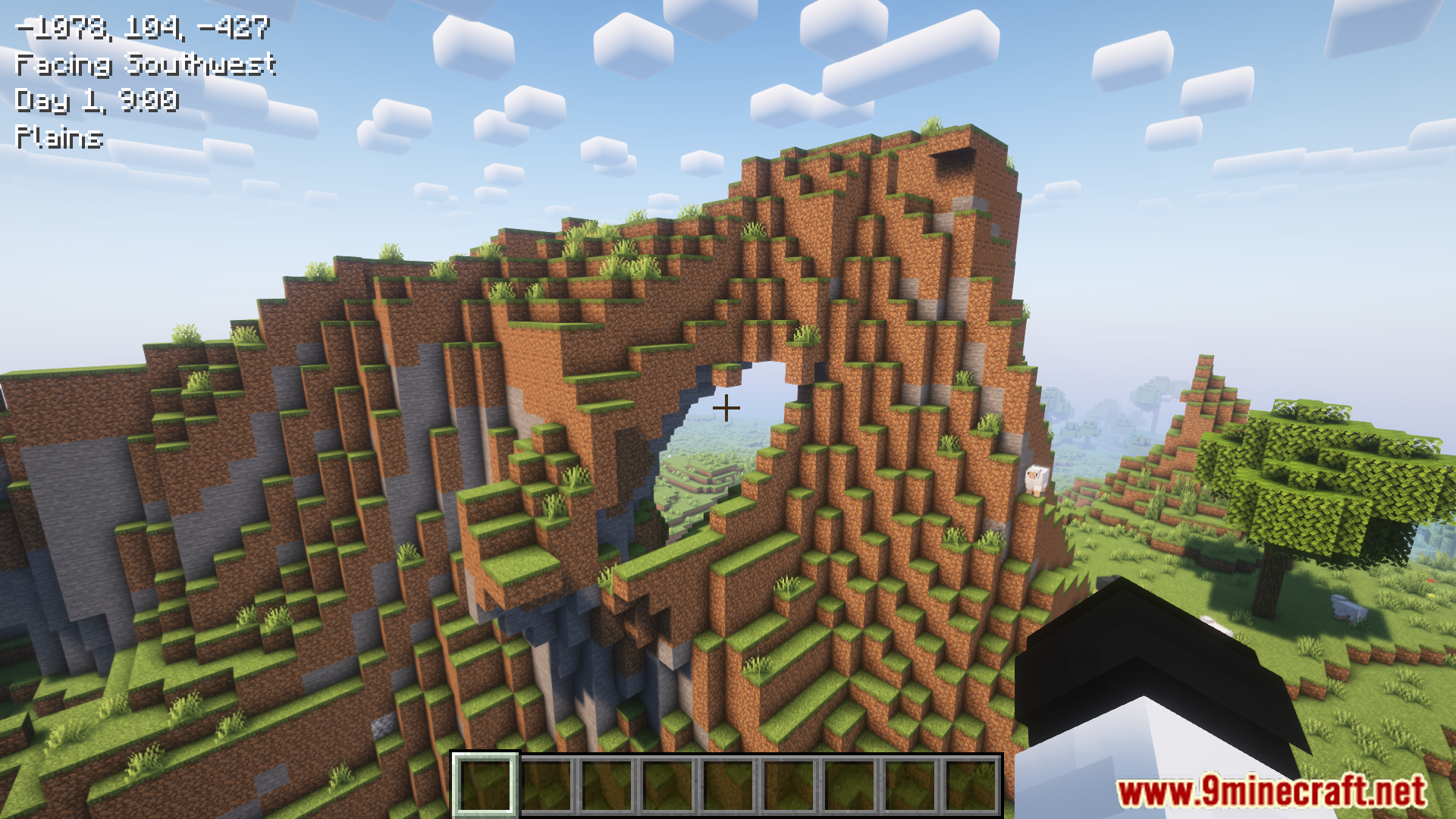
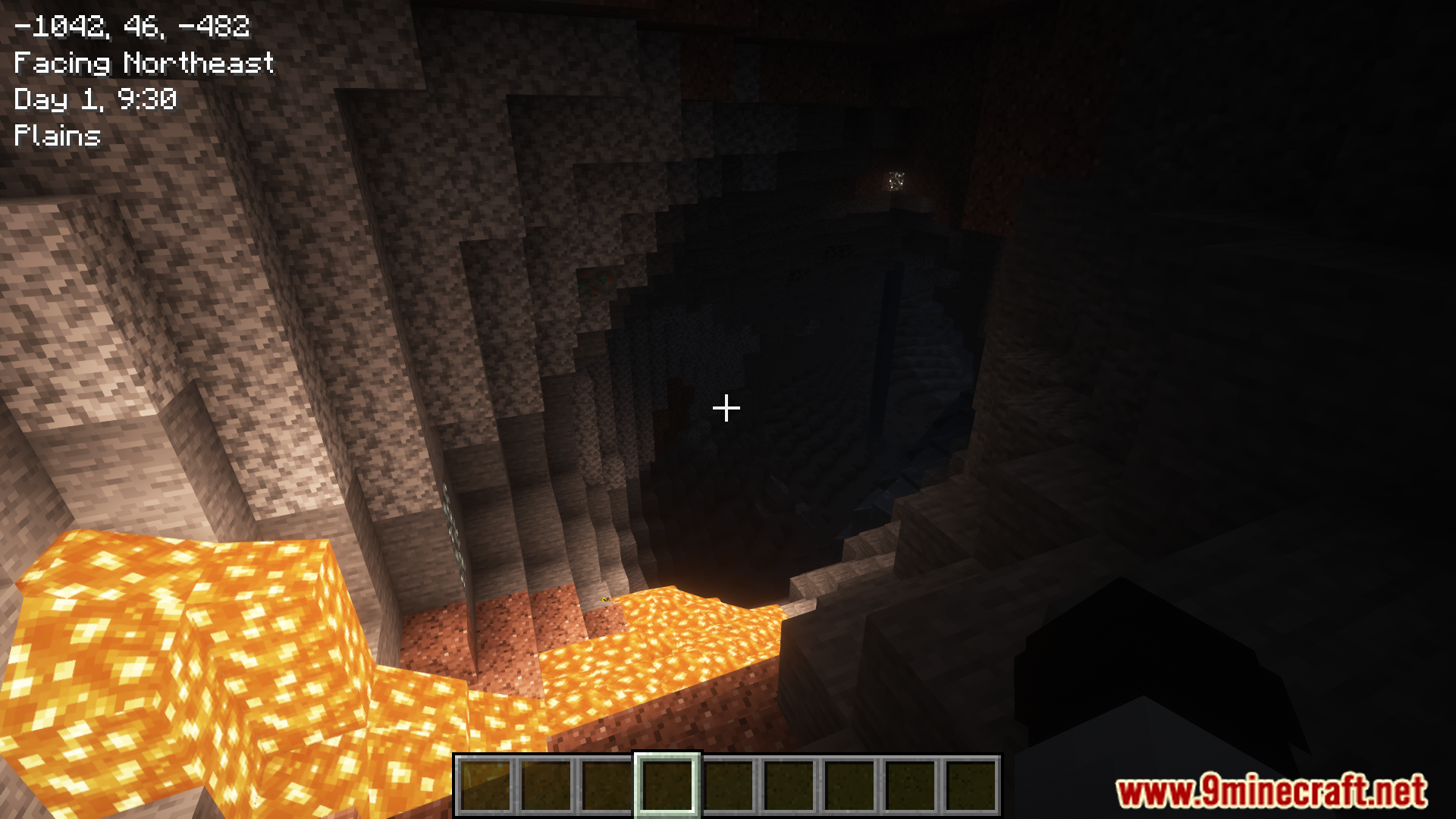
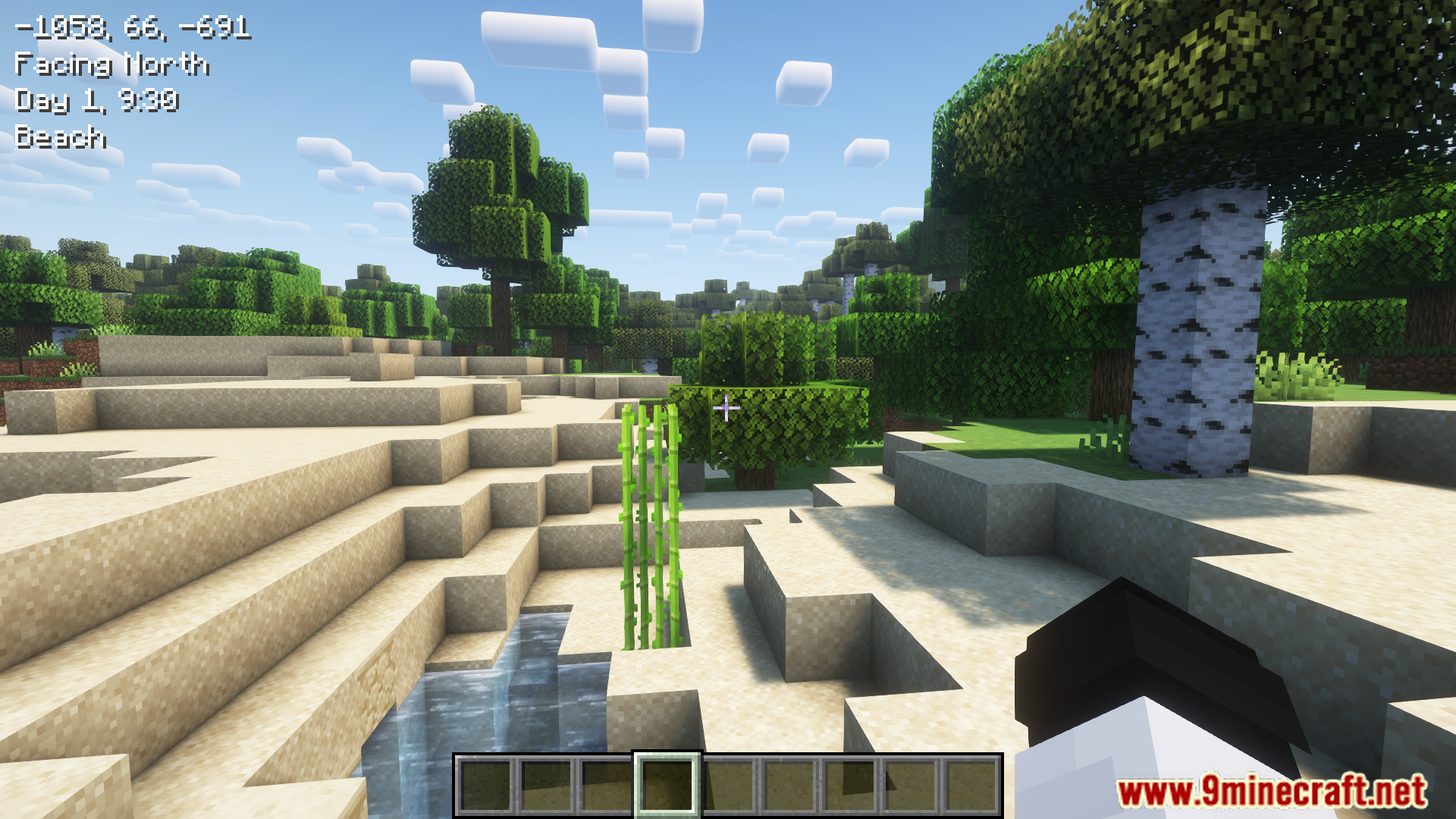
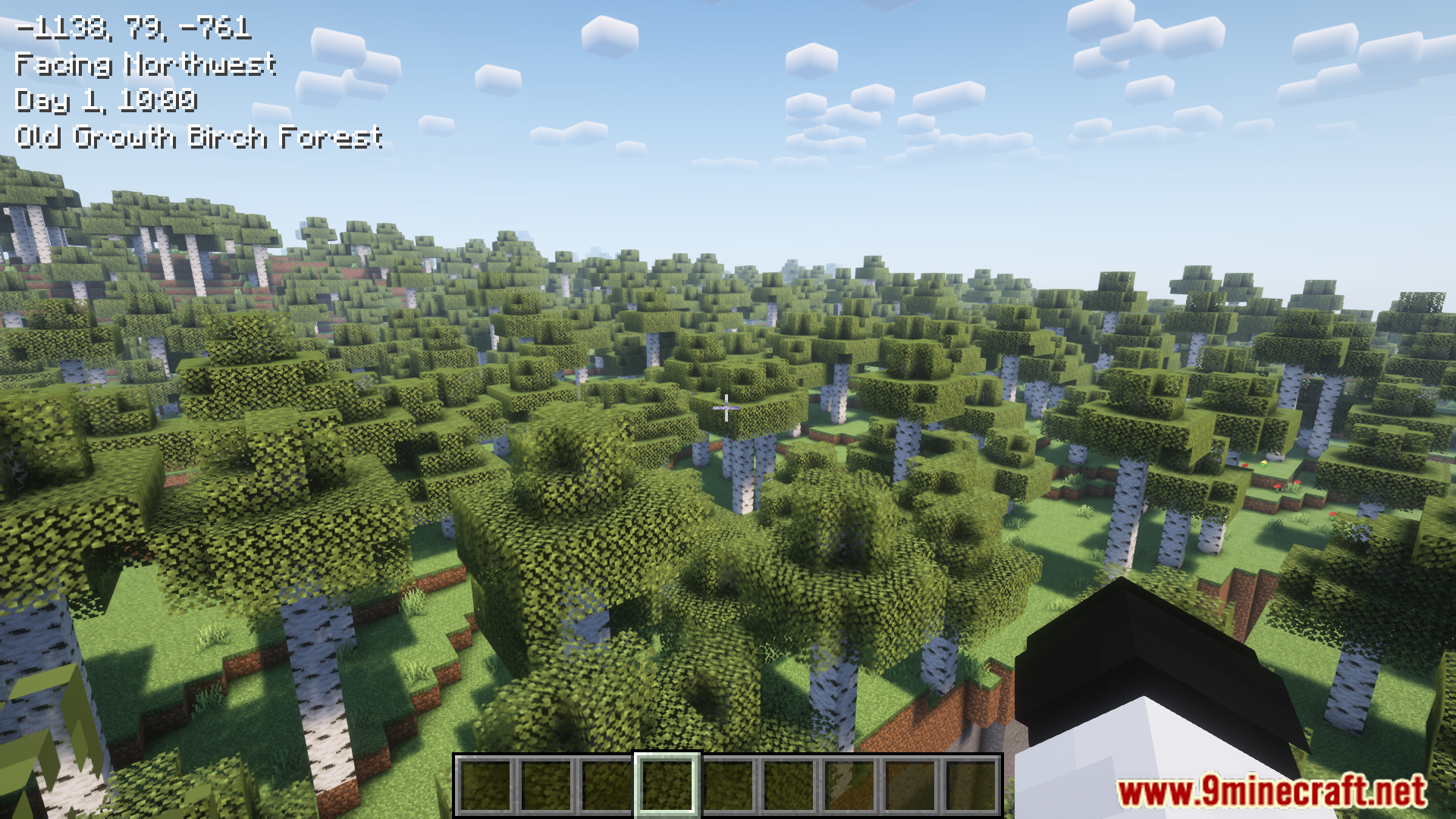
PicoHUD Mod gives you a clean and simple info screen on the top left corner of your game window. It displays your exact coordinates, facing direction, current biome, and in-game time without filling up your whole screen. You can choose to keep the info on all the time or only see it when you press and hold a key. It is a great alternative to the standard debug screen or minimaps when you just want to check quick details.
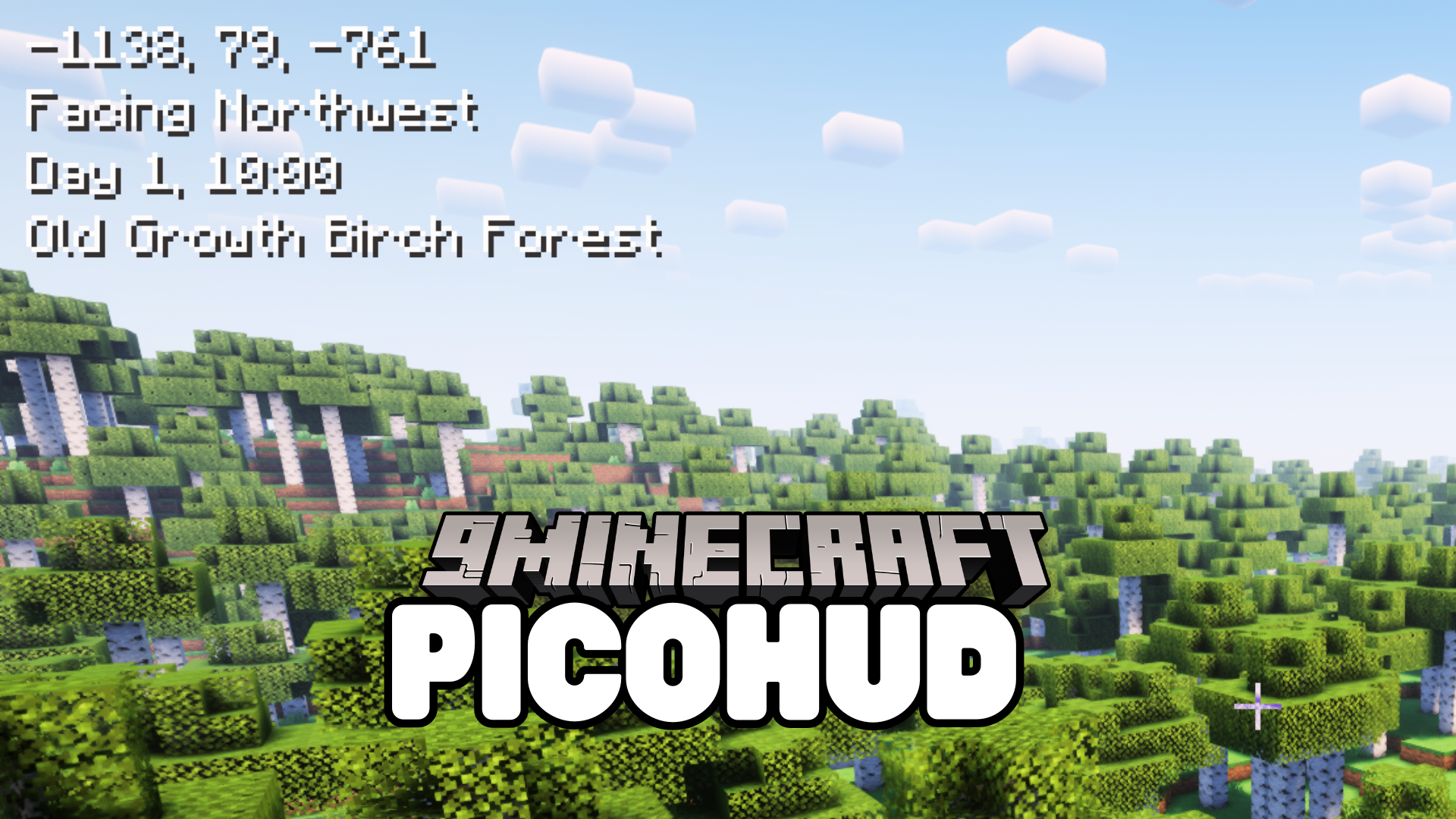
Features:
- Displays whole-number coordinates and cardinal facing directions like northeast.
- Shows in-game days and time rounded to the nearest half-hour.
- Translates biome names into clear text for easy reading.
- Includes an optional axis direction feature to show how your coordinates change when you walk.
- Supports the Seasons mod to display seasonal day formats automatically.
- Lets you choose between toggle or hold logic for the overlay key, which defaults to the left alt key.
How to Use:
- Press and hold the default Left alt key to show the information overlay on the top left of your screen.
- Open the configuration file located at
config/picohud.tomlto choose which info lines to display. - Change the settings inside the config file if you prefer to use a toggle key mode instead of holding down the key.
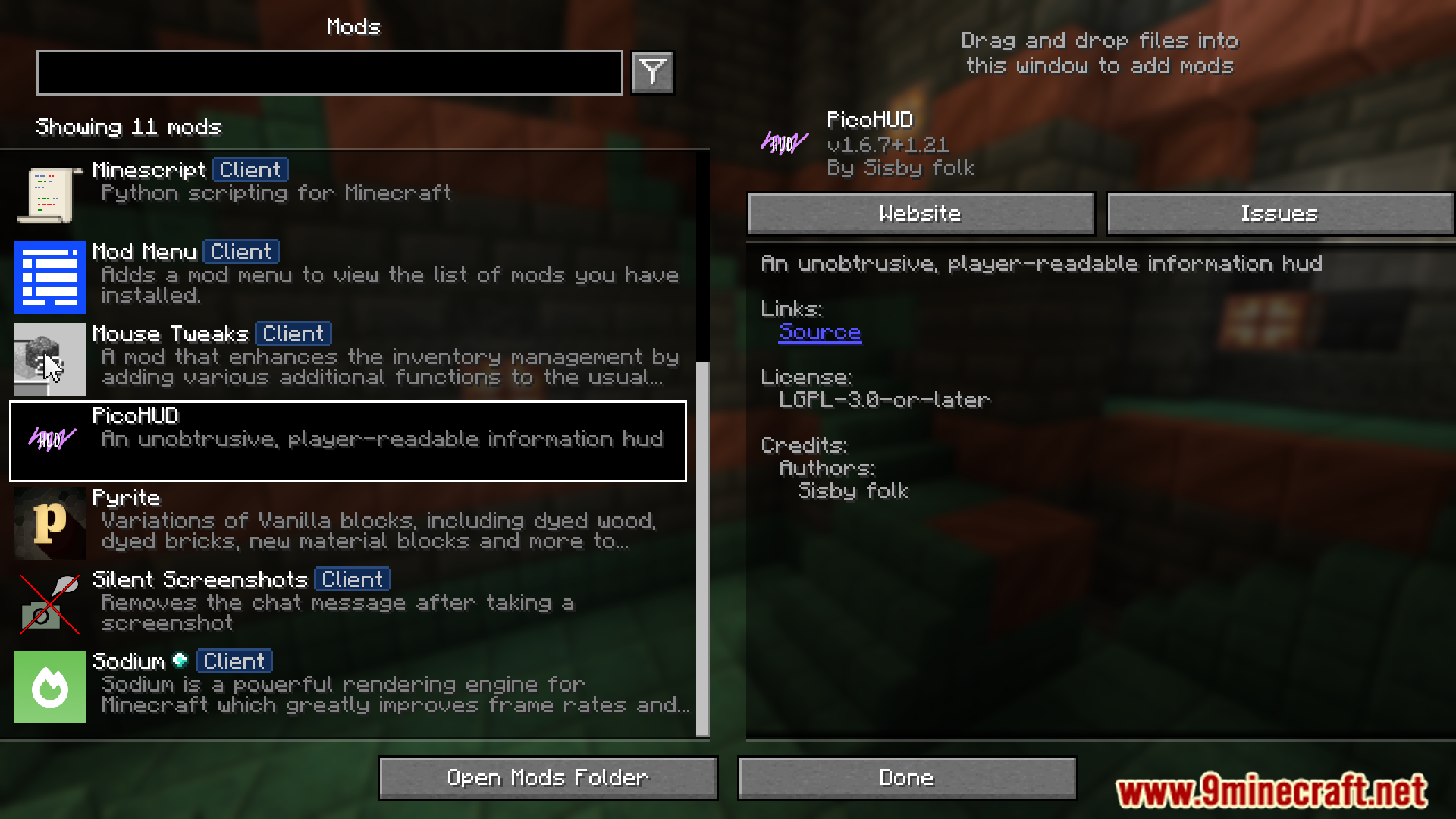
Screenshots:
How to Install:
New to Minecraft? Follow our step-by-step guide to install Mods on your PC.View Guide
PicoHUD Mod Download Links
For Minecraft 1.21.1, 1.21
Fabric/Quilt/NeoForge Version: Download from Server 1 – Download from Server 2
For Minecraft 1.20.1
Forge/Fabric/Quilt Version: Download from Server 1 – Download from Server 2
For Minecraft 1.19.4, 1.19.3, 1.19.2
Fabric/Quilt Version: Download from Server 1 – Download from Server 2
For Minecraft 1.18.2
Fabric/Quilt Version: Download from Server 1 – Download from Server 2
Have you ever used connector mods (like Sinytra Connector) to run Fabric mods on Forge/NeoForge?
21 responses · See the full results →
You May Also Like
Picked for this page
 Skin Layers 3D Mod (26.3, 1.20.1) – Render The Player Skin Layer in 3D
 Universal Enchants Mod (26.3, 1.20.1) – Better Enchantments
 Animatica Mod (1.21.11, 1.20.1) – Infuse Motion into Minecraft
 Journey Into The Light Mod (1.21.11, 1.20.1) – 8 new Dimensions and Over a Hundred of Mobs
 Better Night Vision Mod (26.3, 1.20.1) – Customizable Night Vision Effects
 Coords Mod (26.3, 1.20.1) – Shows Player Coordinates In Overlay
 Epic Knights Addon Mod (1.21.11, 1.20.1) – Expand Your Medieval Arsenal
 TPS HUD Mod (26.3, 1.20.1) – Displays the Server’s TPS
 Always Sprint Mod (26.3, 1.20.1) – Sprinting Is Always On
 Dye All The Things Mod (26.3, 1.20.1) – Ultimate Armor Dyeing Mod
 AutoRelog Mod (1.21.11, 1.20.1) – Automatically Reconnects to Servers
 DnT Ocean Monument Overhaul Mod (26.3, 1.21.1) – Monuments Worth Exploring
Most viewed in Mods over the last 7 days
 Ala Industrial Mod (26.3) – Run Electric Power Grids and Automated Factories
 PleasureCraft Mod (26.3, 1.21.1) – Jenny Mod Remake for Fabric
 Jennycraft Mod (26.3, 1.20.1) – Virtual Girlfriend in Minecraft
 Fapcraft Mod (26.3, 1.12.2) – Comprehensive and Detailed Content
 Jenny Mod (Fapcraft) Official Complete Guide – How to use, Tutorial
 BangCraft Mod (1.20.1) – Jenny, Ellie and Elliot
 Fabric Loader (26.3, 1.20.1) – Fabric Installer for All Minecraft Versions
 Meteor Client Mod (26.3, 1.20.1) – Xray, HUD, Fly
 The Shooting Star Demo Mod (26.3, 1.20.1) – Vaporize Terrain From Orbit
 OptiFine HD (26.3, 1.20.1) – Run Faster, FPS Boost, Shaders Support
 Aristois Client Mod (1.21.4, 1.20.1) – World Class Minecraft Utility
 Prestige Client Mod (1.21.11, 1.21.4) – Powerful Ghost Features for Crystal & Sword PvP
More from Mods
 Minecraft MusicBox Mod (1.21.12) – Play Your Favorite Songs While Mining and Building
 MTR Navigation Mod (1.21.1) – Plan Railway Trips and Never Miss a Train Stop
 TheHouse Mod (1.21.11) – Host Casino Tables and Track Every Bet in Real Time
 CinematicInteractions Mod (1.21.1) – Watch Your Hands Work at Every Crafting Table
 Earth Platform Mod (1.21.1) – Travel Across Real Continents in a True Scale World
 Remnants Roguelite Dungeons Mod (26.3, 1.20.1) – Risk It All in Procedural
 Lib Lib Lib Mod (26.3, 1.20.1) – Keep Your Favorite Modpacks Running Smooth
 Cinematic Interactions Mod (26.3, 1.20.1) – Watch Your Hands Work
 Macro Keybinds Mod (26.3, 1.20.1) – Macro Creation, Keybind Execution
 Better Enchantment Bookshelf Placement Mod (26.3, 1.20.1)
 RFTools Builder Mod (26.3, 1.20.1) – The Builder, Powerful Machine
 Block & Board Mod (26.3, 1.20.1) – Play Classic Tabletop Games with Friends

This post has no comments yet. Be the first — your comment will appear here.