
Quests Freeze Fix Mod (1.20.1) – Browse Quests Without Lag

 0


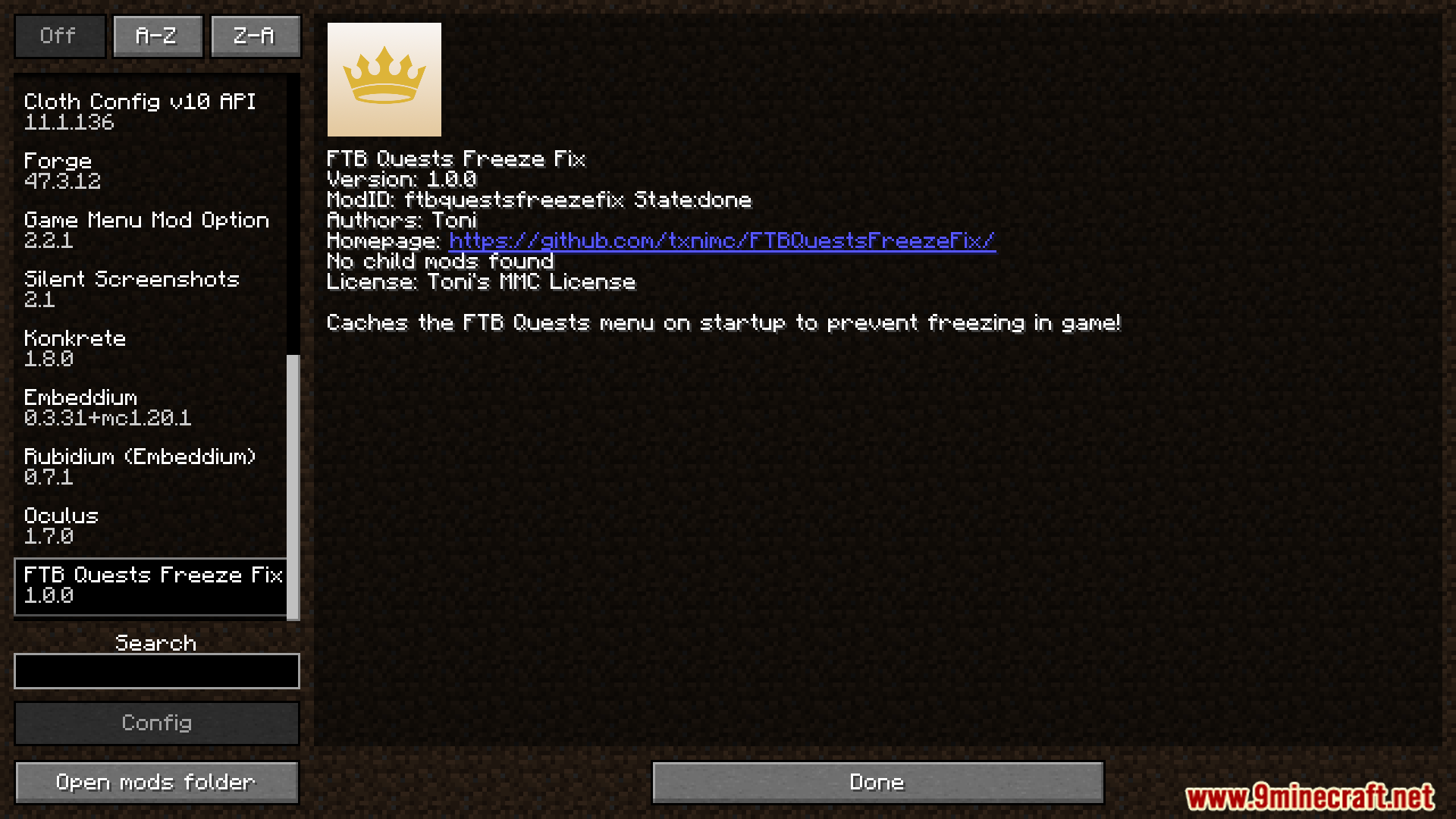
Quests Freeze Fix Mod fixes a freezing problem in the FTB Quests mod. If you play with large modpacks, the game can lag or freeze for several seconds when you open the quest book for the first time. This mod solves that issue by loading the quest menu during the game’s startup screen. By preparing this data early, it prevents lag spikes and keeps your gameplay smooth.

Features:
- Stops the game from freezing when you open the quest book for the first time.
- Loads the FTB Quests menu during the initial game startup.
- Moves the processing time to the loading screen, so your gameplay is not interrupted.
- Works well in big modpacks with lots of items and quests.
- Reduces long lag spikes, as tested in packs like Prominence II RPG.
Screenshots:
How to Install:
New to Minecraft? Follow our step-by-step guide to install Mods on your PC.View Guide
Quests Freeze Fix Mod Download Links
For Minecraft 1.20.1, 1.20
Forge Version: Download from Server 1 – Download from Server 2
Fabric Version: Download from Server 1 – Download from Server 2
How often do you actually finish a progression-based modpack (reaching the final quest or endgame item)?
25 responses · See the full results →
You May Also Like
Picked for this page
 Exordium Mod (26.1.2, 1.20.1) – Optimized GUI performance!
 Particle Core Mod (26.3, 1.20.1) – Optimizing Particles Effects
 Heart Indicator Mod (26.3, 1.21.1) – See Exactly How Much Health Your
 Extinction Z Mod (1.20.1, 1.19.2) – Scavenge Ruined Cities to Survive
 Simply Traps Mod (1.21.1, 1.20.1) – Stakes, Spikes, And Barbed Wires
 Animal Garden Lion Mod (26.3, 1.20.1) – Raise A Pride Of Loyal Pet Lions
 Configurable Waterlogging Mod (1.20.1) – Build Underwater Bases Without Air
 Disaster Plants Cursed Fate Addon Mod (1.20.1) – Unleash Devastating Plant Magic
 SCP-966 The Sleep Killer Mod (1.20.1, 1.19.4) – Sleep Monsters And Insomnia
 Window Size Mod (26.3, 1.21.1) – Permanently Modify The Full Screen Window Size
 Potion Combiner Mod (1.21.1, 1.20.1) – Merge Multiple Potions
 CTOV Paladins And Priests Combat Mod (1.20.1, 1.19.2) – Sanctuary Village
Most viewed in Mods over the last 7 days
 Ala Industrial Mod (26.3) – Run Electric Power Grids and Automated Factories
 PleasureCraft Mod (26.3, 1.21.1) – Jenny Mod Remake for Fabric
 Jennycraft Mod (26.3, 1.20.1) – Virtual Girlfriend in Minecraft
 Fapcraft Mod (26.3, 1.12.2) – Comprehensive and Detailed Content
 Jenny Mod (Fapcraft) Official Complete Guide – How to use, Tutorial
 BangCraft Mod (1.20.1) – Jenny, Ellie and Elliot
 Fabric Loader (26.3, 1.20.1) – Fabric Installer for All Minecraft Versions
 Meteor Client Mod (26.3, 1.20.1) – Xray, HUD, Fly
 The Shooting Star Demo Mod (26.3, 1.20.1) – Vaporize Terrain From Orbit
 OptiFine HD (26.3, 1.20.1) – Run Faster, FPS Boost, Shaders Support
 Aristois Client Mod (1.21.4, 1.20.1) – World Class Minecraft Utility
 SchnurriTV Mod (1.12.2) – Characters and Features
More from Mods
 Fabric Gui ImGui Mod (26.3, 1.21.11) – Clean Custom Menus and In-Game Control
 Multi Item Lib Mod (1.20.1) – Wield Custom Gear with Flawless Hand Animations
 Universe3090 Mod (1.20.1) – Survive Corrupted Dimensions Filled
 Wireless Automate Mod (1.21.1) – Automate Base Logistics Without Messy Pipes
 Vaskars Opus Faction War Quests & Bosses Mod (1.21.11, 1.20.1)
 Multitools and More Mod (26.3, 1.20.1) – Clear Your Hotbar and Travel
 Luxium Let There Be Light Mod (1.20.1) – Stunning Lighting on Low-End Computers
 Soulscraft Tarnished Legacy Mod (1.21.1) – Hunt Relics to Forge Dark Fantasy
 Fetzi’s Displays Mod (26.1.2, 1.20.1) – Turn Rare Gear and Weapons
 Primal Plushies Paleo Pals Mod (1.21.1, 1.20.1) – Decorate Your Base
 Ipla Mod (26.3, 1.20.1) – Showcase Your Favorite Items
 MesdagPortLib Mod (1.20.1) – Run Modern Minecraft Mechanics on Older Versions

This post has no comments yet. Be the first — your comment will appear here.