
Keep XP After Death Mod (1.21.5, 1.20.1) – Save All Experience on Death
 899
 0


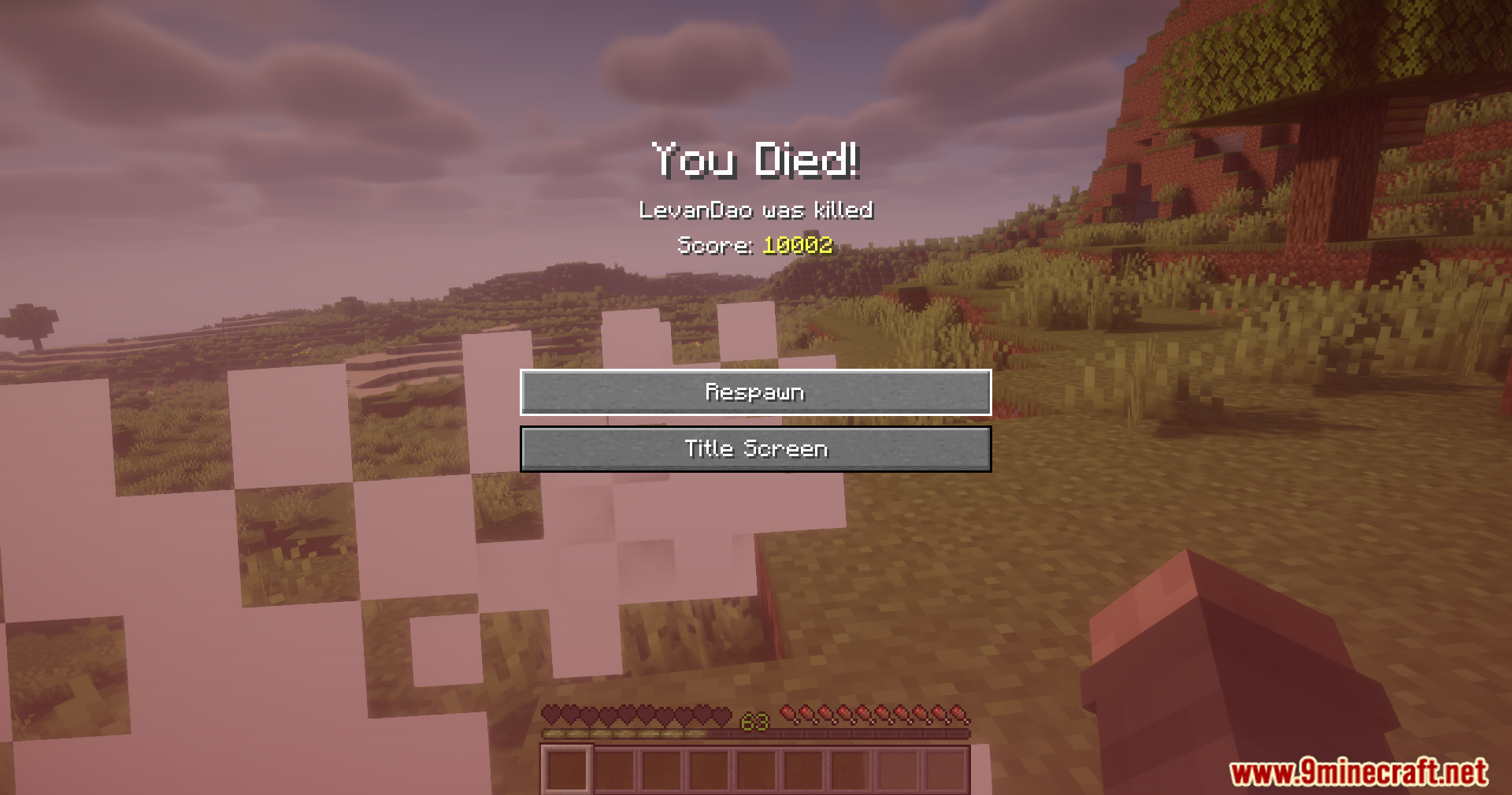
Keep XP After Death Mod lets you keep all your experience points after dying in the game without needing to turn on keepInventory. This small addition preserves your hard-earned levels so you do not lose progress or struggle to get them back.
Features:
- Preserves your full XP bar after death so you never lose your levels.
- Works independently without forcing you to enable the keepInventory gamerule.
- Applies XP retention automatically with simple setup and default preservation.
- Fits naturally into casual vanilla worlds and modpacks alike.
Commands:
/gamerule keepXPAfterDeath true: enables XP retention on death.
How to Use:
- Install the mod into your mods folder using your preferred mod loader.
- Launch the game and start a world where your XP is automatically saved on death.
- Use the gamerule command in chat to toggle the retention setting according to your preference.
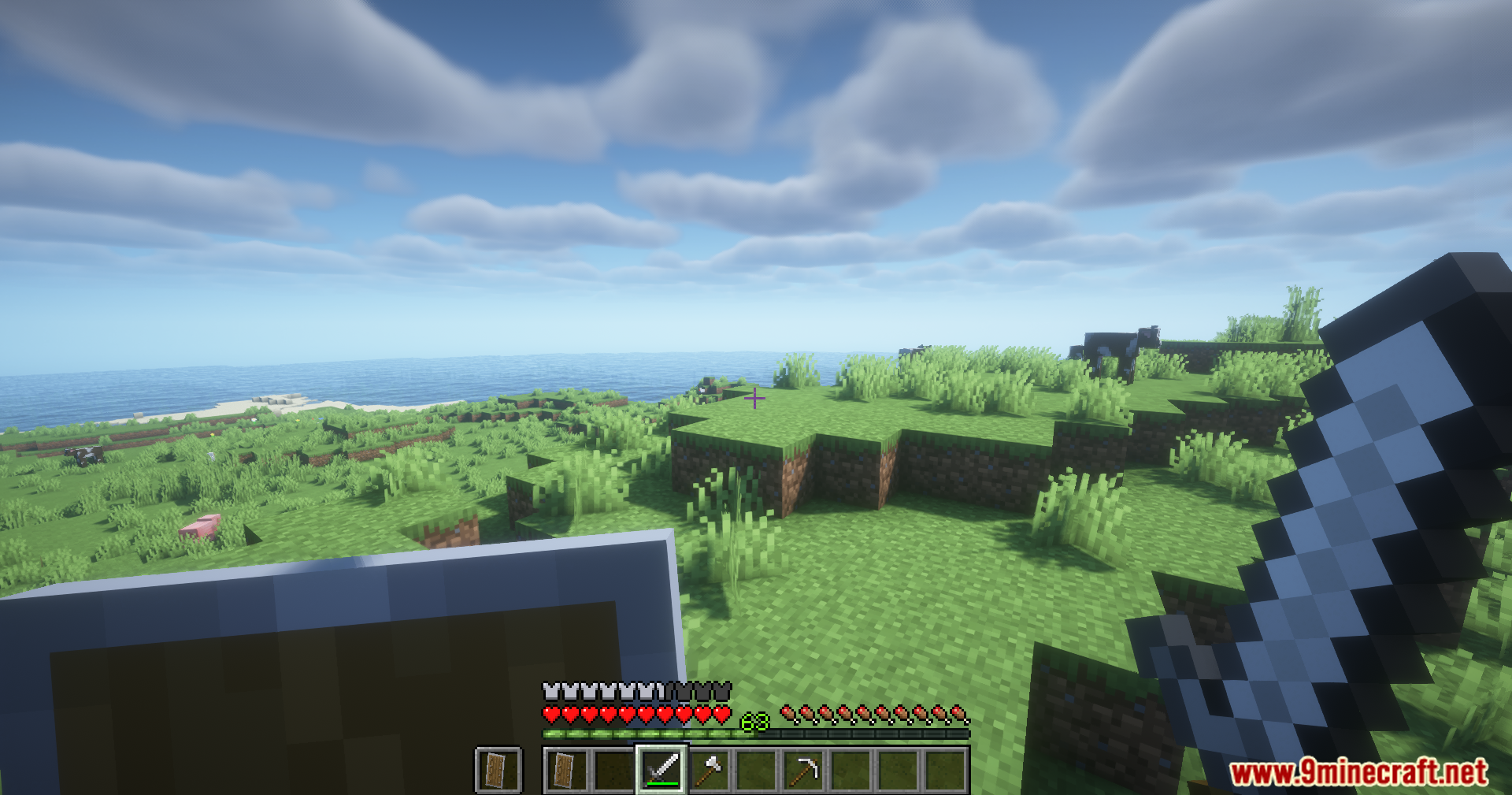
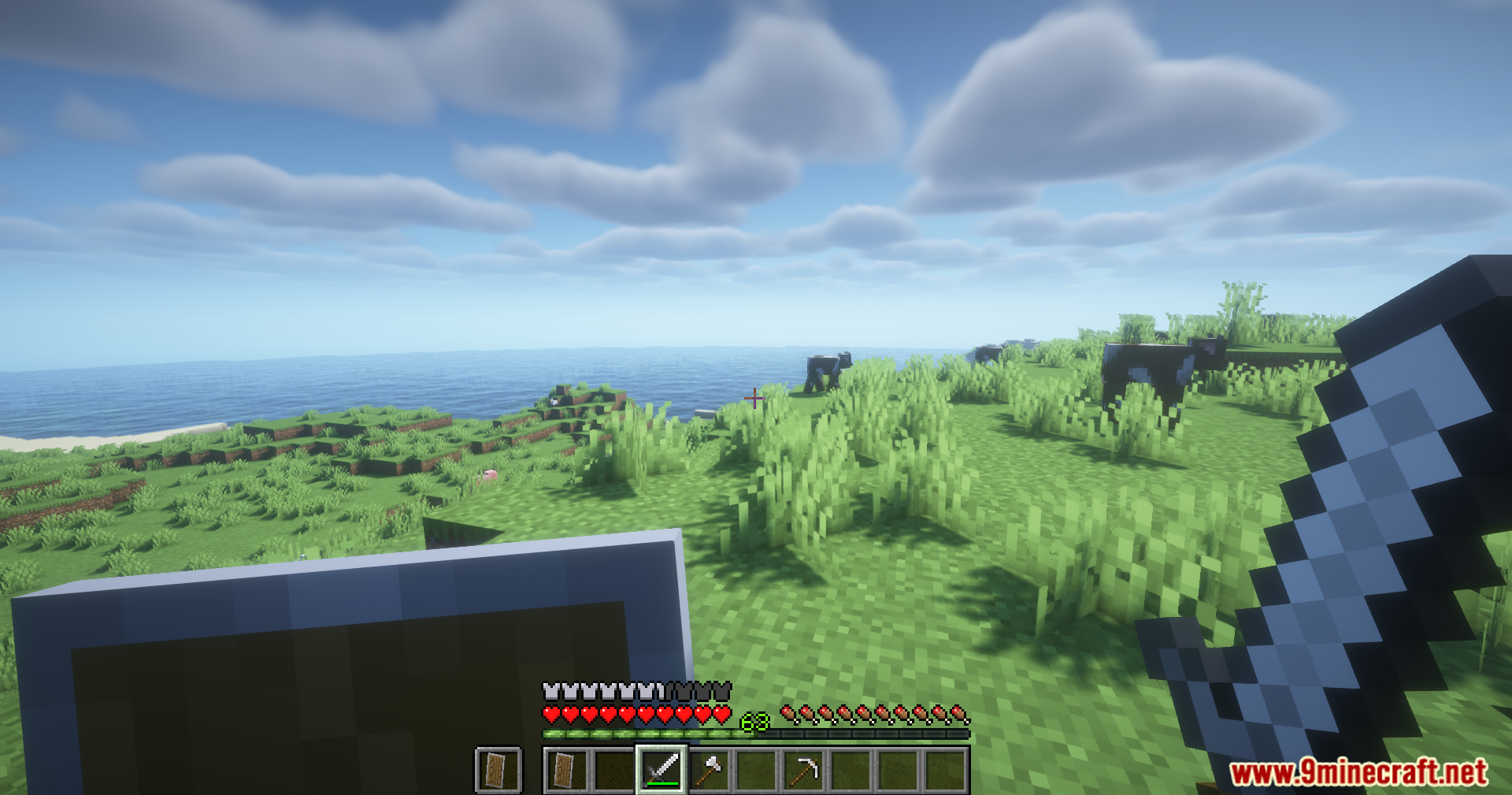
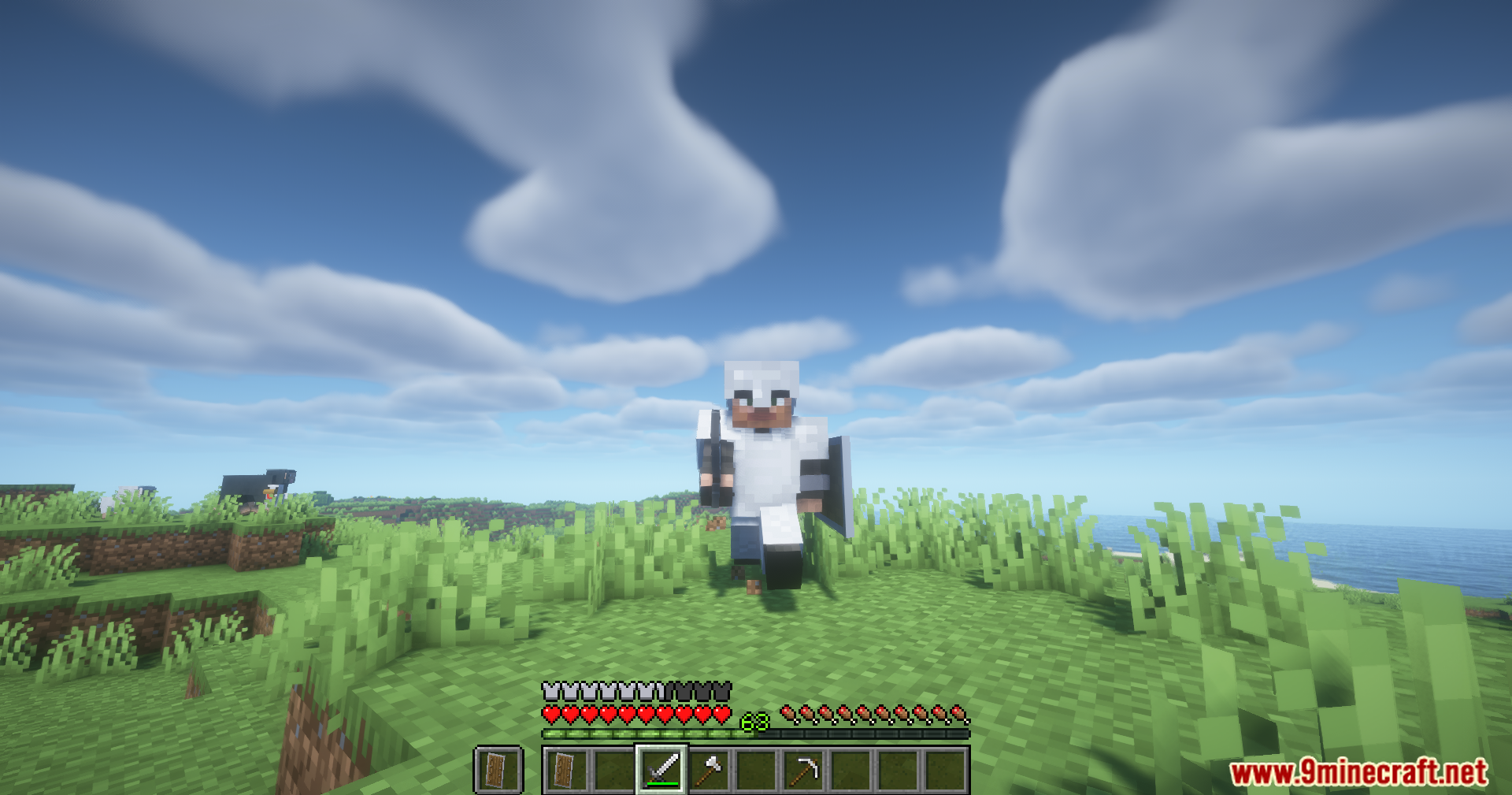
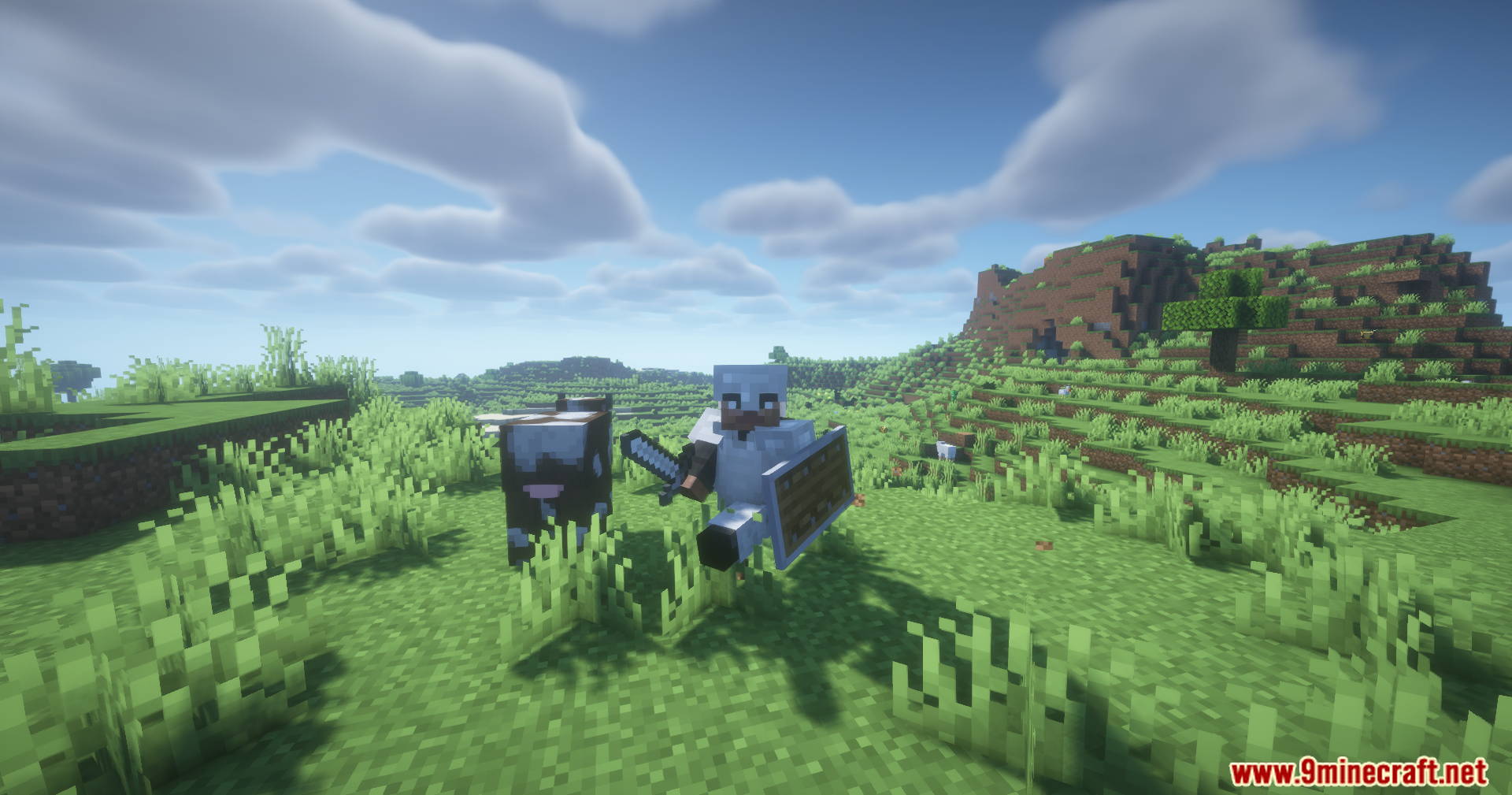
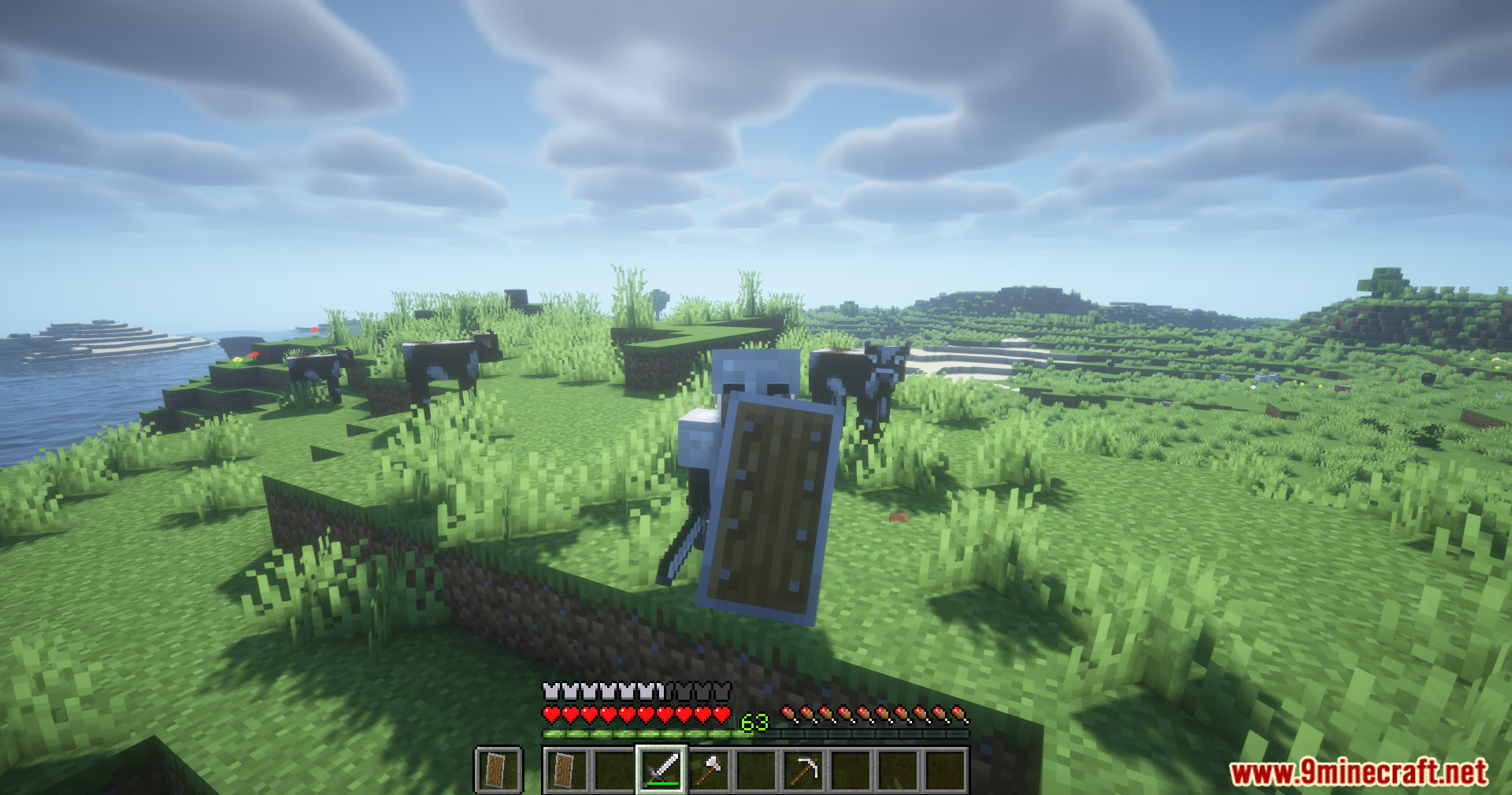
Screenshots:
How to Install:
New to Minecraft? Follow our step-by-step guide to install Mods on your PC.View Guide
Keep XP After Death Mod Download Links
For Minecraft 1.21.5
NeoForge Version: Download from Server 1 – Download from Server 2
For Minecraft 1.21.4
NeoForge Version: Download from Server 1 – Download from Server 2
For Minecraft 1.21.1, 1.21
NeoForge Version: Download from Server 1 – Download from Server 2
For All Versions from Minecraft 1.19.2 to Minecraft 1.20.6
Fabric Version: Download from Server 1 – Download from Server 2
For Minecraft 1.20.1
Forge Version: Download from Server 1 – Download from Server 2
For Minecraft 1.19.2
Forge Version: Download from Server 1 – Download from Server 2
For Minecraft 1.18.2
Forge Version: Download from Server 1 – Download from Server 2
For Minecraft 1.16.5
Forge Version: Download from Server 1 – Download from Server 2
For Minecraft 1.14.4
Forge Version: Download from Server 1 – Download from Server 2
How do you feel about 'expert' modpacks that change recipes to be much harder and interconnected?
18 responses · See the full results →
You May Also Like
Picked for this page
 Double Doors Mod (26.3, 1.20.1) – Doors will Now Open and Close Together
 Macro Keybinds Mod (26.2, 1.20.1) – Macro Creation, Keybind Execution
 Universal Enchants Mod (26.3, 1.20.1) – Better Enchantments
 Sound Physics Mod (26.3, 1.20.1) – Amazing Sound Shaders in Minecraft
 Hunter’s Return Mod (26.3, 1.20.1) – Meet the Boomerang Illager
 Fancy Block Particles Renewed Mod (26.1.2, 1.20.1) – 3D Digging Particles
 Coords Mod (26.3, 1.20.1) – Shows Player Coordinates In Overlay
 Soul Fire’d Mod (26.1.2, 1.20.1) – Consistent Soul Fire Damage
 Servux Mod (26.3, 1.20.1) – Essential Server-Side Support
 Attack Through Grass Mod (26.3, 1.20.1) – Fight Mobs Hiding In Grass And Cobwebs
 Translucent Glass Mod (26.2, 1.20.1) – Fix Glass Opacity The Right Way
 Cycle Title Screen Splash Mod (26.3, 1.20.1) – Configurable Splash Text
Most viewed in Mods over the last 7 days
 Ala Industrial Mod (26.3) – Run Electric Power Grids and Automated Factories
 PleasureCraft Mod (26.3, 1.21.1) – Jenny Mod Remake for Fabric
 Jennycraft Mod (26.3, 1.20.1) – Virtual Girlfriend in Minecraft
 Fapcraft Mod (26.3, 1.12.2) – Comprehensive and Detailed Content
 Jenny Mod (Fapcraft) Official Complete Guide – How to use, Tutorial
 BangCraft Mod (1.20.1) – Jenny, Ellie and Elliot
 Fabric Loader (26.3, 1.20.1) – Fabric Installer for All Minecraft Versions
 The Shooting Star Demo Mod (26.3, 1.20.1) – Vaporize Terrain From Orbit
 Meteor Client Mod (26.3, 1.20.1) – Xray, HUD, Fly
 OptiFine HD (26.3, 1.20.1) – Run Faster, FPS Boost, Shaders Support
 Aristois Client Mod (1.21.4, 1.20.1) – World Class Minecraft Utility
 Prestige Client Mod (1.21.11, 1.21.4) – Powerful Ghost Features for Crystal & Sword PvP
More from Mods
 Multitools and More Mod (26.3, 1.20.1) – Clear Your Hotbar and Travel
 Luxium Let There Be Light Mod (1.20.1) – Stunning Lighting on Low-End Computers
 Soulscraft Tarnished Legacy Mod (1.21.1) – Hunt Relics to Forge Dark Fantasy
 Fetzi’s Displays Mod (26.1.2, 1.20.1) – Turn Rare Gear and Weapons
 Primal Plushies Paleo Pals Mod (1.21.1, 1.20.1) – Decorate Your Base
 Ipla Mod (26.3, 1.20.1) – Showcase Your Favorite Items
 MesdagPortLib Mod (1.20.1) – Run Modern Minecraft Mechanics on Older Versions
 Hellion’s API Mod (1.21.11, 1.21.1) – Play Hellion Series Addons Without Crashes
 Terrestria Mod (26.3, 1.20.1) – Highly Detailed Biomes
 Tre’s Tack Library Mod (1.20.1) – Outfit Your Horses with Fully Detailed Tack
 YDM’s coreX Library Mod (1.20.1) – Loot RPG Gear with Random Names
 Gunpowder Recipe Mod (26.3, 1.20.1) – Gunpowder is Craftable

This post has no comments yet. Be the first — your comment will appear here.