
White Enchantment Glint Resource Pack (26.3, 1.20.1) – Clean White Glow

 0


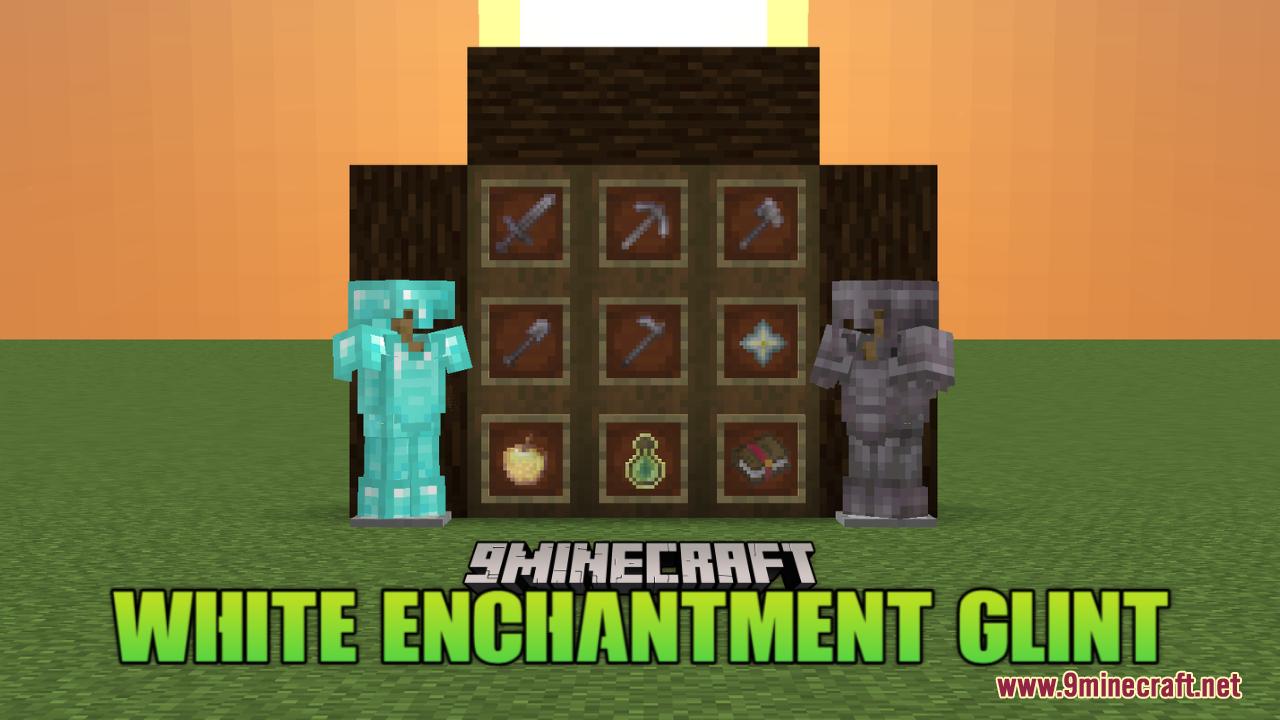
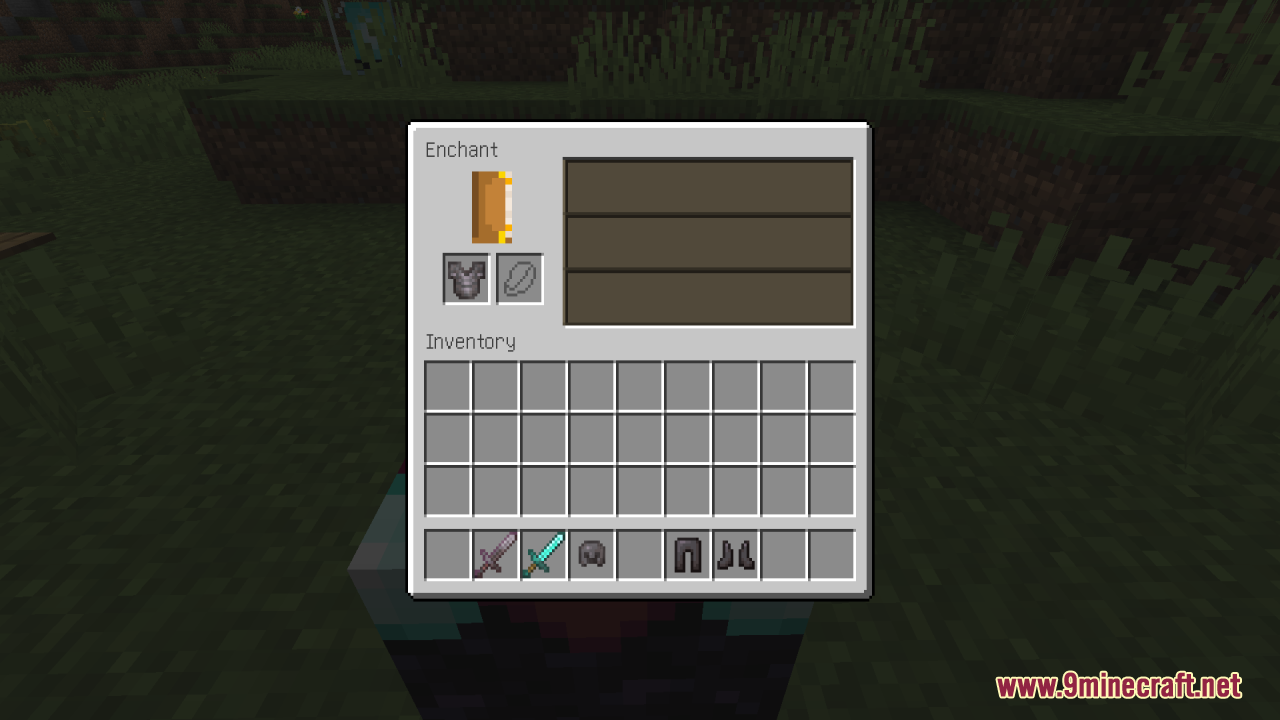
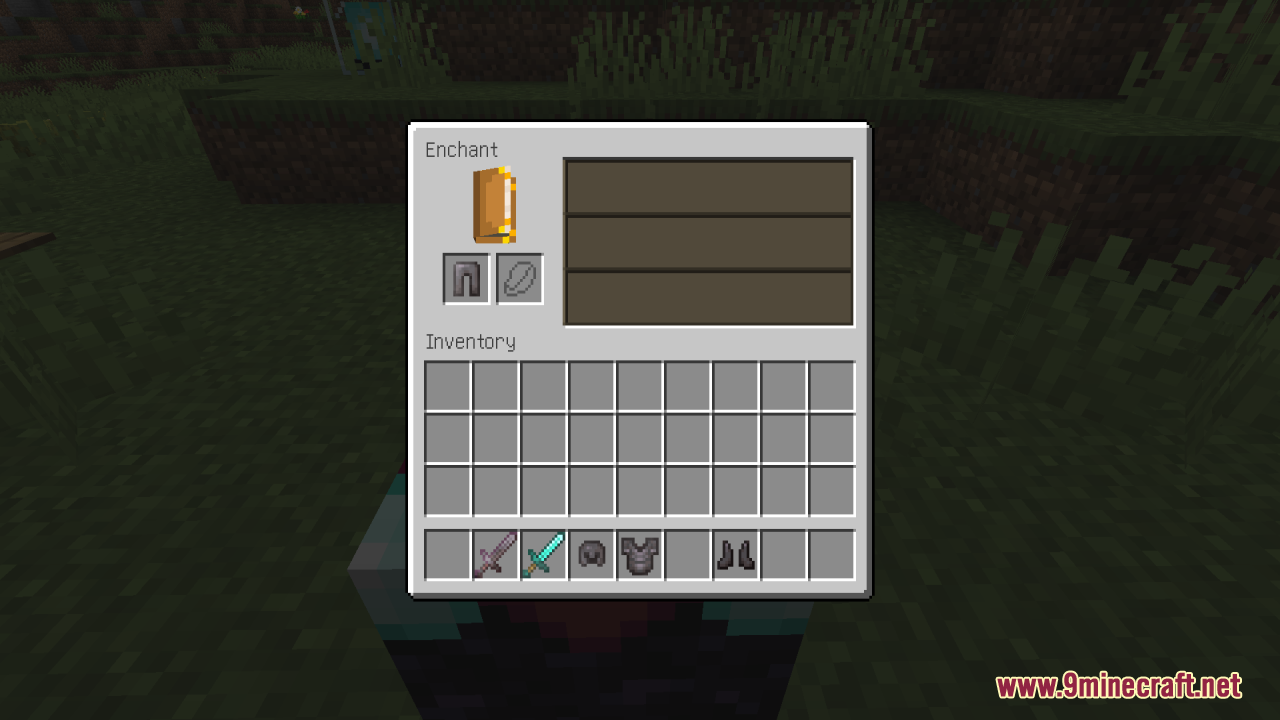
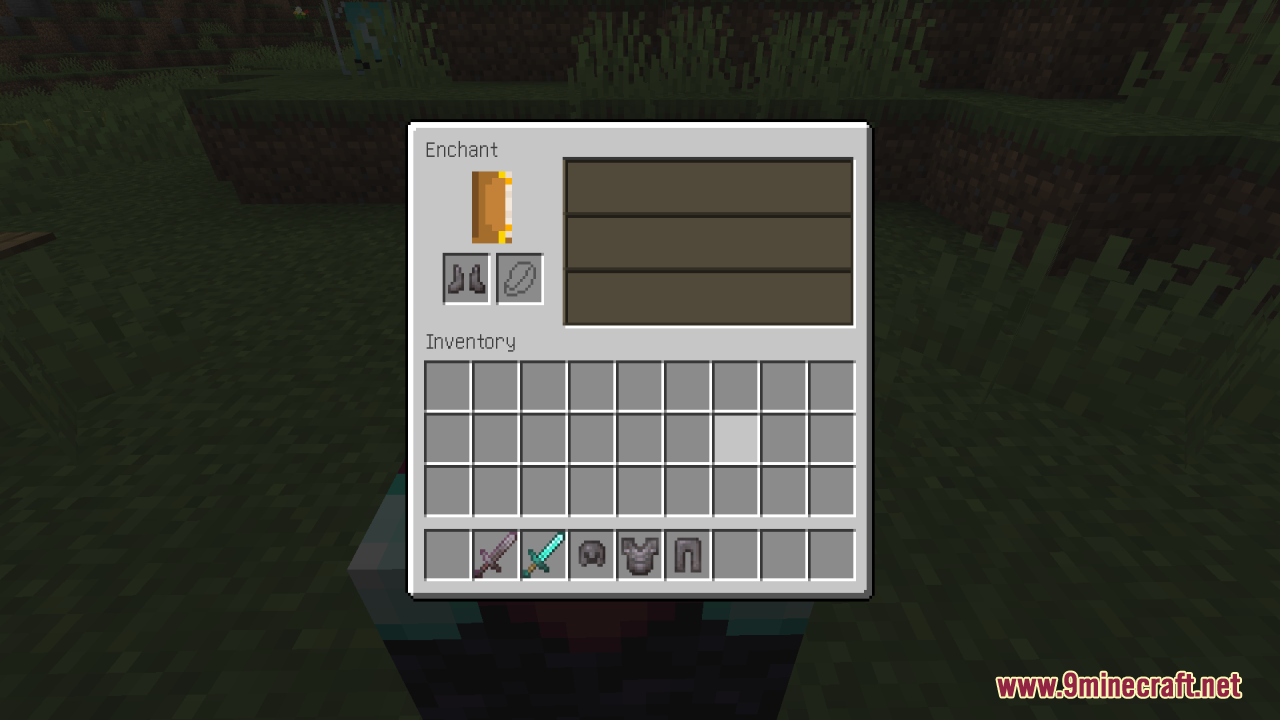
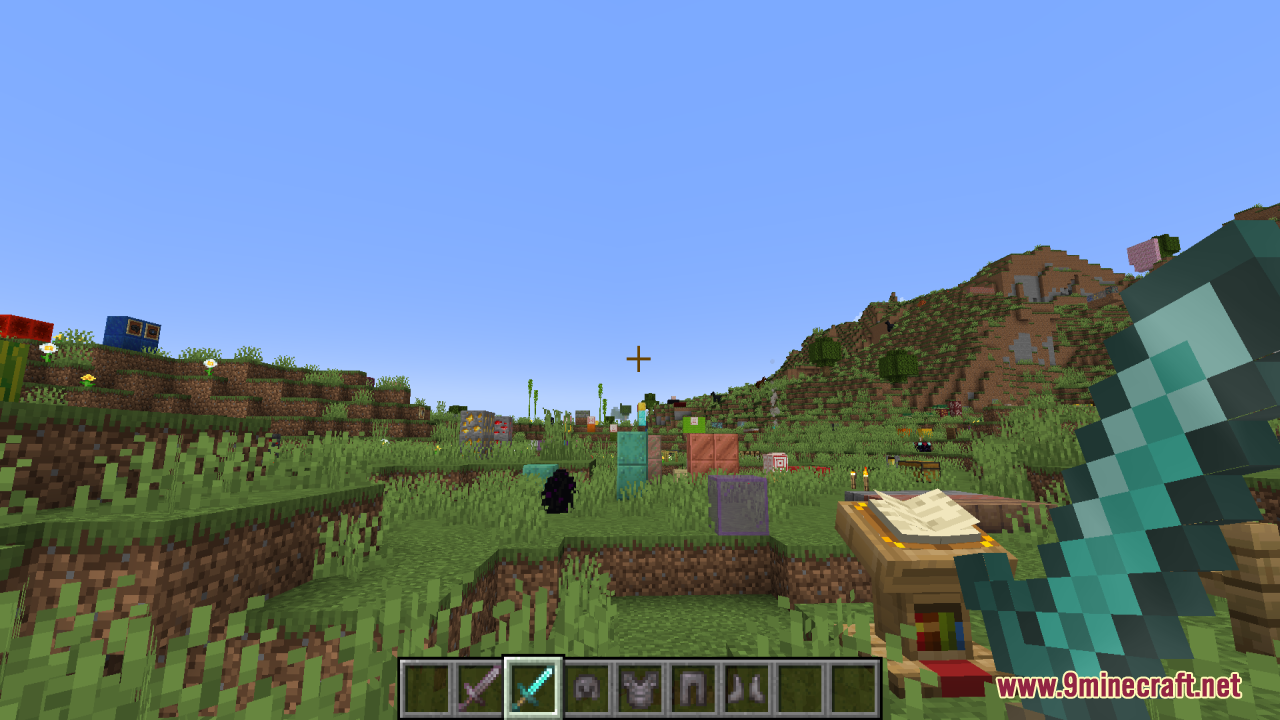
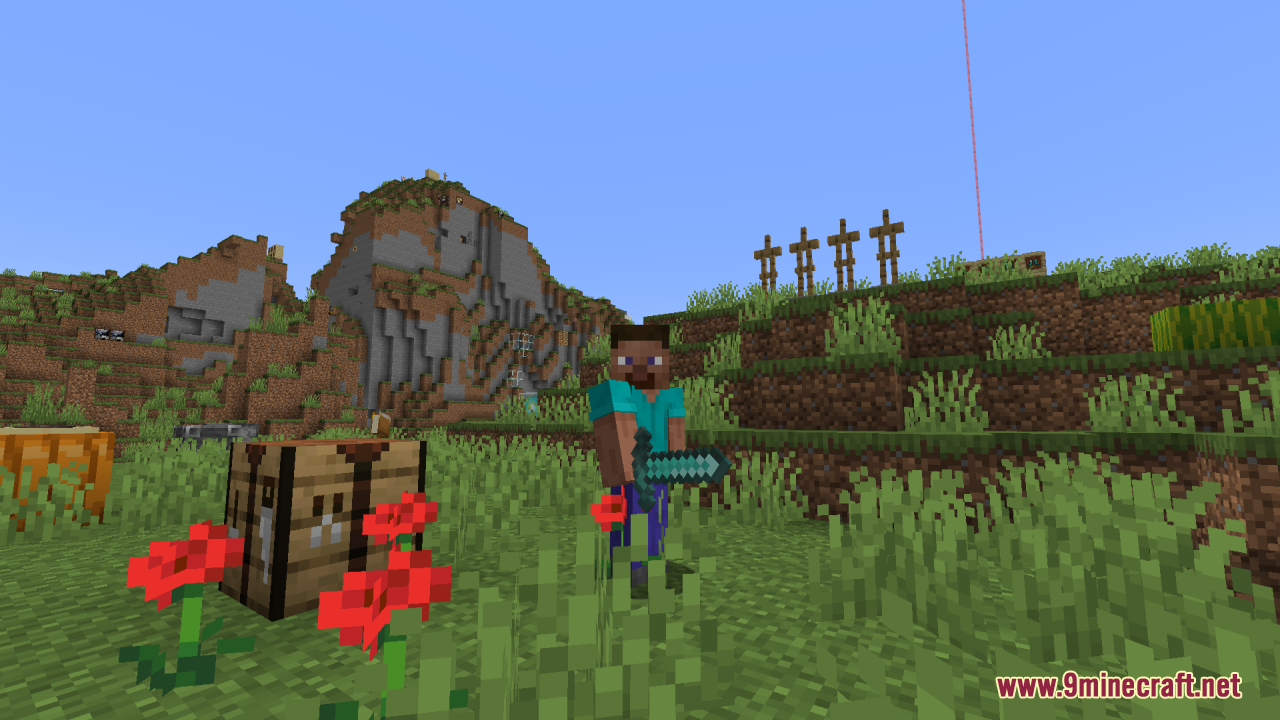
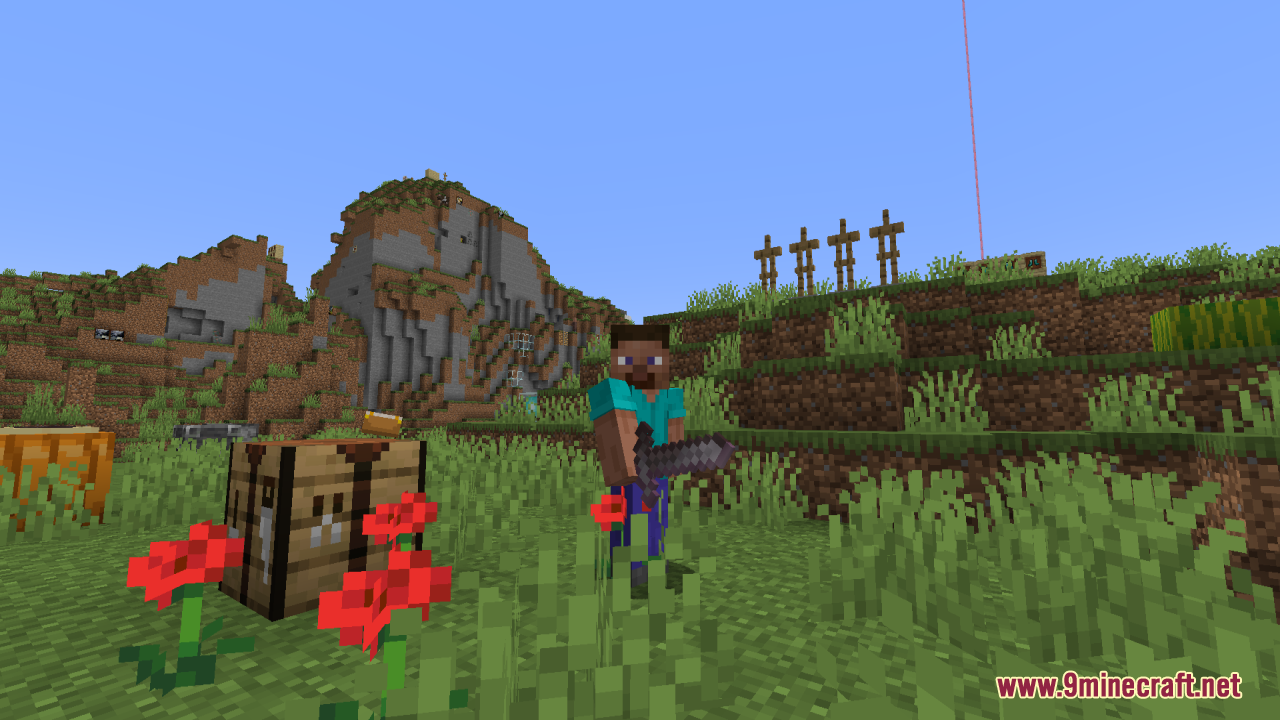
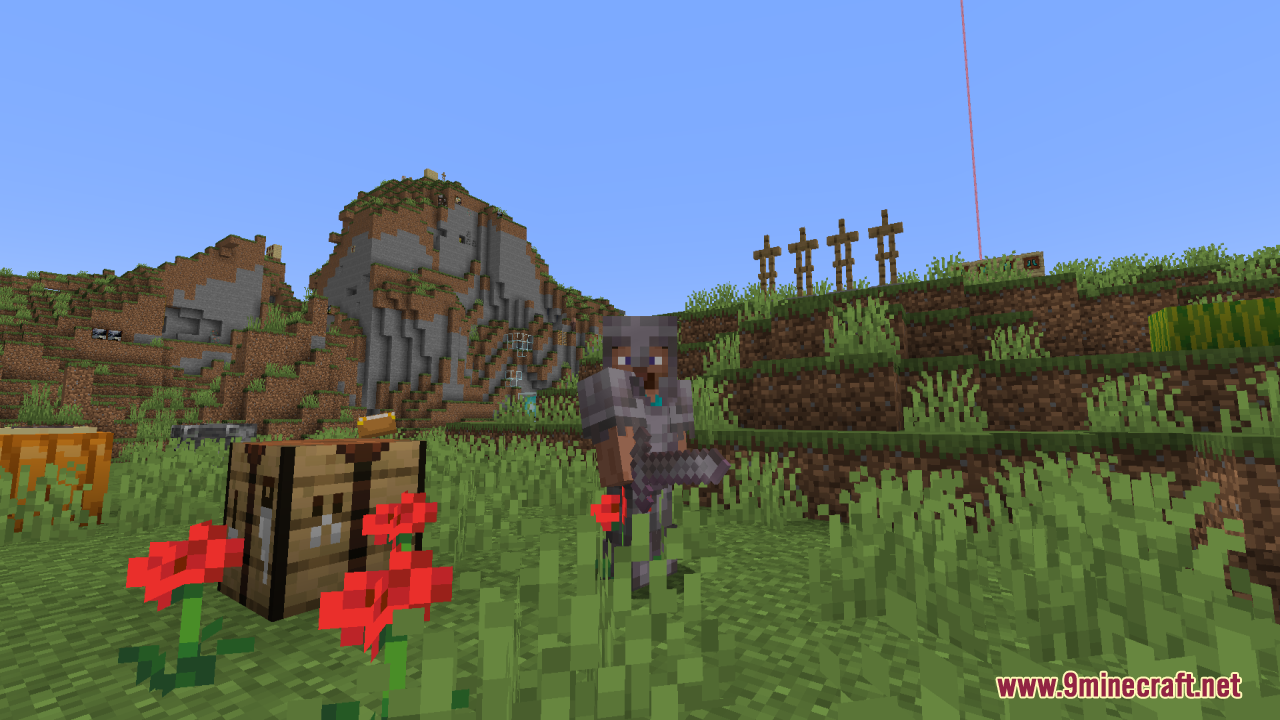
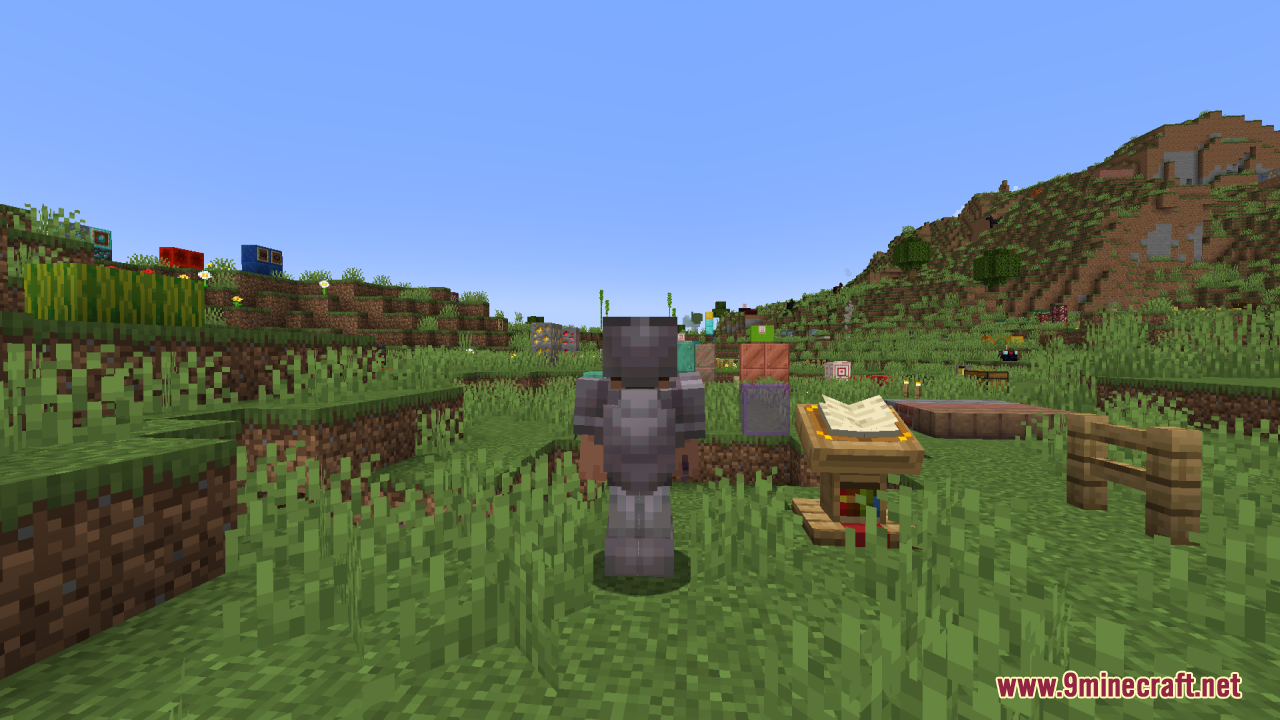
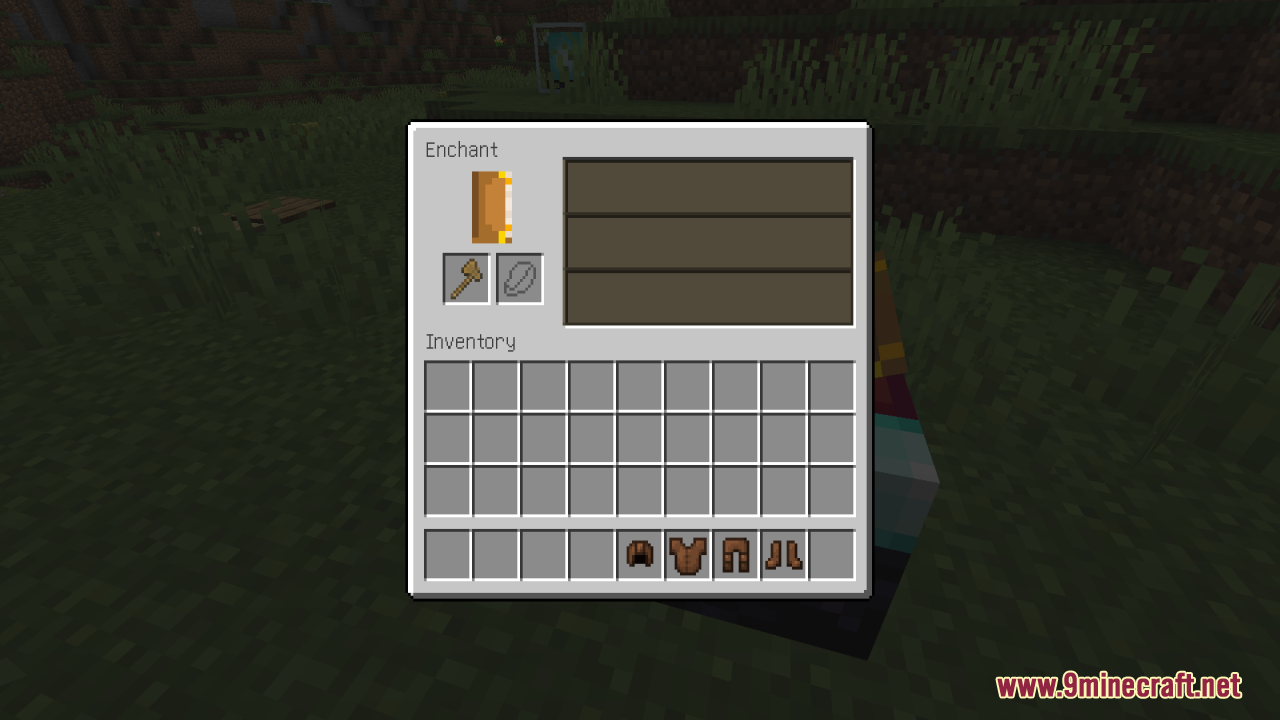
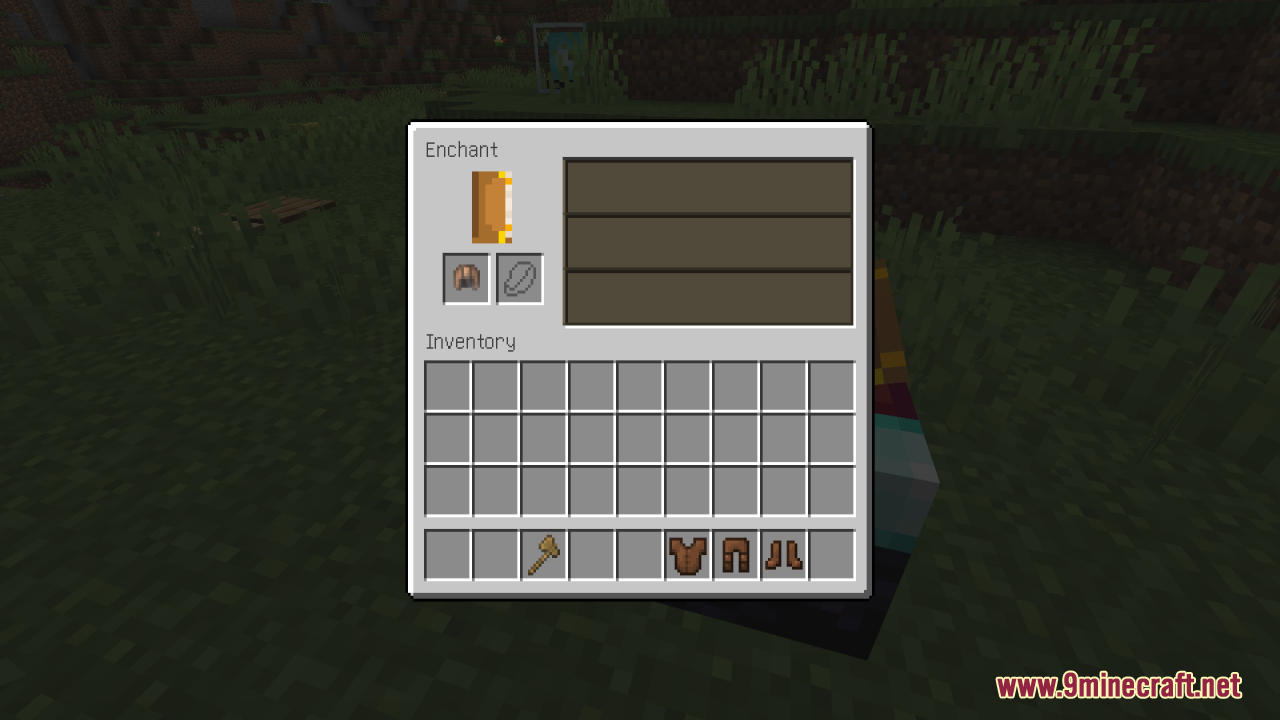
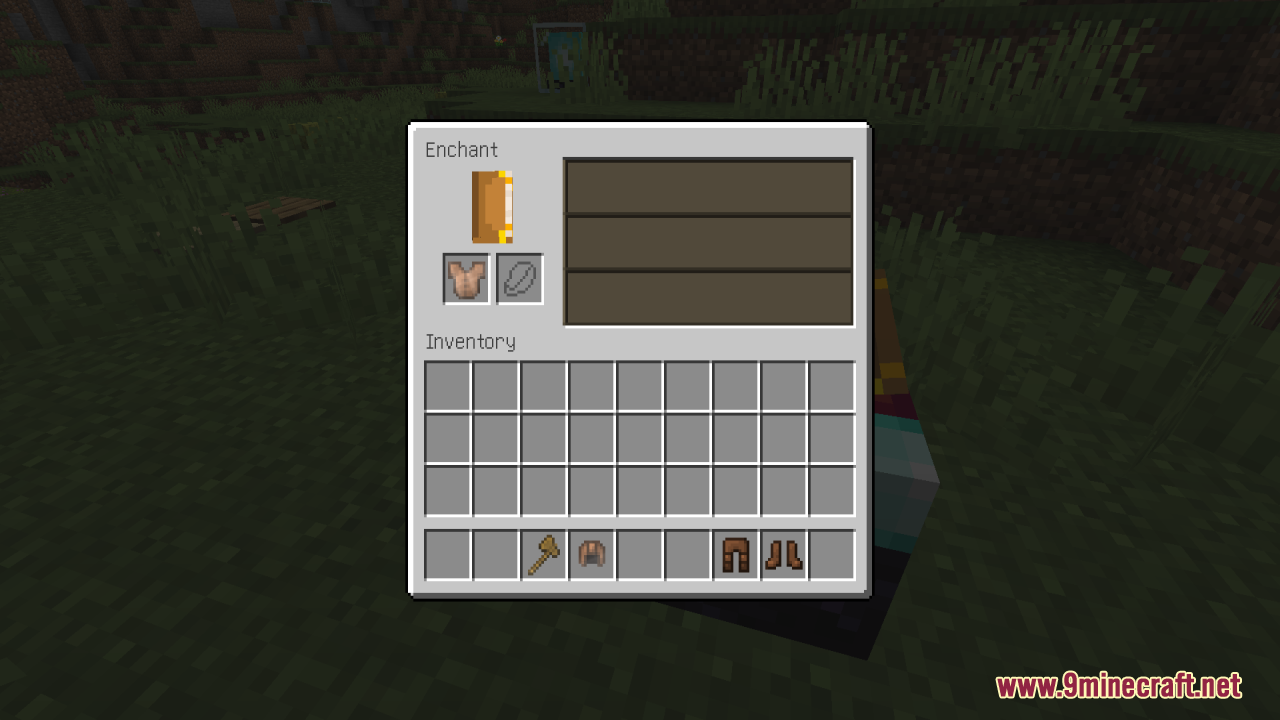
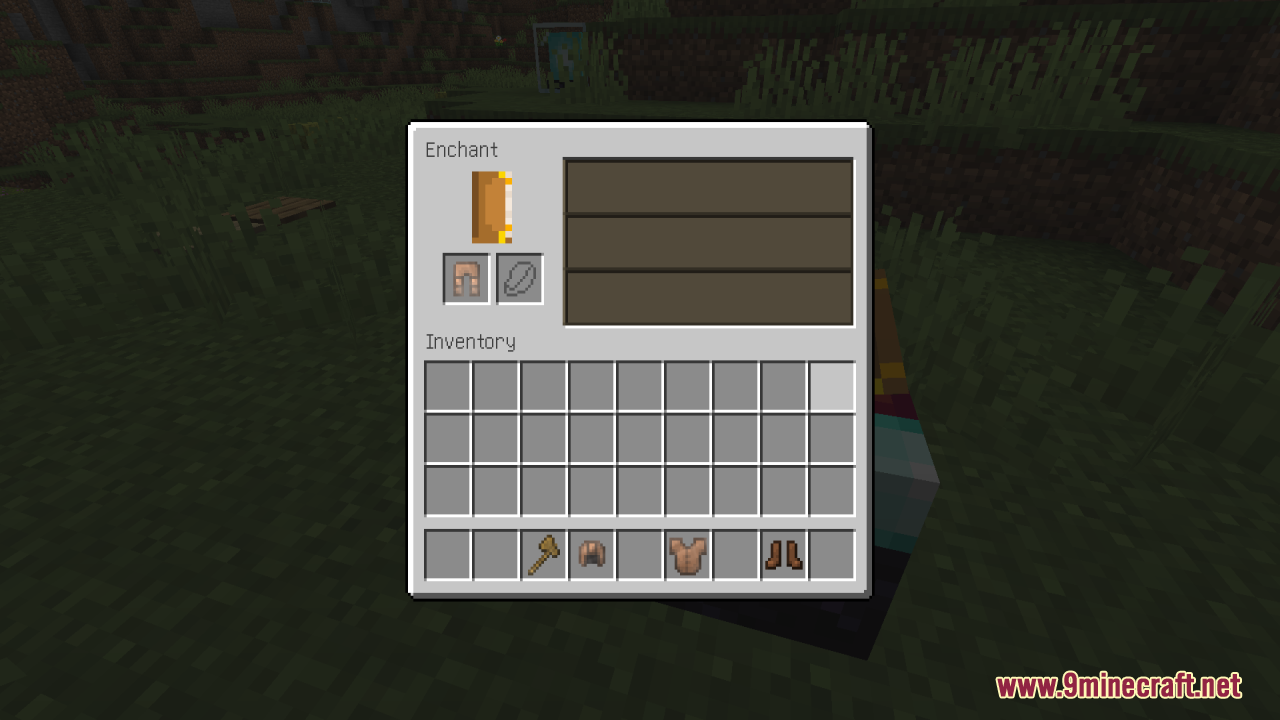
White Enchantment Glint Resource Pack repaints the default purple glow on enchanted gear with a clean white shimmer. This texture pack gives weapons, armor, and tools a bright style without changing how items work in the game. It fits players who want a simple look for their enchanted items.
Features:
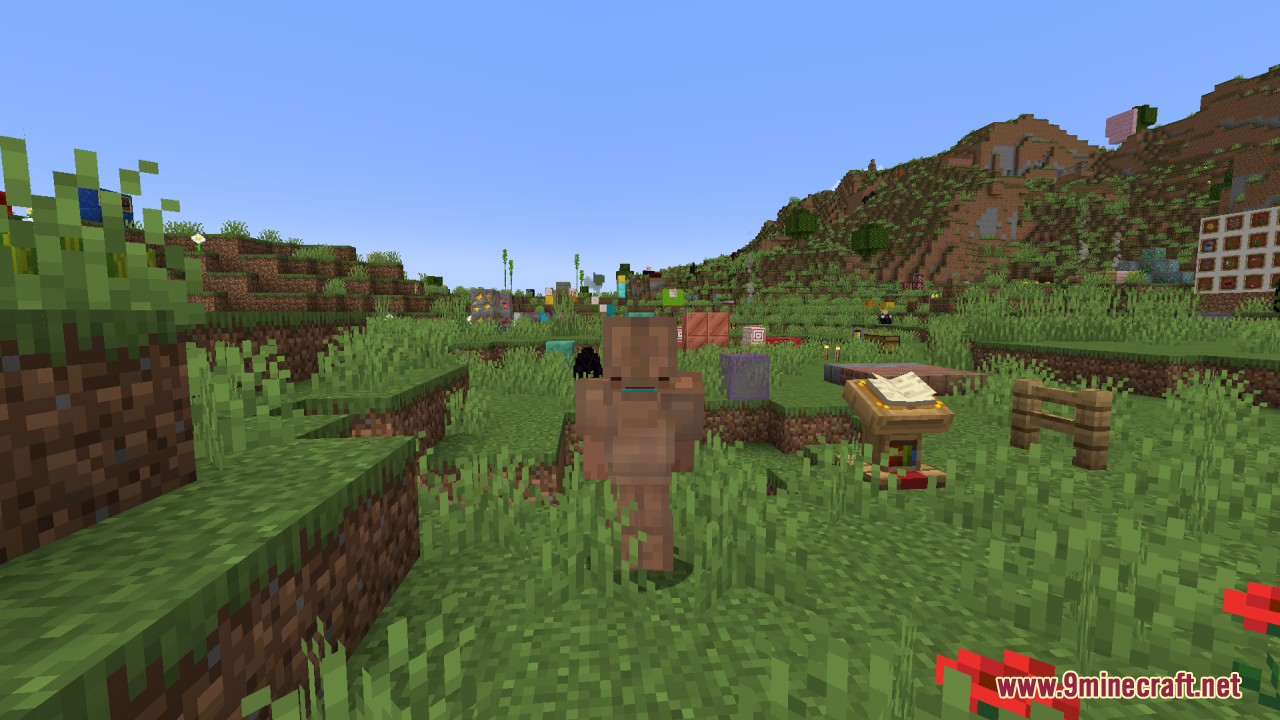
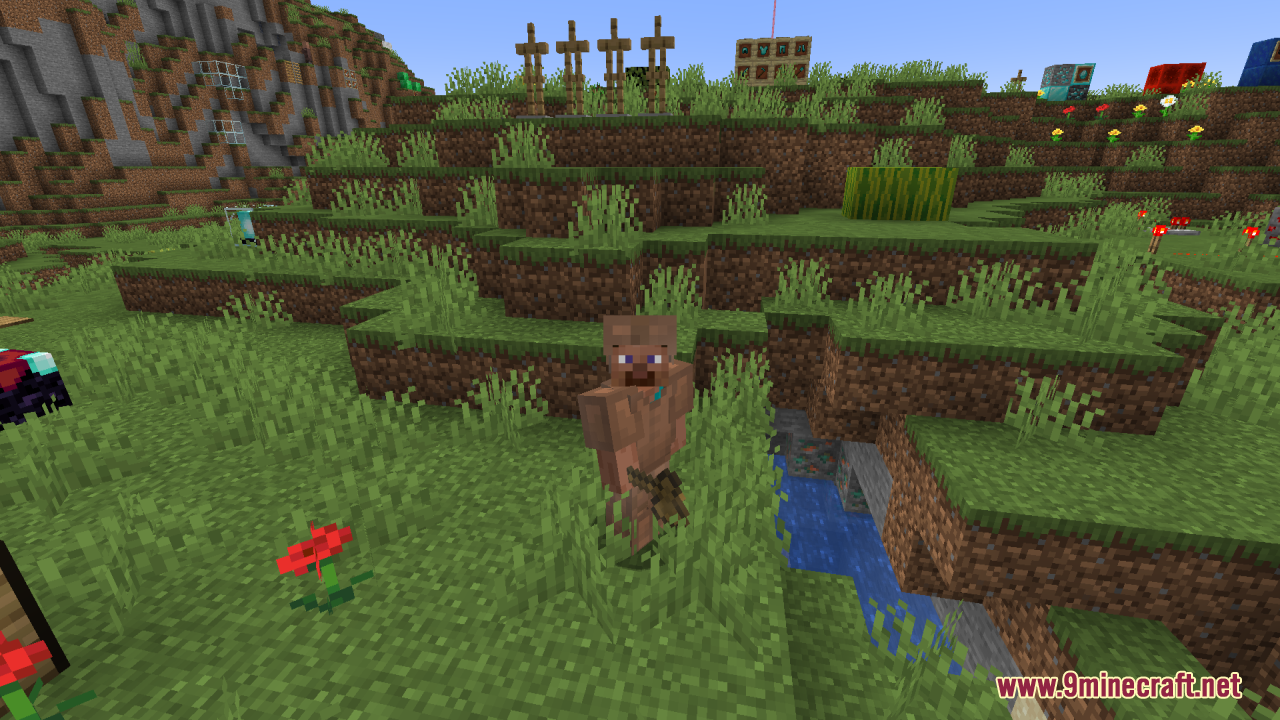
- Replaces the standard purple enchantment shimmer on all items with a bright white glow.
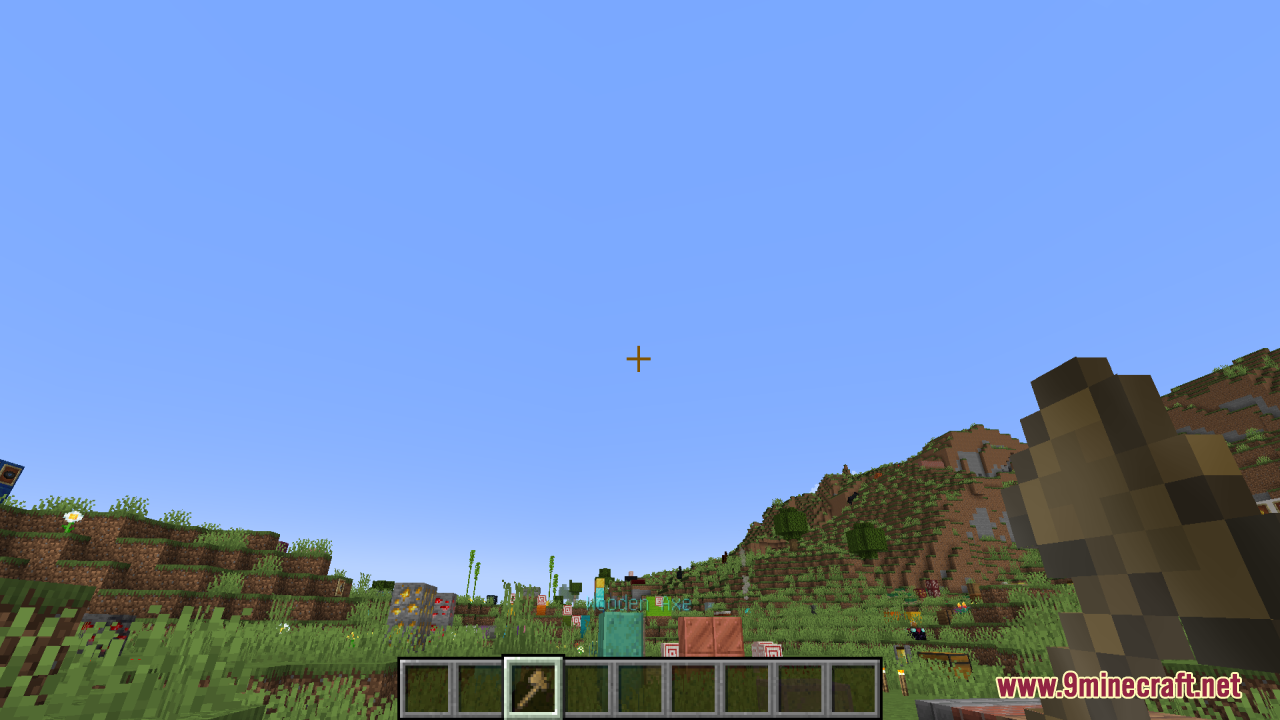
- Applies the new white visual effect to enchanted swords, tools, and armor pieces.
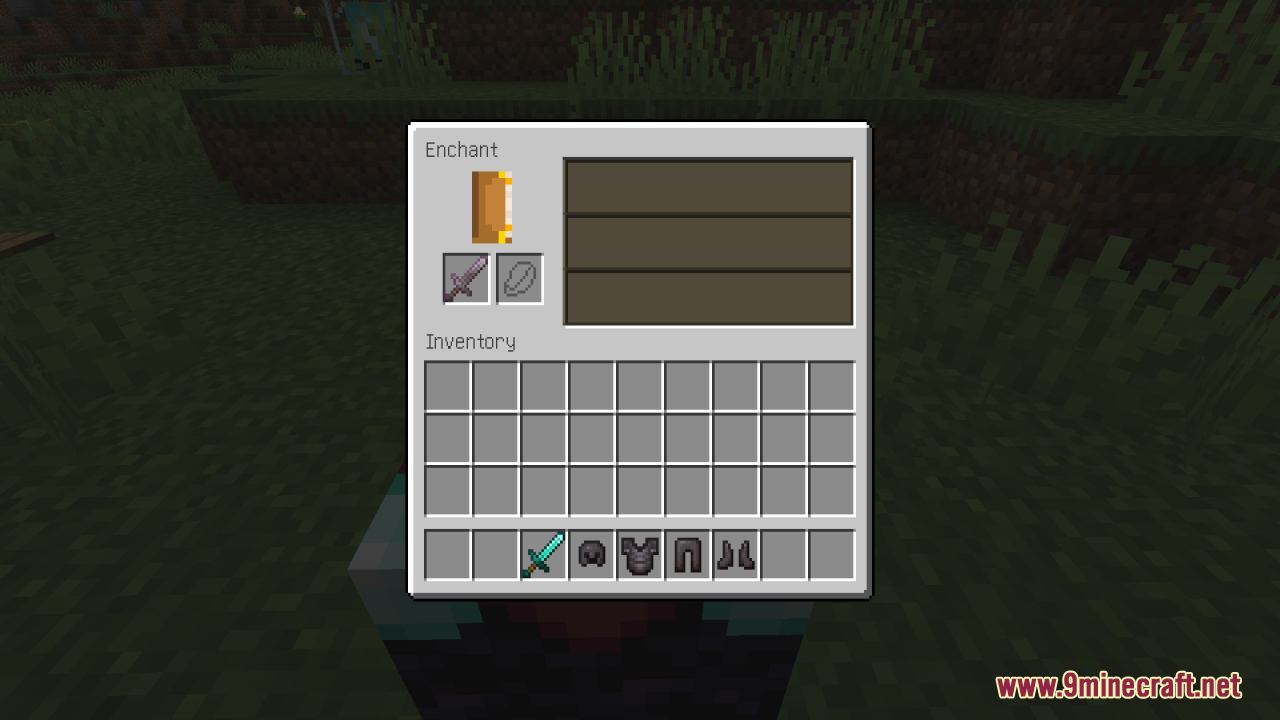
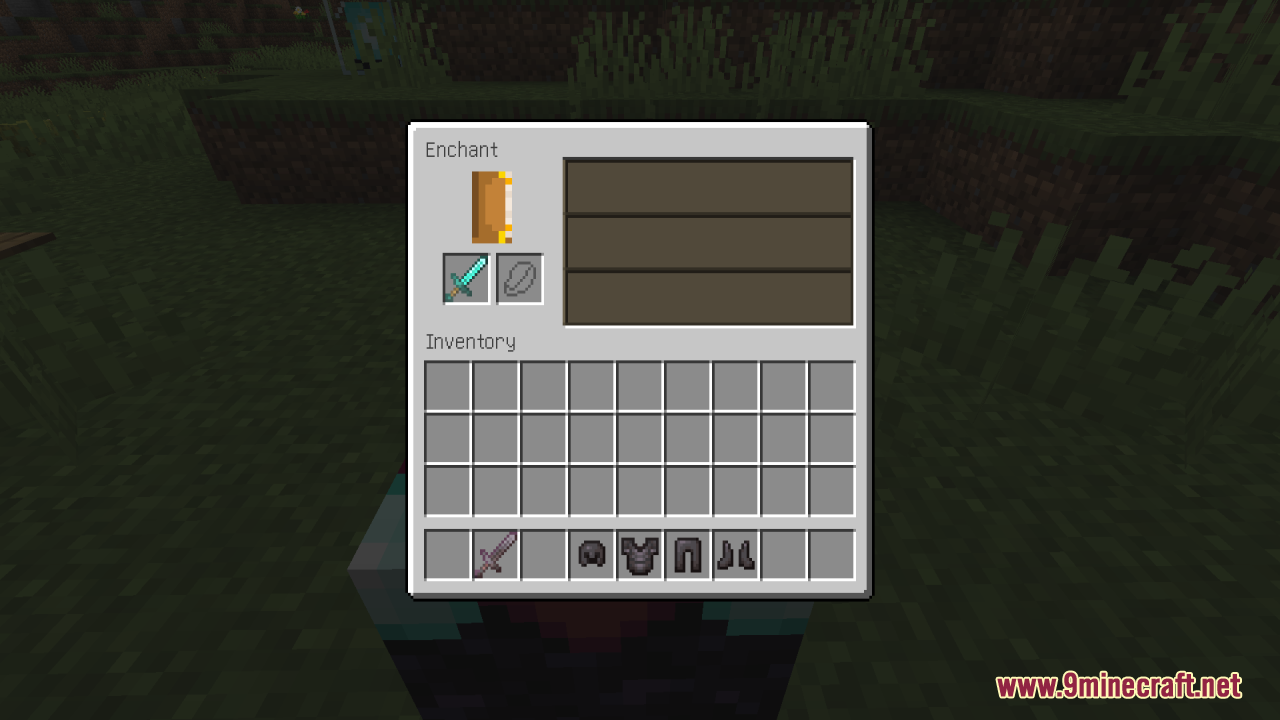
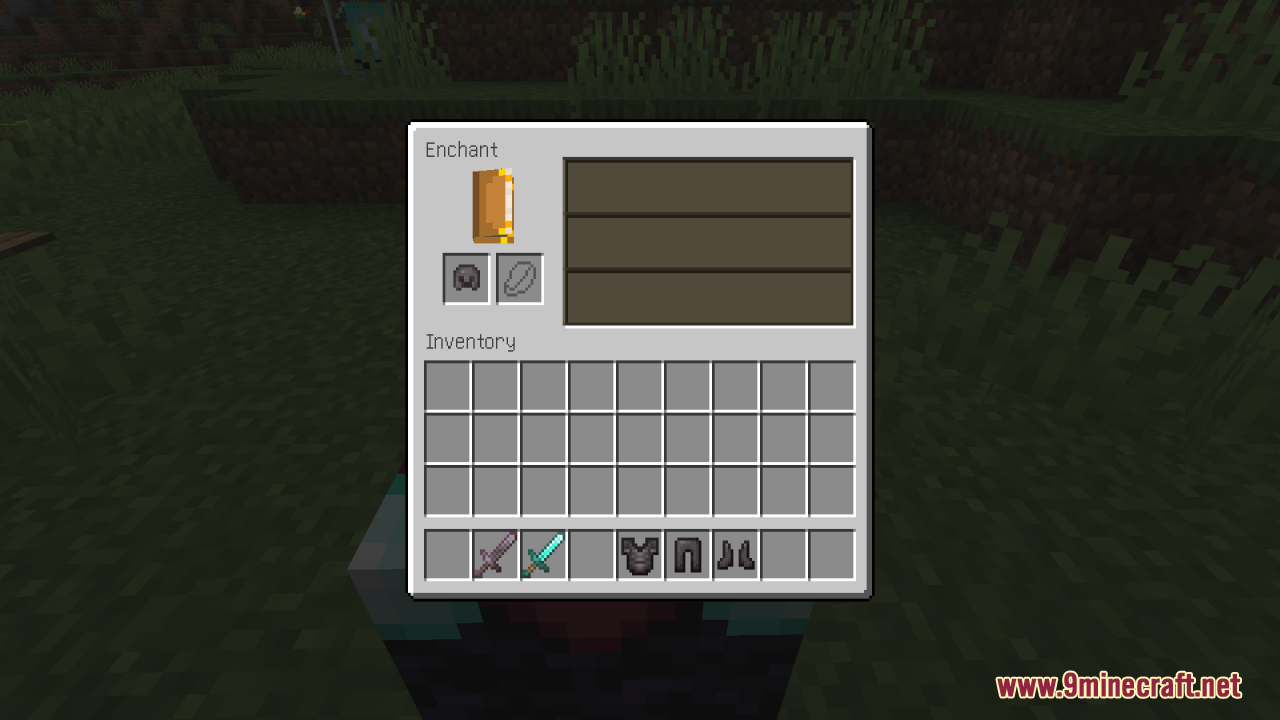
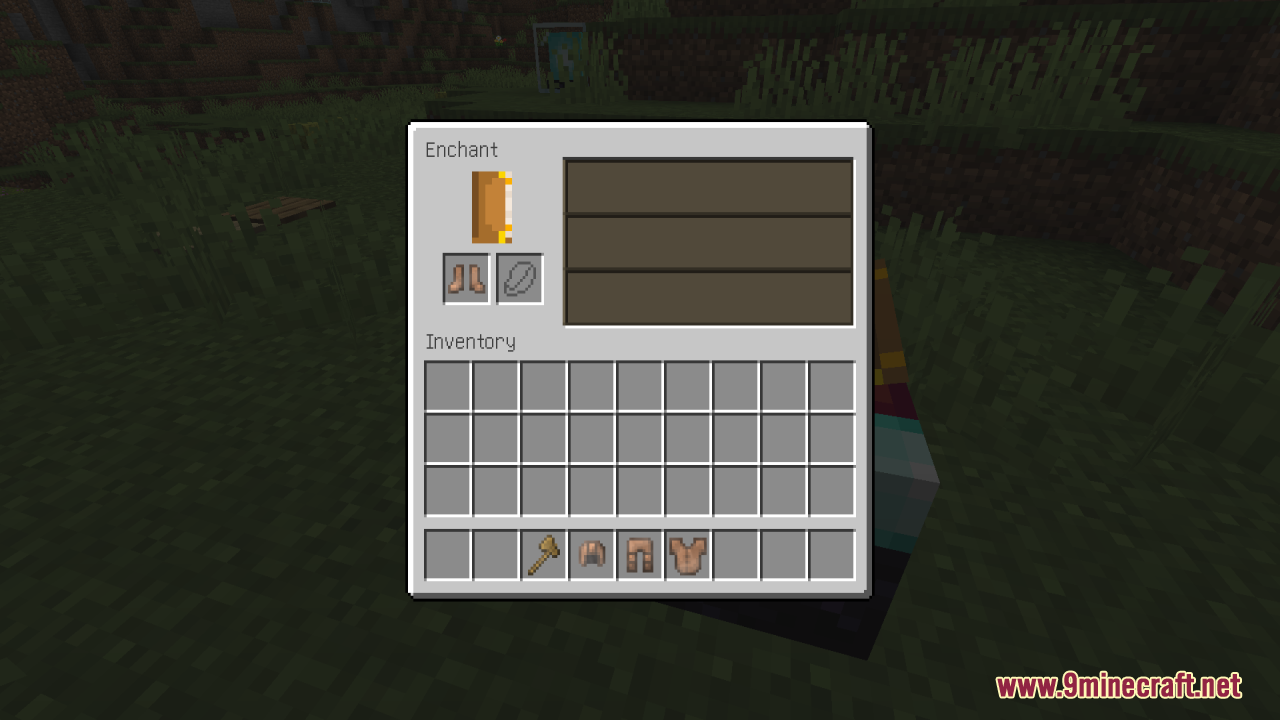
- Works directly inside vanilla inventories and enchantment table screens.
Screenshots:
How to Install:
New to Minecraft? Follow our step-by-step guide to install Resource Packs on your PC.View Guide
Requirements:

White Enchantment Glint Resource Pack Download Links
For Minecraft
26.3.x
All Versions Covered
26.3
26.2
26.1.2
26.1.1
26.1
1.21.11
1.21.10
1.21.9
1.21.8
1.21.7
1.21.6
1.21.5
1.21.4
1.21.3
1.21.2
1.21.1
1.21
1.20.6
1.20.5
1.20.4
1.20.3
1.20.2
1.20.1
1.20
1.19.4
1.19.3
1.19.2
1.19.1
1.19
1.18.2
1.18.1
1.18
1.17.1
1.17
1.16.5
1.16.4
1.16.3
1.16.2
1.16.1
1.16
1.15.2
1.15.1
1.15
1.14.4
1.14.3
1.14.2
1.14.1
1.14
1.13.2
1.13.1
1.13
1.12.2
1.12.1
1.12
1.11.2
1.11.1
1.11
1.10.2
1.10.1
1.10
1.9.4
1.9.3
1.9.2
1.9.1
1.9
1.8.9
1.8.8
1.8.7
1.8.6
1.8.5
1.8.4
1.8.3
1.8.2
1.8.1
1.8
1.7.10
1.7.9
1.7.8
1.7.7
1.7.6
1.7.5
1.7.4
1.7.3
1.7.2
1.6.4
1.6.2
1.6.1
For Minecraft
26.2.x
All Versions Covered
26.2
26.1.2
26.1.1
26.1
1.21.11
1.21.10
1.21.9
1.21.8
1.21.7
1.21.6
1.21.5
1.21.4
1.21.3
1.21.2
1.21.1
1.21
1.20.6
1.20.5
1.20.4
1.20.3
1.20.2
1.20.1
1.20
1.19.4
1.19.3
1.19.2
1.19.1
1.19
1.18.2
1.18.1
1.18
1.17.1
1.17
1.16.5
1.16.4
1.16.3
1.16.2
1.16.1
1.16
1.15.2
1.15.1
1.15
1.14.4
1.14.3
1.14.2
1.14.1
1.14
1.13.2
1.13.1
1.13
1.12.2
1.12.1
1.12
1.11.2
1.11.1
1.11
1.10.2
1.10.1
1.10
1.9.4
1.9.3
1.9.2
1.9.1
1.9
1.8.9
1.8.8
1.8.7
1.8.6
1.8.5
1.8.4
1.8.3
1.8.2
1.8.1
1.8
1.7.10
1.7.9
1.7.8
1.7.7
1.7.6
1.7.5
1.7.4
1.7.3
1.7.2
1.6.4
1.6.2
1.6.1
For Minecraft
26.1.x
All Versions Covered
26.1.2
26.1.1
26.1
1.21.11
1.21.10
1.21.9
1.21.8
1.21.7
1.21.6
1.21.5
1.21.4
1.21.3
1.21.2
1.21.1
1.21
1.20.6
1.20.5
1.20.4
1.20.3
1.20.2
1.20.1
1.20
1.19.4
1.19.3
1.19.2
1.19.1
1.19
1.18.2
1.18.1
1.18
1.17.1
1.17
1.16.5
1.16
1.15.2
1.15.1
1.15
1.14.4
1.14.3
1.14.2
1.14.1
1.14
1.13.2
1.13.1
1.13
1.12.2
1.12.1
1.12
1.11.2
1.11.1
1.11
1.10.2
1.10.1
1.10
1.9.4
1.9.3
1.9.2
1.9.1
1.9
1.8.9
1.8.8
1.8.7
1.8.6
1.8.5
1.8.4
1.8.3
1.8.2
1.8.1
1.8
1.7.10
1.7.9
1.7.8
1.7.7
1.7.6
1.7.5
1.7.4
1.7.3
1.7.2
1.6.4
1.6.2
1.6.1
For Minecraft
1.21.x
All Versions Covered
1.21.11
1.21.10
1.21.9
1.21.8
1.21.7
1.21.6
1.21.5
1.21.4
1.21.3
1.21.2
1.21.1
1.21
1.20.6
1.20.5
1.20.4
1.20.3
1.20.2
1.20.1
1.20
1.19.4
1.19.3
1.19.2
1.19.1
1.19
1.18.2
1.18.1
1.18
1.17.1
1.17
1.16.5
1.16.4
1.16.3
1.16.2
1.16.1
1.16
1.15.2
1.15.1
1.15
1.14.4
1.14.3
1.14.2
1.14.1
1.14
1.13.2
1.13.1
1.13
1.12.2
1.12.1
1.12
1.11.2
1.11.1
1.11
1.10.2
1.10.1
1.10
1.9.4
1.9.3
1.9.2
1.9.1
1.9
1.8.9
1.8.8
1.8.7
1.8.6
1.8.5
1.8.4
1.8.3
1.8.2
1.8.1
1.8
1.7.10
1.7.9
1.7.8
1.7.7
1.7.6
1.7.5
1.7.4
1.7.3
1.7.2
1.6.4
1.6.2
1.6.1
For Minecraft 1.21.
For Minecraft 1.20.
Click to rate this post!
[Total: 0 Average: 0]
QUICK MINECRAFT SURVEY · ONE TAP
Shaders & Resource Packs
What type of user interface (GUI) do you prefer in your resource packs?
0 responses · See the full results →
You May Also Like
Picked for this page
 Motschen’s Better Leaves Resource Pack (26.3, 1.20.1) – Texture Pack
 Aimz (26.3, 1.20.1) – Tiny Crosshair Resource Pack – Texture Pack
 Wild Wolves Resource Pack (26.1.2, 1.20.1) – Texture Pack
 Aimz (26.3, 1.20.1) – Lunar Arrow Crosshair Resource Pack – Texture Pack
 BetterHotbar+ Resource Pack (26.3, 1.20.1) – Texture Pack
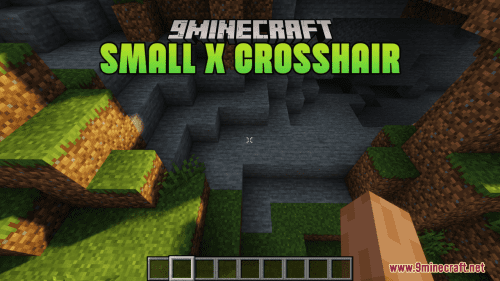 Small X Crosshair Resource Pack (26.1.2, 1.20.1) – Texture Pack
 Low Fire Texture Resource Pack (26.1.2, 1.20.1) – Texture Pack
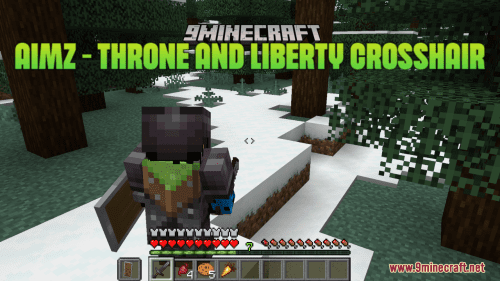 Aimz (26.3, 1.20.1) – Throne and Liberty Crosshair Resource Pack – Texture Pack
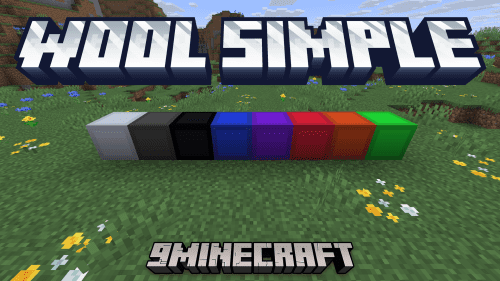 Wool Simple Resource Pack (26.1.2, 1.20.1) – Texture Pack
 No Pumpkin Blur Resource Pack (26.3, 1.20.1) – Texture Pack
 Red Enchantment Glint Resource Pack (26.3, 1.20.1) – Texture Pack
 Pink Enchantment Glint Resource Pack (26.3, 1.20.1) – Texture Pack
Most viewed in Resource Packs over the last 7 days
 Jenny Mod Skins Resource Pack (1.12.2) – Uzaki, Klee, Mita, and More
 Jenny Mod Skin Pack Mega Collection – 310+ Characters
 Jennycraft Resource Pack (1.20.1) – Skins for Jennycraft Mod
 Dewier’s 20k Resource Pack (1.8.9) – Texture Pack
 750 Models Addon for Yes Steve Model Mod
 Animation Collection for Jenny Mod – 60+ Animations, Updated Regularly
 Vanilla+ 3D Crystal Resource Pack (1.21.1, 1.20.1) – Texture Pack
 Mandala’s GUI Dark Mode 9minecraft Resource Pack (26.3) – Eye-Soothing Dark Mode Menus
 Bare Bones 9minecraft Resource Pack (26.3) – Official Cinematic Trailer Look
 Mizuno’s Craft 9minecraft Resource Pack (26.3) – A Cozy Handpainted Storybook World
 Patrix Resource Pack (26.3, 1.20.1) – The Peak of Photorealism
 Stay True 9minecraft Resource Pack (26.3) – Crisper Vanilla Without the Noise
More from Resource Packs
 Ciso Hungry 3D Tools Resource Pack (26.3, 1.21.1) – Cute Yet Creepy 3D Doll
 Cheetahs Arsenal Resource Pack (26.3, 1.20.1) – Unique Fantasy Blades
 Cork and Balls Resource Pack (1.21.11, 1.20.1) – Glowing 3D Steampunk Gadgets
 DSWG Weapons Plus Resource Pack (1.19.2, 1.18.2) – Modern Tactical Combat
 Xali’s Enchanted Books 9minecraft Resource Pack (26.3)
 Xali’s Potions 9minecraft Resource Pack (26.3) – Distinct Bottle Shapes for Every Brew
 Creepers Revamped 9minecraft Resource Pack (26.3) – Fresh Looks for Iconic Night Mobs
 Better Dogs 9minecraft Resource Pack (26.3) – Real World Dog Breeds in Vanilla Style
 Better Zombies 9minecraft Resource Pack (26.3) – Terrifying Undead for Darker Nights
 Excalibur | Vanilla Backport Support Resource Pack (1.21.11, 1.21.1)
 Enhanced Bushy Leaves More Culling Compat Resource Pack (26.3, 26.1.2)
 Purple HUD Resource Pack (26.3, 1.21.1) – A Sleek Purple Theme for Classic

This post has no comments yet. Be the first — your comment will appear here.