
Enchanted Books: Re-covered Resource Pack (26.3, 1.20.1)
 729
 0


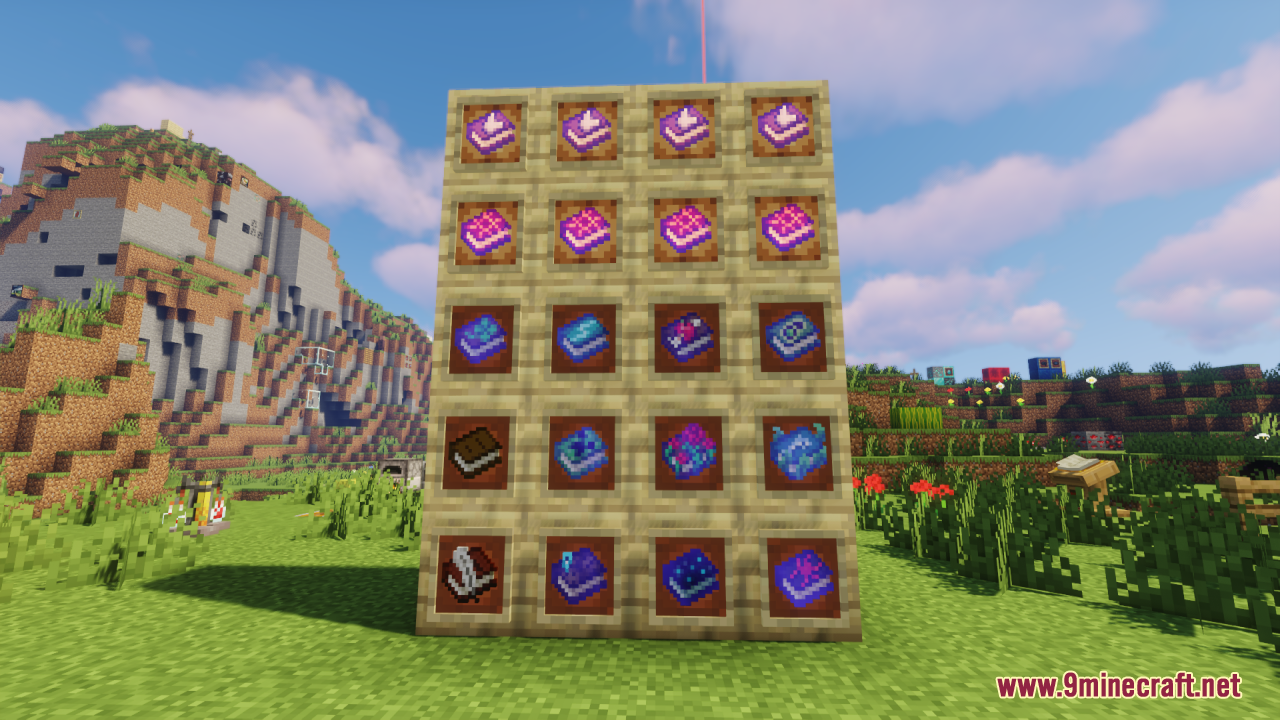
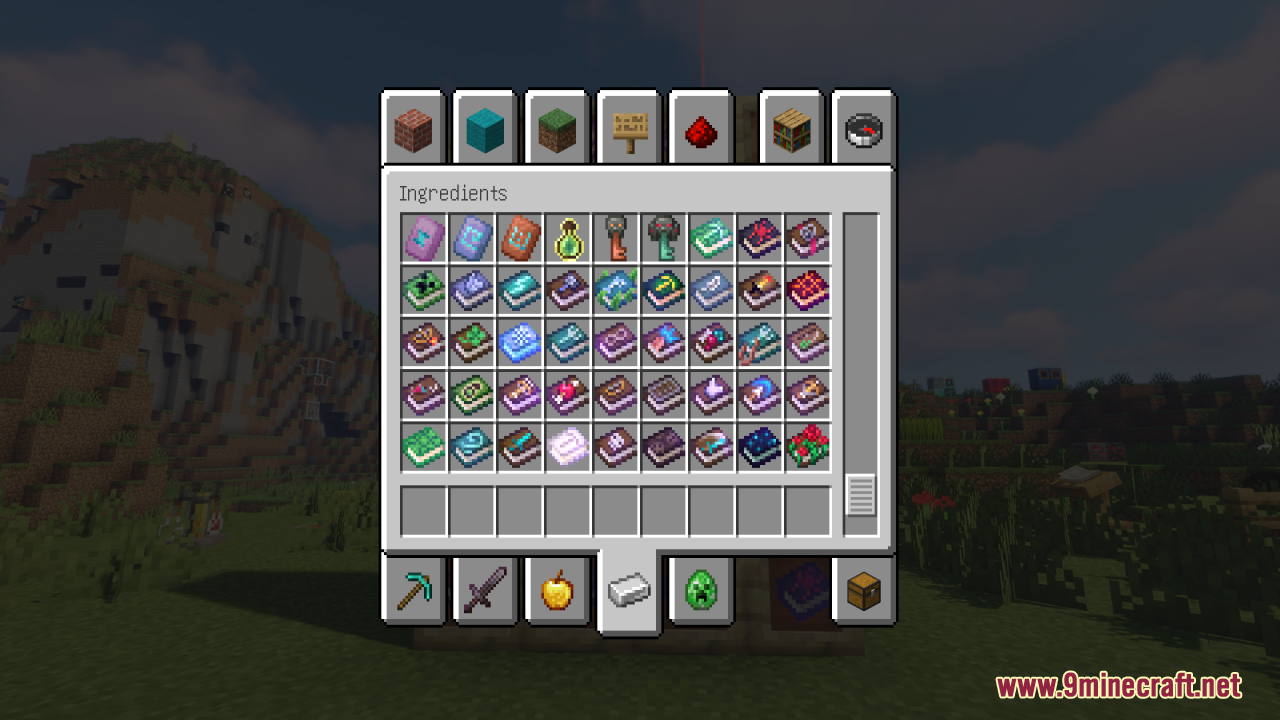
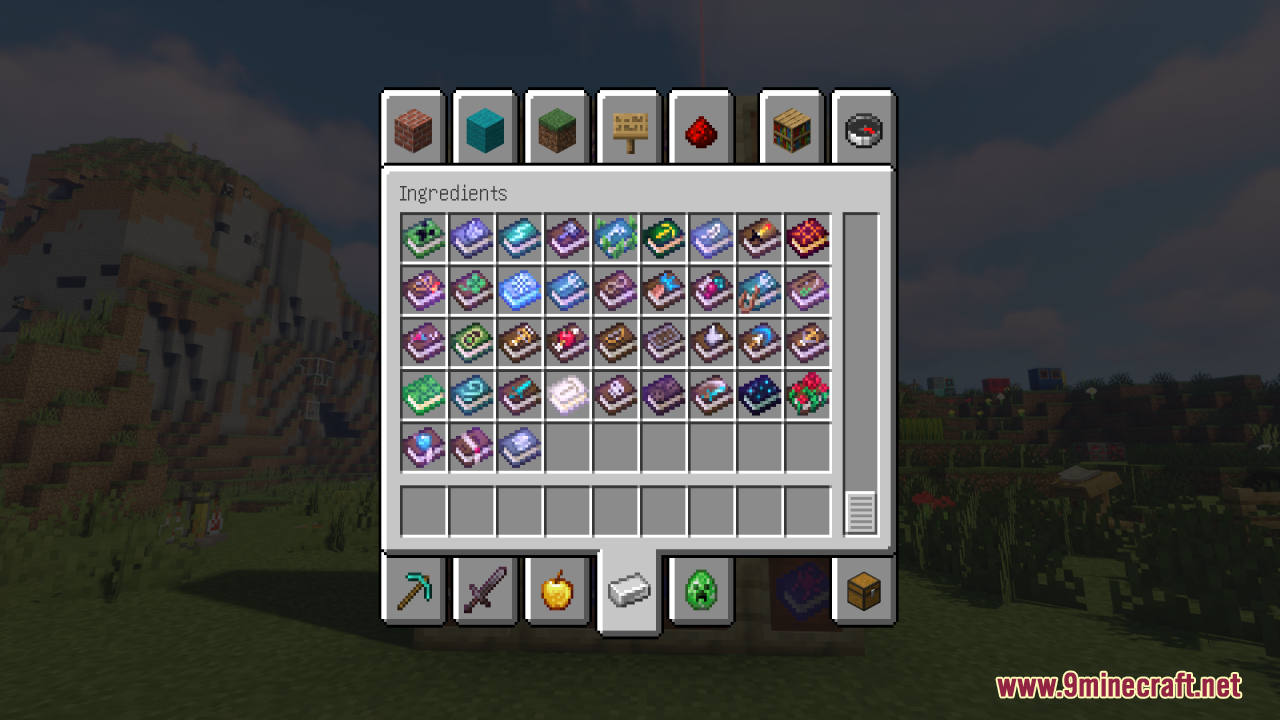
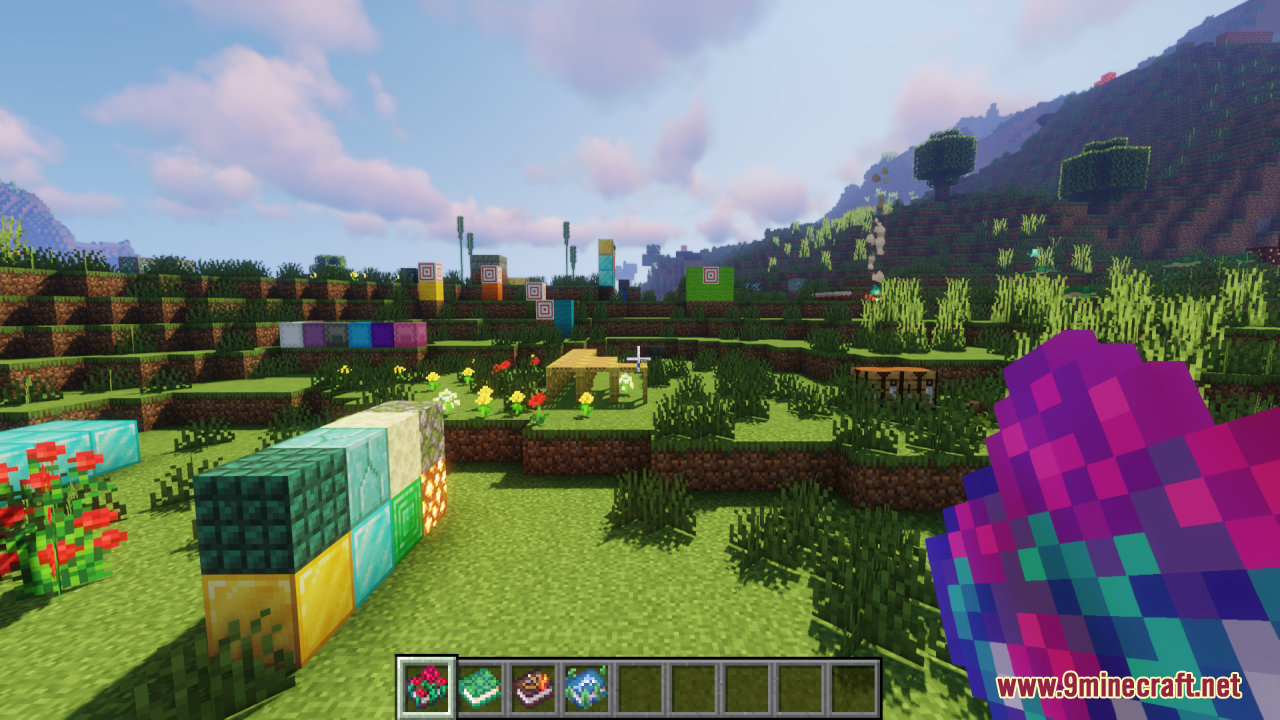
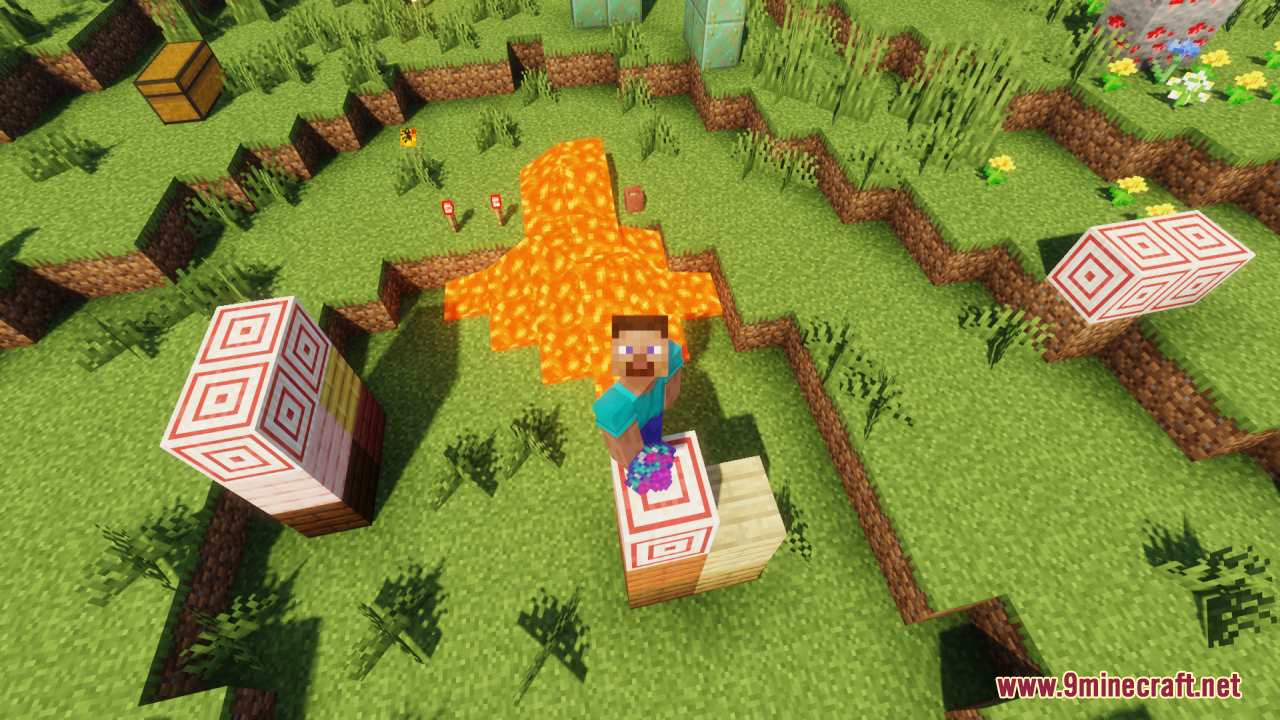
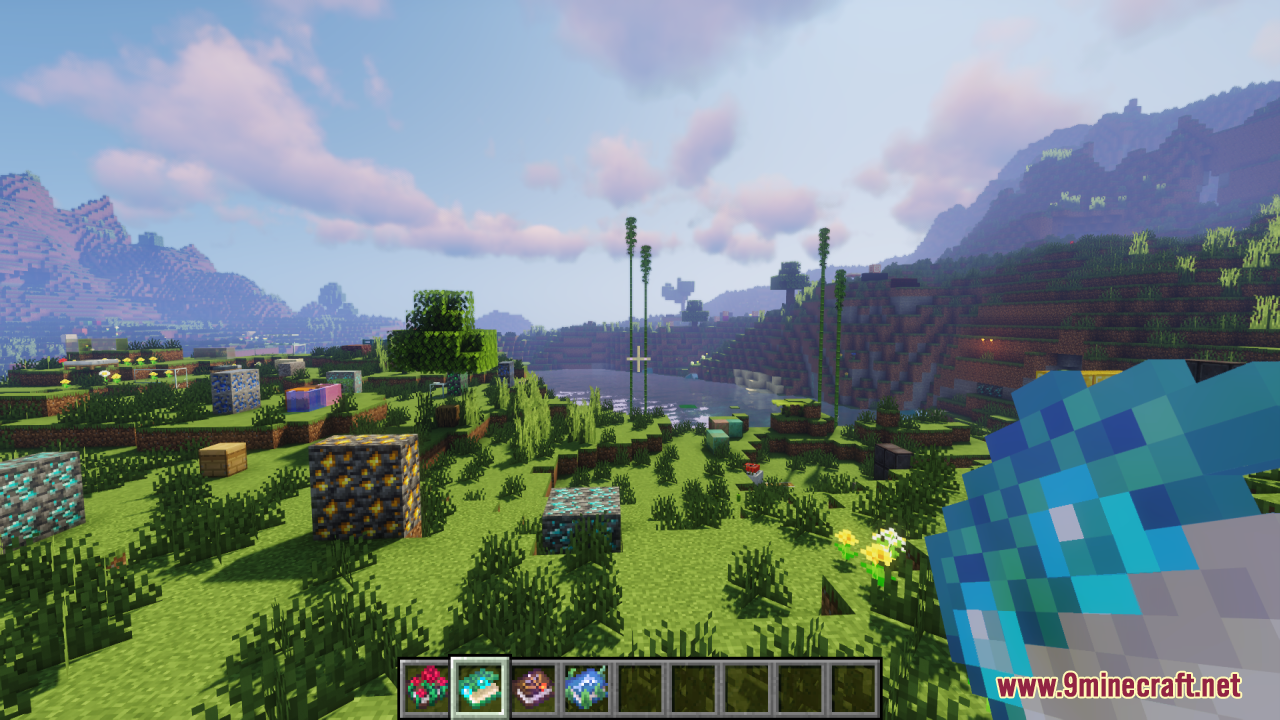
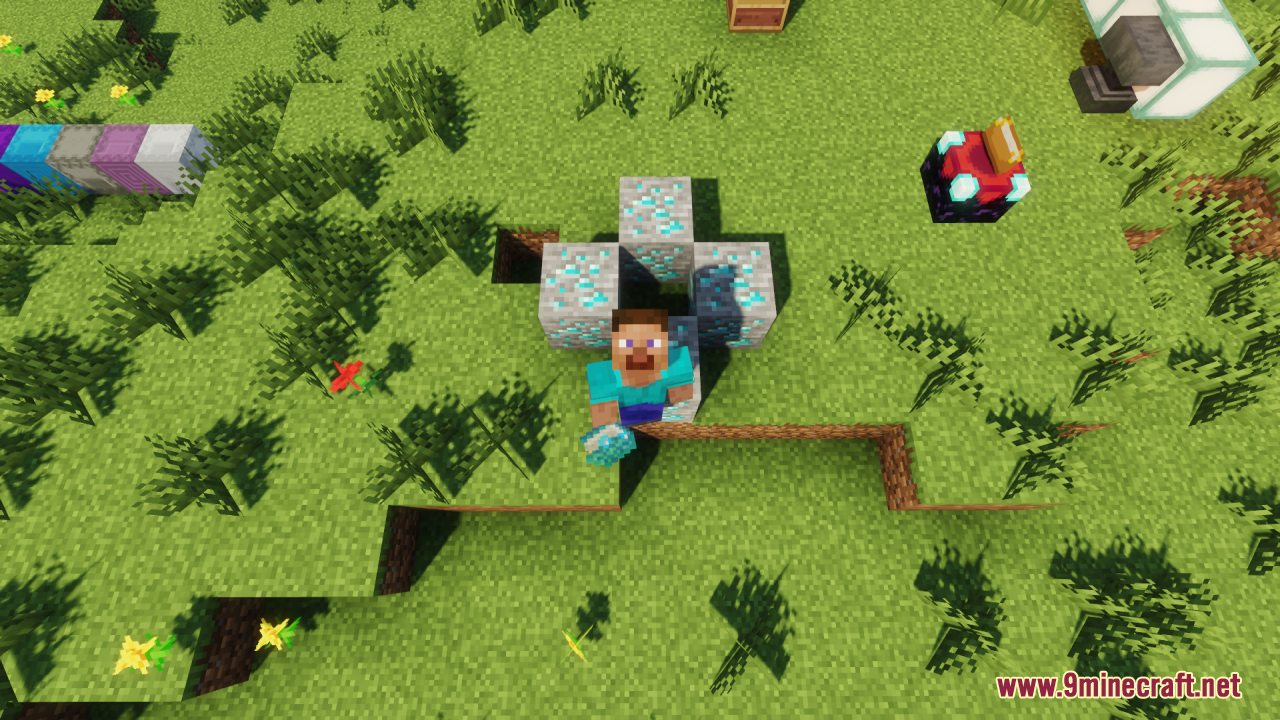
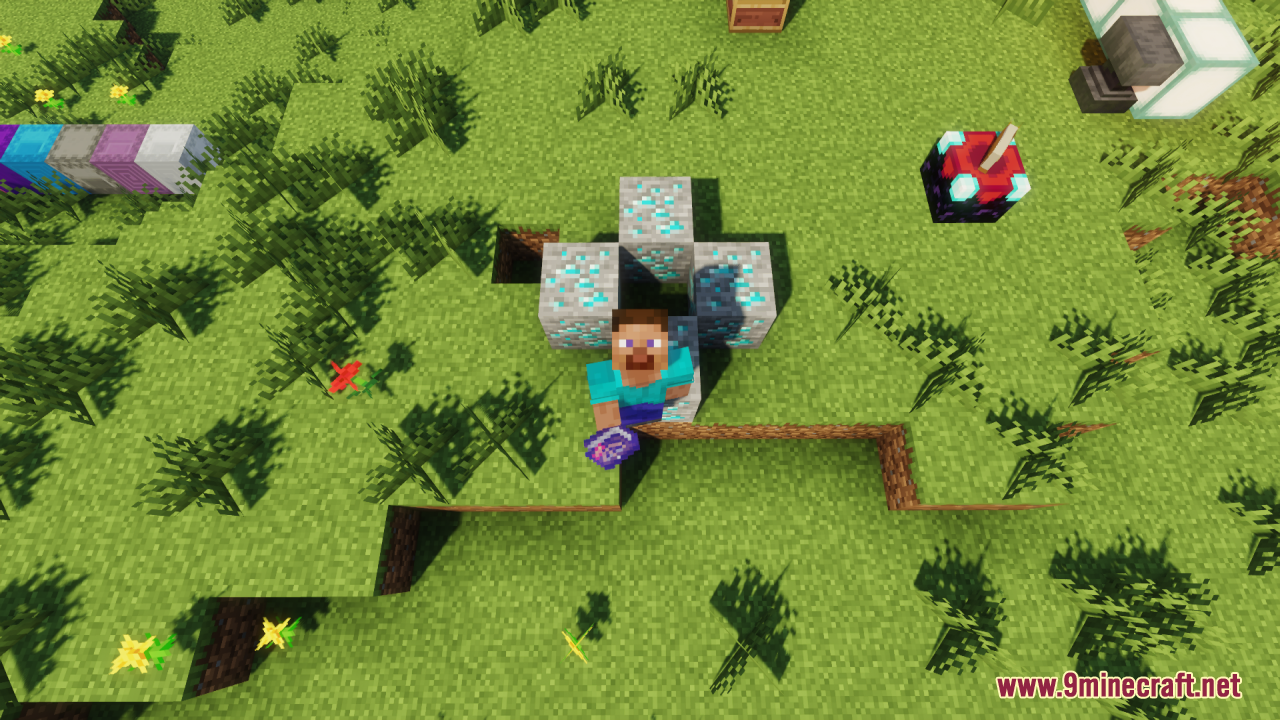
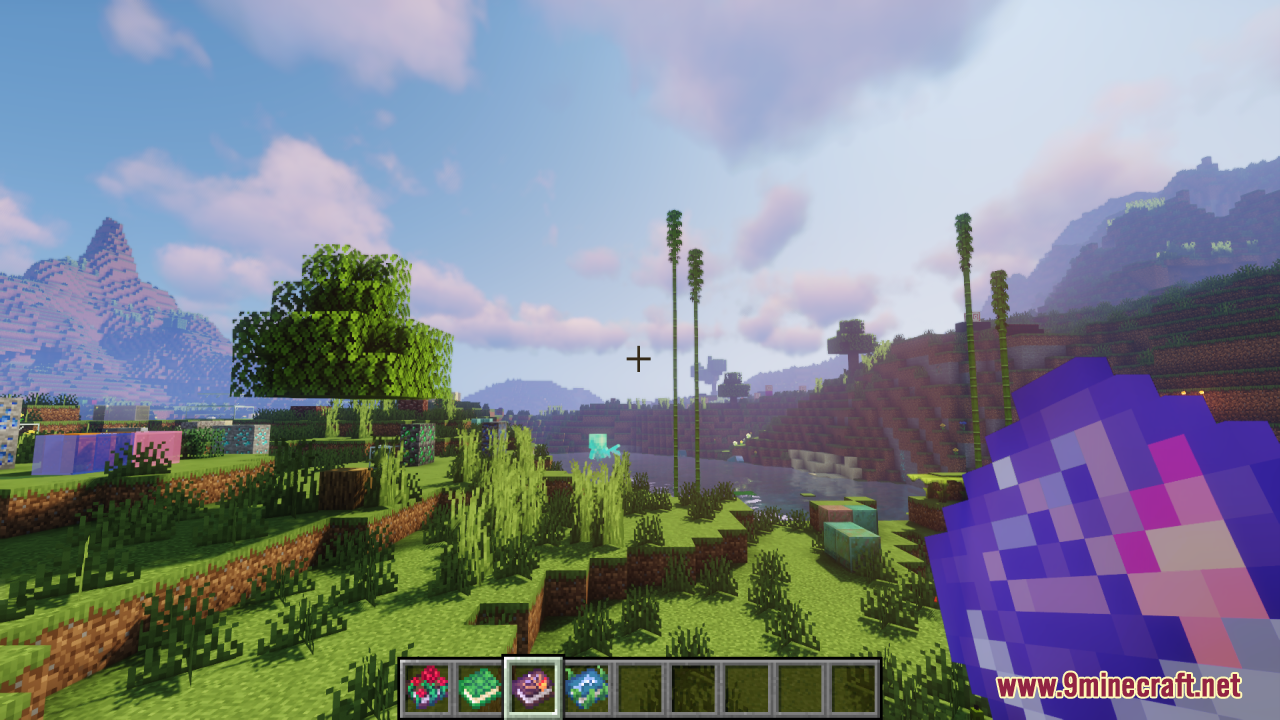
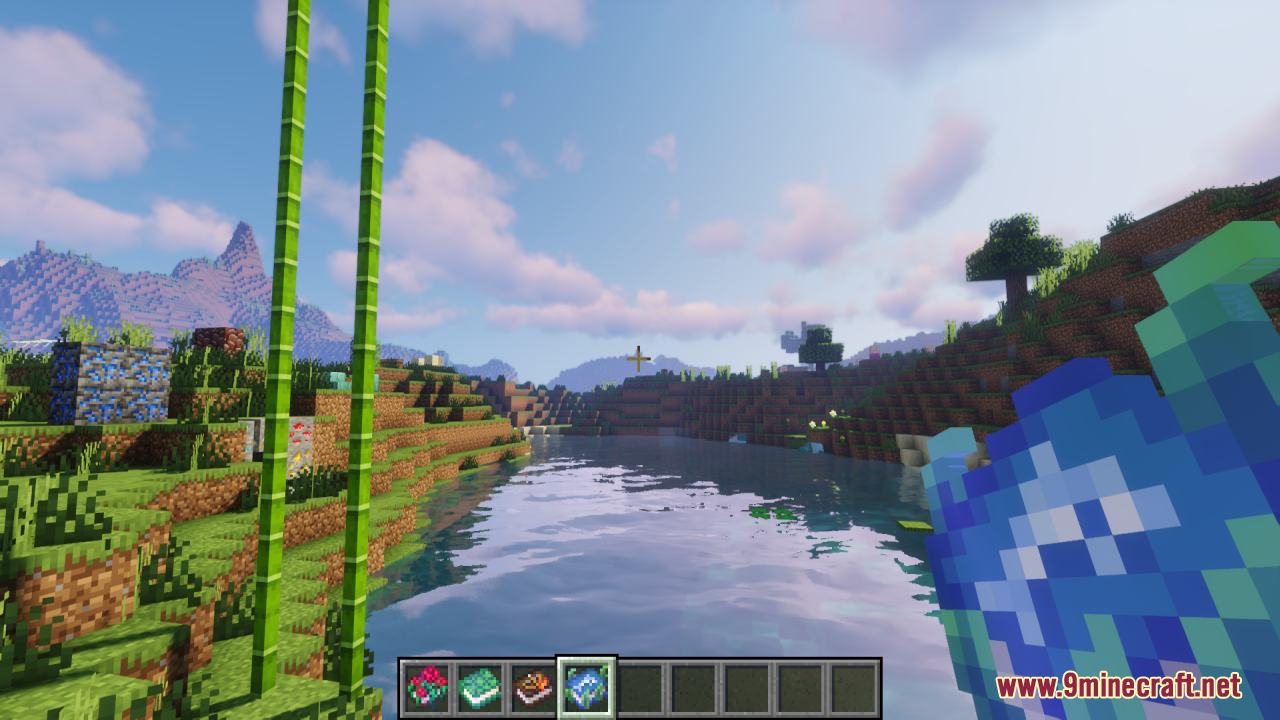
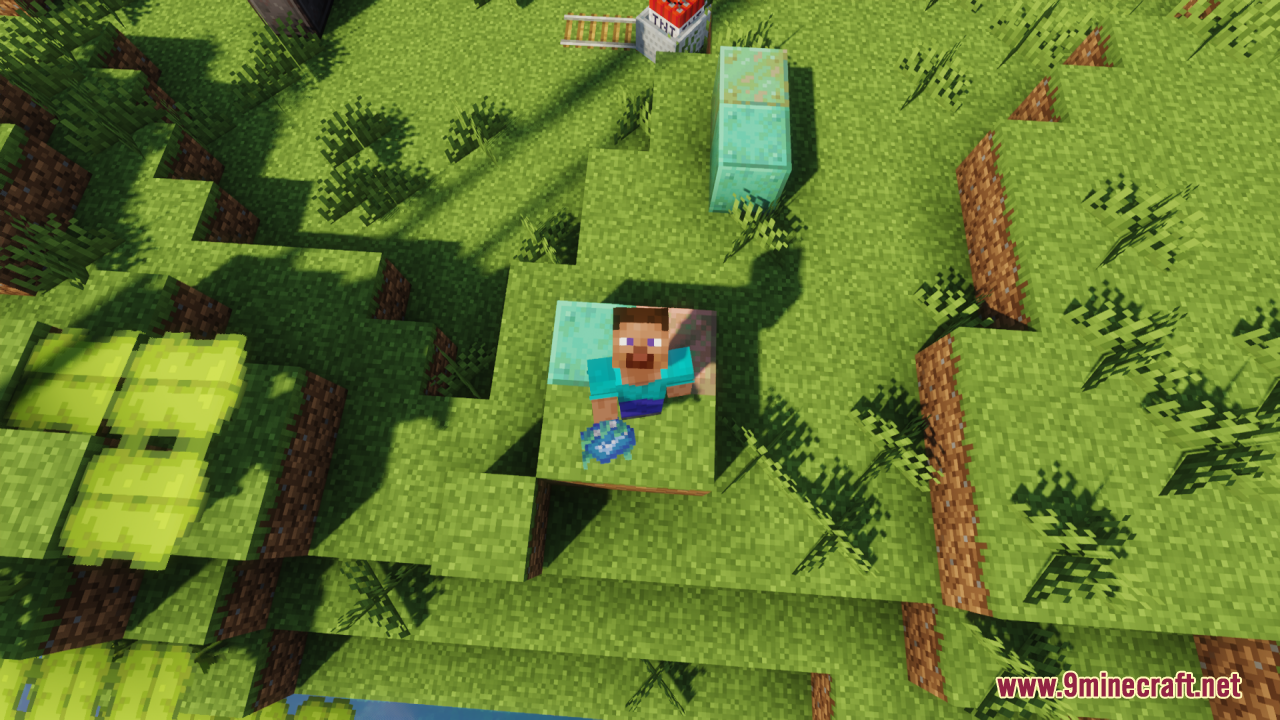
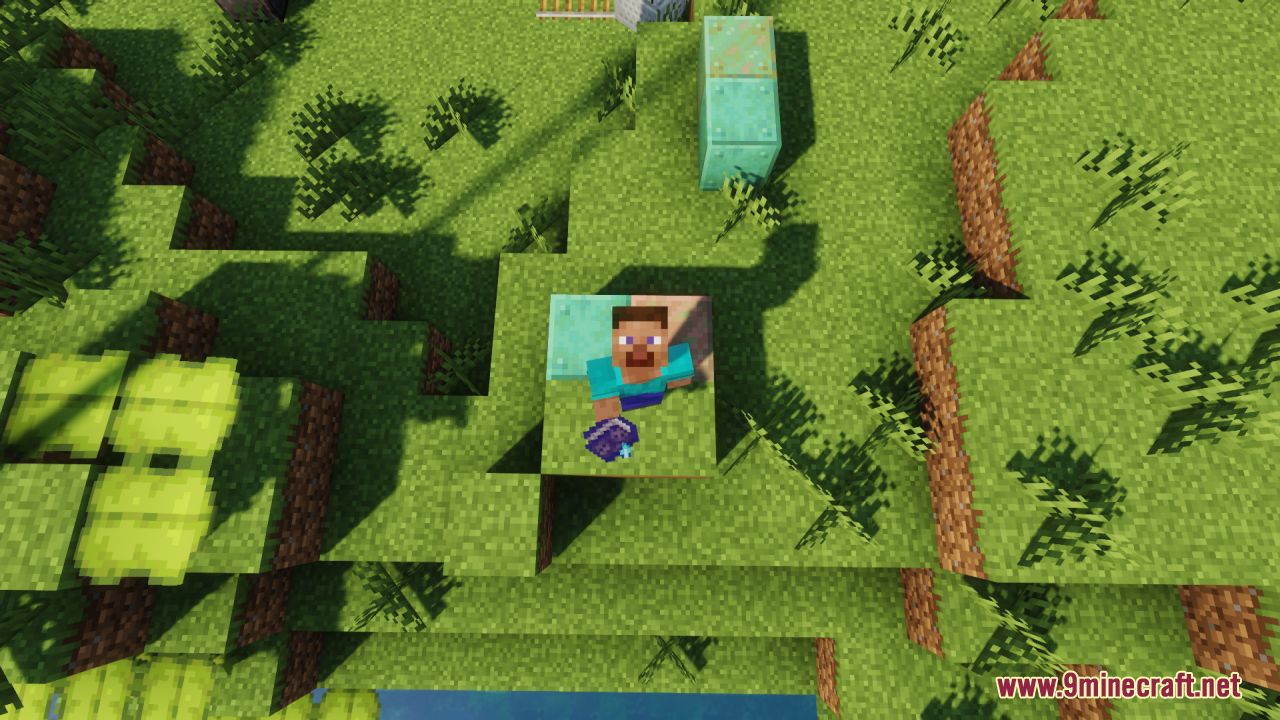
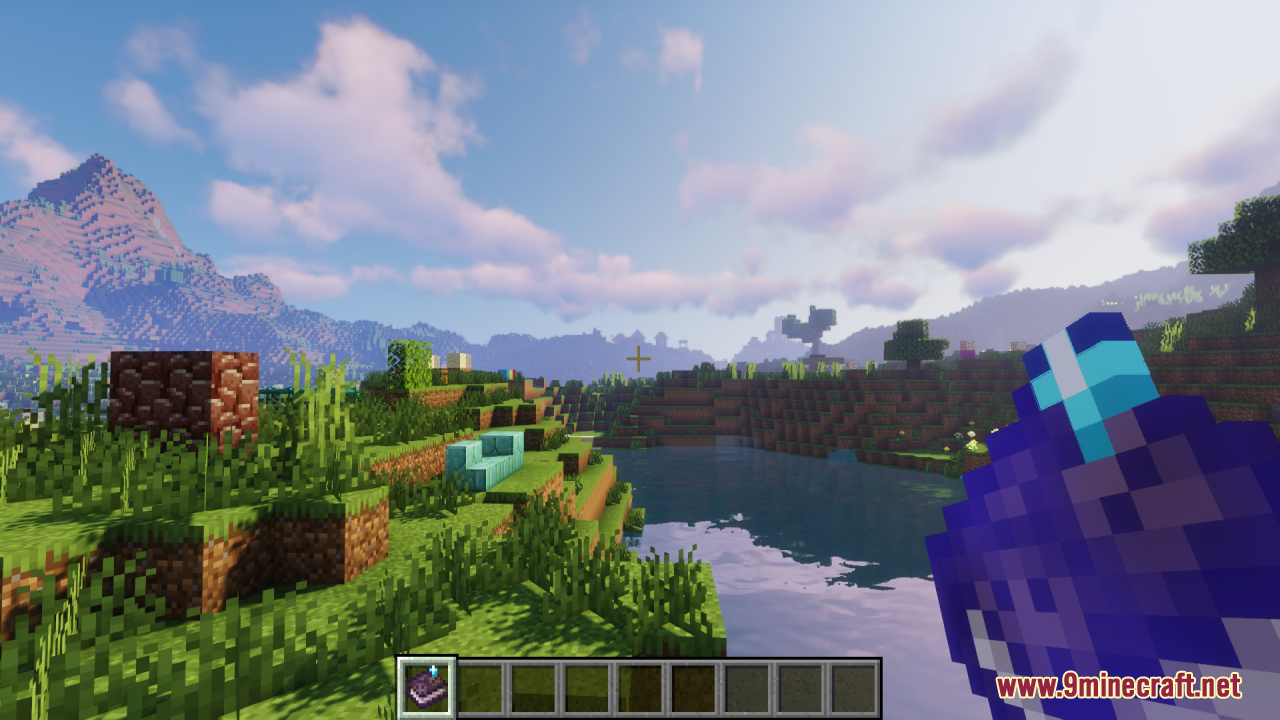
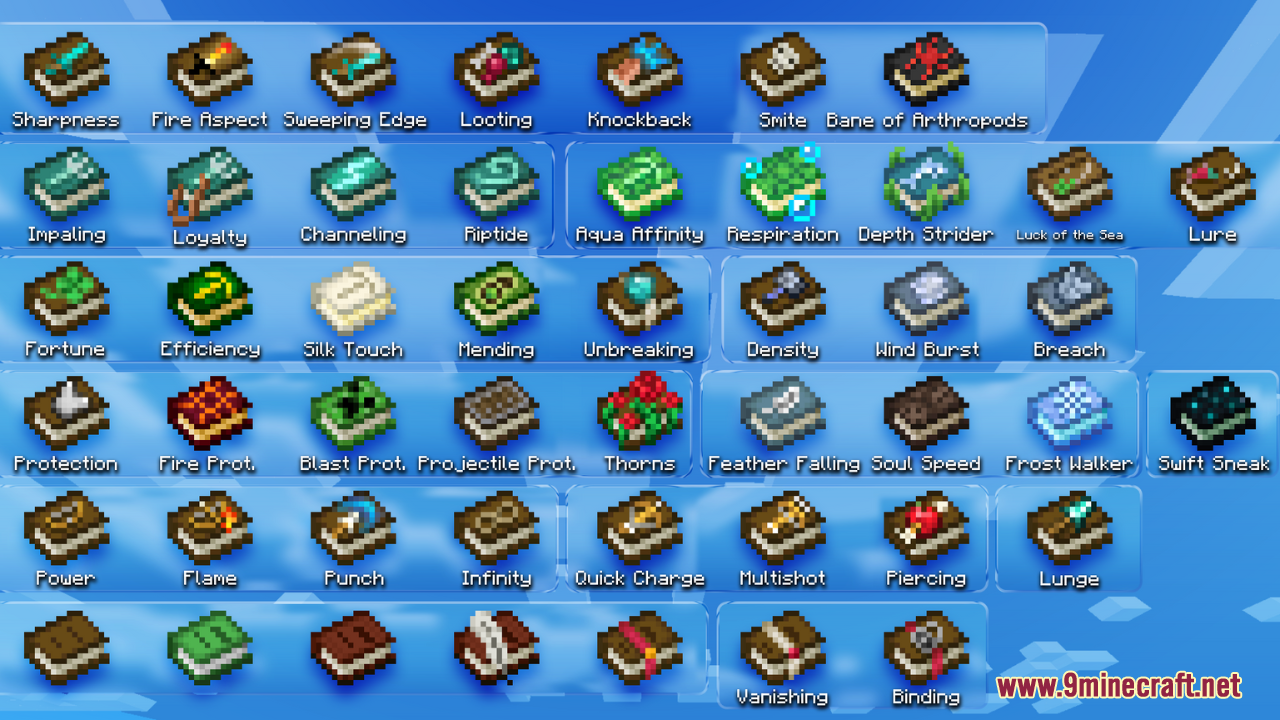
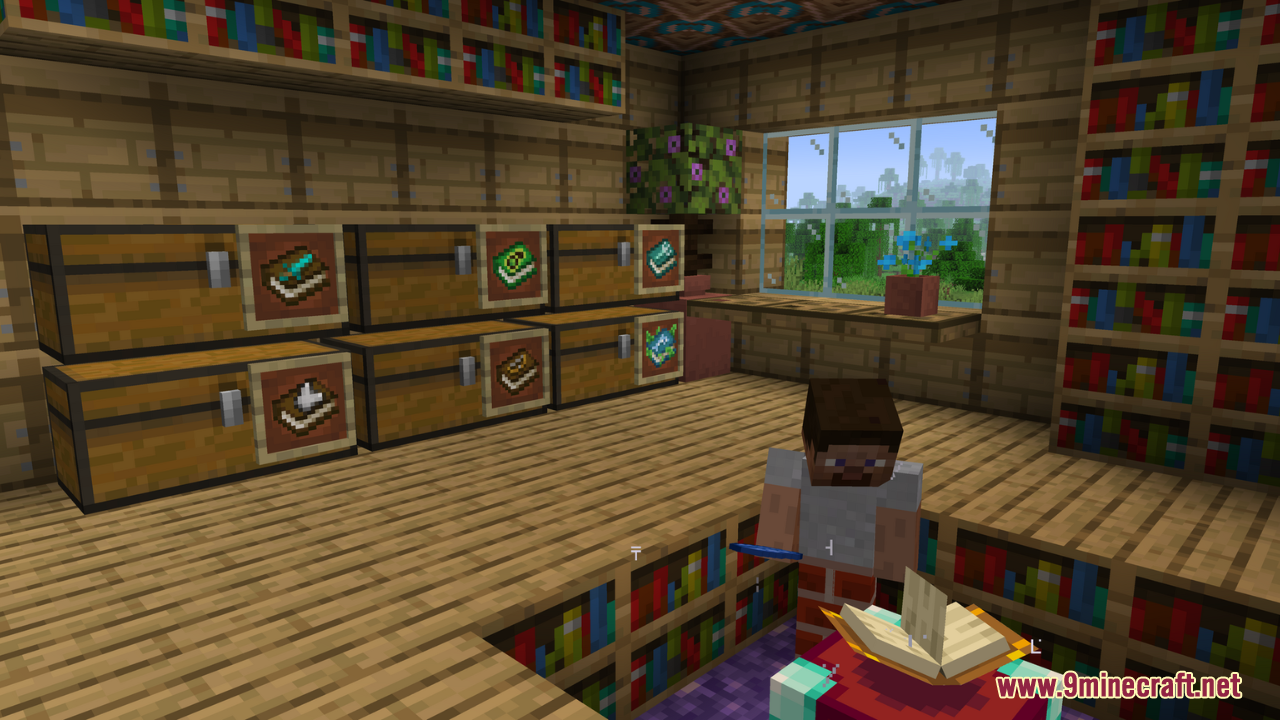
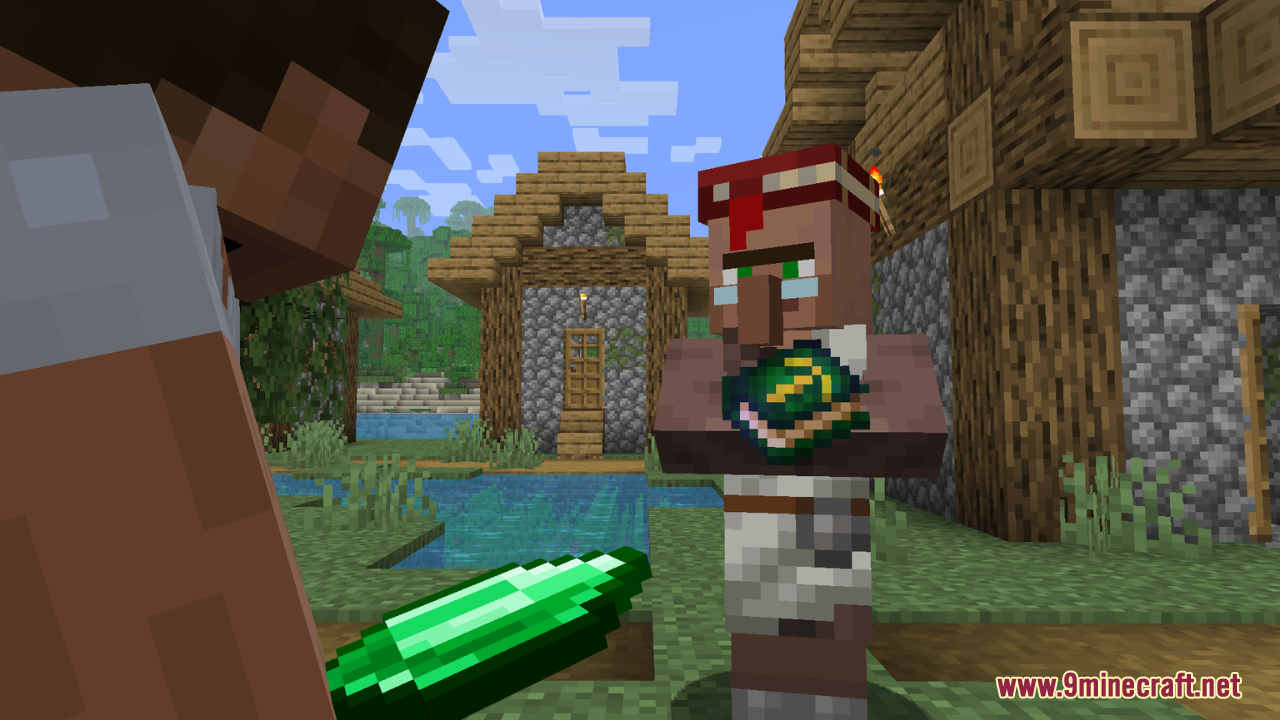
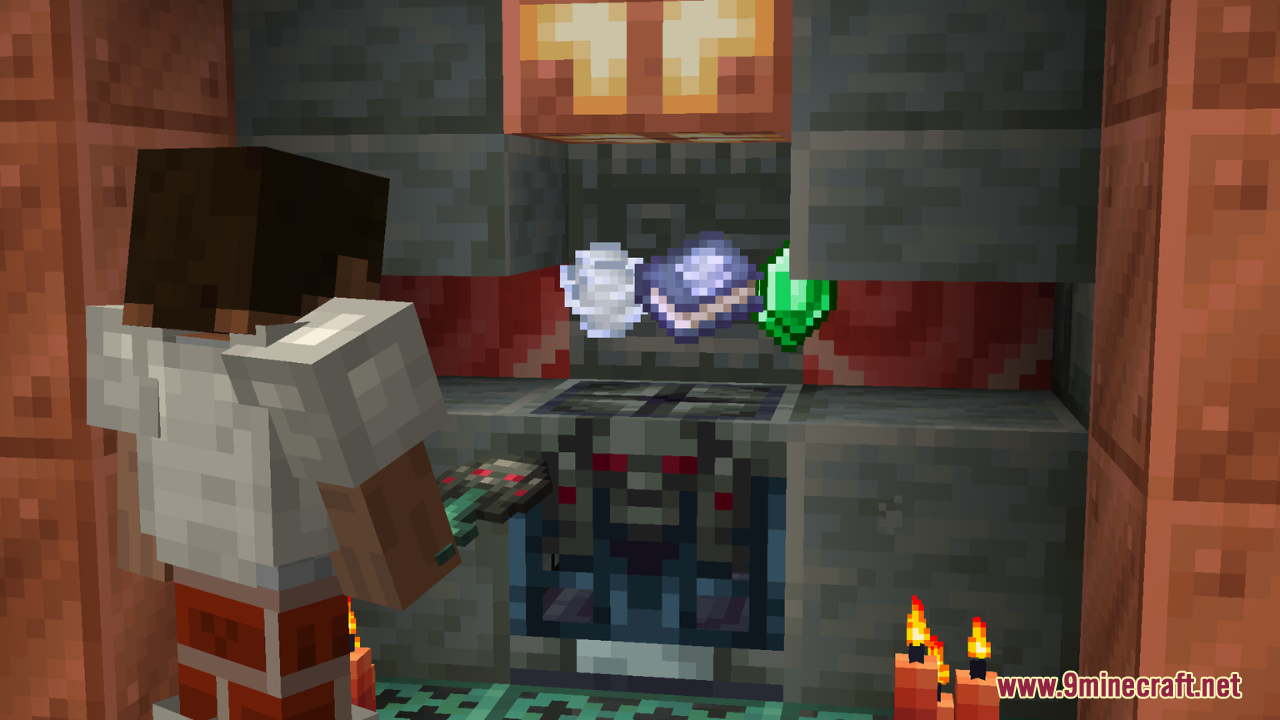
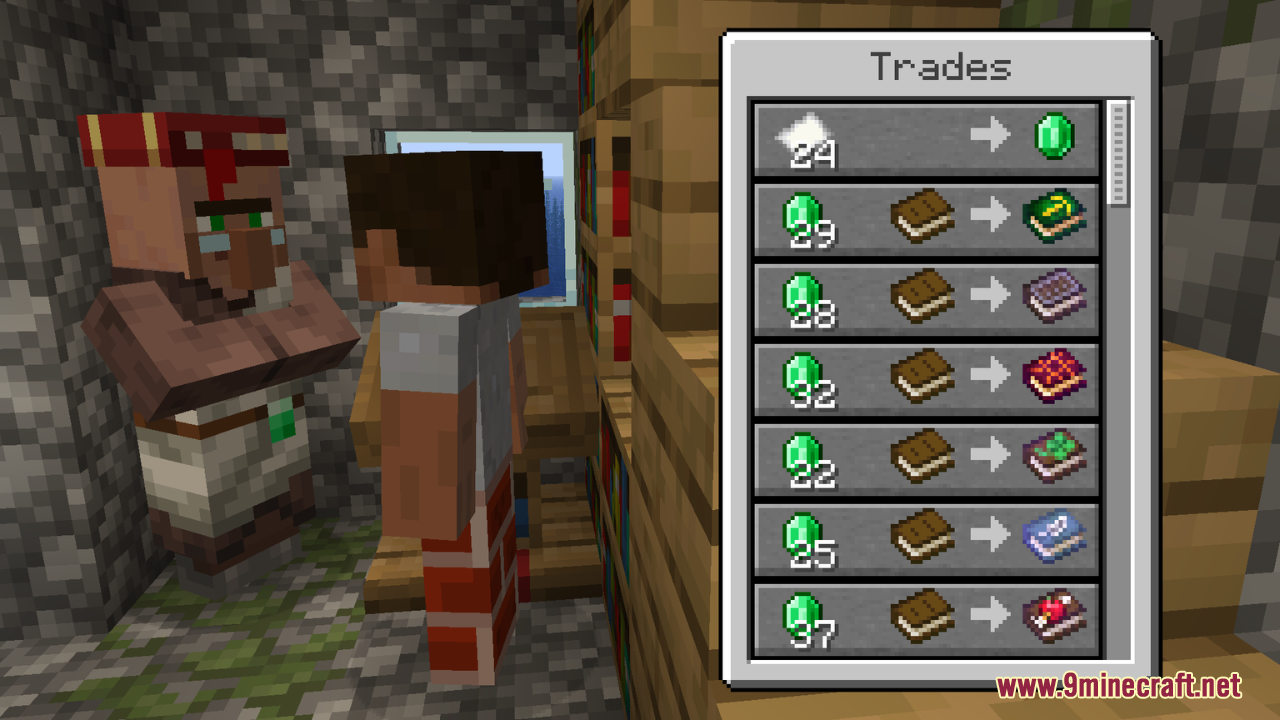
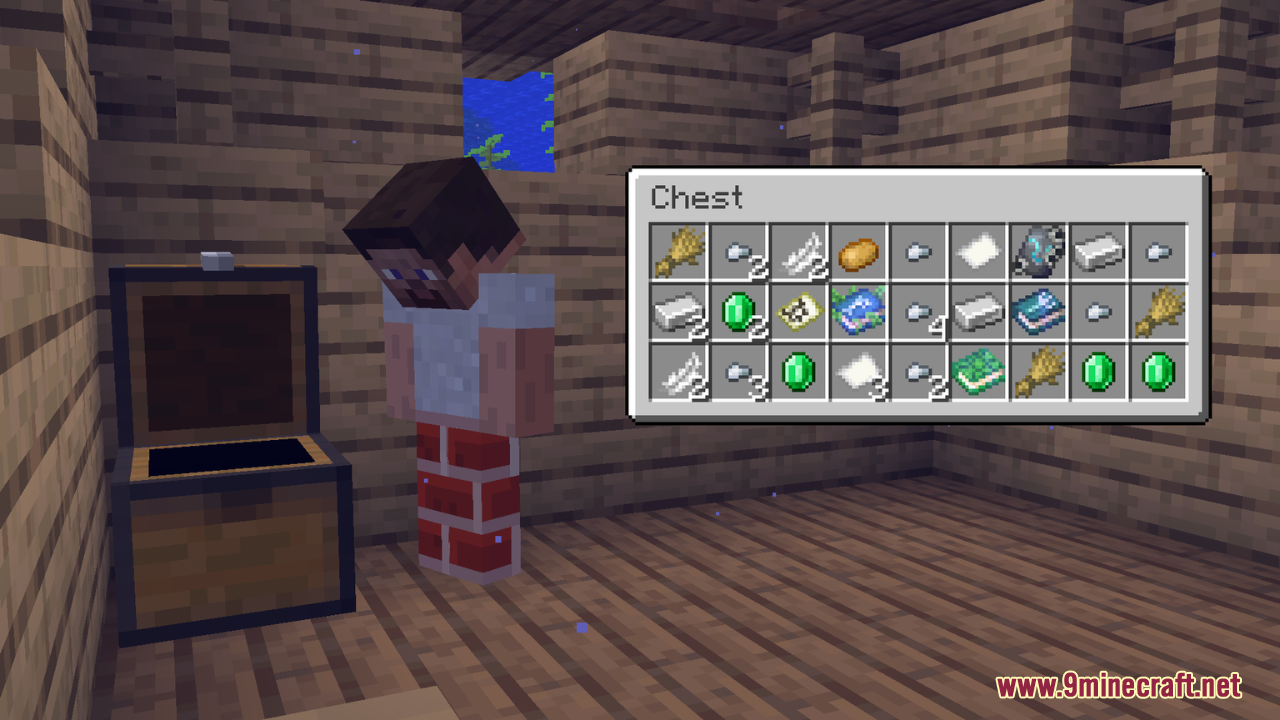
Enchanted Books: Re-covered Resource Pack gives every enchanted book in Minecraft its own unique cover texture. Each book keeps the vanilla art style and classic enchanted shimmer, with clear symbols that match its effect. This pack helps you keep chests neat and find the right book fast in inventories, item frames, or villager trades. It also includes animated book covers and extra visual options that you can change in-game using the Respackopts mod or inside the pack folders. Newer game releases run this resource pack without extra mods, while older releases need Variants-CIT, CIT Resewn, or OptiFine.
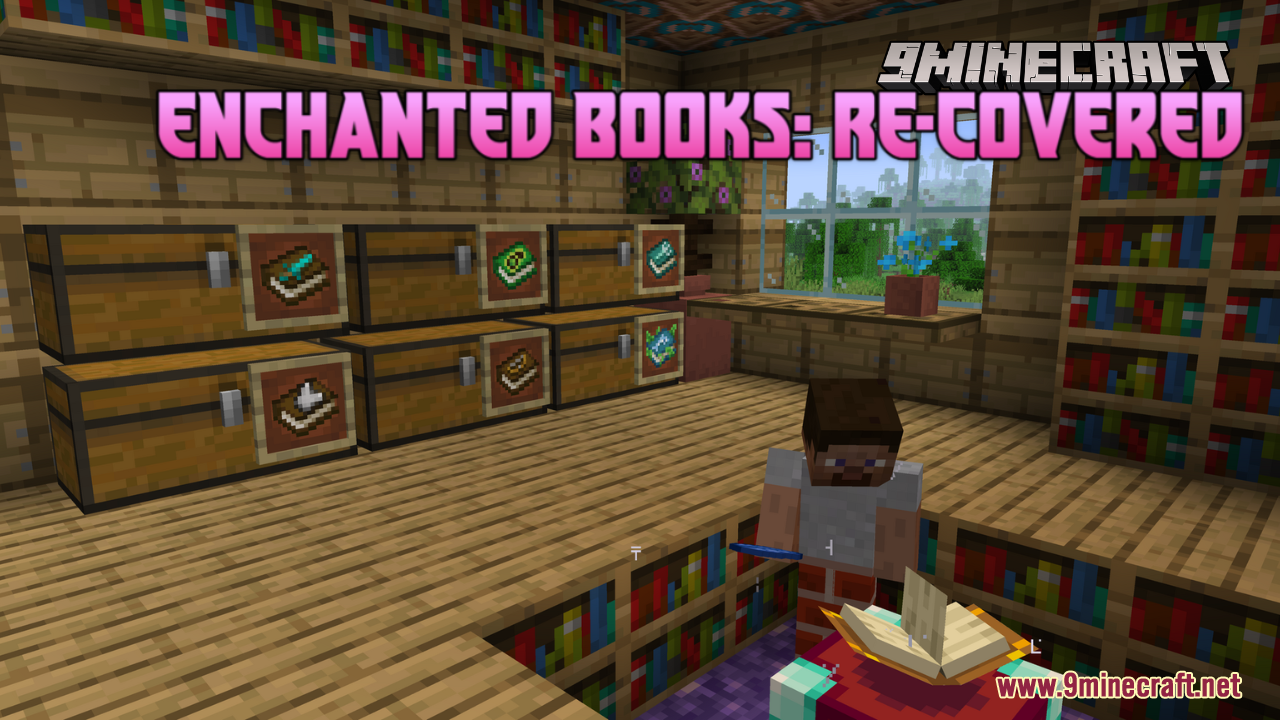
Features:
- Unique Book Covers: Gives every enchanted book in Minecraft its own cover design instead of the plain vanilla texture.
- Vanilla-Style Symbols: Uses clear symbols drawn in the vanilla art style to show each enchantment’s effect right on the cover.
- Keeps the classic enchanted shimmer on every redesigned book.
- Makes chests, inventories, hotbars, item frames, and villager trade menus easier to sort without reading every item name.
- Includes animated cover textures for select enchanted books.
- Supports in-game settings with the Respackopts mod, adding a settings button right inside the Resource Packs menu.
- Lets you swap optional textures by hand in the pack folders if you do not use Respackopts.
- Works on its own in newer Minecraft releases and supports older releases when used with Variants-CIT, CIT Resewn, or OptiFine.
Included Optional Textures:
- Provides non-animated textures so you can turn off cover animations on enchanted books.
- Includes older animated texture versions for Respiration and Depth Strider.
- Offers a transparent background texture for the recipe book button.
- Adds alternative cover textures to replace the default Quick Charge look.
- Bundles a pixelated 32×32 pack icon to use instead of the default icon.
How to Use:
In-Game Settings (With Respackopts):
- Turn on the Respackopts mod along with this resource pack.
- Open the Resource Packs menu in Minecraft and click the settings button on this pack to toggle its visual options right in the game.
Manual File Customization:
- Open this resource pack in your file explorer. If you play on an older Minecraft release, find the matching texture folders and swap the files the same way.
- To turn off animated textures, open
/assets/carl/textures/item/and replace the animated files with the ones inside thenot_animated/folder. - To use the older animated textures for Respiration and Depth Strider, copy them from
/assets/carl/textures/item/alternative/and replace their matching*.png.mcmetafiles too. - To make the recipe book button background transparent, open
/assets/minecraft/textures/gui/sprites/recipe_book/and replace the textures with the files from thetransparent/folder. - To change the Quick Charge cover, open
/assets/carl/textures/item/and replacequick_charge.pngwith one of the textures from thealternative/folder. - To switch to the pixelated pack icon, go to the pack’s root folder and replace
pack.pngwithpack_32x32.png.
Screenshots:
How to Install:
New to Minecraft? Follow our step-by-step guide to install Resource Packs on your PC.View Guide
Requirements:

Enchanted Books: Re-covered Resource Pack Download Links
For Minecraft
26.3.x
All Versions Covered
26.3
26.2
26.1.2
26.1.1
26.1
1.21.11
1.21.10
1.21.9
1.21.8
1.21.7
1.21.6
1.21.5
For Minecraft
26.2.x
All Versions Covered
26.2
26.1.2
26.1.1
26.1
1.21.11
1.21.10
1.21.9
1.21.8
1.21.7
1.21.6
1.21.5
For Minecraft
26.1.x
All Versions Covered
26.1.2
26.1.1
26.1
1.21.11
1.21.10
1.21.9
1.21.8
1.21.7
1.21.6
1.21.5
For Minecraft
1.21.x
All Versions Covered
1.21.11
1.21.10
1.21.9
1.21.8
1.21.7
1.21.6
1.21.5
1.21.4
1.21.3
1.21.2
1.21.1
1.21
1.20.6
1.20.5
1.20.4
1.20.3
1.20.2
1.20.1
1.20
1.19.4
1.19.3
1.19.2
1.19.1
1.19
1.18.2
1.18.1
1.18
For Minecraft 1.21.
You May Also Like
Picked for this page
 New Glowing Ores Resource Pack (26.3, 1.20.1) – Texture Pack
 Motschen’s Better Leaves Resource Pack (26.3, 1.20.1) – Texture Pack
 Default Dark Mode Resource Pack (26.3, 1.20.1) – Texture Pack
 Small Held Items Resource Pack (26.3, 1.20.1) – Texture Pack
 Even Better Enchants Resource Pack (26.2, 1.20.1) – Texture Pack
 Simple Hotbar Resource Pack (26.3, 1.20.1) – Texture Pack
 Better 3D Beds Resource Pack (26.2, 1.20.1) – Texture Pack
 Stellar 3D Resource Pack (26.1.2, 1.20.1) – Texture Pack
 Overgrown Moss Carpet Resource Pack (26.3, 1.20.1) – Texture Pack
 Gen Assets Resource Pack (26.3, 1.20.1) – Texture Pack
 Variants Cakes Resource Pack (26.3, 1.20.1) – Texture Pack
 Cubic Stars Resource Pack (26.1.2, 1.20.1) – Texture Pack
Most viewed in Resource Packs over the last 7 days
 Jenny Mod Skins Resource Pack (1.12.2) – Uzaki, Klee, Mita, and More
 Jenny Mod Skin Pack Mega Collection – 310+ Characters
 Jennycraft Resource Pack (1.20.1) – Skins for Jennycraft Mod
 Dewier’s 20k Resource Pack (1.8.9) – Texture Pack
 750 Models Addon for Yes Steve Model Mod
 Animation Collection for Jenny Mod – 60+ Animations, Updated Regularly
 Vanilla+ 3D Crystal Resource Pack (1.21.1, 1.20.1) – Texture Pack
 Mandala’s GUI Dark Mode 9minecraft Resource Pack (26.3) – Eye-Soothing Dark Mode Menus
 Bare Bones 9minecraft Resource Pack (26.3) – Official Cinematic Trailer Look
 Patrix Resource Pack (26.3, 1.20.1) – The Peak of Photorealism
 Mizuno’s Craft 9minecraft Resource Pack (26.3) – A Cozy Handpainted Storybook World
 Karambit Vault X Punchy Resource Pack (26.3, 1.20.1) – Tactical Knives
More from Resource Packs
 Froxzie’s Variants Resource Pack (1.20.1) – Vibrant Mythic Looks for Saint’s
 Mystic Textures Resource Pack (1.20.1) – Clean Visual Harmony for Modded Worlds
 Stay Clear 9minecraft Resource Pack (26.3) – Clean Borderless Glass for Modern Builds
 Boss Refreshed 9minecraft Resource Pack (26.3) – Darker Epic Boss Showdowns
 Ciso Hungry 3D Tools Resource Pack (26.3, 1.21.1) – Cute Yet Creepy 3D Doll
 Cheetahs Arsenal Resource Pack (26.3, 1.20.1) – Unique Fantasy Blades
 Cork and Balls Resource Pack (1.21.11, 1.20.1) – Glowing 3D Steampunk Gadgets
 DSWG Weapons Plus Resource Pack (1.19.2, 1.18.2) – Modern Tactical Combat
 Xali’s Enchanted Books 9minecraft Resource Pack (26.3)
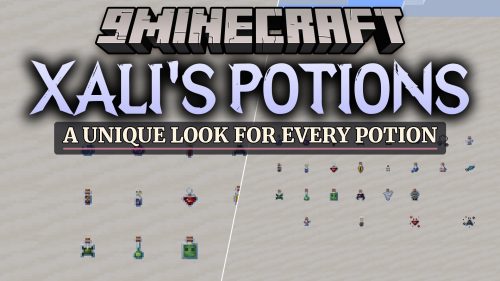 Xali’s Potions 9minecraft Resource Pack (26.3) – Distinct Bottle Shapes for Every Brew
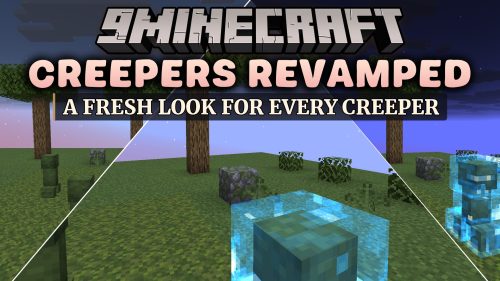 Creepers Revamped 9minecraft Resource Pack (26.3) – Fresh Looks for Iconic Night Mobs
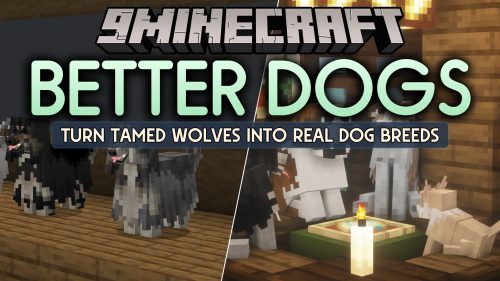 Better Dogs 9minecraft Resource Pack (26.3) – Real World Dog Breeds in Vanilla Style

This post has no comments yet. Be the first — your comment will appear here.