


Hoplite for Lunar Client Modpack (1.21.8, 1.20.1) – Optimized PvP & Voice Chat
 1,235
1,235
 0
0


🌐 Read this article in your language! Choose your preferred language below.
Or pick the one you like:
Hoplite for Lunar Client Modpack packs in a special list of mods to help you fight and explore on the Hoplite server. It adds proximity voice chat so you can talk to other players right inside the game. This pack also boosts your frame rate, fixes memory leaks, and cuts down lag during big battles. You get helpful tools for combat, like a zoom button and a way to keep sprinting easily. Everything in this modpack is tested to run perfectly on Lunar Client.
Features:
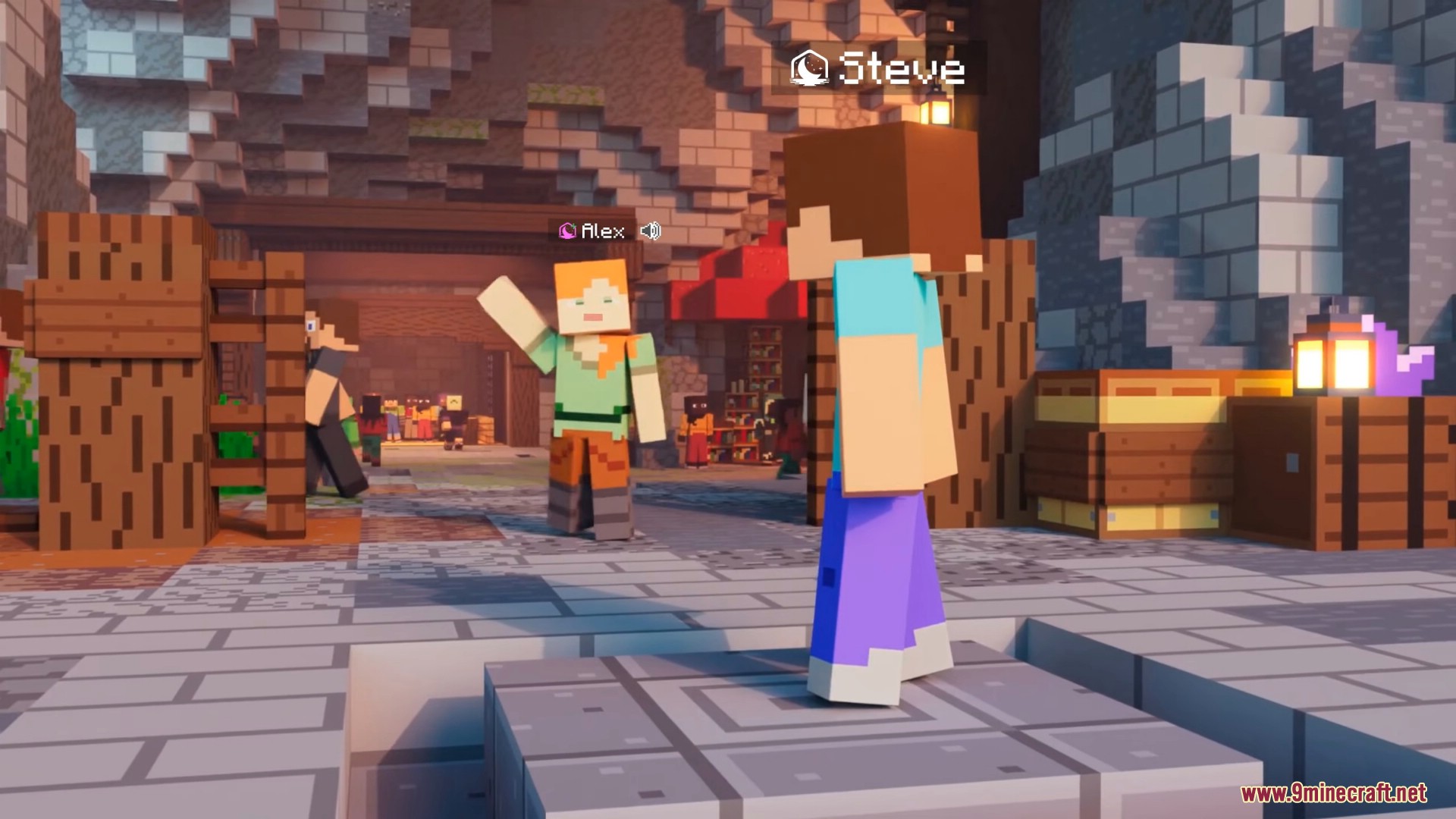
- Proximity Voice Chat: Lets you talk to other players using your microphone when they stand close to you in the game.
- Hoplite Server Ready: The Hoplite for Lunar Client Modpack works perfectly with custom games like Battle Royale and Duels.
Game Speed Improvements:
- Stops the game from drawing blocks and mobs you cannot see to give you higher frames per second.
- Fixes common memory problems that happen in regular Minecraft.
- Lowers the amount of work your computer processor has to do while playing.
- Gives you a better menu to change your graphics, animations, and particle settings.
Combat and PvP Helpers:
- Shows exactly where your teammates are on your screen so you can fight as a group.
- Adds a special button so you can zoom in and look at things far away.
- Lets you keep sprinting or sneaking without holding down the keys on your keyboard.
- Makes important loot items look bigger on the ground so you can grab them faster.
- Changes the color of your screen when your health gets low during a fight.
Settings and Rules:
- Adds a simple menu where you can look at all the active mods.
- Turns off unfair tools like minimaps automatically to keep the game fair for everyone.
Settings and Rules:
- Adds a simple menu where you can look at all the active mods.
- Turns off unfair tools like minimaps automatically to keep the game fair for everyone.
How to Use:
- Open the Lunar Client application.
- Click the Hoplite logo in the quick play menu.
- Click the “Launch Modpack” button to start.
Screenshots:






How to Install:
New to Minecraft? Follow our step-by-step guide to install Modpacks on your PC.View Guide
Hoplite for Lunar Client Modpack Download Links
For Minecraft 1.21.8
Fabric Version (Server Files): Download from Server 1
For Minecraft 1.21.1, 1.21
Fabric Version (Server Files): Download from Server 1
For Minecraft 1.20.1, 1.20
Fabric Version (Server Files): Download from Server 1
Click to rate this post!
[Total: 0 Average: 0]
You May Also Like













This post has no comments yet. Be the first — your comment will appear here.