
White Block Selection Outline Resource Pack (26.2, 1.20.1)
 1,627
 0


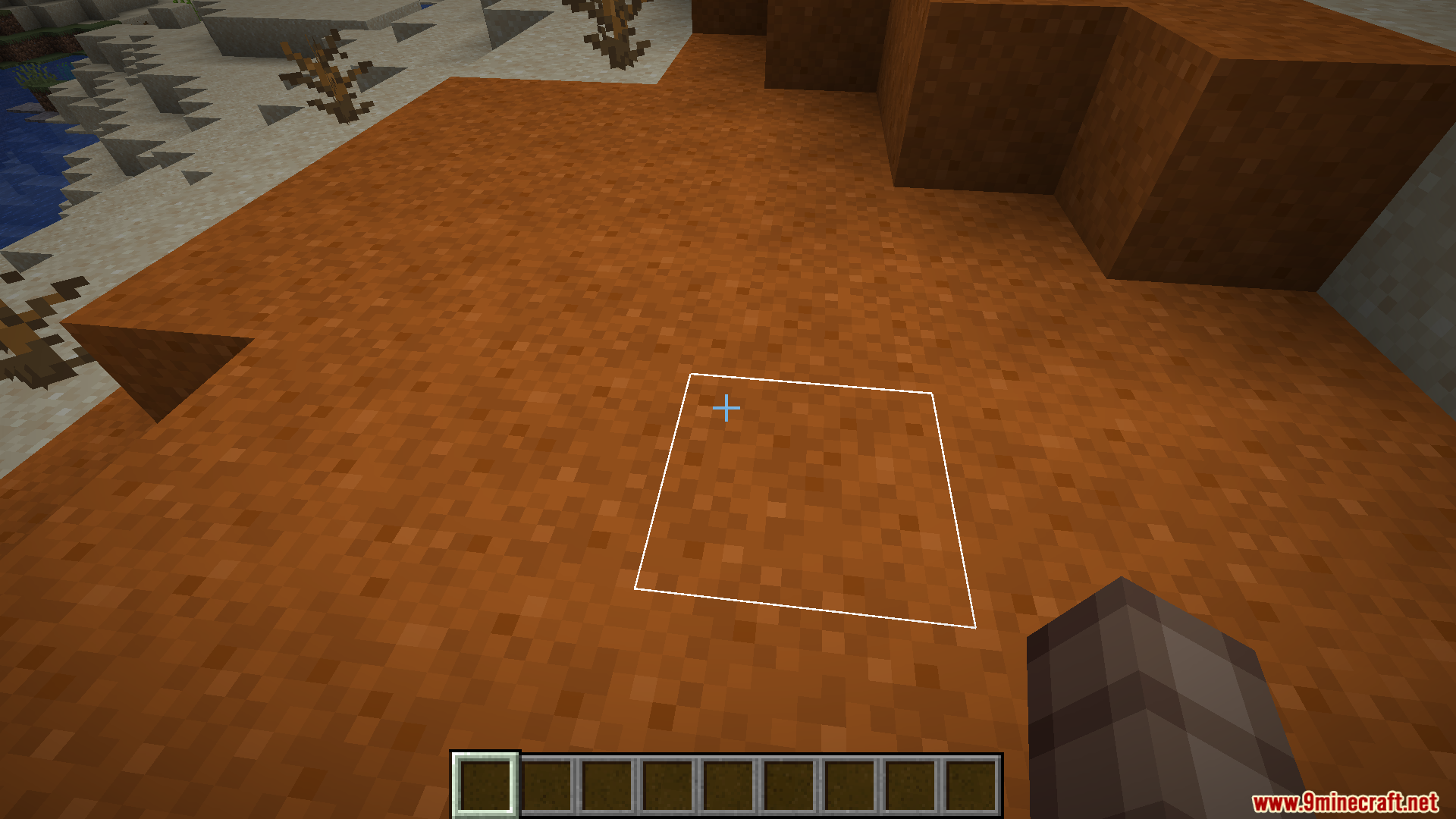
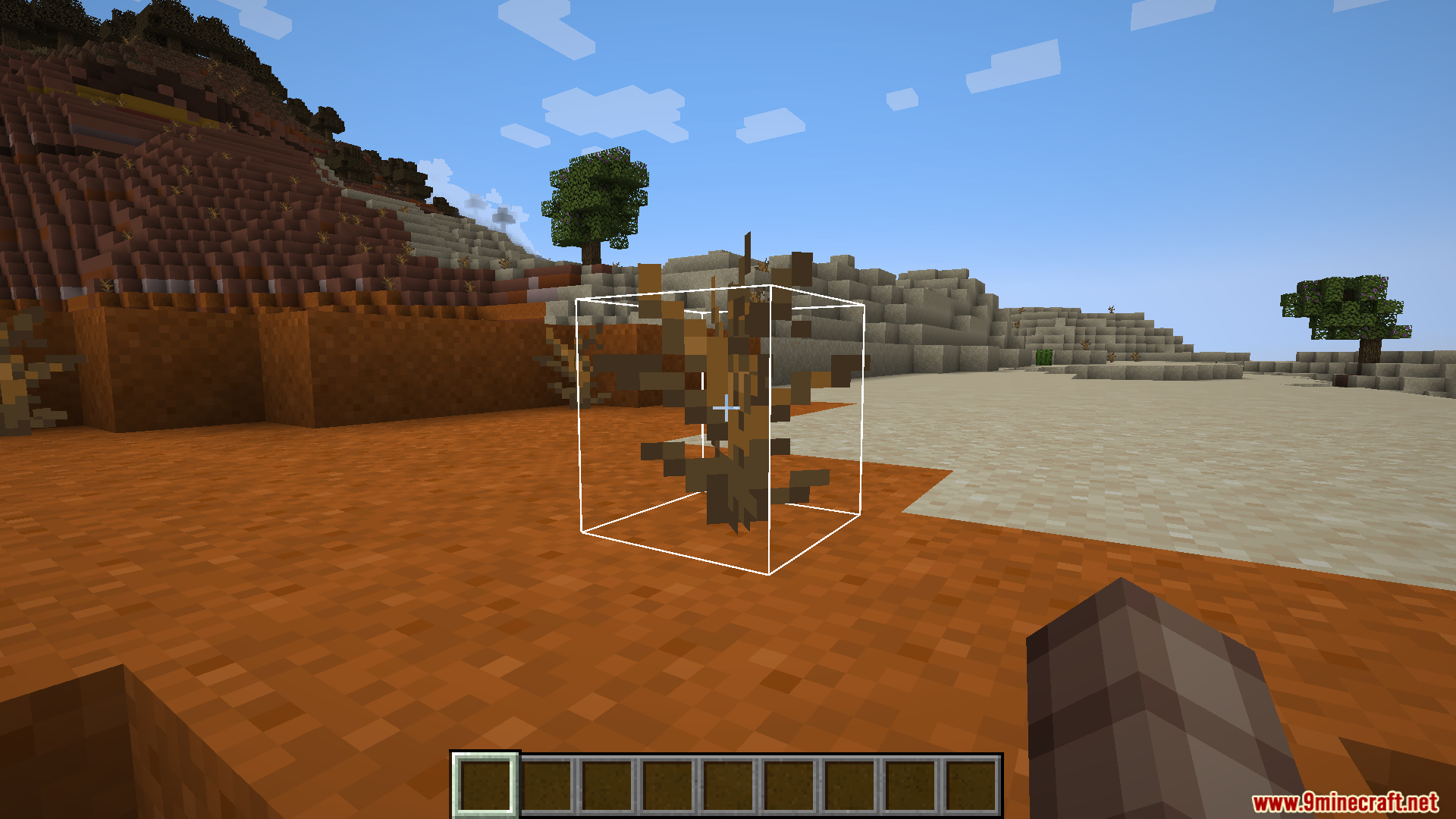
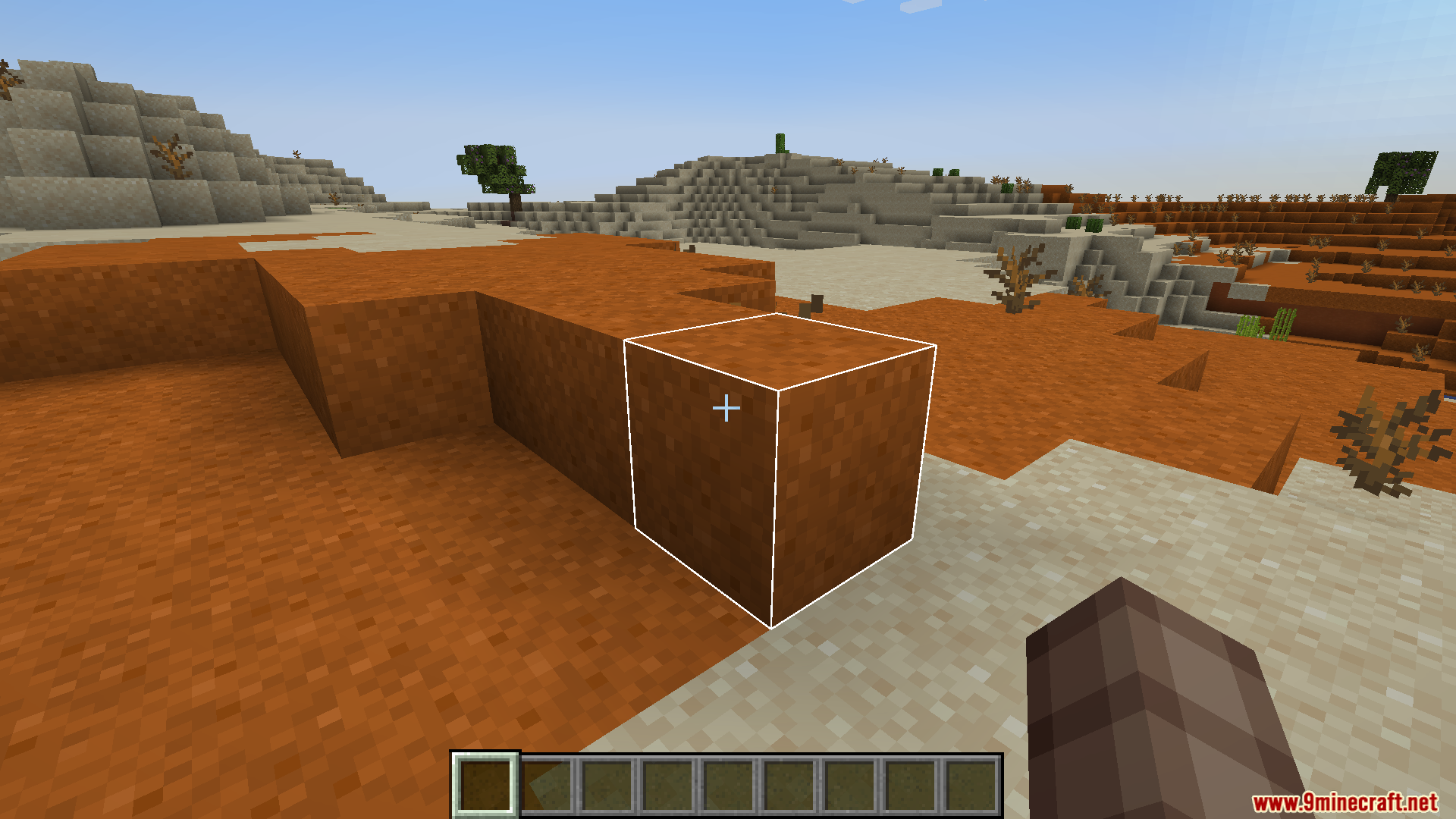
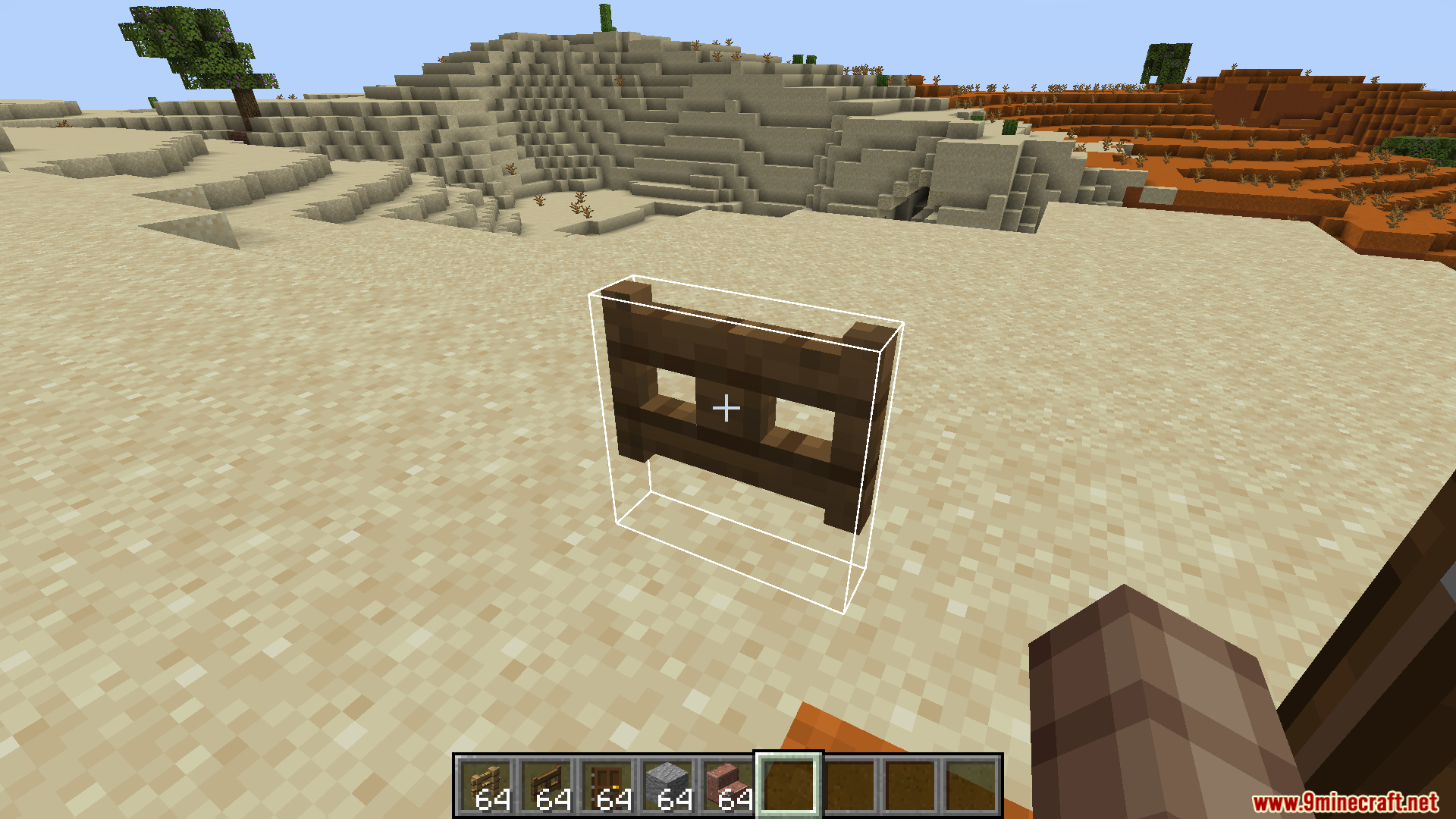
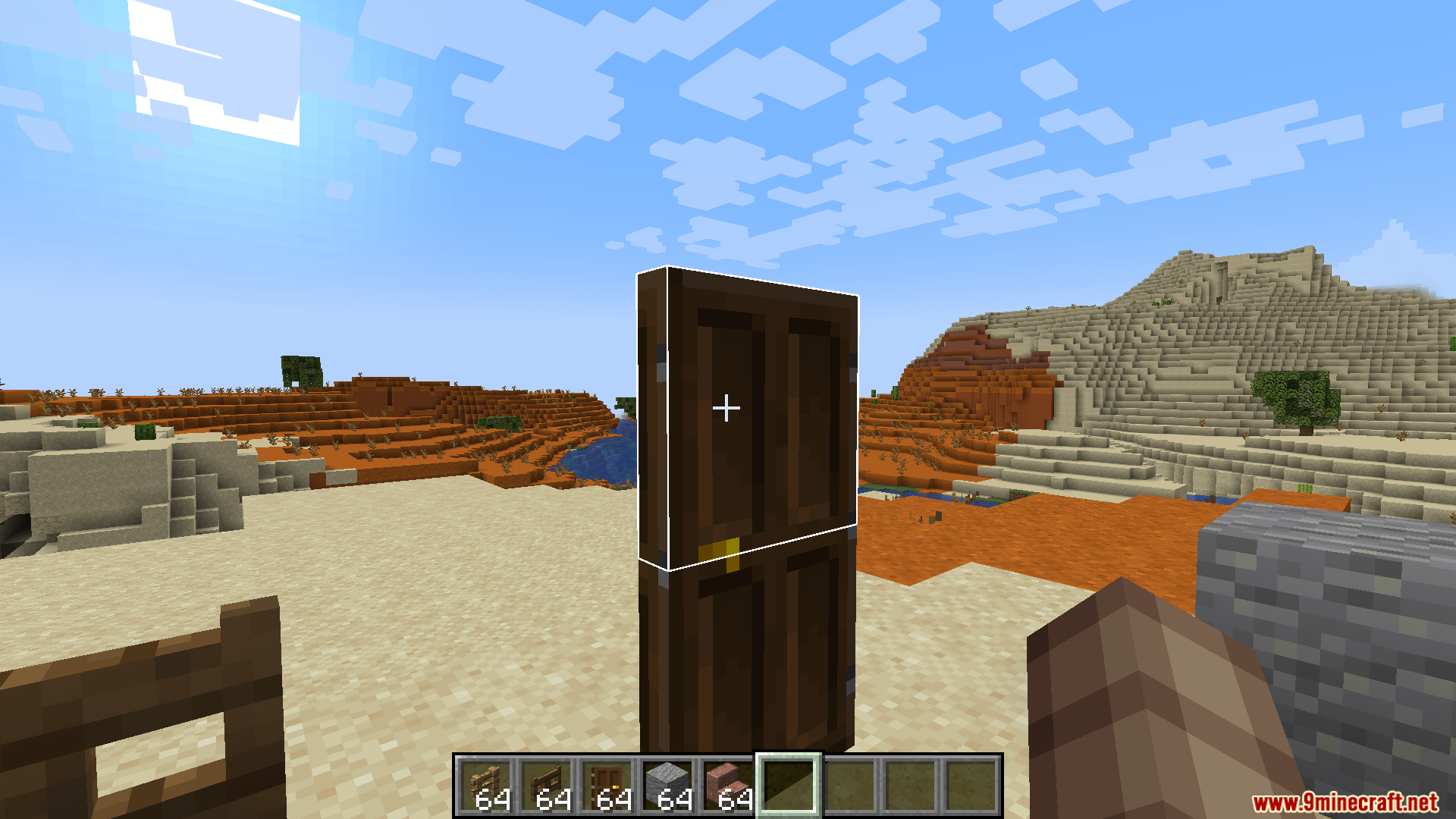
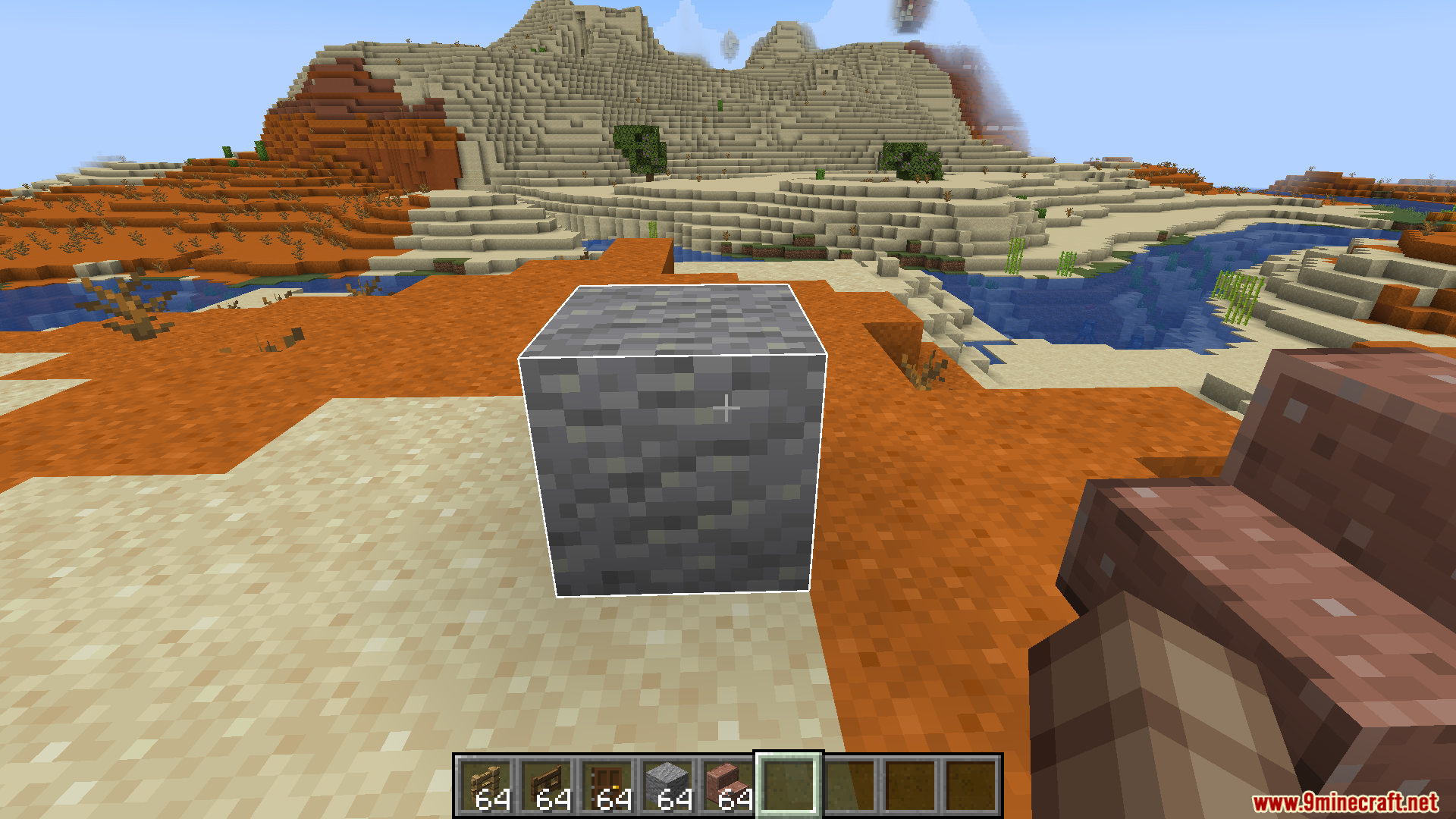
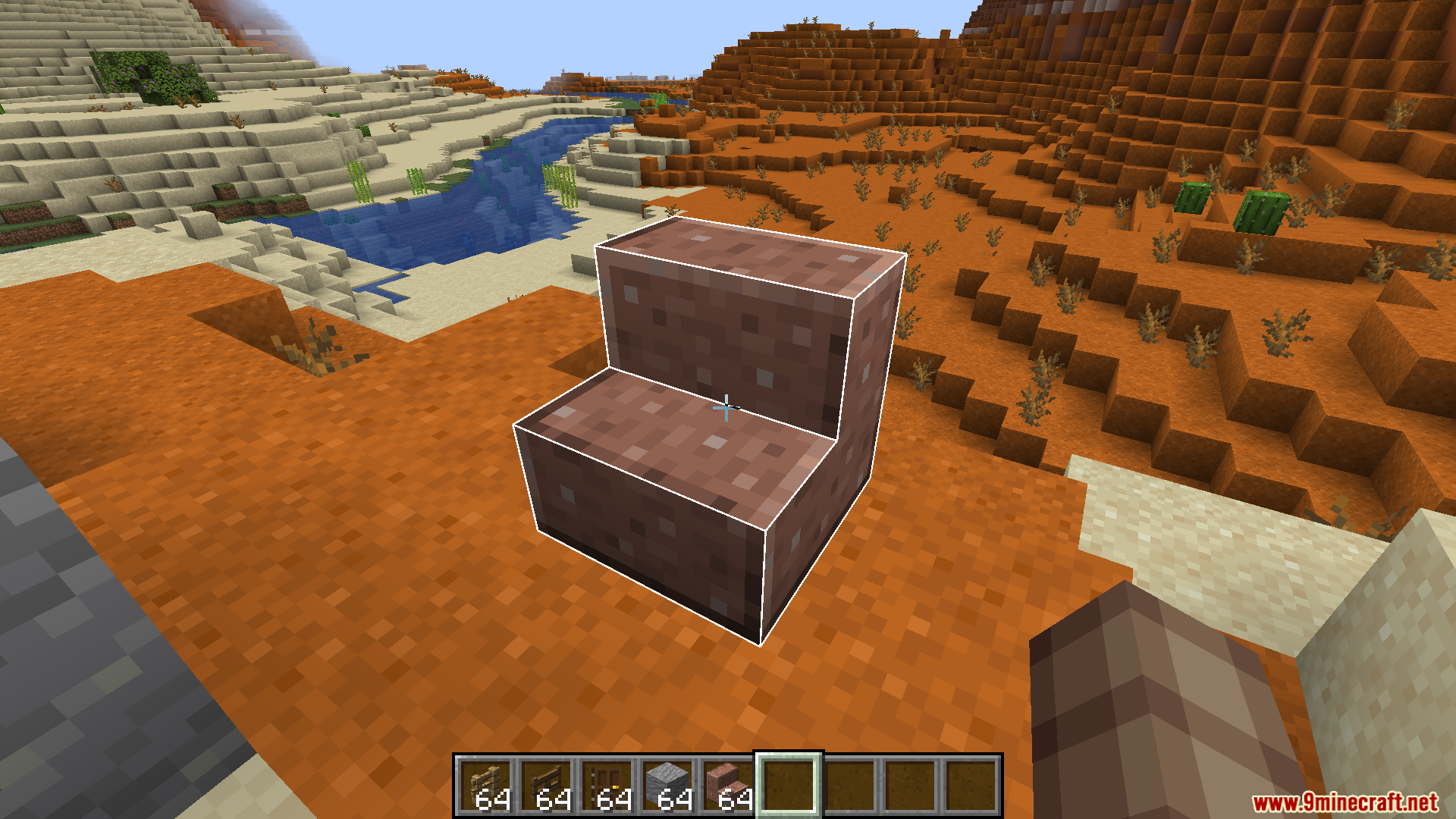
White Block Selection Outline Resource Pack replaces the default black block selection outline with a clean white border. This pack uses core shaders to give you a white highlight whenever you point at a block in your world.
Features:
- Changes the standard black block selection outline to white.
- Uses core shaders to apply the new border color.
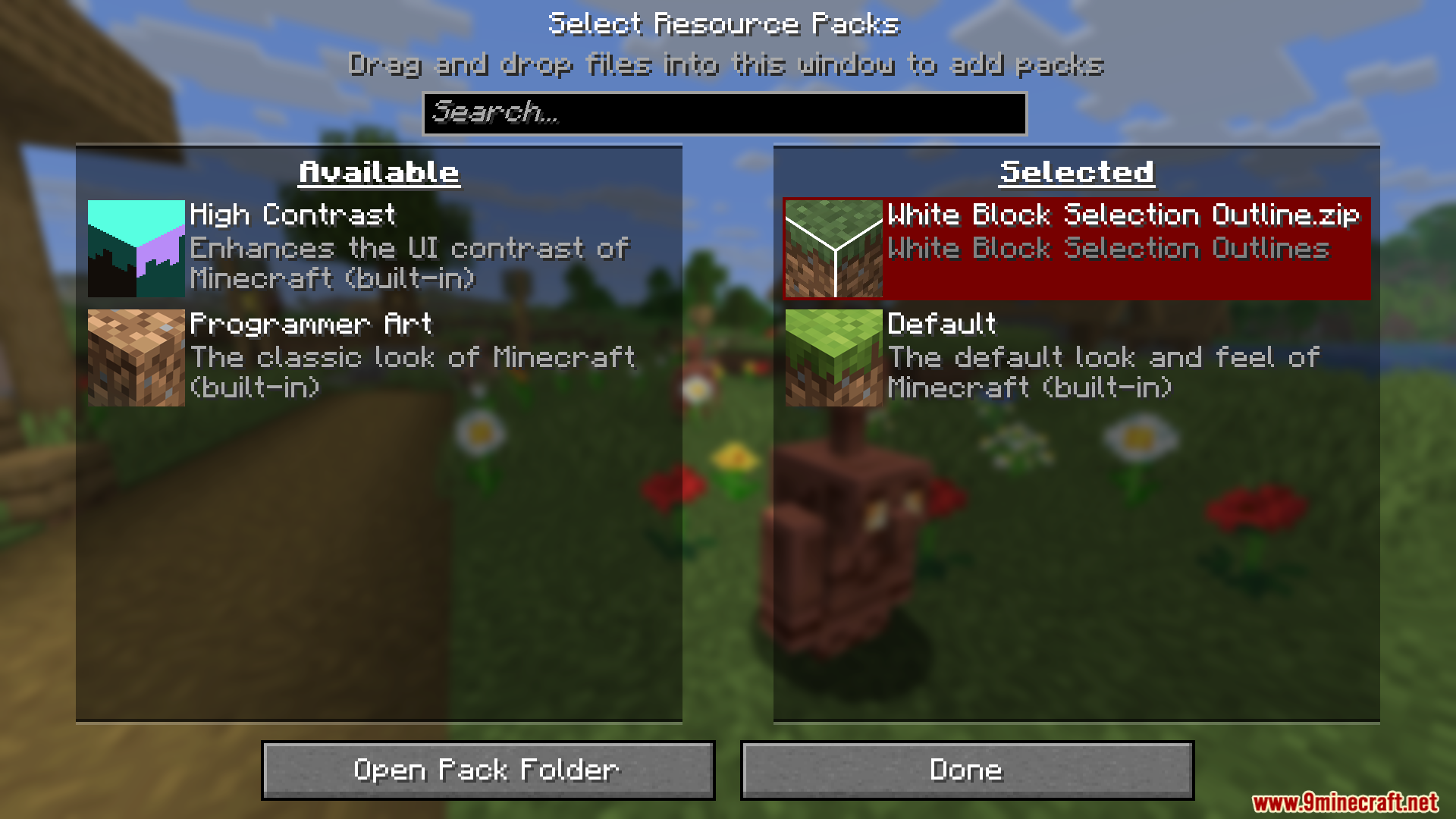
- Keeps the in-game outline thinner than the thick line on the pack icon.
- Highlights regular blocks as well as shapes like stairs, fences, doors, and dead bushes.
Screenshots:
How to Install:
New to Minecraft? Follow our step-by-step guide to install Resource Packs on your PC.View Guide
Requirements:

White Block Selection Outline Resource Pack Download Links
For Minecraft
26.2.x
All Versions Covered
26.2
26.1.2
26.1.1
26.1
1.21.11
1.21.10
1.21.9
1.21.8
1.21.7
1.21.6
1.21.5
1.21.4
1.21.3
1.21.2
1.21.1
1.21
1.20.6
1.20.5
1.20.4
1.20.3
1.20.2
1.20.1
1.20
1.19.4
1.19.3
1.19.2
1.19.1
1.19
All Versions Covered
26.2
26.1.2
26.1.1
26.1
1.21.11
1.21.10
1.21.9
1.21.8
1.21.7
1.21.6
1.21.5
1.21.4
1.21.3
1.21.2
1.21.1
1.21
1.20.6
1.20.5
1.20.4
1.20.3
1.20.2
1.20.1
1.20
1.19.4
1.19.3
1.19.2
1.19.1
1.19
For Minecraft 1.21.
Click to rate this post!
[Total: 7 Average: 4.1]
You May Also Like
Picked for this page
 Motschen’s Better Leaves Resource Pack (26.3, 1.20.1) – Texture Pack
 Default Dark Mode Resource Pack (26.3, 1.20.1) – Texture Pack
 Simple Hotbar Resource Pack (26.3, 1.20.1) – Texture Pack
 Borderless Glass Resource Pack (26.3, 1.20.1) – Texture Pack
 Low On Fire Resource Pack (26.3, 1.20.1) – Texture Pack
 No Enchant Glint Resource Pack (26.3, 1.20.1) – Texture Pack
 Extended Illumina Resource Pack (26.3, 1.20.1) – Texture Pack
 Aimz (26.3, 1.20.1) – Lunar Arrow Crosshair Resource Pack – Texture Pack
 Custom Background HD Resource Pack (26.3, 1.20.1) – Texture Pack
 HD Font (26.3, 1.20.1) – Roboto Bold Resource Pack – Texture Pack
 Simple Realistic Resource Pack (26.3, 1.20.1) – Texture Pack
 Aimz (26.3, 1.20.1) – Throne and Liberty Crosshair Resource Pack – Texture Pack
Most viewed in Resource Packs over the last 7 days
 Jenny Mod Skins Resource Pack (1.12.2) – Uzaki, Klee, Mita, and More
 Jenny Mod Skin Pack Mega Collection – 310+ Characters
 Jennycraft Resource Pack (1.20.1) – Skins for Jennycraft Mod
 Dewier’s 20k Resource Pack (1.8.9) – Texture Pack
 750 Models Addon for Yes Steve Model Mod
 Animation Collection for Jenny Mod – 60+ Animations, Updated Regularly
 Vanilla+ 3D Crystal Resource Pack (1.21.1, 1.20.1) – Texture Pack
 Mandala’s GUI Dark Mode 9minecraft Resource Pack (26.3) – Eye-Soothing Dark Mode Menus
 Patrix Resource Pack (26.3, 1.20.1) – The Peak of Photorealism
 Bare Bones 9minecraft Resource Pack (26.3) – Official Cinematic Trailer Look
 Mizuno’s Craft 9minecraft Resource Pack (26.3) – A Cozy Handpainted Storybook World
 Bloom & Serenity UI Resource Pack (1.21.1, 1.20.1) – Cozy Room-Themed GUI
More from Resource Packs
 Twilight Forest Farmer’s Delight Bark Cutting Compat Resource Pack (1.21.1, 1.20.1)
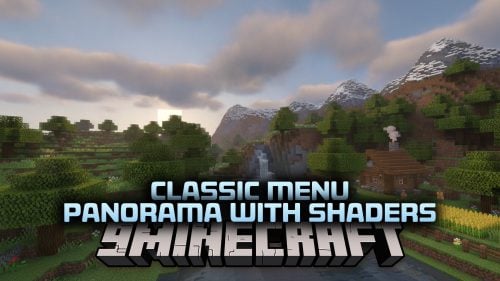 Classic Menu Panorama with Shaders Resource Pack (1.16.5)
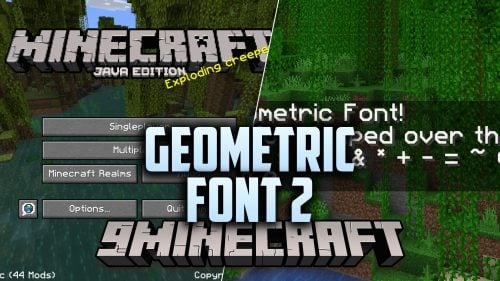 Geometric Font 2 Resource Pack (1.21.11, 1.20.1) – Sleek Balanced Menu Font
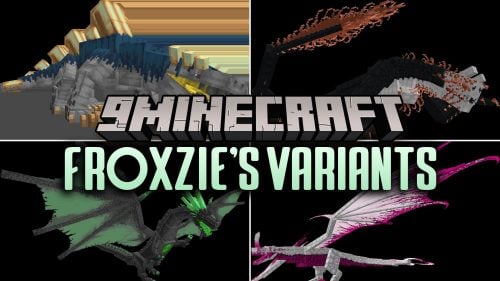 Froxzie’s Variants Resource Pack (1.20.1) – Vibrant Mythic Looks for Saint’s
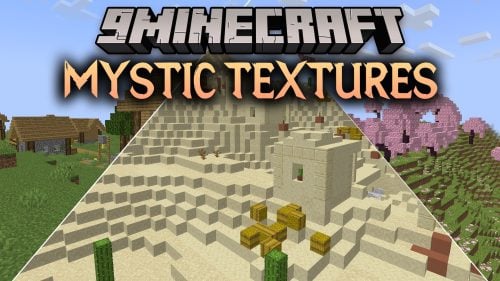 Mystic Textures Resource Pack (1.20.1) – Clean Visual Harmony for Modded Worlds
 Stay Clear 9minecraft Resource Pack (26.3) – Clean Borderless Glass for Modern Builds
 Boss Refreshed 9minecraft Resource Pack (26.3) – Darker Epic Boss Showdowns
 Ciso Hungry 3D Tools Resource Pack (26.3, 1.21.1) – Cute Yet Creepy 3D Doll
 Cheetahs Arsenal Resource Pack (26.3, 1.20.1) – Unique Fantasy Blades
 Cork and Balls Resource Pack (1.21.11, 1.20.1) – Glowing 3D Steampunk Gadgets
 DSWG Weapons Plus Resource Pack (1.19.2, 1.18.2) – Modern Tactical Combat
 Xali’s Enchanted Books 9minecraft Resource Pack (26.3)

This post has no comments yet. Be the first — your comment will appear here.