


Reliable Replacer Mod (26.2, 1.20.1) – Ban Or Swap Any Block In Your World

 0
0 

🌐 Good news — we've translated this article into other languages!
Or pick the one you like:
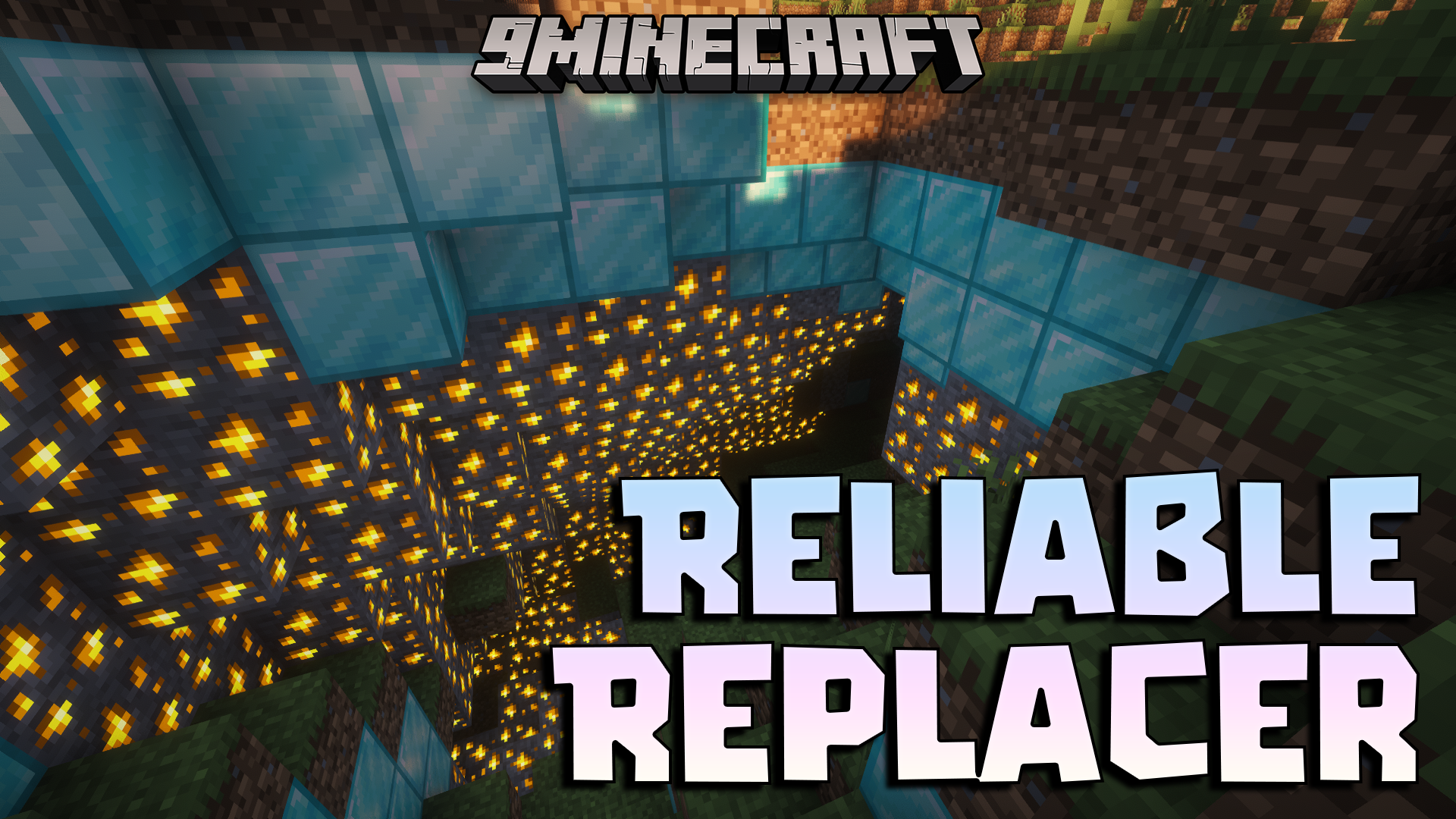
Reliable Replacer Mod lets you swap one block for another anywhere in your world. This mod changes blocks as the world generates or after players place them. It gives you an easy way to ban certain items or restrict how they appear using simple text files. You can set up rules to turn dirt into stone or change specific doors automatically. The mod runs entirely on the server side, so players joining your world do not need to install it.
Features:
- Live Reloading: Type a command to update your block rules instantly.
- Server-Side Only: Players join your world normally without needing to download the mod.
- Advanced Filtering: Swap blocks only in specific biomes, dimensions, or coordinates.
- Structure Swapping: Set rules to change blocks only inside game structures.
- Player Placement Rules: Choose if the mod changes blocks that players build themselves.
- Block State Checks: Swap blocks only if they meet conditions, like an open door.
- Neighbor Detection: Change a block only if it sits next to a specific item.
- Percentage Chance: Make block changes happen randomly instead of every time.
- Property Inheritance: Keep the properties of the old block when a new one replaces it.
- No Extra Files: The mod runs on its own without requiring other library files.
Configuration:
- The Reliable Replacer Mod reads simple JSON files stored in the
config/reliable_replacerfolder. - You can organize your rules into different text files or folders.
- Run the
/reloadcommand in the game to apply any changes you make to the files.
How to Use:
- Open the
config/reliable_replacerfolder in your game files. - Create a new text file and name it something like
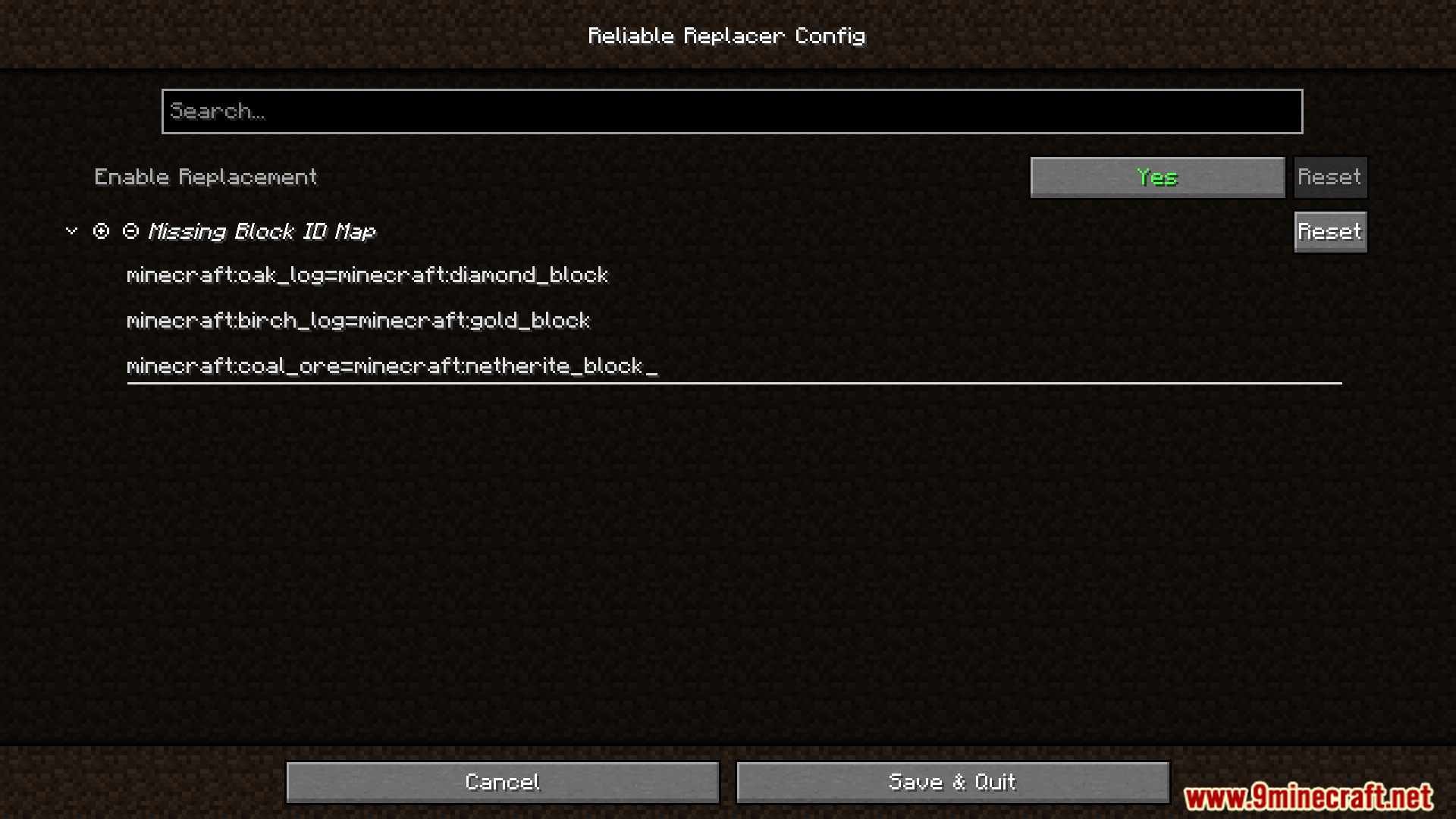
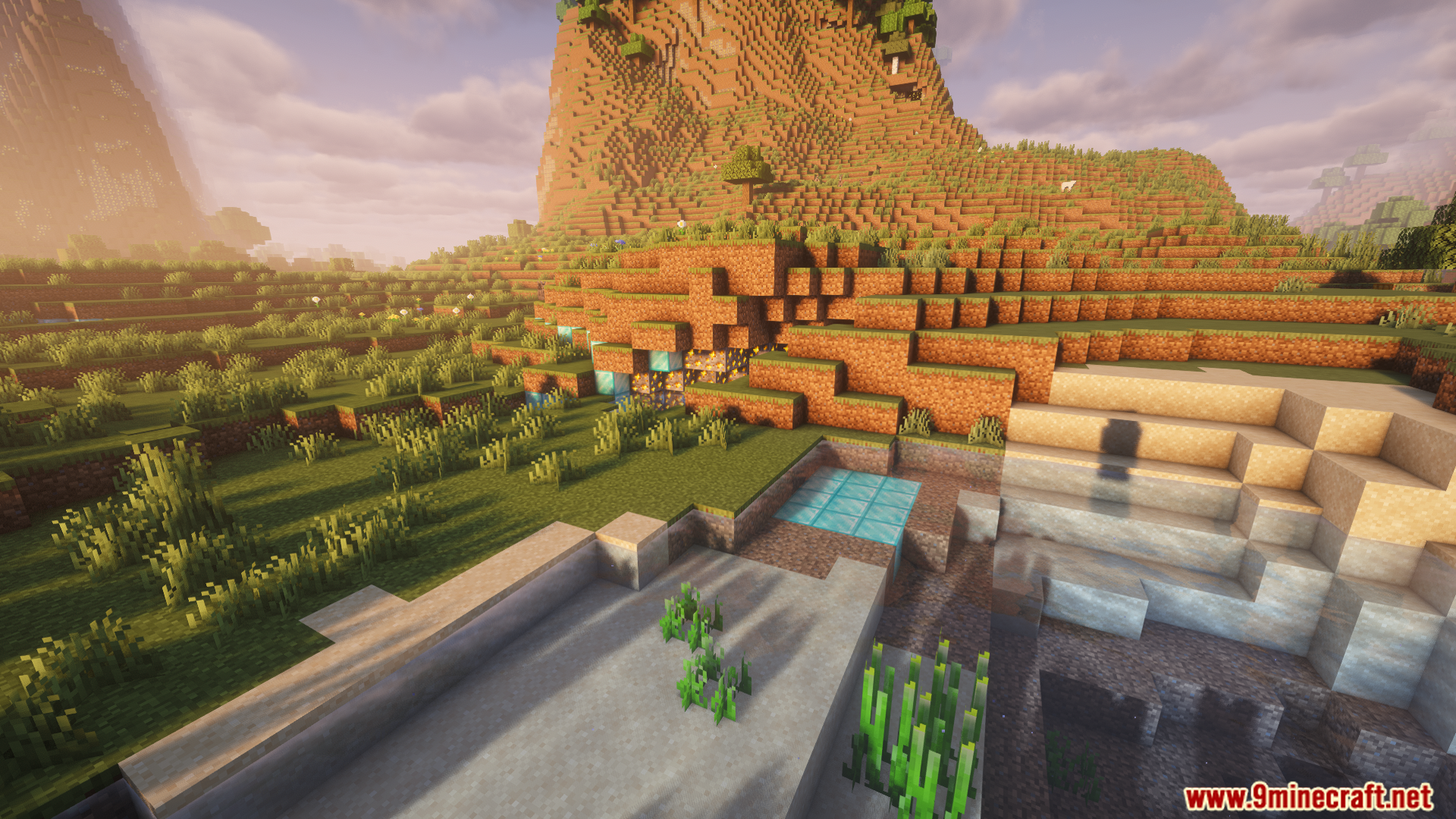
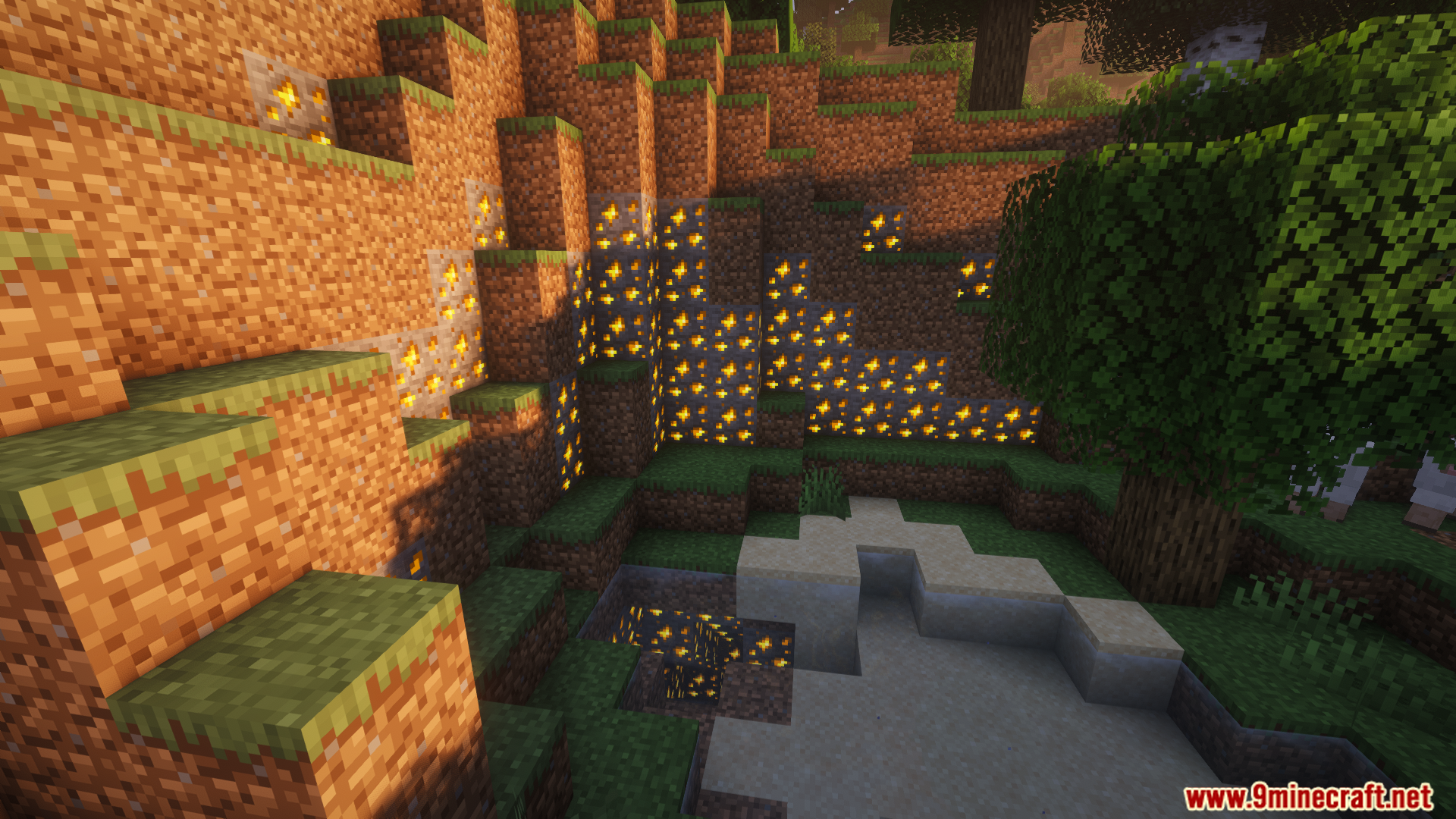
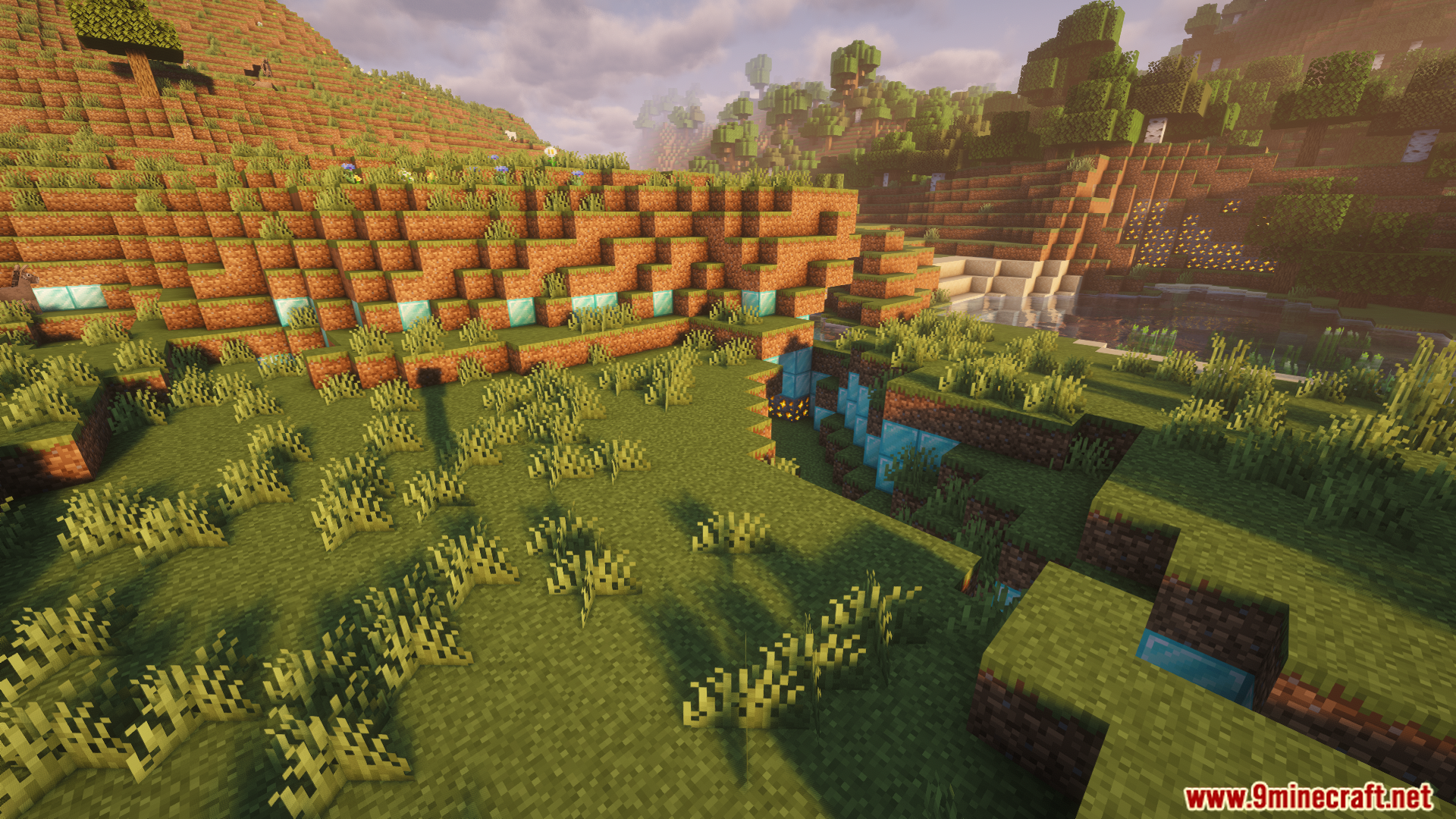
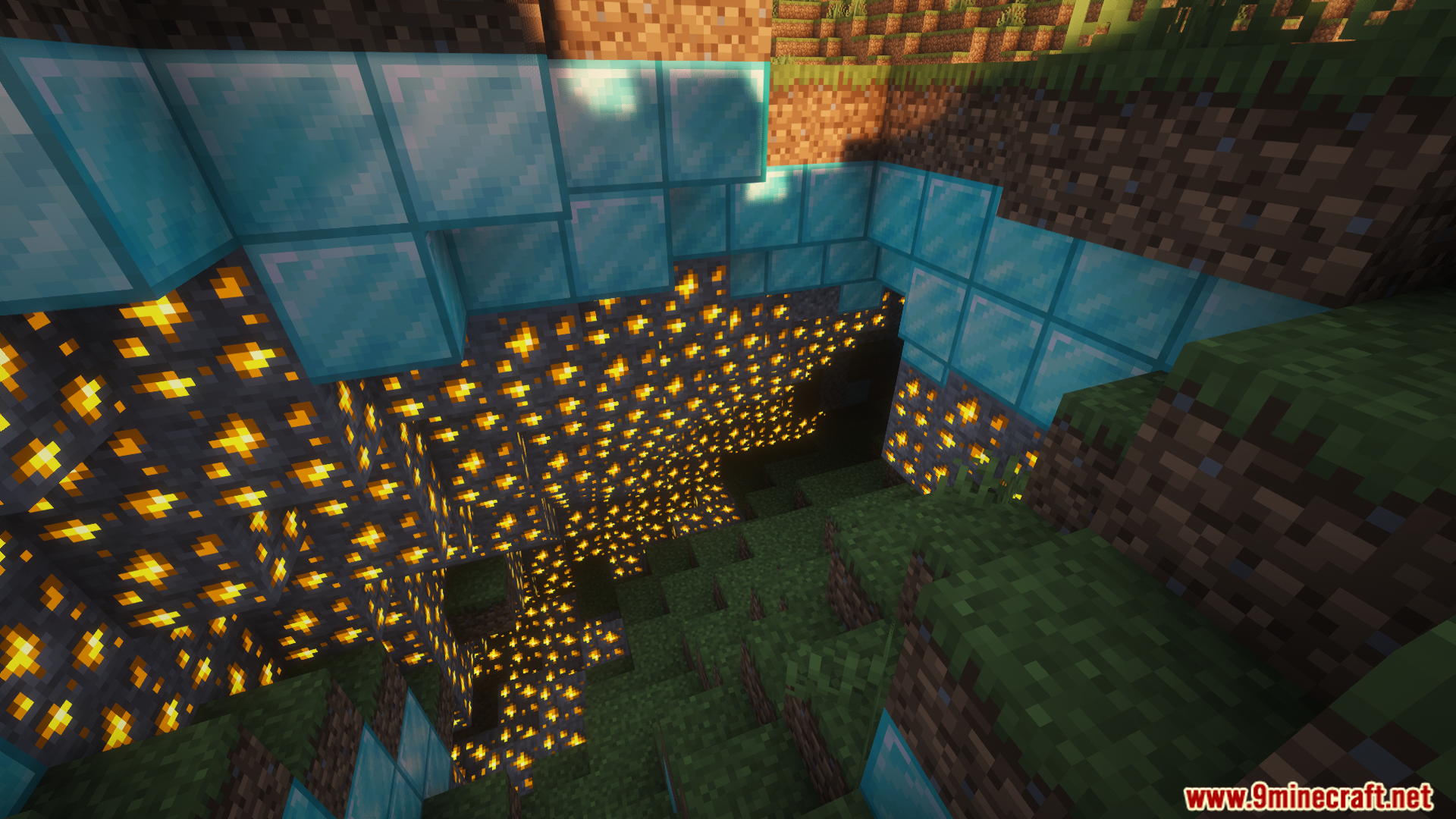
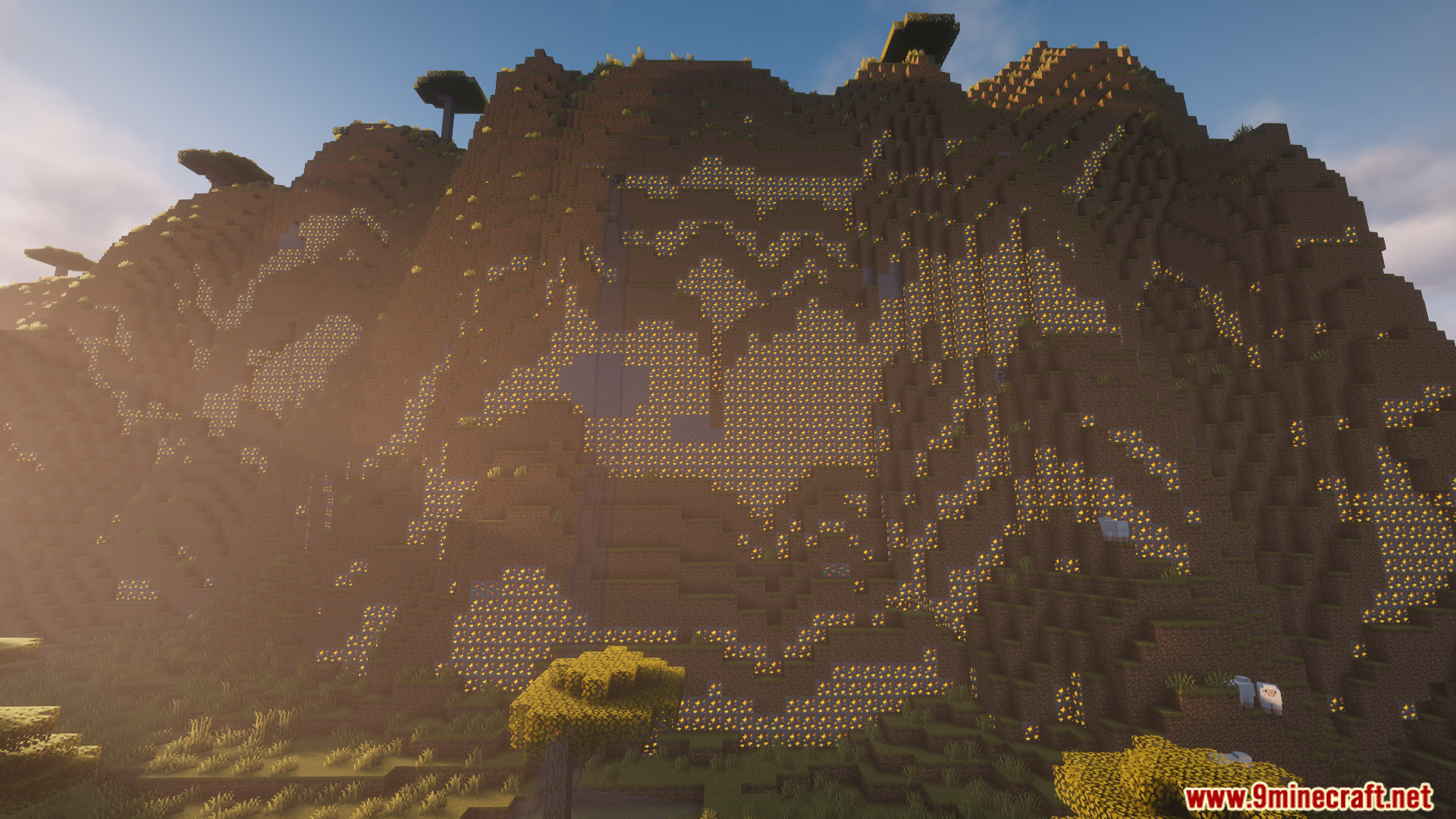
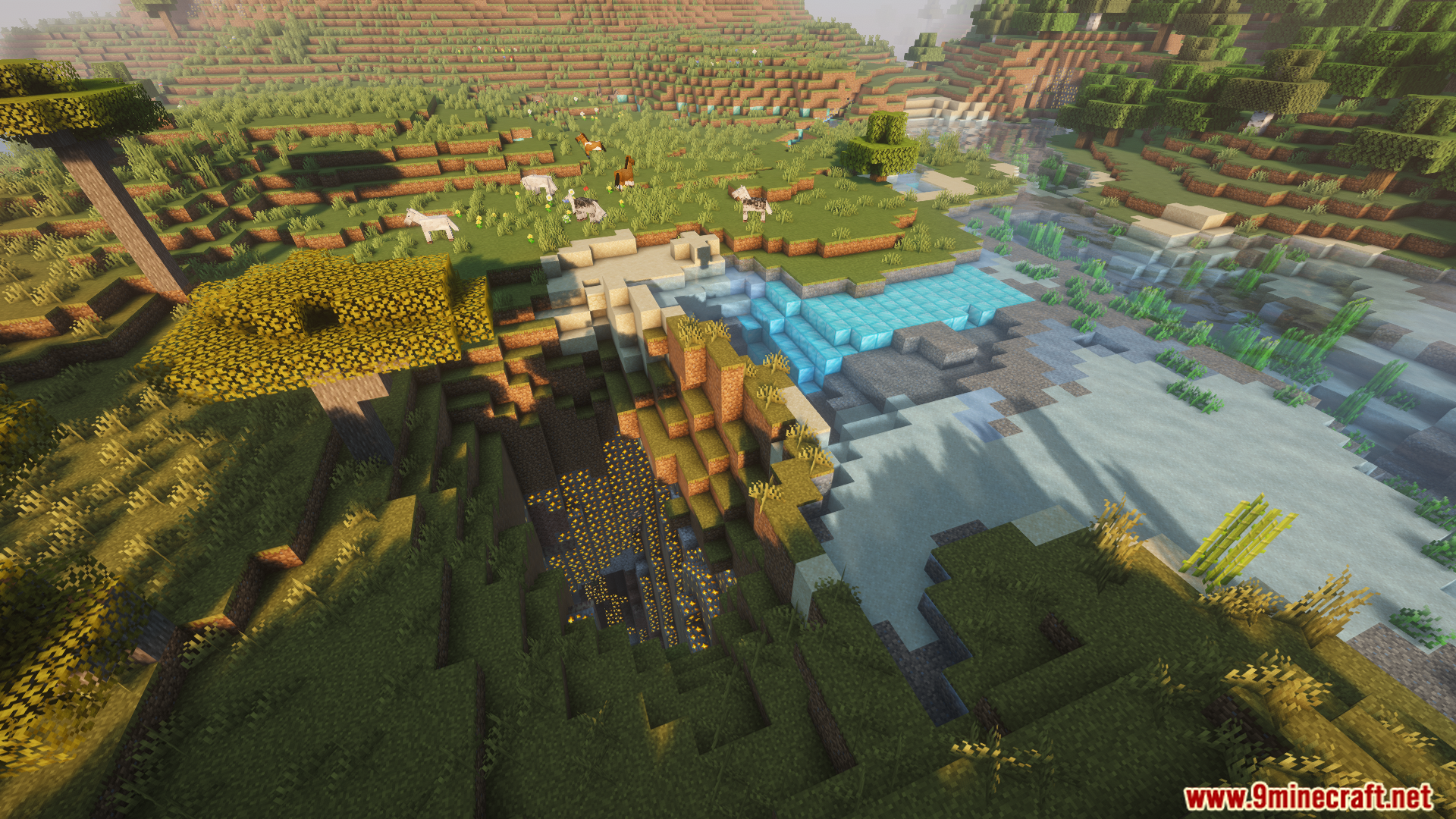
my_replacement.json. - Write your swap rules inside the file, like setting dirt to turn into diamond blocks.
- Save the file and go back to your game.
- Type
/reloadin the chat to make the mod read your new rules.
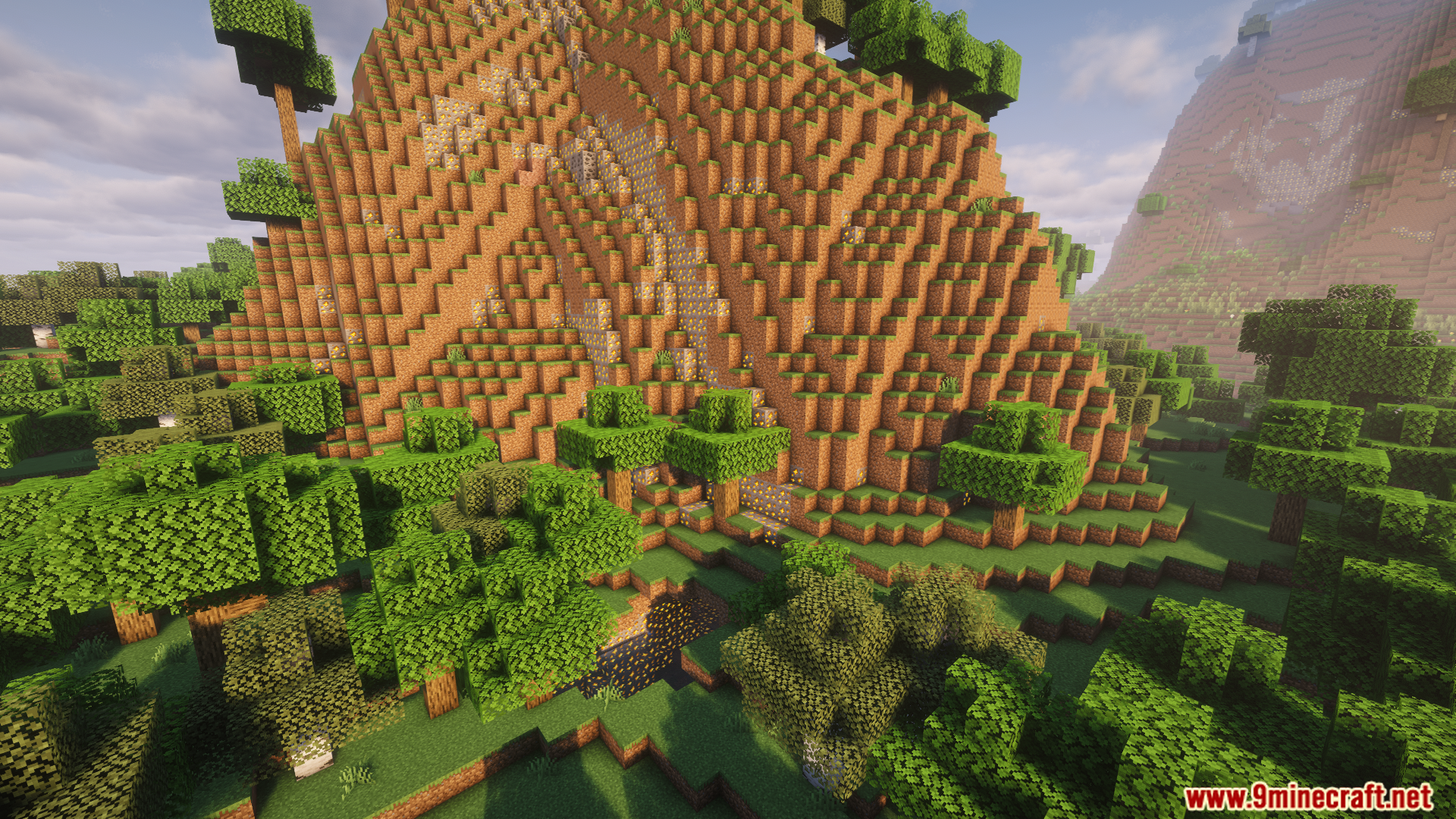
Screenshots:
How to Install:
New to Minecraft? Follow our step-by-step guide to install Mods on your PC.View Guide
Requirements:





Reliable Replacer Mod Download Links
For Minecraft 26.2
For Minecraft 26.1.2, 26.1.1, 26.1
For Minecraft 1.21.1, 1.21
For Minecraft 1.20.1, 1.20
Click to rate this post!
[Total: 0 Average: 0]
You May Also Like







This post has no comments yet. Be the first — your comment will appear here.