


FTB Chunks Mod (26.1.2, 1.20.1) – Keep Your Base Safe on SMPs

 0
0 

🌐 Good news — we've translated this article into other languages!
Or pick the one you like:
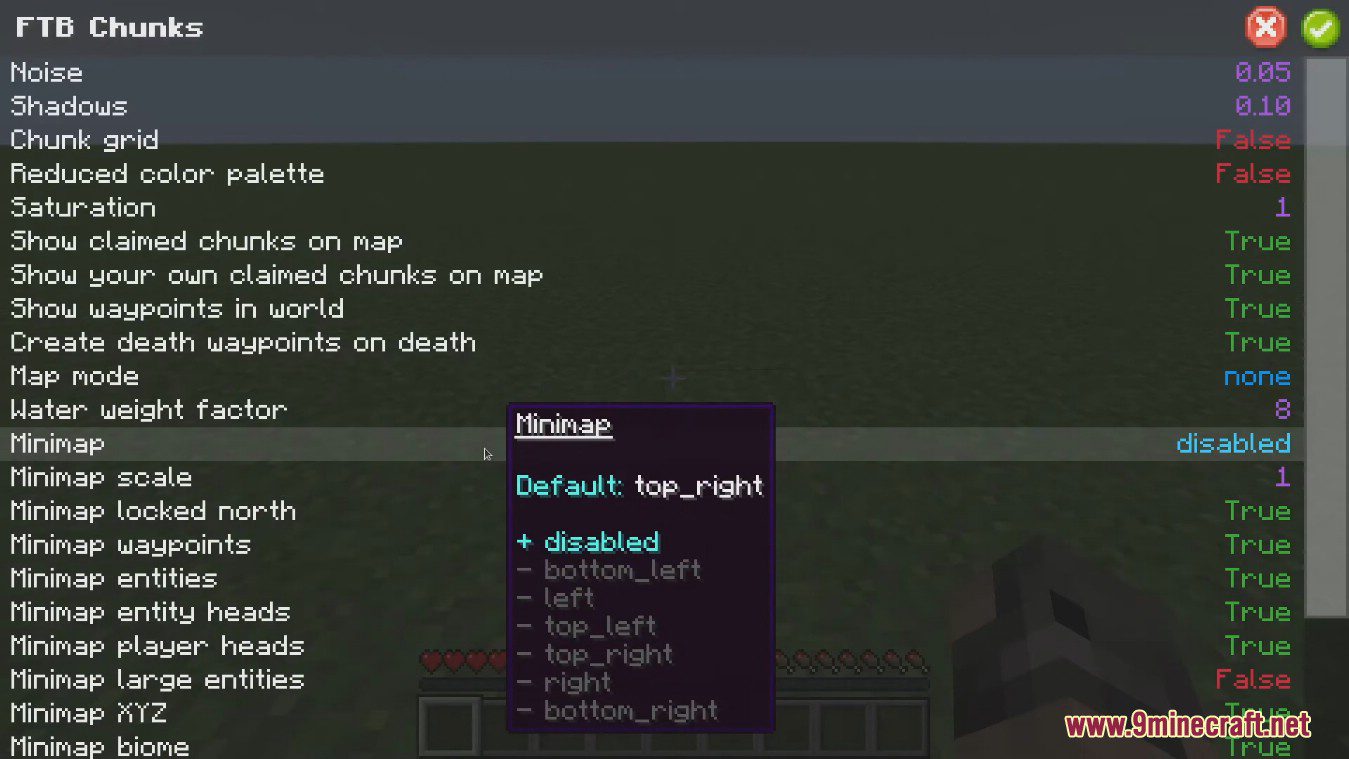
FTB Chunks Mod lets you claim areas in your world to protect your blocks and builds. It also adds a helpful minimap to your screen and a large world map for easier navigation. You can mark important spots with waypoints and even keep your claimed chunks loaded when you’re away.
Features:
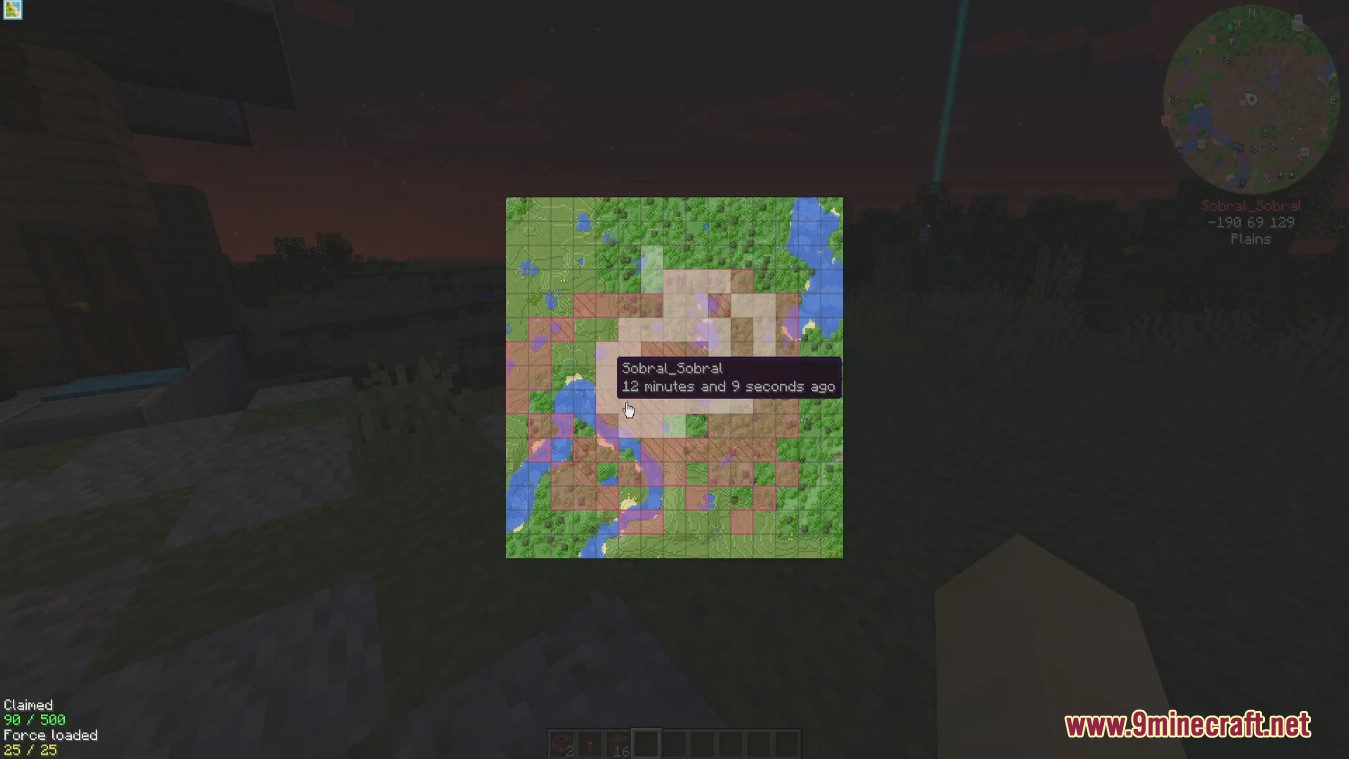
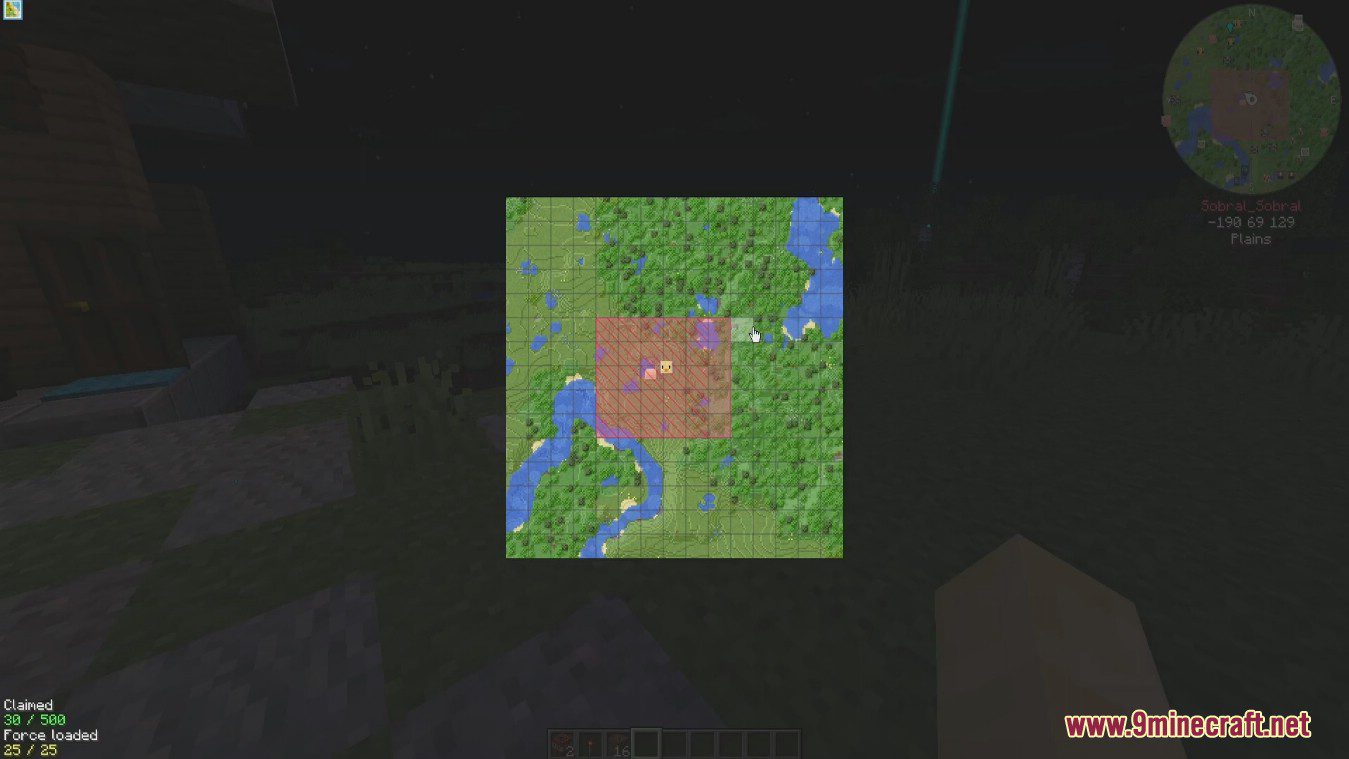
- Claim chunks of land to protect your builds and resources from other players.
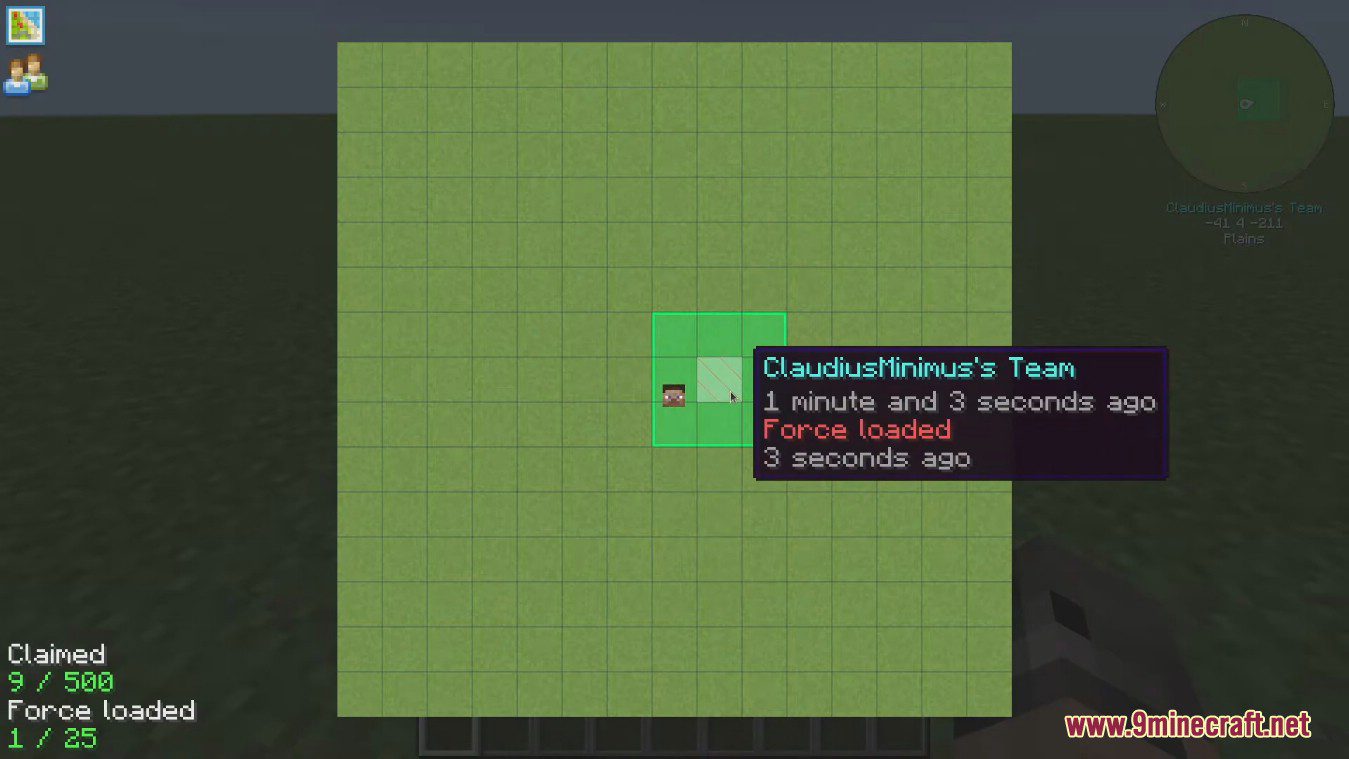
- Keep claimed chunks force-loaded so your farms and machines continue to work even when you are far away.
- Use the built-in minimap and large world map to easily navigate your world.
- Create, edit, and delete waypoints to mark important locations you want to remember.
- Add friends to an ally list to give them permission to interact with your claimed chunks.
- Share your explored map data with allies for better teamwork and exploration.
How to Use:
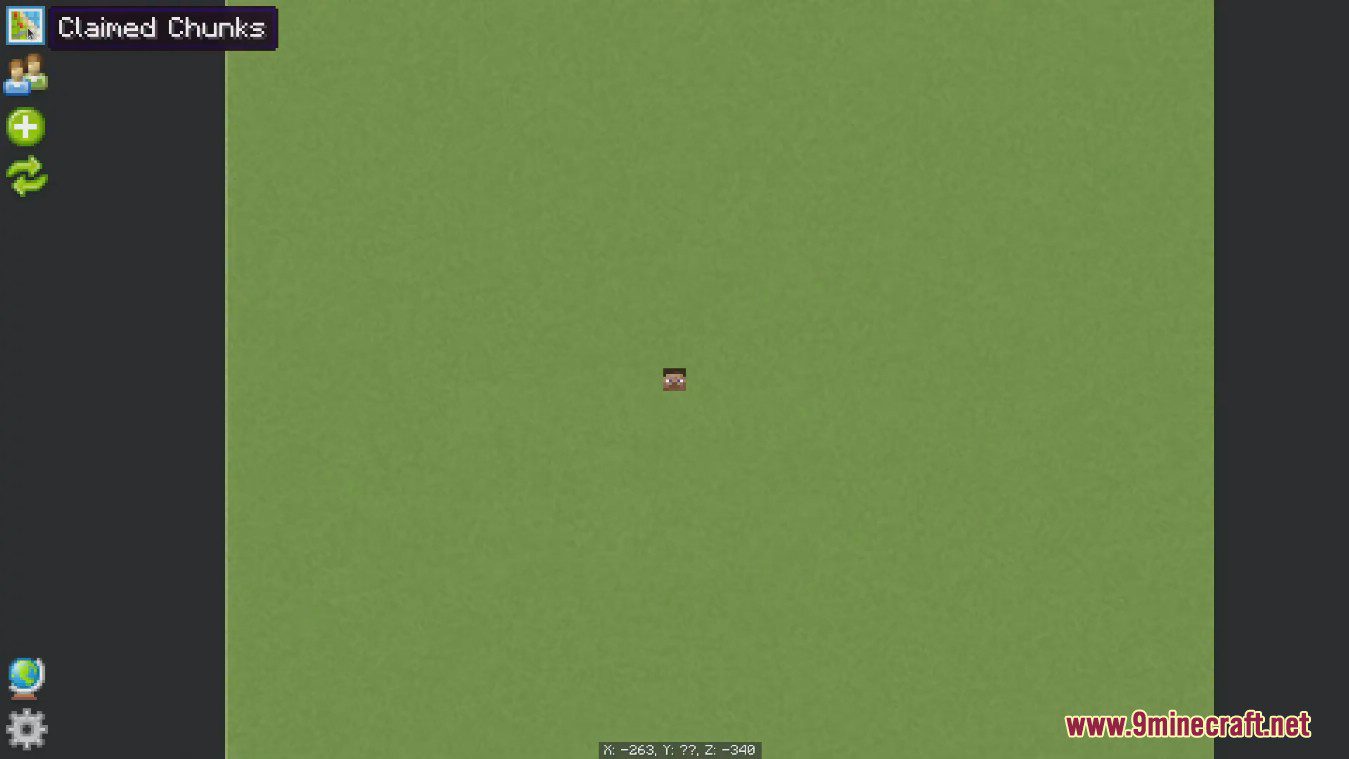
- To create a waypoint, simply right-click anywhere on the large map.
- Right-click on an existing waypoint or a death marker to edit or delete it.
- Click the Claimed Chunks button on the map, then left-click a chunk to claim it or right-click to unclaim it.
- To force-load a chunk you already own, hold down Shift and click on it.
- Use the Allies button to add other players, allowing them to interact within your claimed areas.
- If another player also adds you as an ally, you can share map data with each other.
Screenshots:
How to Install:
New to Minecraft? Follow our step-by-step guide to install Mods on your PC.View Guide
Requirements:





FTB Chunks Mod Download Links
For Minecraft 26.1.2, 26.1.1, 26.1
For Minecraft 1.21.11
For Minecraft 1.21.1, 1.21
For Minecraft 1.20.6
For Minecraft 1.20.4
For Minecraft 1.20.1, 1.20
For Minecraft 1.19.2, 1.19.1, 1.19
For Minecraft 1.18.2
For Minecraft 1.18.1
For Minecraft 1.16.5
For Minecraft 1.15.2
Click to rate this post!
[Total: 1 Average: 1]
You May Also Like

This post has no comments yet. Be the first — your comment will appear here.