


No Particles FPS Texture Pack (26.x, 1.21) – Delete Visual Particles For Faster Gameplay
 261
261
 0
0


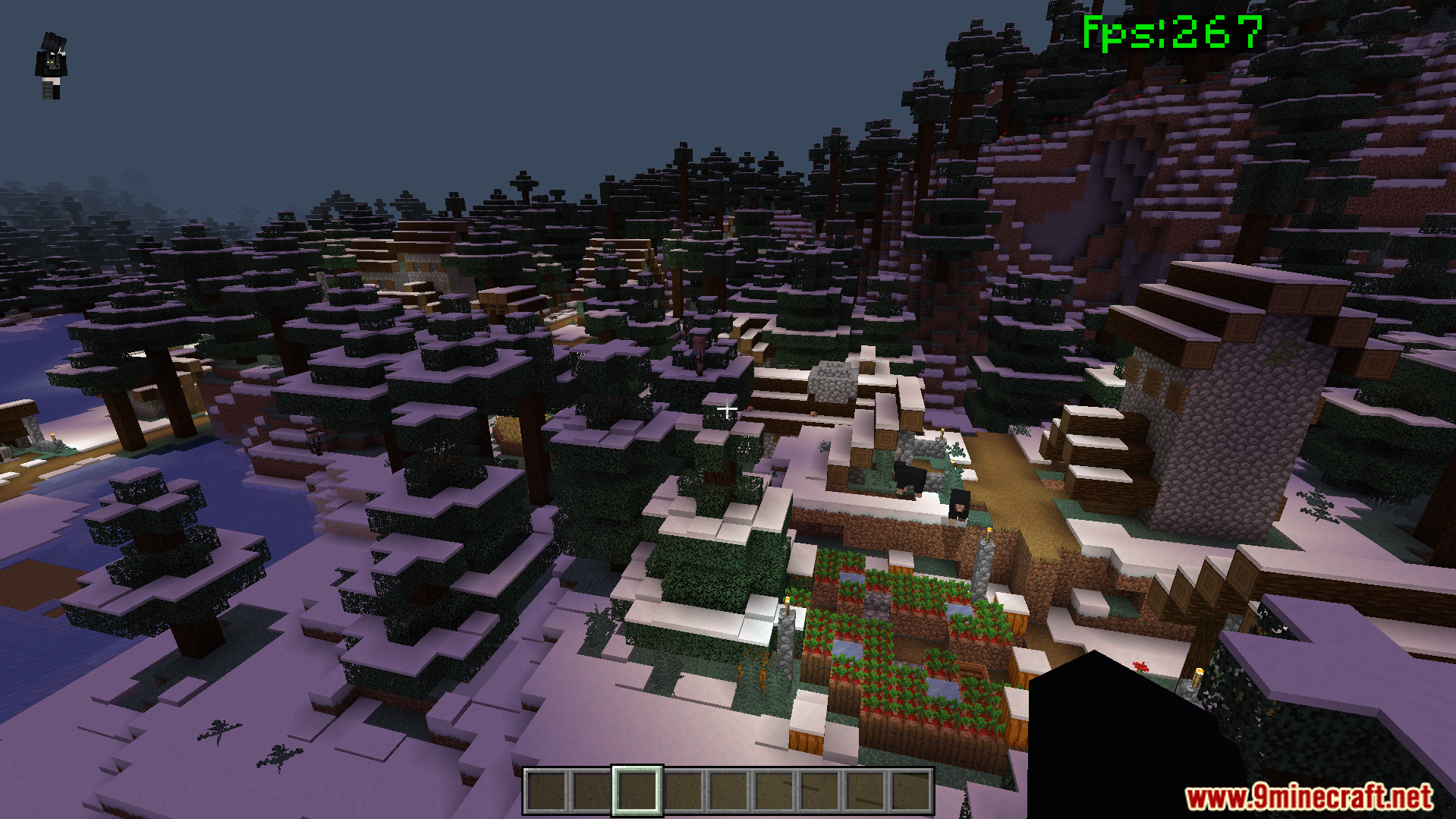
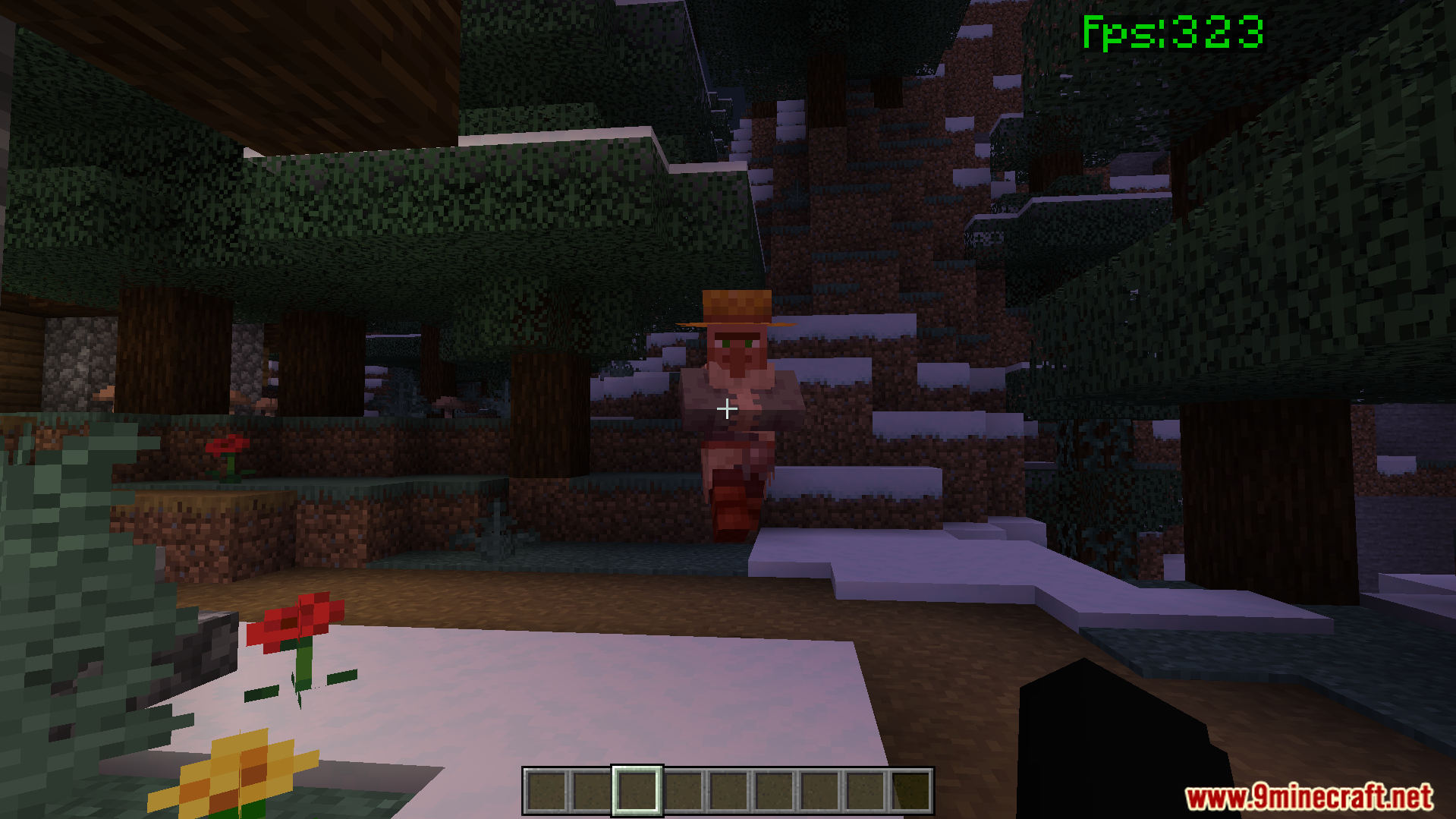
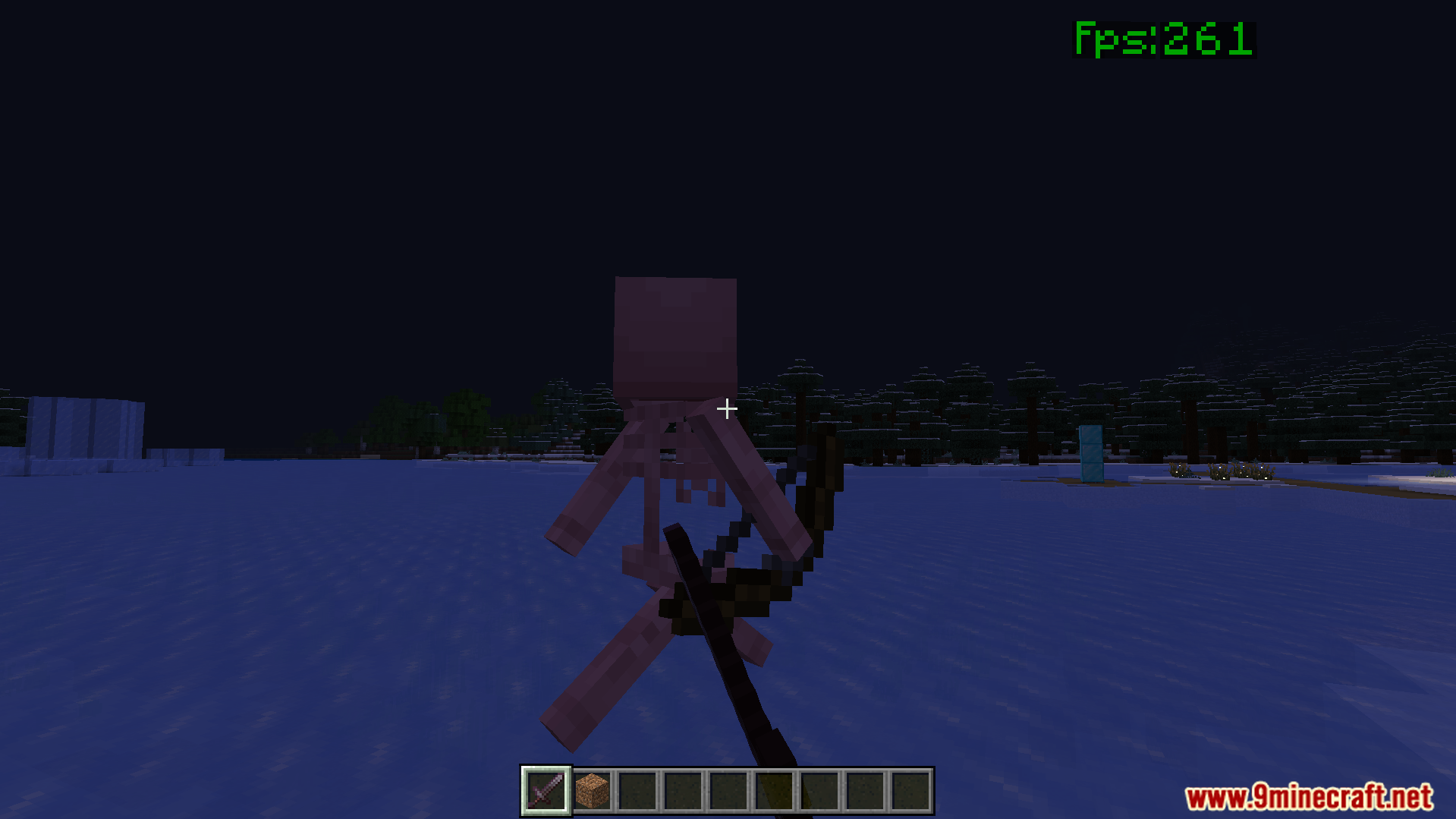
No Particles FPS Texture Pack helps you improve game performance by removing unnecessary visual effects. This pack allows you to enjoy smoother gameplay with a cleaner screen during fights and exploration. It gives you a great frame rate boost on low-end devices without changing the core look of the game.
Features:
- Removes smoke and fire sparks to boost game speed.
- Clears your screen for better visibility during battles.
- Keeps your device cooler while playing for long times.
- Works perfectly with other popular resource packs and shaders.
- Stops annoying lag spikes on phones and older computers.
Configuration:
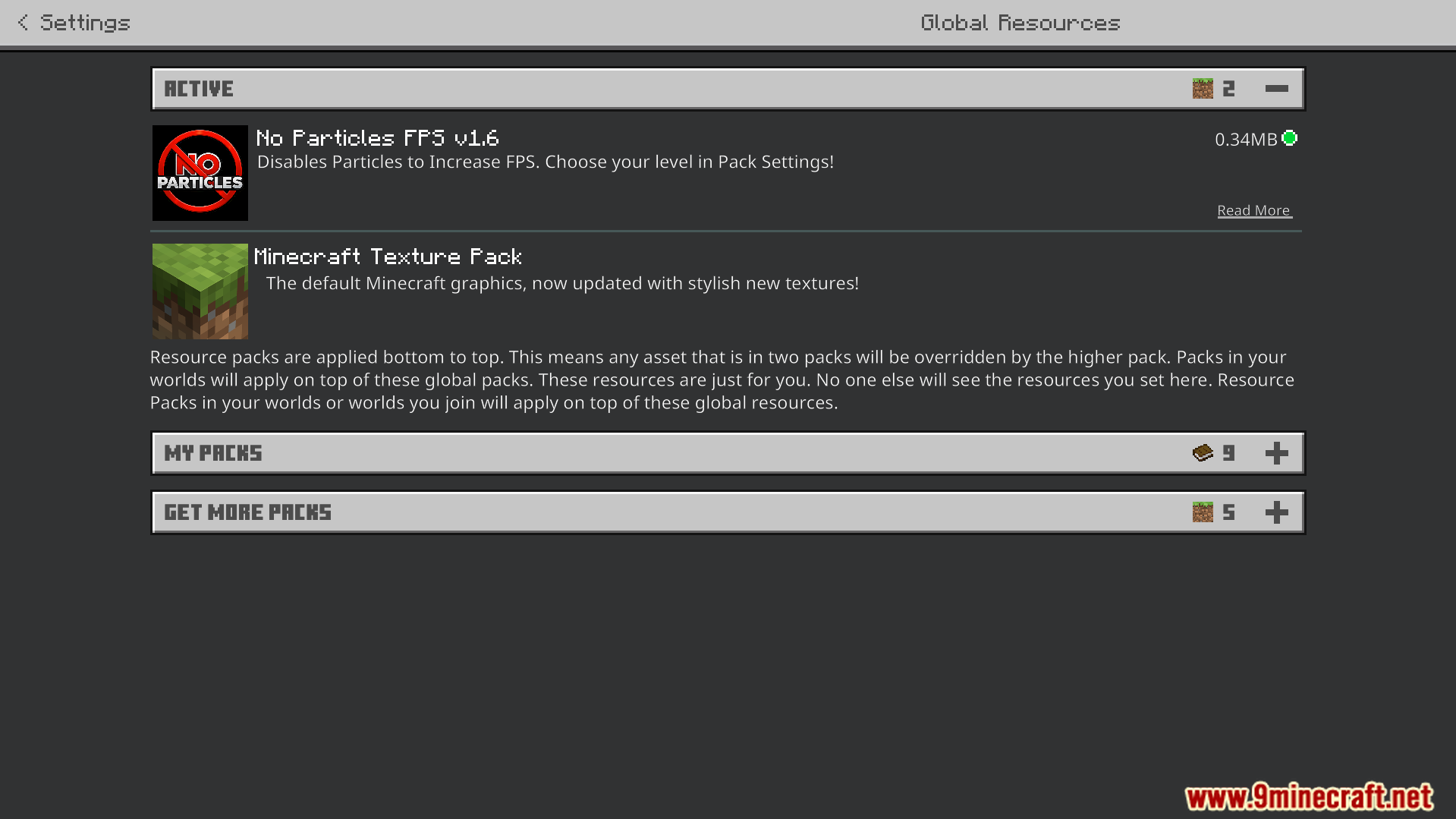
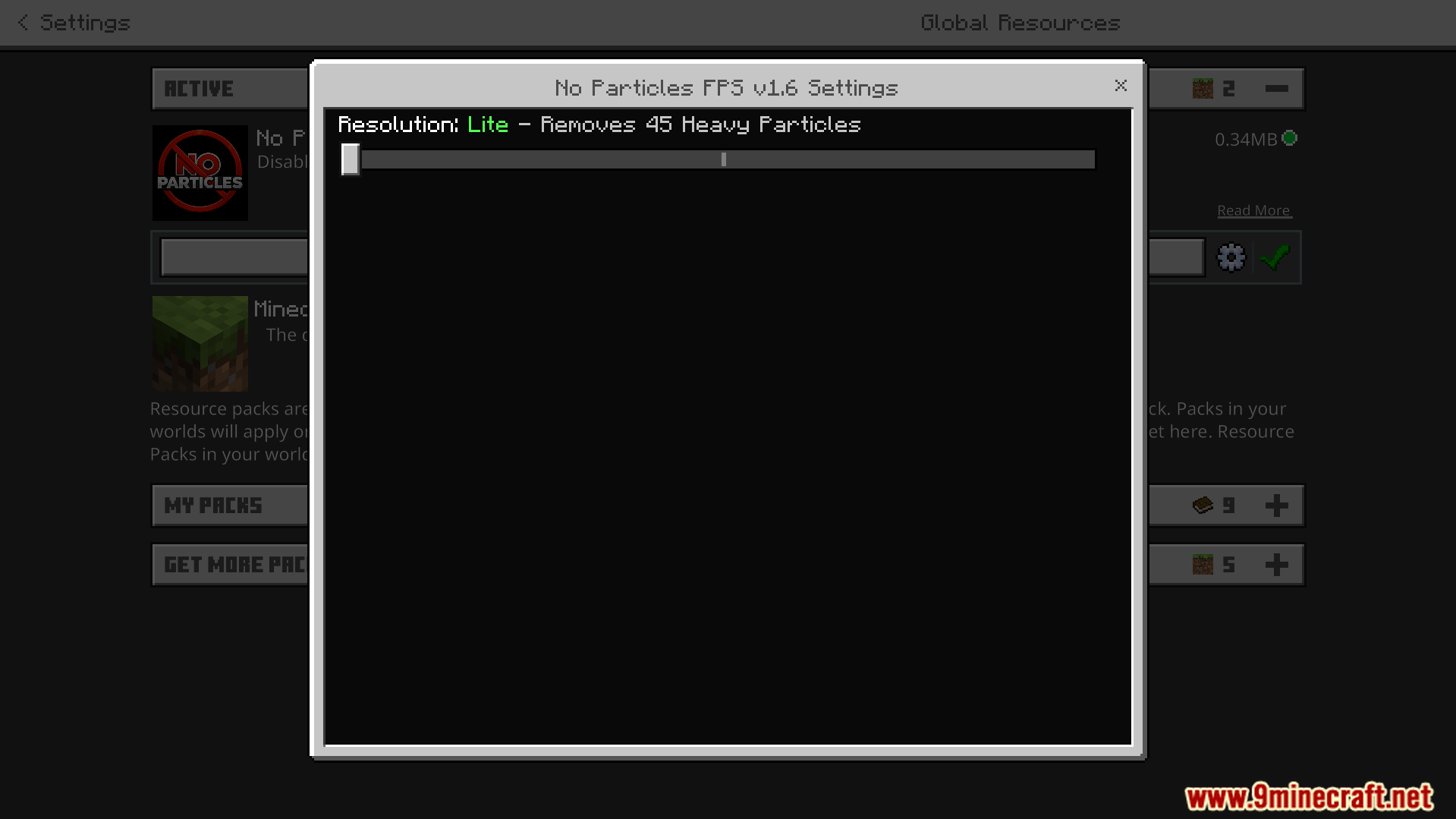
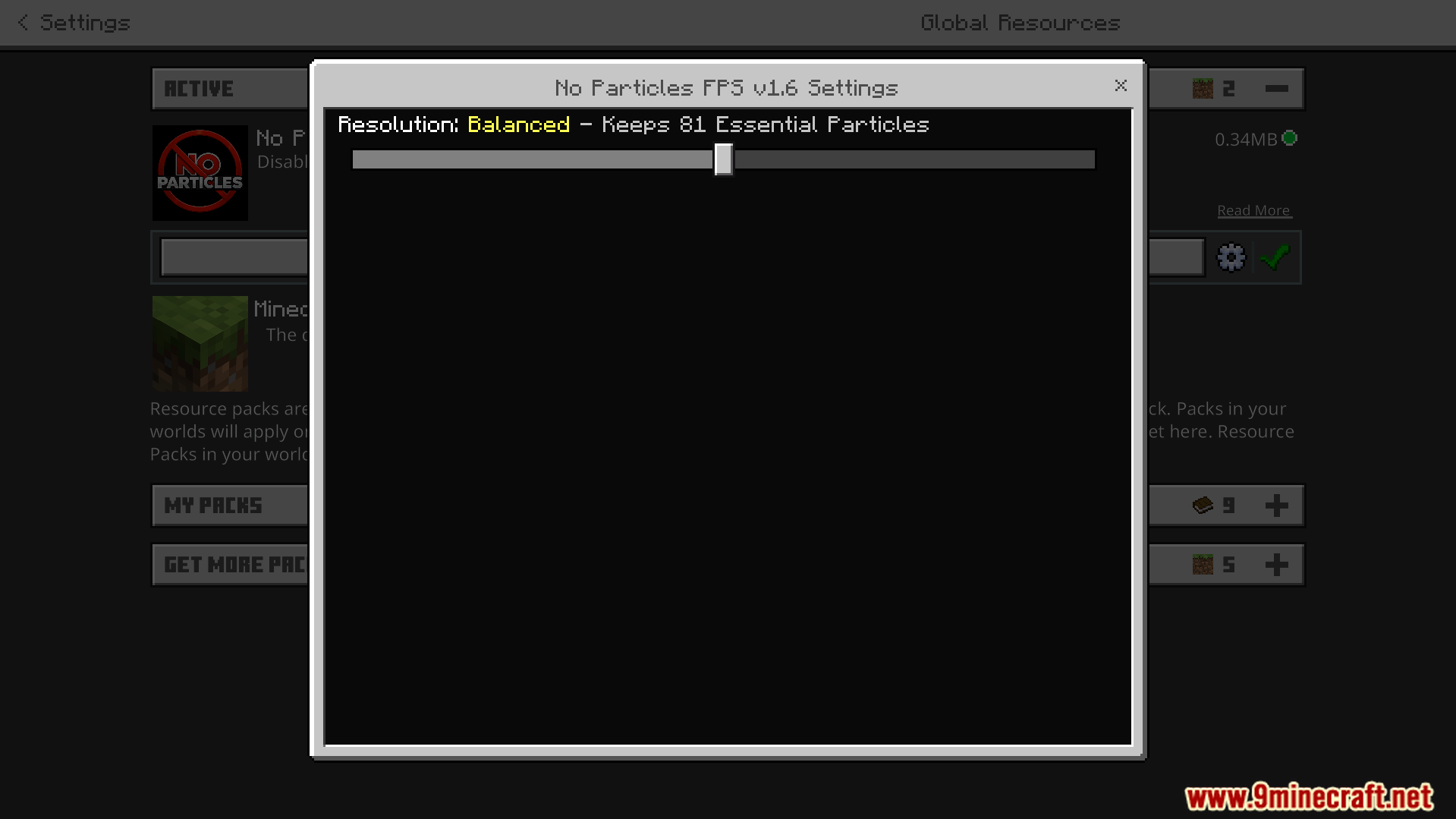
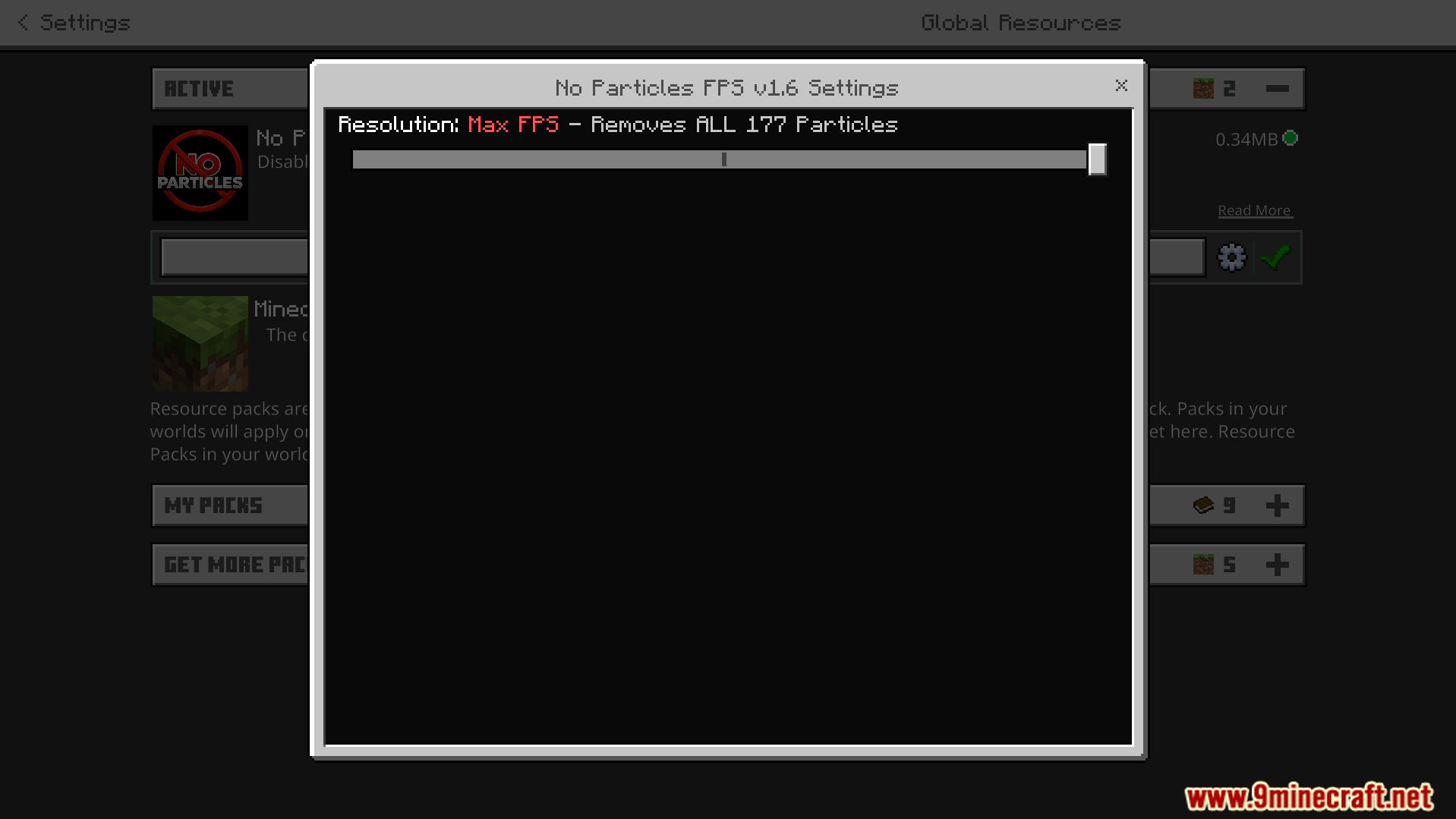
You can adjust the particle removal level in the pack settings. Open your settings and click the gear icon next to the pack. Choose Lite mode to remove heavy weather and fire effects. Select Balanced mode to keep important gameplay hints like potion effects. Pick Max FPS mode to delete all particles and get the best possible performance.
Screenshots:
How to Install:
No Particles FPS Texture Pack Download Links
For MCPE/Bedrock 26.x, 1.21.x
Click to rate this post!
[Total: 0 Average: 0]
You May Also Like

This post has no comments yet. Be the first — your comment will appear here.