


Bone Farm Schematic (1.21.x) – Quick And Easy Redstone Bone Farm

 0
0 

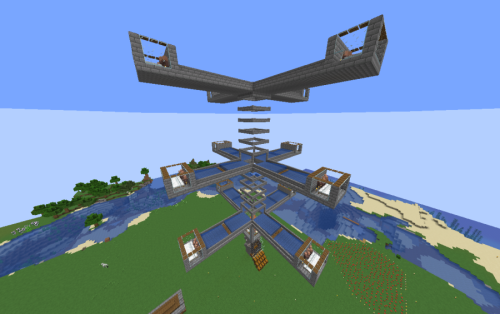
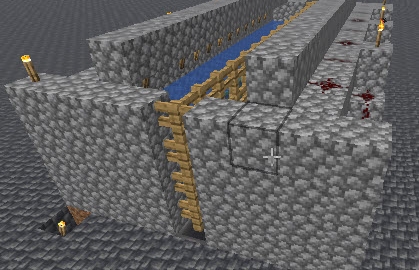
Bone Farm Schematic gives you a quick and easy way to collect bones in your world. This redstone build automates the farming process, making it a great choice for multiplayer servers or solo survival worlds. It fits into a medium-sized space, so you can quickly place it near your base without clearing out a massive area.
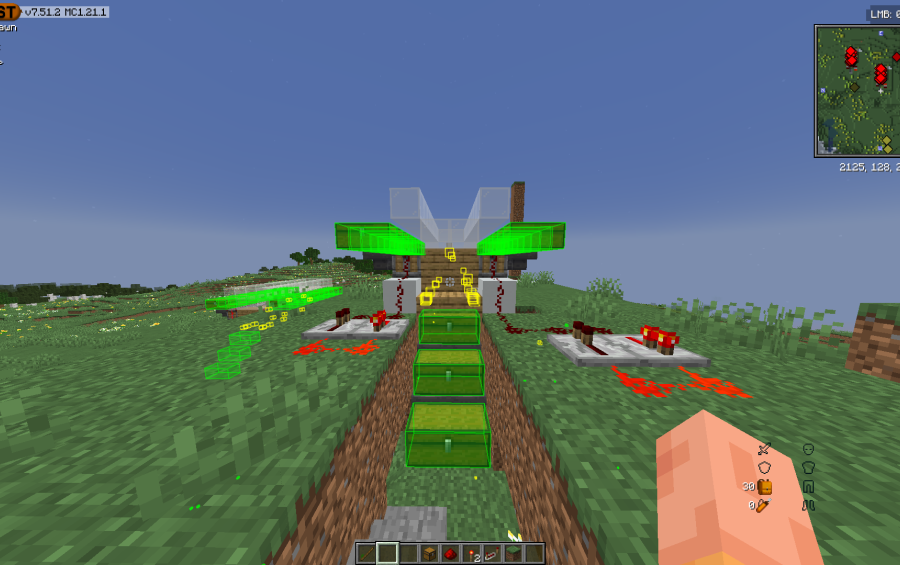
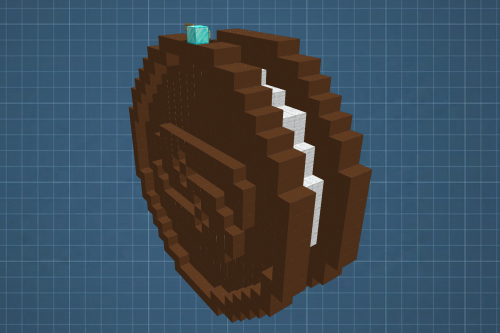
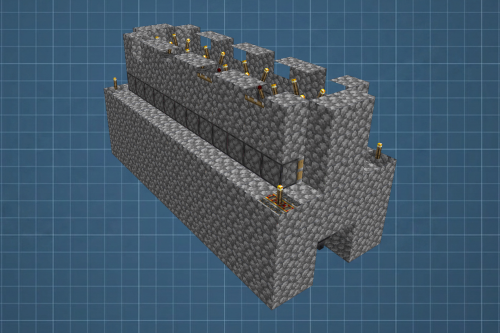
3D Preview:
Features:
- Produces bones quickly to help you grow crops or tame wolves.
- Works perfectly on multiplayer survival servers without causing heavy lag.
- Uses a compact 21 by 13 by 13 block area to save space in your base.
- Requires exactly 907 blocks to build from start to finish.
- Relies only on vanilla blocks and normal redstone mechanics.
Schematic Specs:
 Minecraft1.21.x
 Dimensions21×13×13
 Total Blocks907
 Top Blocks Used
Dirt 407Grass Block 215White Stained Glass 55Chest 42Redstone Wire 30
How to Use:
- Install the Litematica mod to read the schematic file in your game.
- Open the Litematica menu and load the bone farm file from your folder.
- Position the blue hologram outline exactly where you want the farm to sit.
- Gather the required materials and place blocks to match the hologram.
- Turn on the redstone system to start gathering your items.
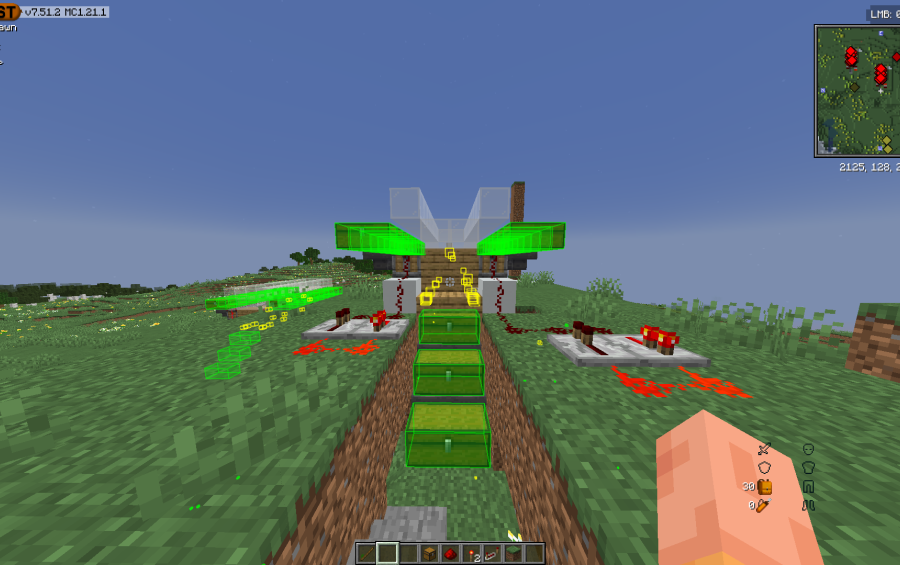
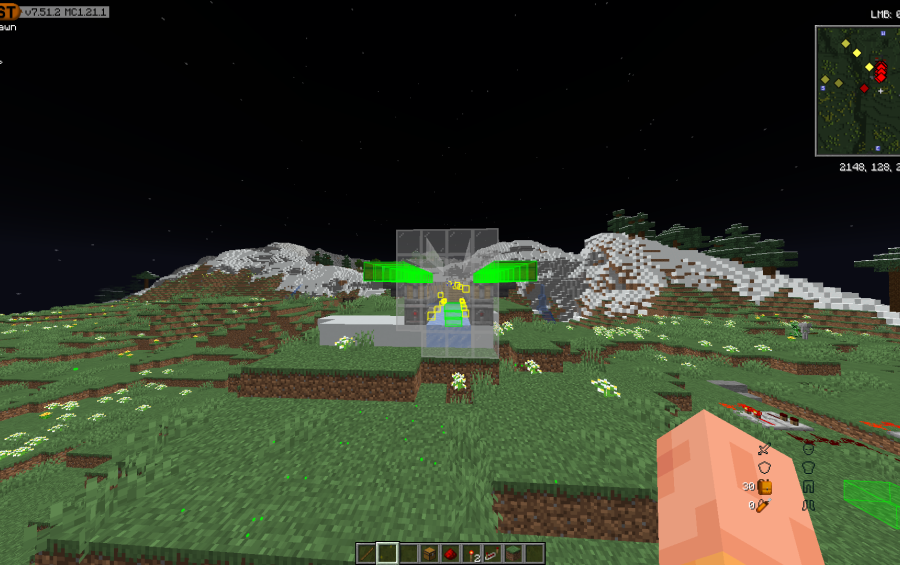
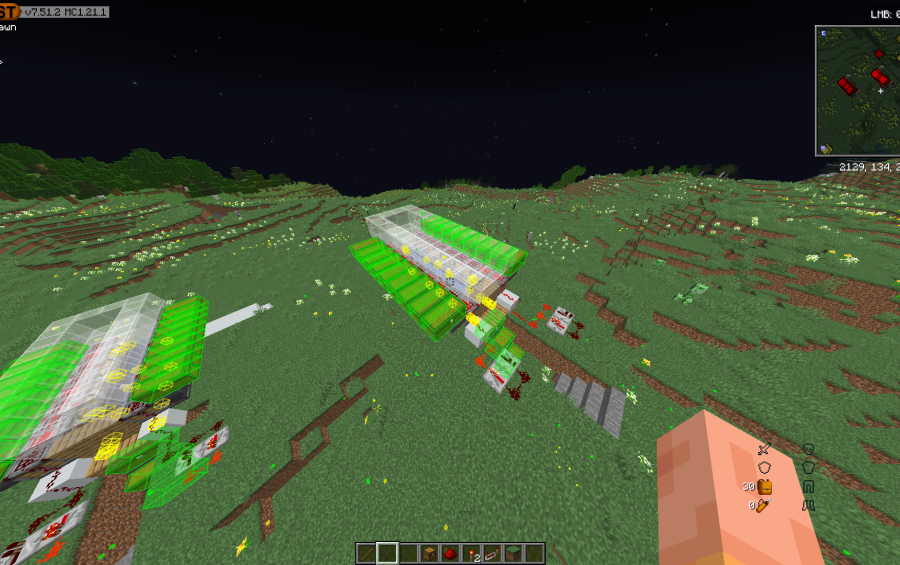
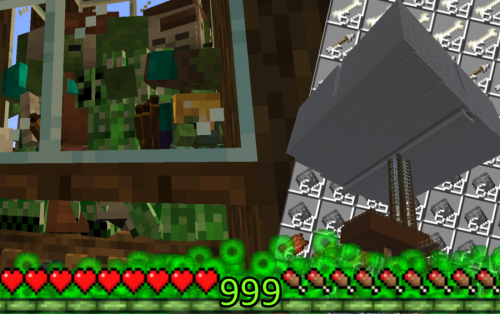
Screenshots:
Bone Farm Schematic Download Links
For Minecraft 1.21.x
Click to rate this post!
[Total: 0 Average: 0]
You May Also Like



This post has no comments yet. Be the first — your comment will appear here.