


FTB Backups 3 Mod (26.1.2, 1.21.1) – Never Lose Your Hard Work to Game Crashes

 0
0 

🌐 Good news — we've translated this article into other languages!
Or pick the one you like:
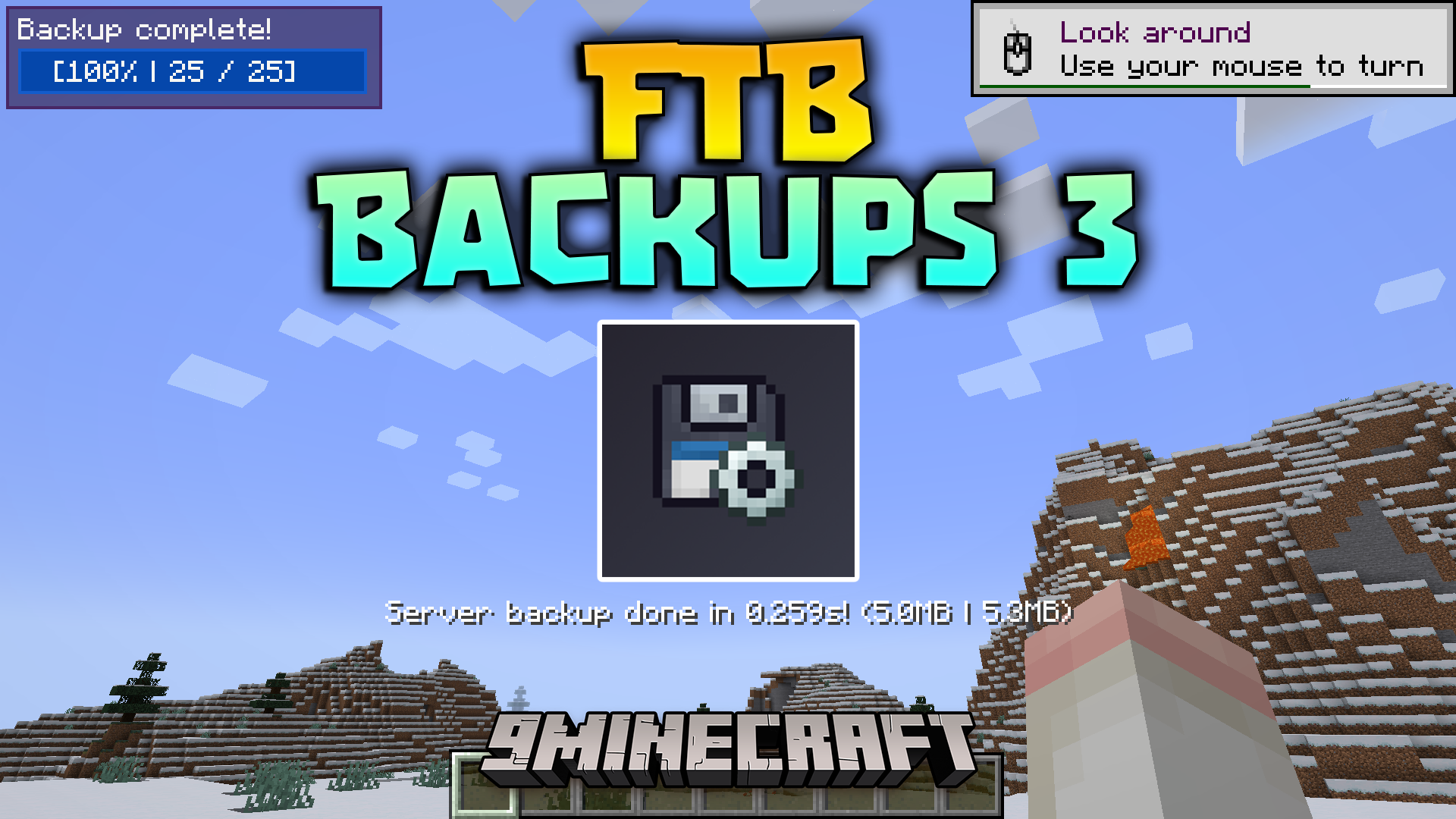
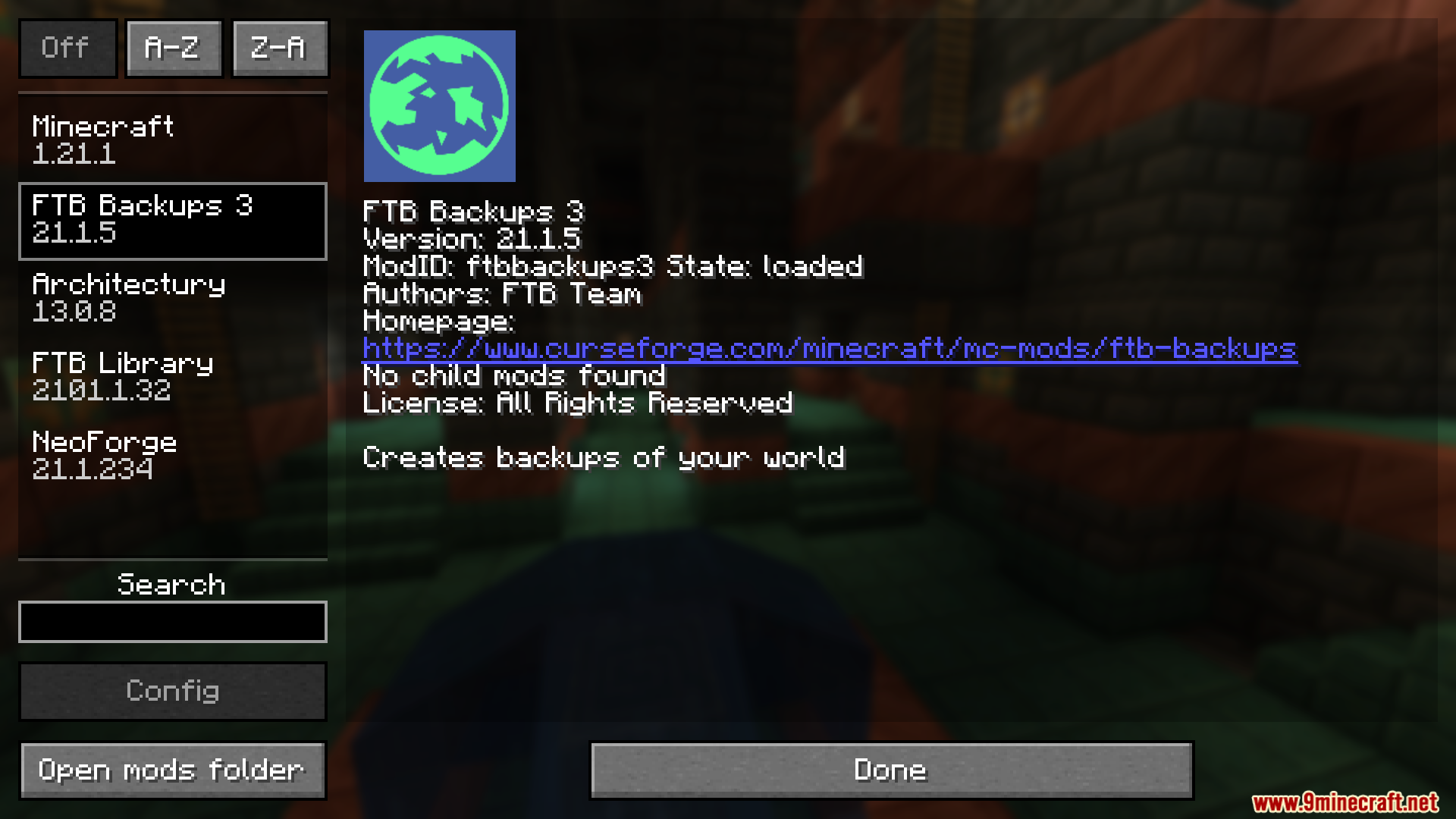
FTB Backups 3 Mod protects your Minecraft worlds by saving copies of them automatically. It gives you a simple way to keep your hard work safe from crashes, broken blocks, or accidental mistakes. You can set up a timer so the game saves your progress on its own while you play. If something goes wrong, you can quickly load an older version of your world right from inside the game menu.
Features:
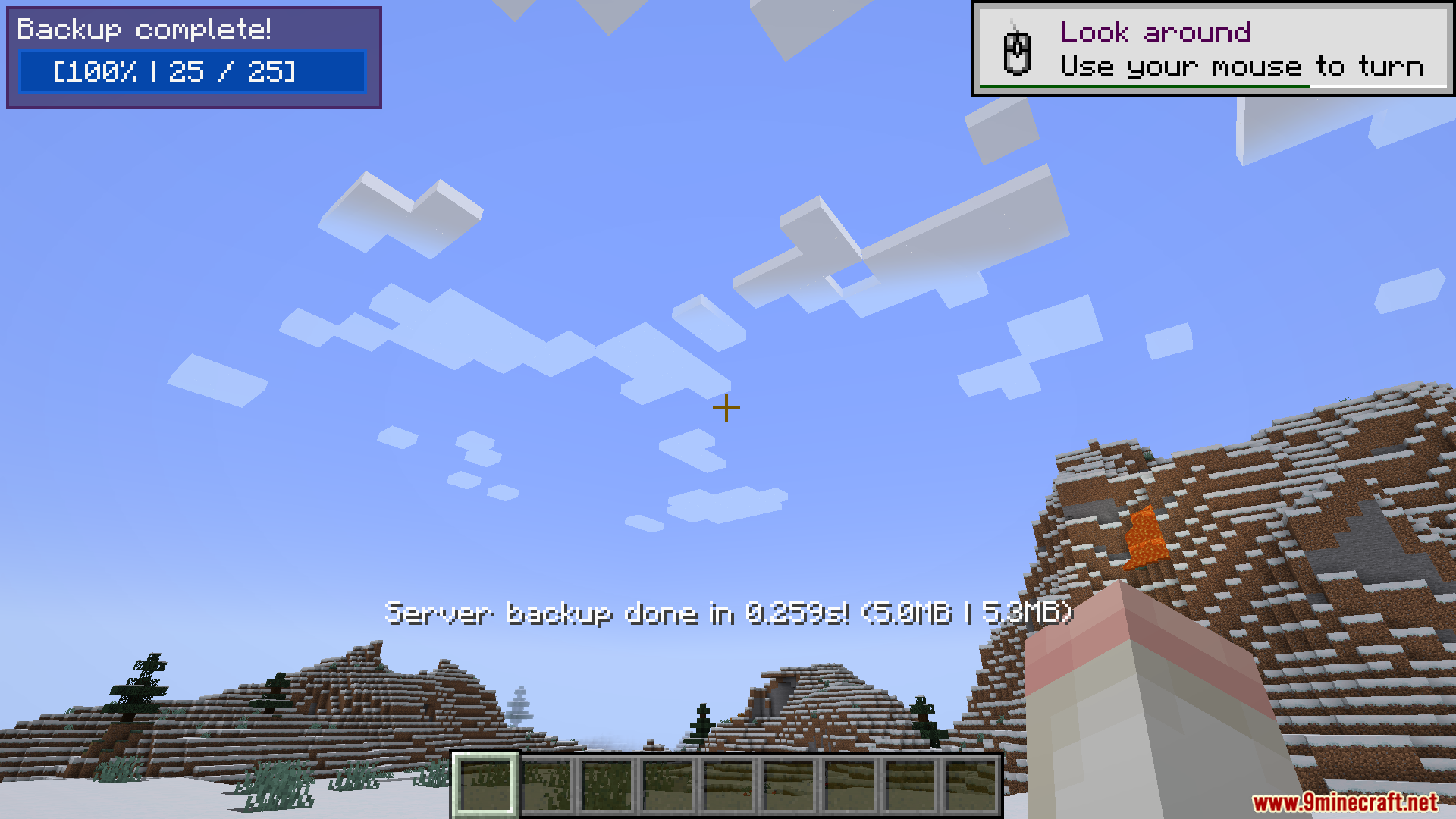
- Shows a progress bar on your screen so you know exactly when a backup is happening.
- Lets you choose who sees the progress message, such as all players, only admins, or nobody at all.
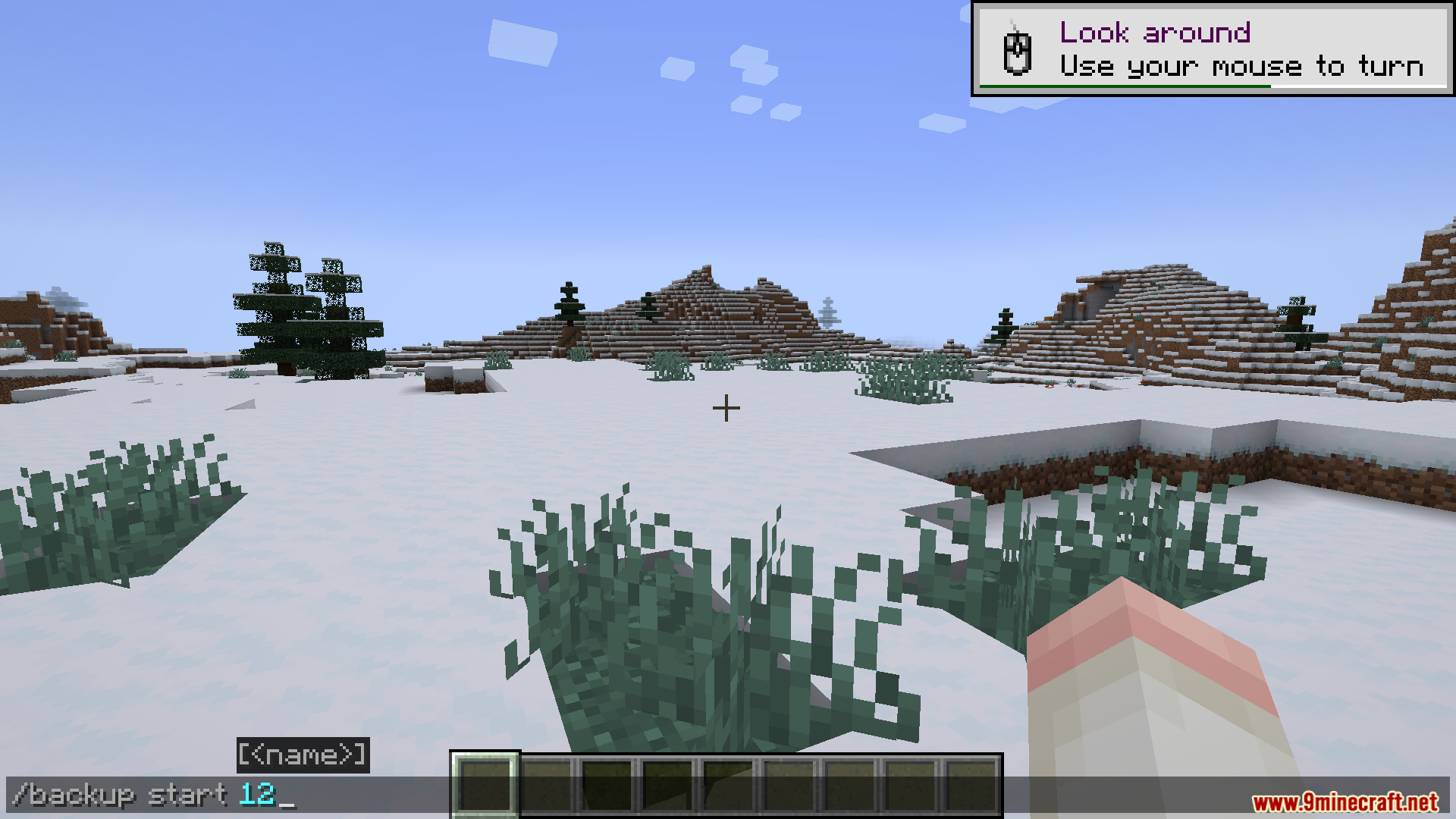
- Allows you to start a save manually at any time by typing a simple command in the chat.
- Gives you easy time settings to pick exactly how often the game should save your world.
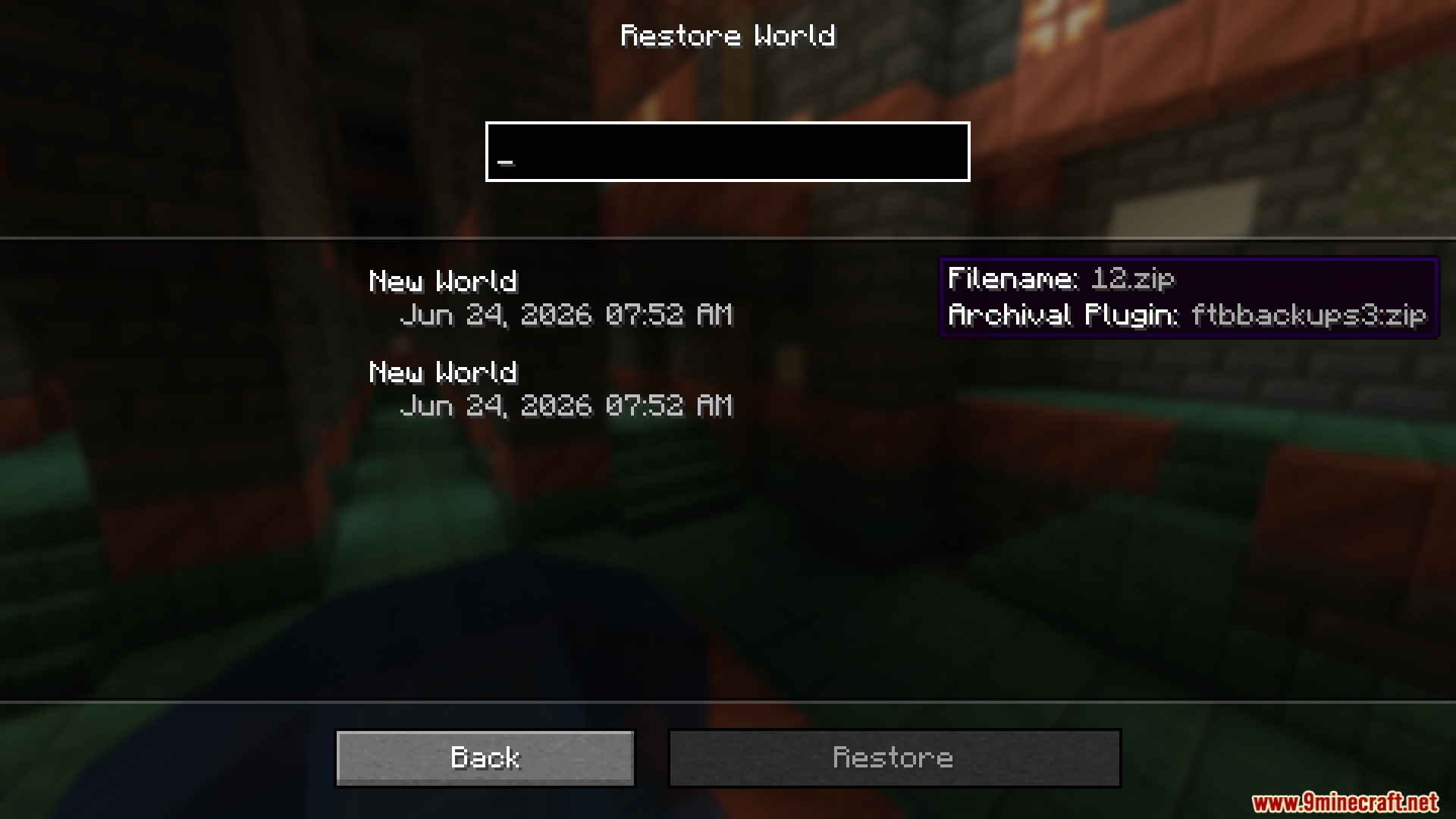
- Lets singleplayer users delete old saves or load previous ones without ever closing the game.
- Saves all your world files neatly into a standard ZIP folder by default.
How to Use:
- Change the time settings to tell the game how often it should save automatically.
- Type the backup command in the chat if you want to force a save right away before doing something dangerous.
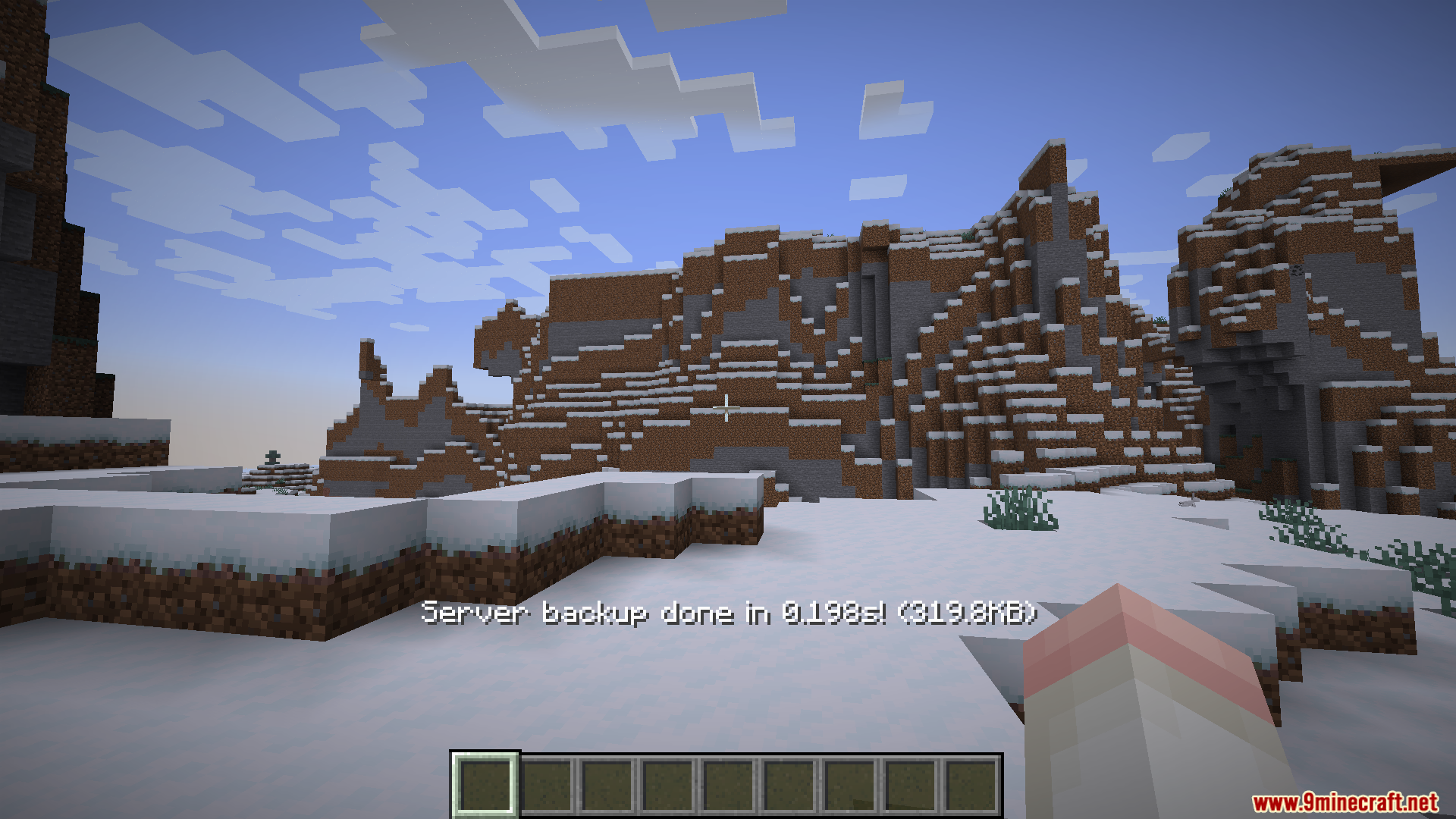
- Watch the progress text on your screen to know when the save is completely finished.
- Open the backup menu while playing singleplayer to load an older save or delete ones you no longer need.
Screenshots:
How to Install:
New to Minecraft? Follow our step-by-step guide to install Mods on your PC.View Guide
Requirements:


FTB Backups 3 Mod Download Links
For Minecraft 26.1.2, 26.1.1, 26.1
For Minecraft 1.21.11
For Minecraft 1.21.1, 1.21
Click to rate this post!
[Total: 0 Average: 0]
You May Also Like





This post has no comments yet. Be the first — your comment will appear here.