
FTB Library Mod (26.1.2, 1.20.1) – Manage Mods From Your GUI

 0


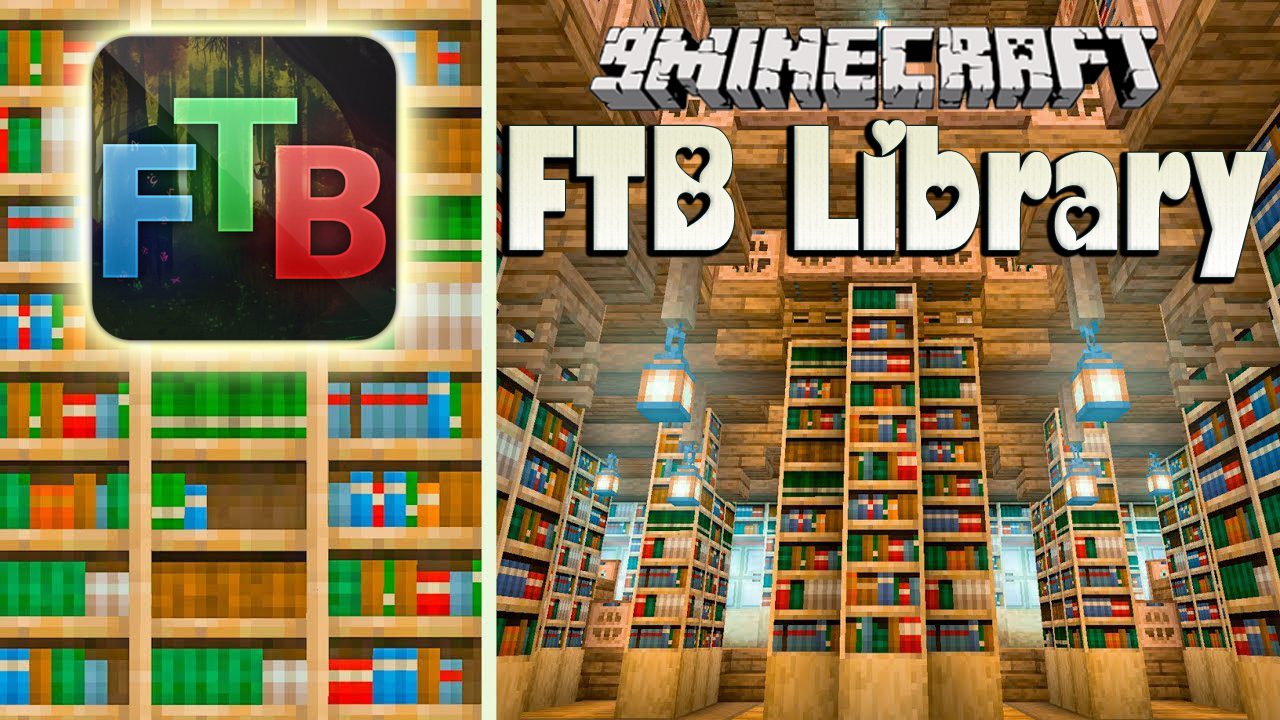
FTB Library Mod is a common library for all FTB’s mods with an included GUI creation lib and a bunch of handy tools like SNBT. Component/layer based GUI creation. Used by mods such as FTB Chunks, FTB Quests, etc.
Features:
- GUI Framework: Builds clean menus using components and layers for mods across the Feed the Beast series.
- Inventory Sidebar: Adds a handy button bar at the top left of your inventory screen for quick access to key tools.
- In-Game NBT Editor: Lets you view and edit the NBT data of block entities, mobs, and players through a simple menu.
- SNBT Config System: Uses String Named Binary Tag (SNBT) files to store data and manage mod settings, behavior, and looks.
- Other mods can add custom buttons to the inventory sidebar using JSON files.
- Includes built-in commands to switch between day and night or turn rain on and off.
- Works directly with FTB Chunks, FTB Quests, FTB Teams, and FTB Essentials.
Commands:
/ftblibrary nbtedit: Opens the GUI editor to change NBT data for block entities, mobs, or players./ftblibrary day: Sets the in-game time to day./ftblibrary night: Sets the in-game time to night./ftblibrary rain: Starts or stops rain in your world.
How to Install:
New to Minecraft? Follow our step-by-step guide to install Mods on your PC.View Guide
Requirements:



FTB Library Mod Download Links
For Minecraft 26.1.2, 26.1.1, 26.1
For Minecraft 1.21.11
For Minecraft 1.21.1, 1.21
For Minecraft 1.20.6
For Minecraft 1.20.4
For Minecraft 1.20.1, 1.20
For Minecraft 1.19.2
For Minecraft 1.19.1
For Minecraft 1.19
For Minecraft 1.18.2
For Minecraft 1.18.1
For Minecraft 1.16.5
For Minecraft 1.15.2
For Minecraft 1.12.2
For Minecraft 1.11.2, 1.10.2
For Minecraft 1.9.4
For Minecraft 1.8.9
For Minecraft 1.7.10
Click to rate this post!
[Total: 5 Average: 3.4]
You May Also Like
Picked for this page
 Minecraft Forge (26.3, 1.20.1) – Modding API and Library
 Xaero’s Minimap Mod (26.3, 1.20.1) – Radar, Waypoint, Zoom
 GeckoLib Mod (26.3, 1.20.1) – Powerful Animation and Rendering Engine
 Better Than Mending Mod (26.3, 1.20.1) – Repair Item by Experience
 Simple Grinder Mod (26.3, 1.20.1) – Duplicate Your Diamonds And Minerals
 IkkatsuHakai Mod (26.3, 1.20.1) – Block Break, Mass Storage, etc
 Neat Mod (26.2, 1.20.1) – HUD Status Bar Above Mobs
 Nature’s Compass Mod (26.3, 1.20.1) – Find Any Biome
 CreativeCore (26.3, 1.20.1) – Library for CreativeMD’s Mods
 Spawner Control Mod (26.1.2, 1.20.1) – Adjust Spawn Limits and Destruction Timers
 Farseek Mod 1.12.2, 1.11.2 (Library for delvr’s Mods) (26.2, 1.12.2)
 Default Options Mod (26.3, 1.20.1) – Default Settings and Keybindings
Most viewed in Mods over the last 7 days
 Ala Industrial Mod (26.3) – Run Electric Power Grids and Automated Factories
 PleasureCraft Mod (26.3, 1.21.1) – Jenny Mod Remake for Fabric
 Jennycraft Mod (26.3, 1.20.1) – Virtual Girlfriend in Minecraft
 Fapcraft Mod (26.3, 1.12.2) – Comprehensive and Detailed Content
 Jenny Mod (Fapcraft) Official Complete Guide – How to use, Tutorial
 BangCraft Mod (1.20.1) – Jenny, Ellie and Elliot
 Fabric Loader (26.3, 1.20.1) – Fabric Installer for All Minecraft Versions
 The Shooting Star Demo Mod (26.3, 1.20.1) – Vaporize Terrain From Orbit
 Meteor Client Mod (26.3, 1.20.1) – Xray, HUD, Fly
 OptiFine HD (26.3, 1.20.1) – Run Faster, FPS Boost, Shaders Support
 Aristois Client Mod (1.21.4, 1.20.1) – World Class Minecraft Utility
 Prestige Client Mod (1.21.11, 1.21.4) – Powerful Ghost Features for Crystal & Sword PvP
More from Mods
 Terrestria Mod (26.3, 1.20.1) – Highly Detailed Biomes
 Tre’s Tack Library Mod (1.20.1) – Outfit Your Horses with Fully Detailed Tack
 YDM’s coreX Library Mod (1.20.1) – Loot RPG Gear with Random Names
 Gunpowder Recipe Mod (26.3, 1.20.1) – Gunpowder is Craftable
 Villager Timetable Mod (26.3, 1.20.1) – Master Villager Schedules
 Artemis Laboratory Blocks Mod (26.3, 1.20.1) – Lab Blocks And Dynamic Decorations
 Fabric ORM Jimmer Mod (26.3, 1.20.1) – Prevent Sudden Server Crashes
 Cafe Core Mod (26.2, 1.21.1) – Bypass Anvil Limits and Tame Pets in Seconds
 GTNH’s Forgelin Mod (1.7.10) – Play Kotlin-Powered Mods on Minecraft 1.7.10
 Nodeflow Mod (26.1.2, 1.21.1) – Wire Custom Redstone Logic on Visual Graph
 Winter Client Mod (1.21.11) – Survive Ruthless PvP on Anarchy Servers
 LARP Client Mod (1.21.11) – Dominate Crystal PvP on Anarchy Servers

This post has no comments yet. Be the first — your comment will appear here.