


Emojis Mod (26.2, 1.20.1) – Express Yourself with Fun Symbols on Any Server

 0
0 

🌐 Good news — we've translated this article into other languages!
Or pick the one you like:
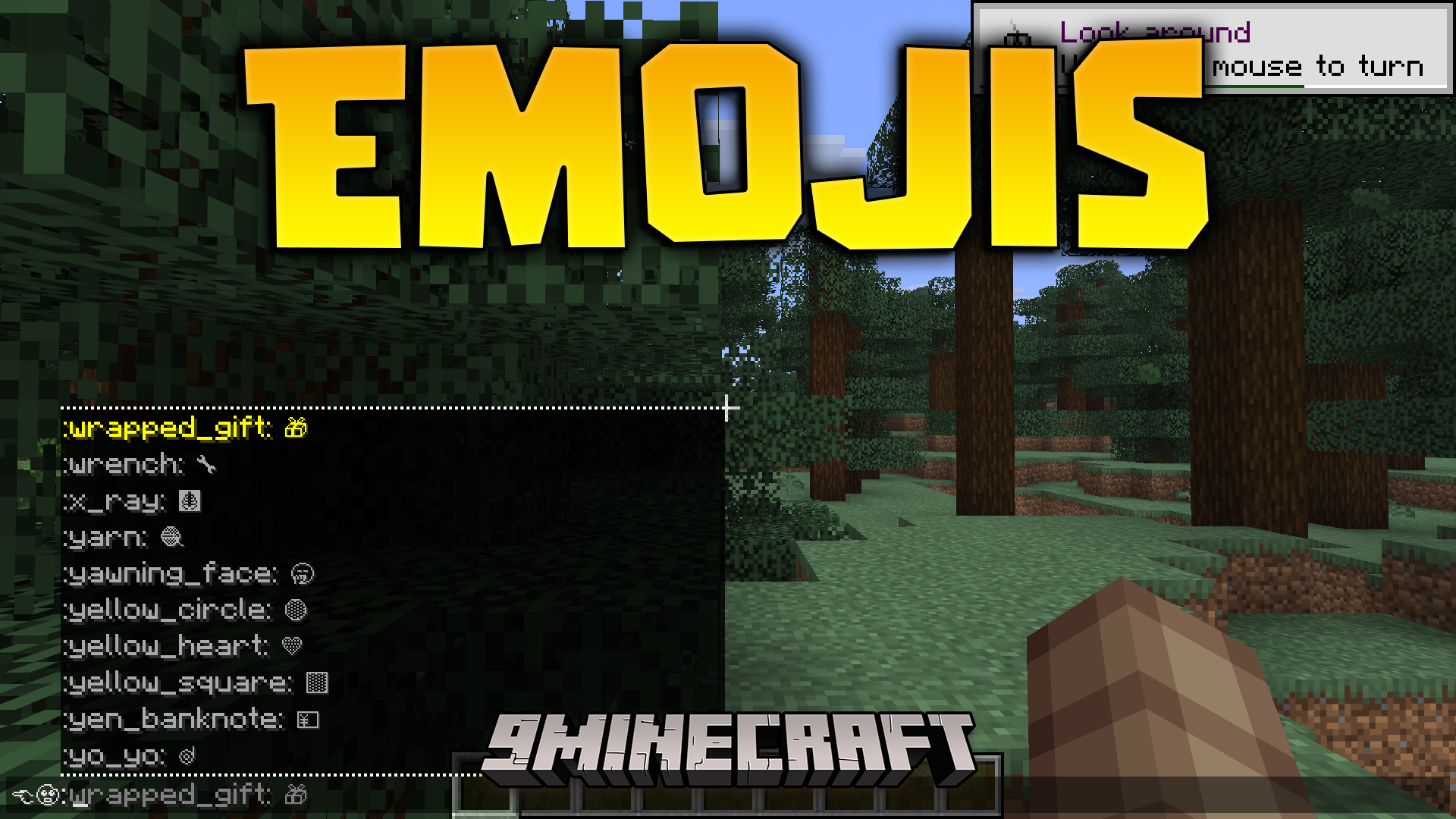
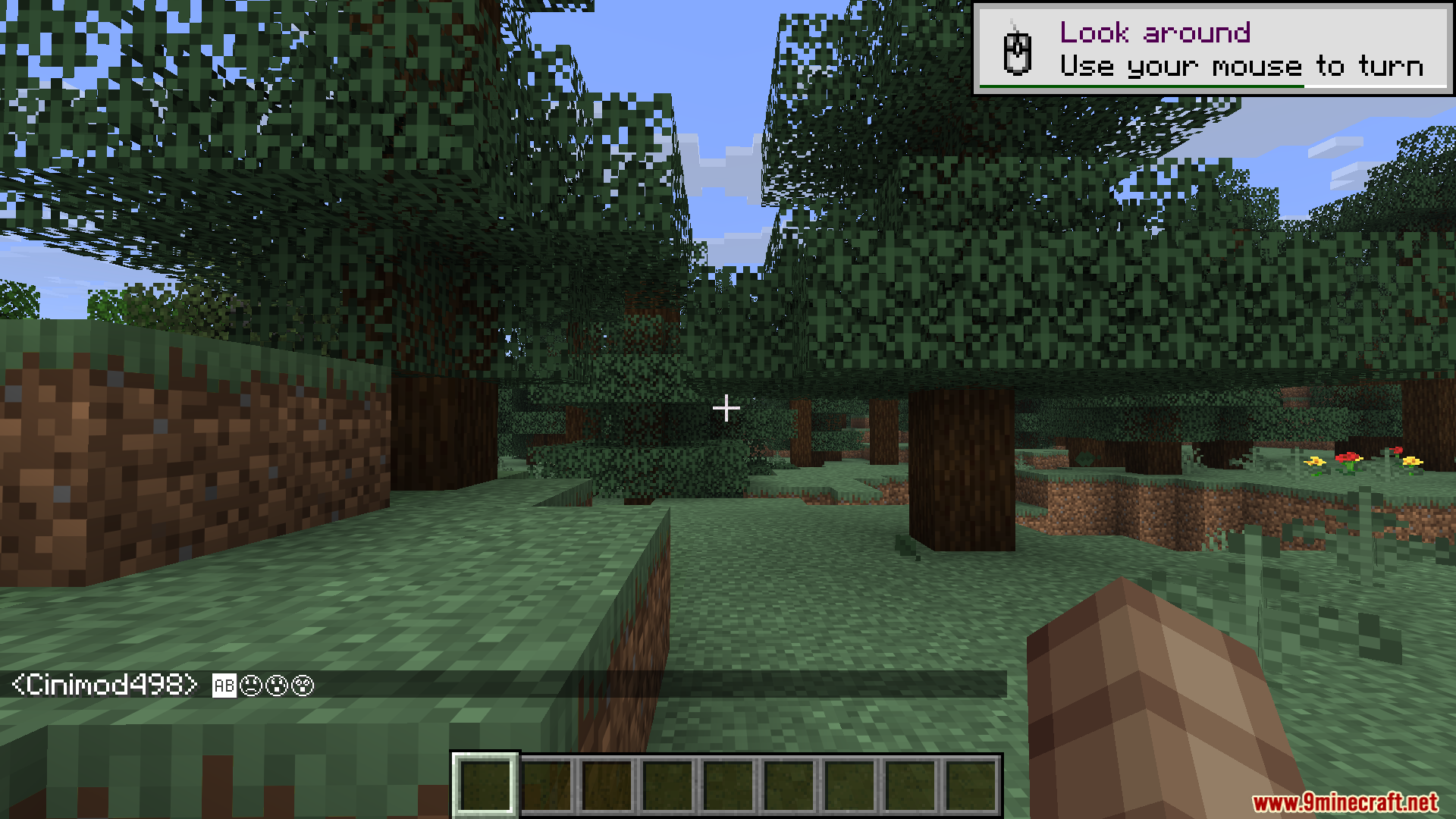
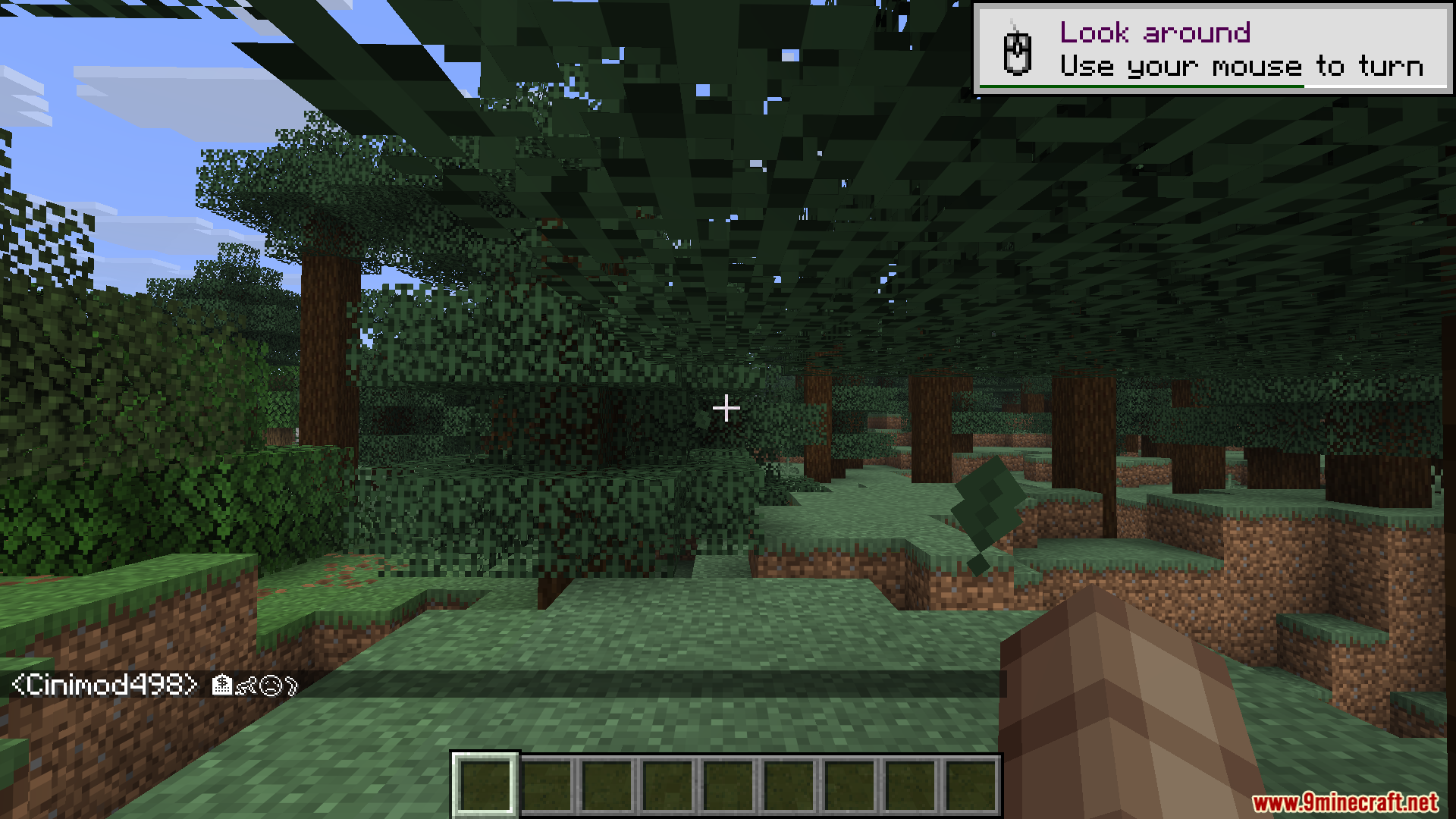
Emojis Mod lets you type fun symbols and faces in your game. It works on the client side, so your friends can see the symbols even if they do not have the mod installed. You can put these symbols in the chat box, on signs, or inside anvils. The mod comes with hundreds of options ready to use right away.
Features:
- Huge Symbol Library: Adds over 1200 different symbols and text art pieces to your game.
- Visible To Everyone: Other players can see your symbols on any server without installing anything themselves.
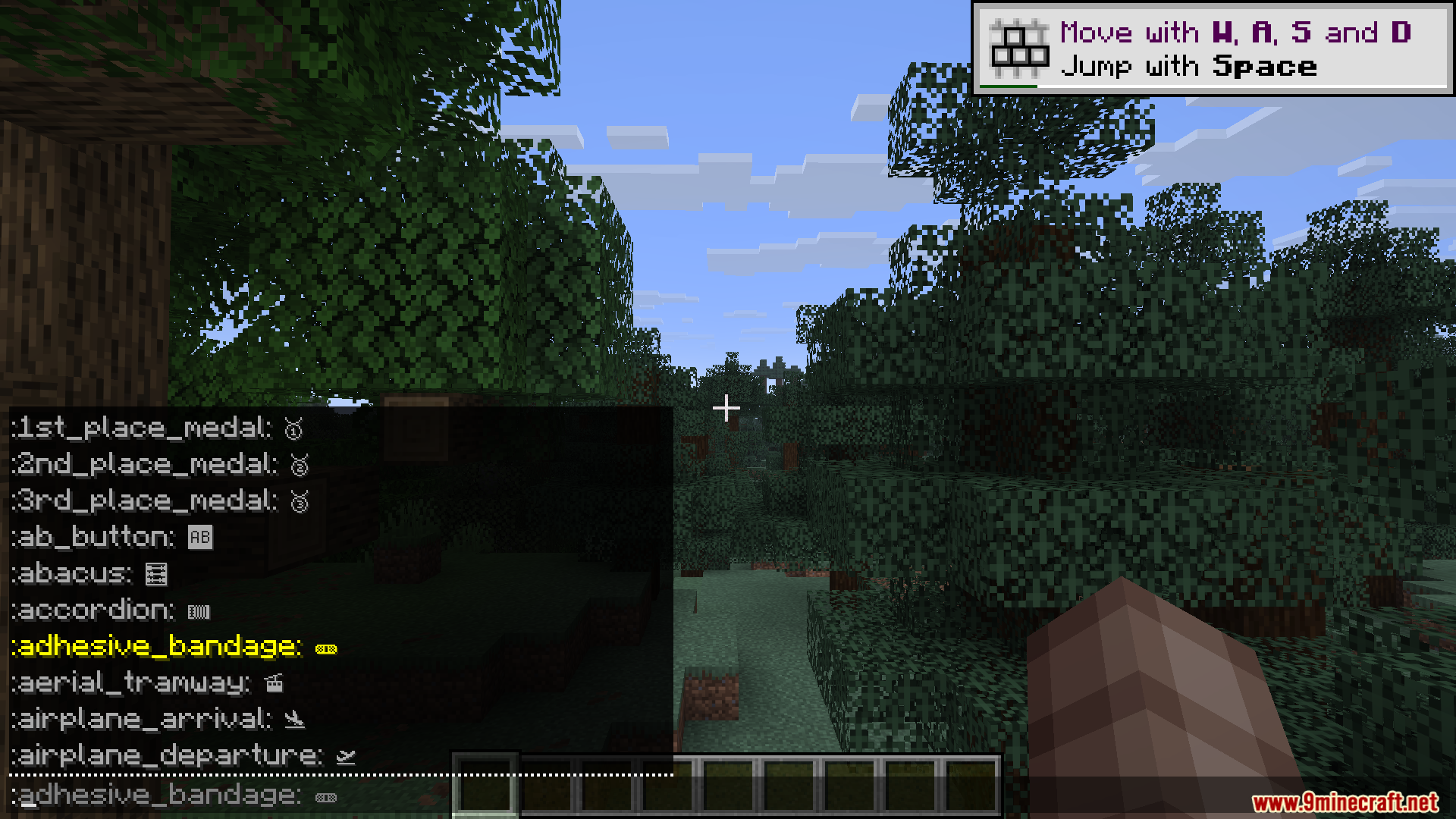
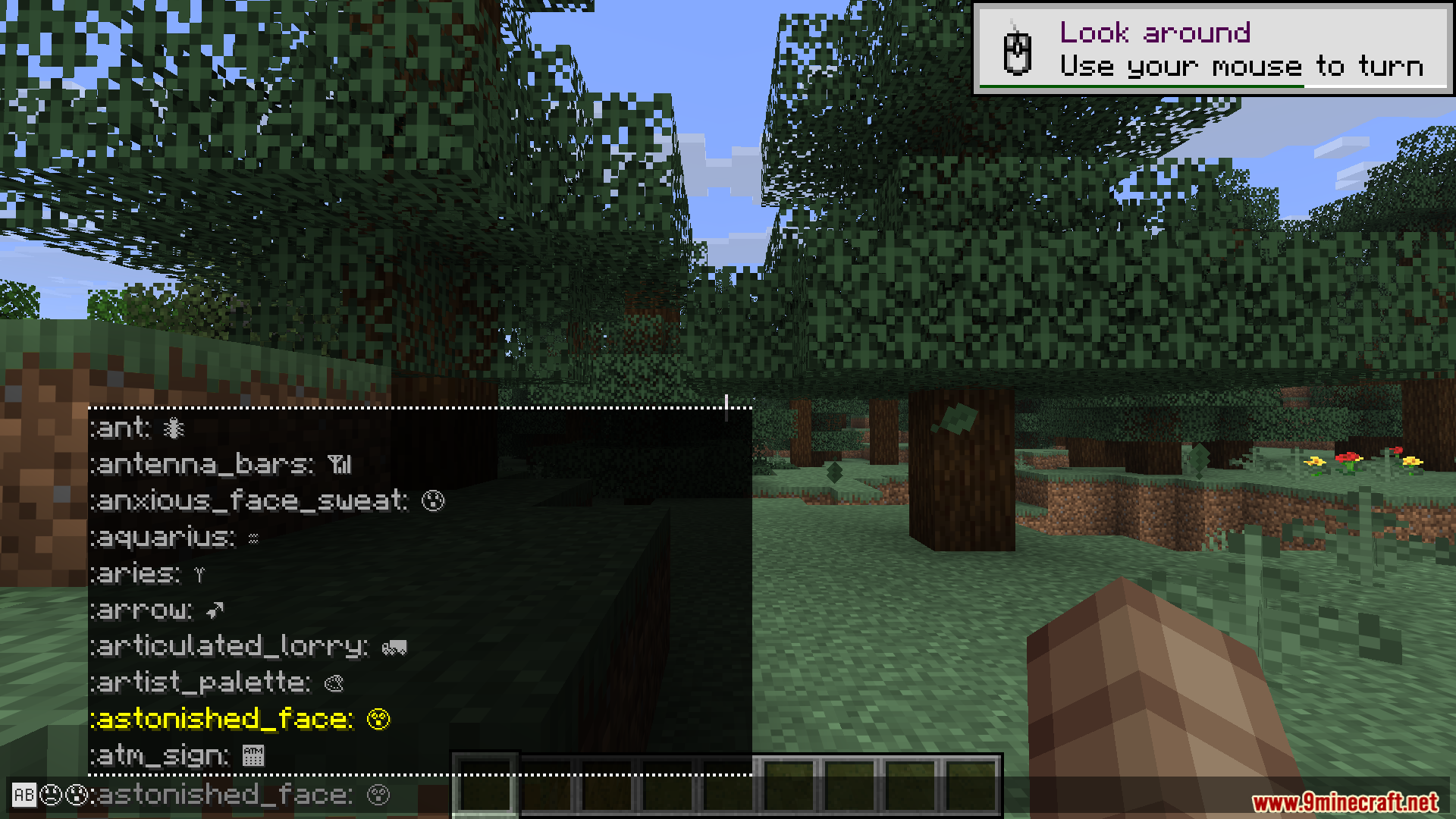
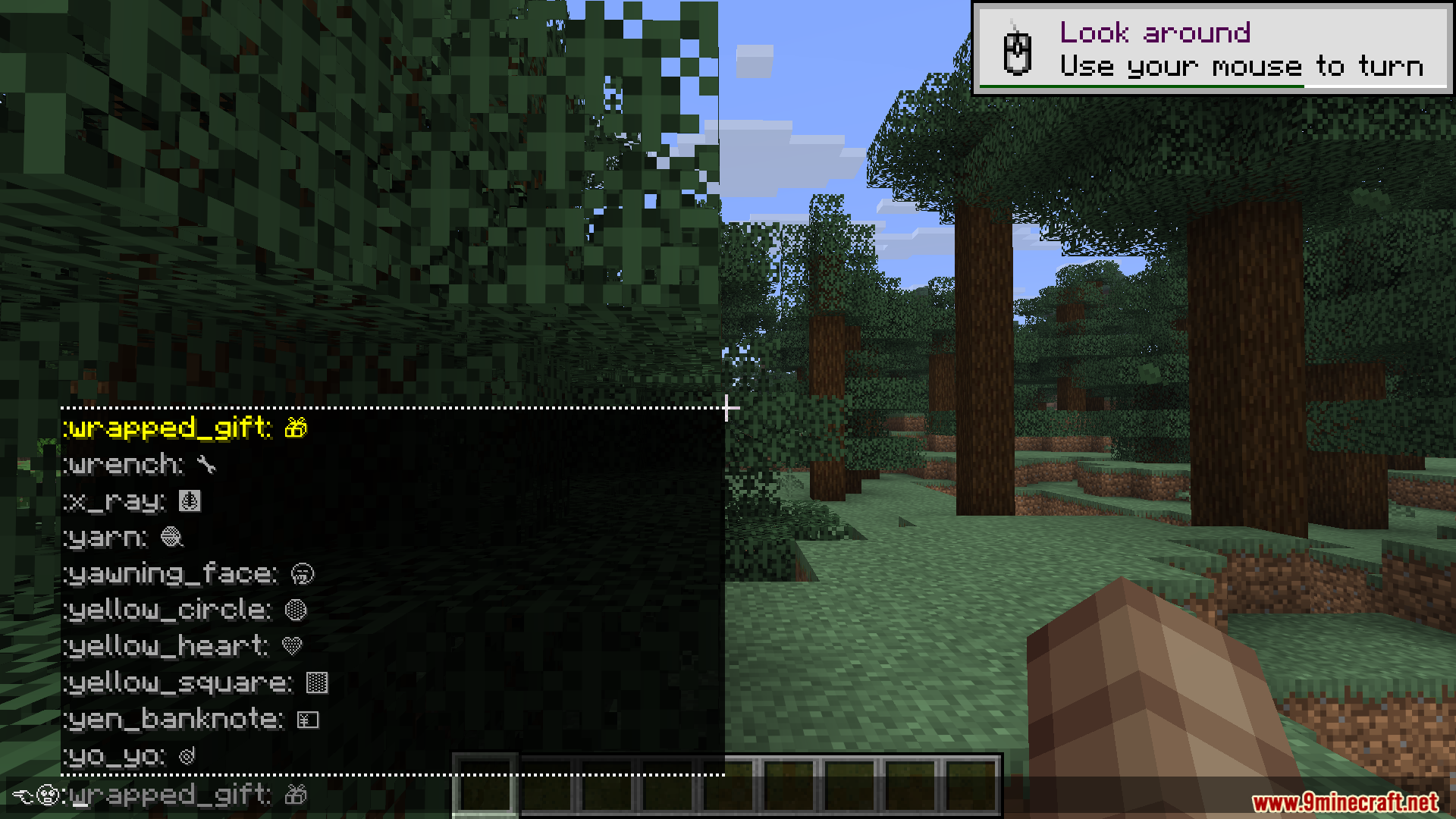
- Gives you a quick pop-up menu in the chat box when you type a colon.
- Lets you paste and save your own custom text art using a quick chat command.
- Changes the look of symbols from plain white to full color if you add a compatible resource pack.
How to Use:
- Open the chat and type a colon (:) to see a list of symbol suggestions.
- Pick the symbol you want from the auto-complete menu.
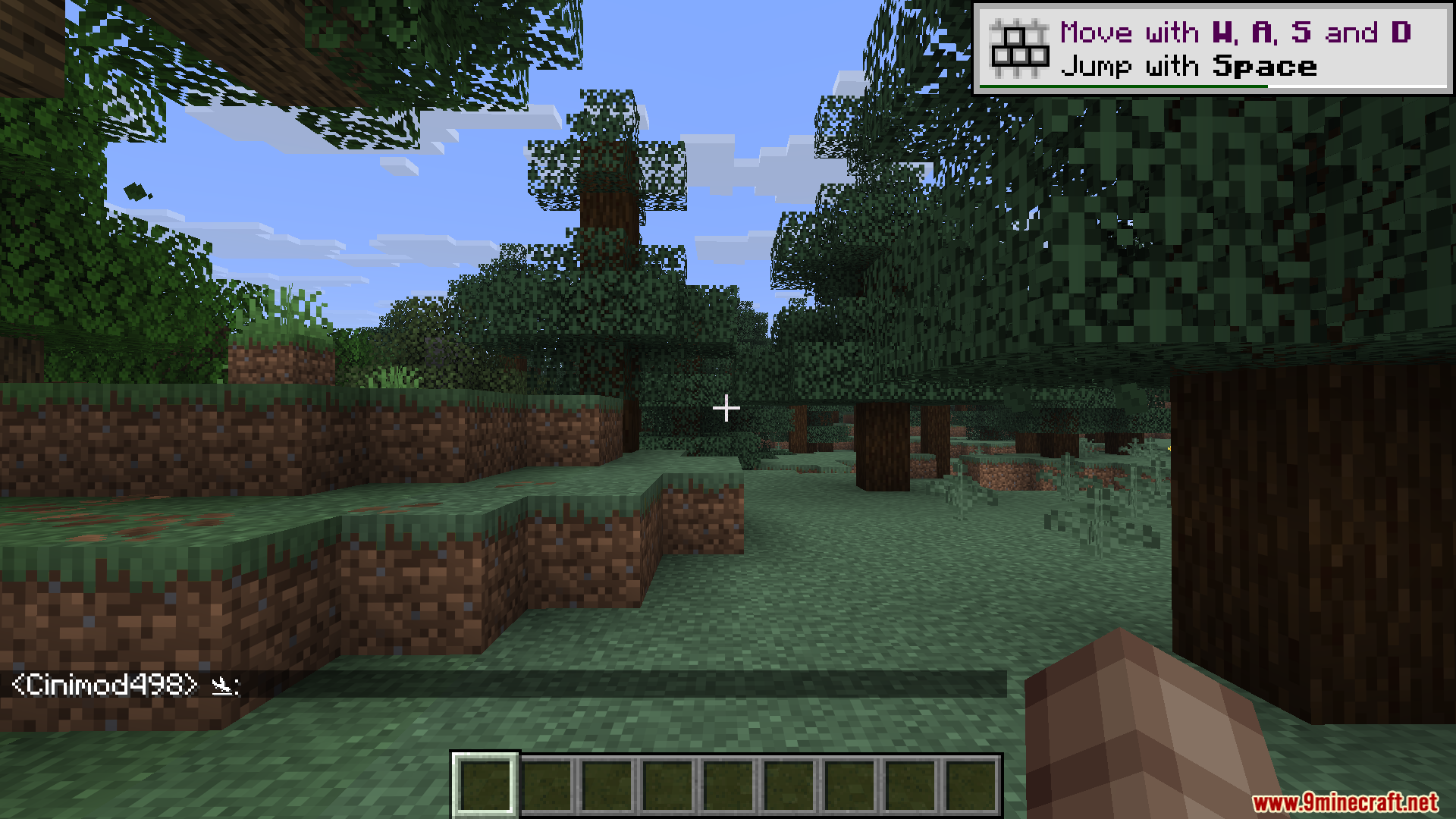
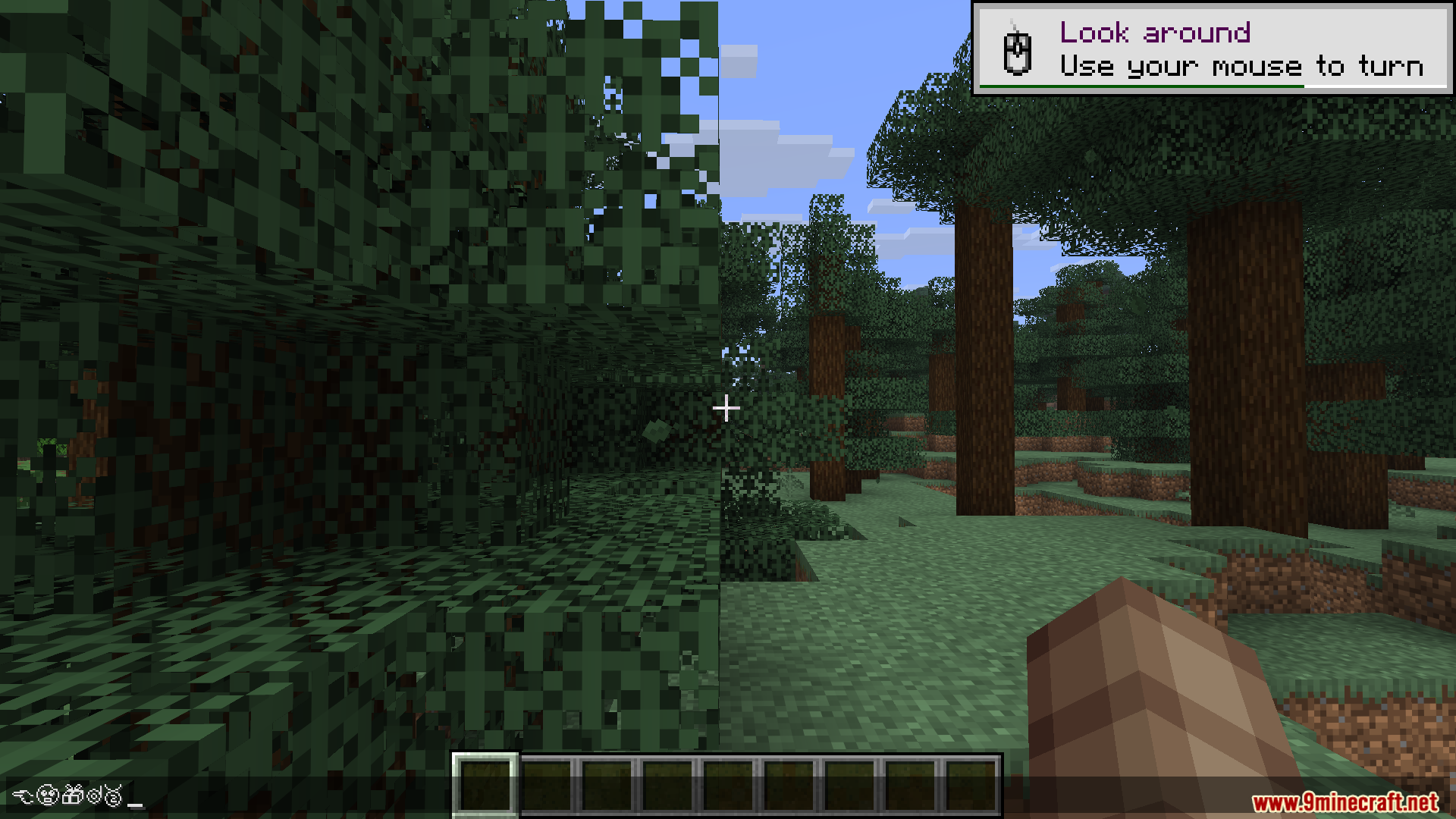
- For signs or anvils, type the exact name between two colons, like :hamburger:.
- Press enter or finish typing to turn the text into the symbol.
- Type /emojis add [name] [symbol] to create your own custom symbol shortcut.
Screenshots:
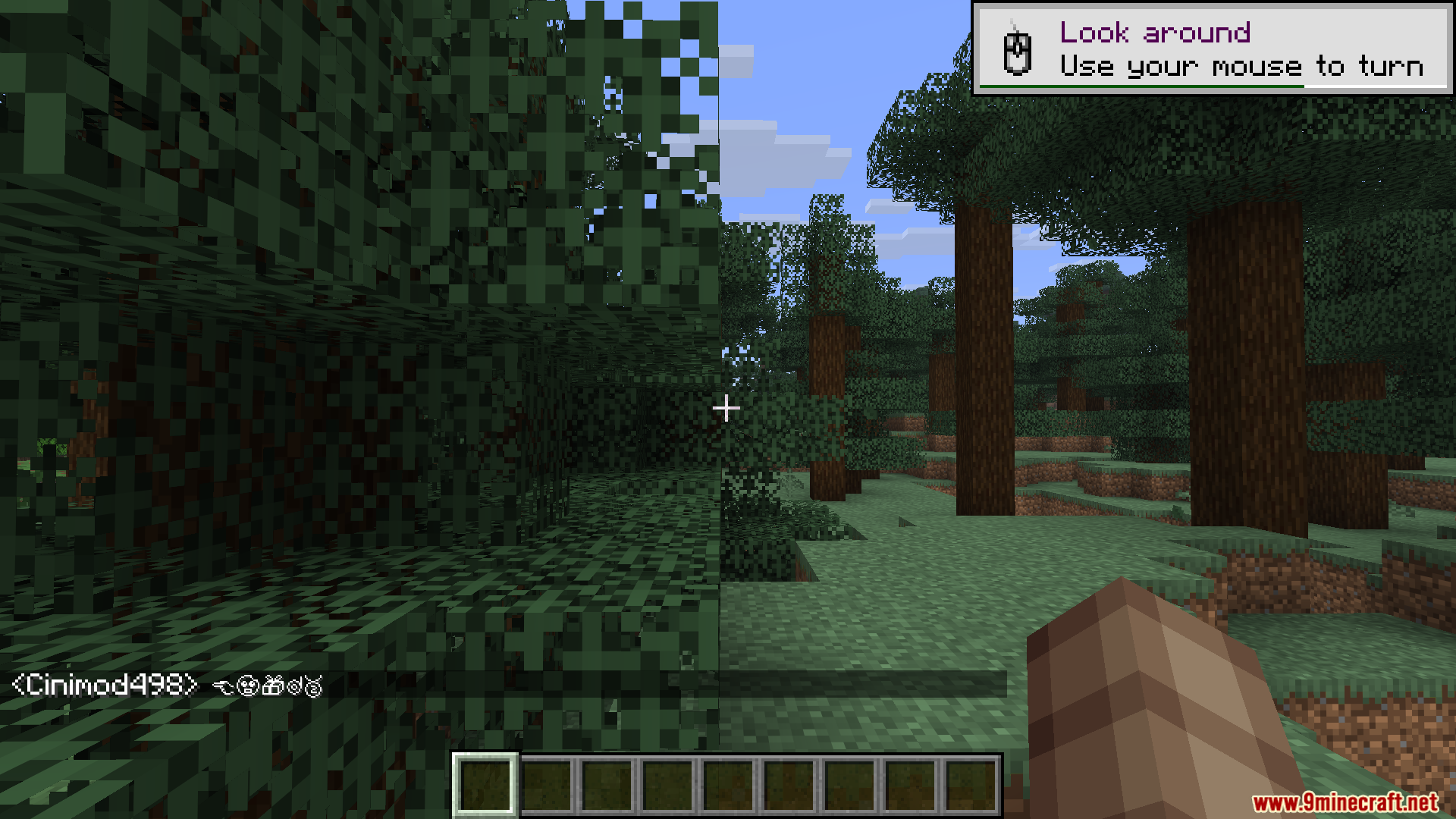
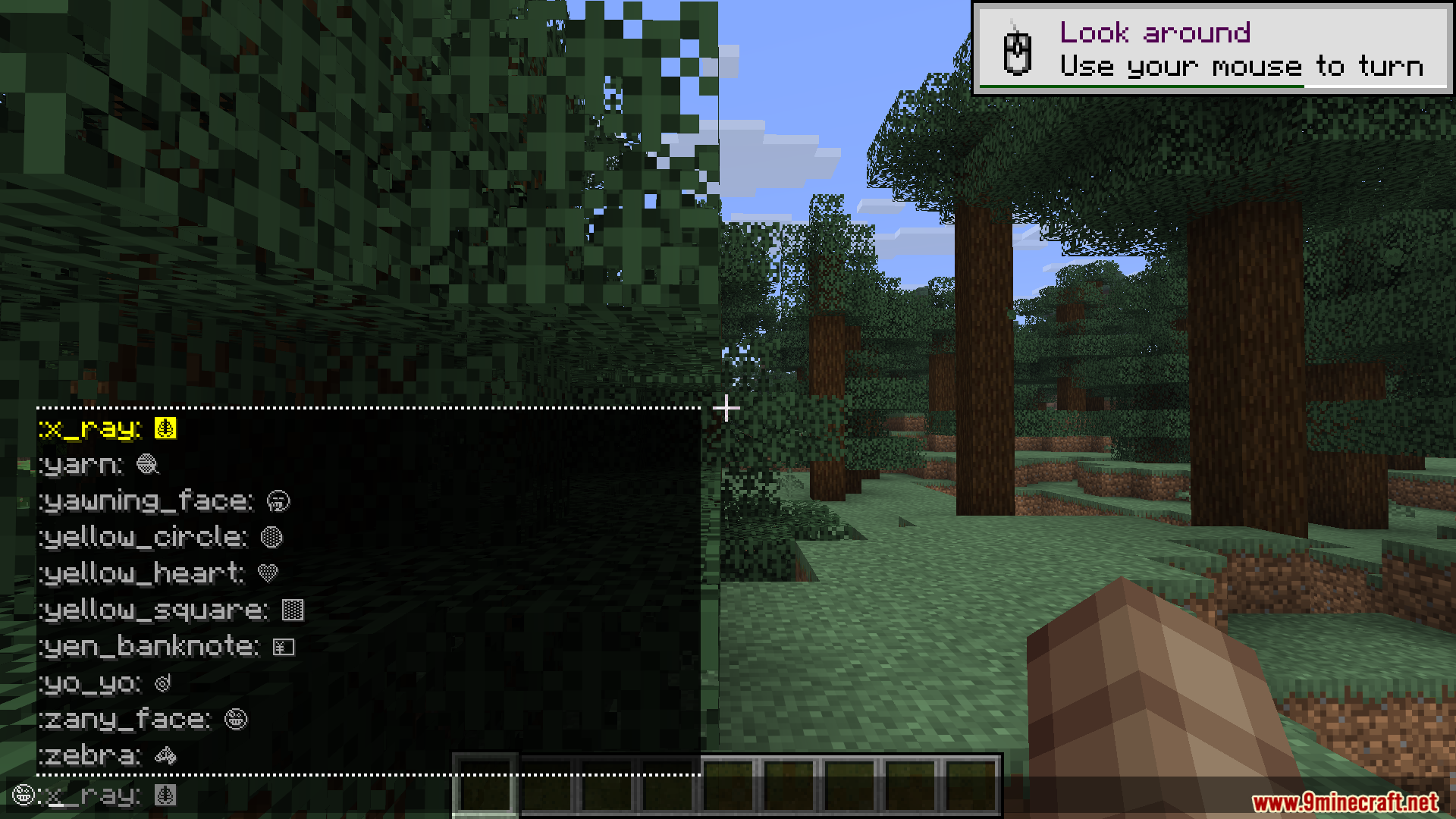
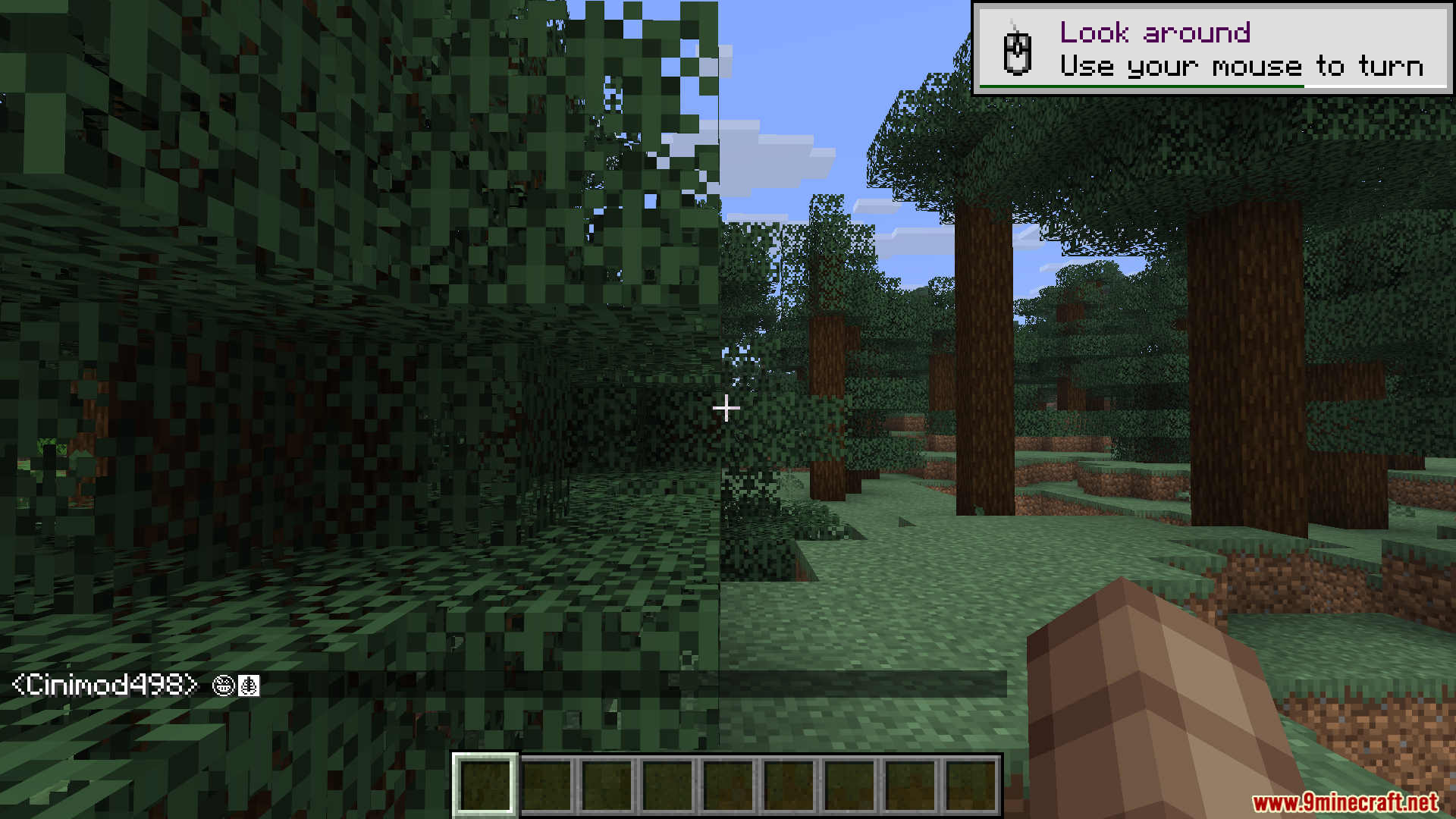
How to Install:
New to Minecraft? Follow our step-by-step guide to install Mods on your PC.View Guide
Requirements:




Emojis Mod Download Links
For Minecraft 26.2
For Minecraft 26.1.2, 26.1.1, 26.1
For Minecraft
1.21.11,
1.21.10,
1.21.9
All Versions Covered
1.21.11
1.21.10
1.21.9
1.21.8
1.21.7
1.21.6
1.21.5
1.21.4
1.21.1
1.21
All Versions Covered
1.21.11
1.21.10
1.21.9
1.21.8
1.21.7
1.21.6
1.21.5
1.21.4
1.21.1
1.21
For Minecraft 1.21.10, 1.21.9
For Minecraft
1.21.8,
1.21.7,
1.21.6
All Versions Covered
1.21.8
1.21.7
1.21.6
1.21.5
1.21.4
1.21.3
1.21.2
1.21.1
1.21
1.20.6
1.20.5
1.20.4
1.20.3
1.20.2
1.20.1
1.20
All Versions Covered
1.21.8
1.21.7
1.21.6
1.21.5
1.21.4
1.21.3
1.21.2
1.21.1
1.21
1.20.6
1.20.5
1.20.4
1.20.3
1.20.2
1.20.1
1.20
For Minecraft 1.20.1, 1.20
Click to rate this post!
[Total: 0 Average: 0]
You May Also Like



This post has no comments yet. Be the first — your comment will appear here.