


Battle Drones Model – Unleashes Five Animated Combat and Utility Drones
 8
8
 0
0

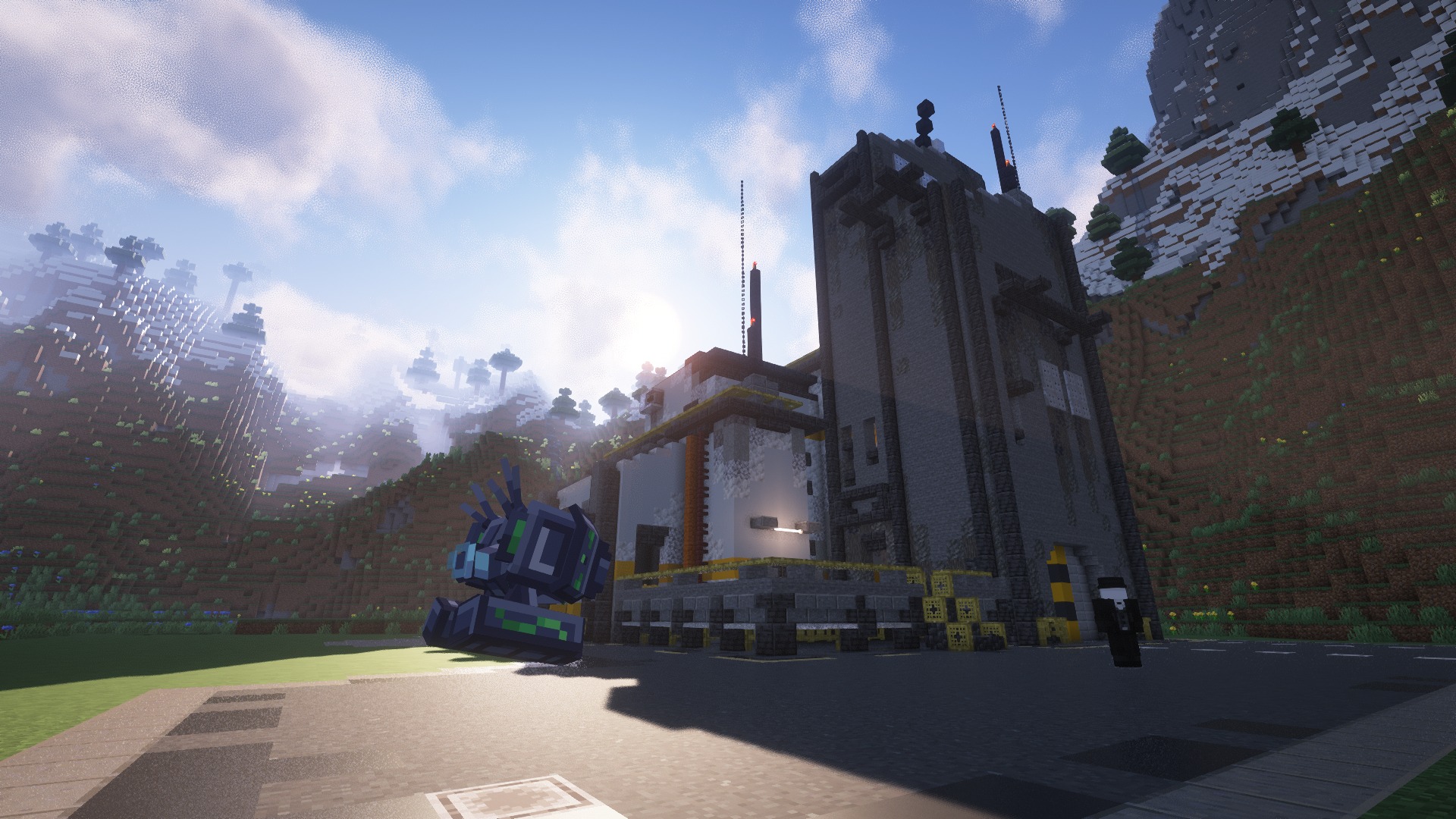
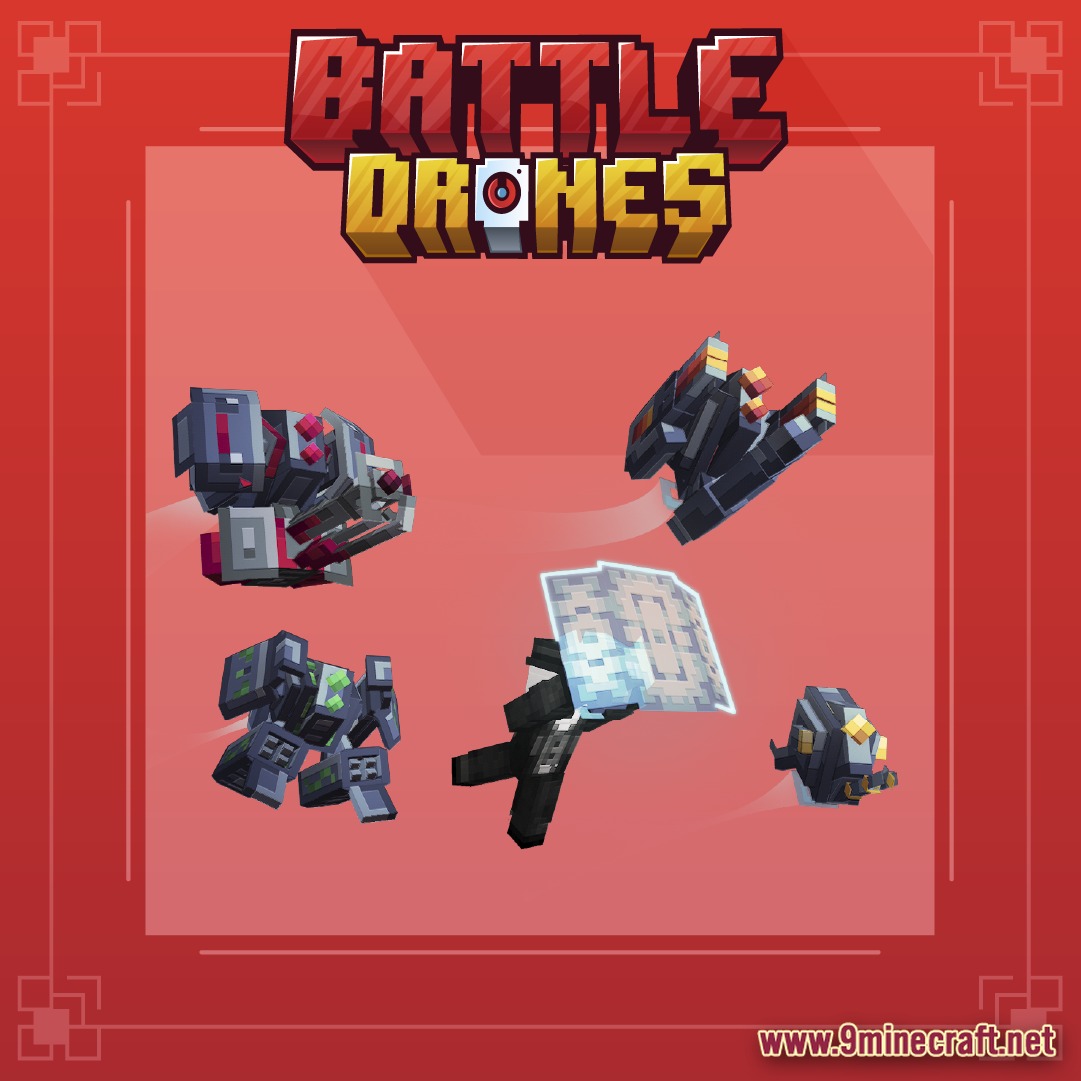
Battle Drones Model unleashes an exciting array of 3 battle drones and 2 support drones into your Minecraft world. This incredible Battle Drones Model brings very fun and eye-catching gameplay, enhancing your adventures. It offers easy drag-and-drop installation for popular server plugins like ModelEngine, MythicMobs, Oraxen, and ItemsAdder.
Features:
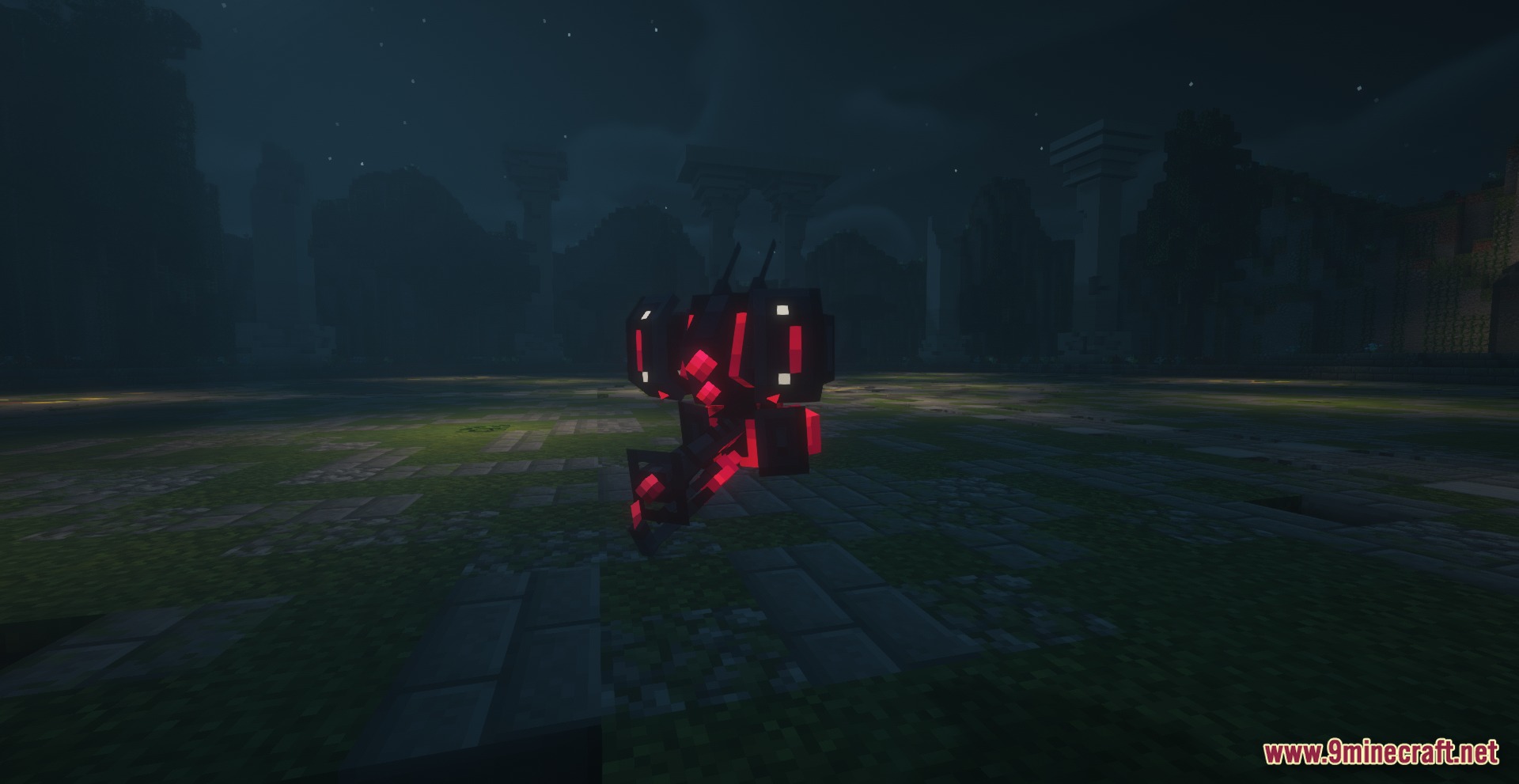
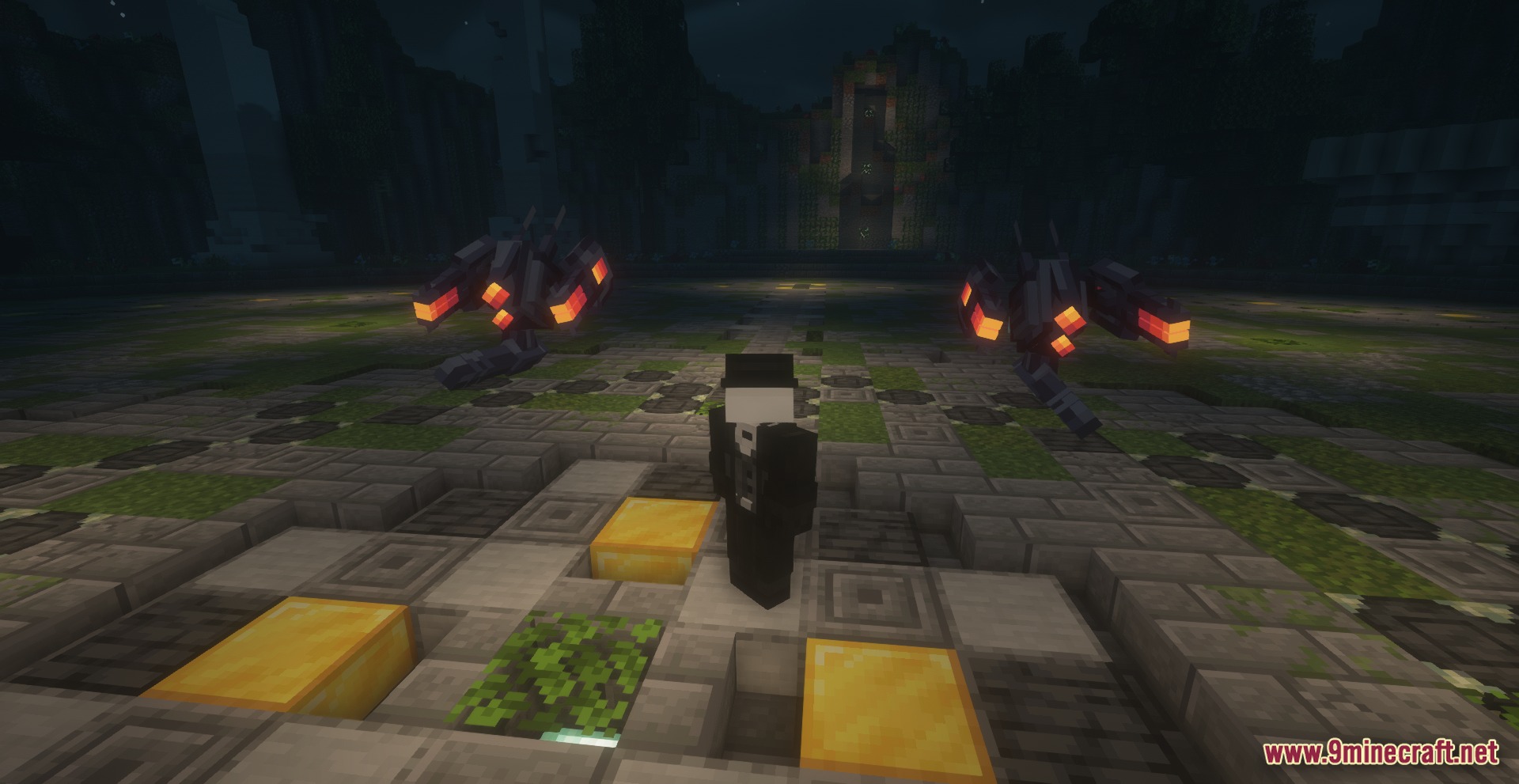
- Features five unique drone models, including three battle and two crucial support variants.
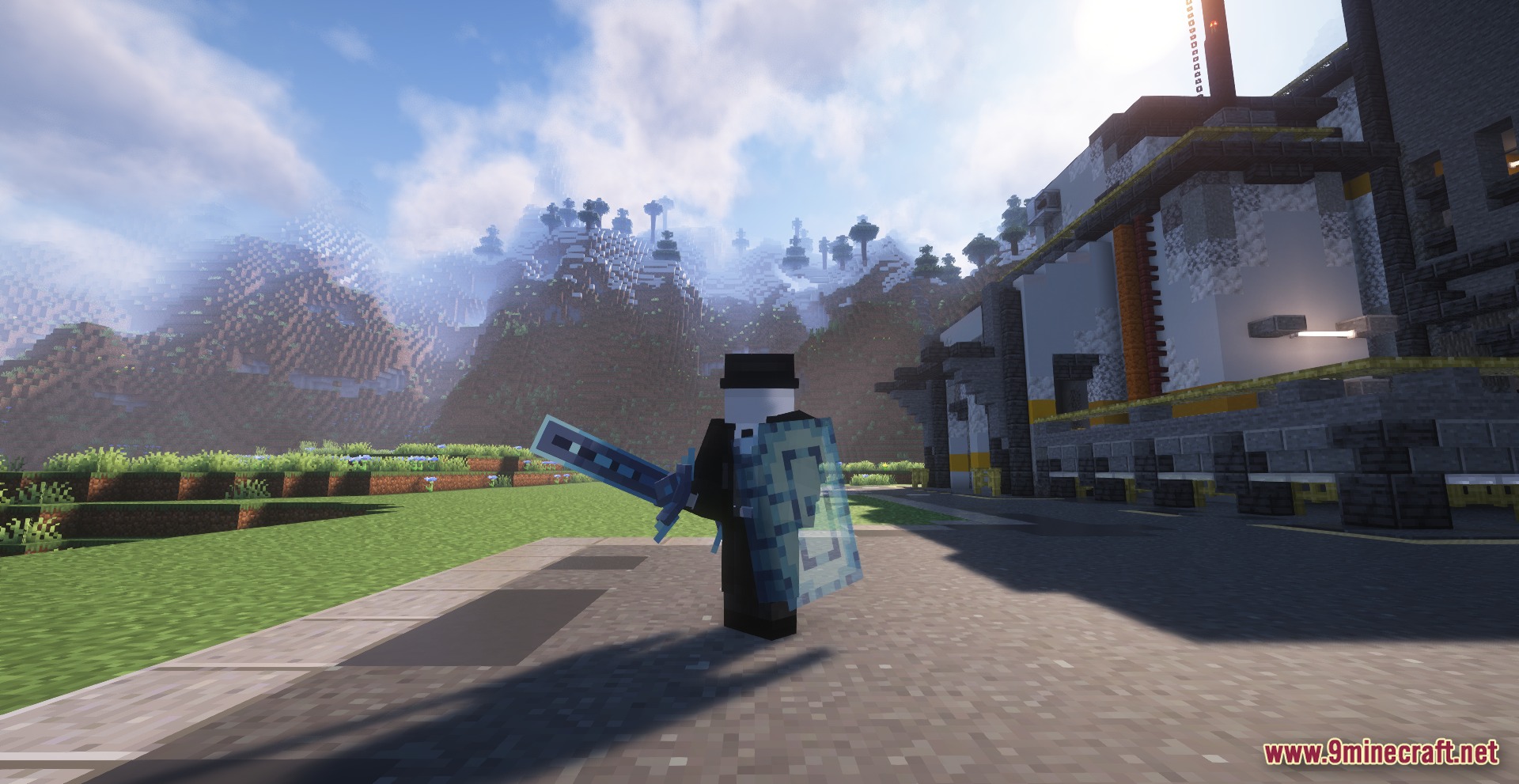
- Includes a drone-themed sword and shield, ready for use with popular item plugins.
- Battle Drone Hostile boasts seven distinct animations for attacks, movement, and idle states.
- Flame Thrower Drone and Rocket Launcher Drone each feature seven unique combat animations.
- Support drones (Repair and Shield) come with five essential animations for assisting players.
- Provides ready-to-use MCPets configurations for the three powerful battle drones.
How to Use:
- Ensure you have ModelEngine 3 Legacy or ModelEngine 4, and MythicMobs Premium installed on your server.
- Download the Battle Drones Model pack and extract its contents to your server’s plugin folders.
- Drag and drop the respective files into your ModelEngine, MythicMobs, Oraxen, or ItemsAdder directories.
- Reload your server plugins (e.g., /mythicmobs reload, /iazip, /oraxen reload pack) to apply the new models.
- Summon your new battle and support drones using the appropriate commands for MythicMobs or MCPets.
Screenshots:
Battle Drones Model Download Links
Click to rate this post!
[Total: 1 Average: 5]
You May Also Like






This post has no comments yet. Be the first — your comment will appear here.