


Rune Client (1.26+, 26.34+) – MCPE/Bedrock
 0
0
 0
0

Rune Client is a free utility client for Minecraft Bedrock Edition on Windows 10/11, and one of the very few that keeps up with the newest game builds – it runs on 1.26.30 all the way through 1.26.34. It ships as a single DLL that you inject into Minecraft while the game is running, so there is no launcher to install and no patched game build to sideload alongside your normal Minecraft.
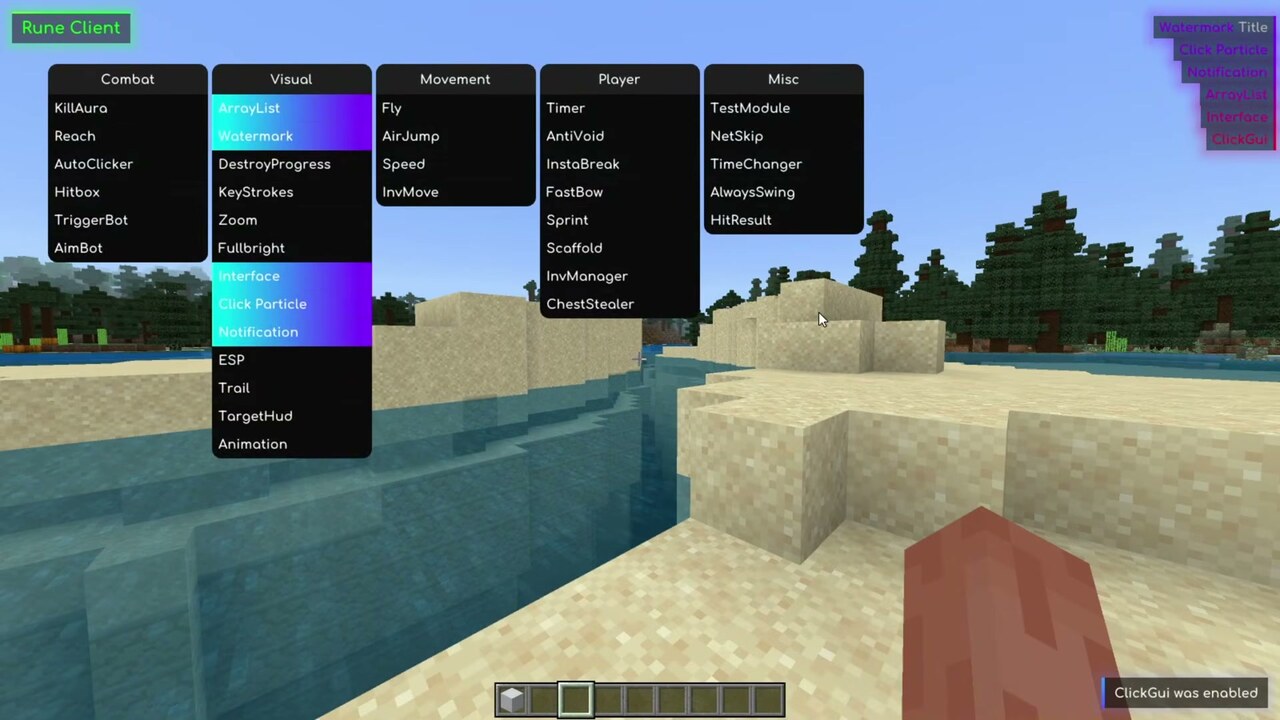
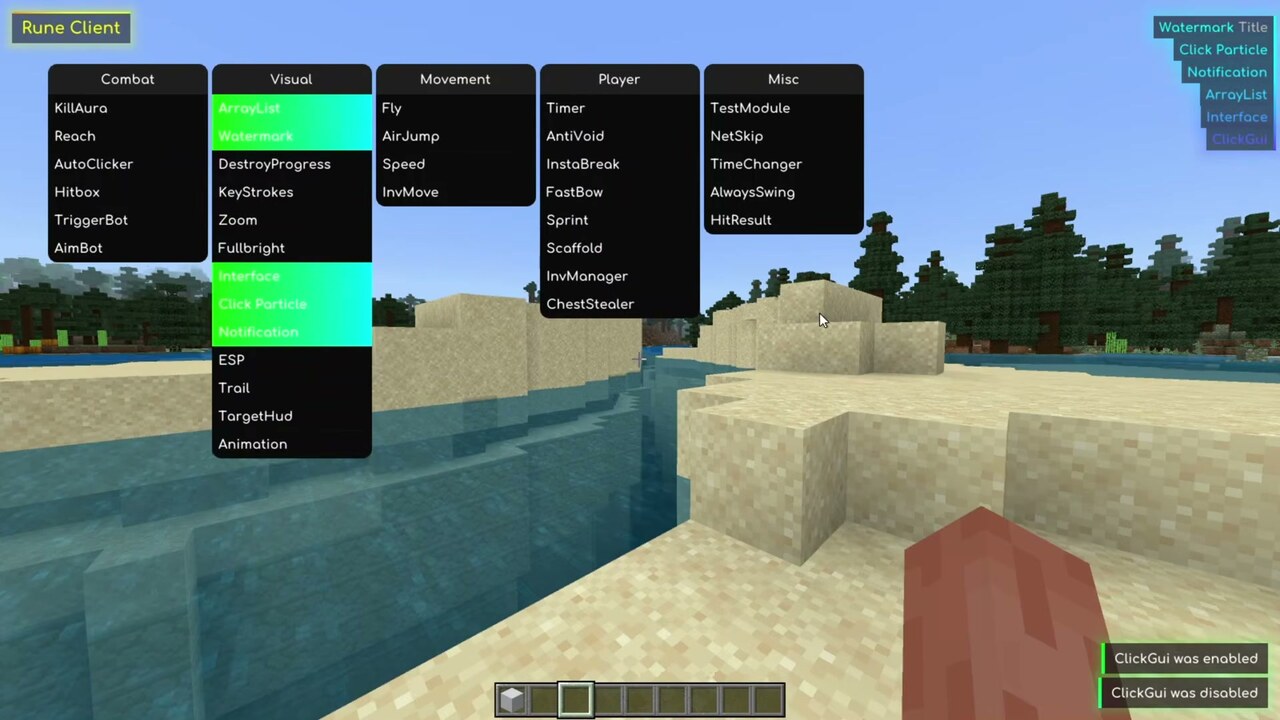
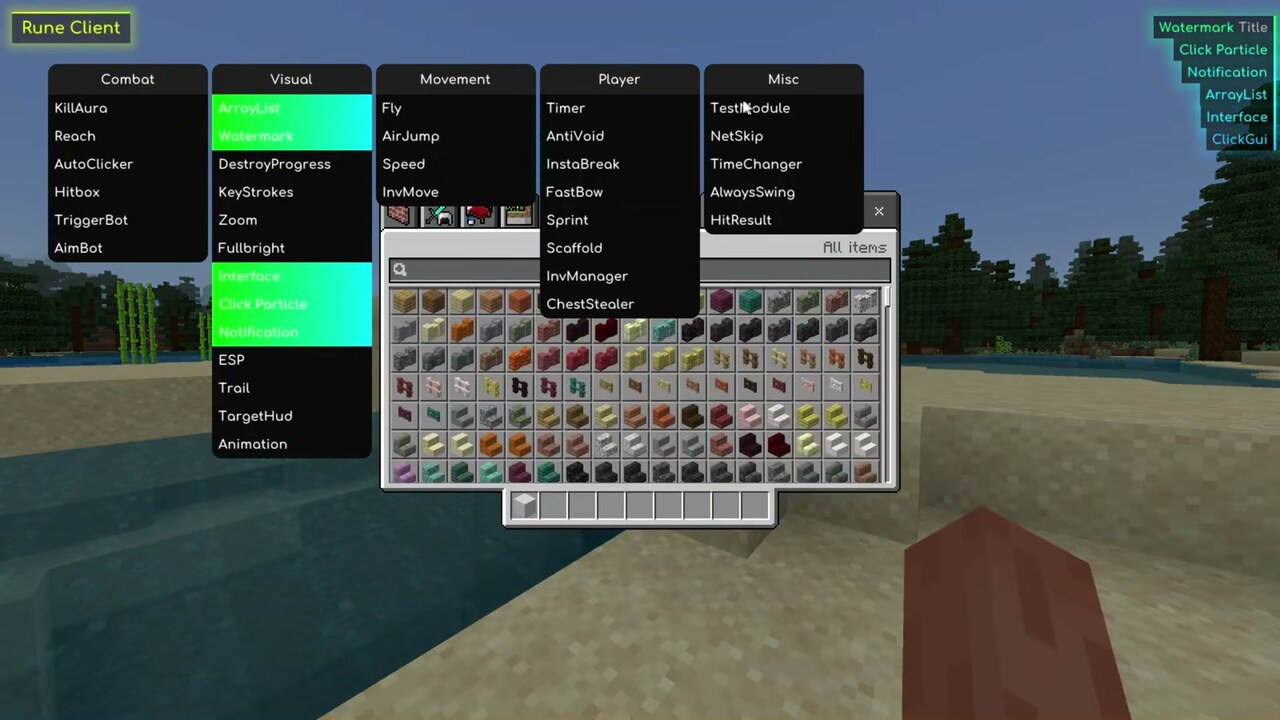
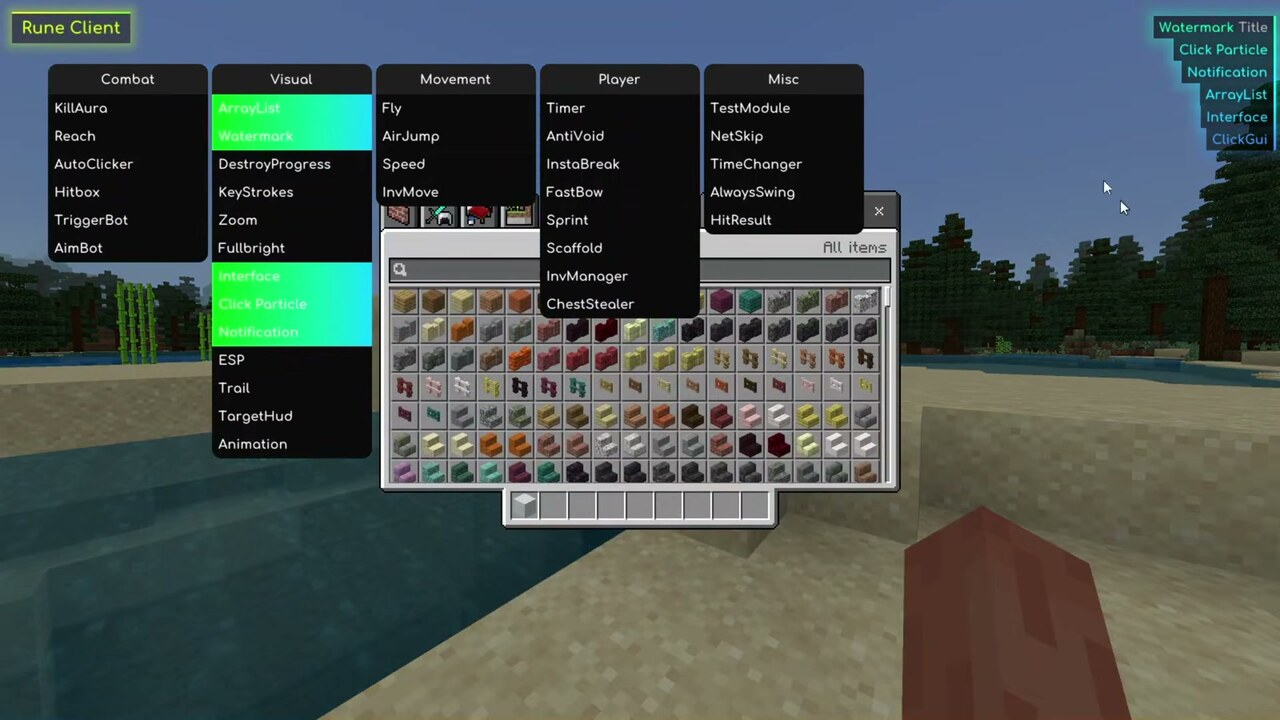
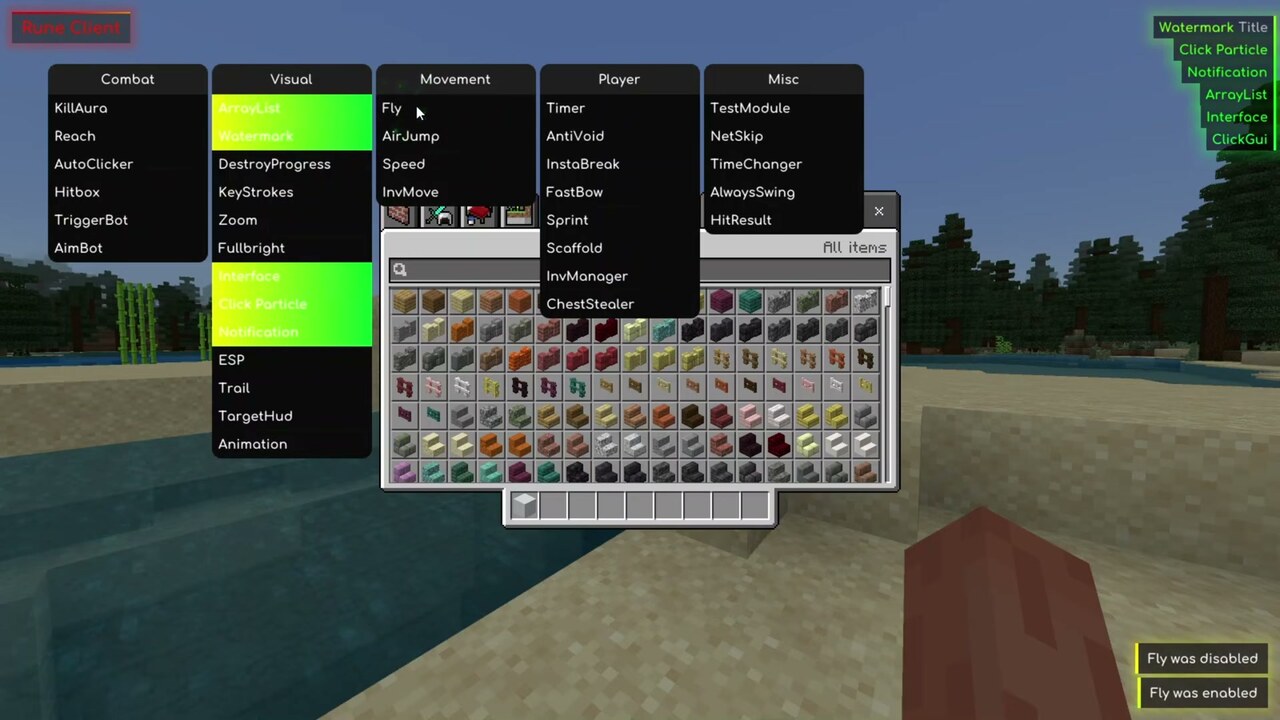
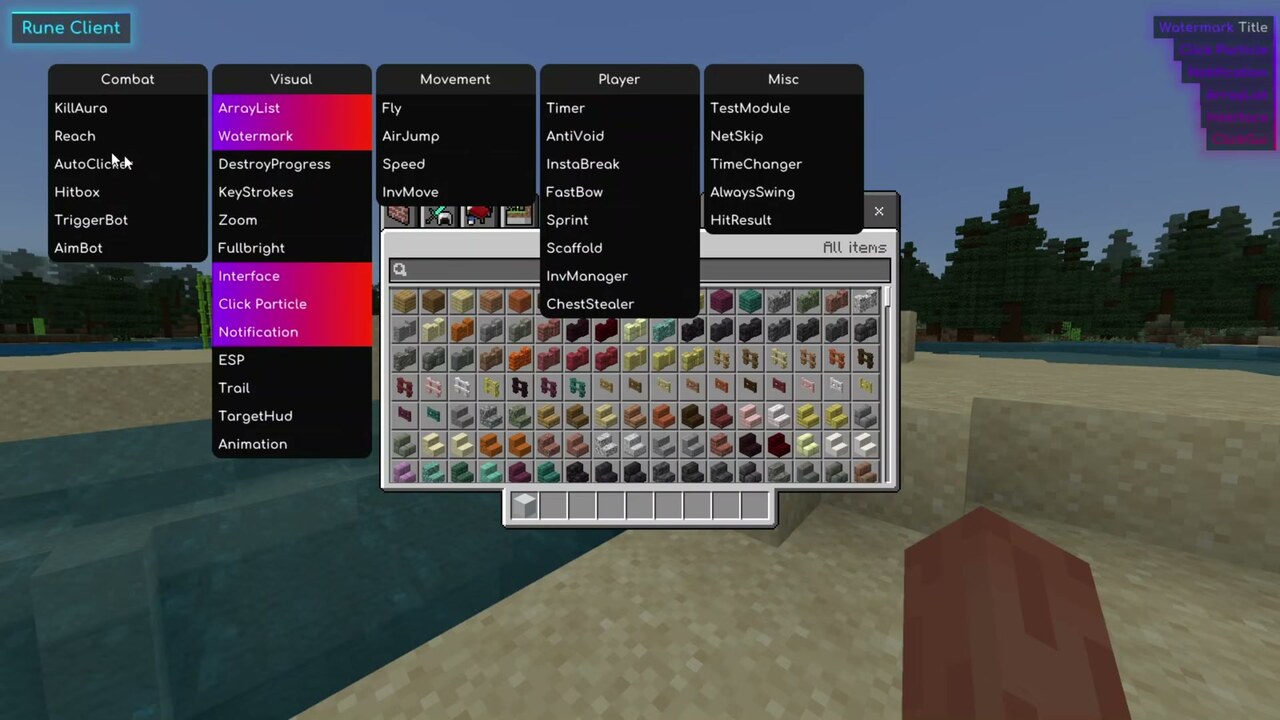
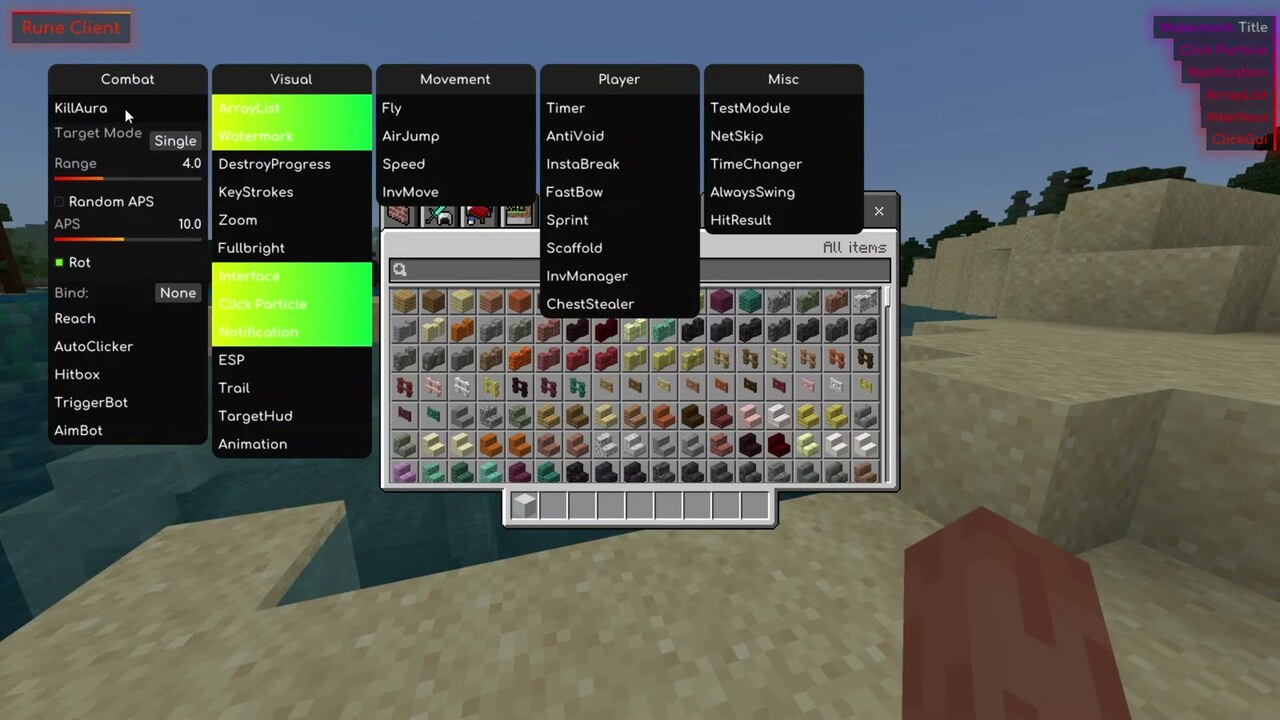
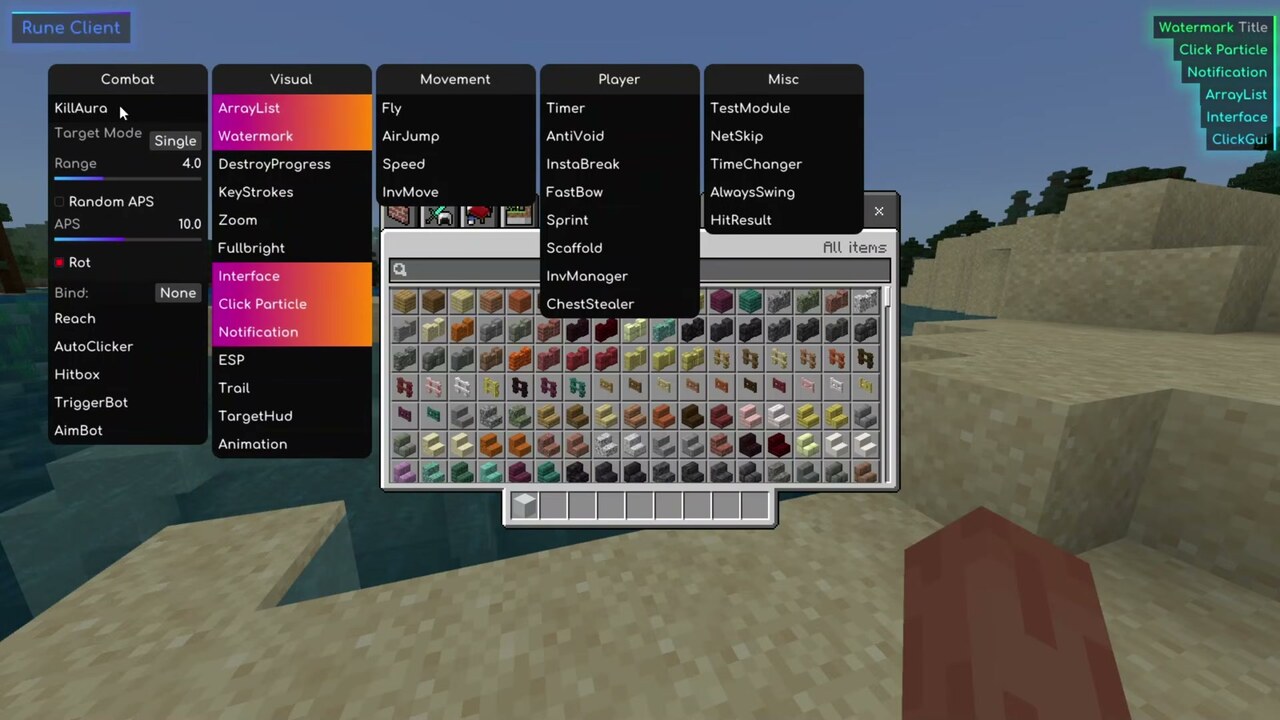
Once it is injected, press Insert to open the ClickGUI. Modules are grouped into Combat, Visual, Movement, Player and Misc, and you toggle them live without leaving your world: KillAura, Reach, AutoClicker, Hitbox, TriggerBot and AimBot for fighting, Fly, AirJump, Speed and InvMove for getting around, and a full HUD layer with ArrayList, Watermark, KeyStrokes, TargetHud and Notifications. There is no X-ray module. Rune also has four chat commands, all with a dot prefix – .bind, .unbind, .clientname and .help.
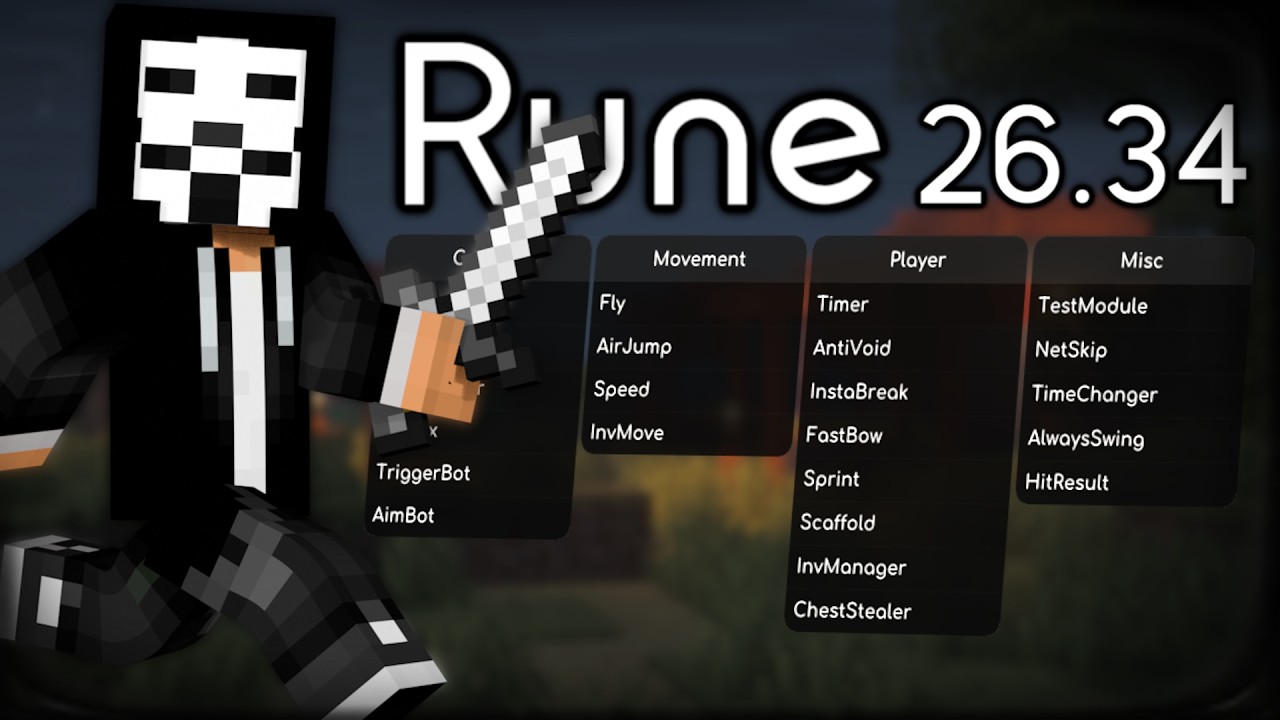
Supported Versions:
Minecraft Bedrock 1.26.30 up to 1.26.34, Windows 10/11 only. Injected DLL – a separate DLL injector is required, no Experimental Features and no resource pack needed.
Features:
- Works on the latest Minecraft Bedrock builds (1.26.30 – 1.26.34)
- In-game ClickGUI, opened with the Insert key by default and fully rebindable
- Combat: KillAura with Target Mode, Range and Random APS, plus Reach, AutoClicker, Hitbox, TriggerBot and AimBot
- Movement: Fly, AirJump, Speed, InvMove
- Player: Timer, AntiVoid, InstaBreak, FastBow, Sprint, Scaffold, InvManager, ChestStealer
- Visual: ESP, Zoom, Fullbright, Trail, TargetHud, DestroyProgress, Click Particle, Animation
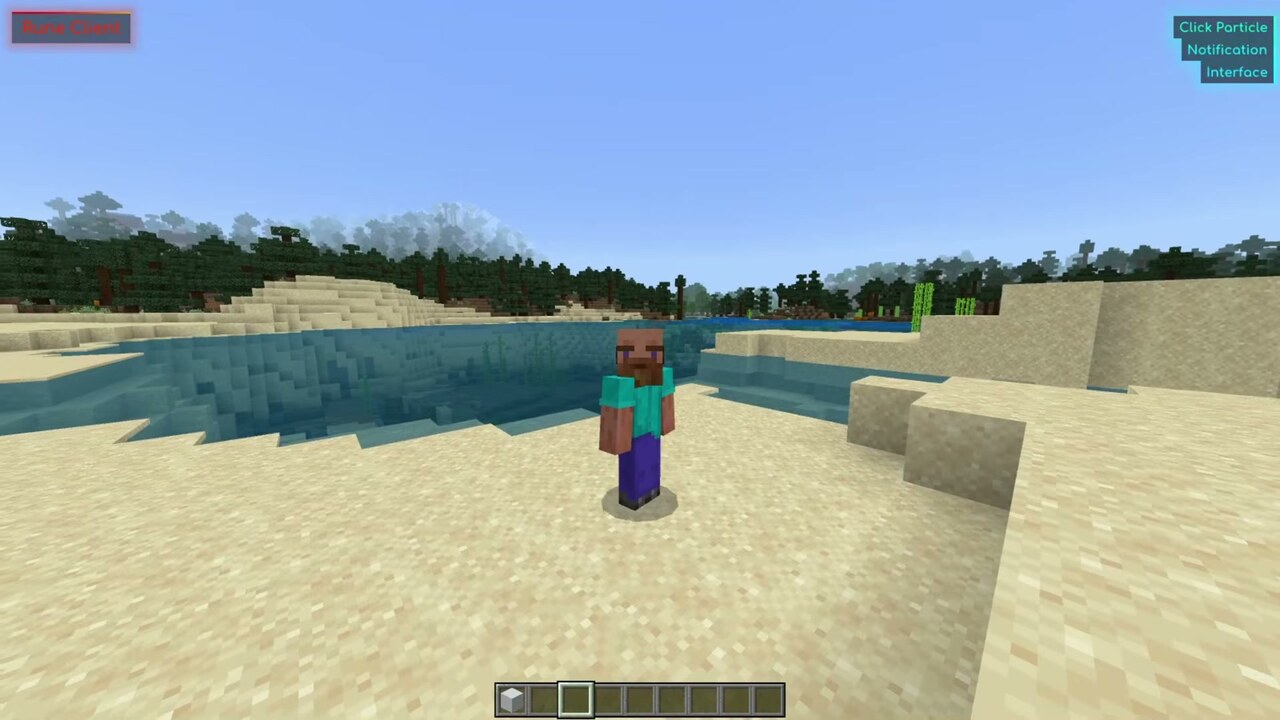
- HUD: ArrayList, Watermark, KeyStrokes, Notification, and a configurable Interface
- Misc: NetSkip, TimeChanger, AlwaysSwing, HitResult
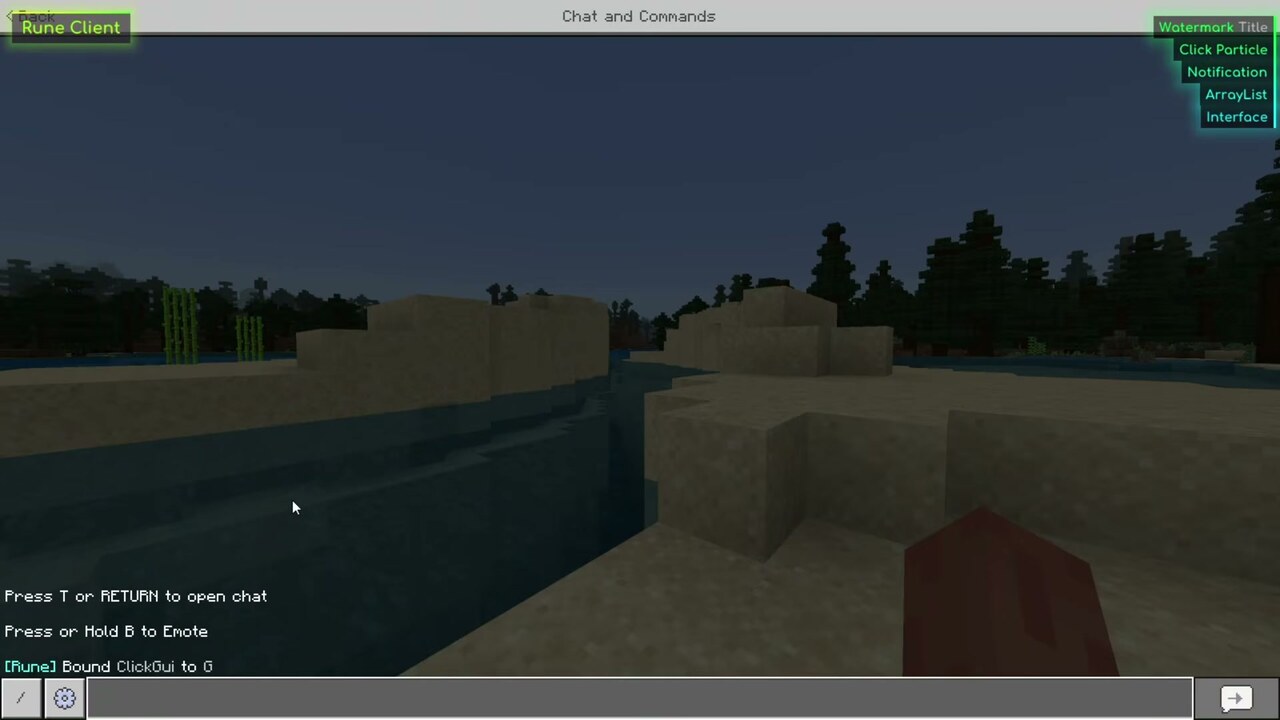
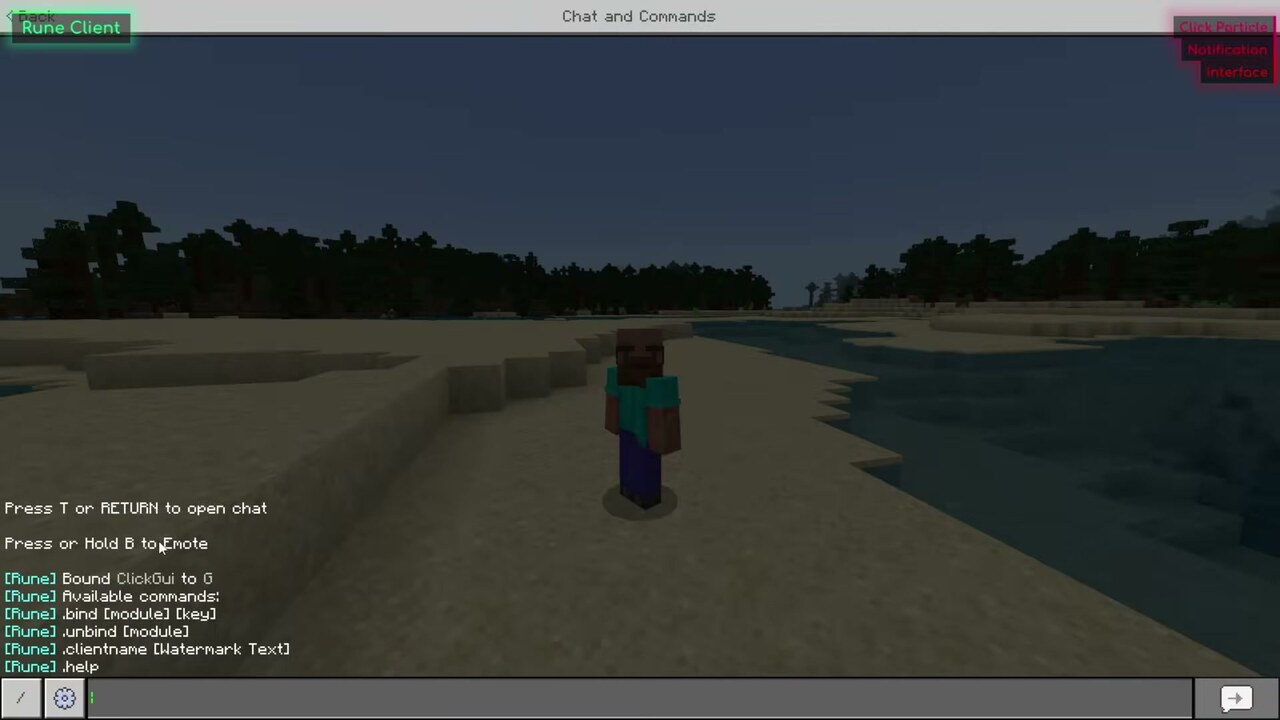
- Four chat commands: .bind [module] [key], .unbind [module], .clientname [Watermark Text] and .help
- Single DLL file, nothing is installed next to Minecraft, and nothing is replaced
Screenshots:
How to install:
- Download the Rune Client DLL below. Because it is a plain DLL, you also need a DLL injector – the Fate Client Injector used in the showcase targets minecraft.windows.exe and works fine.
- Start Minecraft for Windows and wait until you are on the main menu.
- Open your injector, select the Rune Client DLL, and click Inject.
- Press Insert in-game to open and close the ClickGUI. If the cursor will not move, open your inventory or the pause menu first, then go back to the menu.
- To use a different key, open the chat and type .bind clickgui g, replacing g with whichever key you want.
Rune Client Download Links
For Windows 10/11 (Minecraft Bedrock 1.26+)
Rune Client 26.34 (dll file): Download from server 1 – Download from server 2
Download Fate Injector
You May Also Like

This post has no comments yet. Be the first — your comment will appear here.