


Tower Game Mod (1.20.1) – Host Massive Attack and Defense Matches

 0
0 

🌐 Good news — we've translated this article into other languages!
Or pick the one you like:
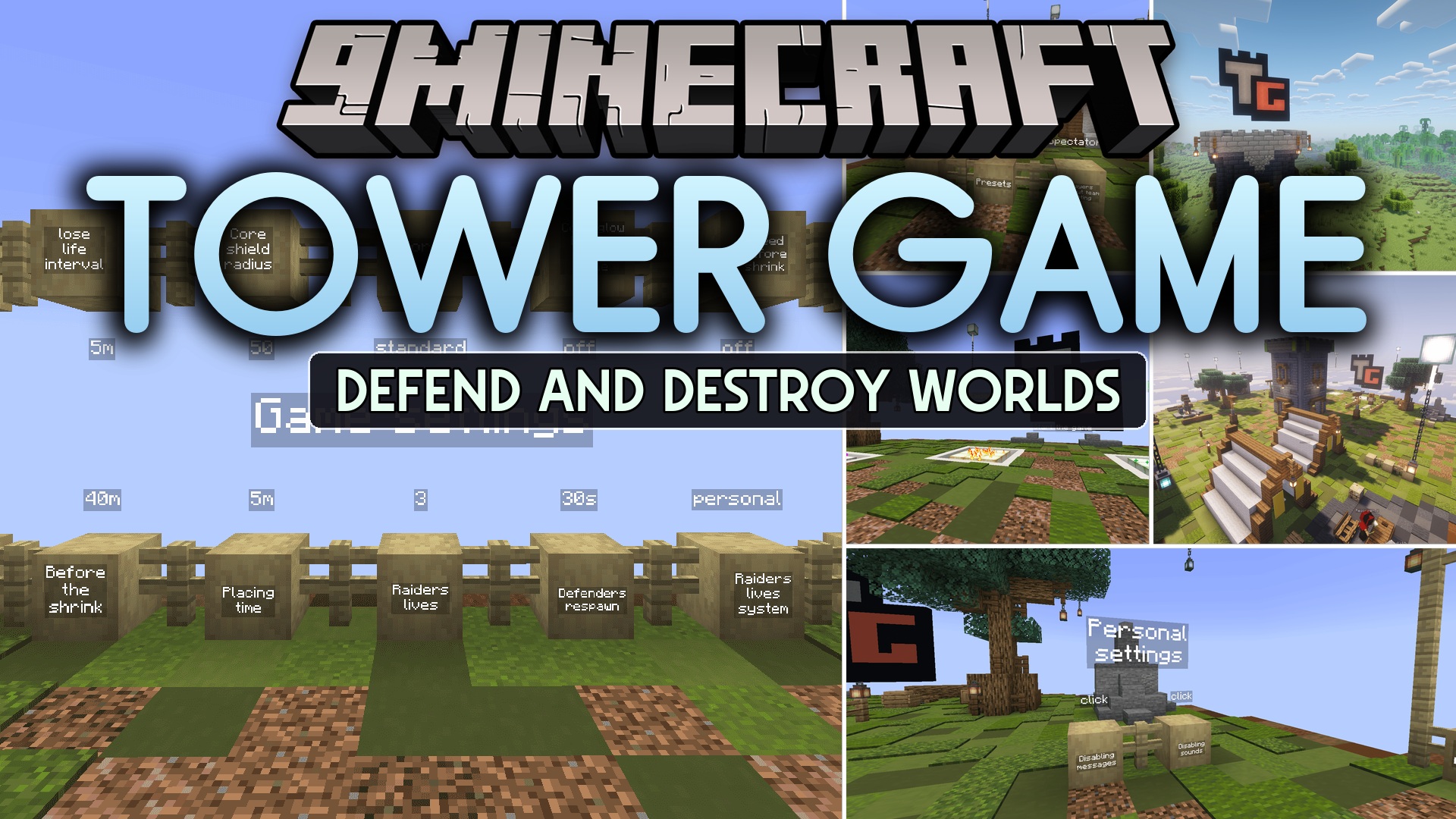
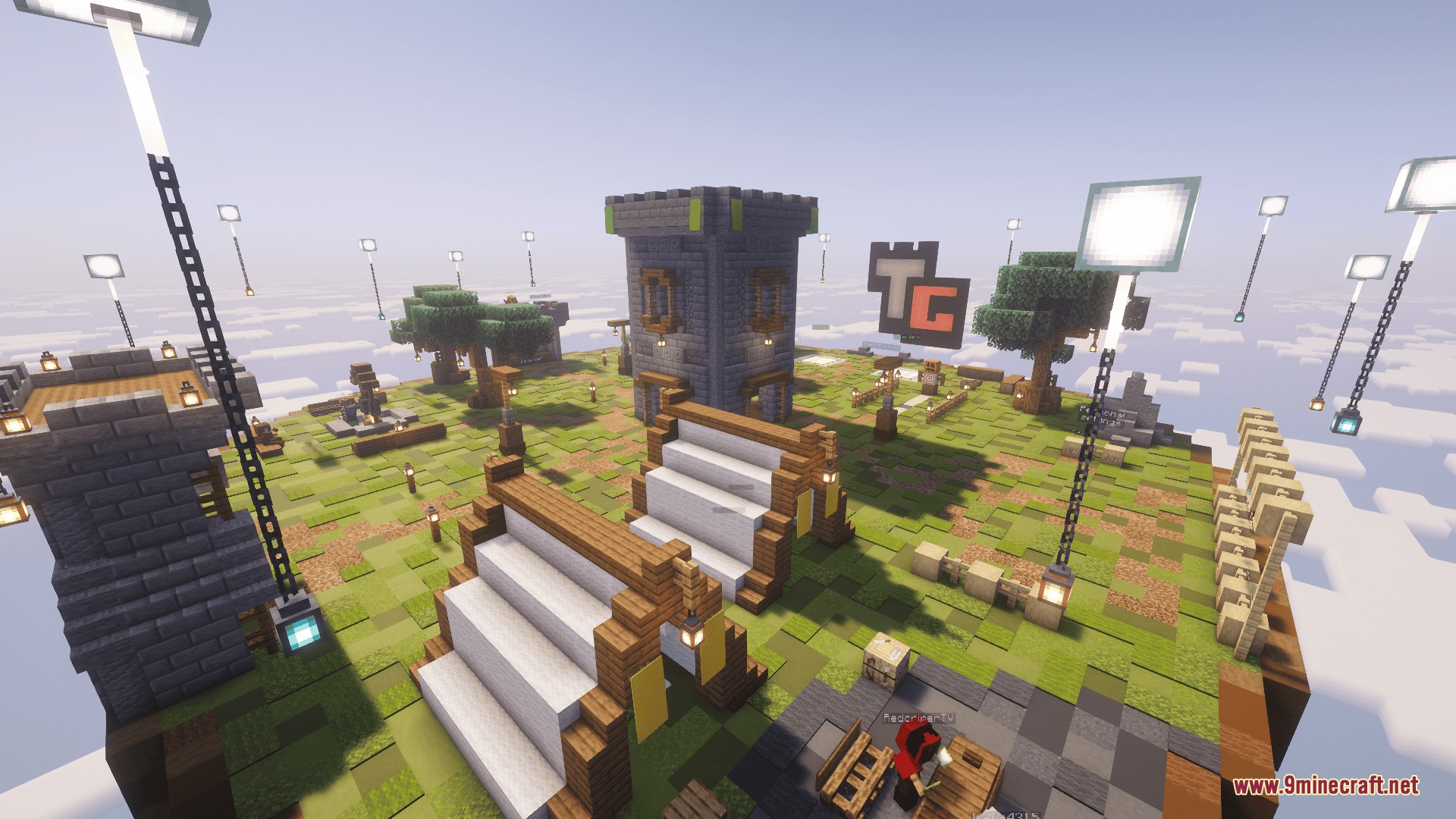
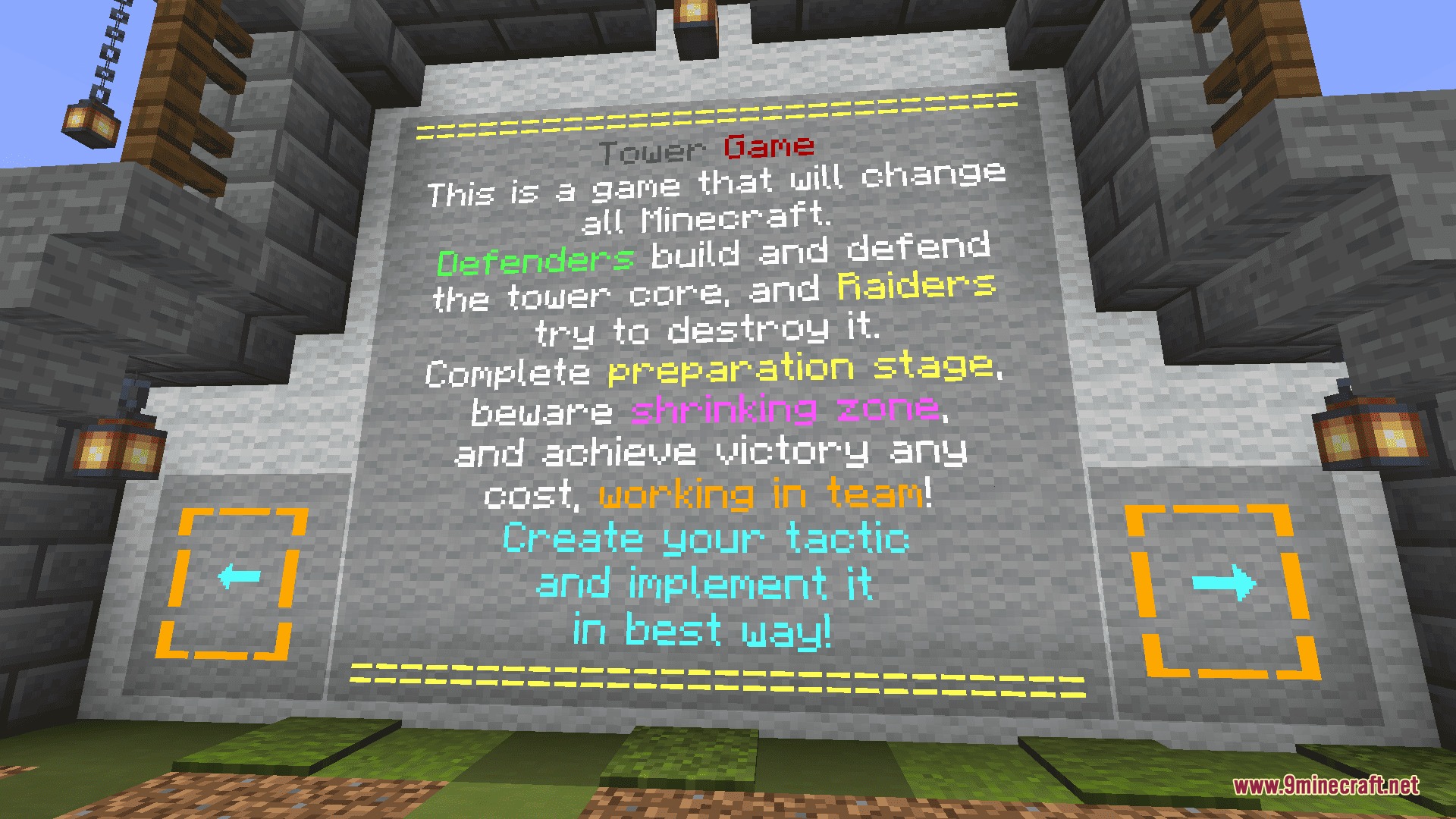
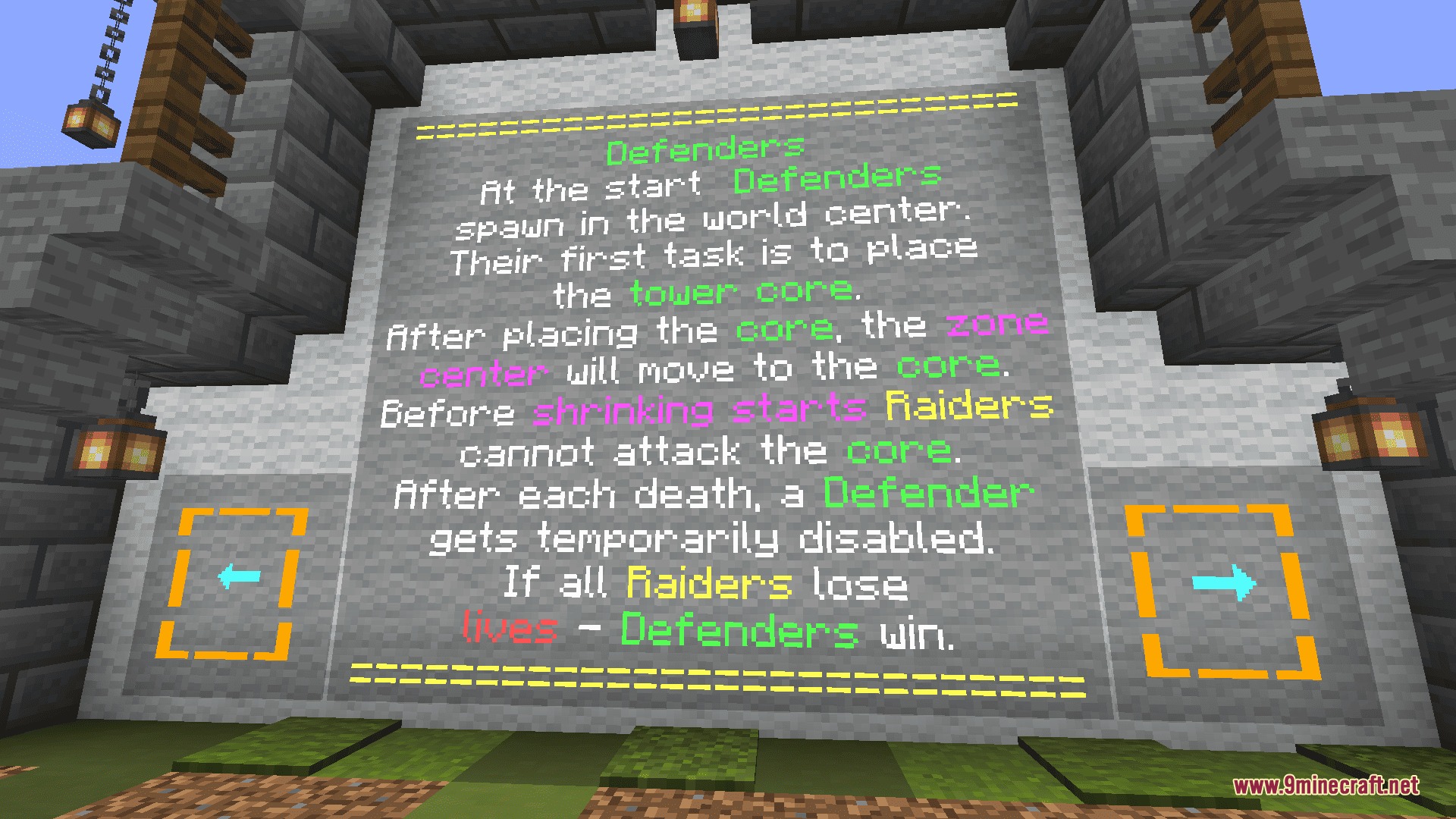
Tower Game Mod turns your entire Minecraft world into a massive battlefield between two teams. It lets you play a huge game of attack and defense right in your own survival world. You can build a giant fortress to protect your base or gather weapons to crush the enemy team.
Features:
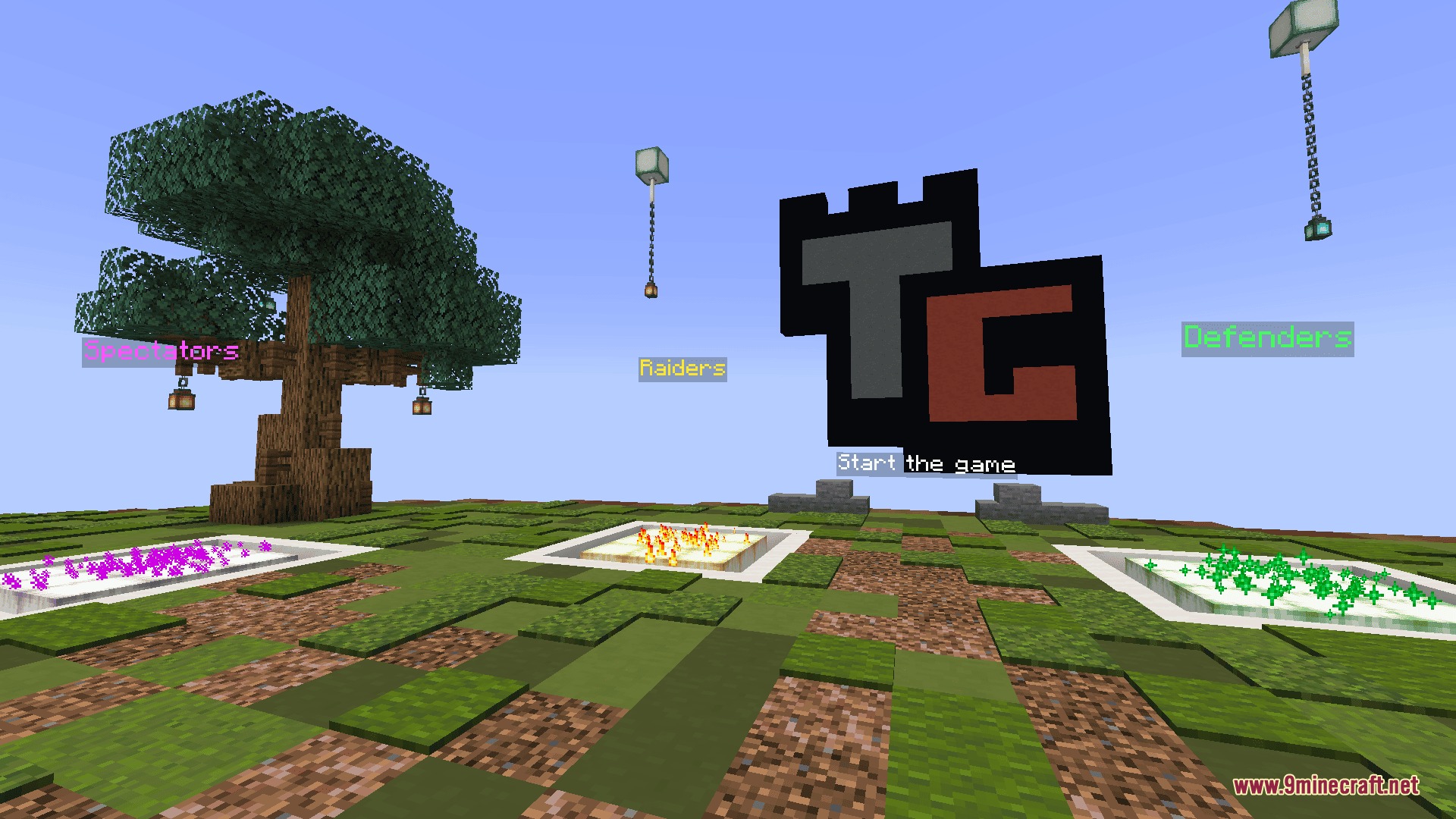
- Two Unique Teams: Players split into Defenders who build a base, and Raiders who attack it.
- Shrinking Border: Forces players closer together as time passes so the battle always ends in a big fight.
- Custom Starting Kits: Lets you give everyone the exact weapons and armor you want at the start of the match.
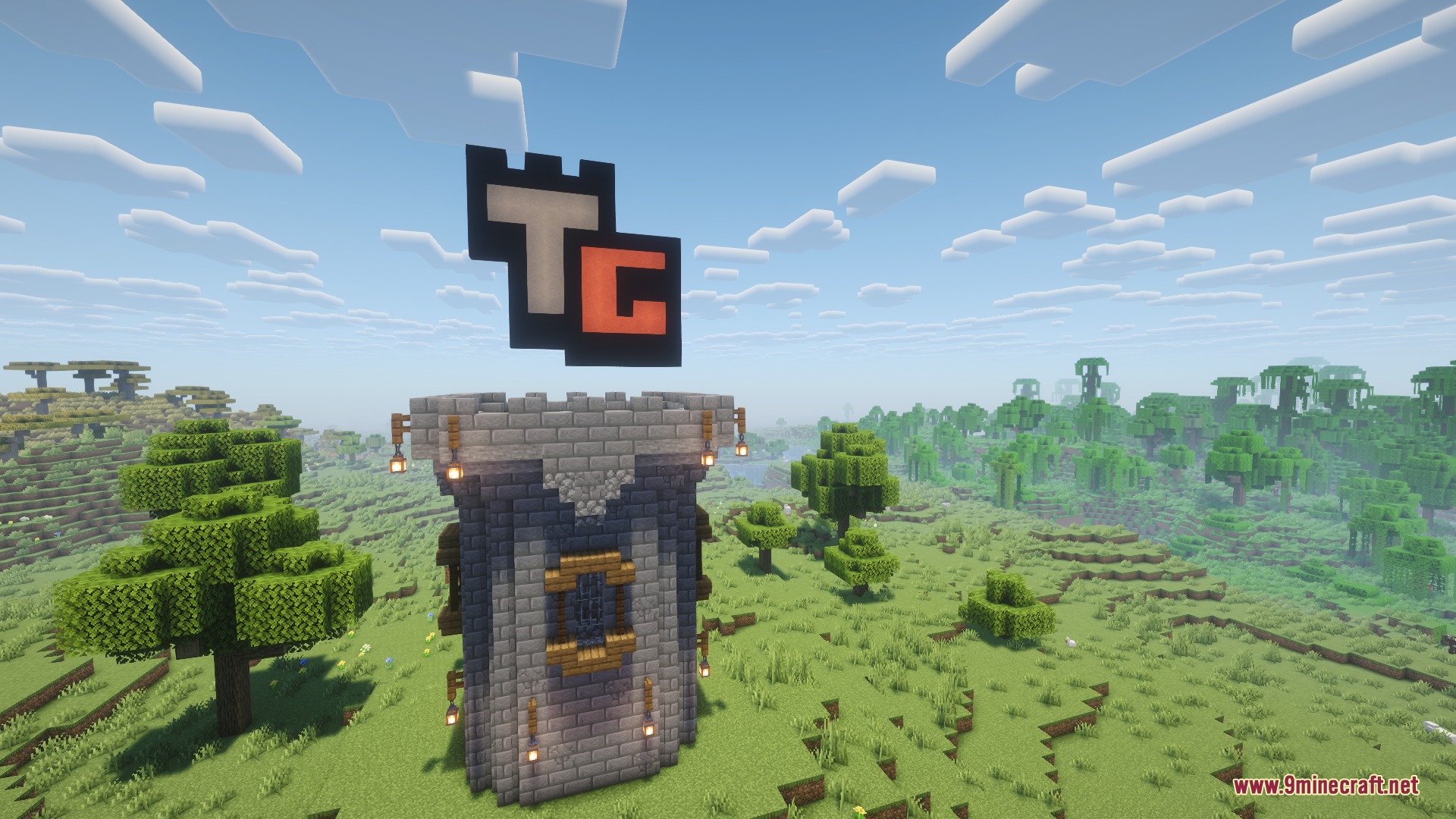
- Gives the Defenders a special Tower Core block to hide and protect anywhere in the world.
- Spawns the Raider team in a random spot so they have to hunt down the enemy base.
- Ends the match when the Tower Core breaks or when the Raiders run out of lives.
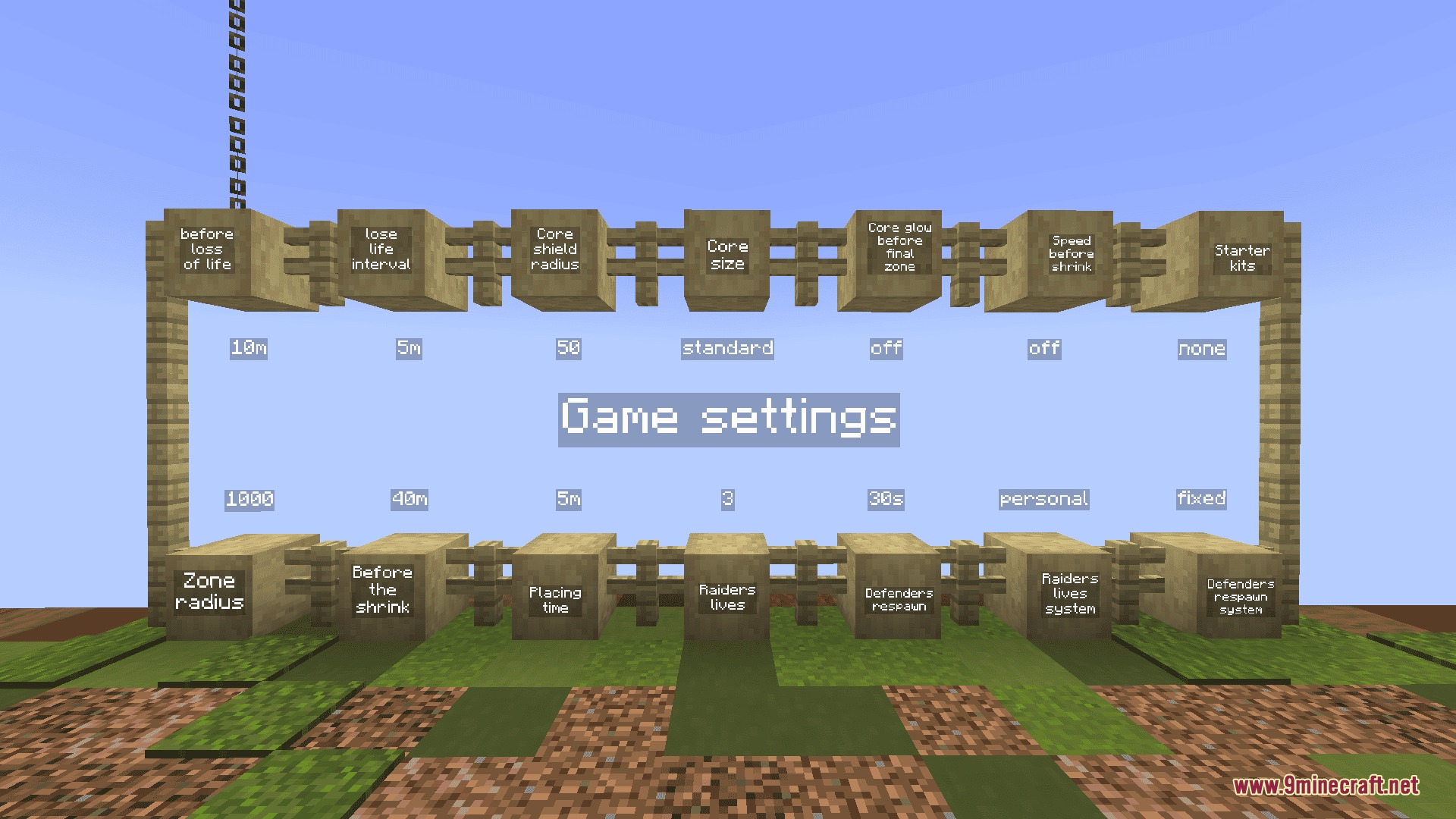
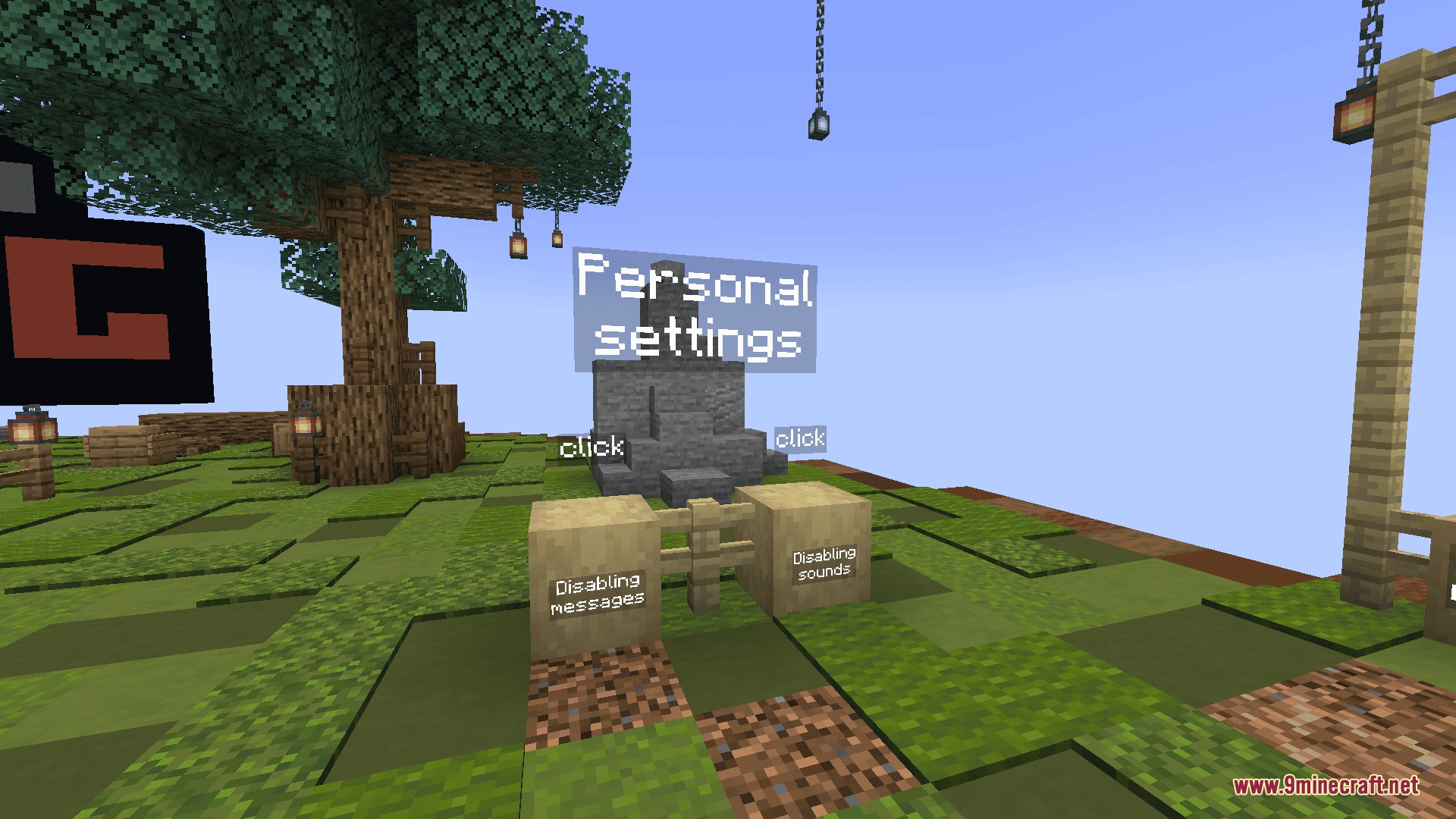
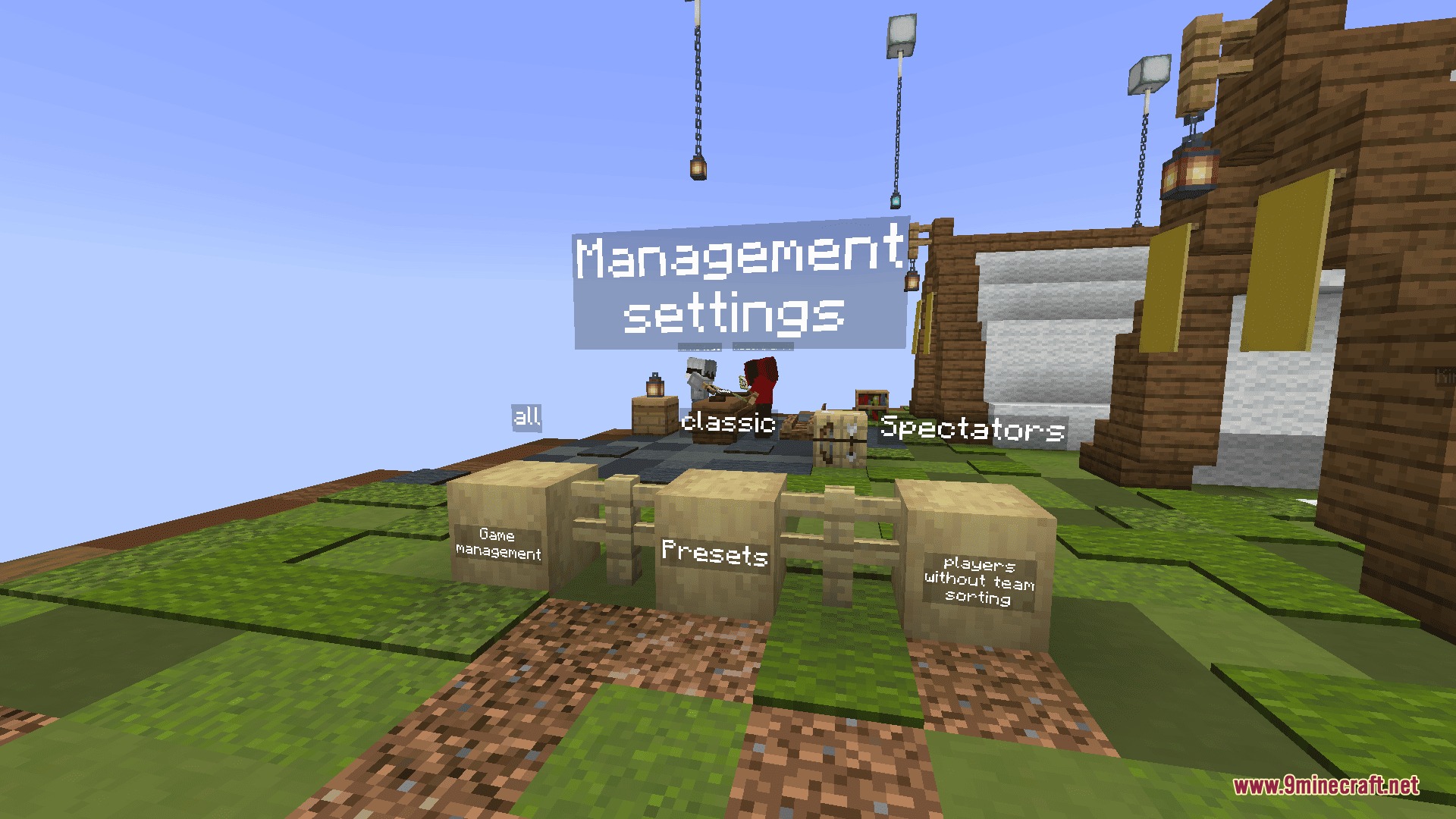
- Includes lots of built-in settings to change how the game plays without leaving the lobby.
- Works perfectly with other custom worlds, resource packs, and mods you already have installed.
Commands:
/reload: loads the mod files and creates a clickable chat message to start the lobby./tag <Nickname> add admin: gives a player admin powers to manage the game./tag <Nickname> remove admin: takes away admin powers from a player./tag <Nickname> add captian: makes a player the Defender Captain so they always get the Tower Core./scoreboard players set #tg_team_entry tg_settings 1: stops players from picking teams in the lobby./execute as <Nickname> run function towergame:system/team/join_defenders: forces a player into the Defender team before the game starts./execute as <Nickname> run function towergame:system/team/change_to_raiders: moves a player to the Raider team while a match is happening./function towergame:game/win/forced_end: stops the current match right away with no winner./function towergame:system/admin/get_team_info: shows admins how many lives the Raiders have left.
How to Play:
- Type the reload command to load the files, then click the chat message to open the game lobby.
- Choose your team, change any match settings, and start the Tower Game Mod match from the lobby menu.
- If you are a Defender, take the Tower Core and place it somewhere safe to build your fortress around it.
- If you are a Raider, gather your supplies and hunt down the enemy base.
- Fight until the Tower Core is destroyed or the attacking team loses all their lives.
Screenshots:
How to Install:
New to Minecraft? Follow our step-by-step guide to install Mods on your PC.View Guide
Requirements:
 Fabric Loader Required
 Fabric API Required
 Minecraft Forge Required
 NeoForge Required
Quilt Loader Required
Tower Game Mod Download Links
For Minecraft 1.20.1, 1.20
Click to rate this post!
[Total: 0 Average: 0]
You May Also Like





This post has no comments yet. Be the first — your comment will appear here.