
Zombie Statue Schematic (1.20.x) – Giant Vanilla Zombie Build Blueprint

 0


Zombie Statue Schematic gives you a giant blueprint of a Minecraft zombie to place in your world. This build uses regular blocks to make a big version of the classic green monster. You can paste it into your map to decorate a base or set up a spooky area.
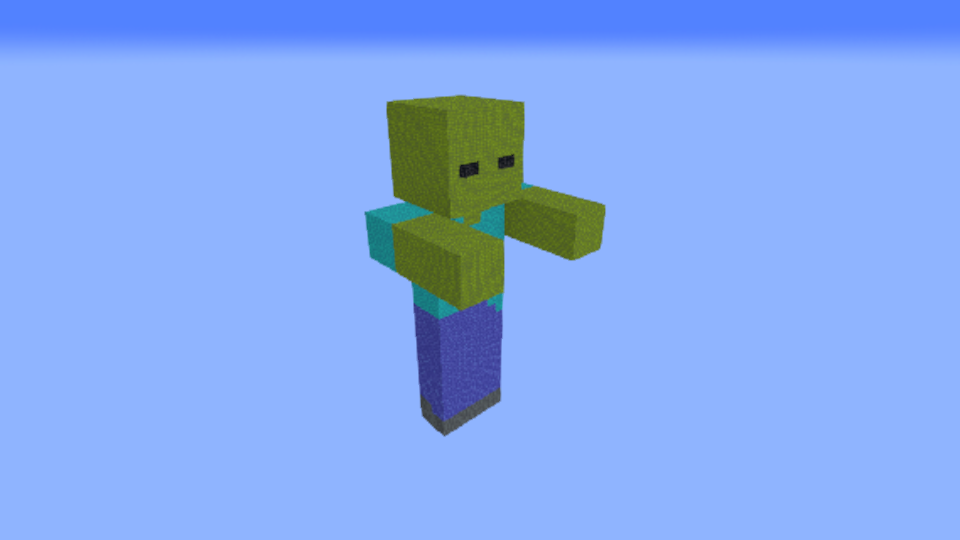
3D Preview & Editor:
Materials
5 types · 1,090 blocks
| Green Wool | 474 | Cyan Wool | 310 | Blue Wool | 244 | |||
| Gray Wool | 54 | Black Wool | 8 | |||||
How to place this schematic
.schem This is a WorldEdit schematic. It pastes instantly on a server or single-player world that has WorldEdit (or FastAsyncWorldEdit).
| 1 | Install WorldEdit — as a plugin on the server, or as a mod for single player. |
| 2 | Drop the .schem file into plugins/WorldEdit/schematics (server) or config/worldedit/schematics (client). |
| 3 | Run //schem load <file name>. |
| 4 | Stand where you want it and run //paste. Add -a to skip air blocks. |
Features:
- Gives you a massive zombie statue made out of 1,090 blocks.
- Takes up a space of 14 blocks wide, 36 blocks tall, and 16 blocks deep.
- Works in normal worlds because it does not need extra mods to load the blocks.
- Comes as a regular .schem file that you can paste with your favorite building tools.
Schematic Specs:
 Minecraft1.20.x
 Dimensions14×36×16
 Total Blocks1,090
Zombie Statue Schematic Download Links
For Minecraft 1.20.x
Click to rate this post!
[Total: 1 Average: 5]
QUICK MINECRAFT SURVEY · ONE TAP
Build Tools & Schematics
How well do you know WorldEdit commands?
1 responses · See the full results →
You May Also Like
Picked for this page
 Fastest Kelp Farm Donut Smp Schematic (1.21.x) – Compact Redstone Kelp Farm Design
 Konsts Tnt Minecart Crafter Schematic (1.12.x) – Automated TNT Minecart Crafting Farm Build
 Trap Schematic (1.21.x) – Small Explosive Minecart Trap Build
 Colorful Ferris Wheel Schematic (1.20.x) – Tall Amusement Park Ride For Survival
 Uss Texas Schematic (1.20.x) – Giant 1:1 Battleship Flying Machine Build
 Applebees Schematic (1.19.x) – Small Modern Kitchen Building Structure
 Fireball Launcher Defence Schematic (1.21.x) – Ghast Fireball Stopper And Base Defender
 Lichen Farm Schematic (1.21.x) – Compact Vanilla Glow Lichen Farm
 Small House 3.1 Schematic (1.20.x) – Ready To Build Vanilla Home
 Sequential Double Dabble Schematic (1.21.x) – Binary To BCD Redstone Converter
 Rocket Buggy Schematic (1.20.x) – Compact Rocket Buggy Build For Your World
 Spider Jockey Schematic (1.20.x) – Giant Spider Jockey Statue For Your World
Most viewed in Schematics over the last 7 days
 Fastest Bonemeal Farm Donut Smp Schematic (1.21.x) – Fast Redstone Bonemeal Farm Build
 KelpFarmV9.9 Schematic (1.21.x) – Compact And Simple Seaweed Farm Build
 64 Module Cobblestone Farm Schematic (1.21.x) – Massive Automated Stone Gathering Build
 Gold Farm Schematic (1.21.x) – Automatic Nether Roof Gold Farm
 Villager Trading Hall Schematic (1.21.x) – Modern Shop Build For 48 Villagers
 Minutes End Base Before Spoke Null End Video Schematic (1.21.x) – Giant Unstable SMP End Base Schema
 Bamboo Farm Schematic (1.21.x) – Small Automated Redstone Bamboo Farm
 Best Railgun Tp Trap on Donutsmp Schematic (1.21.x) – Unescapable Multiplayer Redstone Trap Build
 36 Module Cobble Farm 18m per Hour Donut SMP Schematic (1.21.x) – Massive Automated Stone Generator
 Bamboss V2 800k Bamboo per Hour Schematic (1.21.x) – High Speed Automated Bamboo Farm Schematic
- Fastest Kelp Farm Donut Smp Schematic (1.21.x) – Compact Redstone Kelp Farm Design
 Large Amethyst Stash for Donut Smp Schematic (1.21.x) – Amethyst Themed Storage Base Build
More from Schematics
 Cozy Medieval Village Schematic (1.20.x) – Build a Beautiful Medieval Town Easily
 Oak Bonsai Tree Schematic (1.21.x) – Beautiful Large Oak Tree For Garden Projects
 Modern Luxury Villa Schematic (1.20.x) – Elegant Contemporary Home for Your World
 Contemporary Executive Villa Schematic (1.20.x) – Modern Minimalist Home for Luxury Cities
 Modern Designer Villa Schematic (1.20.x) – Luxury Contemporary House for Modern Cities
 DonutSMP Drainer Machine Big Works Sideways for Max Drain Schematic (1.21.x) – Large Sideways Flying
 Nautilus with Netherite Armor Schematic (1.21.x) – Giant Sea Creature Statue For Build Decoration
 Bee Hot Air Balloon Schematic (1.21.x) – Cute Bee Themed Hot Air Balloon Build
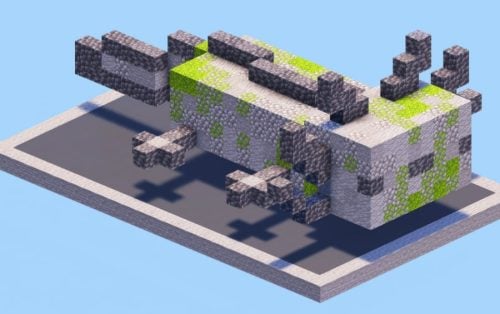 Axolotl Stone Sculpture Schematic (1.21.x) – Cute Stone Axolotl Statue for Your Town
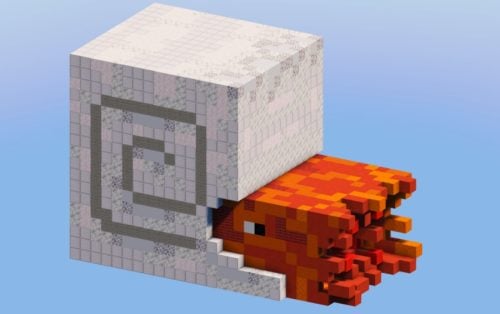 Nautilus with Iron Armor Schematic (1.21.x) – Build A Giant Nautilus Statue Easily
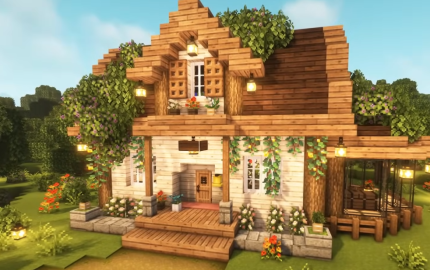 Cozy Home Schematic (1.21.x) – A Warm and Inviting Vanilla House Build
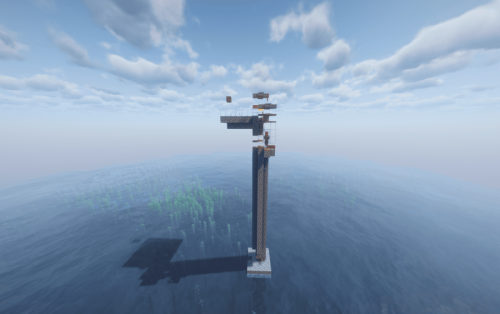 Easy and Compact Raid Farm and 26 Java Schematic (1.21.x) – Build a Small and Efficient Raid Farm

This post has no comments yet. Be the first — your comment will appear here.