
Cozy Medieval Village Schematic (1.20.x) – Build a Beautiful Medieval Town Easily
 36
 0


Cozy Medieval Village Schematic adds a peaceful town with several houses and gardens to your world. This build includes paths, plants, and lantern lighting to make your map look like a fantasy kingdom. It works well for survival games or roleplay servers because the layout is easy to walk through. You can place this village anywhere to quickly fill up empty land with high-quality buildings.
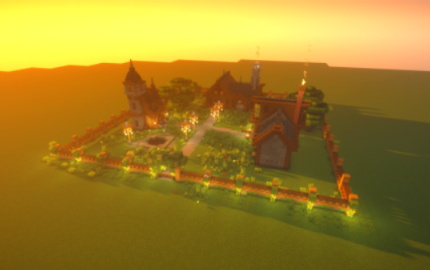
3D Preview & Editor:
Materials
80 types · 10,662 blocks
| Grass Block | 3,924 | Grass | 779 | Oak Leaves | 541 | |||
| Cobblestone | 398 | Tall Grass | 362 | Dirt | 347 | |||
| Spruce Trapdoor | 341 | Moss Block | 326 | Acacia Leaves | 312 | |||
| Cobbled Deepslate Stairs | 255 | Spruce Stairs | 240 | Stone Bricks | 239 | |||
| Oak Log | 202 | Stripped Spruce Log | 199 | Lectern | 198 | |||
| Spruce Planks | 195 | Stripped Oak Log | 185 | Azalea | 112 | |||
| Flowering Azalea | 104 | Spruce Slab | 104 | Oak Planks | 83 | |||
| Spruce Fence | 82 | Dandelion | 79 | Andesite | 79 | |||
| Cobbled Deepslate Slab | 71 | Moss Carpet | 56 | Cobblestone Slab | 54 | |||
| Stone | 53 | Mossy Cobblestone Slab | 45 | Oak Slab | 43 | |||
| Oak Fence | 40 | Deepslate Tile Stairs | 34 | Acacia Log | 32 | |||
| Stone Brick Stairs | 31 | Cobblestone Wall | 30 | Rose Bush | 28 | |||
| Spruce Button | 27 | Lantern | 26 | White Concrete | 22 | |||
| Deepslate Tiles | 22 | Water | 21 | Poppy | 21 | |||
| Cave Vines | 20 | Deepslate Tile Slab | 19 | Light Blue Concrete | 19 | |||
| Cave Vines Plant | 19 | Red Terracotta | 17 | Stone Brick Slab | 15 | |||
| Cornflower | 14 | Oak Trapdoor | 14 | Cobblestone Stairs | 13 | |||
| Gray Wool | 12 | Flowering Azalea Leaves | 12 | Spruce Fence Gate | 11 | |||
| Ladder | 11 | Bricks | 10 | Mud Brick Wall | 9 | |||
| Azure Bluet | 8 | Oxeye Daisy | 8 | Spruce Door | 8 | |||
| Lime Concrete | 7 | Light Gray Wool | 7 | Redstone Lamp | 7 | |||
| Azalea Leaves | 6 | Blue Stained Glass Pane | 6 | Orange Wool | 5 | |||
| Stone Brick Wall | 5 | Cobbled Deepslate | 5 | White Wool | 4 | |||
| Campfire | 4 | Stripped Birch Wood | 4 | Granite | 4 | |||
| Blue Wool | 3 | Barrel | 3 | Brick Stairs | 3 | |||
| Anvil | 2 | Pink Petals | 2 | Chain | 2 | |||
| Oak Stairs | 1 | Light Blue Stained Glass | 1 | |||||
How to place this schematic
.schem This is a WorldEdit schematic. It pastes instantly on a server or single-player world that has WorldEdit (or FastAsyncWorldEdit).
| 1 | Install WorldEdit — as a plugin on the server, or as a mod for single player. |
| 2 | Drop the .schem file into plugins/WorldEdit/schematics (server) or config/worldedit/schematics (client). |
| 3 | Run //schem load <file name>. |
| 4 | Stand where you want it and run //paste. Add -a to skip air blocks. |
About this build
| 1 | Download the schematic file to your computer. |
| 2 | Load the file using a tool like WorldEdit or Litematica. |
| 3 | Find a flat spot in your Minecraft world that is at least 67 blocks wide and 74 blocks long. |
| 4 | Paste the village into your world using your chosen tool. |
| 5 | Walk through the empty houses and add your own furniture or storage. |
Features:
- Includes several medieval-style houses with detailed exteriors and roofs.
- Beautiful paths and natural garden details connect all the buildings together.
- Warm lantern lighting provides safety and a nice look during the night.
- Interiors are left empty to give you full freedom to decorate the rooms.
- The survival-friendly design makes it a great starting point for a new world.
- Compact size allows the village to fit into forests, plains, or mountain valleys.
Schematic Specs:
 Minecraft1.20.x
 Dimensions67×27×74
 Total Blocks10,662
 Top Blocks Used
Grass Block 3,924Grass 779Oak Leaves 541Cobblestone 398Tall Grass 362
Cozy Medieval Village Schematic Download Links
For Minecraft 1.20.x
Click to rate this post!
[Total: 0 Average: 0]
You May Also Like
Picked for this page
 Pokémon Temple Arena Japanese Litematica Schematic (1.21.x) – Large Asian Fortress With Fighting Rin
 Four Masted Barque Schematic (1.21.x) – Large Sailing Ship Build With Four Masts
 Simple Medieval Survival House Schematic (1.21.x) – Large Medieval Home For Survival Players
 Oozing Slime Farm Snow Farm Schematic (1.21.x) – Compact Combined Slime And Snow Farm Build
 9×9 Elevator Schematic (1.21.x) – Fully Working Vanilla Flying Machine
 3×3 Full Frame Noteblock Bud Door Schematic (1.21.x) – 3×3 Redstone Door Controlled By Noteblocks
 2×2 Flush Seamless Piston Door Schematic (1.21.x) – Hidden Redstone Entrance For Your Base
 Emberlake Cottage Schematic (1.20.x) – A Cozy Medieval Fantasy Home Build
 3x Multiplier Slot Minecraft Redstone Casino Machine Schematic (1.21.x) – Functional Redstone Casino
 Blacksmith Tower Schematic (1.20.x) – Tall Vanilla Building Blueprint For Villages
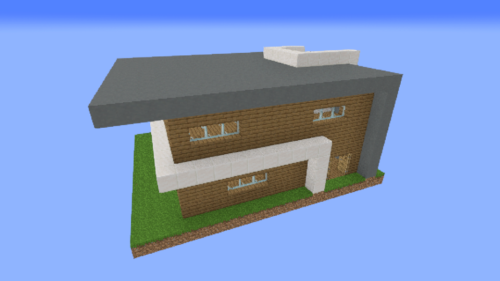 Small House 11 Schematic (1.20.x) – Tall And Compact Vanilla Home Build
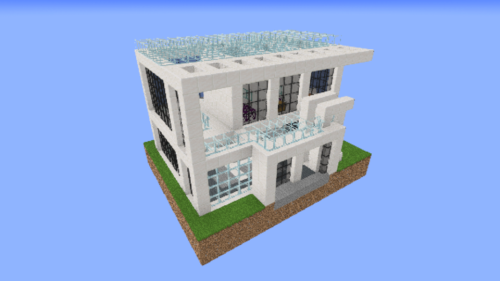 Small House 10 Schematic (1.20.x) – A Compact Vanilla Home Blueprint For Players
Most viewed in Schematics over the last 7 days
 Fastest Bonemeal Farm Donut Smp Schematic (1.21.x) – Fast Redstone Bonemeal Farm Build
 64 Module Cobblestone Farm Schematic (1.21.x) – Massive Automated Stone Gathering Build
 KelpFarmV9.9 Schematic (1.21.x) – Compact And Simple Seaweed Farm Build
 Villager Trading Hall Schematic (1.21.x) – Modern Shop Build For 48 Villagers
 Gold Farm Schematic (1.21.x) – Automatic Nether Roof Gold Farm
 Bamboss V2 800k Bamboo per Hour Schematic (1.21.x) – High Speed Automated Bamboo Farm Schematic
 Bamboo Farm Schematic (1.21.x) – Small Automated Redstone Bamboo Farm
 Best Railgun Tp Trap on Donutsmp Schematic (1.21.x) – Unescapable Multiplayer Redstone Trap Build
 Minutes End Base Before Spoke Null End Video Schematic (1.21.x) – Giant Unstable SMP End Base Schema
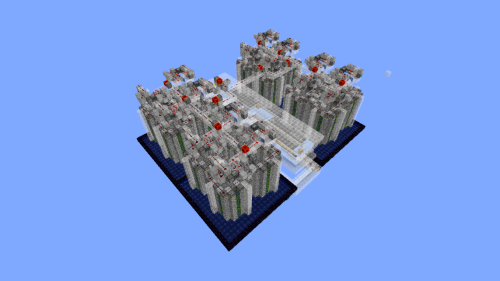 Cobble Farm 50m per Hour Donut SMP Schematic – High Yield Cobblestone Generator Build
 Donut Smp Stash and Regear Schematic (1.21.x) – Large Storage And Regear Room Build
 36 Module Cobble Farm 18m per Hour Donut SMP Schematic (1.21.x) – Massive Automated Stone Generator
More from Schematics
 Skeleton Pirate Schematic (1.21.x) – Detailed Skeleton Pirate Statue Schematic
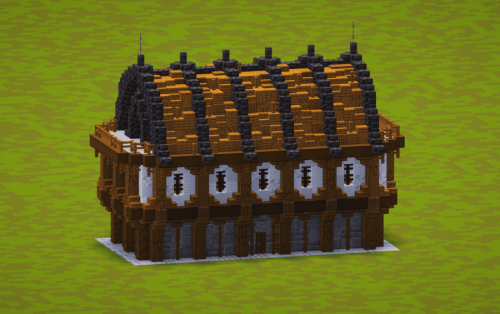 Medieval Workshop Schematic (1.21.x) – Detailed Medieval Building with Curved Roof
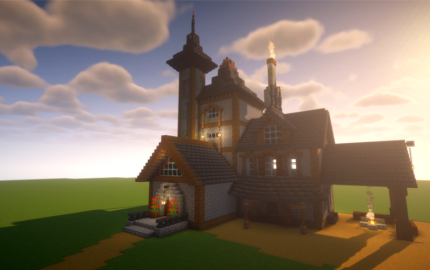 Medieval Snow Survival Schematic (1.20.x) – Cozy Medieval House For Snowy Biomes
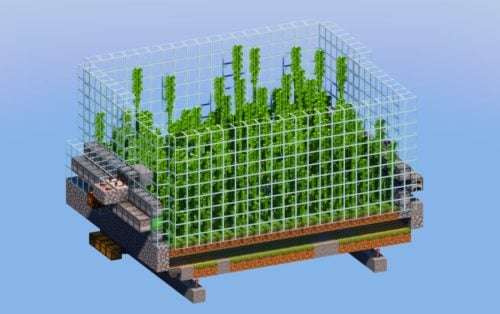 5000 Bamboo per Hour Automatic Farm Uses Slimeblocks and Flying Machine Schematic (1.21.x) – Efficie
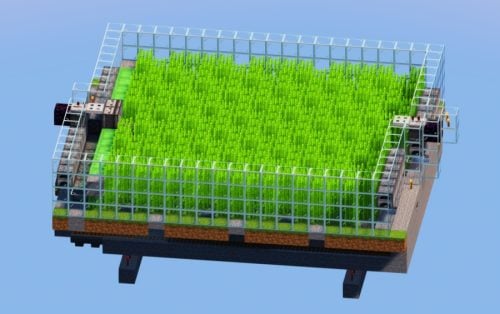 1500 Sugarcane per Hour Automatic Farm Uses Slimeblocks and Flying Machine Schematic (1.21.x) – High
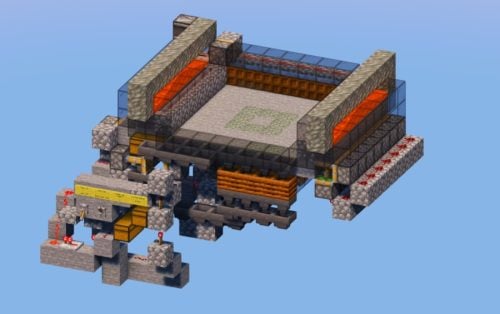 Infinite Moss and Bonemeal Automatic Farm 1500 Bonemeal per Hour or 5000 Moss Azalea Seeds per Hour
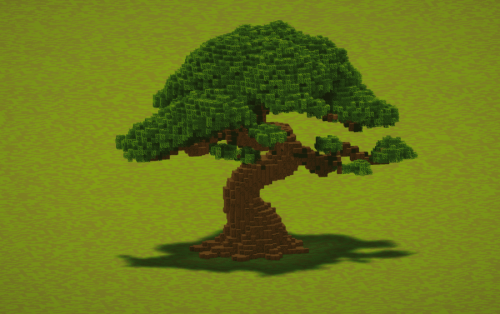 Oak Bonsai Tree Schematic (1.21.x) – Beautiful Large Oak Tree For Garden Projects
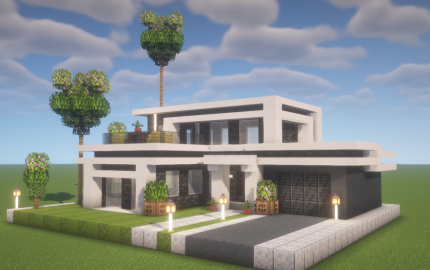 Modern Luxury Villa Schematic (1.20.x) – Elegant Contemporary Home for Your World
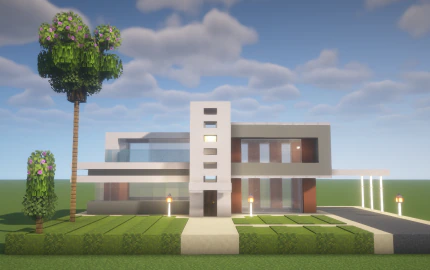 Contemporary Executive Villa Schematic (1.20.x) – Modern Minimalist Home for Luxury Cities
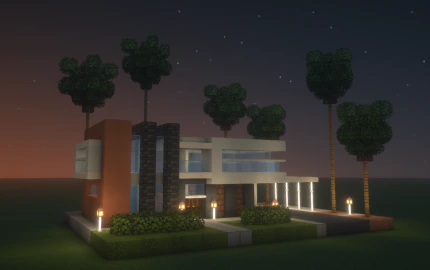 Modern Designer Villa Schematic (1.20.x) – Luxury Contemporary House for Modern Cities
 DonutSMP Drainer Machine Big Works Sideways for Max Drain Schematic (1.21.x) – Large Sideways Flying
 Nautilus with Netherite Armor Schematic (1.21.x) – Giant Sea Creature Statue For Build Decoration

This post has no comments yet. Be the first — your comment will appear here.