


Climate Clouds Storms & Technology Mod (1.20.1) – Survive Tornadoes

 0
0 

🌐 Good news — we've translated this article into other languages!
Or pick the one you like:
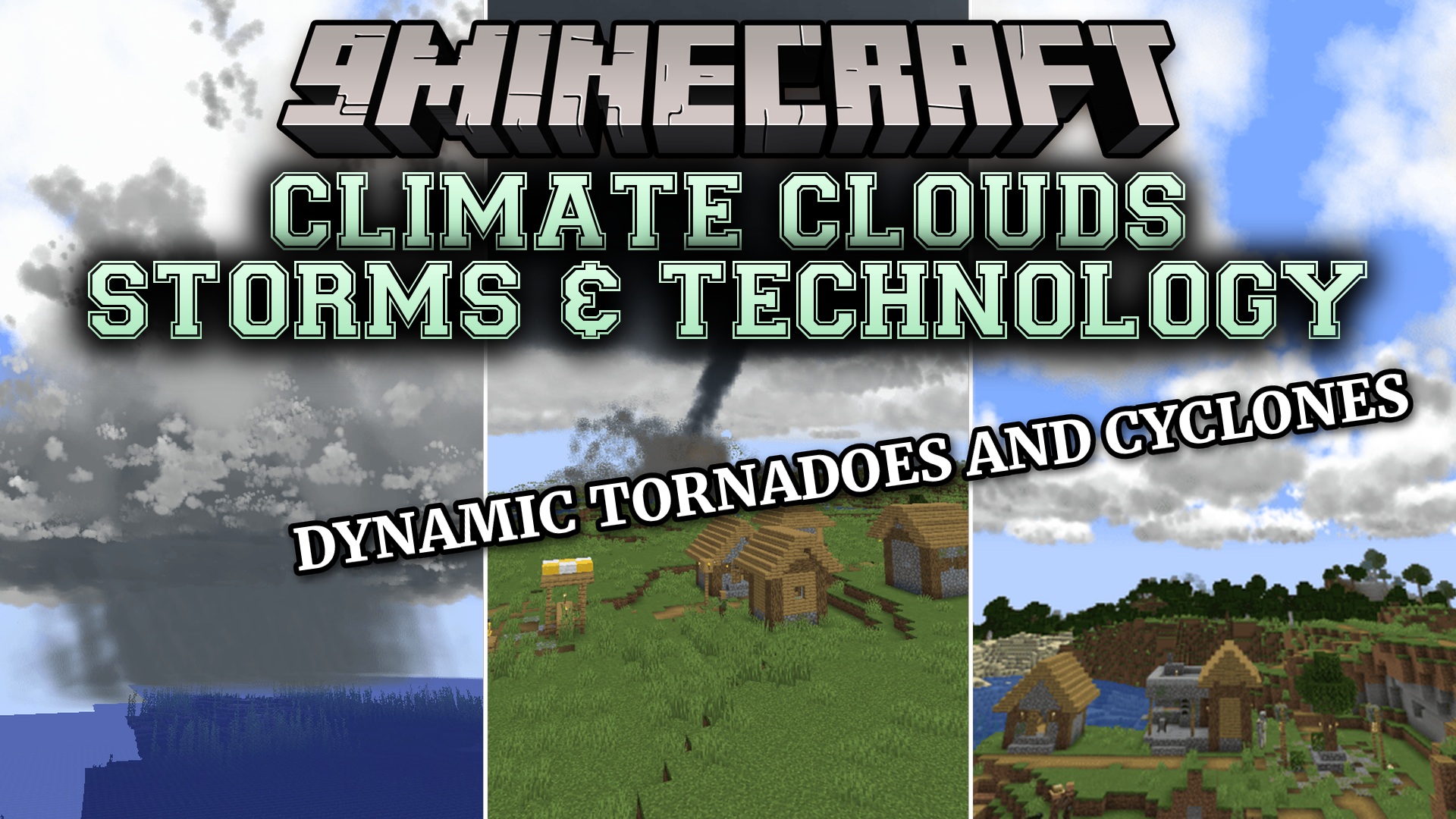
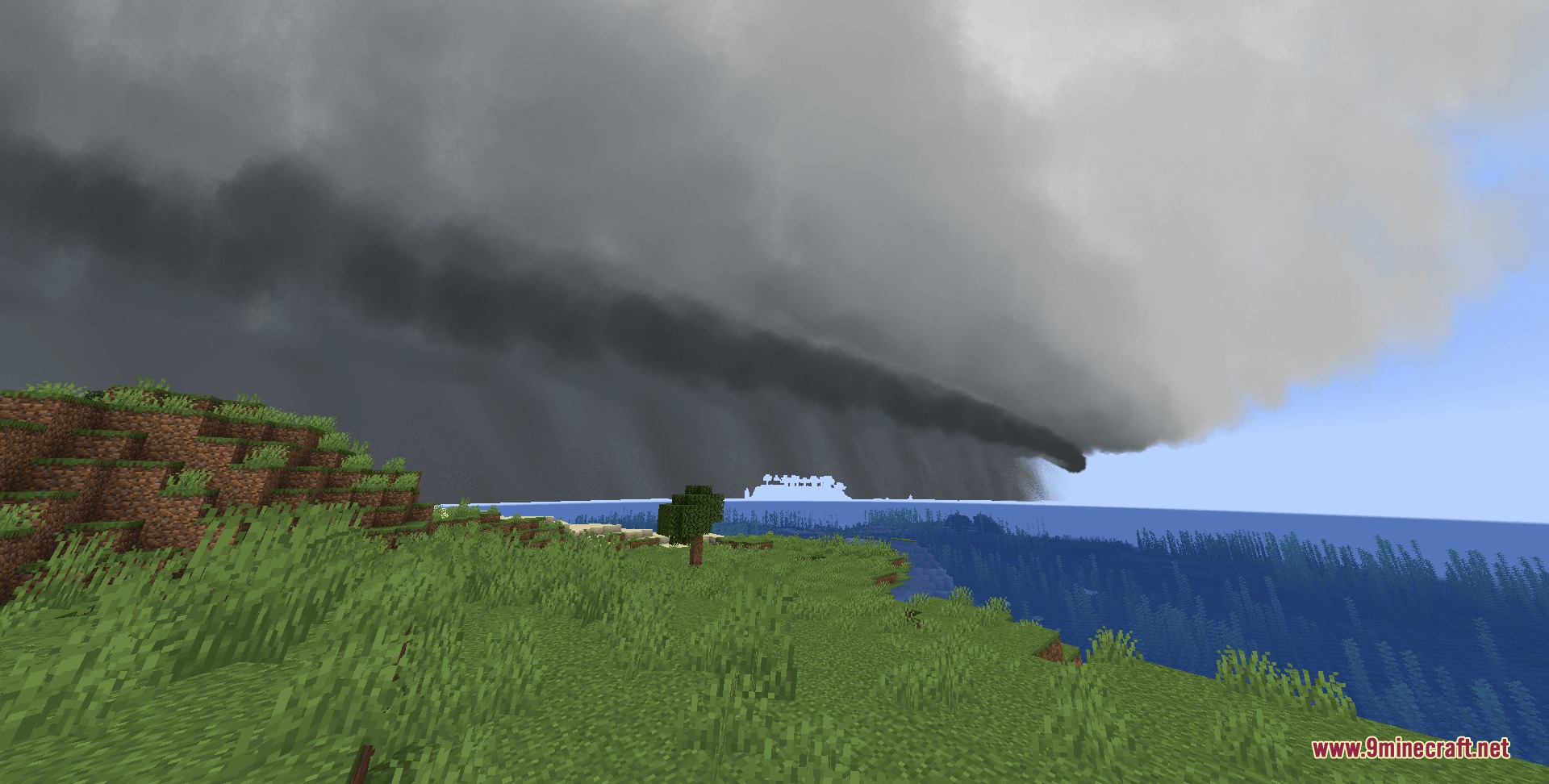
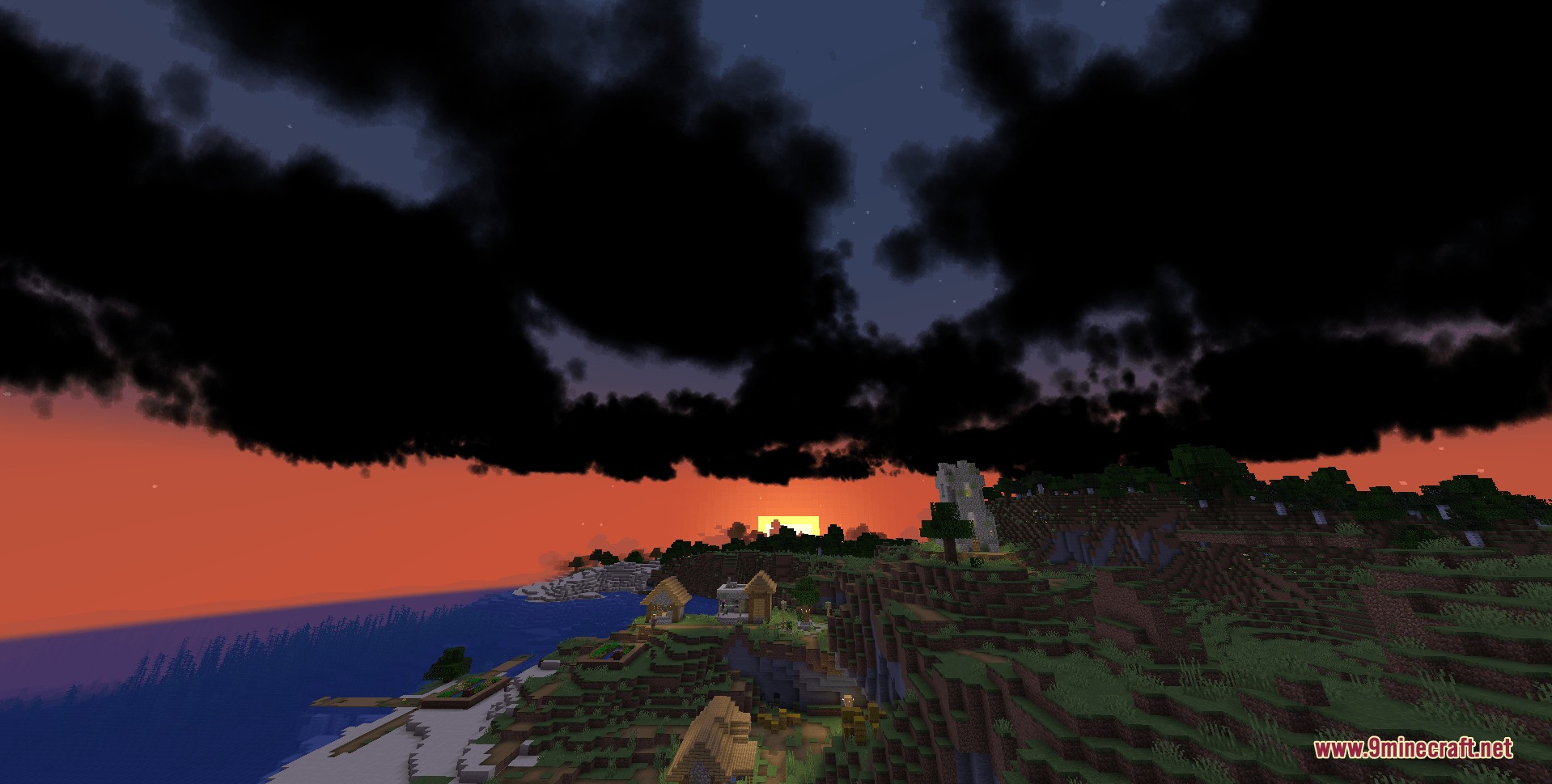
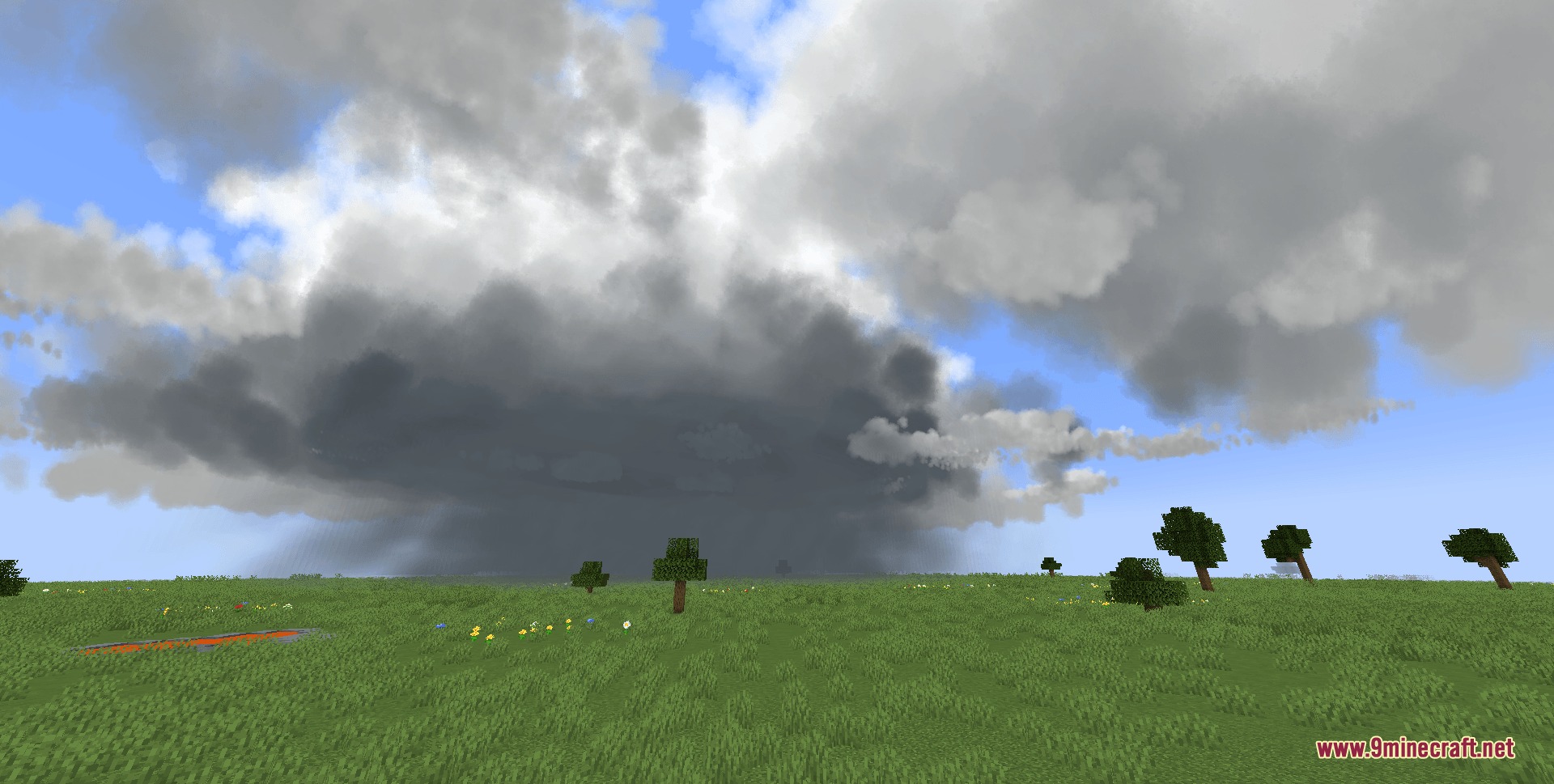
Climate Clouds Storms & Technology Mod brings real weather patterns into your Minecraft world. It turns the sky from a simple background into a living, changing weather system. You can watch fair-weather clouds grow into dark storm fronts or track incoming rain with special tools. The mod adds dangerous weather events like supercells and tornadoes to test your survival skills. It also uses smart coding to keep the game running fast, even when giant storms fill the sky.
Features:
- GPU Instancing: Keeps your game running smoothly by letting your graphics card draw the clouds, preventing lag during massive storms.
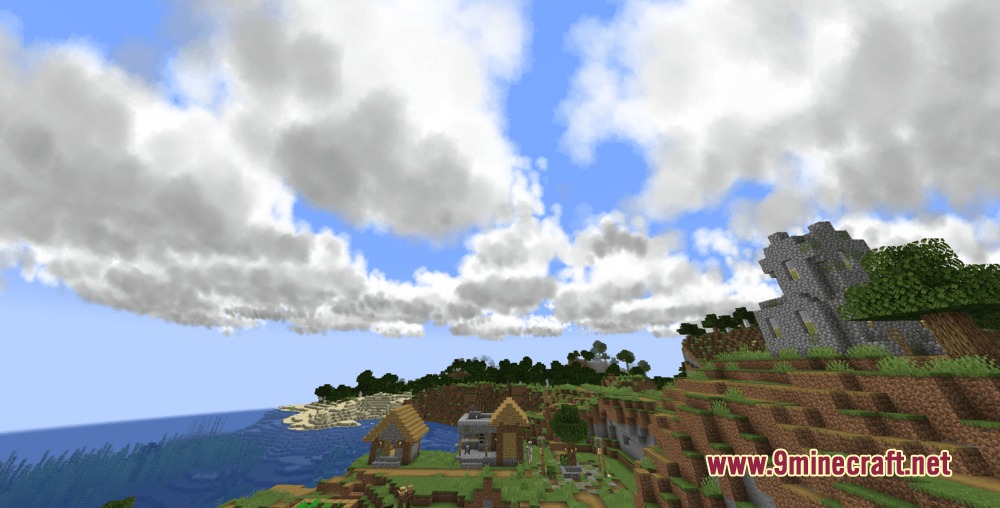
- Adds real cloud layers like high cirrus strands, mid-level rain blankets, and fluffy low clouds.
- Clouds change shape based on the humidity and temperature in your blocky world.
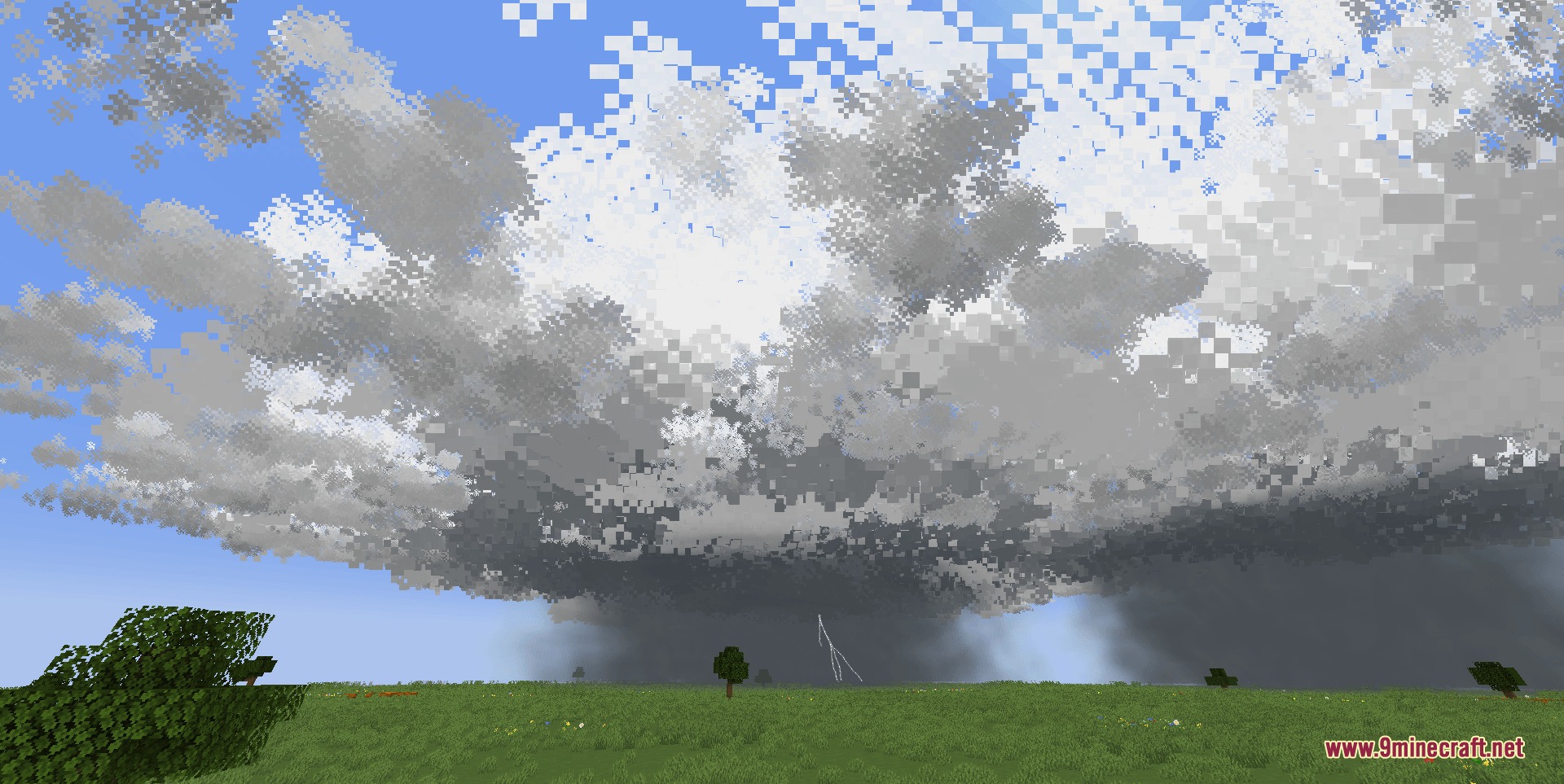
- Spawns dangerous weather events like supercells, squall lines, and cyclones.
- Includes tools to measure the weather, like rain gauges, wind vanes, and barometers.
- Gives you an Emergency Alert System (EAS) and doppler radar to watch for incoming storms.
- Adds diesel generators to power your new weather machines.
- Works well on older computers because it does not load every single cloud particle one by one.
Cloud Layers:
- High-Altitude: Thin cirrus strands, flat cirrostratus sheets, and rippled altocumulus patches made of ice crystals.
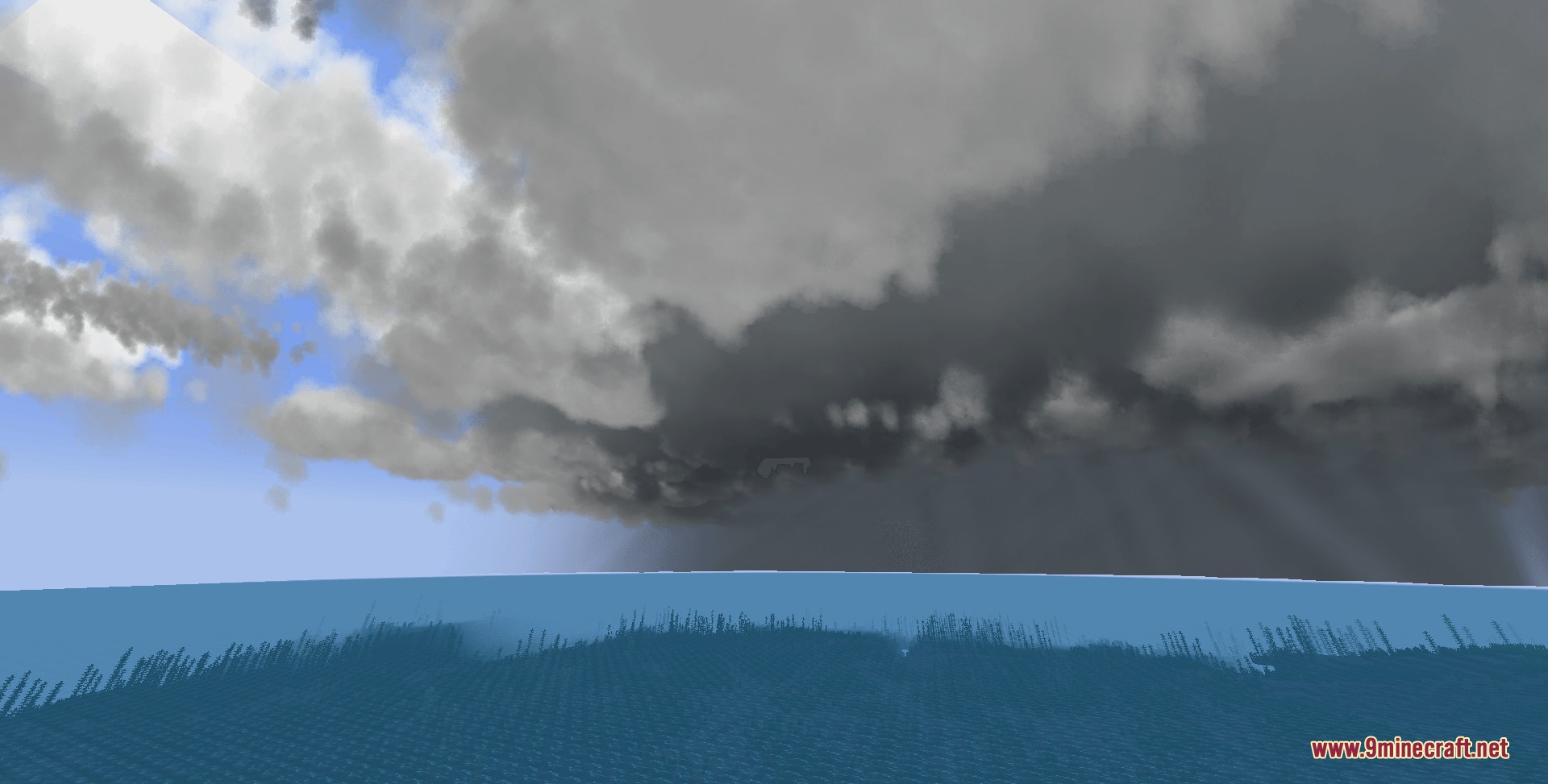
- Mid-Level: Dark nimbostratus blankets that bring steady, overcast rain.
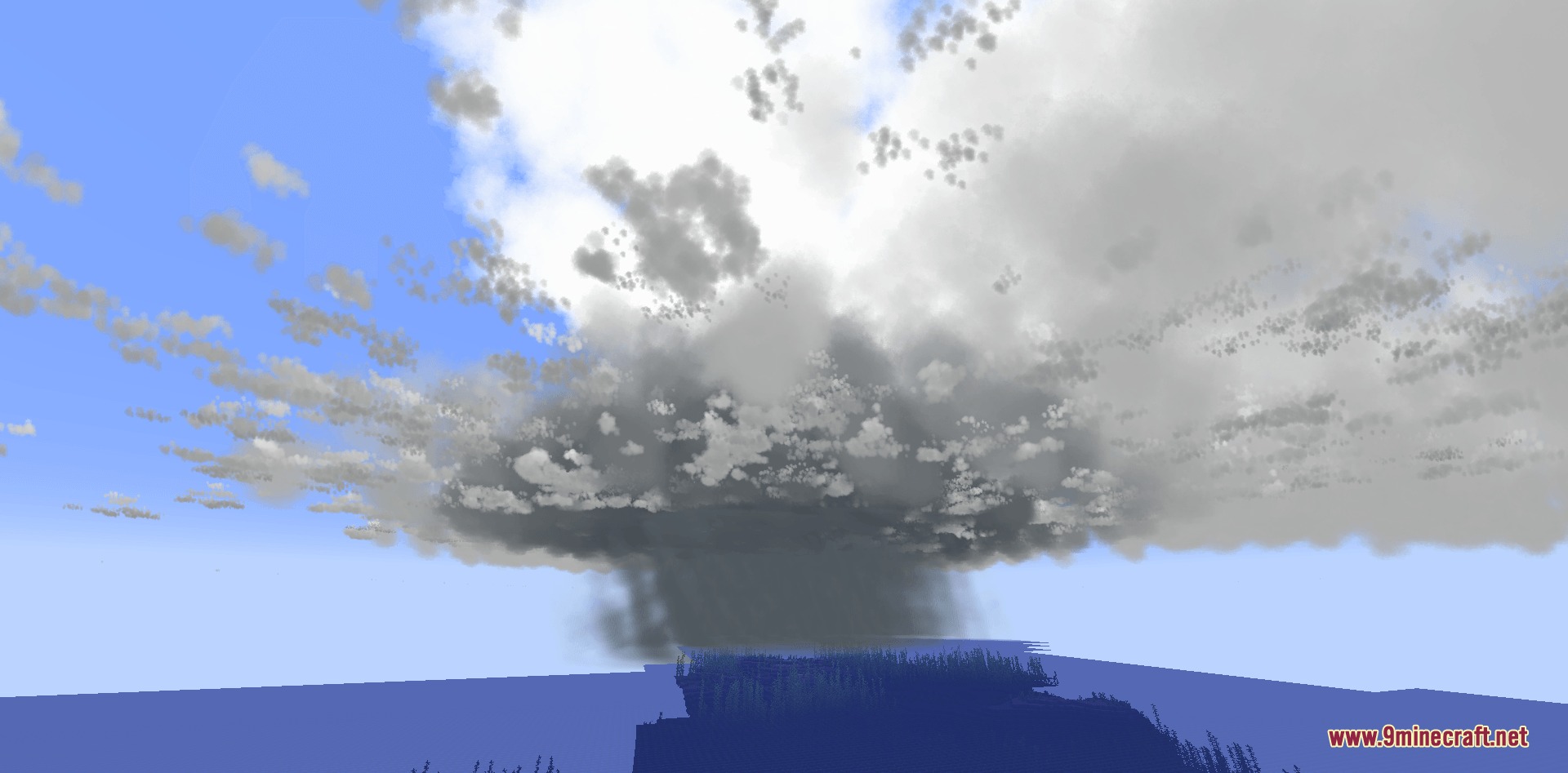
- Low-Level: Fluffy cumulus clouds that can grow into giant cumulonimbus storm clouds.
Extreme Weather:
- Supercells that come in low, classic, or high precipitation forms.
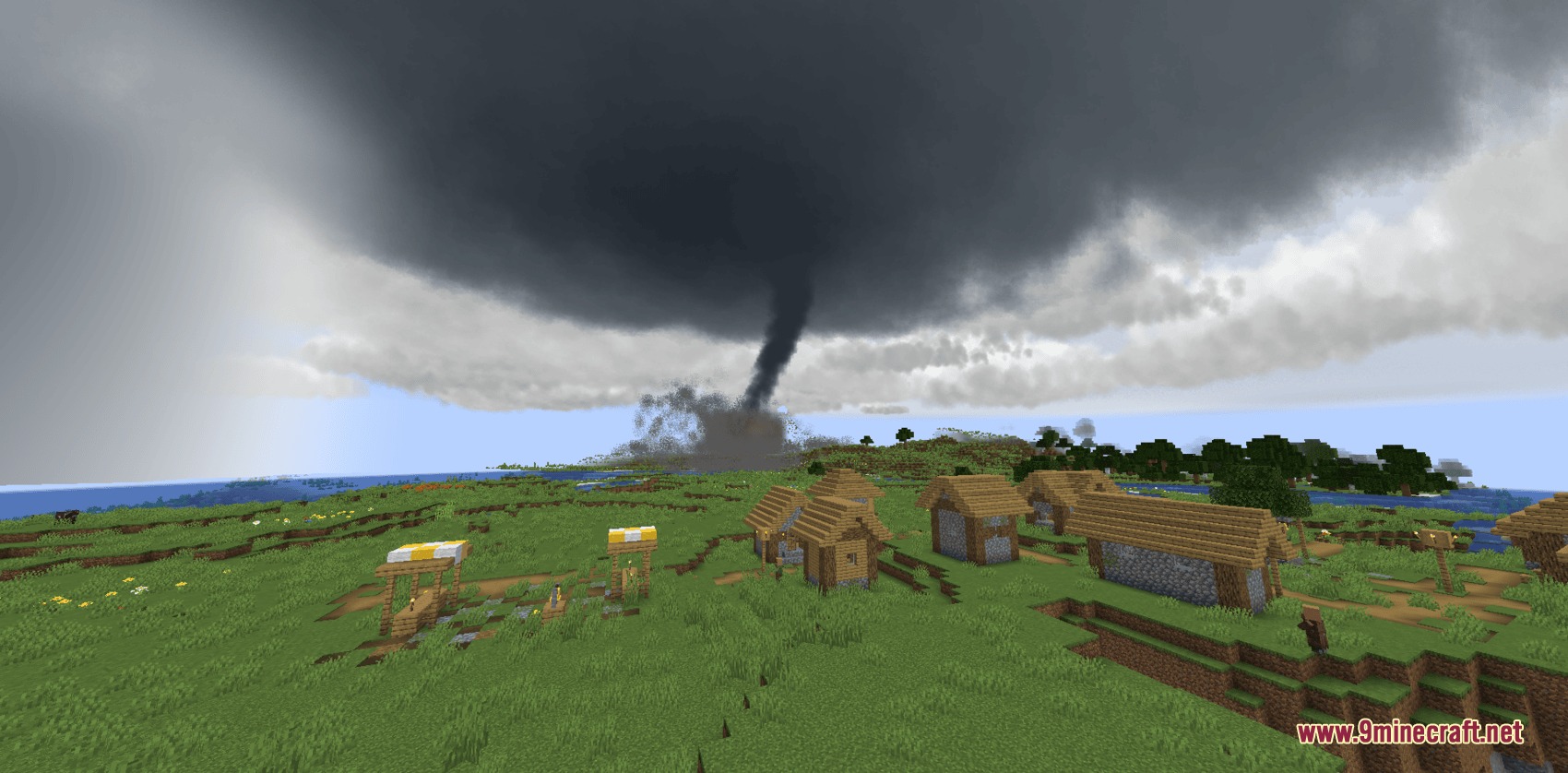
- Tornadoes that range from thin rope shapes to large multivortex funnels.
Commands:
/climate set moisture 0: removes all storms and clears the weather.
How to Use:
- Open your Creative mode inventory tab to find the doppler radar guide book.
- Read the guide book to learn how to set up your weather tracking machines.
- Place your doppler radar in a flat, open area for it to work right.
- Avoid placing the radar in steep mountains or thick forests.
Screenshots:
How to Install:
New to Minecraft? Follow our step-by-step guide to install Mods on your PC.View Guide
Requirements:

Climate Clouds Storms & Technology Mod Download Links
For Minecraft 1.20.1, 1.20
Click to rate this post!
[Total: 0 Average: 0]
You May Also Like









This post has no comments yet. Be the first — your comment will appear here.