


Luminous Wool Mod (26.2, 1.18.2) – Light Up Your Colorful Builds
 673
673
 0
0


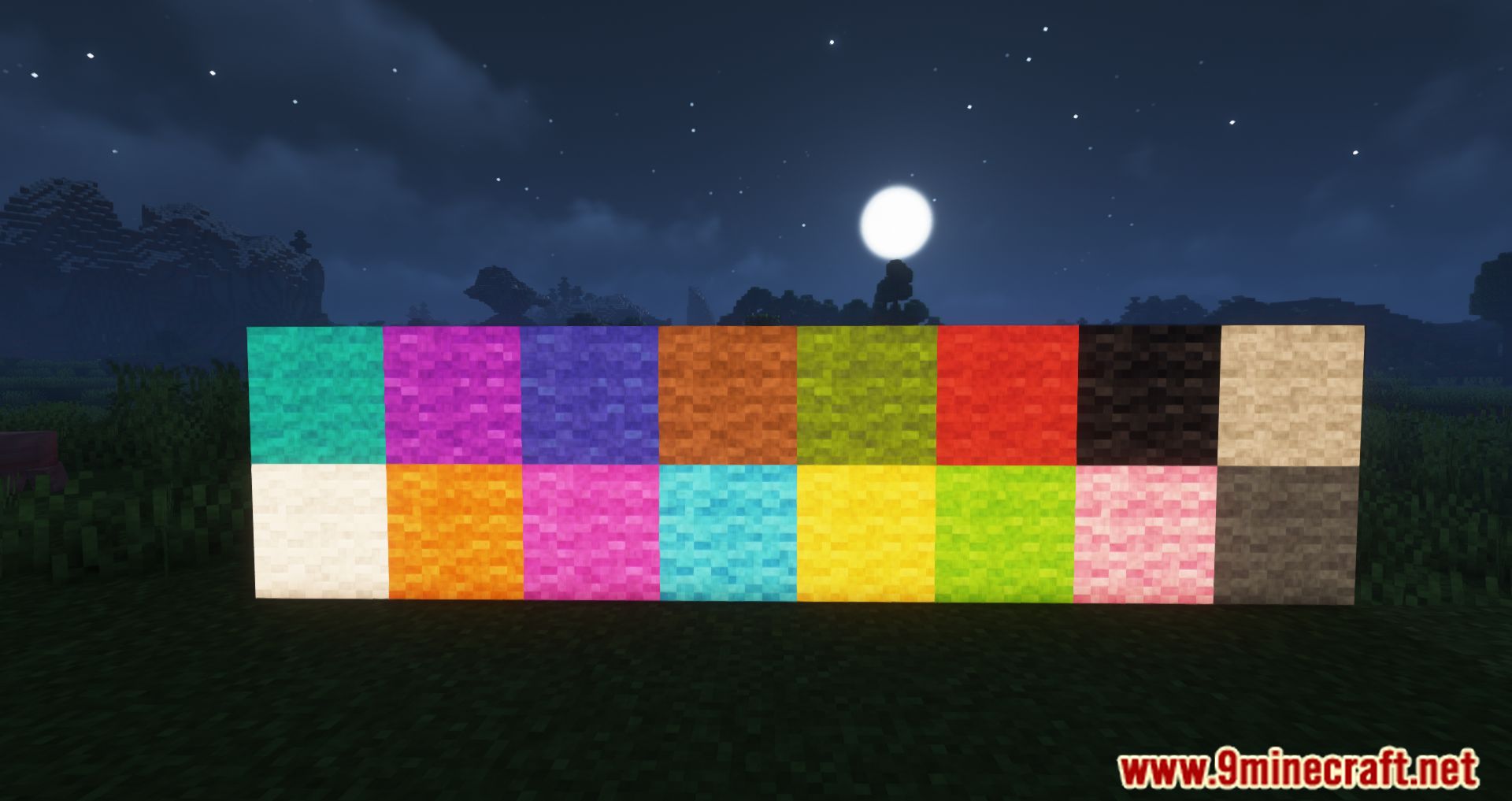
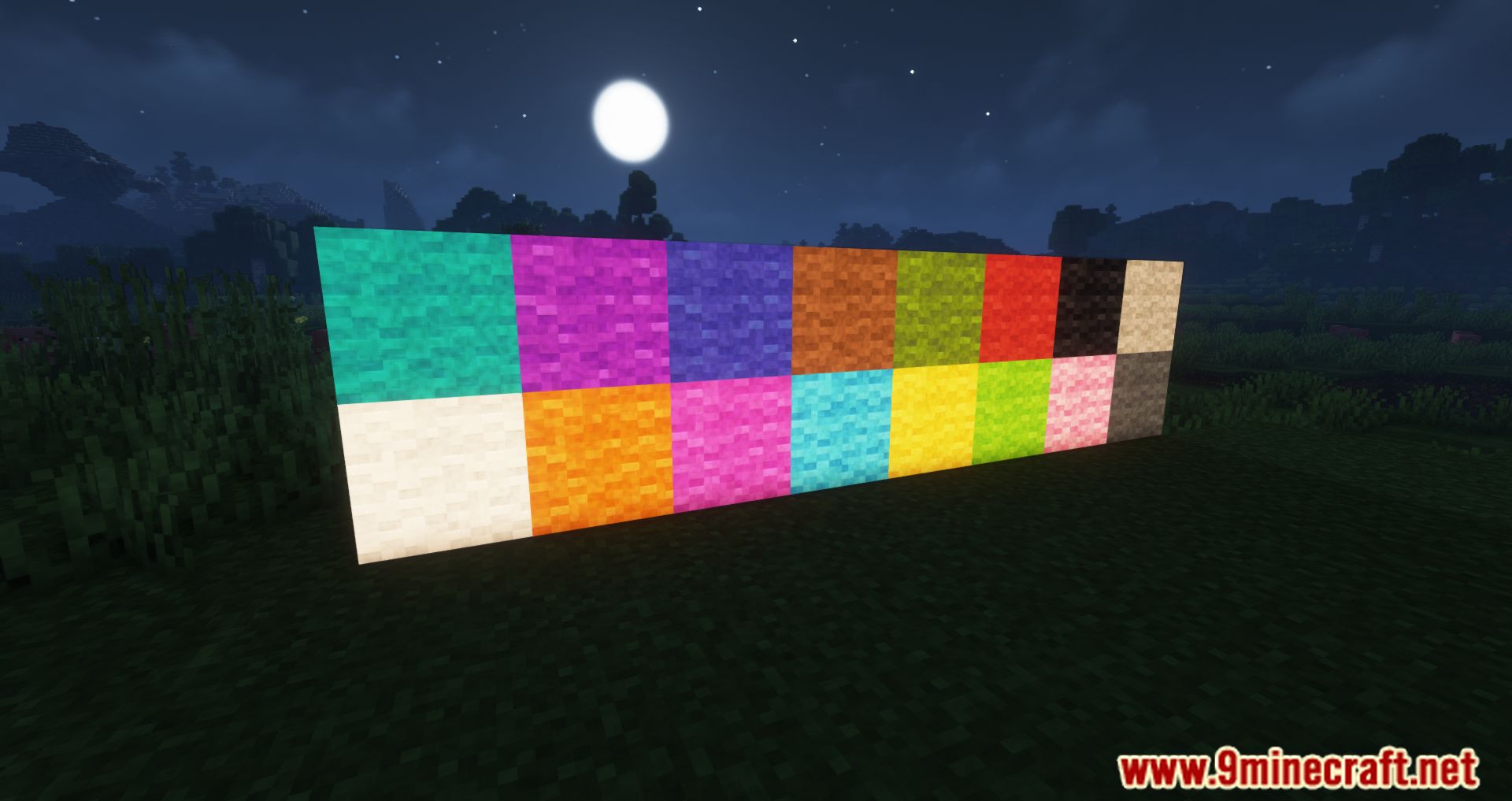
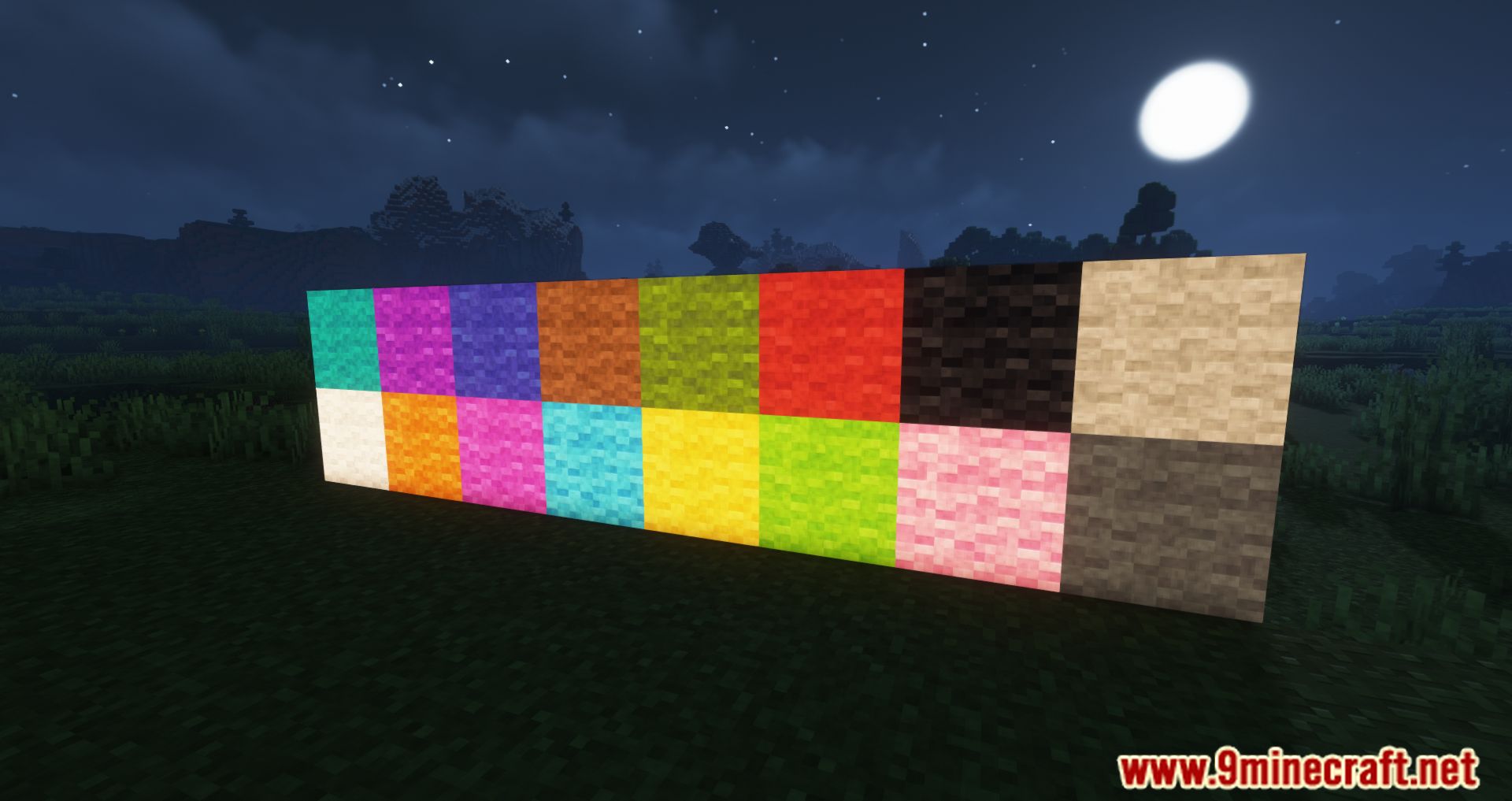
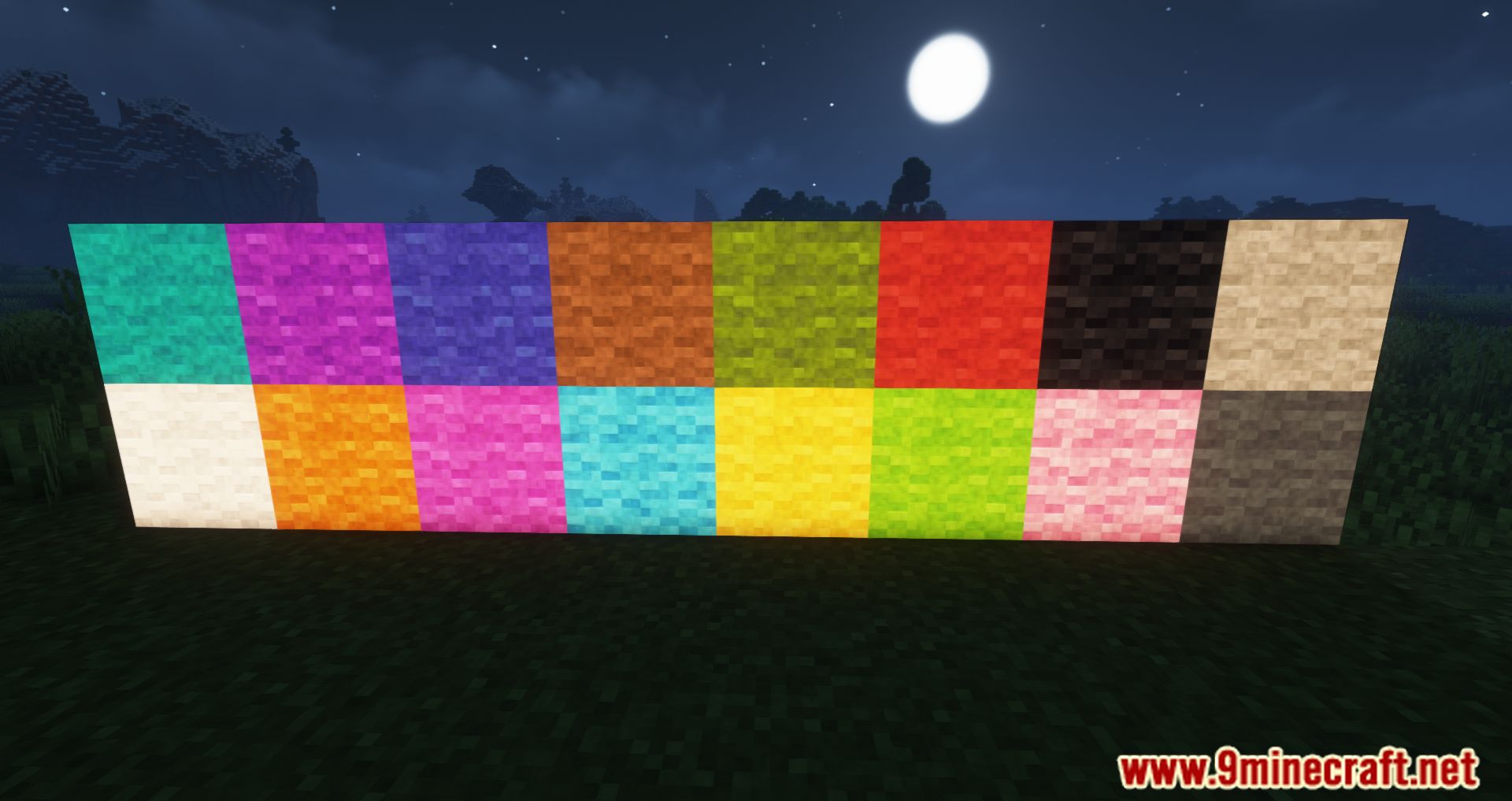
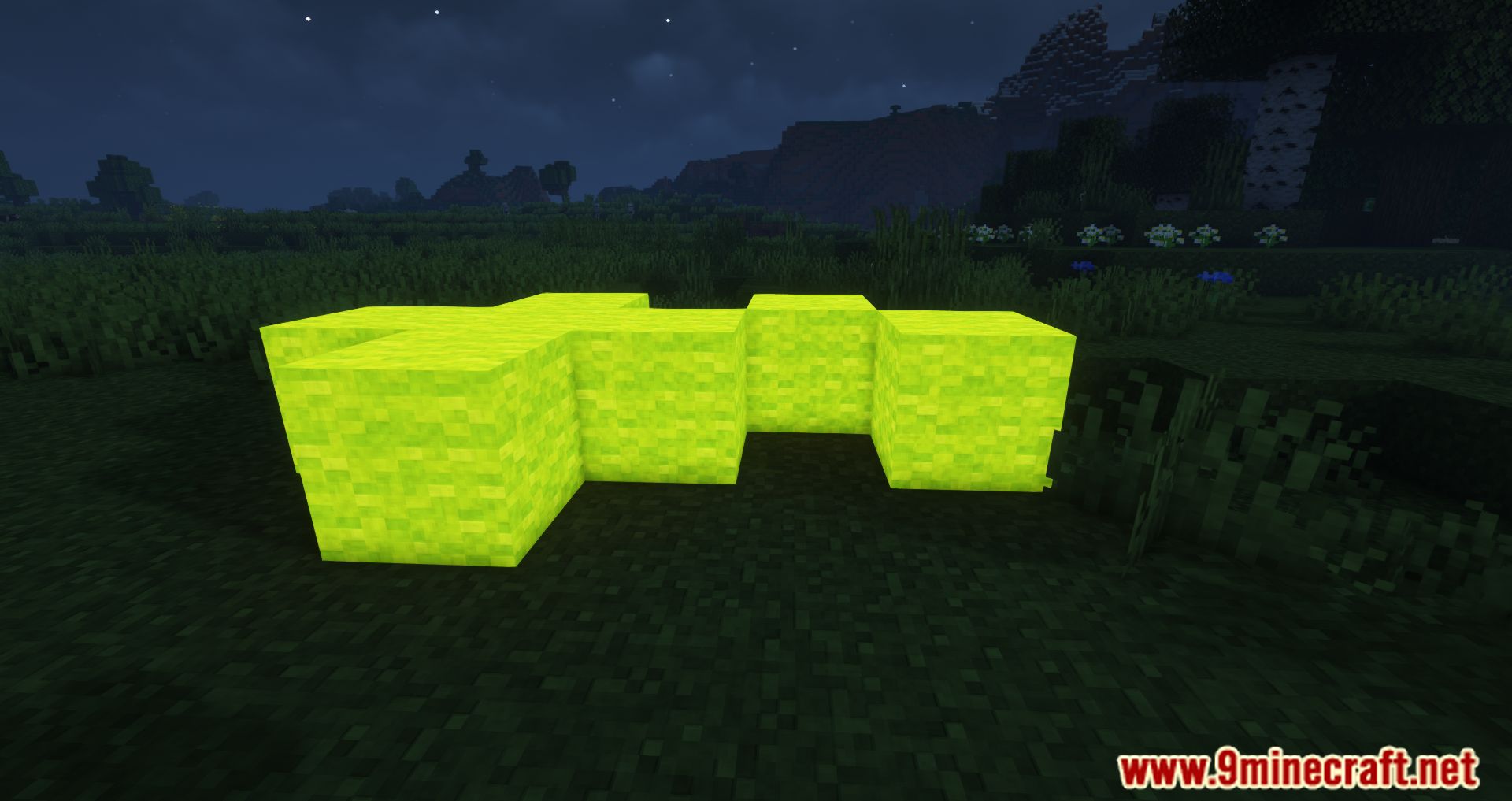
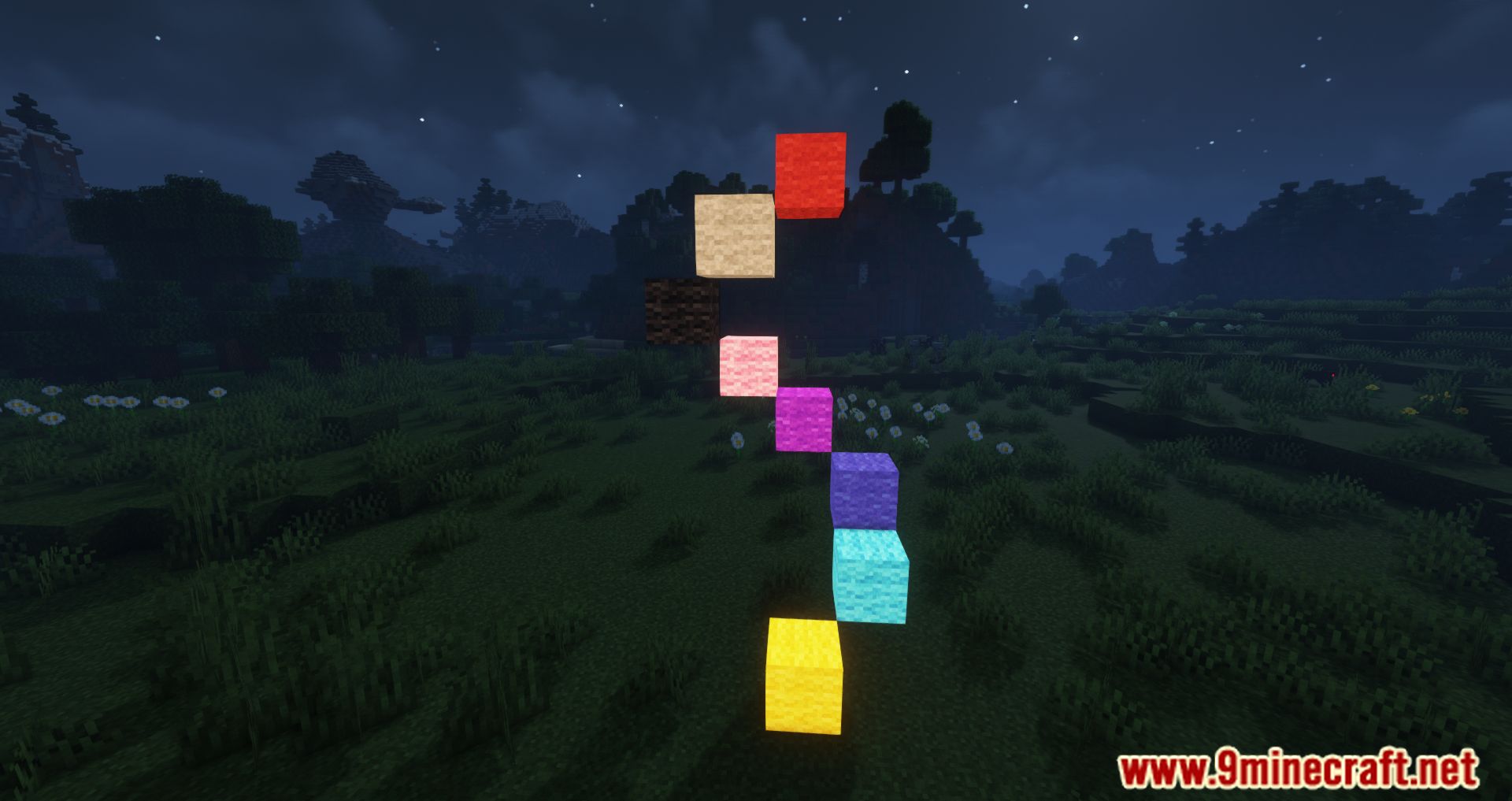
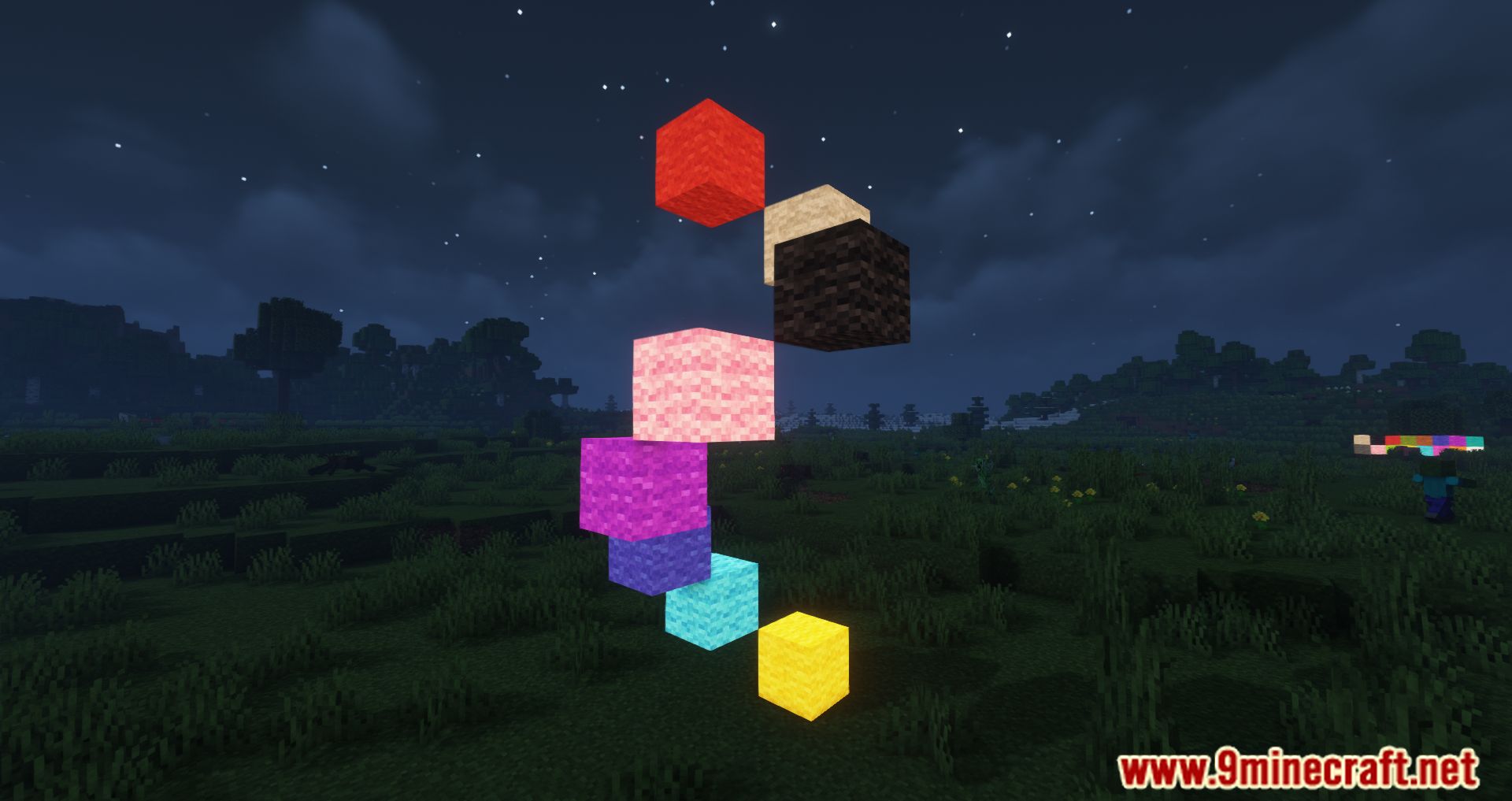
Luminous Wool Mod lets you add a bright glow to standard wool blocks. This mod uses glow ink to turn regular wool, carpets, beds, and banners into emissive light sources. It gives you a great way to light up your builds at night while keeping the colorful look of wool. The glowing effect looks best when you play on low brightness settings.

Features:
- Turns standard wool blocks into glowing light sources.
- Applies the emissive effect to carpets, beds, and banners.
- Keeps the original bright colors of the blocks while illuminating the area around them.
- Enhances night landscapes and dark rooms with colorful glowing patterns.
How to Use:
- Hold a glow ink sac in your hand.
- Right-click on any placed wool, carpet, bed, or banner to apply the glowing effect in the world.
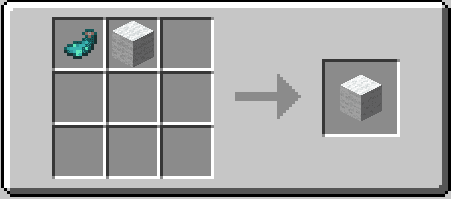
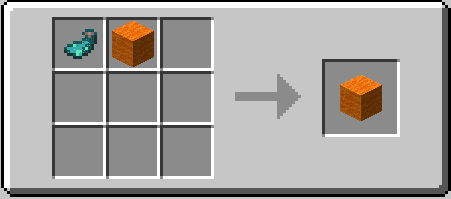
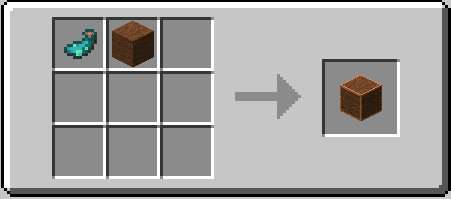
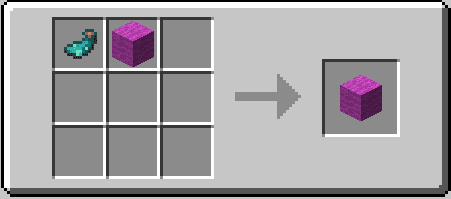
- Alternatively, place a glow ink sac and your chosen wool item together in the crafting menu to craft the emissive version directly.
Crafting Recipes:
Screenshots:


How to Install:
New to Minecraft? Follow our step-by-step guide to install Mods on your PC.View Guide
Requirements:


Luminous Wool Mod Download Links
For Minecraft 26.2
For Minecraft 1.21.10, 1.21.9
For Minecraft 1.21.5
For Minecraft 1.20.4
For Minecraft 1.18.2, 1.18
For Minecraft 1.17.1
Click to rate this post!
[Total: 0 Average: 0]
You May Also Like
















This post has no comments yet. Be the first — your comment will appear here.