


Safra Forge Mod (26.2, 1.20.1) – Invite Friends to Your World Without Hosting
 14
14
 0
0


🌐 Good news — we've translated this article into other languages!
Or pick the one you like:
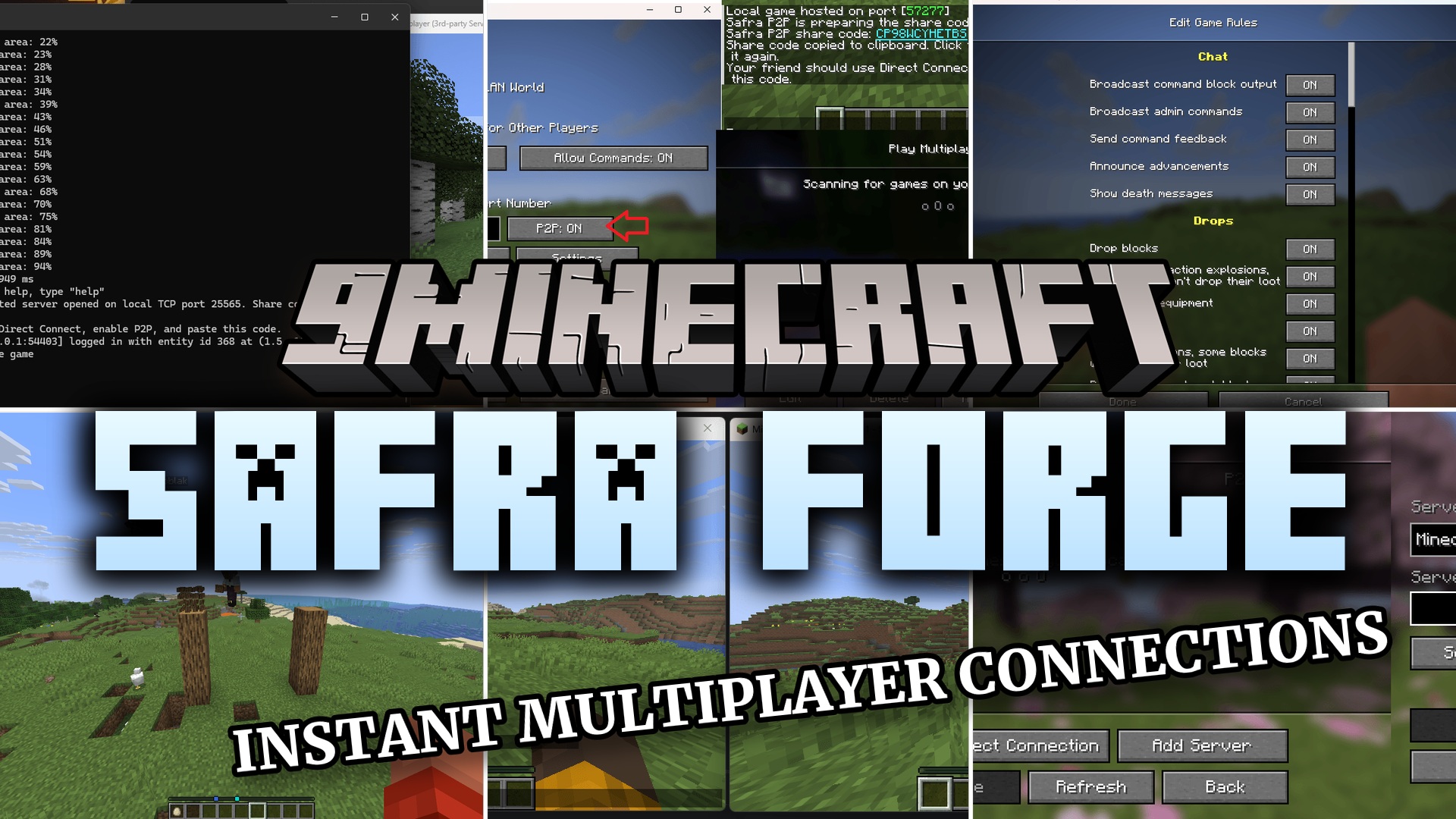
Safra Forge Mod lets you play multiplayer with your friends in just two clicks. This mod removes the need to set up a complicated server or deal with confusing network settings. It gives you a simple way to share your single-player world directly from the pause menu. You can jump straight into the action with other people without wasting time on extra steps.
Features:
- Starts a multiplayer session instantly from your game menu without extra software.
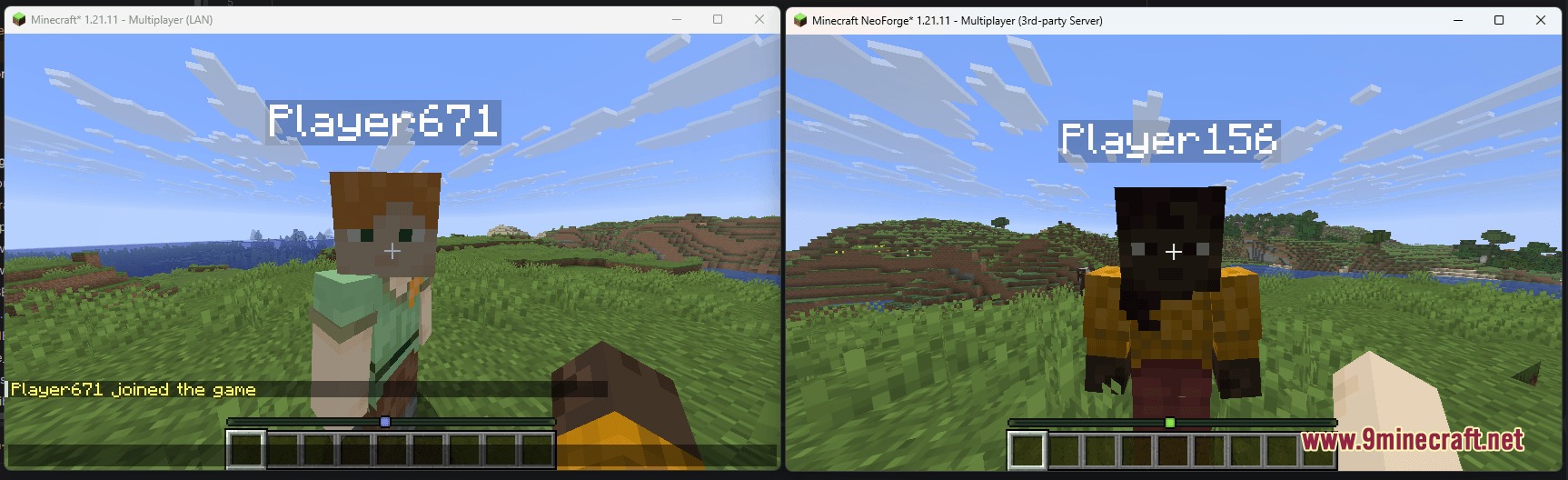
- Works with other mods so you and your friends can play big modpacks together.
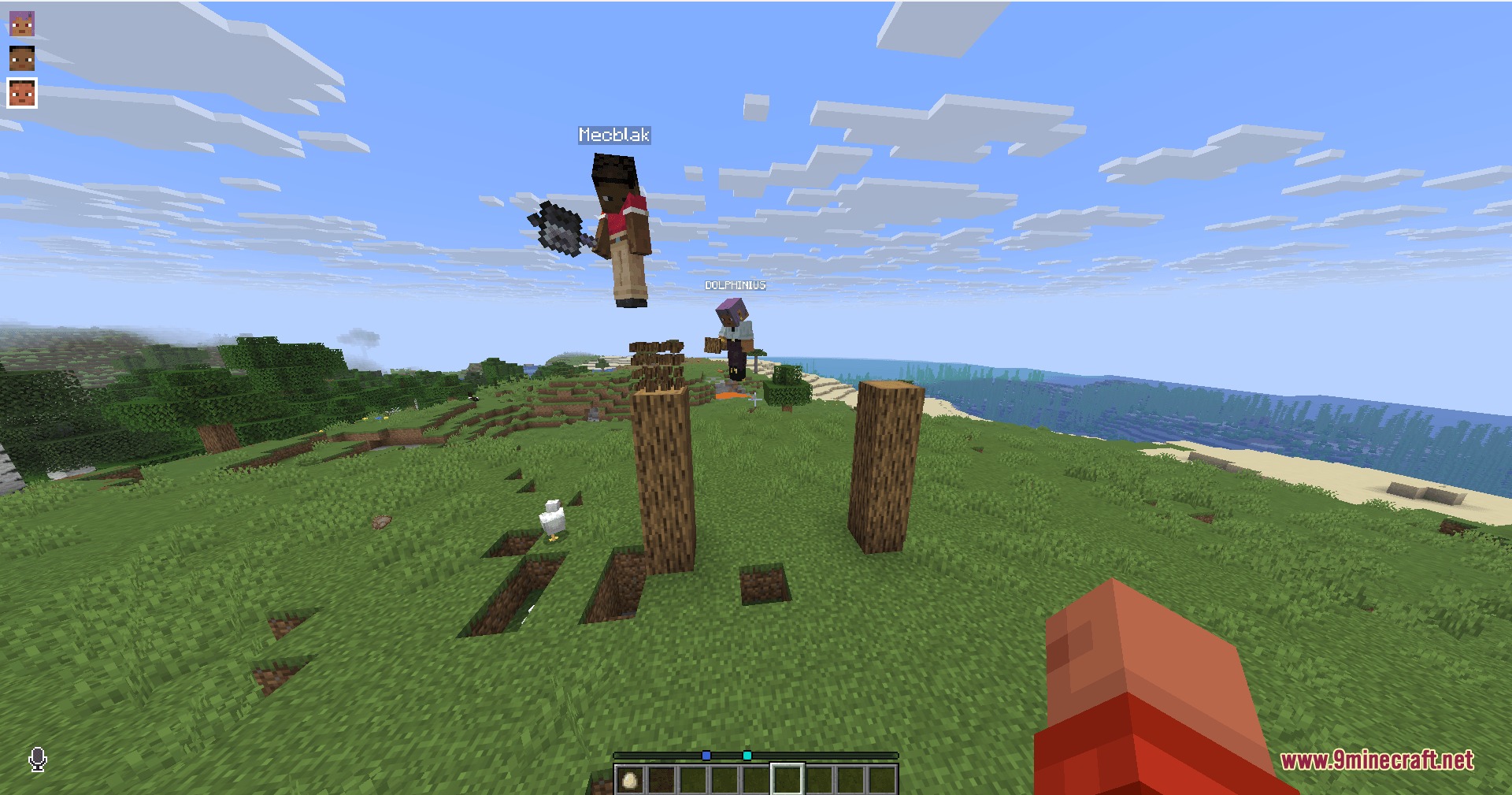
- Supports voice chat additions so you can talk to each other inside the world.
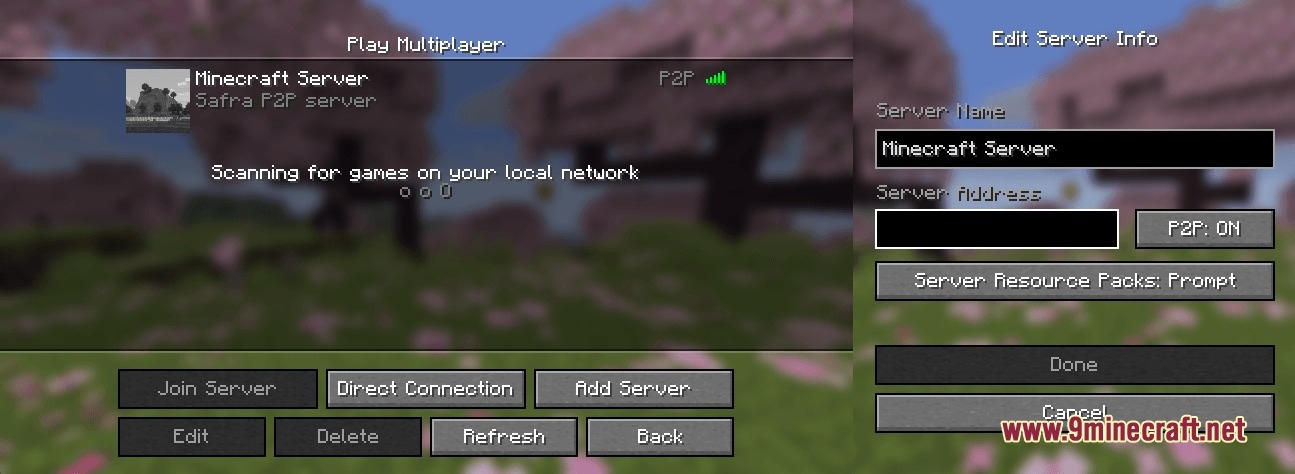
- Lets players using alternative game clients join the world if you change a simple setting.
- Gives you a fixed join code if you turn on the option, so friends can use the same code every time they play.
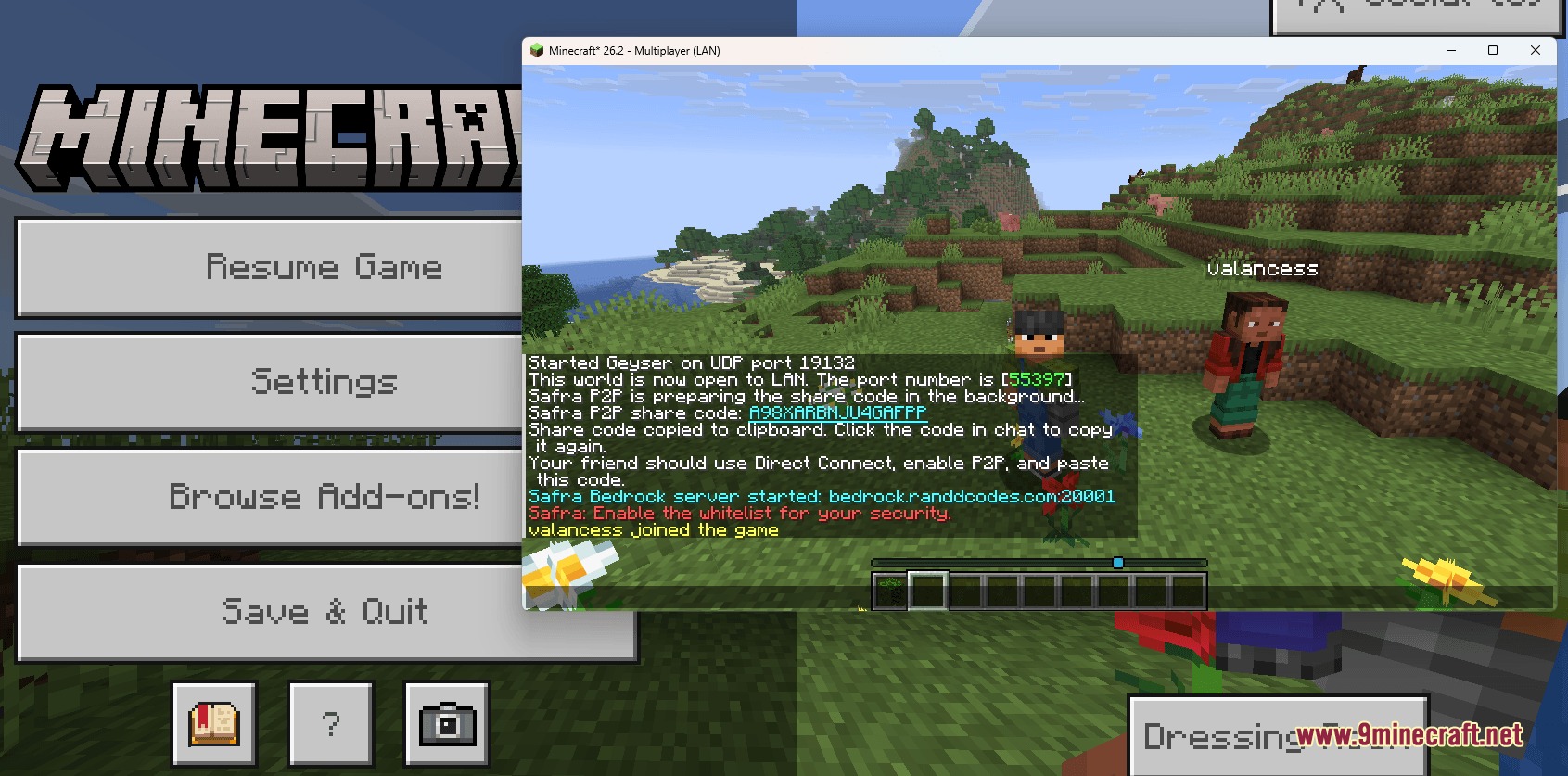
- Allows Bedrock and mobile players to join your Java world if you add the Geyser mod.
- Keeps the game running smoothly because it avoids adding heavy background systems.
How to Use:
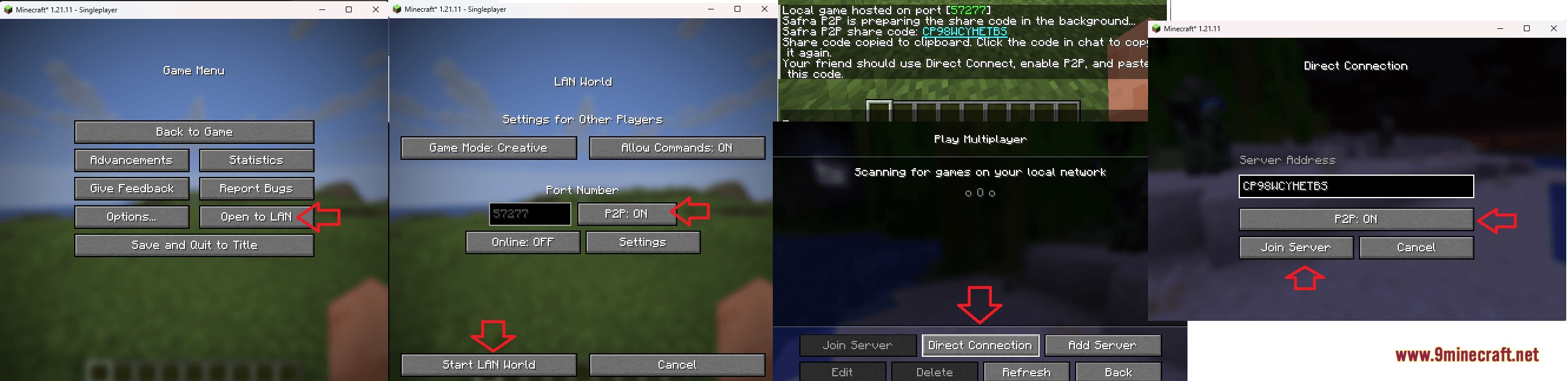
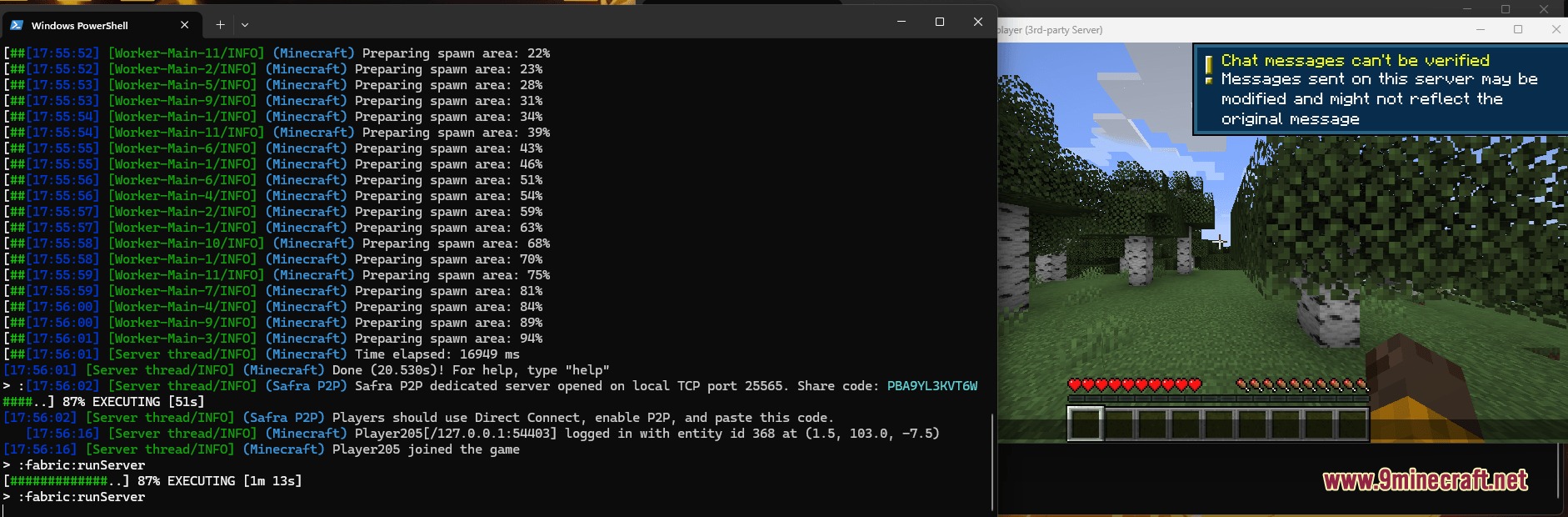
- Open your single-player world and pause the game to find the new sharing button.
- Click the share button to generate a join code for your friends.
- Set
online-mode=falsein the mod settings if your friends use alternative game launchers. - Turn on
Use Fixed Code=onin the settings if you want to keep the same join code for future play sessions.
Screenshots:
How to Install:
New to Minecraft? Follow our step-by-step guide to install Mods on your PC.View Guide




Safra Forge Mod Download Links
For Minecraft 26.2
For Minecraft 26.1.2, 26.1.1, 26.1
For Minecraft 1.21.11
For Minecraft 1.21.5
For Minecraft 1.21.1, 1.21
For Minecraft 1.20.1, 1.20
For Minecraft 1.19.2, 1.19
For Minecraft 1.18.2, 1.18
For Minecraft 1.16.5, 1.16
Click to rate this post!
[Total: 0 Average: 0]
You May Also Like





This post has no comments yet. Be the first — your comment will appear here.