


EzExposure Shaders (26.2, 1.20.1) – Manual Brightness and Exposure Slider
 0
0
 0
0

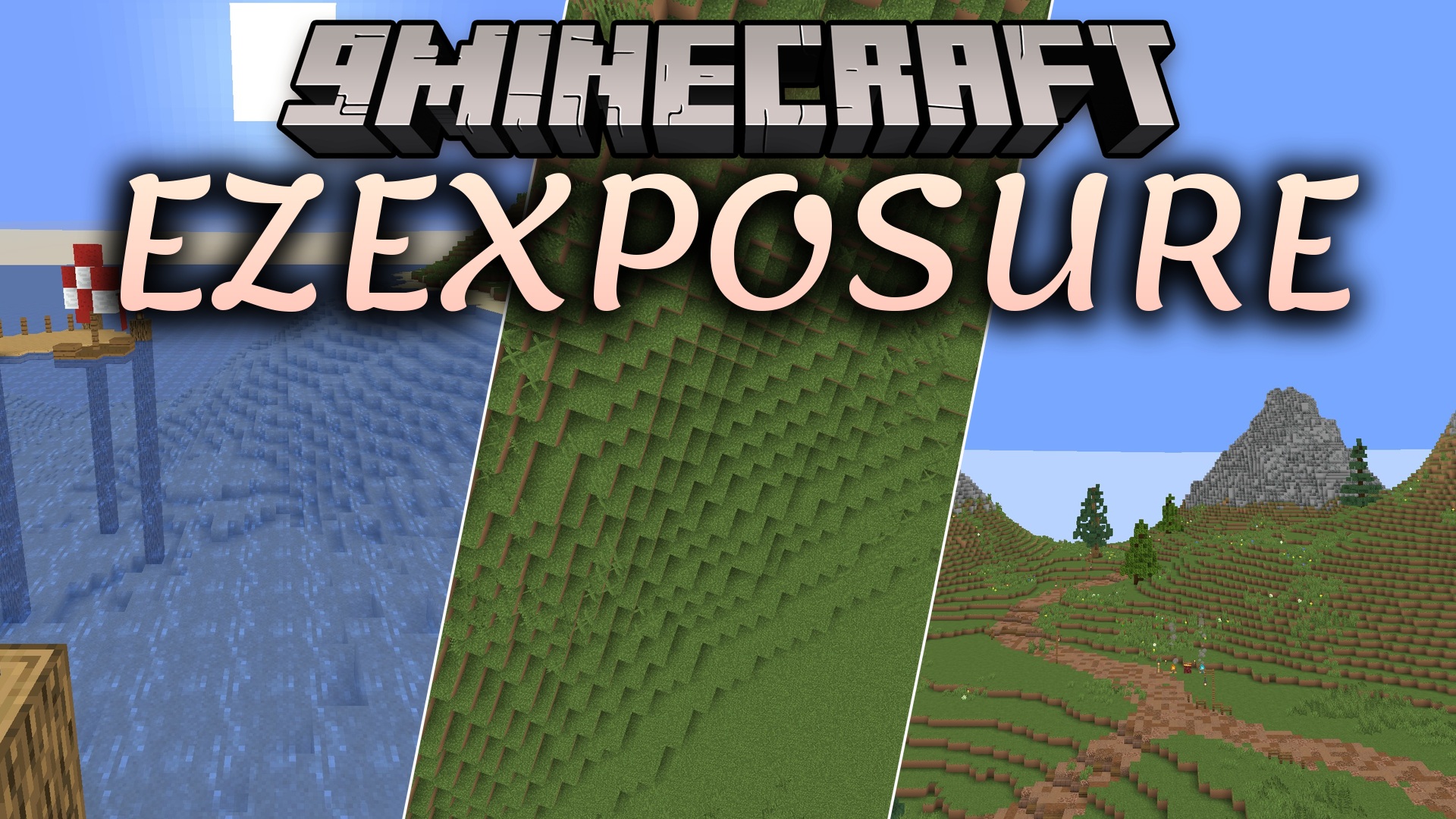
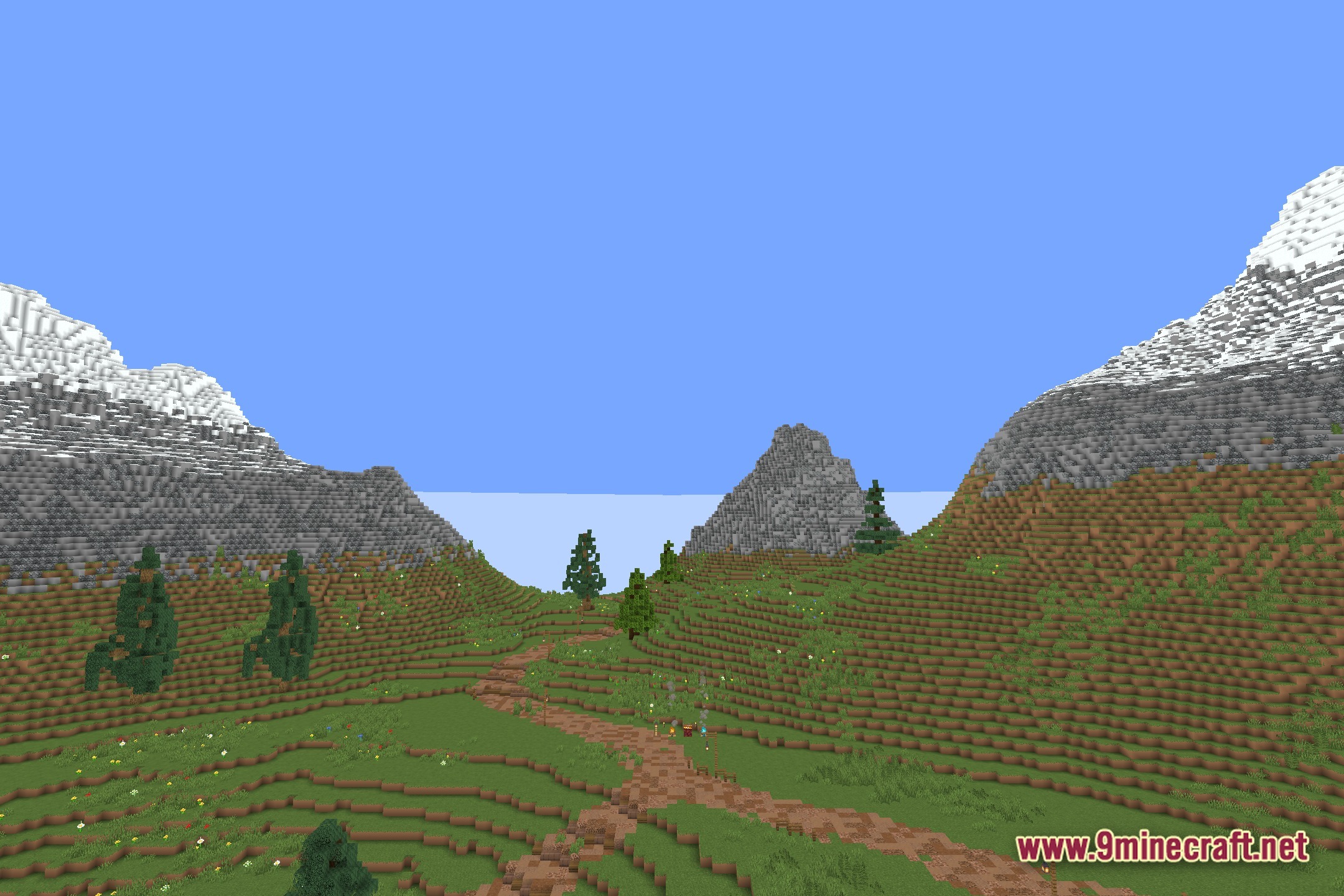
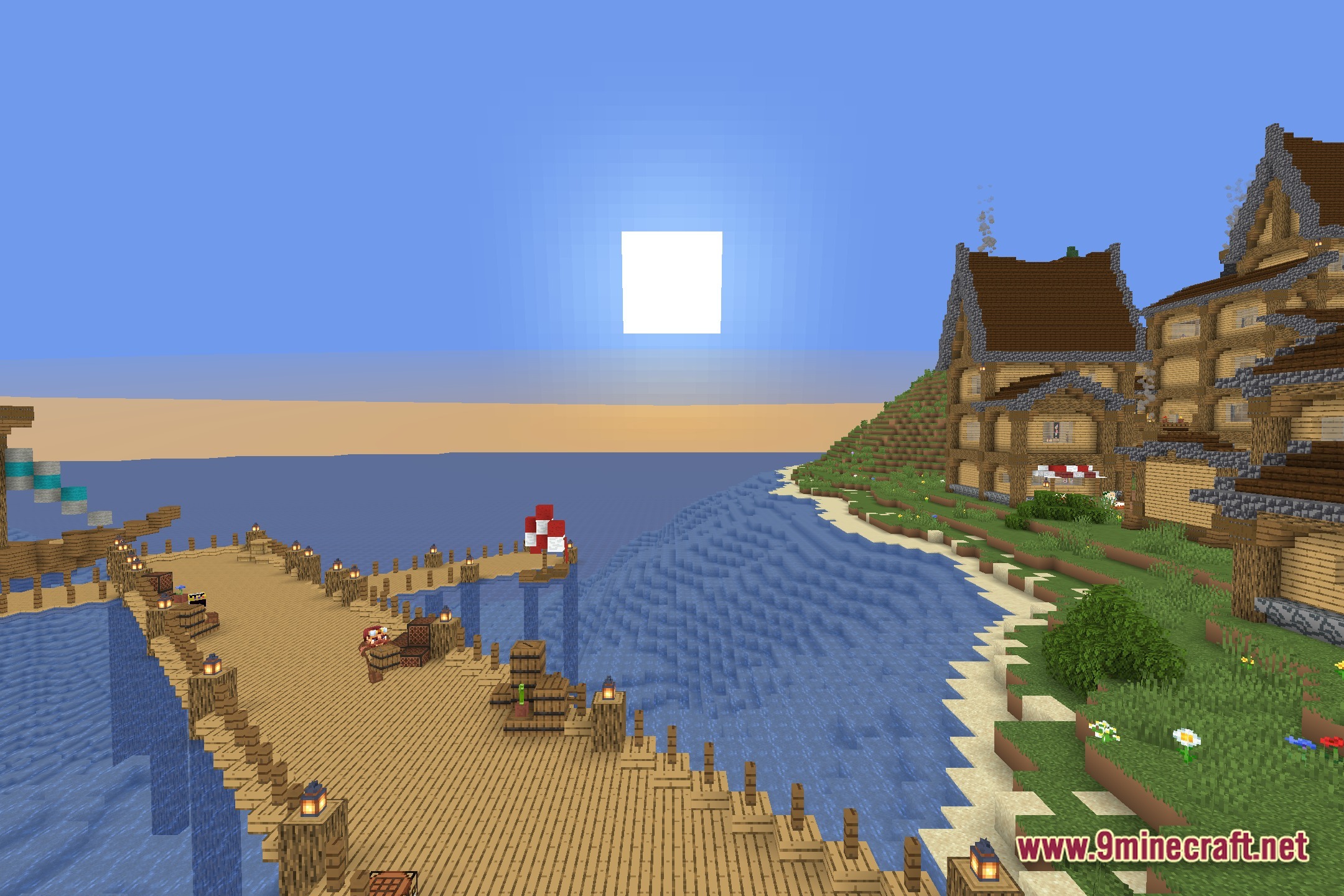
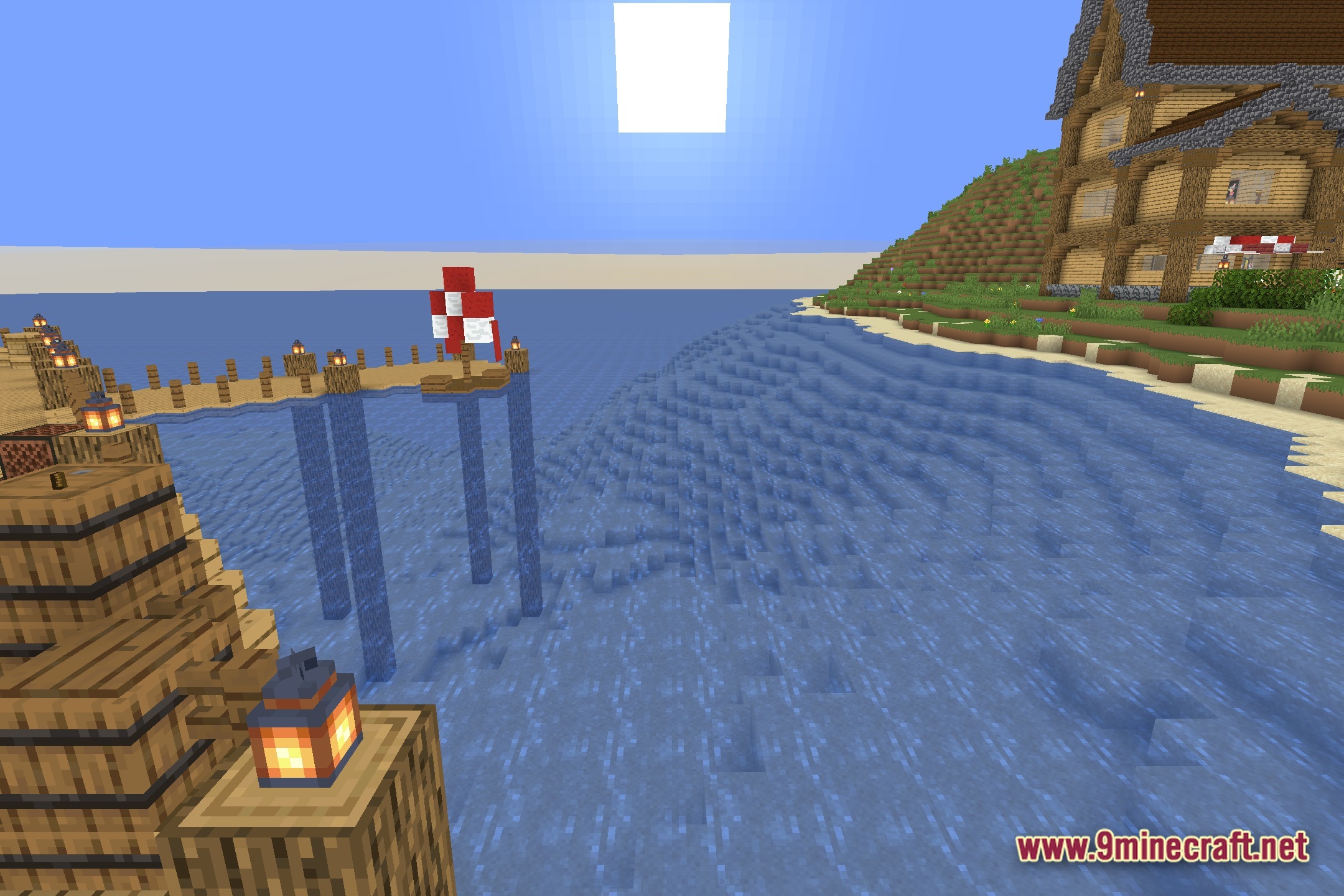
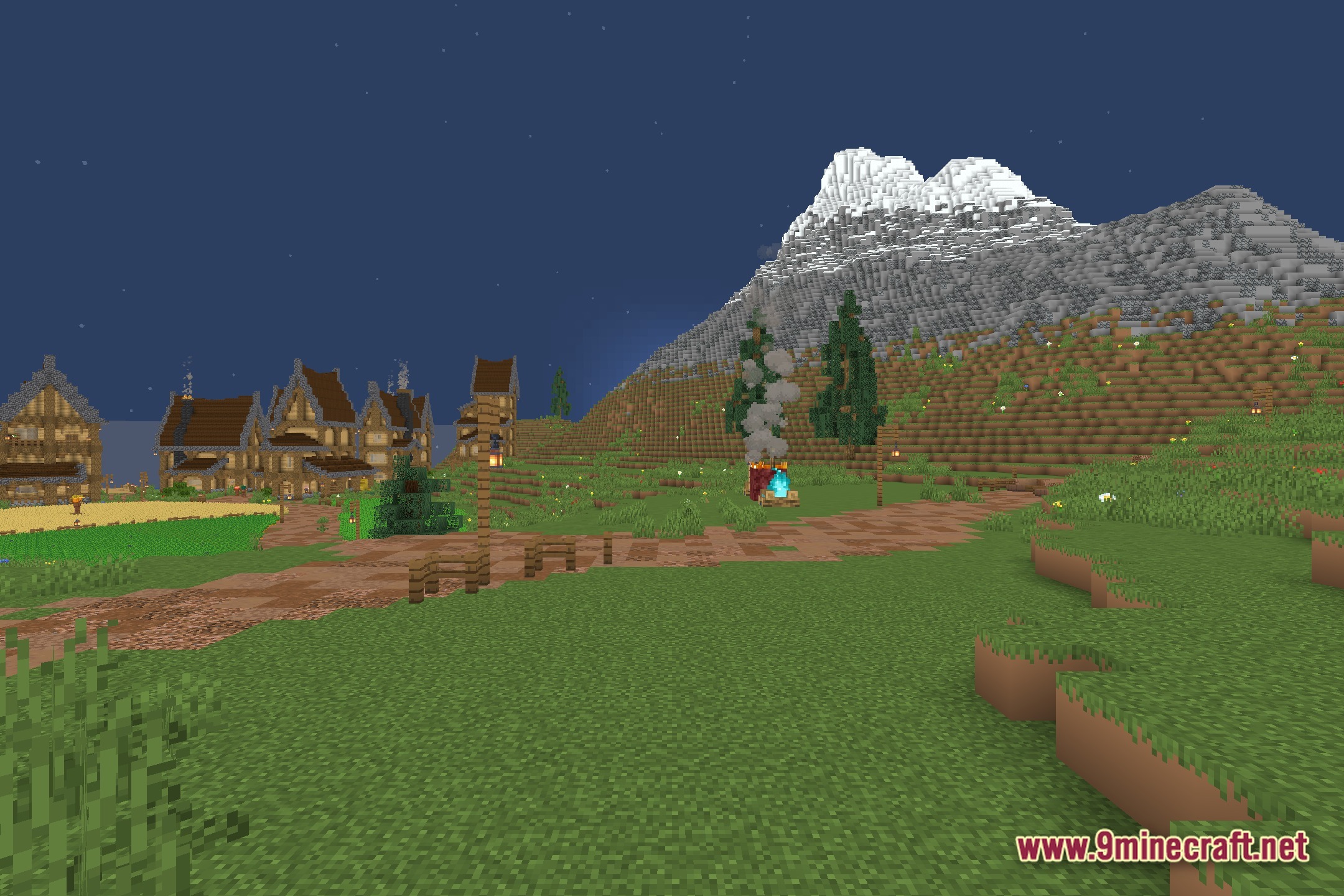
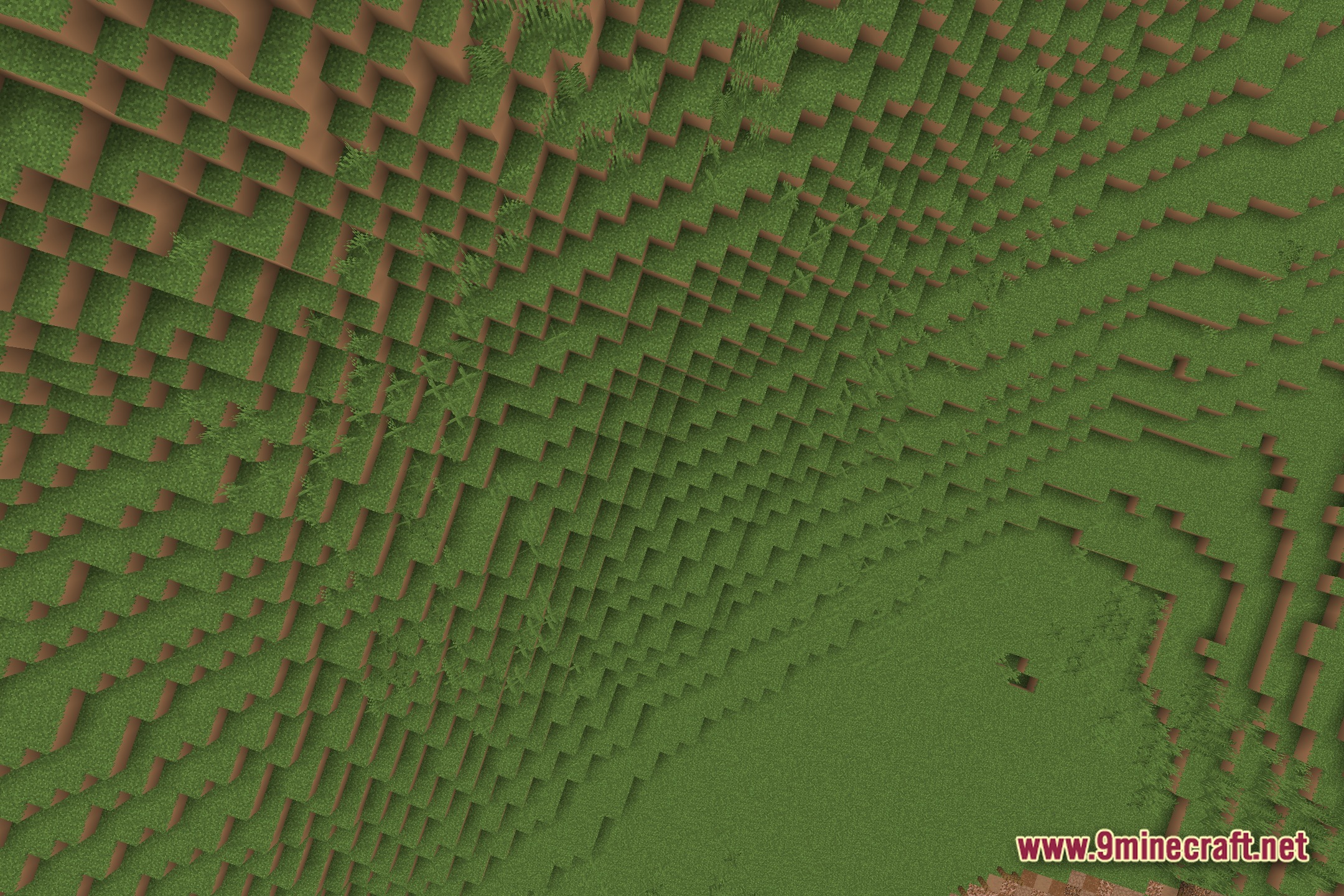
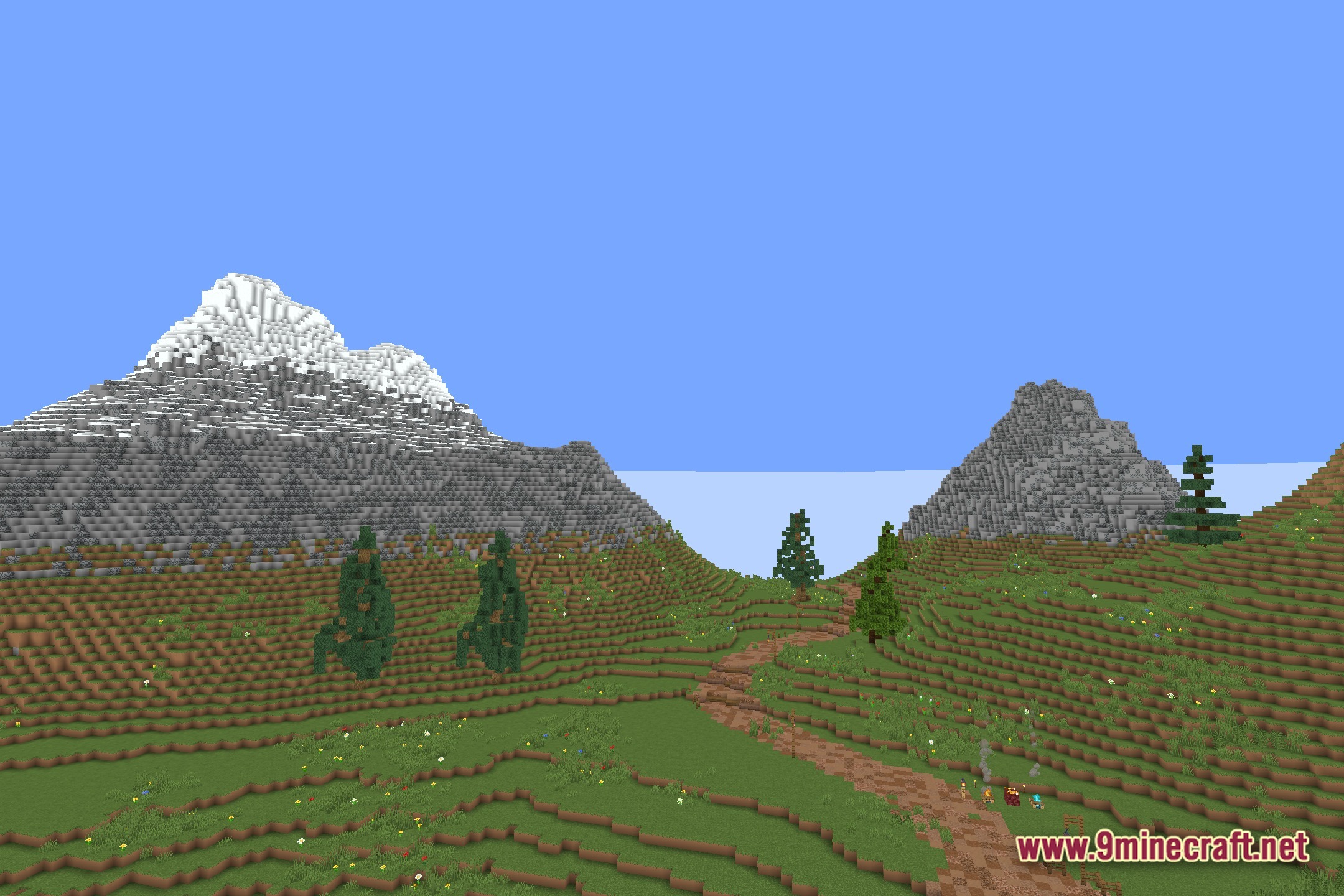
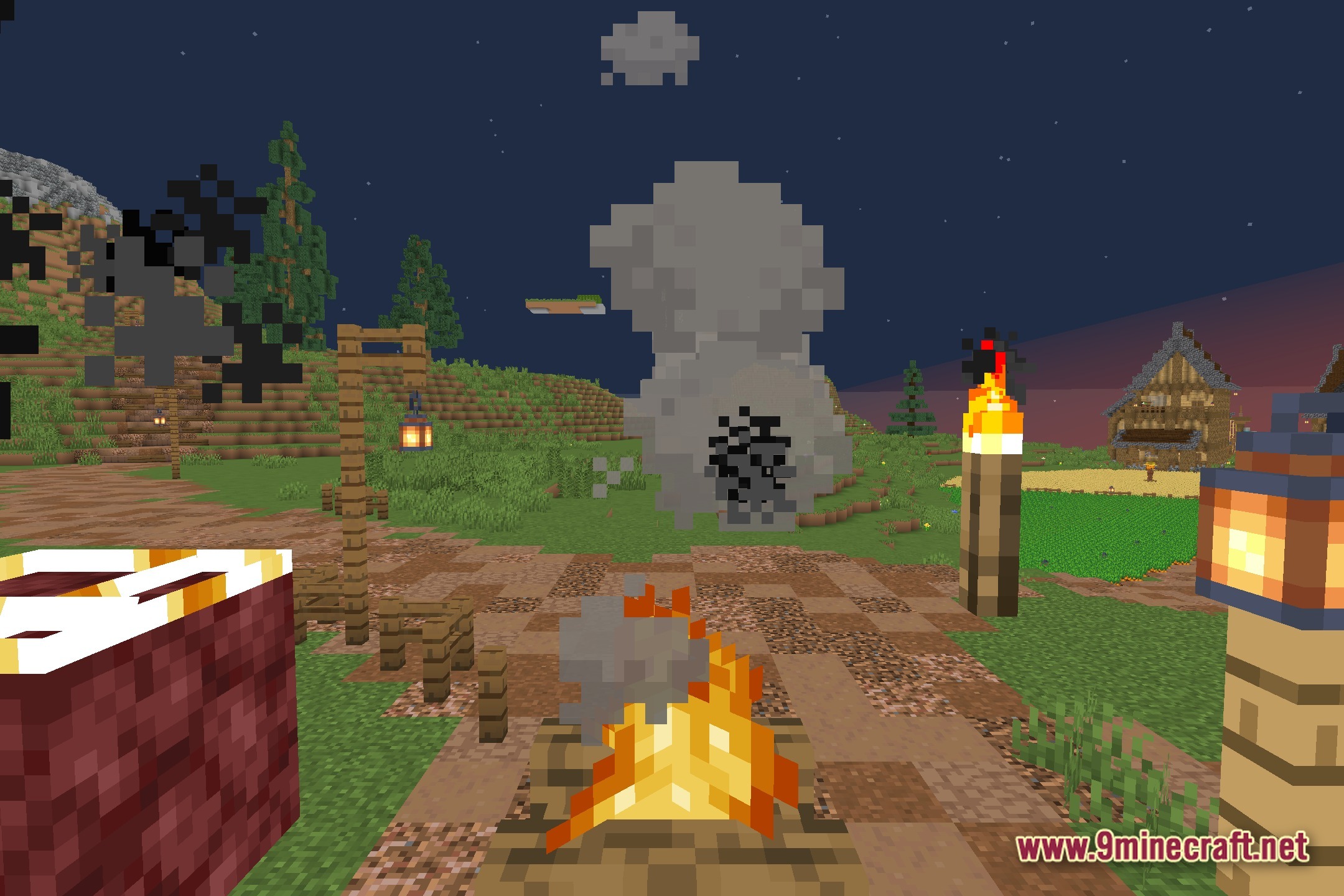
EzExposure gives you direct control over the brightness of your Minecraft world. It adds a simple slider to the settings so you can change the exposure levels at any time. This tool helps you quickly fix scenes that look too dark or too bright without tweaking complicated options. You get better lighting control while keeping the standard vanilla look of the game.
Features:
- Exposure Slider: Adds a new setting to adjust the overall brightness of your screen.
- Lets you manually change how much light appears in the game.
- Keeps the normal vanilla style while giving you extra control over the visuals.
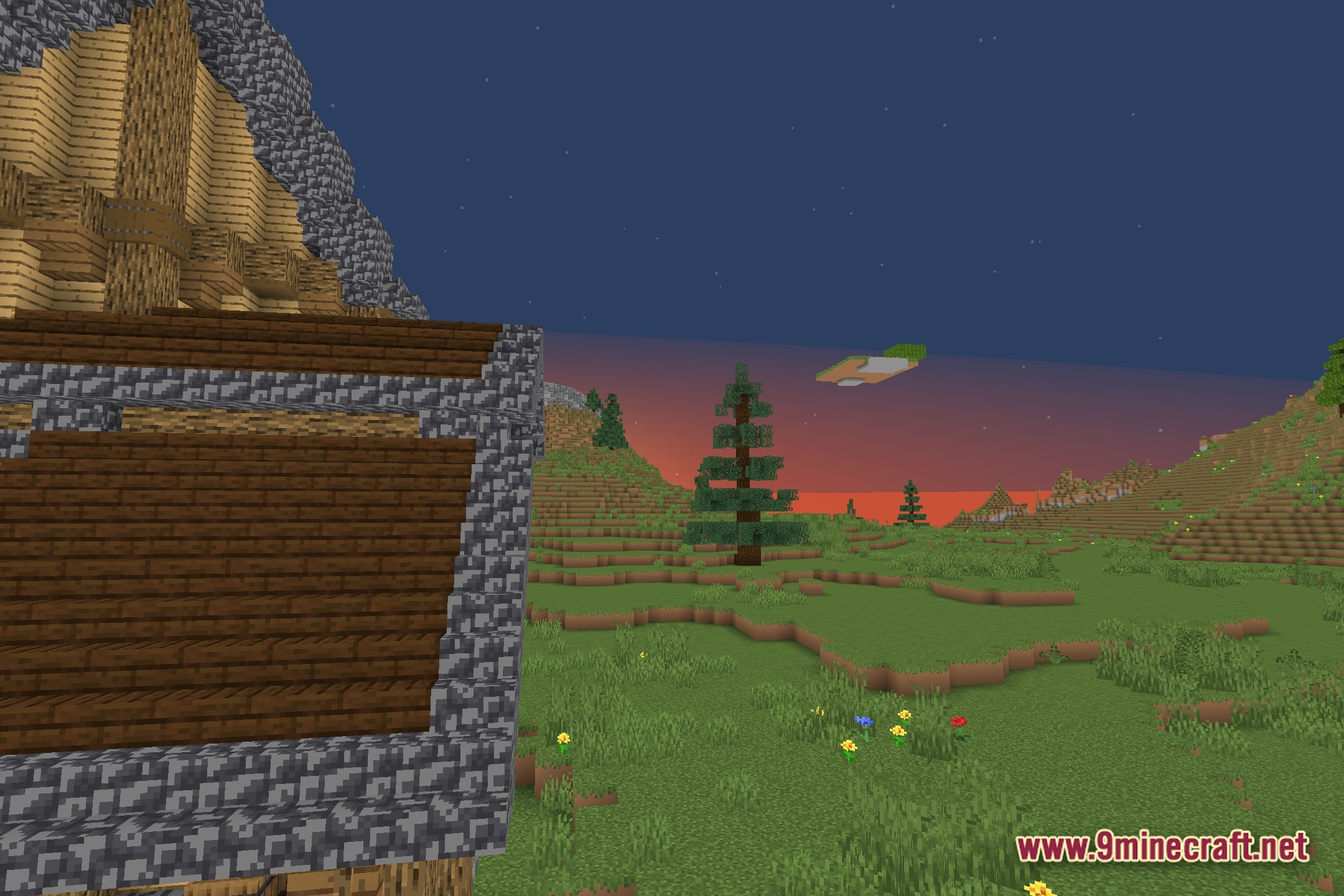
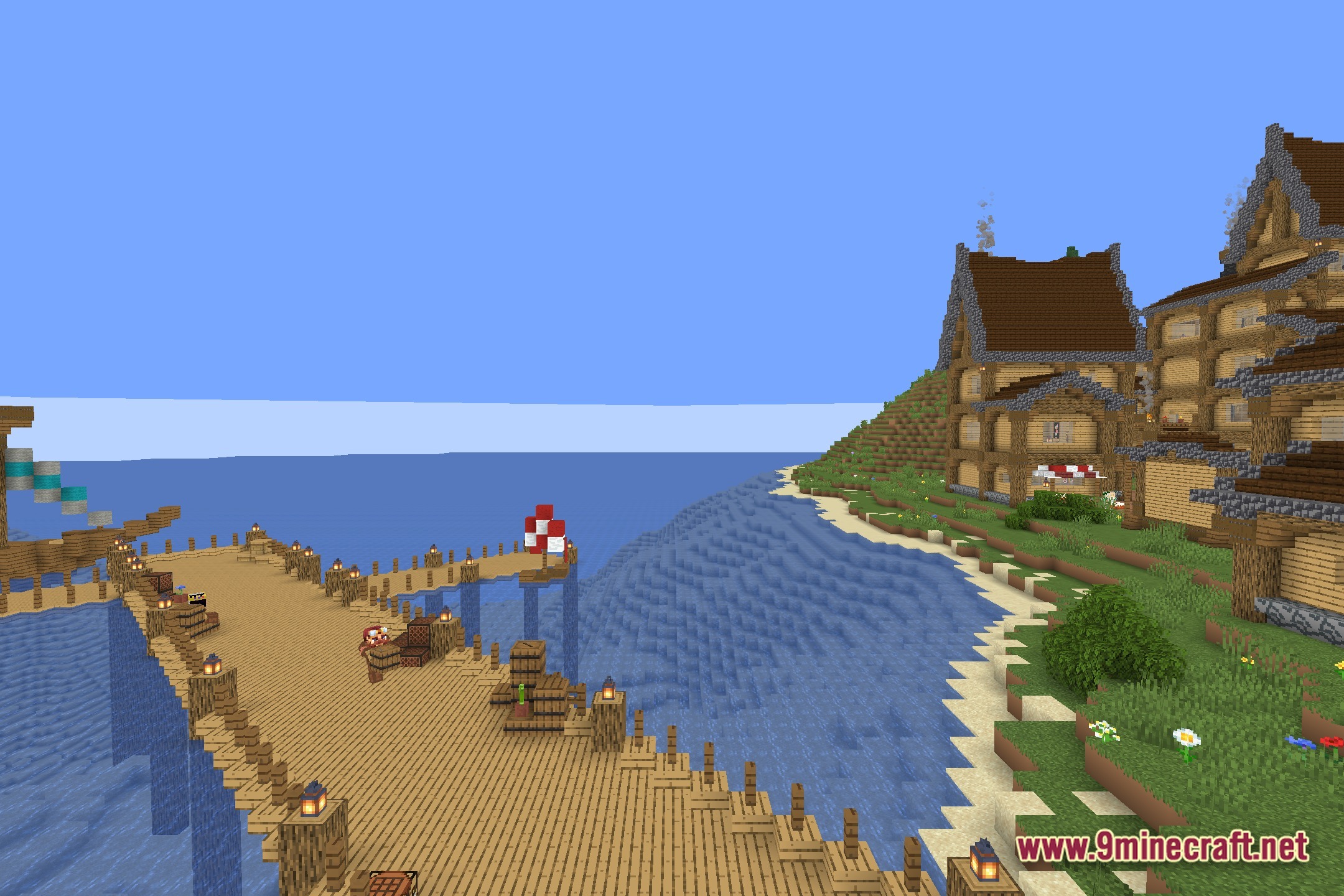
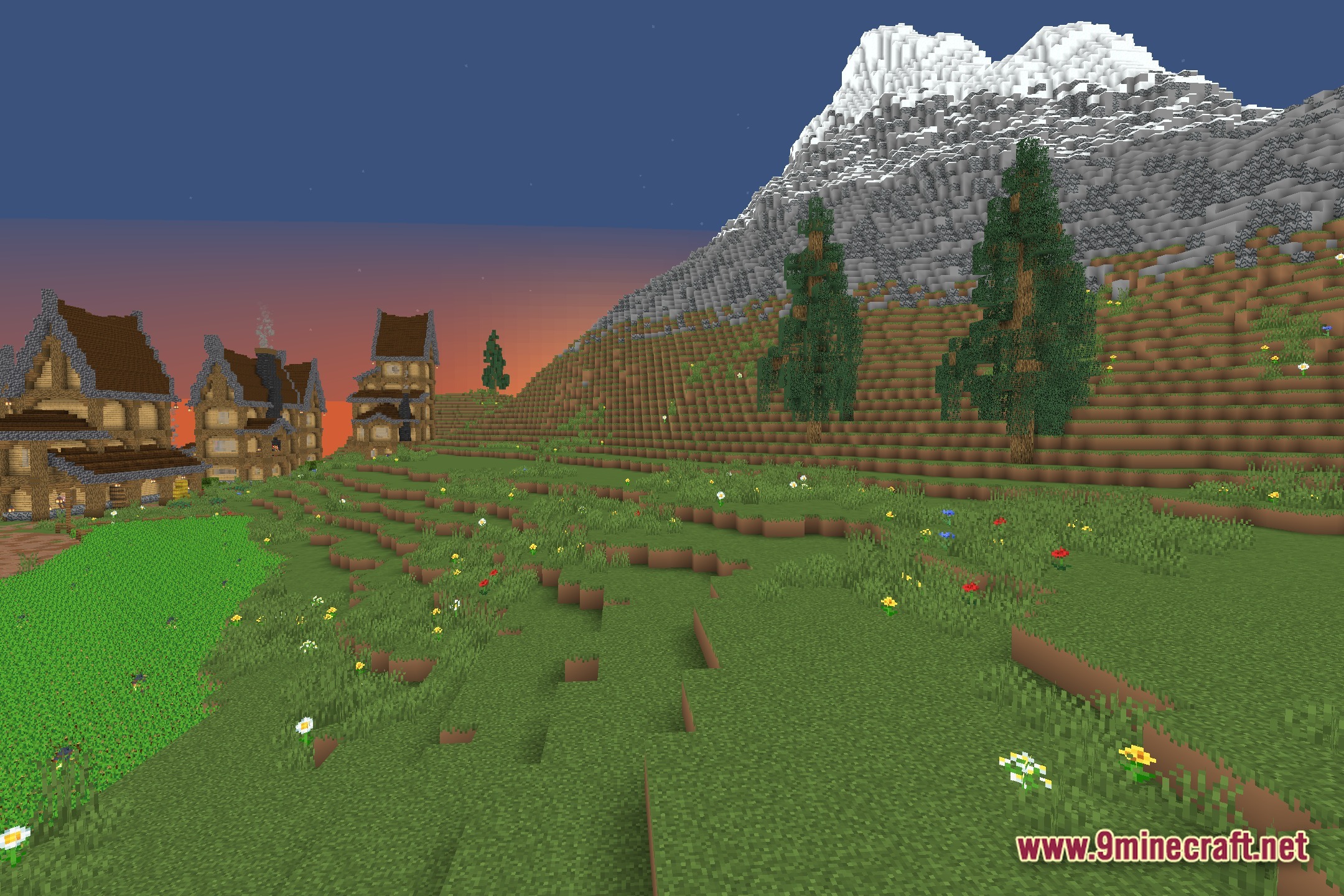
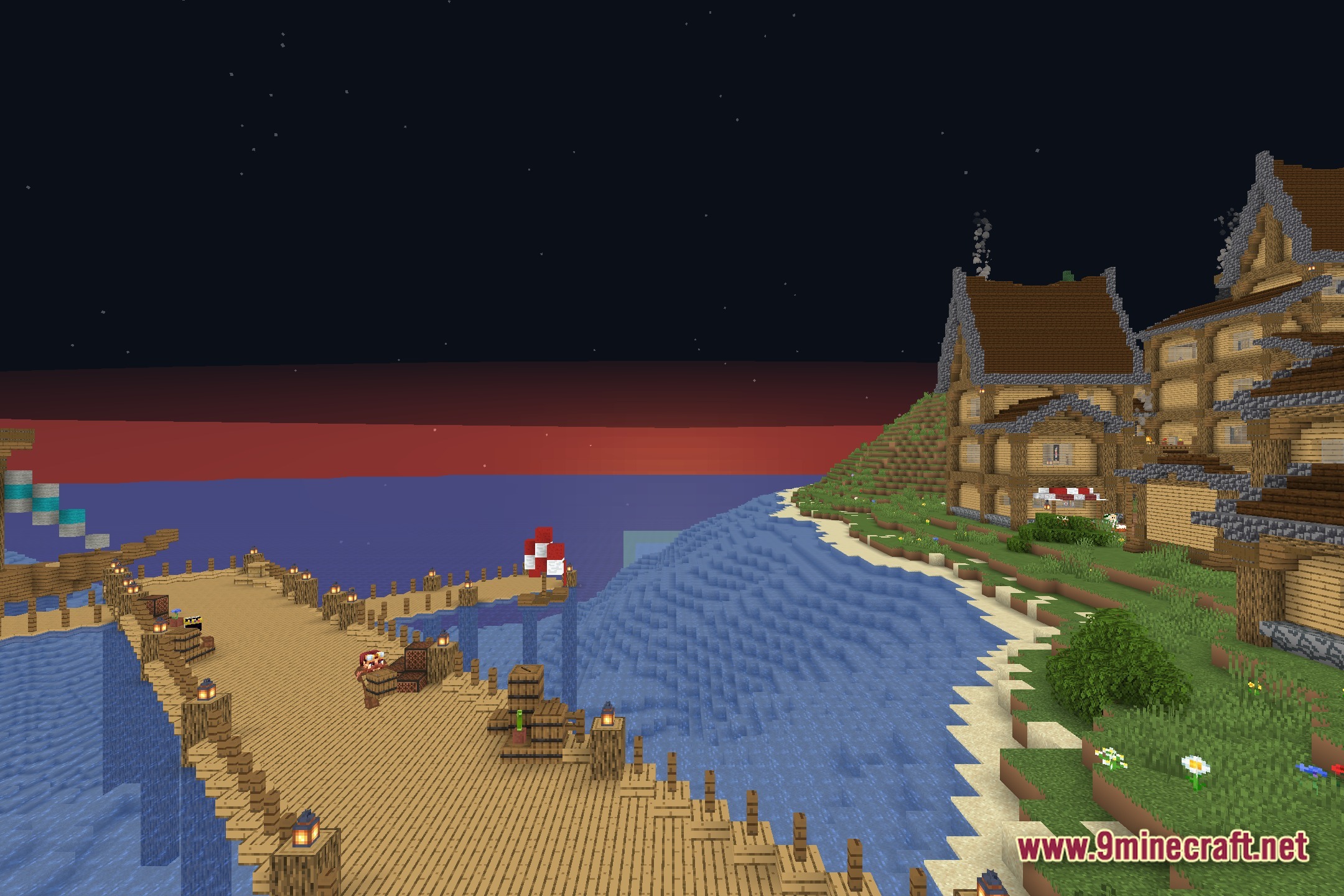
Screenshots:
How to Install:
New to Minecraft? Follow our step-by-step guide to install Shaders on your PC.View Guide
EzExposure Shaders Download Links
Click to rate this post!
[Total: 0 Average: 0]
You May Also Like


This post has no comments yet. Be the first — your comment will appear here.