


AE Wireless Transceiver Mod (26.1.2, 1.20.1) – Run Applied Energistics Without

 0
0 

🌐 Good news — we've translated this article into other languages!
Or pick the one you like:
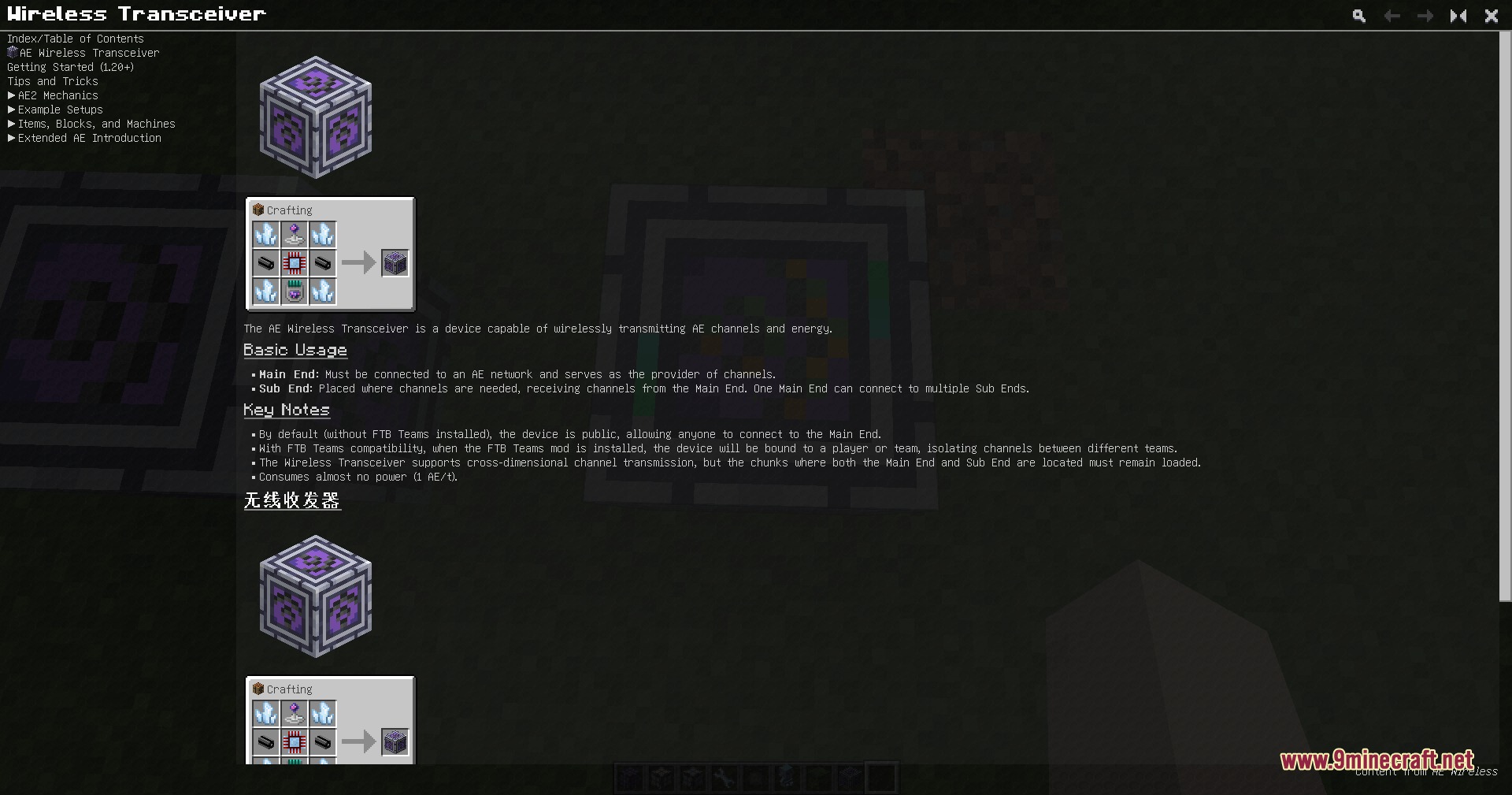
AE Wireless Transceiver Mod adds a fully wireless channel system for Applied Energistics 2. It lets you link your machines and networks across long distances or even different dimensions without placing a single cable. The mod removes the need for power to run these connections, keeping your storage setups clean. You can set up channels, name them, and manage everything through a plain menu.
Features:
- Cross-Dimension Links: Sends your network channels across different dimensions without any distance limits.
- No Power Needed: Runs the wireless connections for free without draining energy from your system.
- Team Protection: Keeps your channels completely separated from other FTB Teams so your storage stays private.
- Gives you a clean menu where you can type out custom names for every channel you create.
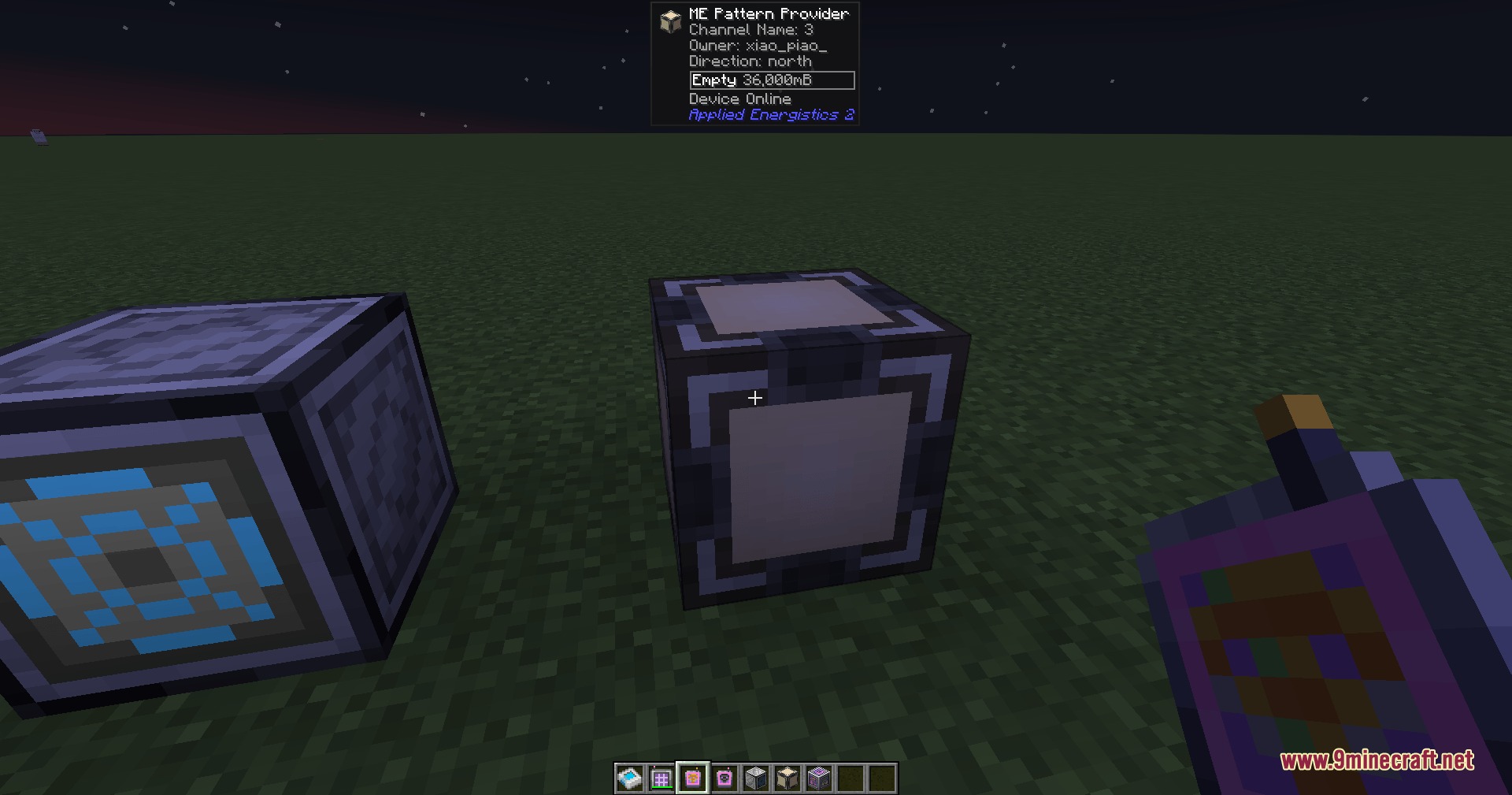
- Connects with the Jade mod to show you useful details when you look at blocks in the world.
- Links directly to specific block faces, letting you organize complex machine setups in tight spaces.
How to Use:
- Place down the transceiver block; it starts in Receiving Mode by default.
- Open the menu and click the toggle button to switch it to Transmission Mode if you want to send data.
- Click on a row in the channel list to pick your active connection.
- Hold the Wireless Connector tool and press Shift + Right-click on a transmitting transceiver to bind it.
- Right-click a target block with the bound connector to link it wirelessly to that channel.
- Take the Wireless Destroyer tool and Right-click any connected block to safely remove the link.
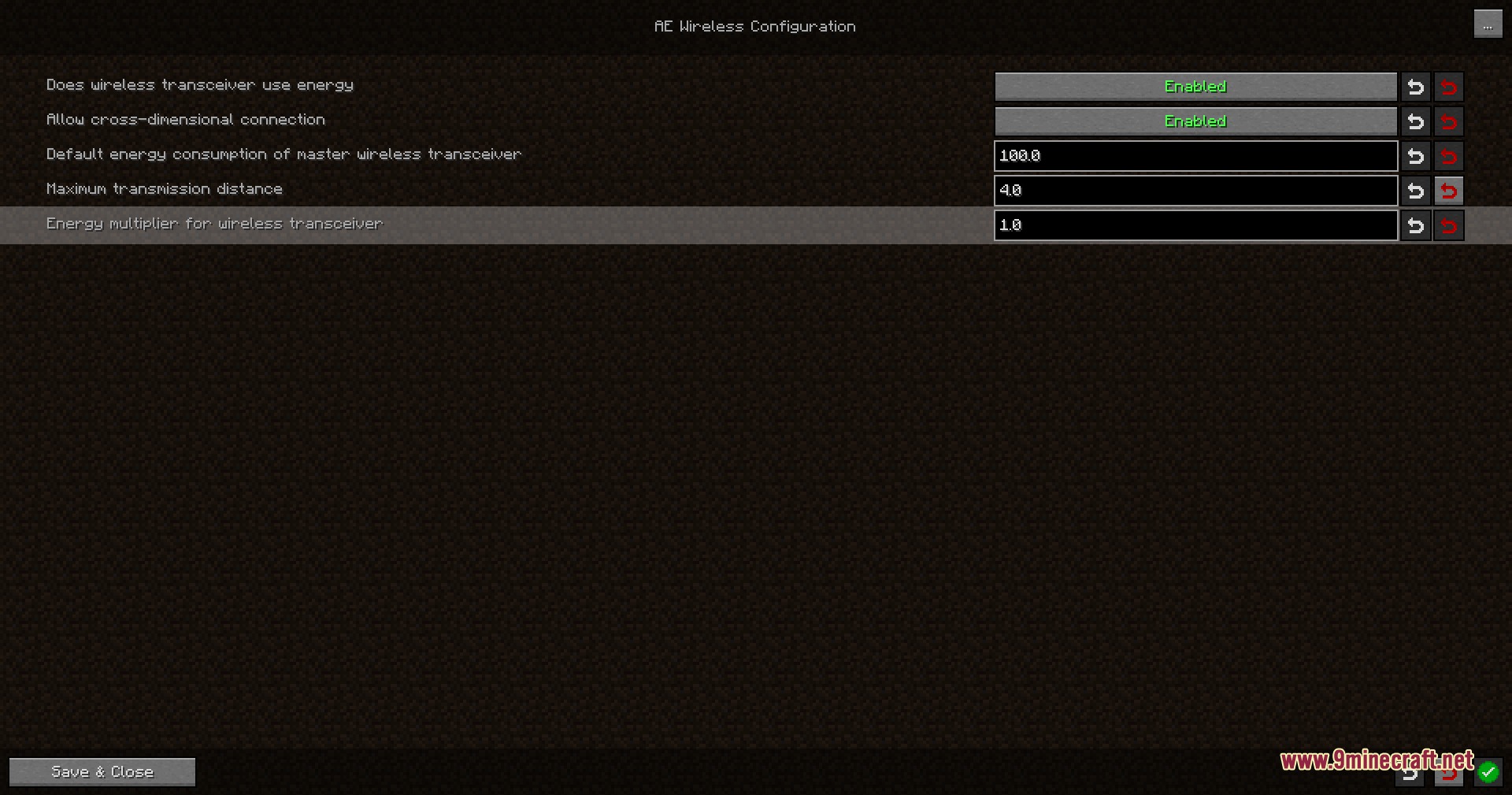
Screenshots:
How to Install:
New to Minecraft? Follow our step-by-step guide to install Mods on your PC.View Guide
Requirements:


AE Wireless Transceiver Mod Download Links
For Minecraft 26.1.2, 26.1.1, 26.1
For Minecraft 1.21.1, 1.21
For Minecraft 1.20.1, 1.20
Click to rate this post!
[Total: 0 Average: 0]
You May Also Like







This post has no comments yet. Be the first — your comment will appear here.