
Knoster Cobble Single Module by Konst4638 Schematic (1.21.x) – Compact Redstone Cobblestone Farm Bui

 0


Knoster Cobble Single Module by Konst4638 Schematic gives you a small and fast cobblestone farm for your world. This build uses redstone to break stone blocks on its own, saving you time. It takes up little space, making it a great addition to any survival base.
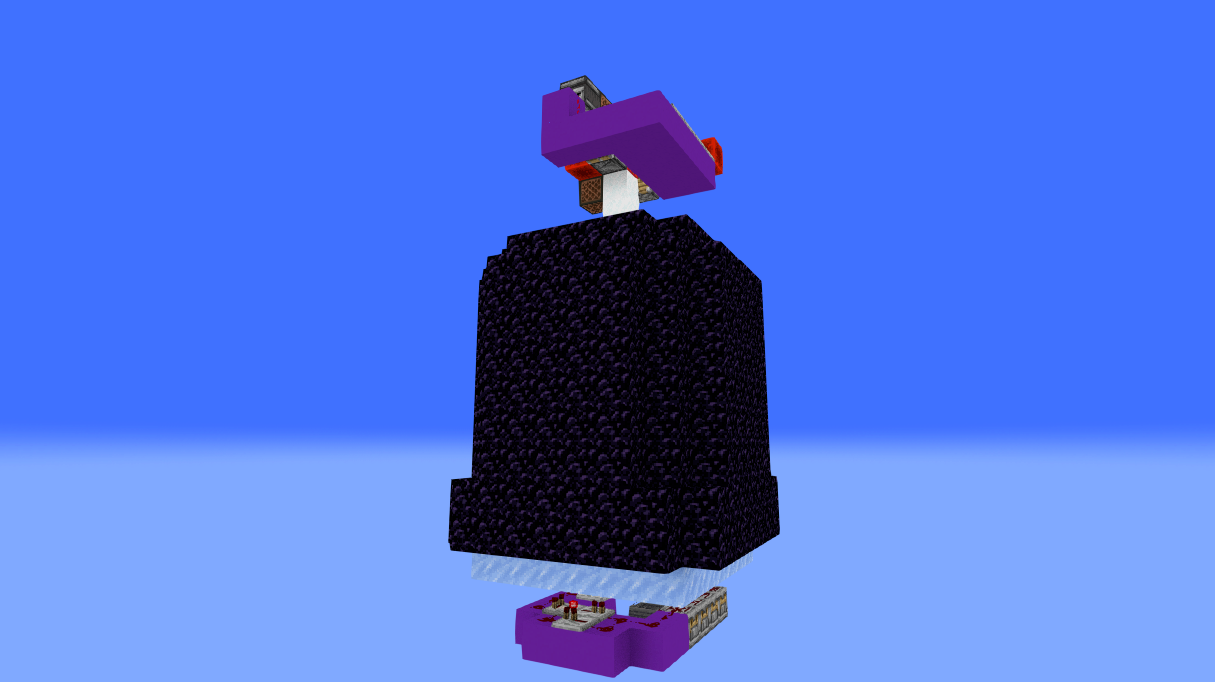
3D Preview & Editor:
Materials
21 types · 658 blocks
| Obsidian | 283 | Cobblestone | 122 | Water | 49 | |||
| Packed Ice | 48 | Oak Leaves | 36 | Lava | 36 | |||
| Purple Concrete | 25 | Redstone Wire | 18 | Hopper | 10 | |||
| Repeater | 8 | Crafter | 4 | Note Block | 4 | |||
| Comparator | 3 | Observer | 3 | Powder Snow | 2 | |||
| Redstone Block | 2 | Cherry Leaves | 1 | Cherry Wall Sign | 1 | |||
| Piston | 1 | Tnt | 1 | Sticky Piston | 1 |
How to place this schematic
.litematic This is a Litematica schematic. You place it with the Litematica mod, which shows the build as a ghost overlay you fill in.
| 1 | Install Litematica (plus MaLiLib) for your Minecraft version. |
| 2 | Put the .litematic file in .minecraft/schematics. |
| 3 | In game press M → Load Schematics, pick the file, then Load. |
| 4 | Position the ghost preview, then build it by hand — or turn on Easy Place to place blocks straight from your hotbar. |
Features:
- Compact Size: Fits into a small 9x18x9 area, so you can place it almost anywhere.
- Low Block Count: Needs only 658 blocks to finish the whole machine.
- Generates a steady supply of cobblestone without making you mine it yourself.
- Runs on normal redstone mechanics so it works in plain vanilla Minecraft.
- Comes as a Litematic file to help you paste the building right into your base.
Schematic Specs:
 Minecraft1.21.x
 Dimensions9×18×9
 Total Blocks658
Knoster Cobble Single Module by Konst4638 Schematic Download Links
For Minecraft 1.21.x
Click to rate this post!
[Total: 0 Average: 0]
QUICK MINECRAFT SURVEY · ONE TAP
Build Tools & Schematics
When you use a schematic made by someone else, do you modify the design?
0 responses · See the full results →
You May Also Like
Picked for this page
 Mega Mob XP Farm Schematic (1.21.x) – Massive Monster Farm Build With Zero Redstone
 Castelo Schematic (1.21.x) – Large Vanilla Castle Build Blueprint
 Zamek Boskie Buty Schematic (1.21.x) – Massive Dark Castle Litematic Build
 Best Cobble Farm Mid Game Schematic (1.21.x) – Large Vanilla Cobblestone Generator Blueprint
 Kanye West Graduation Bear Schematic (1.21.x) – Classic Album Mascot Pixel Art Build
 Bee Green House Garden Apiary Schematic (1.21.x) – Ready To Build Vanilla Bee Farm
 100 Modules 52m per Hour and 1.2b D on Donut SMP Schematic (1.21.x) – Massive Farming Setup For Econ
 Tramway Schematic (1.21.x) – Small Modern Tram Build For Your City Rails
 Santos FC Schematic (1.21.x) – Santos Futebol Clube Pixel Art Build
 Fireball Launcher Defence Schematic (1.21.x) – Ghast Fireball Stopper And Base Defender
 Stone House 1 Schematic (1.20.x) – Simple Stone House Build For Your World
 Cursed Register Schematic (1.21.x) – Weird Subtick Redstone Machine Build
Most viewed in Schematics over the last 7 days
 Fastest Bonemeal Farm Donut Smp Schematic (1.21.x) – Fast Redstone Bonemeal Farm Build
 64 Module Cobblestone Farm Schematic (1.21.x) – Massive Automated Stone Gathering Build
 KelpFarmV9.9 Schematic (1.21.x) – Compact And Simple Seaweed Farm Build
 Villager Trading Hall Schematic (1.21.x) – Modern Shop Build For 48 Villagers
 Gold Farm Schematic (1.21.x) – Automatic Nether Roof Gold Farm
 Bamboss V2 800k Bamboo per Hour Schematic (1.21.x) – High Speed Automated Bamboo Farm Schematic
 Bamboo Farm Schematic (1.21.x) – Small Automated Redstone Bamboo Farm
 Best Railgun Tp Trap on Donutsmp Schematic (1.21.x) – Unescapable Multiplayer Redstone Trap Build
 Minutes End Base Before Spoke Null End Video Schematic (1.21.x) – Giant Unstable SMP End Base Schema
 Cobble Farm 50m per Hour Donut SMP Schematic – High Yield Cobblestone Generator Build
 Donut Smp Stash and Regear Schematic (1.21.x) – Large Storage And Regear Room Build
 36 Module Cobble Farm 18m per Hour Donut SMP Schematic (1.21.x) – Massive Automated Stone Generator
More from Schematics
 Bee Hot Air Balloon Schematic (1.21.x) – Cute Bee Themed Hot Air Balloon Build
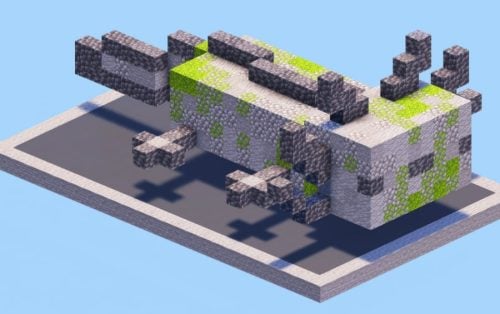 Axolotl Stone Sculpture Schematic (1.21.x) – Cute Stone Axolotl Statue for Your Town
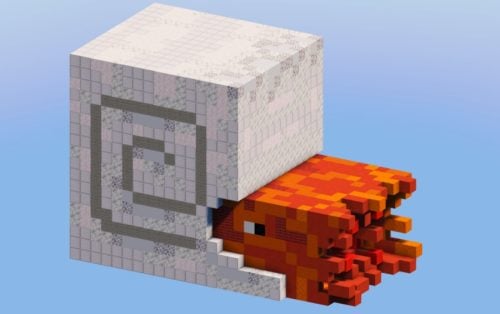 Nautilus with Iron Armor Schematic (1.21.x) – Build A Giant Nautilus Statue Easily
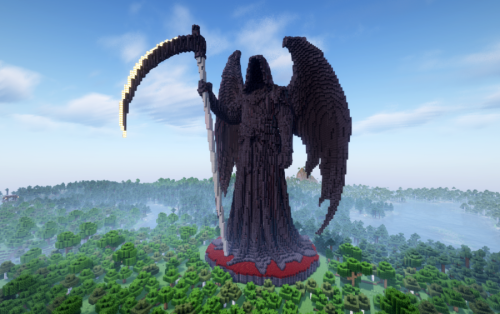 Minecraft Death Reaper Statue V02 Free Schem Schematic (1.19.x) – Giant Grim Reaper Statue
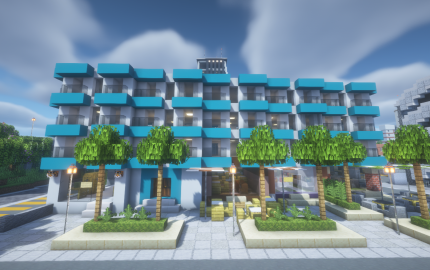 Modern Resort Apartment Schematic (1.20.x) – Stylish Coastal Apartment Building for Modern Cities
 Medieval Heritage Build Schematic (1.20.x) – Detailed Medieval House for Your World
 Asian Cherry Blossom Sword Nether Portal Schematic (1.21.x) – Beautiful Asian Style Sword Portal Bui
 Castle by PinkMullet Schematic (1.21.x) – Build a Massive Vanilla Castle
 1000 Patreon Members Cake Download Free Schematic (1.21.x) – A Massive Celebration Cake For Minecraf
 Dark Greek Temple Schematic (1.21.x) – Small Deepslate Temple For Greek Districts
 Small Dark Medieval Tower Schematic (1.21.x) – Simple Gothic Tower For Medieval Towns
 Pale Oak Tree Nether Portal Schematic (1.21.x) – Spooky Nether Portal Inside a Pale Oak Tree

This post has no comments yet. Be the first — your comment will appear here.