
Modern Resort Apartment Schematic (1.20.x) – Stylish Coastal Apartment Building for Modern Cities

 0


Modern Resort Apartment Schematic brings a stylish multi-story building to your Minecraft city. This build features a coastal look with white and blue colors that look great near water. It includes large glass windows and big balconies for every room. The ground floor has space for shops and places for people to sit outside. You can use this build to make your beachfront towns or modern resort areas look better. It works well for roleplay servers where players need a place to live.
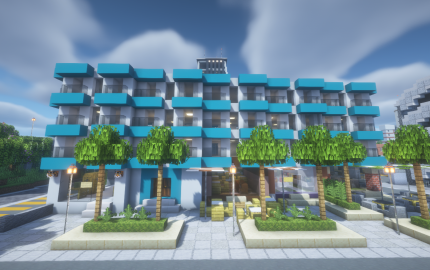
3D Preview & Editor:
Materials
55 types · 4,399 blocks
| White Concrete | 1,933 | Black Stained Glass Pane | 345 | Dirt | 306 | |||
| Light Gray Concrete Powder | 300 | Cyan Concrete | 300 | Smooth Stone | 160 | |||
| Black Stained Glass | 122 | Lime Terracotta | 106 | Light Gray Terracotta | 60 | |||
| Cut Sandstone Slab | 60 | Smooth Sandstone | 53 | Barrier | 46 | |||
| Brown Terracotta | 44 | Mangrove Leaves | 42 | Ochre Froglight | 36 | |||
| White Carpet | 30 | Iron Bars | 28 | Oak Fence | 28 | |||
| Bricks | 27 | White Stained Glass | 26 | Azalea Leaves | 26 | |||
| Bamboo Stairs | 24 | Polished Andesite Stairs | 23 | Bamboo Trapdoor | 22 | |||
| Spruce Planks | 20 | Moss Block | 19 | Player Head | 19 | |||
| Cyan Terracotta | 16 | Smooth Sandstone Stairs | 15 | Scaffolding | 15 | |||
| Smooth Quartz Slab | 13 | Terracotta | 12 | Brown Carpet | 12 | |||
| Grass Block | 10 | Blue Terracotta | 10 | Quartz Stairs | 10 | |||
| Green Carpet | 10 | Fern | 9 | Oak Log | 7 | |||
| Gray Carpet | 7 | Grass | 6 | Large Fern | 6 | |||
| Player Wall Head | 6 | Andesite Wall | 4 | Stone Slab | 4 | |||
| Dark Oak Door | 4 | Gray Concrete | 3 | Brown Concrete | 3 | |||
| Lantern | 3 | Tall Grass | 2 | Bamboo Wall Sign | 2 | |||
| Birch Wall Sign | 2 | Cornflower | 1 | Dandelion | 1 | |||
| Oak Sign | 1 | |||||||
How to place this schematic
.schem This is a WorldEdit schematic. It pastes instantly on a server or single-player world that has WorldEdit (or FastAsyncWorldEdit).
| 1 | Install WorldEdit — as a plugin on the server, or as a mod for single player. |
| 2 | Drop the .schem file into plugins/WorldEdit/schematics (server) or config/worldedit/schematics (client). |
| 3 | Run //schem load <file name>. |
| 4 | Stand where you want it and run //paste. Add -a to skip air blocks. |
| 1 | Download the .schem file for the apartment building. |
| 2 | Place the file into your schematics folder in your Minecraft directory. |
| 3 | Use a tool like WorldEdit or Litematica to load the schematic in your world. |
| 4 | Choose a flat area near a beach or in a city to paste the build. |
| 5 | Rotate or move the preview until it lines up with your street or coastline. |
Features:
- Modern Coastal Design: Uses a clean white-and-blue color scheme that fits perfectly in beach settings.
- Large glass windows let in plenty of light and give the building a fresh appearance.
- Each floor comes with spacious balconies for a realistic apartment feel.
- The ground floor includes commercial areas for shops or cafes.
- Outdoor seating areas are built around the base for social interaction.
- Sized at 37 blocks wide and 21 blocks deep, making it a medium build that fits most city lots.
- Built using 4,399 blocks with detailed exterior finishes.
- Works with vanilla Minecraft so you do not need any extra mods to use it.
Schematic Specs:
 Minecraft1.20.x
 Dimensions37×15×21
 Total Blocks4,399
 Top Blocks Used
Modern Resort Apartment Schematic Download Links
For Minecraft 1.20.x
How do you use Litematica's Material List feature in Survival?
0 responses · See the full results →
You May Also Like
Picked for this page
 Melon Farm Schematic (1.21.x) – Stackable Auto Crop Farm Build
 Melon Farm Mega Without Dispenser Schematic (1.21.x) – Large Automated Melon Farm For Survival
 Medieval House 3 from Abfielder Schematic (1.21.x) – Classic Vanilla Medieval Home Build
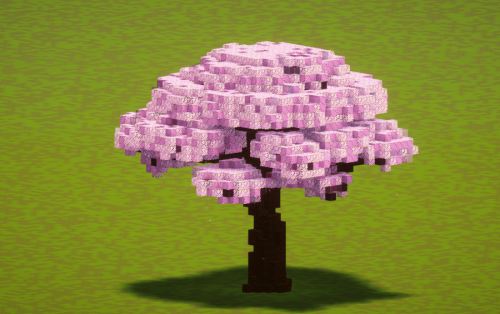 Tall Cherry Tree Schematic (1.21.x) – A Tall Custom Cherry Blossom Build
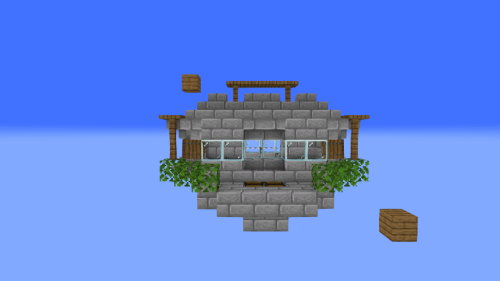 Chicken Farm Schematic (1.20.x) – Automatic Redstone Poultry Farm Build
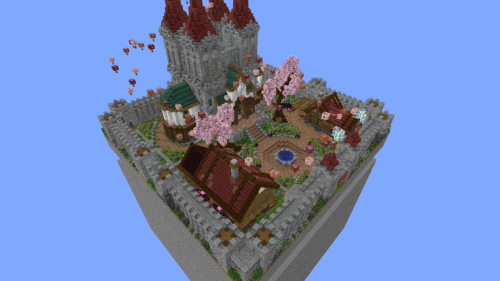 TagMap3 Schematic (1.20.x) – A Large Vanilla Build For Your World
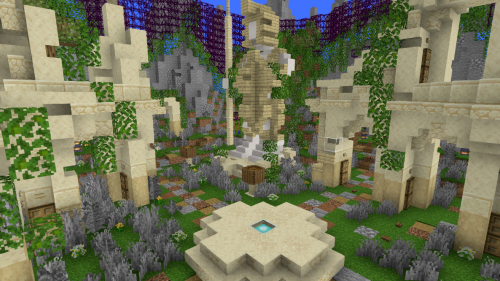 PvPSpawn Schematic (1.20.x) – Ready Made Arena For Servers
 Small House 3.1 Schematic (1.20.x) – Ready To Build Vanilla Home
 Cottage House Schematic (1.20.x) – Cozy Vanilla Home Build For Your World
 Deadmau5 Head Schematic (1.20.x) – Build a Giant DJ Head In Your World
 Wooden House 1 Schematic (1.20.x) – Classic Vanilla Wooden Home Build
 Japanese Detached House After Renovation Schematic (1.21.x) – Large Detailed House Build For Your World
Most viewed in Schematics over the last 7 days
 Fastest Bonemeal Farm Donut Smp Schematic (1.21.x) – Fast Redstone Bonemeal Farm Build
 64 Module Cobblestone Farm Schematic (1.21.x) – Massive Automated Stone Gathering Build
 KelpFarmV9.9 Schematic (1.21.x) – Compact And Simple Seaweed Farm Build
 Villager Trading Hall Schematic (1.21.x) – Modern Shop Build For 48 Villagers
 Gold Farm Schematic (1.21.x) – Automatic Nether Roof Gold Farm
 Bamboss V2 800k Bamboo per Hour Schematic (1.21.x) – High Speed Automated Bamboo Farm Schematic
 Bamboo Farm Schematic (1.21.x) – Small Automated Redstone Bamboo Farm
 Best Railgun Tp Trap on Donutsmp Schematic (1.21.x) – Unescapable Multiplayer Redstone Trap Build
 Minutes End Base Before Spoke Null End Video Schematic (1.21.x) – Giant Unstable SMP End Base Schema
 Cobble Farm 50m per Hour Donut SMP Schematic – High Yield Cobblestone Generator Build
 Donut Smp Stash and Regear Schematic (1.21.x) – Large Storage And Regear Room Build
 36 Module Cobble Farm 18m per Hour Donut SMP Schematic (1.21.x) – Massive Automated Stone Generator
More from Schematics
 Super Smelter 64 Furnaces V1 Schematic (1.21.x) – Fast Minecart Smelting System for One Chunk
 Small Tree Schematic (1.21.x) – Clean and Detailed Mini Tree Build
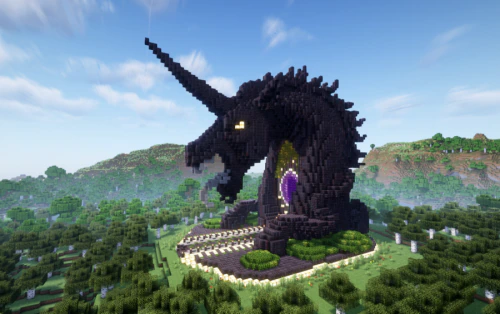 Minecraft Dark Unicorn Nether Portal Statue V03 Free Schem Schematic (1.19.x) – Giant Dark Unicorn N
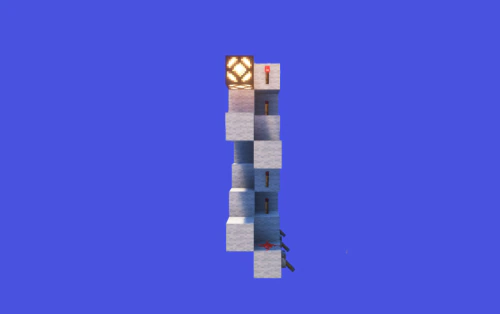 Ultra Compact Full Adder 2 Blocks Deep Using Only Redstone Torches and Dust 6x8x2 Schematic (1.21.x)
 Cargo Ship Free Schematic (1.21.x) – Detailed Cargo Ships for Harbor Builds
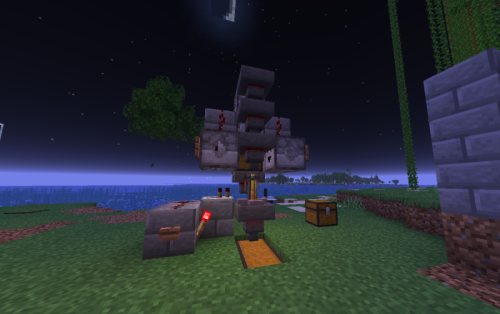 Firstqualified’s Pot Farm Schematic (1.21.x) – Compact Redstone Potion Brewing System
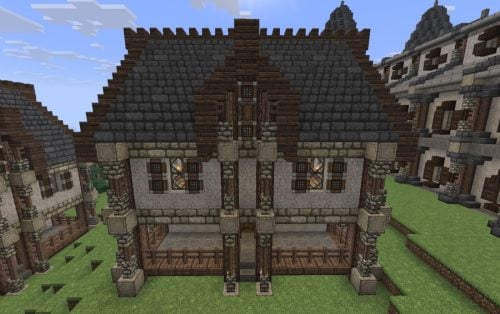 Survival Home Schematic (1.21.x) – Spacious Empty House For Survival Players
 SpicyT 1 Year Cake Schematic (1.21.x) – A Giant Spicy Birthday Cake Statue
 Free Neomarinus TheVividSeaDragon Schematic (1.19.x) – Massive Blue and Pink Sea Dragon Build
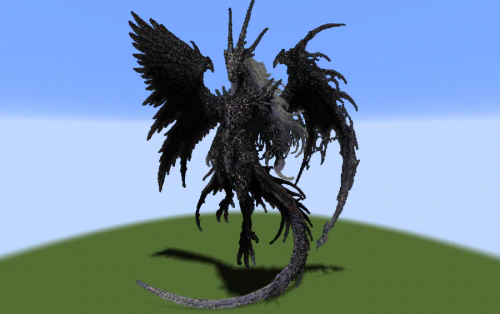 Free Noctiseraph the Fallen Twin Winged Dragon Schematic (1.19.x) – Massive Dark Fantasy Dragon Stat
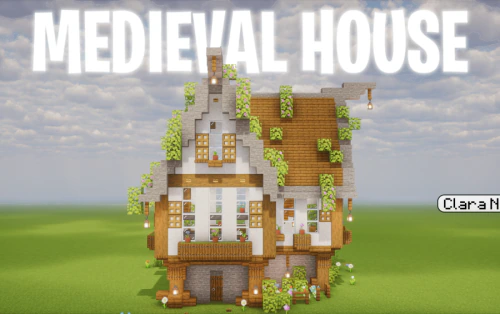 Medieval House Free Schematic (1.21.x) – Classic Medieval Survival Home Building Plan
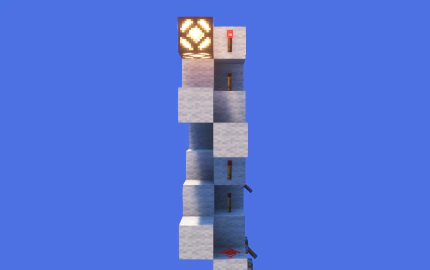 Ultra Compact Full Adder V1.2 Schematic (1.21.x) – Tiny Redstone Logic Gate Schematic

This post has no comments yet. Be the first — your comment will appear here.