


Wind Boomerang Mod (26.2) – Strike Enemies Around Corners with Bouncing Attacks
 10
10
 0
0


🌐 Good news — we've translated this article into other languages!
Or pick the one you like:
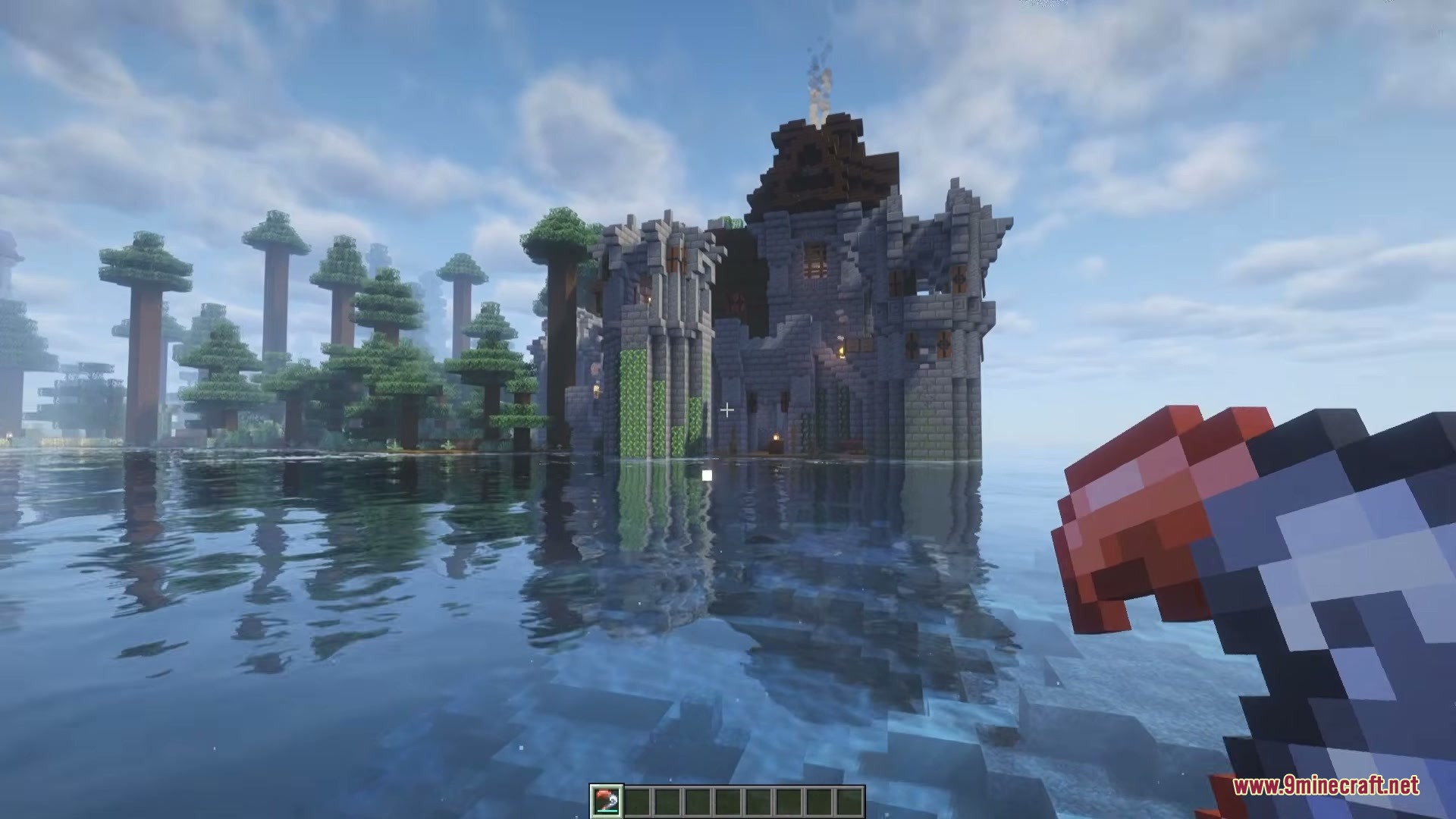
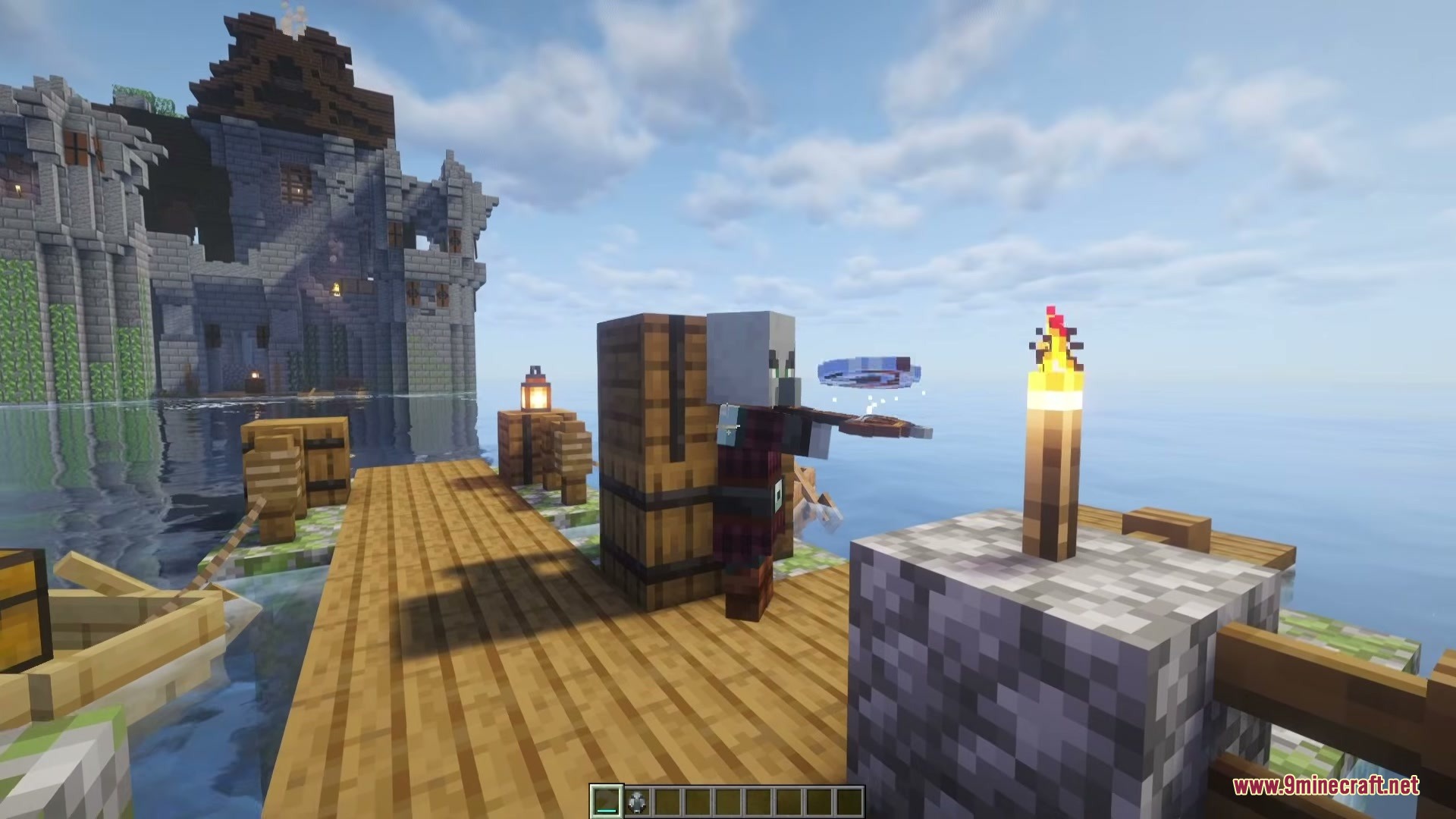
Wind Boomerang Mod adds a fun new ranged weapon to your game that always returns to you. It gives you a clever way to fight monsters from far away using a throwing tool that arcs through the air instead of flying straight.

Features:
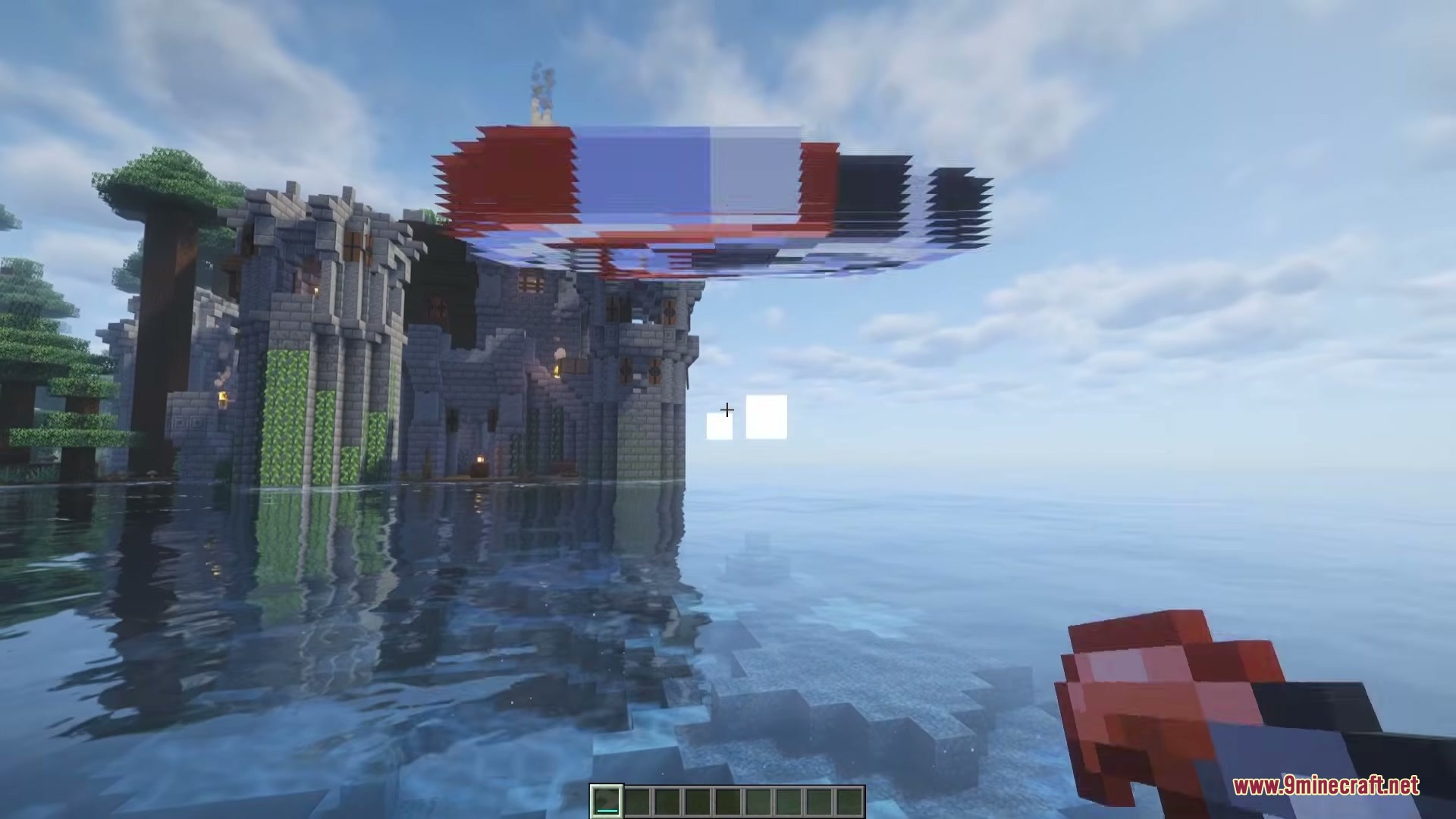
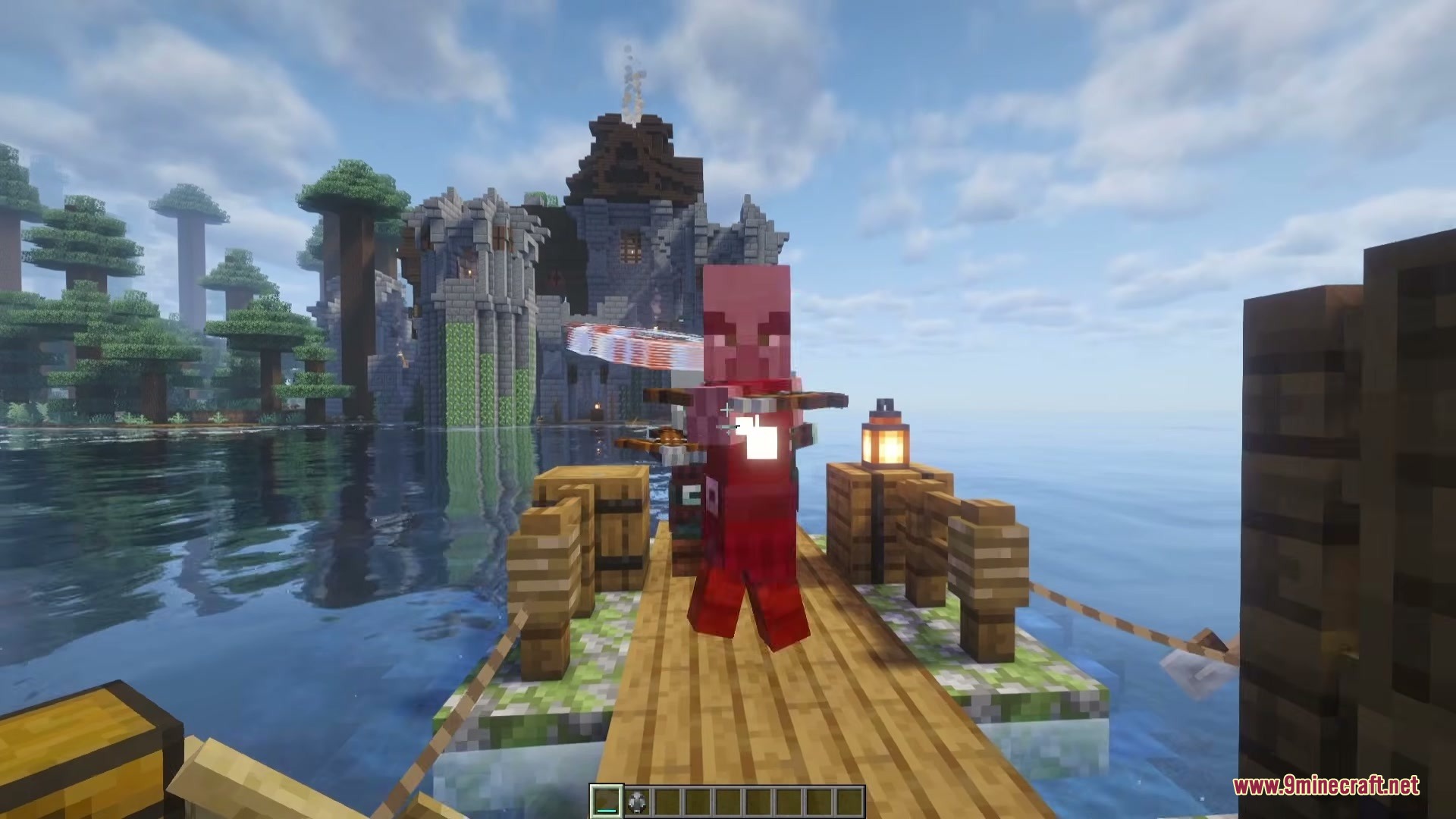
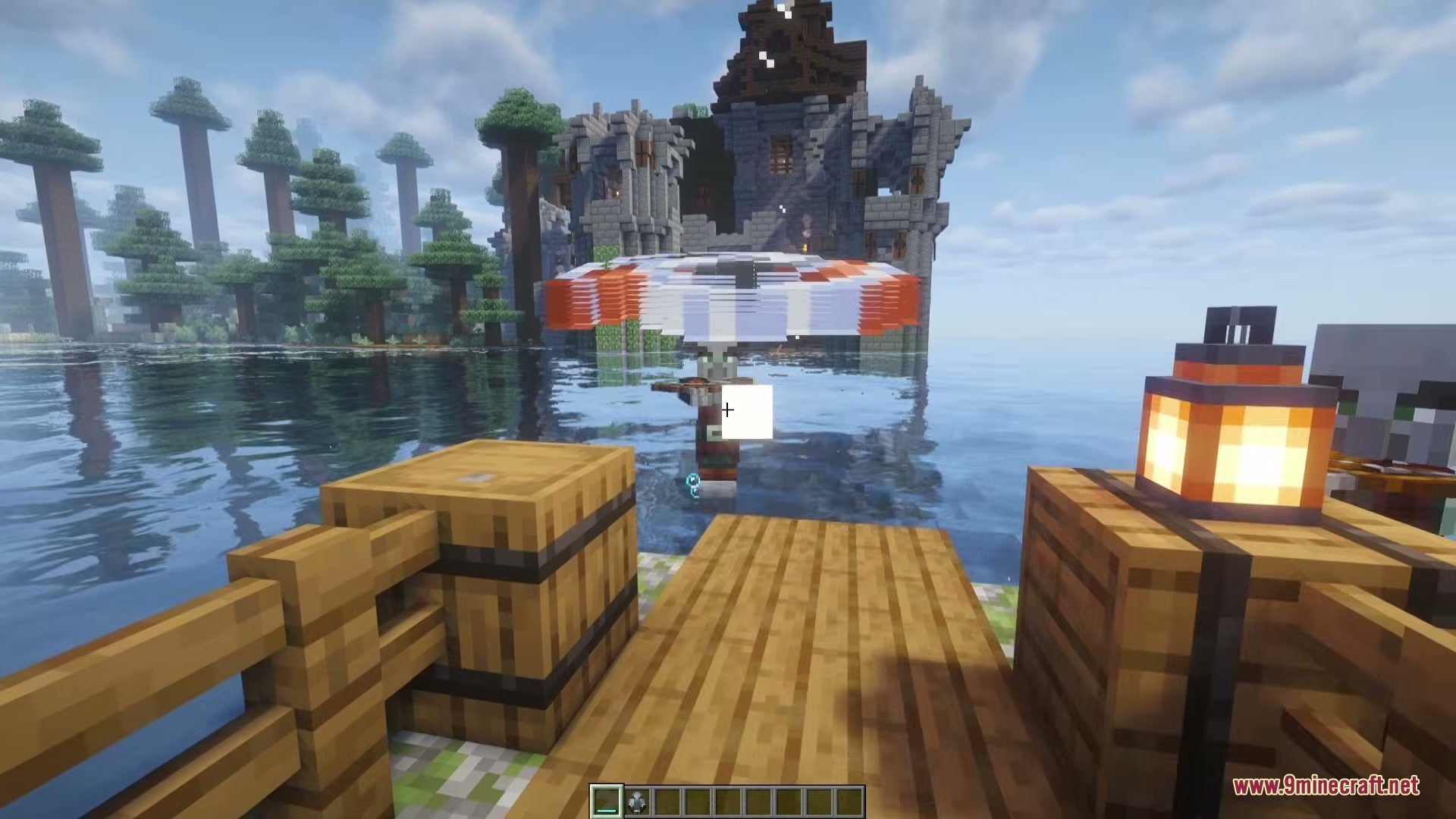
- Arcing Flight: The weapon flies in a curve toward where you aim and then returns right to your hands.
- Charge Attacks: You control how far it goes by holding down the throw button. A short charge makes it swing wide for three blocks, while a full charge shoots it almost straight out to 25 blocks.
- Deals a base damage of six, but throwing it harder makes it hit up to two and a half times stronger.
- Bounces off walls to hit enemies hiding around corners. The first bounce doubles the damage, and the second bounce sends it back to you.
- Features a handy aiming helper under your crosshair that lights up when the path hits a block or a monster.
- Keeps its shape when durability runs out instead of breaking. It just starts flashing to let you know it needs repairs.
- Repairs easily in a crafting grid or anvil using wind charges, with each charge giving back ten durability points.
- Spawns as rare loot inside Ominous Vaults in the Trial Chambers.
How to Use:
- Head into a Trial Chamber and open Ominous Vaults until you find the weapon. It always drops broken.
- Place the broken weapon in your crafting grid along with a few wind charges to fix it up.
- Hold down your Use button to wind up your throw.
- Watch the crosshair indicator to line up your shot, then let go to throw it.
- Try throwing it at walls near monsters to bounce the weapon and deal double damage.
Screenshots:


How to Install:
New to Minecraft? Follow our step-by-step guide to install Mods on your PC.View Guide
Requirements:



Wind Boomerang Mod Download Links
Click to rate this post!
[Total: 0 Average: 0]
You May Also Like









This post has no comments yet. Be the first — your comment will appear here.