


Dama Client Mod (1.21.4) – Dominate PvP and Boost Elytra Speed
 196
196
 0
0

🌐 Good news — we've translated this article into other languages!
Or pick the one you like:
Dama Client Mod gives you a clean menu filled with helpful tools for your daily gameplay. It packs over 60 different tweaks into one neat screen that you open with a single button. You get helpers for fighting, flying with an Elytra, and breaking blocks faster. The menu includes a search bar so you find the exact tool you need in seconds. You can also change the colors of the background to match your style.
Features:
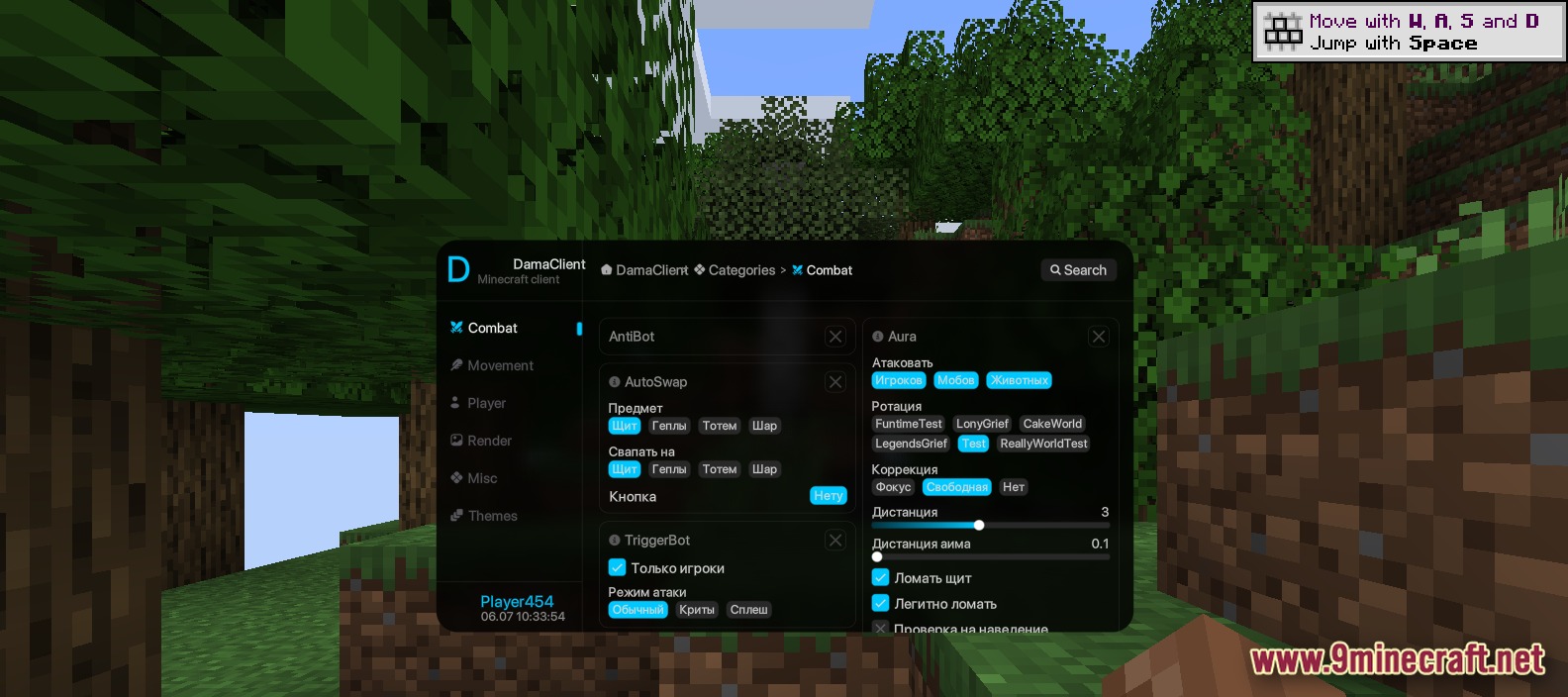
- Quick Menu: Opens a modern screen with all your tools sorted into simple categories on the left side.
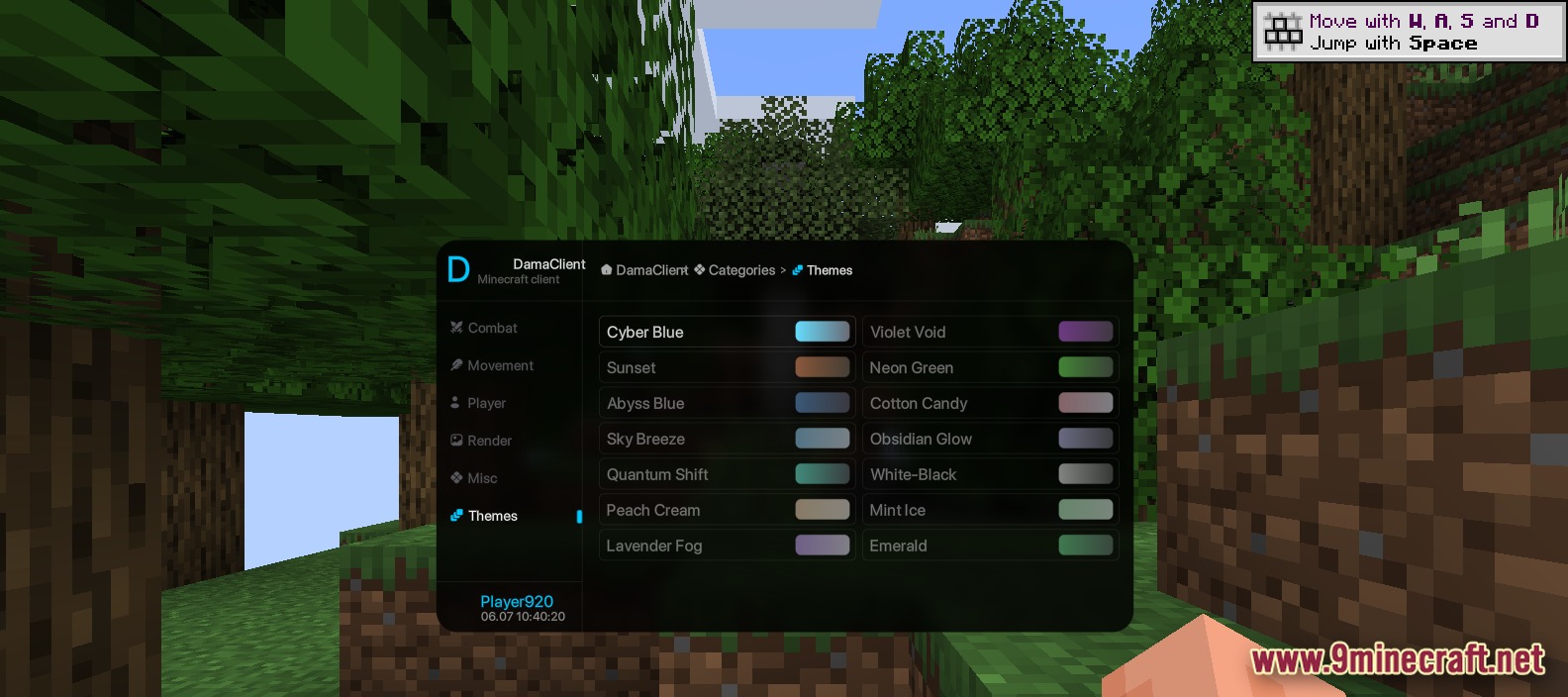
- Custom Colors: Lets you pick from 13 different color themes like Cyber Blue, Sunset, and Cotton Candy.
- Includes a search bar so you find specific tools fast without scrolling.
- Lets you share your custom settings with friends using the export and import buttons.
- Shows what you play on Discord so your friends see your activity.
Combat Tools:
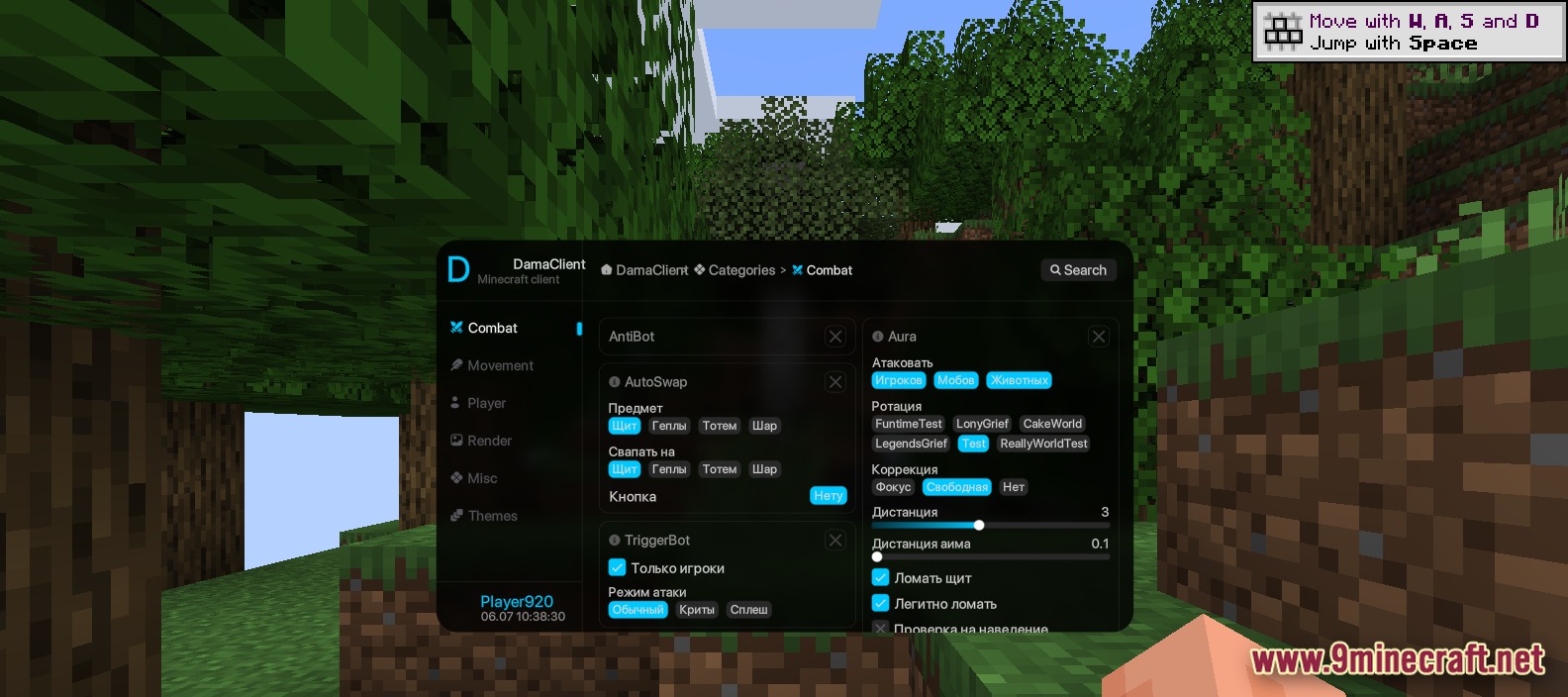
- AutoSwap puts shields, totems, or golden apples in your hand when you need them.
- Aura helps you aim at mobs or other players during fights with distance sliders.
Movement Helpers:
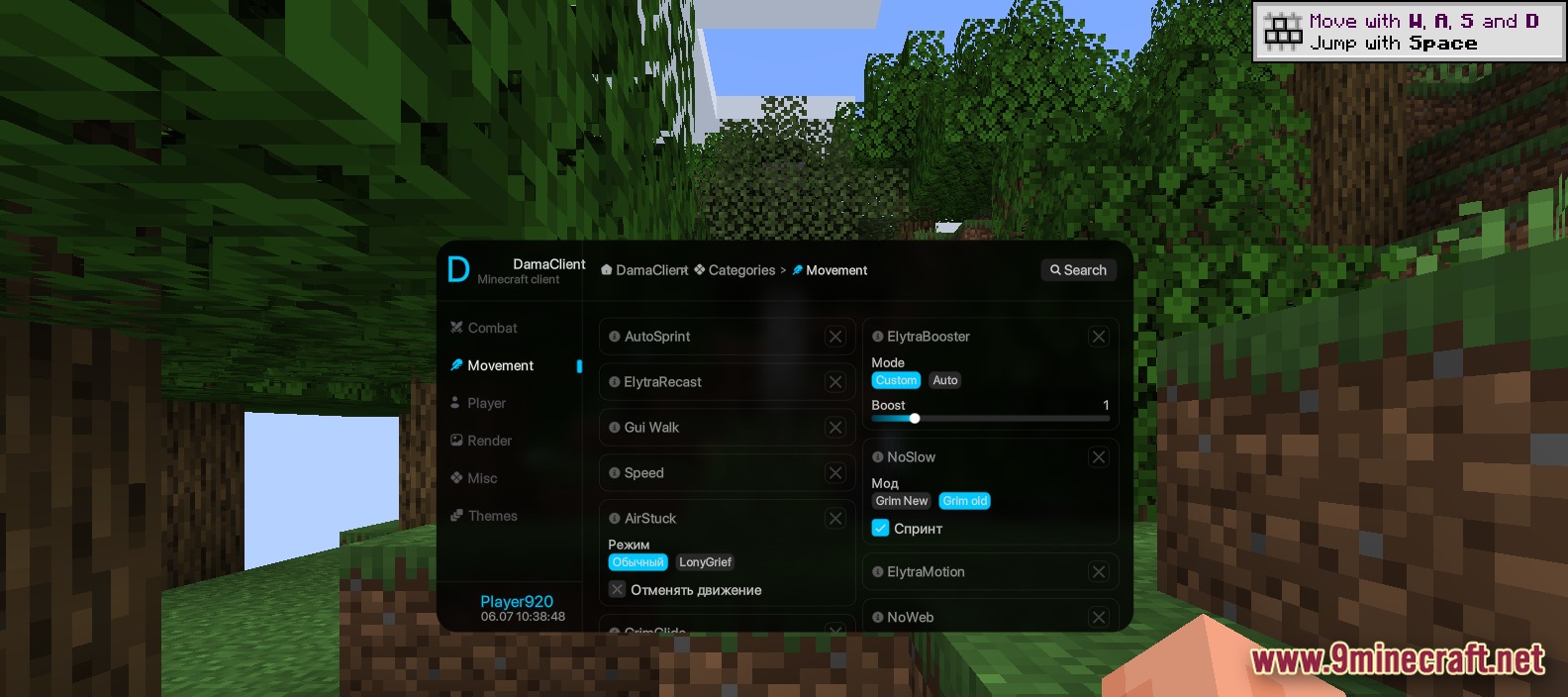
- ElytraBooster gives you extra speed when flying through the sky.
- NoSlow keeps you walking fast even when you eat food or use items.
Player Tweaks:
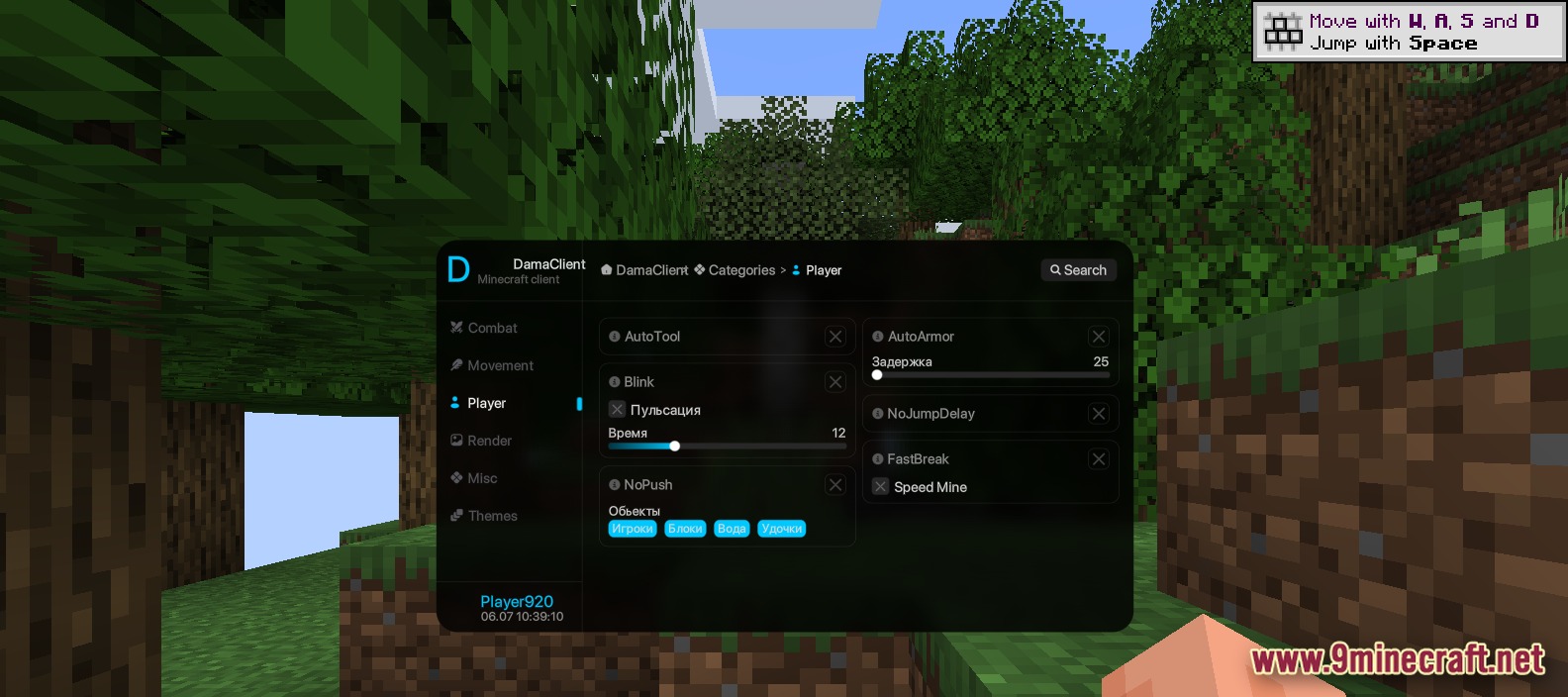
- AutoTool picks the best pickaxe, axe, or shovel for the block you want to break.
- NoPush stops you from getting knocked back by water, fishing rods, or other players.
Render Settings:
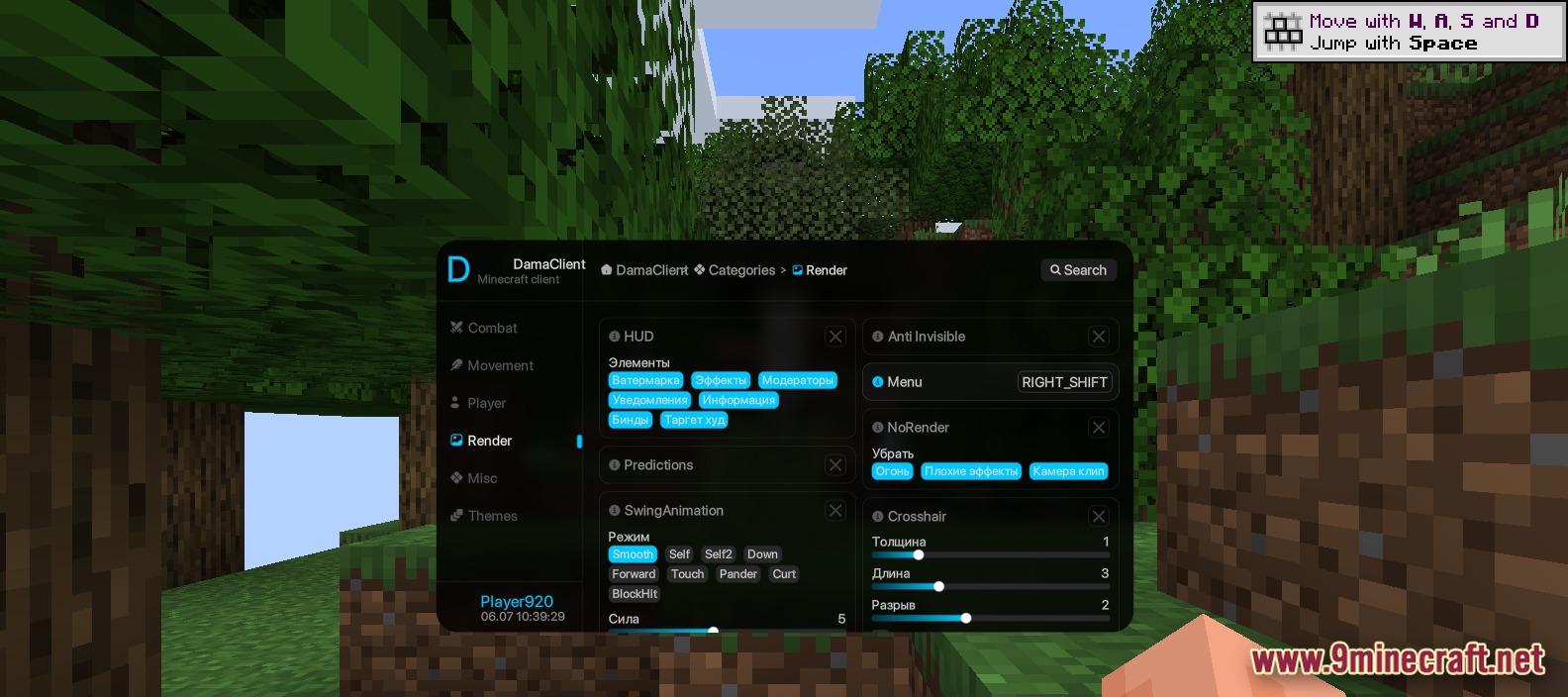
- Lets you build a custom screen layout with extra info like keybinds and target details.
- Changes how your crosshair looks with sliders for thickness and length.
How to Use:
- Press the Right Shift key to open the main menu.
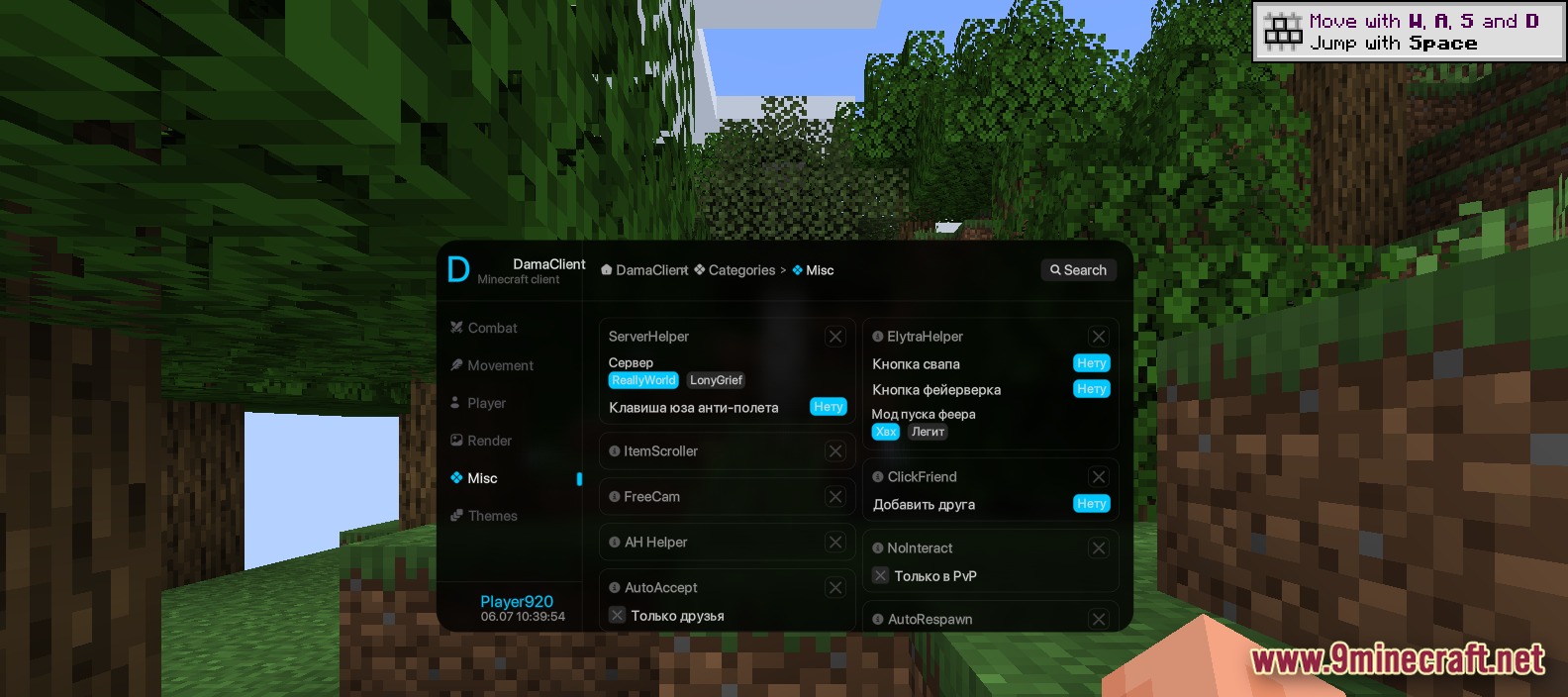
- Click on a category on the left side to see the available tools.
- Click the toggle button next to a tool to turn it on or off.
- Use the search bar at the top if you cannot find a specific setting.
Screenshots:
How to Install:
New to Minecraft? Follow our step-by-step guide to install Mods on your PC.View Guide
Requirements:


Dama Client Mod Download Links
For Minecraft 1.21.4
Click to rate this post!
[Total: 2 Average: 4]
You May Also Like




This post has no comments yet. Be the first — your comment will appear here.