


Animatica 9minecraft Mod (26.2) – Animate Your Textures Without OptiFine

 0
0 

🌐 Good news — we've translated this article into other languages!
Or pick the one you like:
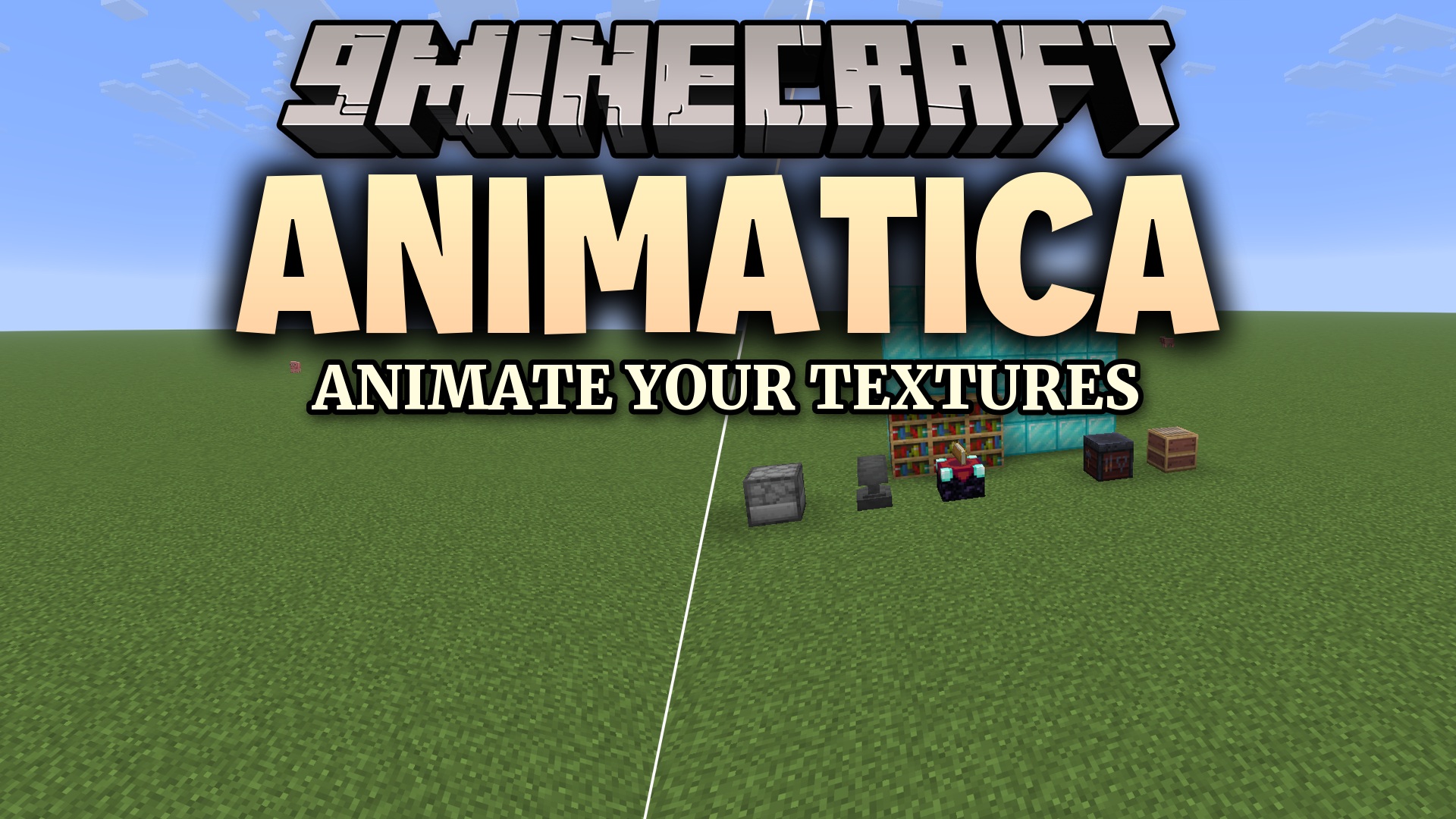
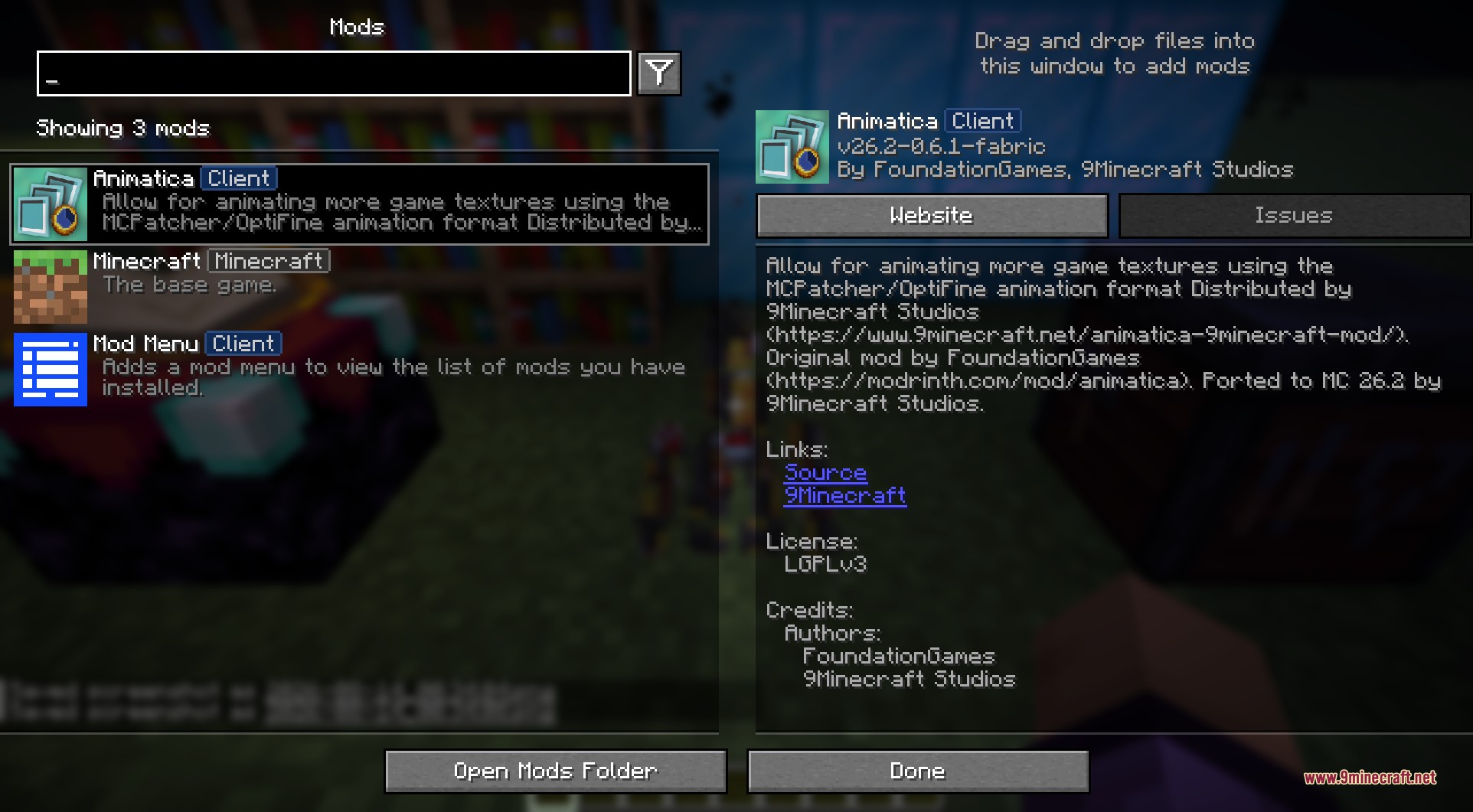
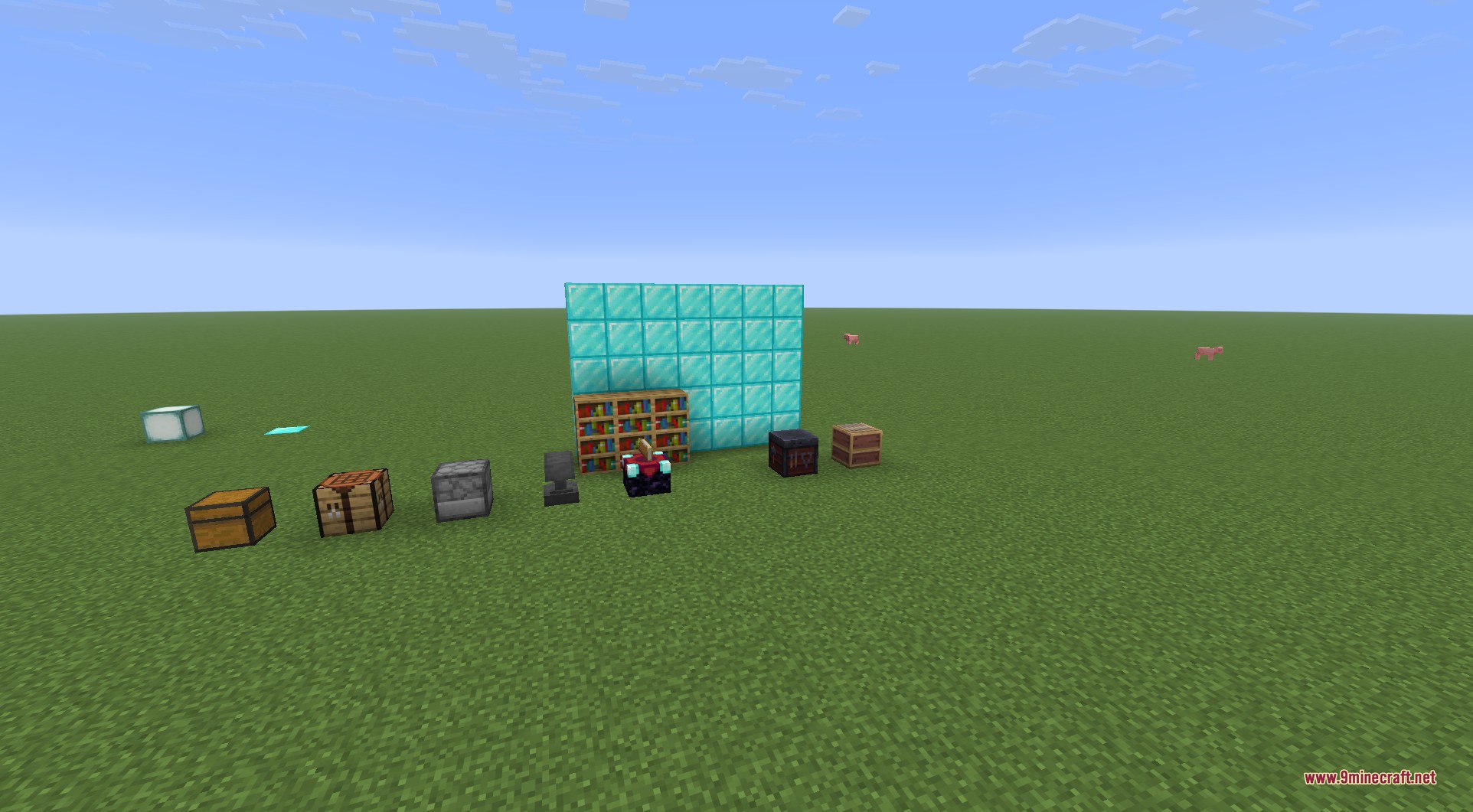
Animatica 9minecraft Mod lets resource packs animate many textures in your game without needing OptiFine. It reads custom animation files so things like menus, armor, and mob skins move and glow on your screen. This mod uses the same format as OptiFine, so older animated resource packs work right away. It is a simple visual add-on that runs light on your computer and keeps your game running fast.
Features:
- Animates GUI screens, mob skins, armor trims, and block textures.
- Reads standard OptiFine and MCPatcher animation files from your resource packs.
- Loads existing OptiFine animation packs instantly without any extra steps.
- Plays custom frame orders so animations repeat or bounce back and forth.
- Blends frames together so the movement looks natural instead of jumping.
- Sets different timings for each frame so animations play exactly how you want.
- Runs lightly on your computer and only changes how things look visually.
- Works safely with any setup and causes no issues if you remove it later.
How to Use:
- Open your game menu and click on Video Settings.
- Find the new toggle button for custom animations.
- Click the button to turn the animated textures on or off.
- Watch the game reload your resource packs instantly to show the changes.
Screenshots:
How to Install:
New to Minecraft? Follow our step-by-step guide to install Mods on your PC.View Guide
Requirements:


Animatica 9minecraft Mod Download Links
For Minecraft 26.2
Click to rate this post!
[Total: 0 Average: 0]
You May Also Like


This post has no comments yet. Be the first — your comment will appear here.