


All-White Textures Resource Pack (26.2, 1.20.1) – A Blank White Canvas Survival
 0
0
 0
0


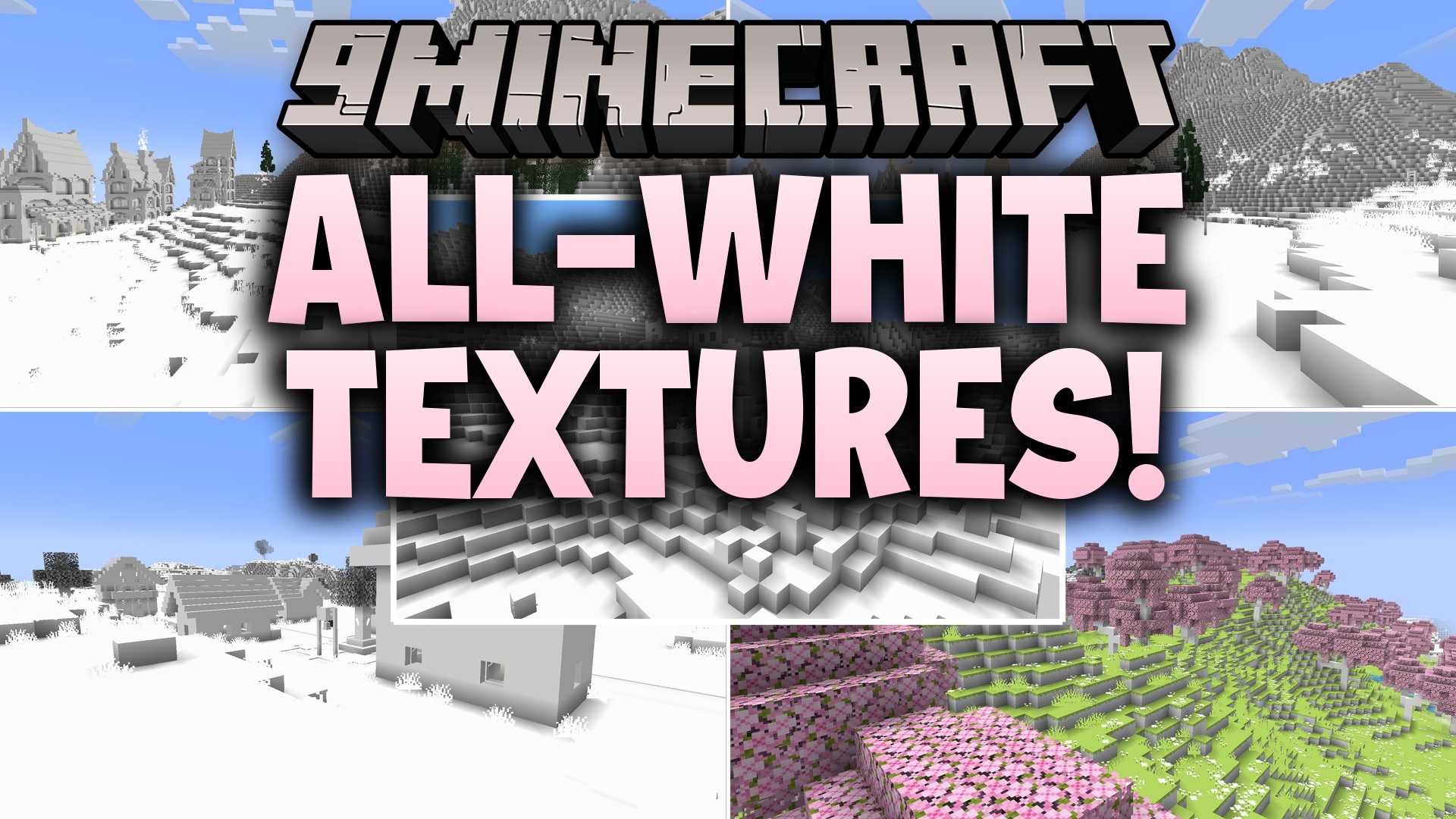
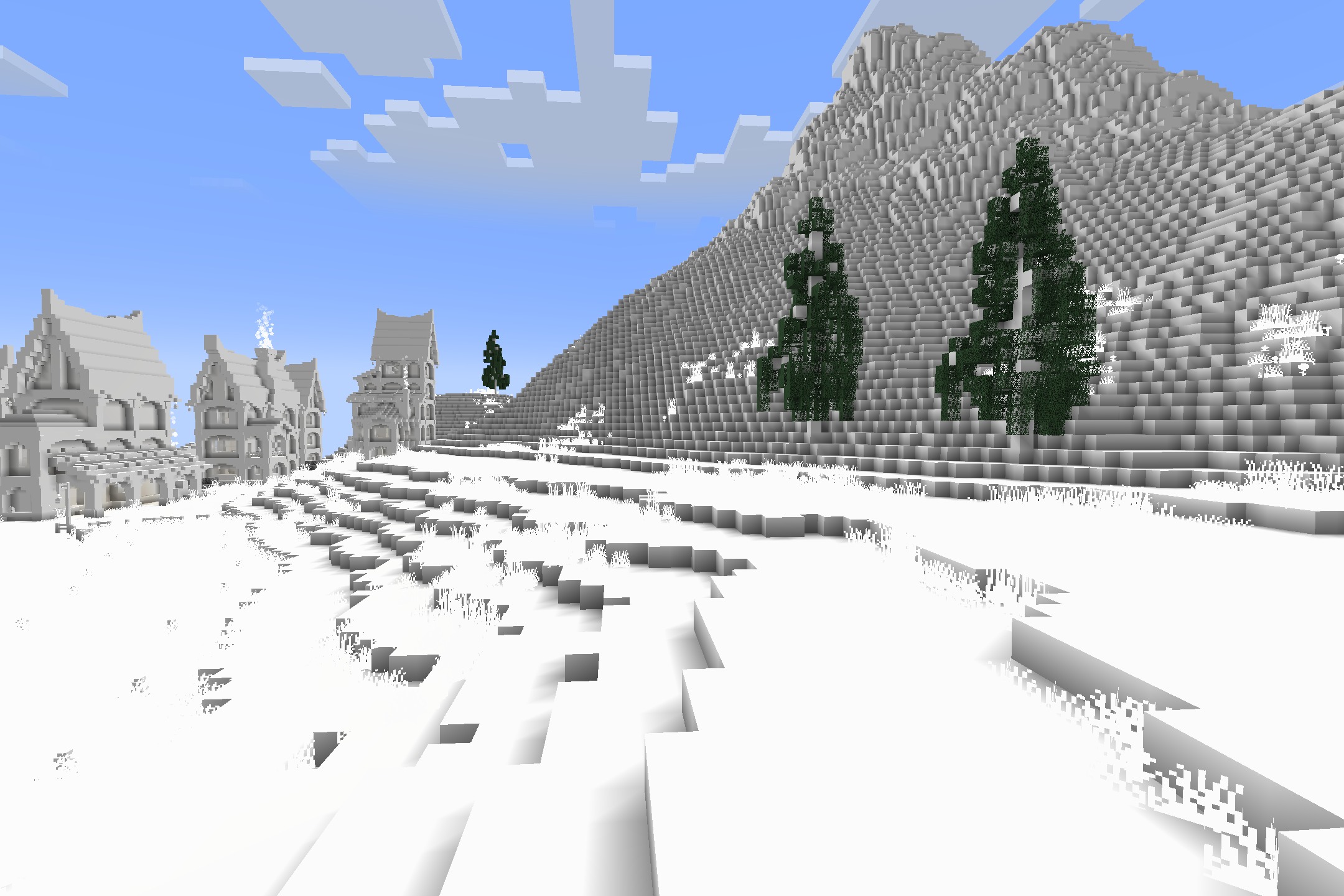
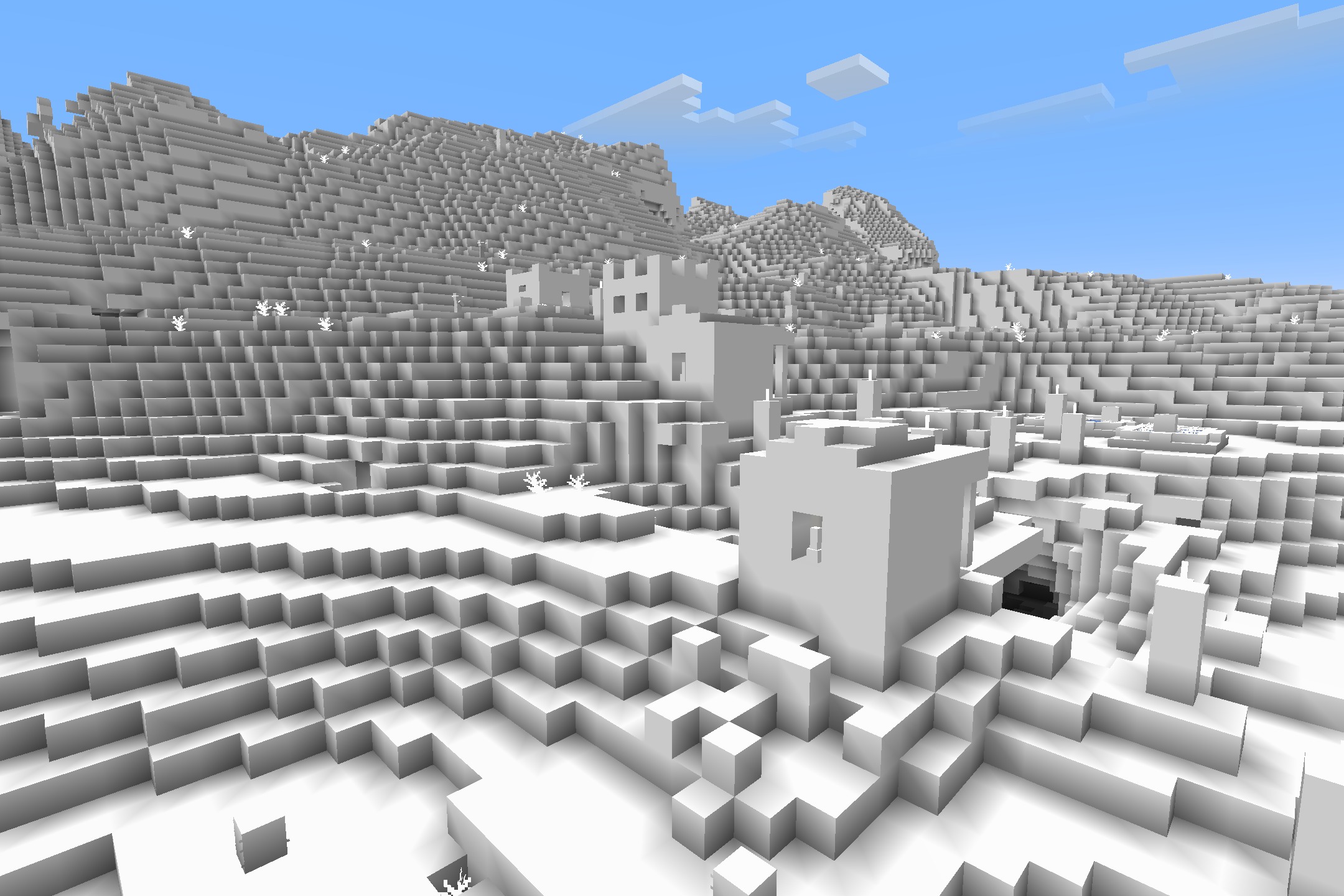
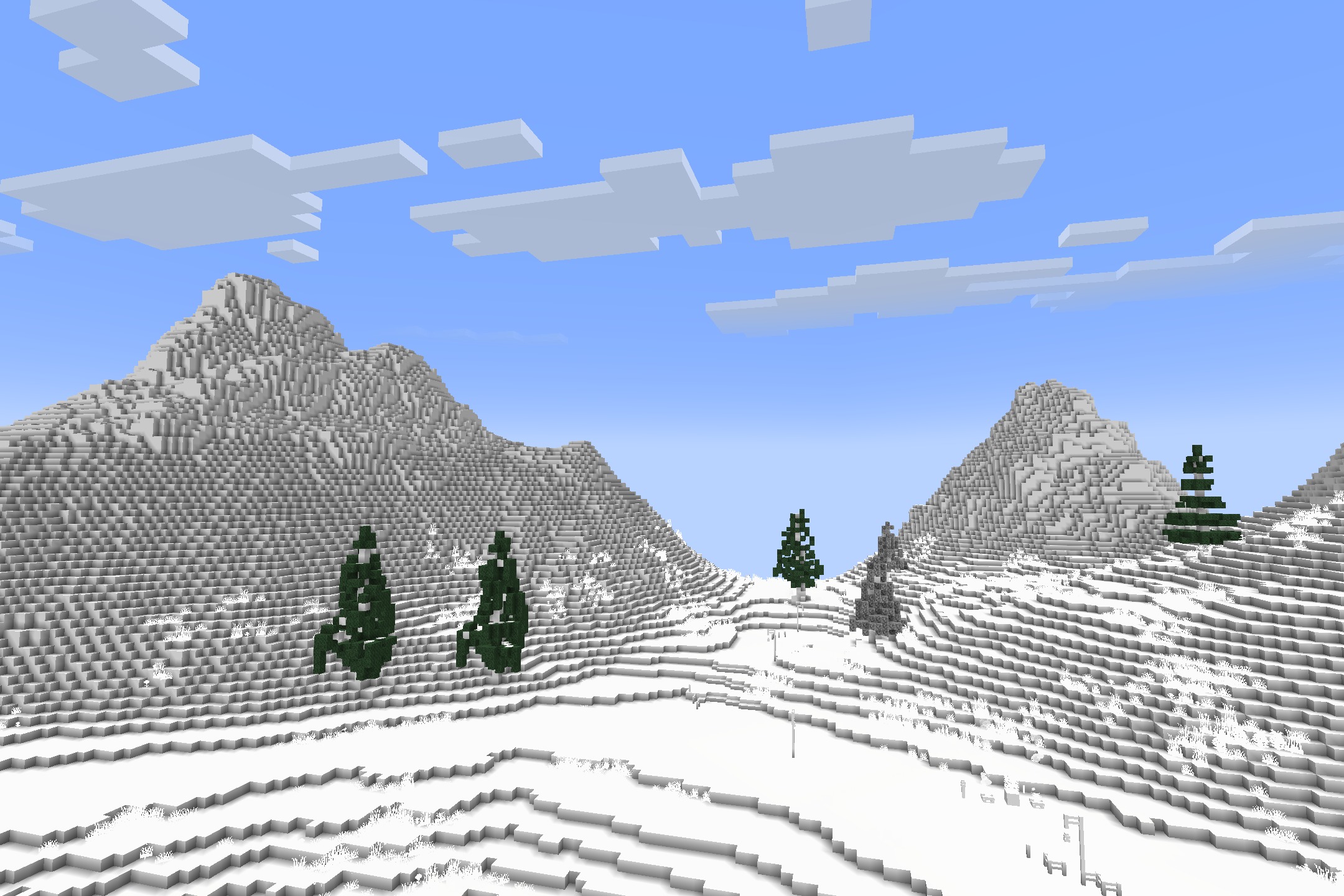
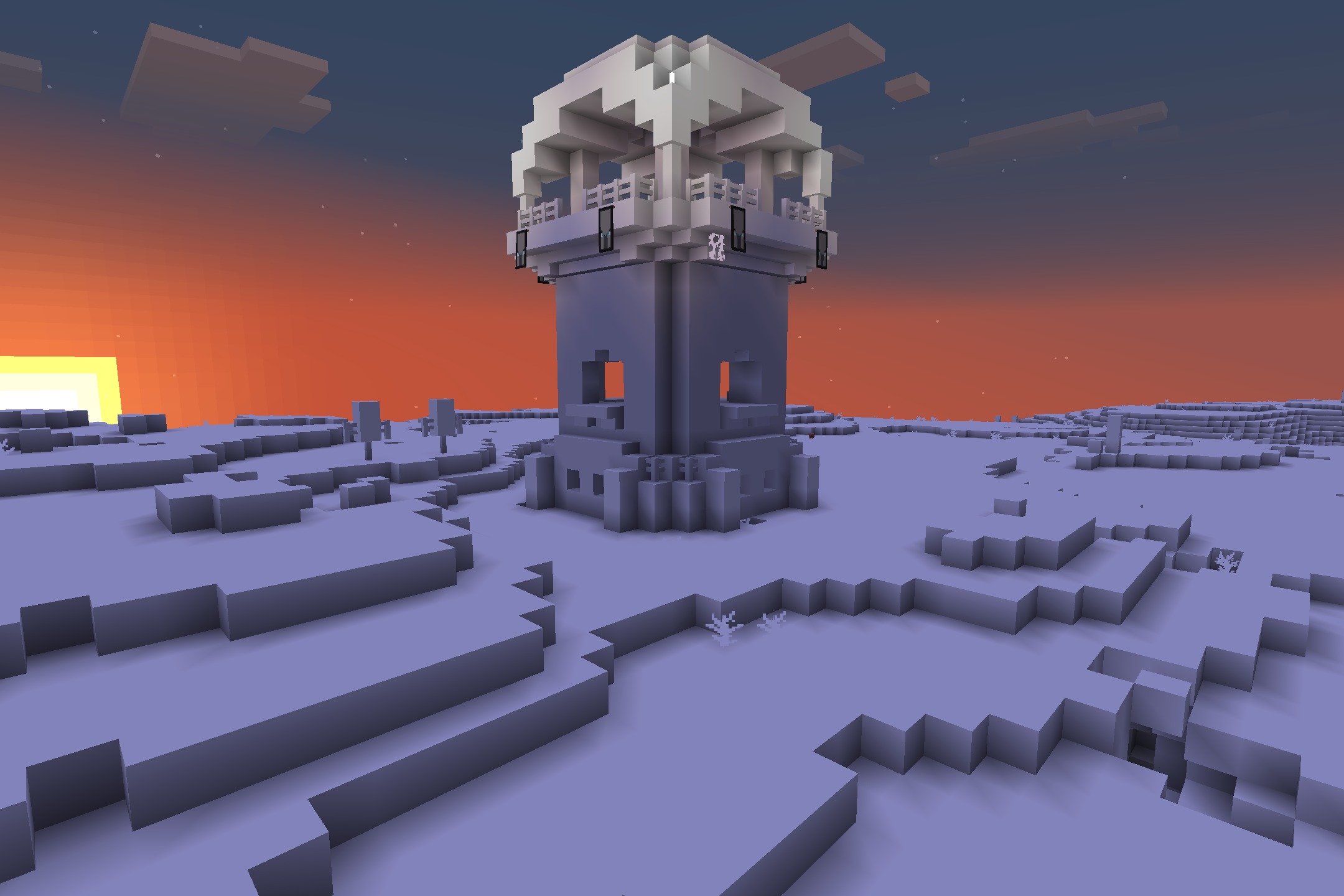
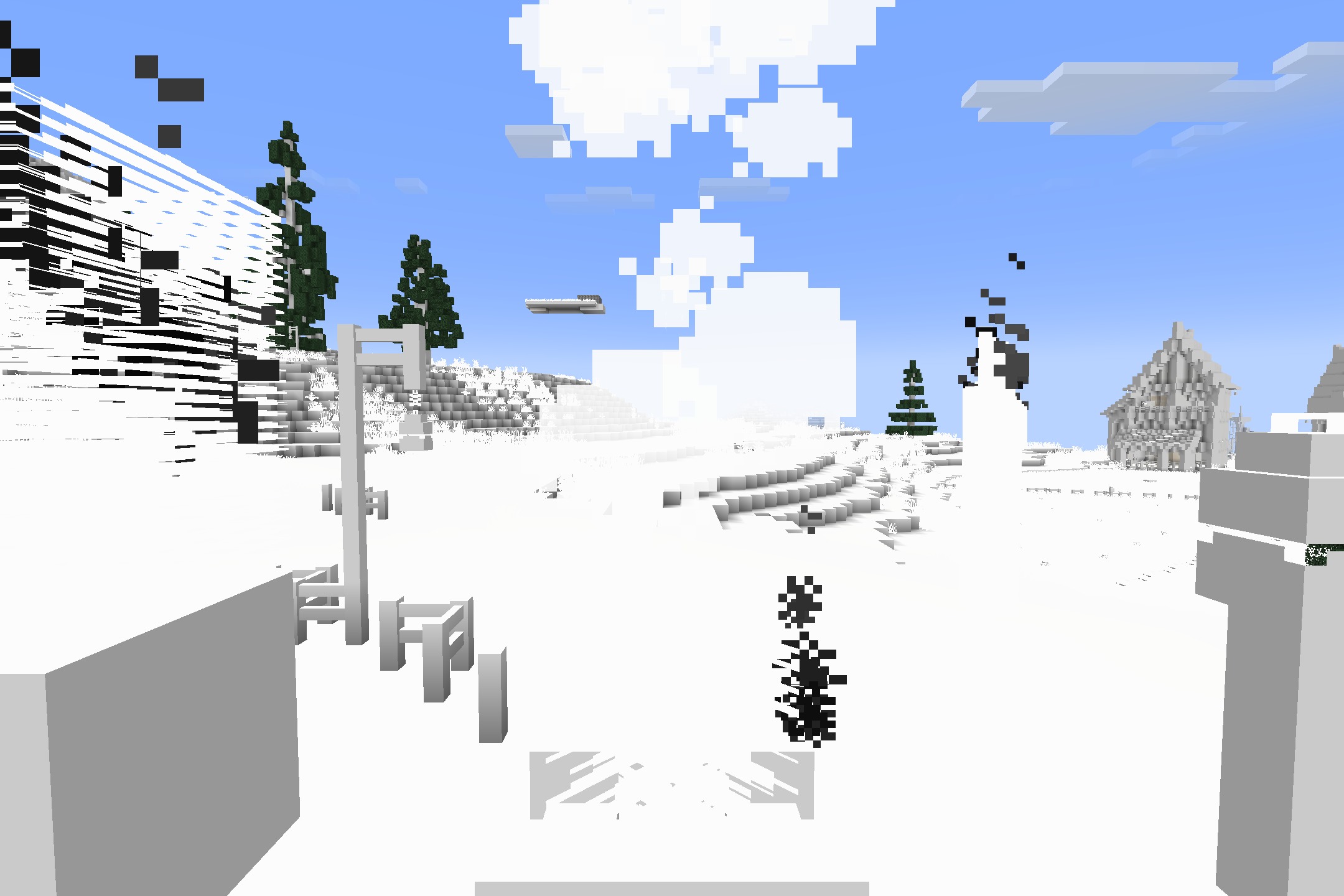
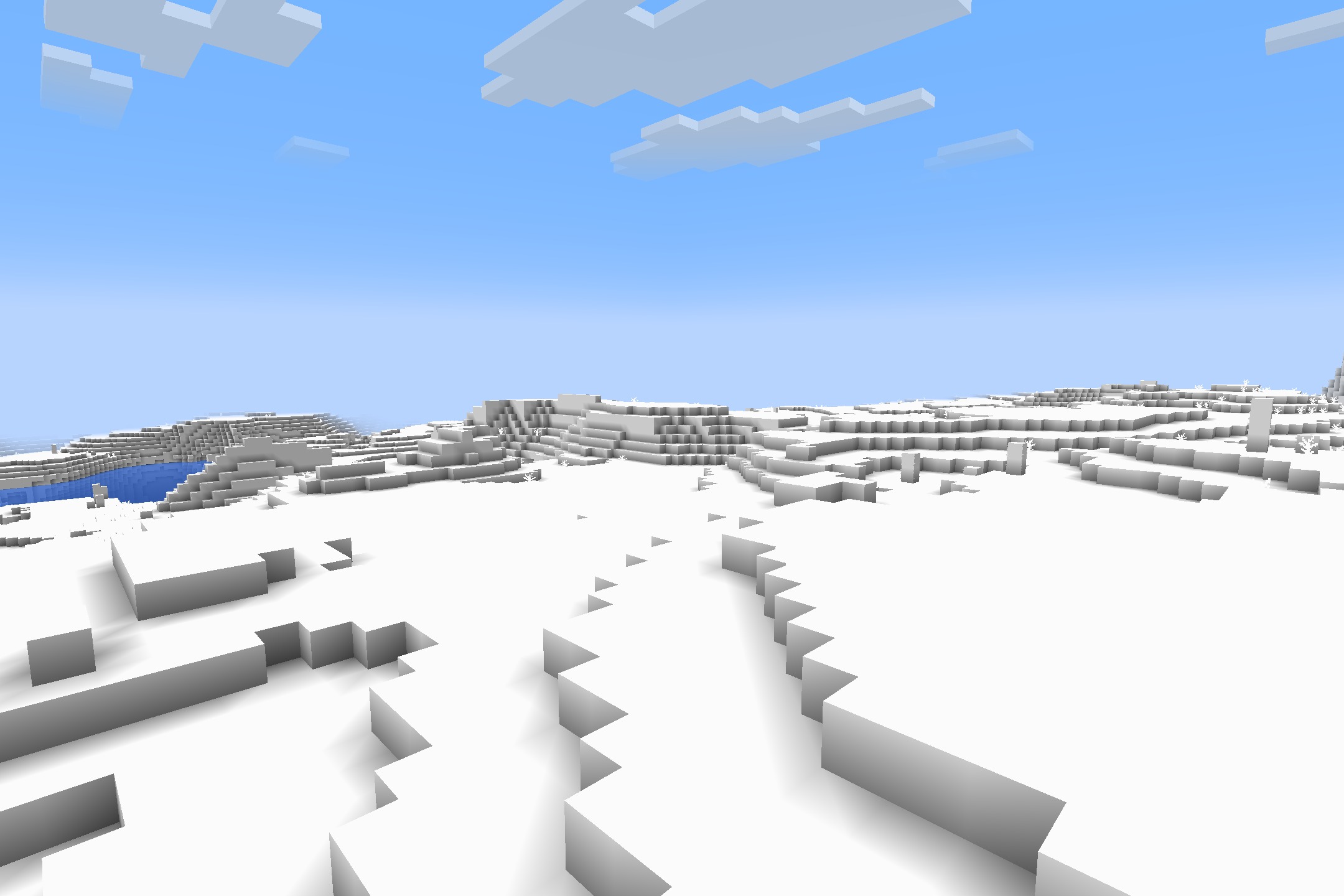
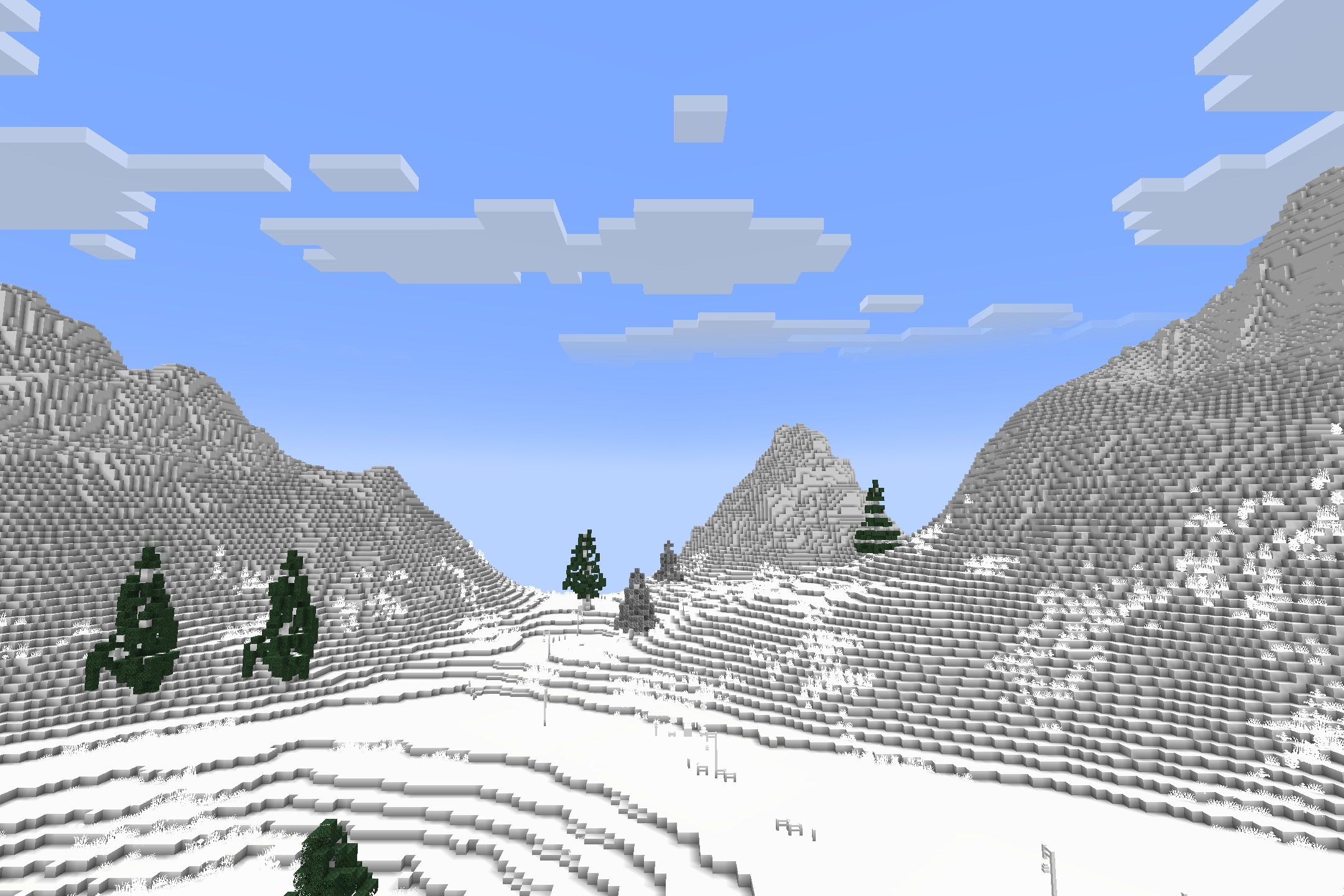
All-White Textures Resource Pack repaints every block, item, and mob in your game to a plain white color. This pack turns your colorful survival world into a blank canvas, making ordinary tasks much harder. You can test your memory and skills by trying to beat the game without relying on colors to spot dangerous mobs or valuable ores. It offers a fun and tricky way to play Minecraft from a completely different perspective.
Features:
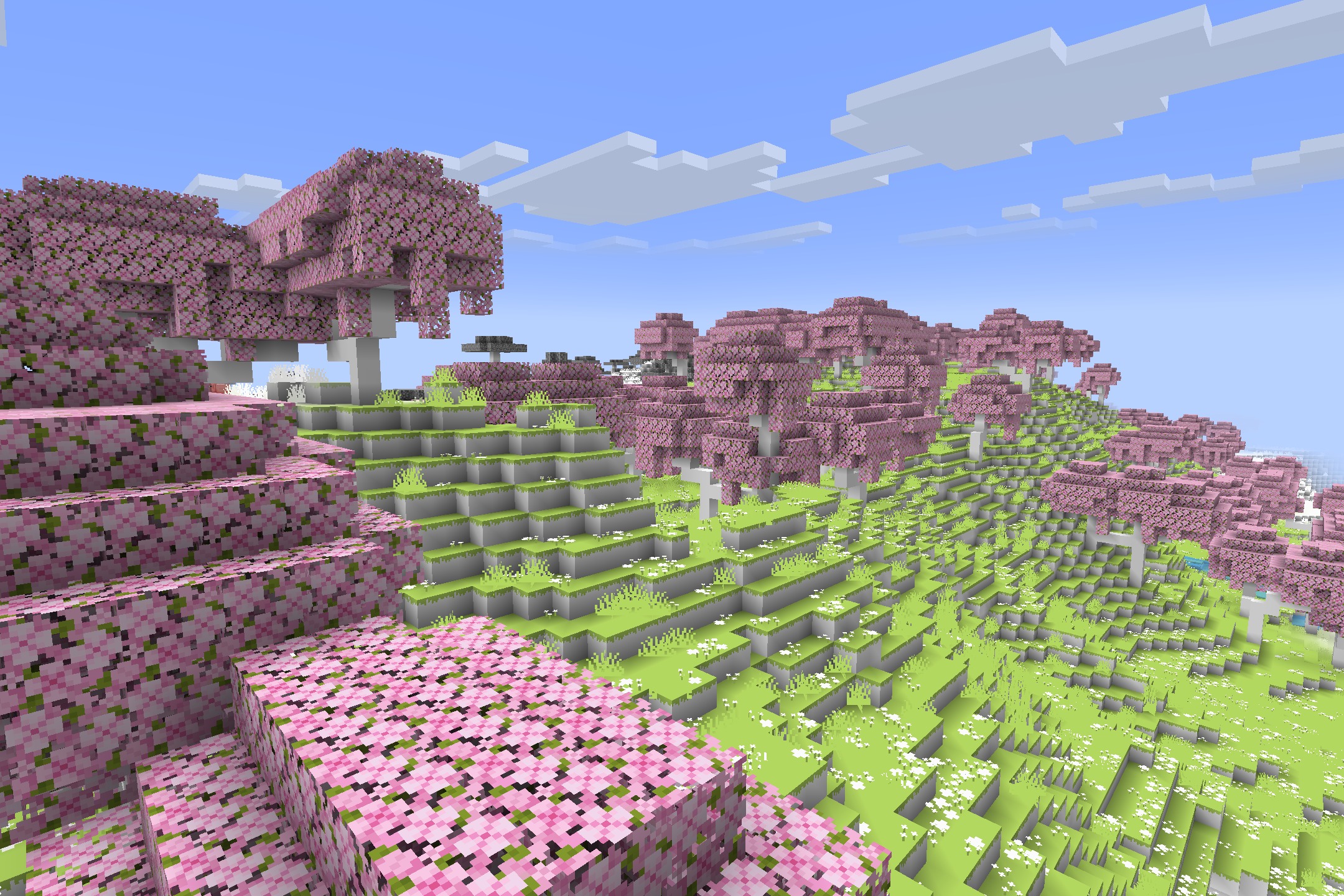
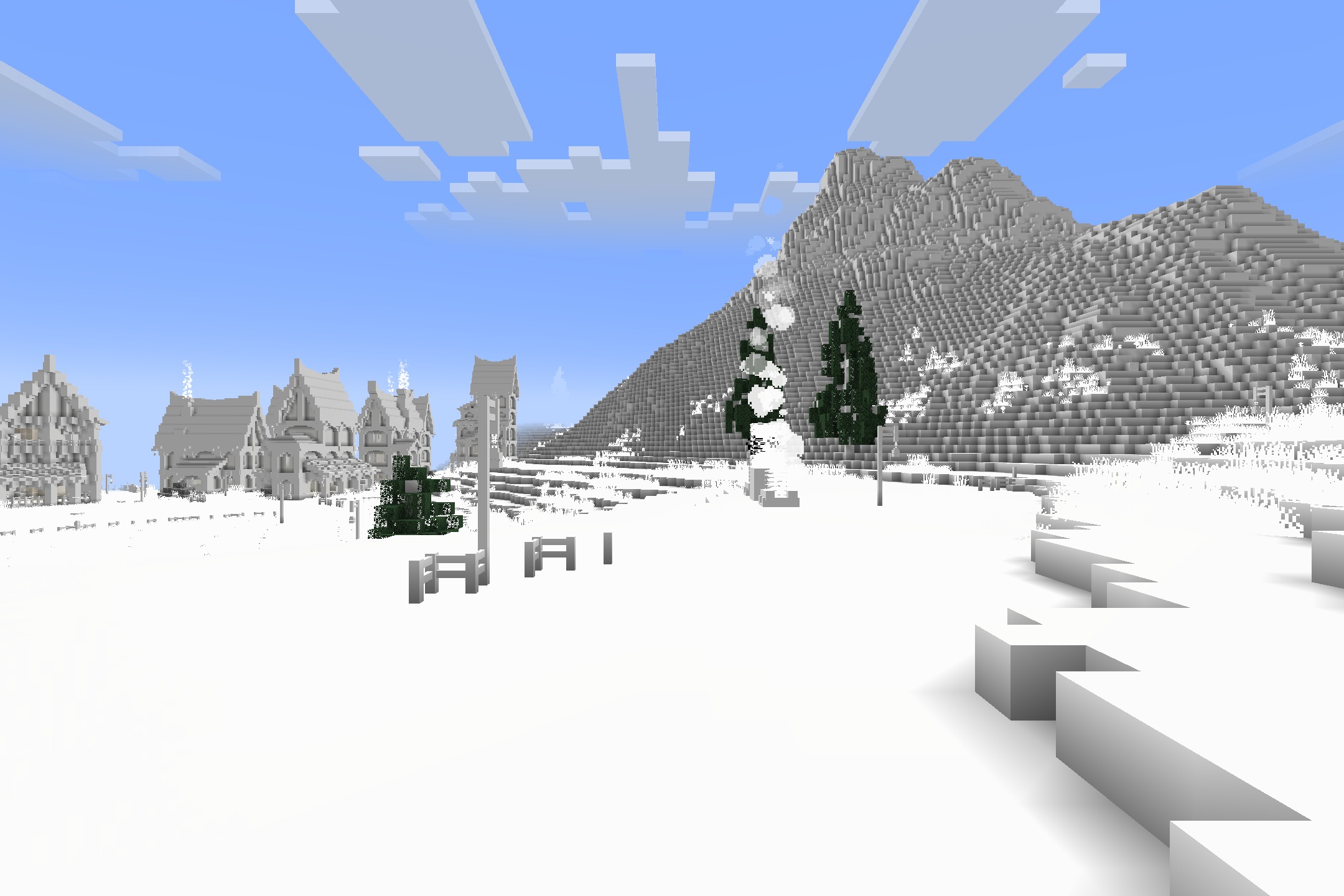
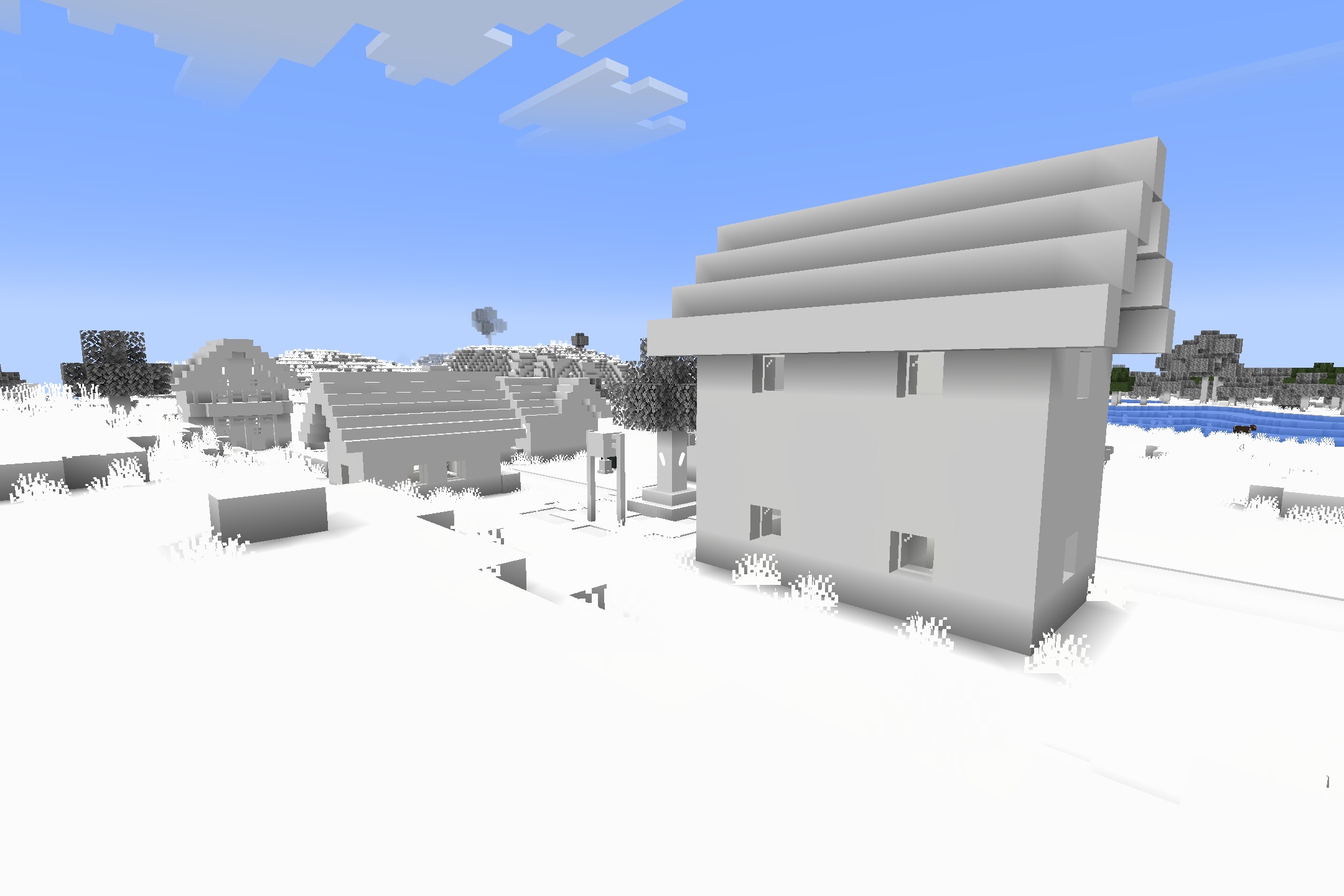
- Changes almost every block, item, and creature in the game to a solid white color.
- Gives you a choice between an Easy version with normal menus or a Hard version with white menus.
- Forces players to recognize materials and enemies by their shape instead of their familiar colors.
- Runs on older game versions like Alpha, Beta, and Infdev.
- Works with special test builds and joke updates from past years.
- Keeps the original look of water and some plant leaves because the base game locks those colors.
Screenshots:
How to Install:
New to Minecraft? Follow our step-by-step guide to install Resource Packs on your PC.View Guide
All-White Textures Resource Pack Download Links
For Minecraft
26.2.x
All Versions Covered
26.2
All Versions Covered
26.2
For Minecraft
26.1.x
All Versions Covered
26.1.2
26.1.1
26.1
All Versions Covered
26.1.2
26.1.1
26.1
For Minecraft
1.21.x
All Versions Covered
1.21.11
All Versions Covered
1.21.11
For Minecraft
1.20.x
All Versions Covered
1.20.1
1.20
All Versions Covered
1.20.1
1.20
For Minecraft
1.18.x
All Versions Covered
1.18.2
1.18
All Versions Covered
1.18.2
1.18
For Minecraft
1.16.x
All Versions Covered
1.16.5
1.16.4
1.16
All Versions Covered
1.16.5
1.16.4
1.16
For Minecraft
1.12.x
All Versions Covered
1.12.2
1.12
All Versions Covered
1.12.2
1.12
For Minecraft
1.8.x
All Versions Covered
1.8.9
All Versions Covered
1.8.9
For Minecraft
1.7.x
All Versions Covered
1.7.10
All Versions Covered
1.7.10
Click to rate this post!
[Total: 0 Average: 0]
You May Also Like



This post has no comments yet. Be the first — your comment will appear here.