


PvP Essential Utilities Resource Pack (26.2, 1.21.11)

 0
0 

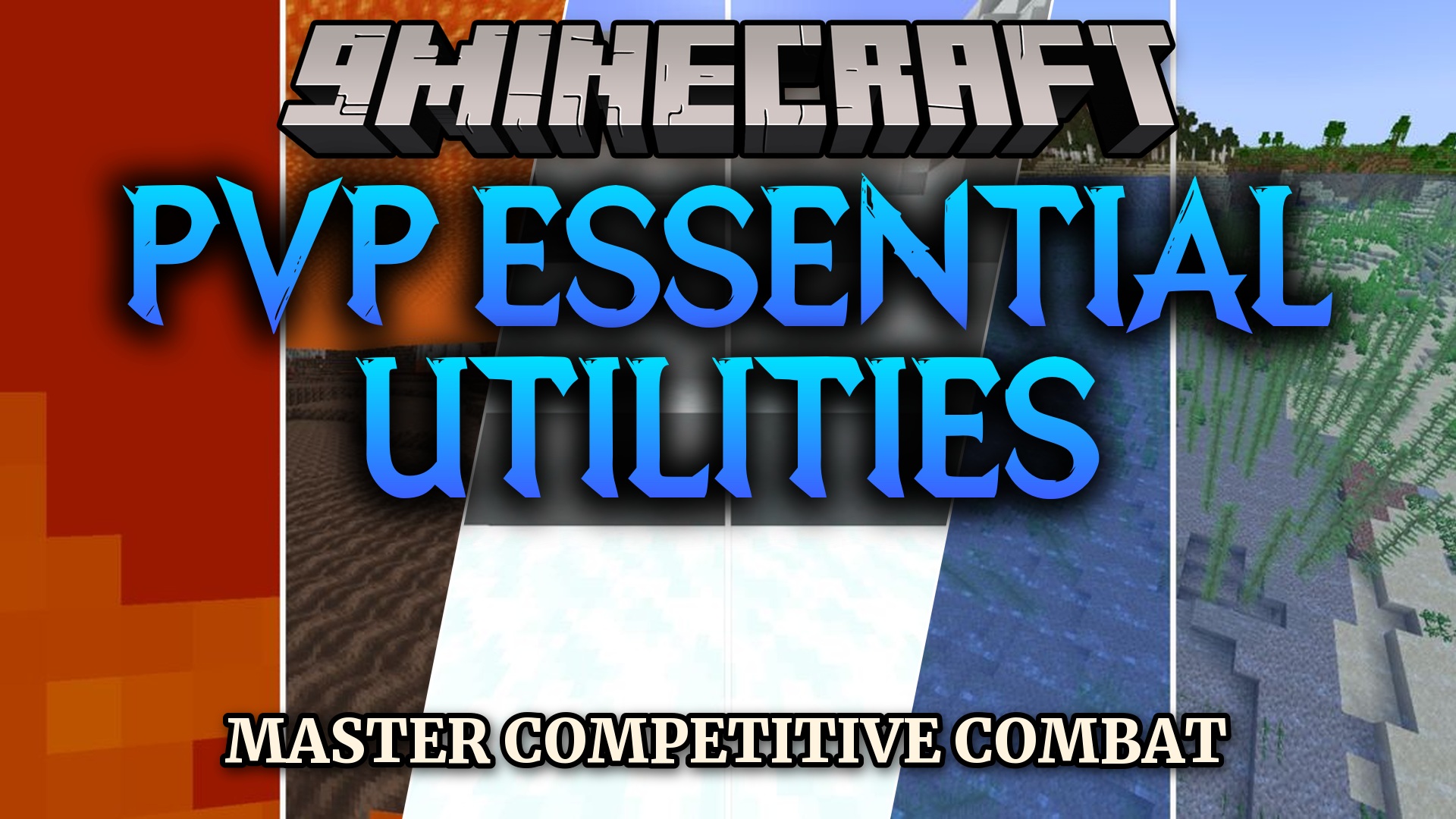
PvP Essential Utilities Resource Pack sharpens combat clarity while keeping the original Minecraft look. This pack removes annoying screen clutter, lowers fire animations, and cleans up liquids so players spot dangers quickly. It also adjusts loud sound effects and trims down item models for cleaner lines of sight during fights. Players get a clean visual advantage in survival and PvP matches without changing the game’s core art style.
Features:
- Cleans up screen clutter and removes fog, vignette, and pumpkin blur.
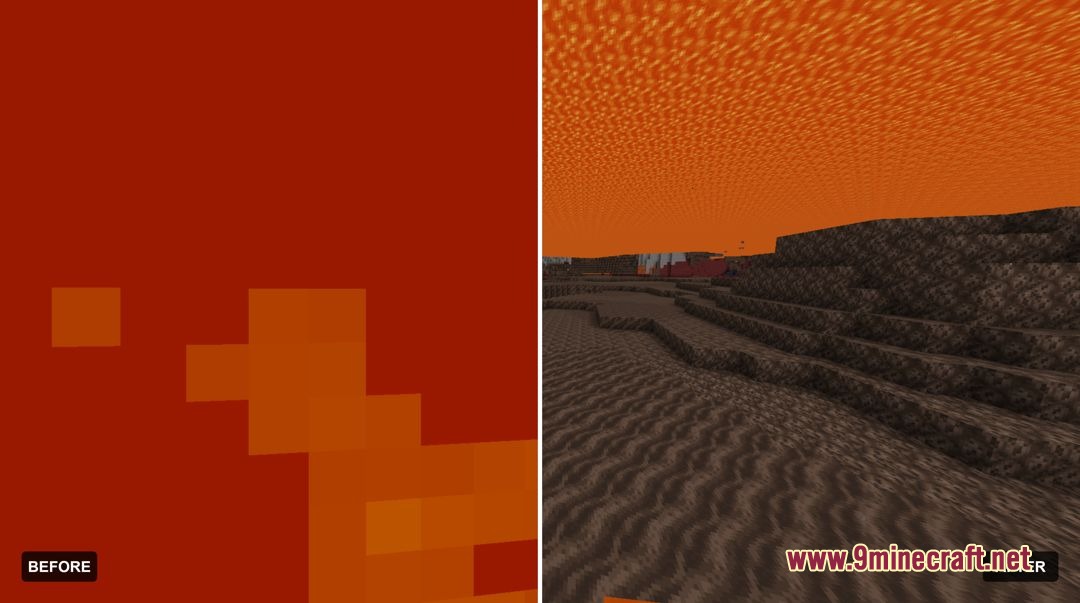
- Lowers on-screen fire height and nether portal opacity to keep your vision open.
- Removes explosion, fire damage, death, cave ambient, and ender pearl teleport sounds.
- Changes the totem pop sound to a low-volume firework rocket noise.
- Replaces loud explosion and generic particle bursts with clean, transparent particles.
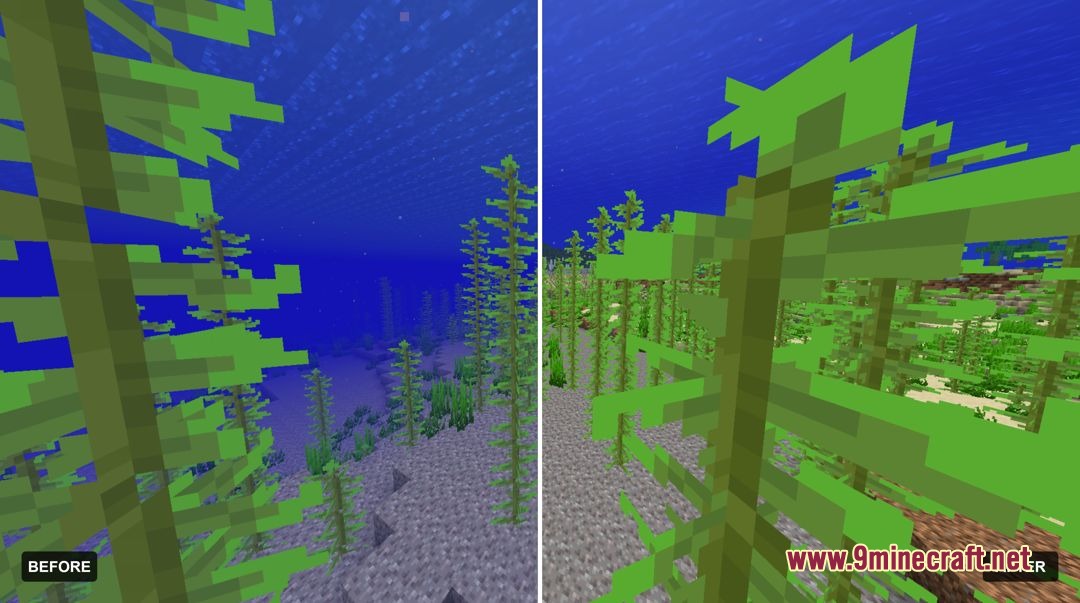
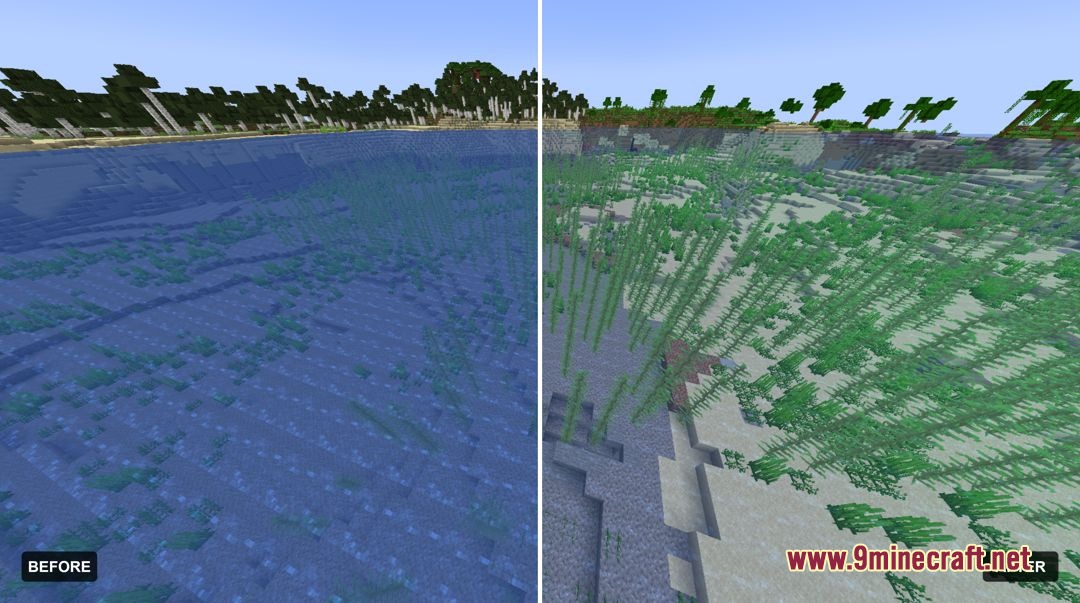
- Makes water and lava completely clear for easy navigation.
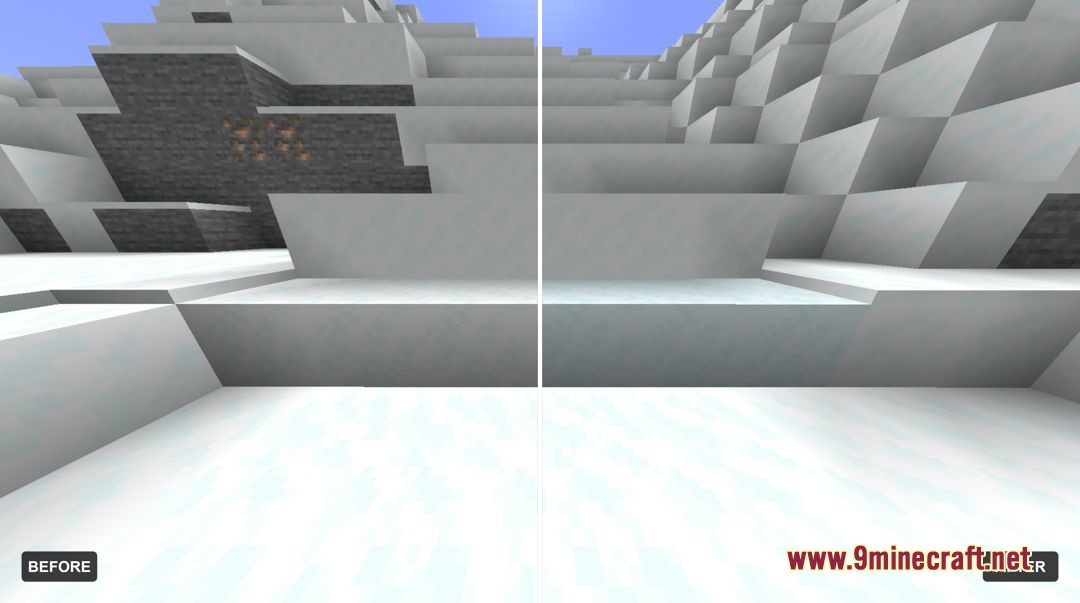
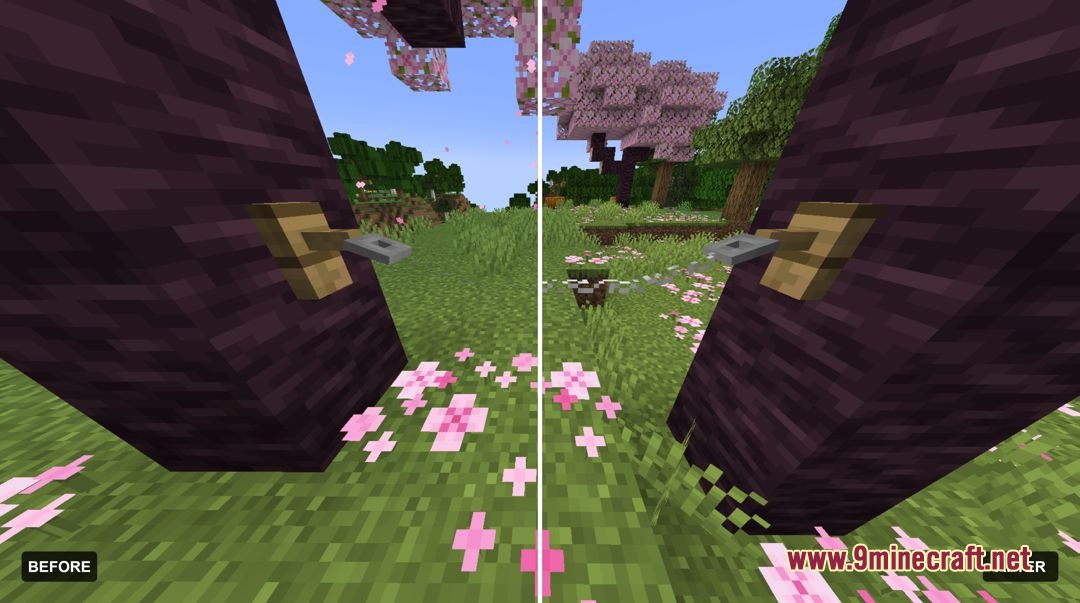
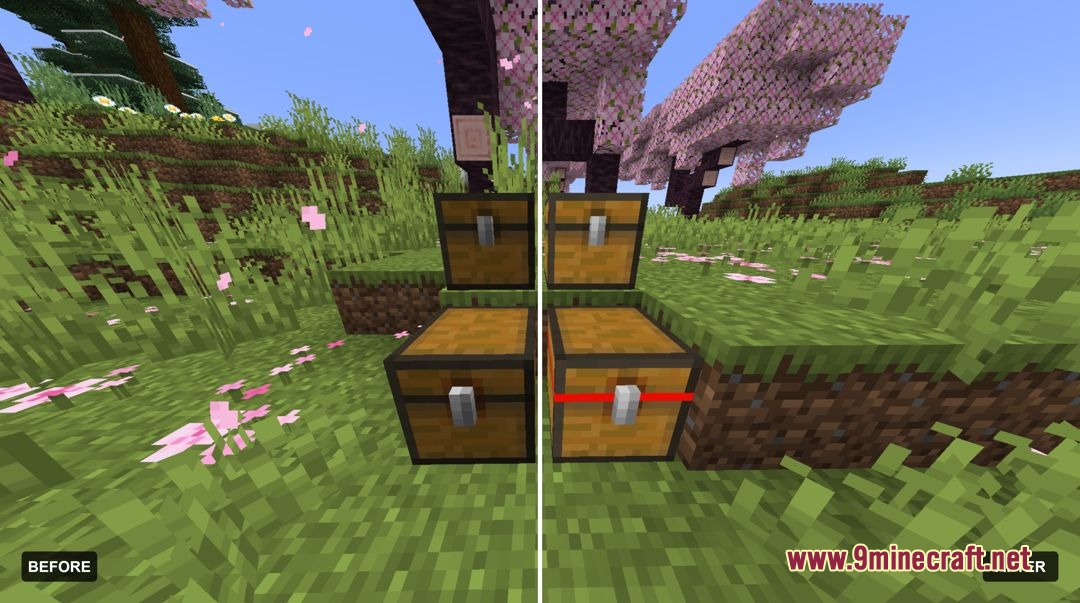
- Makes tripwire string, powdered snow, and trapped chests much easier to spot.
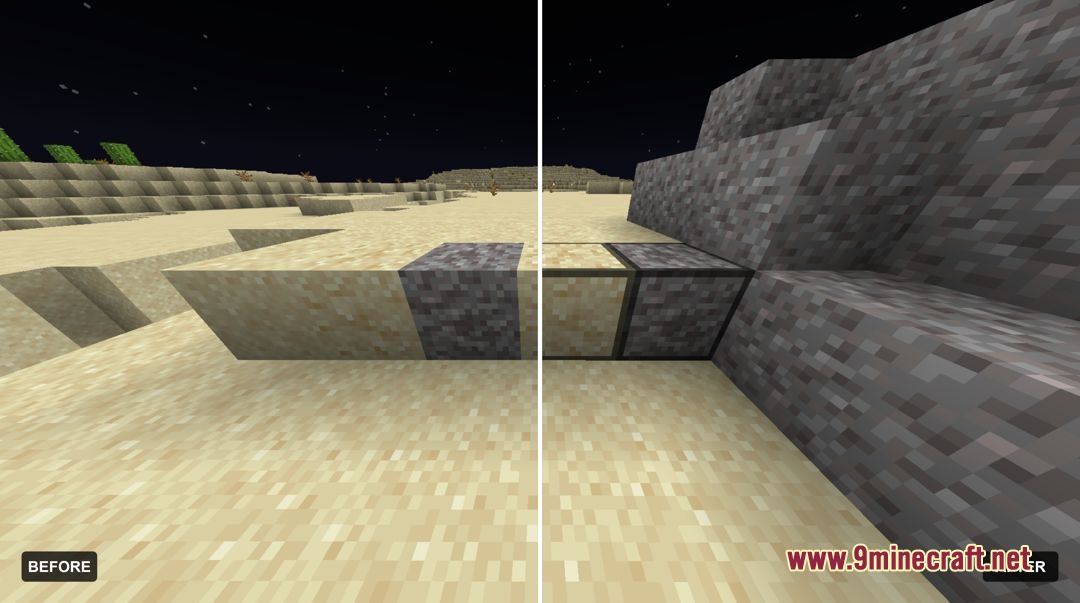
- Adds clear markings to suspicious sand and suspicious gravel blocks.
- Includes a transparent inventory interface and a built-in brewing guide.
- Shrinks held items, shields, and totems so they take up less space on your screen.
- Adds visible bow and crossbow charge states along with eating animations.
- Shortens tall grass and brings back the classic XP bottle textures and enchantment glint.
Combat and Particle Tweaks:
- Custom crosshair centered for precise targeting.
- Smooth 3D models for end crystals, respawn anchors, and glowstone.
- Hollowed gust particles that do not block combat view.
- All game particles feature lower opacity.
Hazard and Trap Visibility:
- Trapped chests stand out with clear red latch markings.
- String uses a high-visibility model so players spot tripwires fast.
- Clear sightlines while standing inside powdered snow or beacon beams.
- Reduced rain and snow opacity to improve target tracking in bad weather.
Screenshots:
How to Install:
New to Minecraft? Follow our step-by-step guide to install Resource Packs on your PC.View Guide
PvP Essential Utilities Resource Pack Download Links
For Minecraft
26.2.x
All Versions Covered
26.2
All Versions Covered
26.2
For Minecraft
1.21.x
All Versions Covered
1.21.11
1.21.10
1.21.9
1.21.8
1.21.7
1.21.6
All Versions Covered
1.21.11
1.21.10
1.21.9
1.21.8
1.21.7
1.21.6
Click to rate this post!
[Total: 0 Average: 0]
You May Also Like

This post has no comments yet. Be the first — your comment will appear here.