


Min’s Enchantments Mod (1.20.1) – Forge Specialized Gear for Every Dangerous

 0
0 

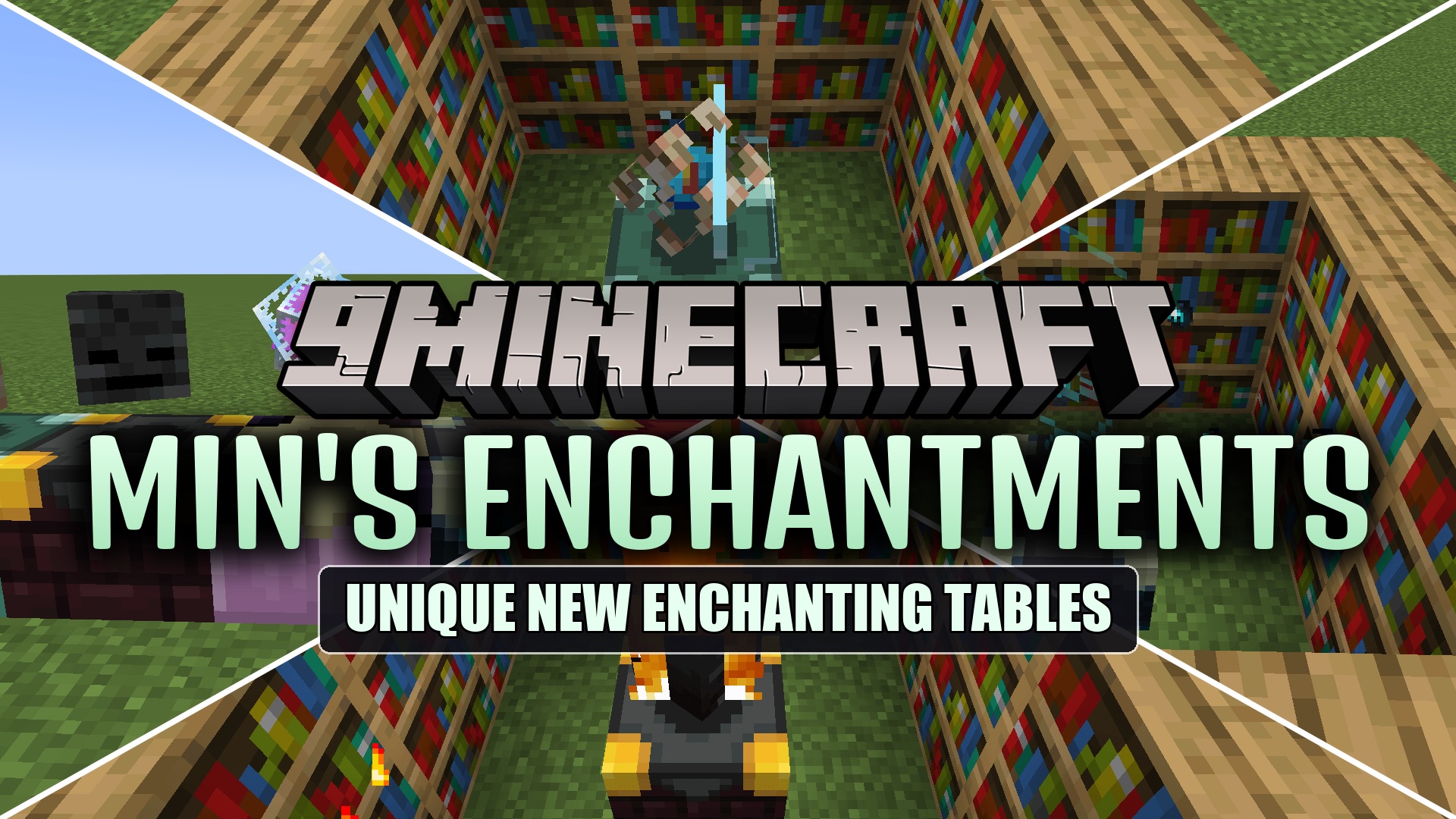
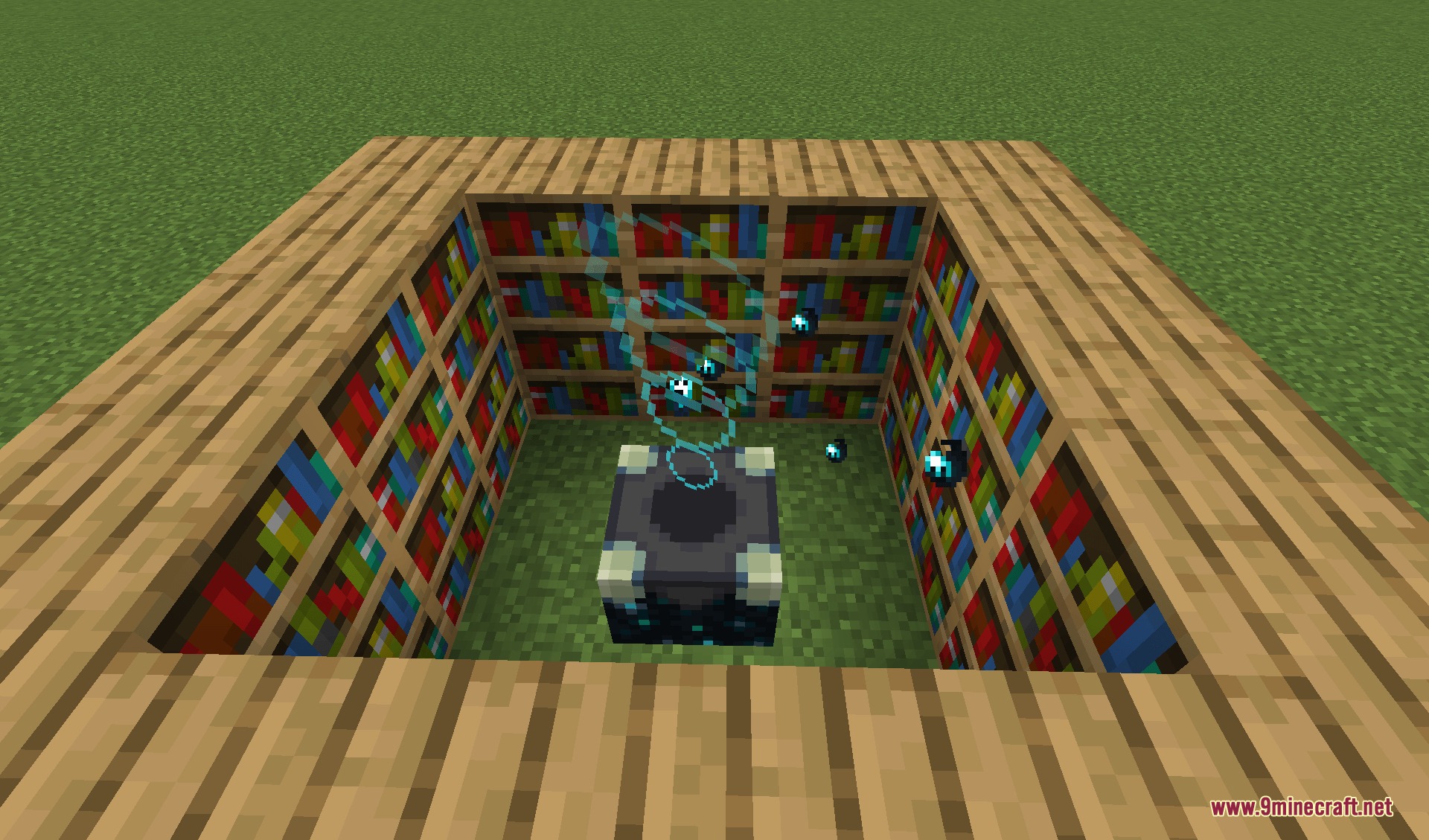
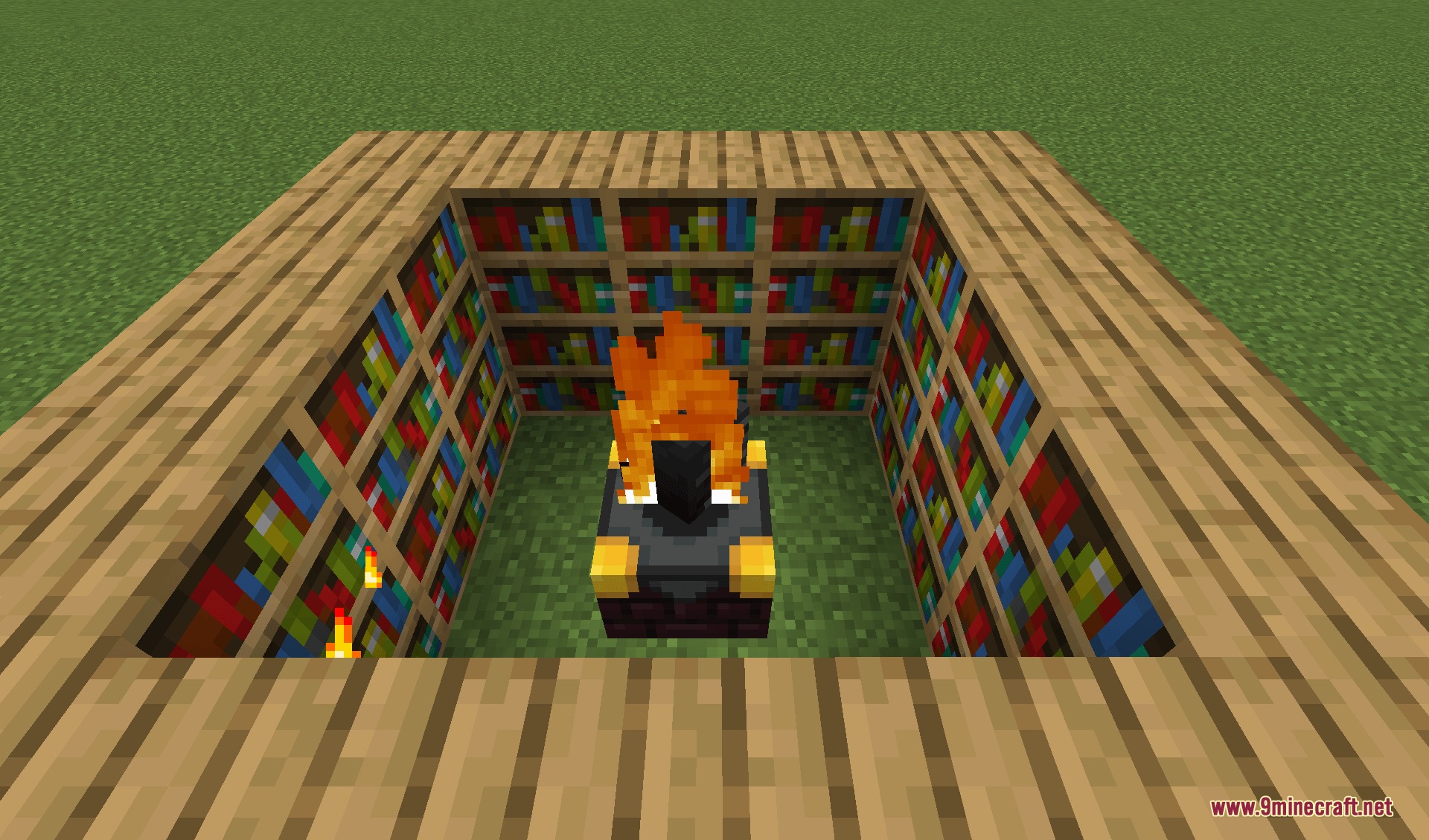
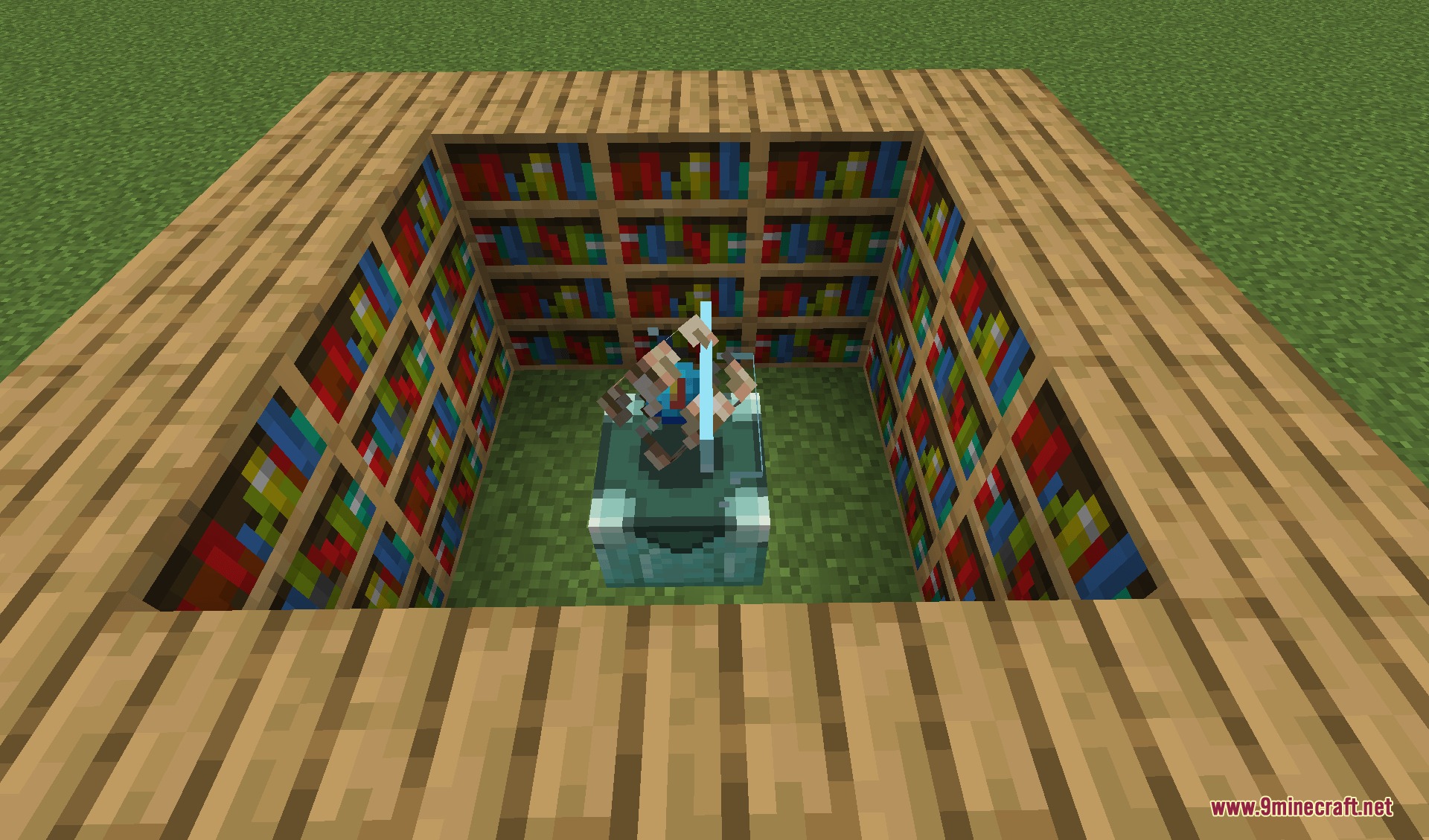
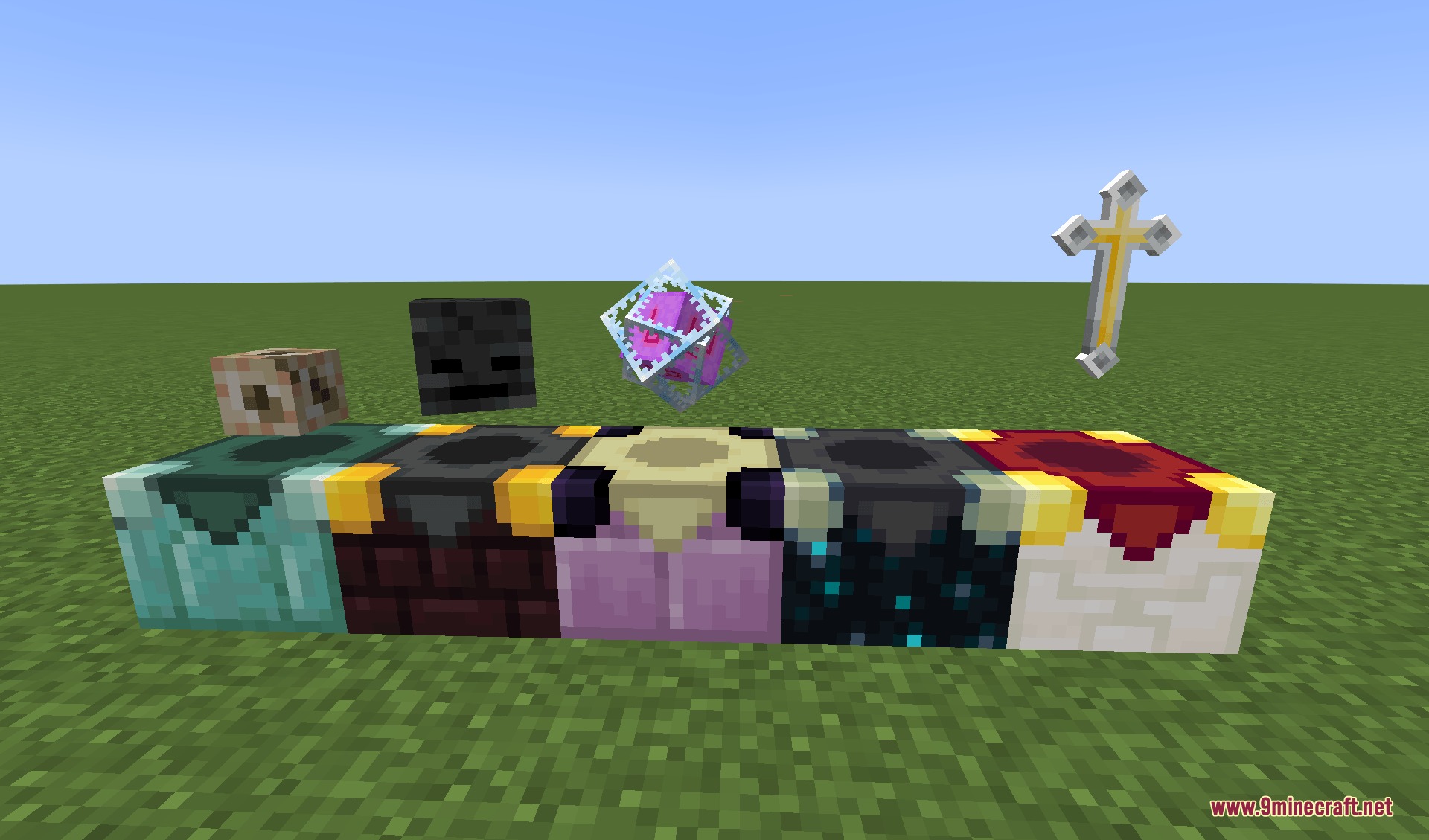
Min’s Enchantments Mod introduces thematic enchanting stations that expand your magical gear upgrades. Each custom station requires specific fuel items and grants distinct effects built for different environments like oceans, the Nether, the End, and deep underground biomes. You can also craft and place a special blessing station to gain combat perks. Non-stackable gear can even receive upgrades directly on anvils through built-in support.
Features:
- Adds five distinct enchanting stations with their own unique upgrade pools.
- Requires thematic fuel items like Blaze Powder, Ender Pearls, or Echo Shards instead of standard Lapis Lazuli.
- Allows you to enchant any non-stackable item inside an anvil using force enchanting.
- Almost all values, modifiers, and features can be adjusted in the config settings.
Ocean Enchantments:
- Hydrodynamics: Keeps liquids from slowing down your fired projectiles.
- Bubble Guard: Restores lost oxygen when you block enemy hits with a shield.
- Depth Angler: Increases your chance to catch rare fishing loot in deeper water.
- Upstream: Keeps flowing water from pushing your character around.
- Sinking Strike: Makes swimming targets sink straight to the bottom when hit.
Nether Enchantments:
- Piglin’s Deception: Prevents Piglins from attacking you even if you wear no gold armor.
- Hellbane: Deals bonus damage against mobs that resist fire.
- Soul Fire Aspect: Ignites targets with soul flames that deal two damage every second.
- Core Destruction: Stops Slimes and Magma Cubes from splitting apart on death.
- Wither Protection: Reduces the damage tick speed and length of the Wither effect.
- Pyro Mending: Repairs durability on your gear whenever you take fire damage.
- Hellfire: Stacks up extra attack damage with each consecutive hit.
- Obsidian Aegis: Grants temporary armor defense boosts whenever you take hits.
- Infernal Barrage: Offers a random chance to trigger a free bonus strike on attack.
End Enchantments:
- Gaze Aversion: Keeps Endermen calm when you look directly into their eyes.
- Gravity Stability: Slows down how fast you float upward under the Levitation effect.
- Upward Strike: Knocks hit enemies directly into the sky.
- Dimensional Anchor: Gives attacks a chance to block the target from teleporting.
- Chorus Piercing: Lets your fired projectiles shoot straight through solid blocks.
- Obsidian Shatter: Speeds up your mining rate on blocks as tough as Obsidian.
- Shulker Stance: Lowers taken damage and boosts knockback resistance while sneaking.
- Chorus Evasion: Grants a chance to teleport away to a safe spot upon taking damage.
- Void Snipe: Makes fired projectiles appear right at their target impact point.
- Ender Gaze: Curves your projectiles toward nearby targets automatically.
Sculk Enchantments:
- Sculk Adaptation: Weakens the vision reduction caused by the Darkness effect.
- Silent Step: Removes all footstep noises when moving around.
- Sonic Cleave: Ignores target armor to deal extra damage based on their defense stat.
- Catalyst Absorption: Drops instant bonus experience points when you defeat a mob.
- Silent Touch: Mutes all sound made when interacting with blocks and items.
- Life Erosion: Gives attacks a chance to lower enemy healing speed.
Blessing Table Blessments:
- Master Touch: Lowers the cooldown delay on your usable items.
- Accelerate: Shortens the draw back time for charged items.
- Resolute Ward: Offers a chance to auto-block attacks with a held shield.
- Barrier: Deflects incoming projectile attacks within a small zone.
- Critical Strike: Gives standard attacks a chance to become critical strikes.
- Malice: Trades flat base attack power for bonus percentage damage based on total enemy health.
- Mirror: Gives a chance to reflect incoming projectiles and blocked damage back at attackers.
- Time Break: Provides a chance to freeze hit foes in place for a few moments.
- Terrarian Soul: Spawns extra secondary projectiles that bypass target immunity frames upon landing a hit.
How to Use:
- Place your chosen enchanting station on the ground.
- Right-click to open the custom enchanting menu.
- Insert the required catalyst item into the top slot.
- Place your weapon, tool, or armor piece into the gear slot.
- Pick your desired enchantment or blessing to apply it to the item.
Screenshots:
How to Install:
New to Minecraft? Follow our step-by-step guide to install Mods on your PC.View Guide
Requirements:
 Minecraft Forge Required
Tickrate API Required
Min’s Enchantments Mod Download Links
For Minecraft 1.20.1, 1.20
For Minecraft 1.19.2
Click to rate this post!
[Total: 0 Average: 0]
You May Also Like




This post has no comments yet. Be the first — your comment will appear here.