
Armor Stands Mod (26.3, 1.20.1) – Pose and Display Every Armor Set in Your Base
 1,360
 0


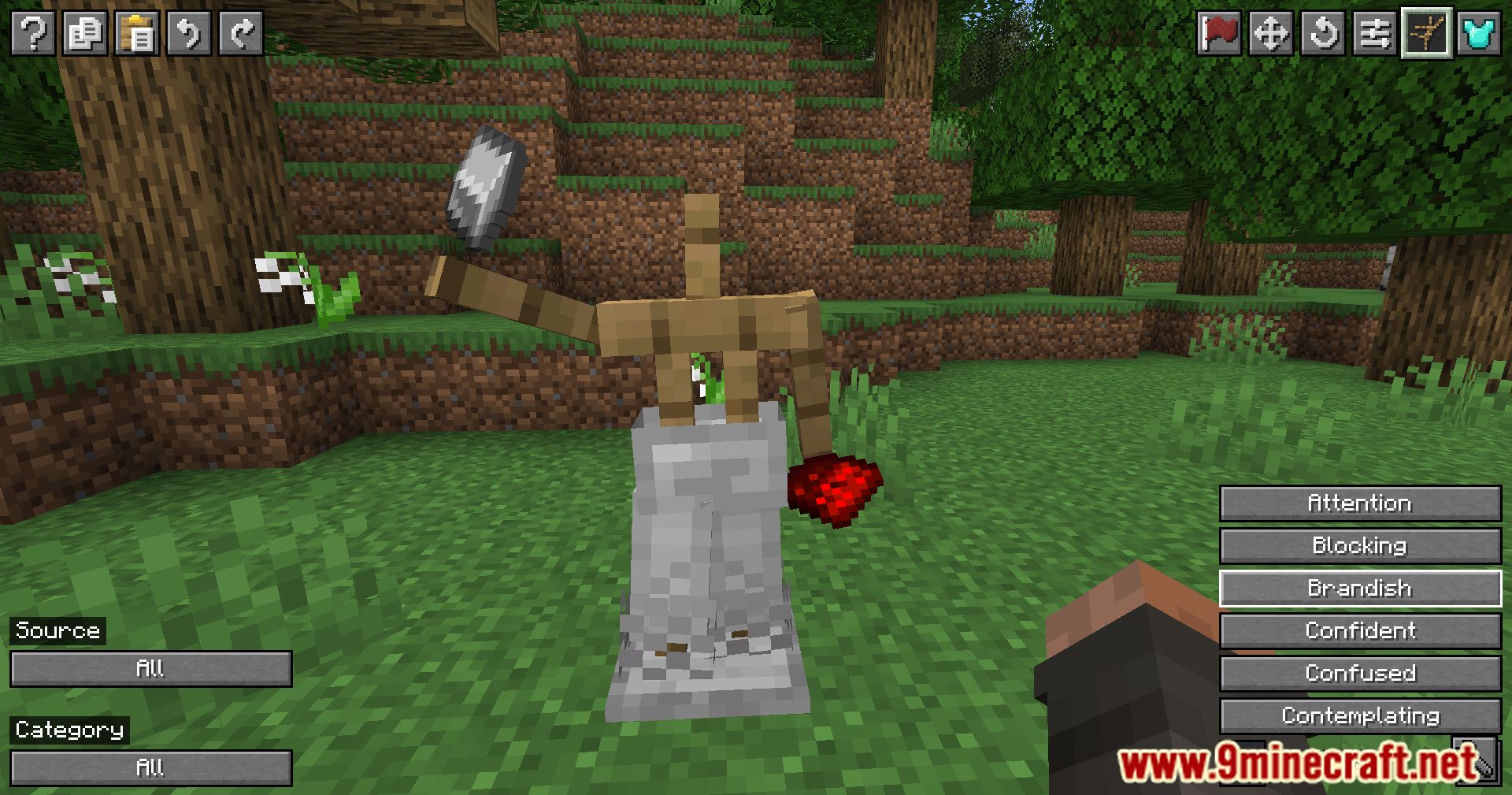
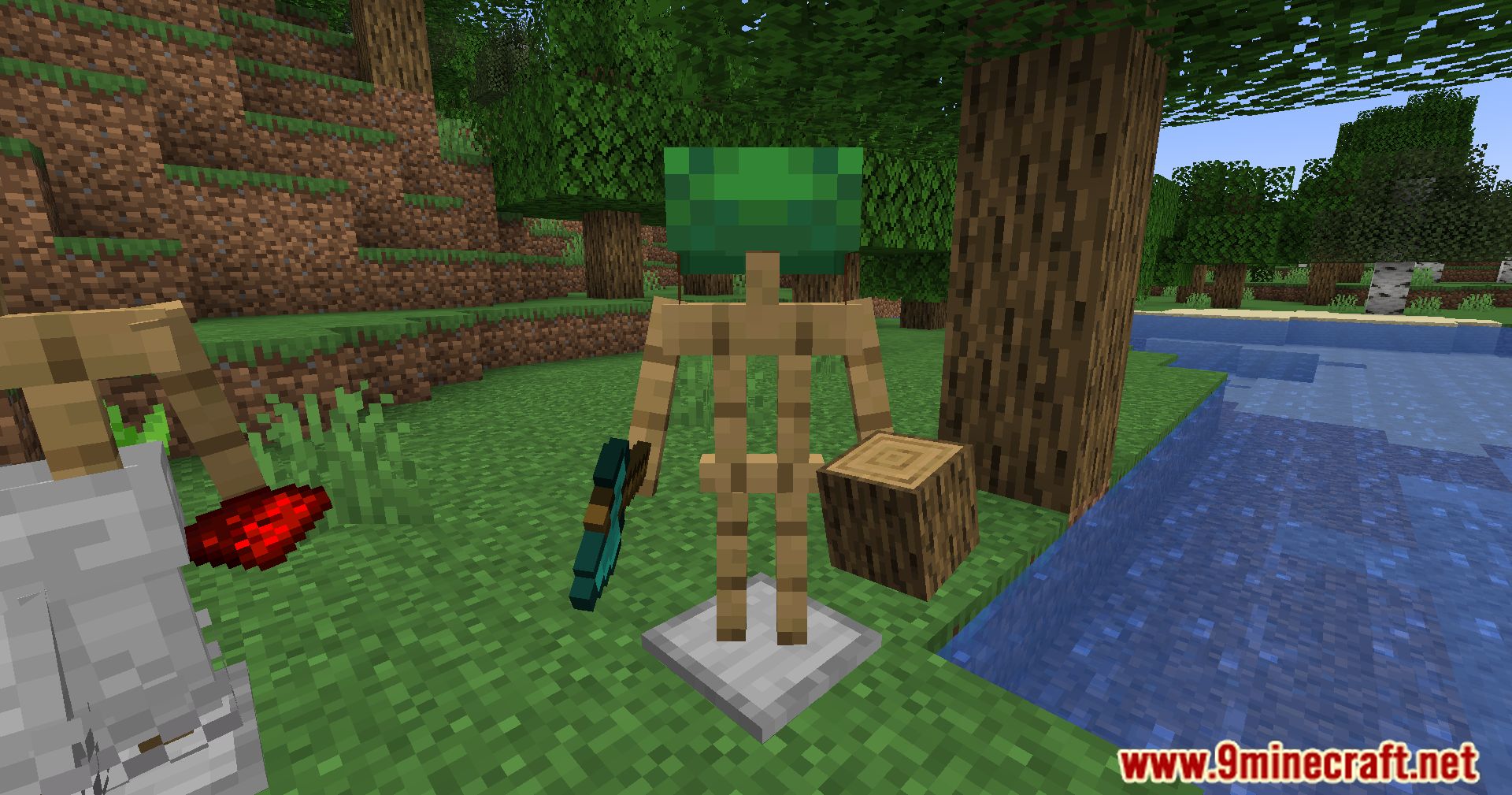
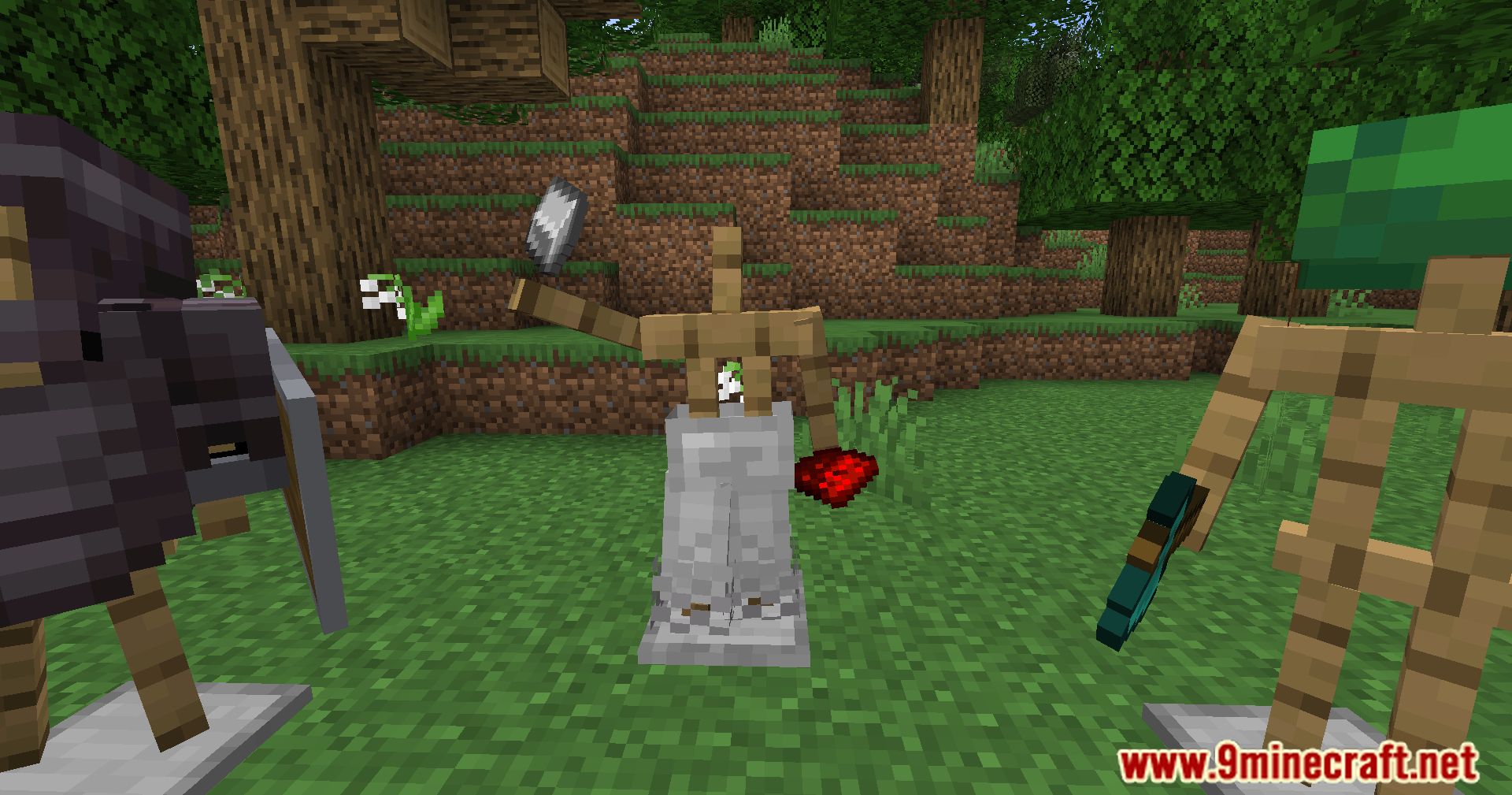
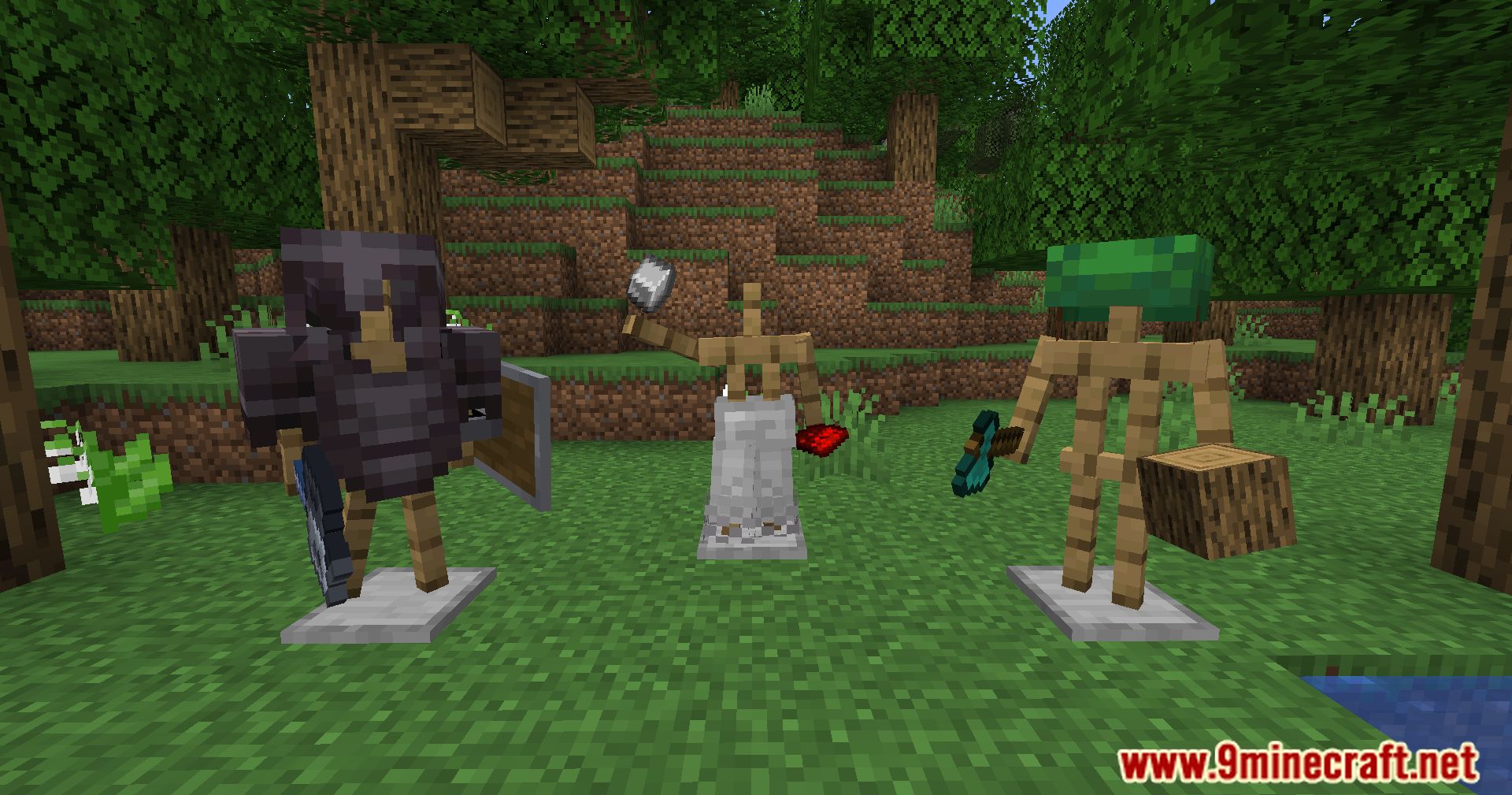
Armor Stands Mod brings an intuitive user interface to Minecraft, making it effortless to place, pose, and dress armor stands. With just a right-click, this mod lets you customize every detail of your stands using a clean menu.
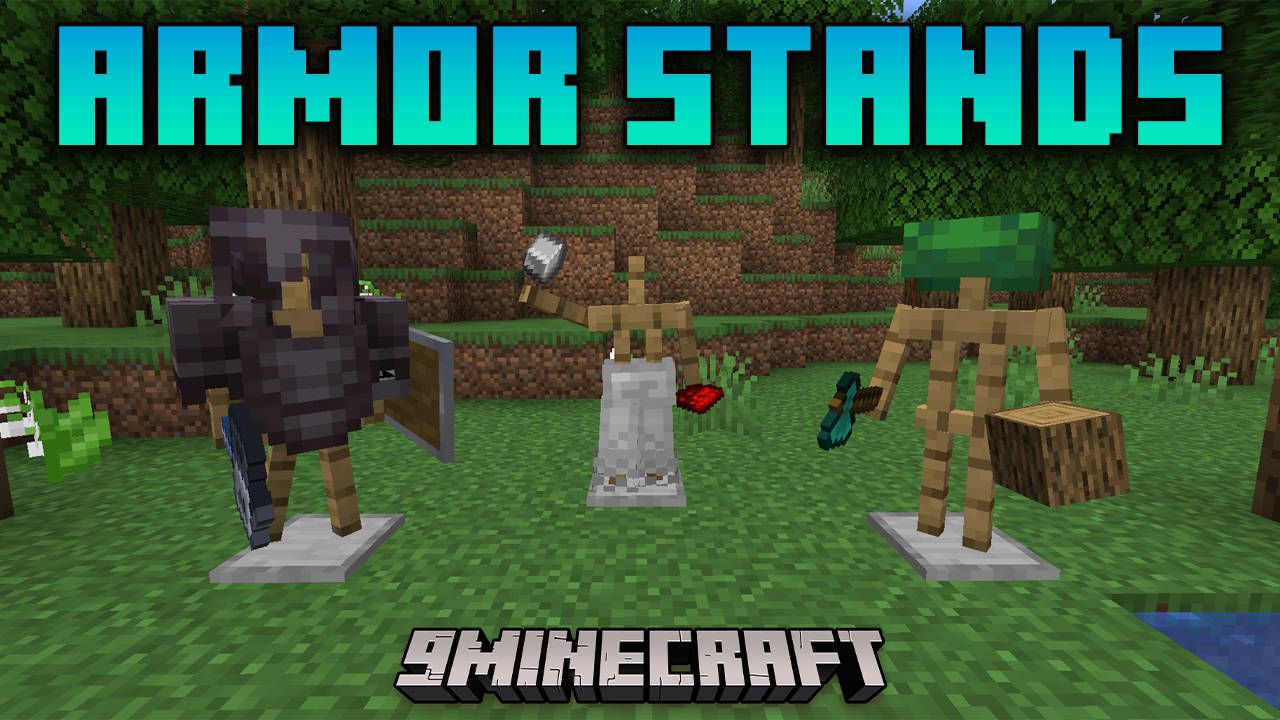
Features:
- User-Friendly Interface: Easily accessible UI for customizing armor stands with simple mouse clicks.
- Pose and Dress: Allows for detailed posing, scaling, and dressing of armor stands with minimal effort.
- Quick Interaction: Edit armor stands simply by right-clicking them in the world.
- Mannequin Mode: Turns armor stands into posable characters that wear real player skins when named after a player.
- Undo and Redo: Clipboard and undo/redo systems let you test out changes and revert them instantly.
- Preset Poses: Includes a list of pre-configured poses from Java, Bedrock, and Vanilla Tweaks.
- Lets you move and rotate stands with exact coordinate tools and sliders.
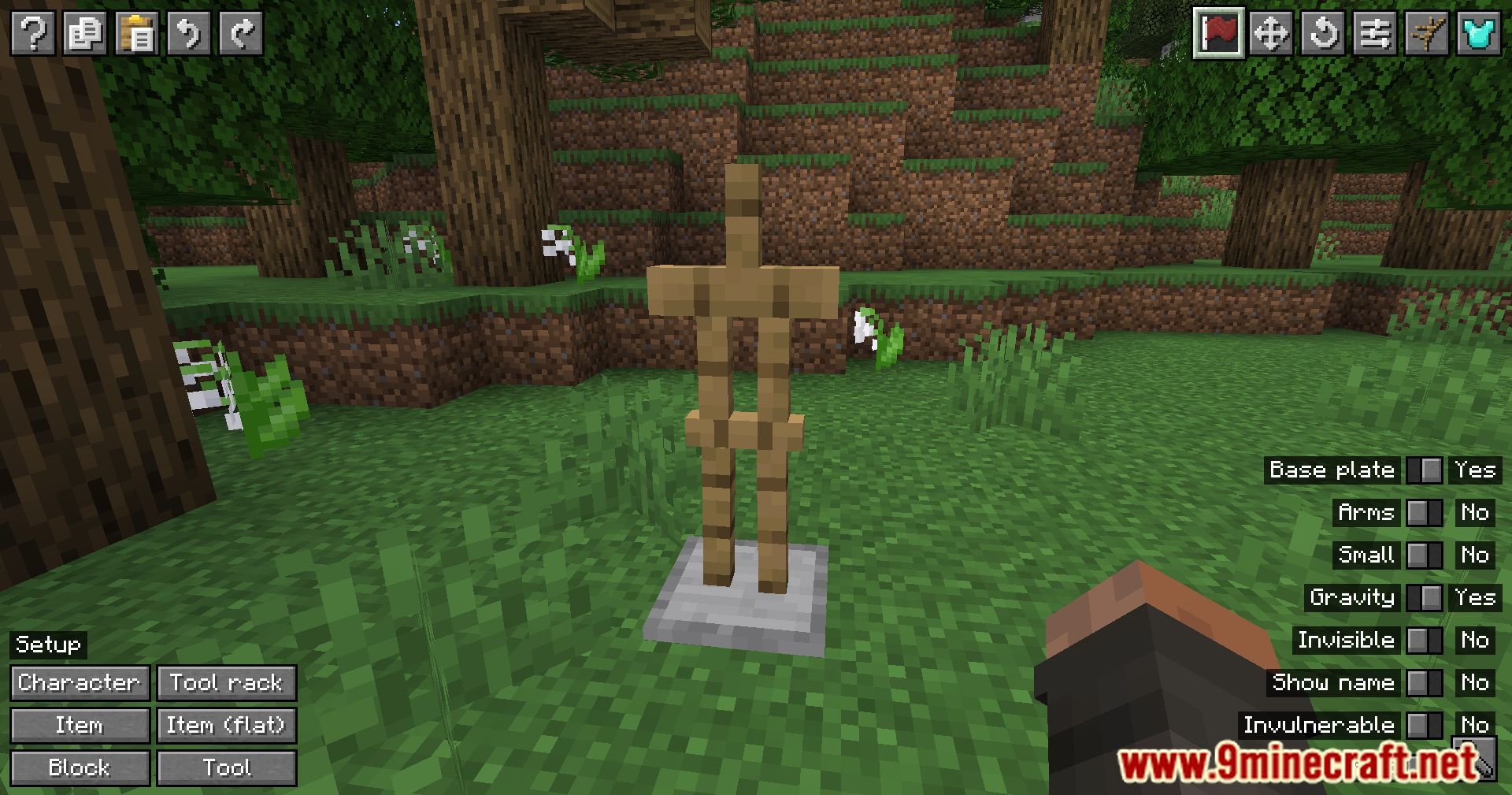
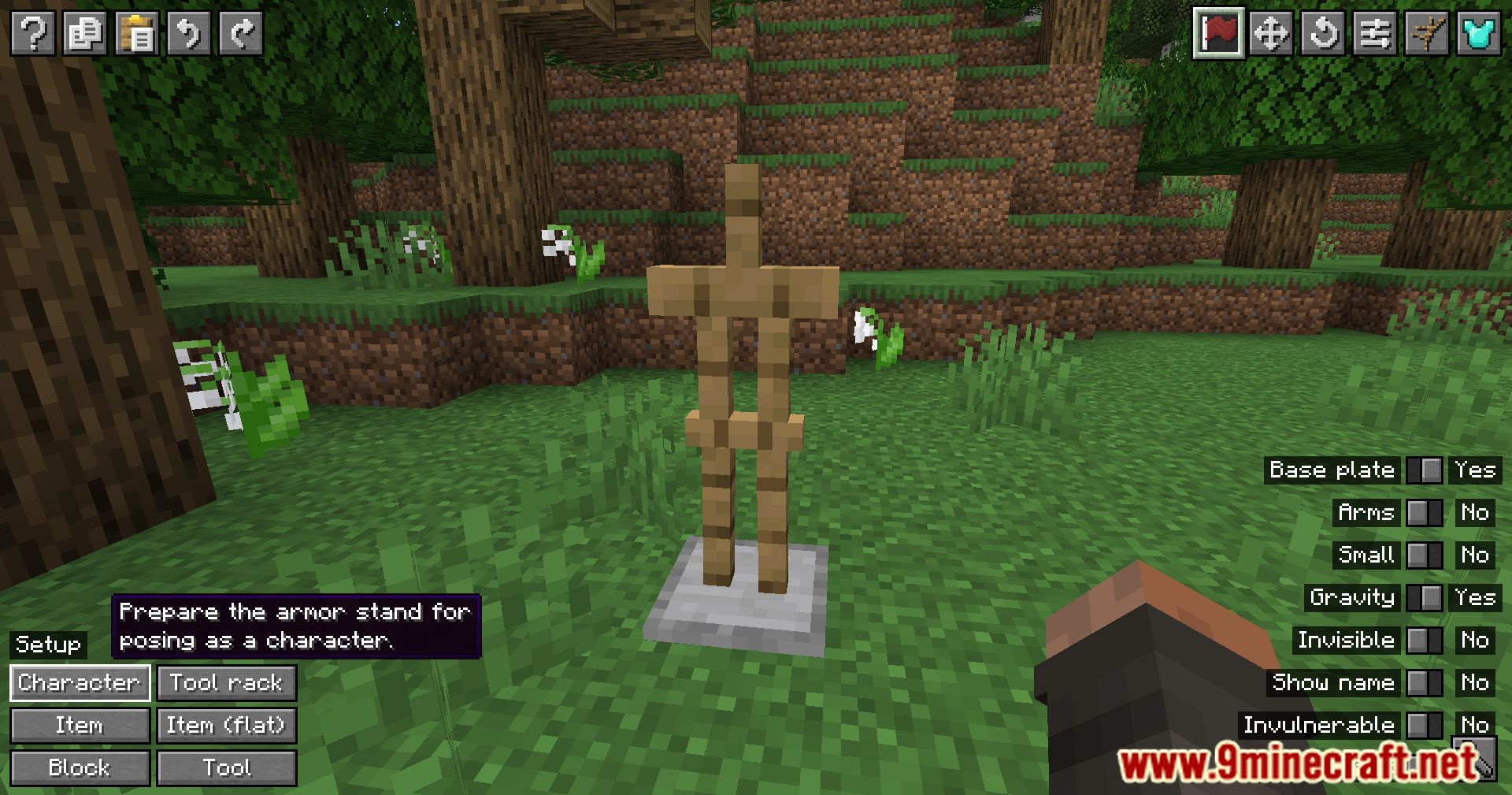
- Includes quick-setup actions and toggles for fast character building.
- Allows you to highlight the current stand while the UI is open.
- Includes a built-in Dark UI resource pack for full compatibility with dark theme packs.
Commands:
/armorstands add <playername>: explicitly add a player to the allowed users list on servers./armorstands remove <player>: remove a player from the allowed users list.
How to Use:
- Right-click any armor stand in the game to open the customization menu.
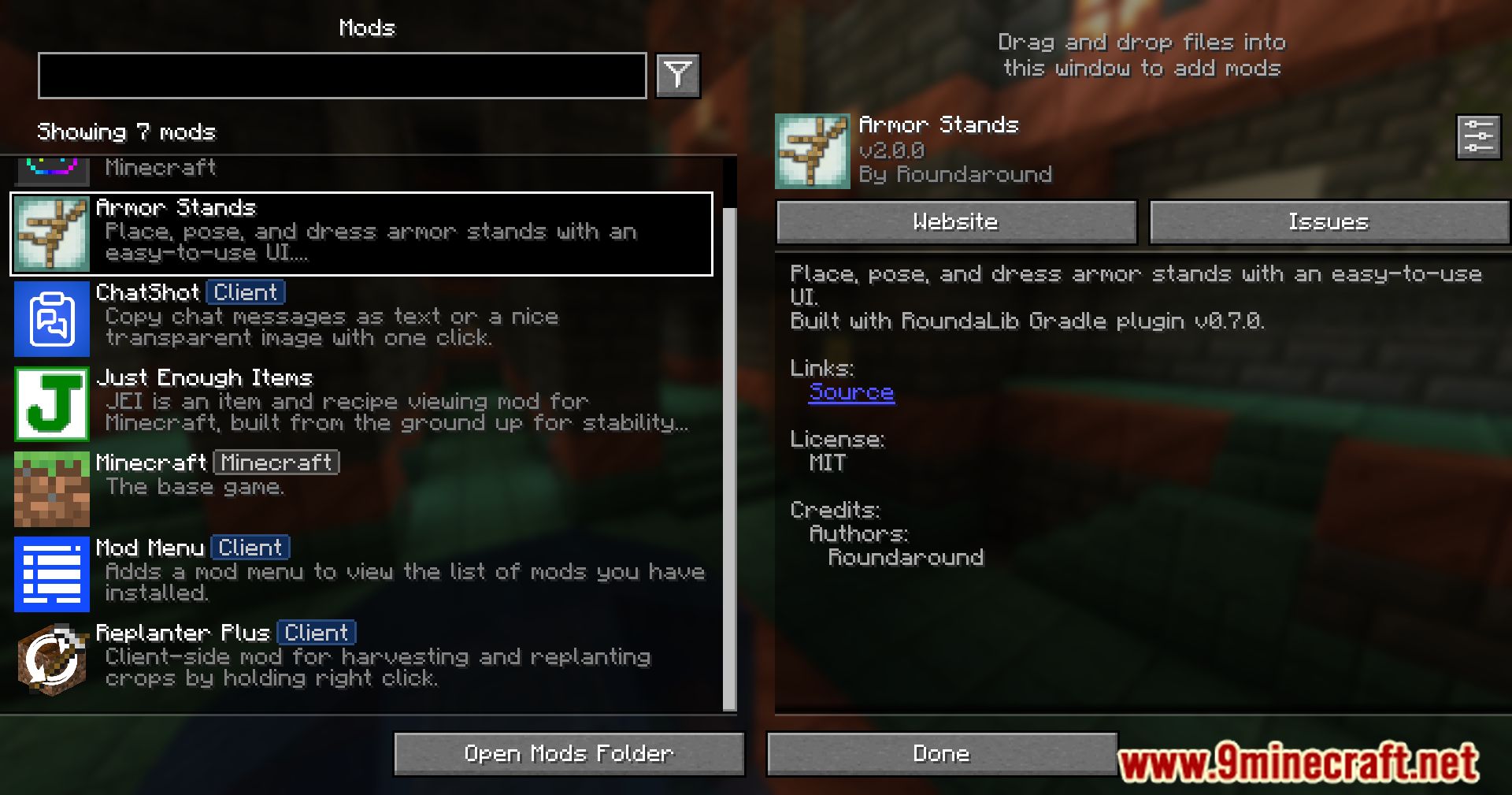
- Use your normal movement keys to walk around while the UI stays open, and hold the ALT key to unlock your camera.
- Click the screen buttons or use number keys 1 through 6 on your keyboard to navigate between the utilities, move, rotate, pose, presets, and inventory screens.
- Name an armor stand after a real player using a name tag, then flip on the mannequin toggle to render it as that player.
Screenshots:
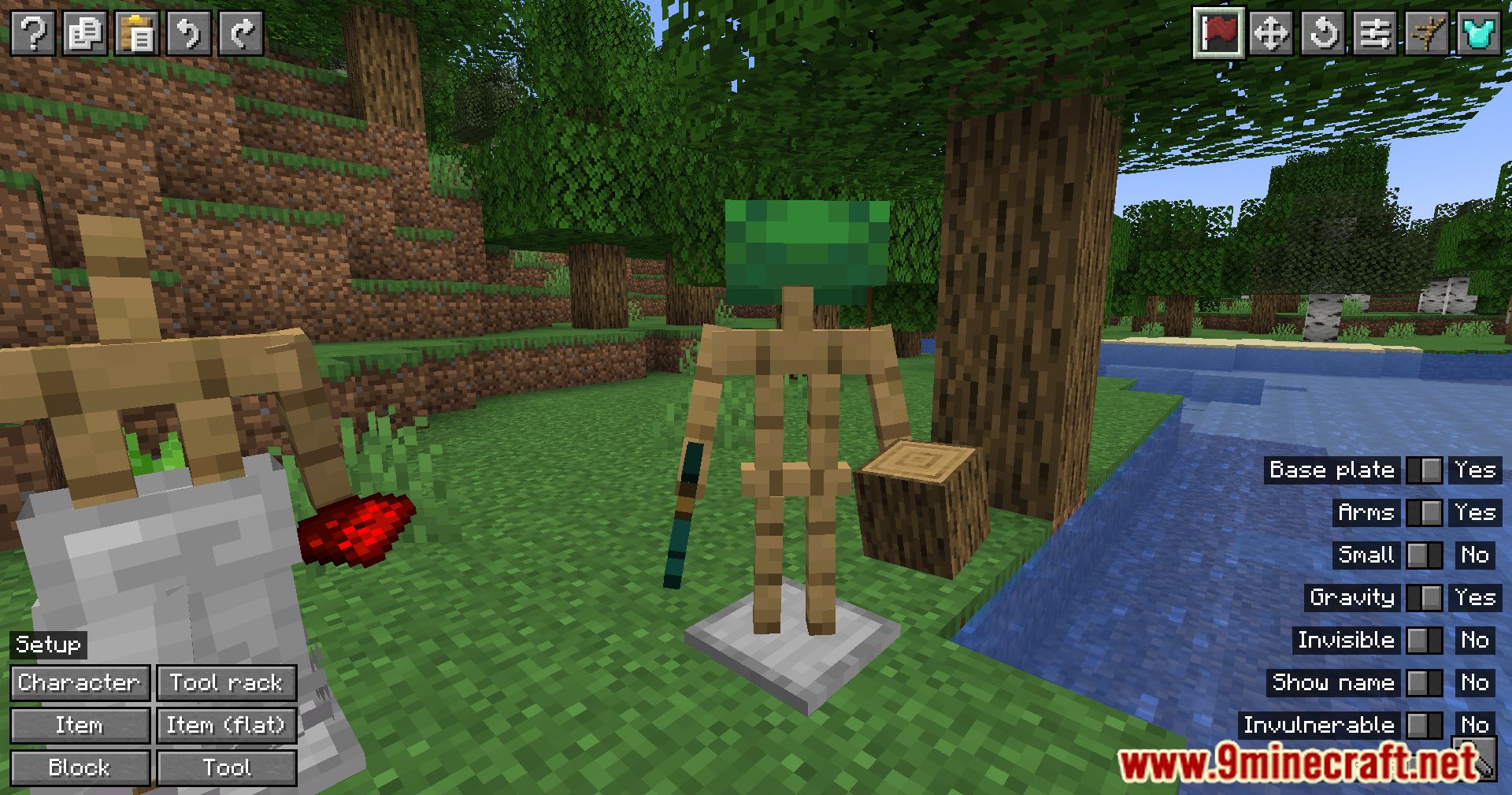
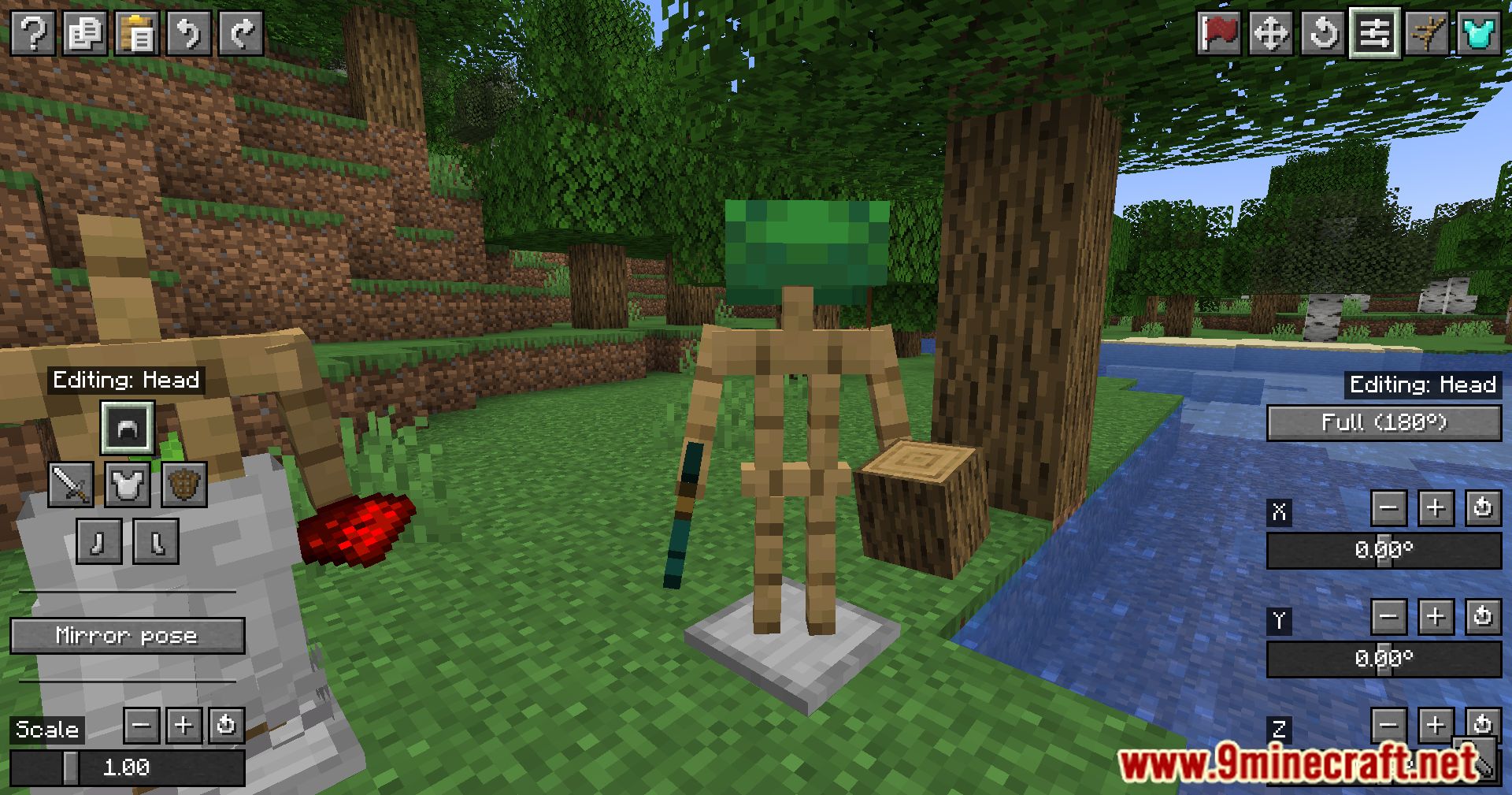
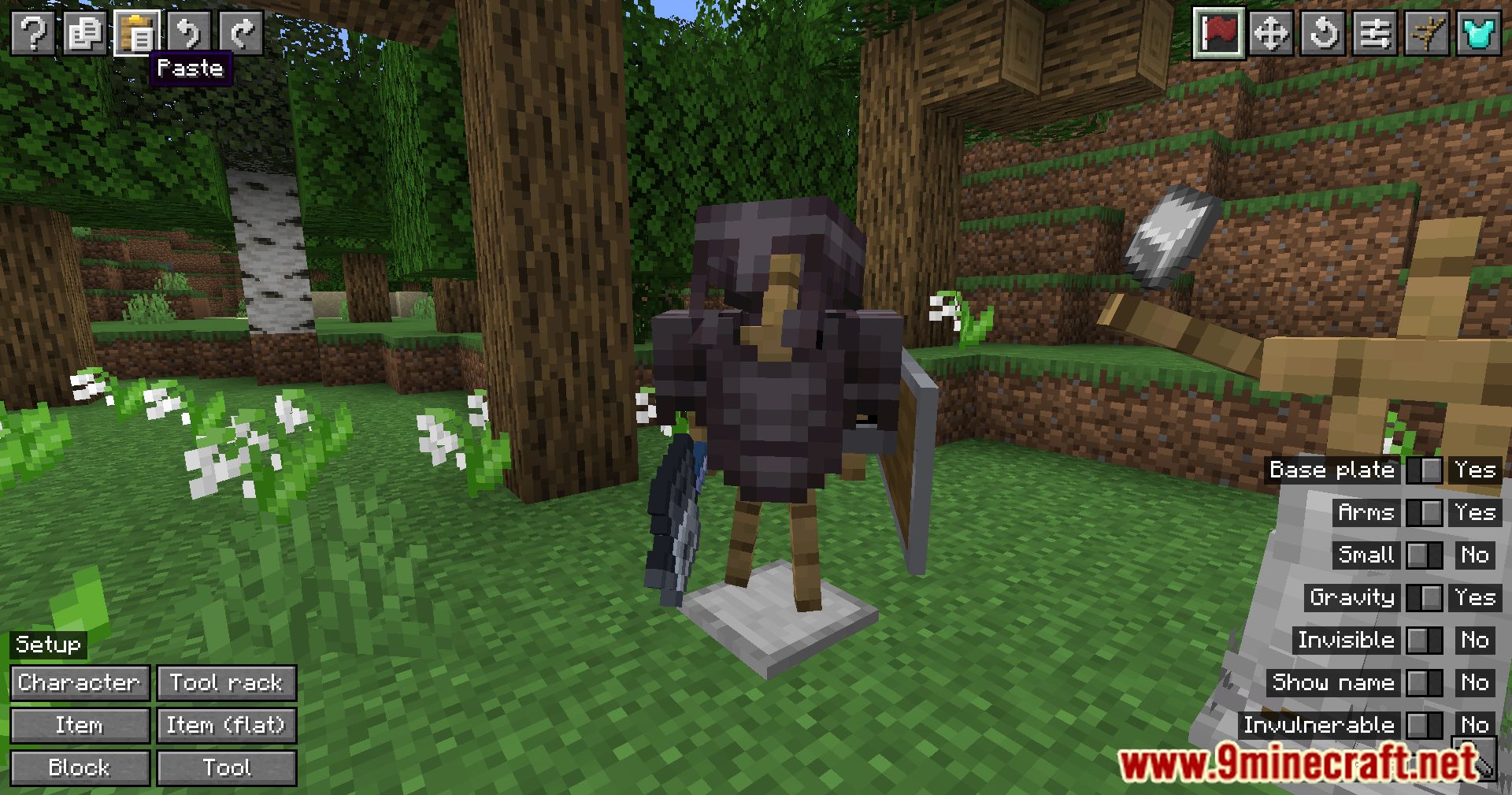
How to Install:
New to Minecraft? Follow our step-by-step guide to install Mods on your PC.View Guide
Requirements:




Armor Stands Mod Download Links
For Minecraft 26.3
For Minecraft 26.2
For Minecraft 26.1.2, 26.1.1, 26.1
For Minecraft 1.21.11
For Minecraft 1.21.10, 1.21.9
For Minecraft 1.21.8, 1.21.7, 1.21.6
For Minecraft 1.21.5
For Minecraft 1.21.4
For Minecraft 1.21.1, 1.21
For Minecraft 1.20.6, 1.20.5
For Minecraft 1.20.4, 1.20.3
For Minecraft 1.20.2
For Minecraft 1.20.1, 1.20
For Minecraft 1.19.4
For Minecraft 1.19.3
For Minecraft 1.19.2, 1.19.1, 1.19
Click to rate this post!
[Total: 0 Average: 0]
You May Also Like
Picked for this page
 Curios API (26.3, 1.20.1) – Library for TheIllusiveC4’s Mods
 Falling Leaves Mod (26.3, 1.20.1) – Visually Appealing Addition
 Weaker Spiderwebs Mod (26.3, 1.20.1) – Easier to Break Spiderwebs
 Transcending Trident Mod (26.3, 1.20.1) – Riptide Without Rain
 MineMenu Mod (26.1.2, 1.20.1) – Make Your Life Easier
 Server Sleep Mod (26.2, 1.20.1) – One Rule To Sleep Them All
 Leaves Us In Peace Mod (26.3, 1.20.1) – Swift Leaf Decay
 Firmament Mod (1.21.11, 1.20.1) – Essential Tools And Overlays For Hypixel SkyBlock
 Potion Counter Mod (26.3, 1.20.1) – Potion Display Overlay
 Head In The Clouds Mod (26.3, 1.20.1) – Immersive Weather Dynamics
 BetterSleeping Revived Mod (1.20.1) – Sleeping Becomes More Critical
 Pv-Addon-Sculk Mod (26.3, 1.20.1) – Wardens Detect Player Mic Audio
Most viewed in Mods over the last 7 days
 Ala Industrial Mod (26.3) – Run Electric Power Grids and Automated Factories
 PleasureCraft Mod (26.3, 1.21.1) – Jenny Mod Remake for Fabric
 Jennycraft Mod (26.3, 1.20.1) – Virtual Girlfriend in Minecraft
 Fapcraft Mod (26.3, 1.12.2) – Comprehensive and Detailed Content
 Jenny Mod (Fapcraft) Official Complete Guide – How to use, Tutorial
 BangCraft Mod (1.20.1) – Jenny, Ellie and Elliot
 Fabric Loader (26.3, 1.20.1) – Fabric Installer for All Minecraft Versions
 Meteor Client Mod (26.3, 1.20.1) – Xray, HUD, Fly
 The Shooting Star Demo Mod (26.3, 1.20.1) – Vaporize Terrain From Orbit
 OptiFine HD (26.3, 1.20.1) – Run Faster, FPS Boost, Shaders Support
 Aristois Client Mod (1.21.4, 1.20.1) – World Class Minecraft Utility
 SchnurriTV Mod (1.12.2) – Characters and Features
More from Mods
 Wireless Automate Mod (1.21.1) – Automate Base Logistics Without Messy Pipes
 Vaskars Opus Faction War Quests & Bosses Mod (1.21.11, 1.20.1)
 Multitools and More Mod (26.3, 1.20.1) – Clear Your Hotbar and Travel
 Luxium Let There Be Light Mod (1.20.1) – Stunning Lighting on Low-End Computers
 Soulscraft Tarnished Legacy Mod (1.21.1) – Hunt Relics to Forge Dark Fantasy
 Fetzi’s Displays Mod (26.1.2, 1.20.1) – Turn Rare Gear and Weapons
 Primal Plushies Paleo Pals Mod (1.21.1, 1.20.1) – Decorate Your Base
 Ipla Mod (26.3, 1.20.1) – Showcase Your Favorite Items
 MesdagPortLib Mod (1.20.1) – Run Modern Minecraft Mechanics on Older Versions
 Hellion’s API Mod (1.21.11, 1.21.1) – Play Hellion Series Addons Without Crashes
 Terrestria Mod (26.3, 1.20.1) – Highly Detailed Biomes
 Tre’s Tack Library Mod (1.20.1) – Outfit Your Horses with Fully Detailed Tack

This post has no comments yet. Be the first — your comment will appear here.