


Wasp 002 Schematic (1.21.x) – Compact Flying Hovercraft for Creative Mode

 0
0 

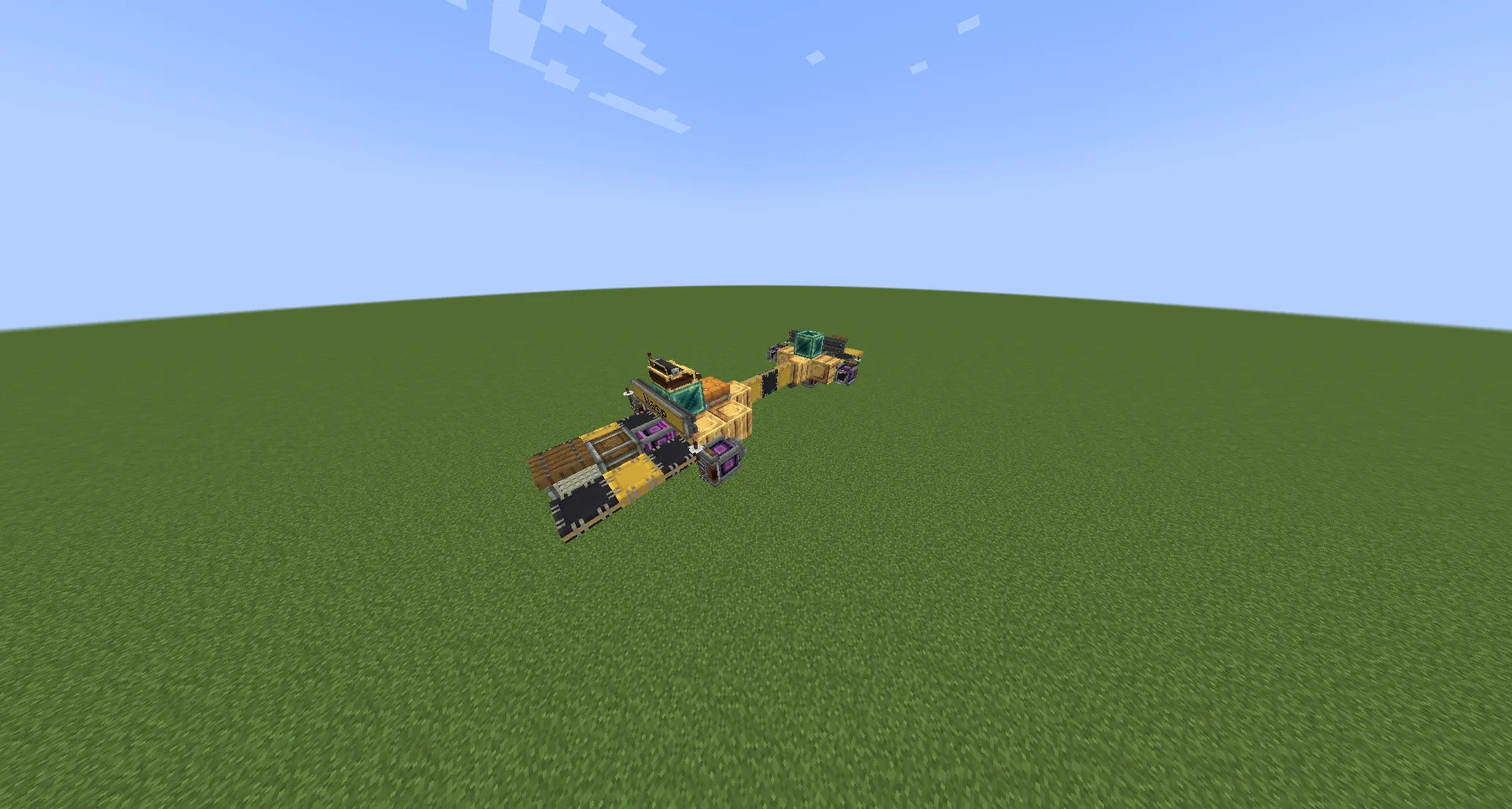
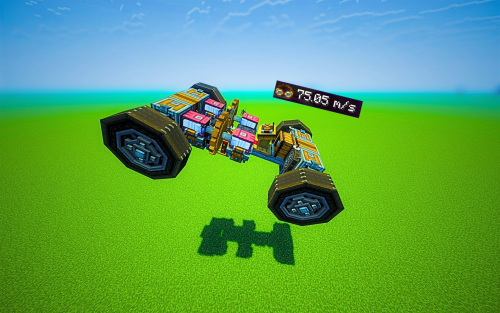
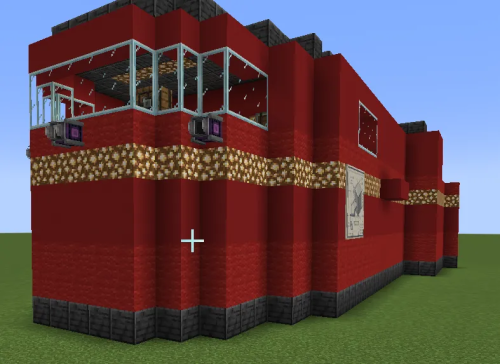
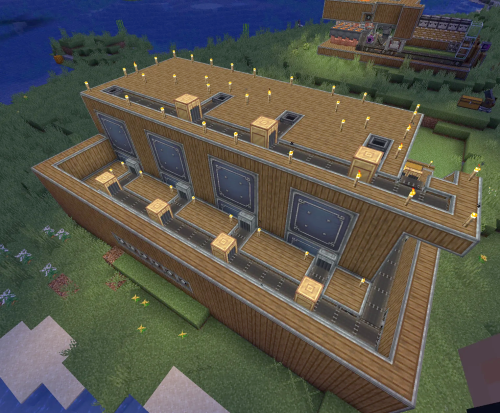
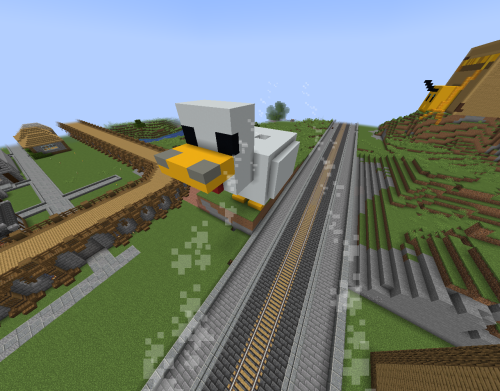
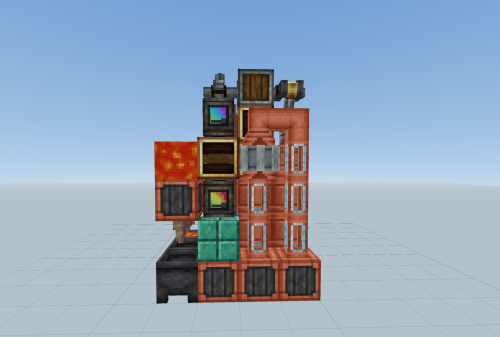
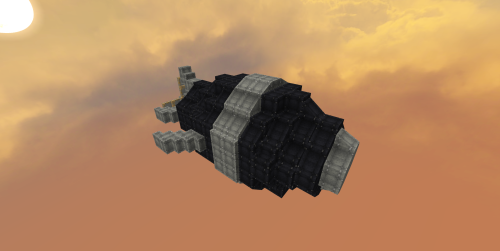
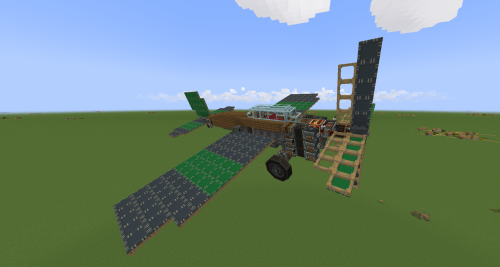
Wasp 002 Schematic offers a fast hovercraft design for creative mode players. It uses powerful thrusters to fly through the sky without needing complex redstone or moving parts. This build is small and easy to place in your world. You can copy the design or change the blocks to fit your style. It even includes a linked typewriter for extra detail. The build focuses on raw power to move you around quickly.
Features:
- Uses creative thrusters for fast movement across the land and sky.
- Build stays simple with no moving parts or complicated redstone circuits.
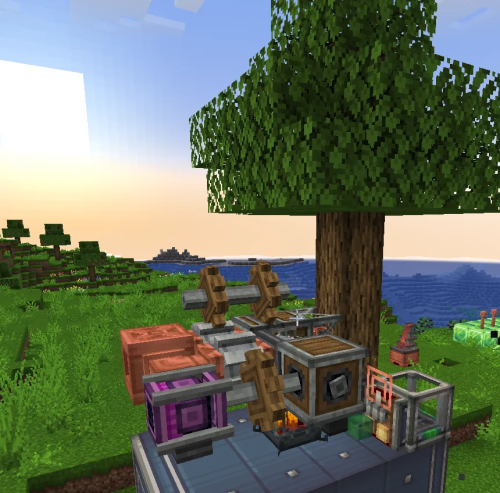
- Features a linked typewriter for a unique look and utility.
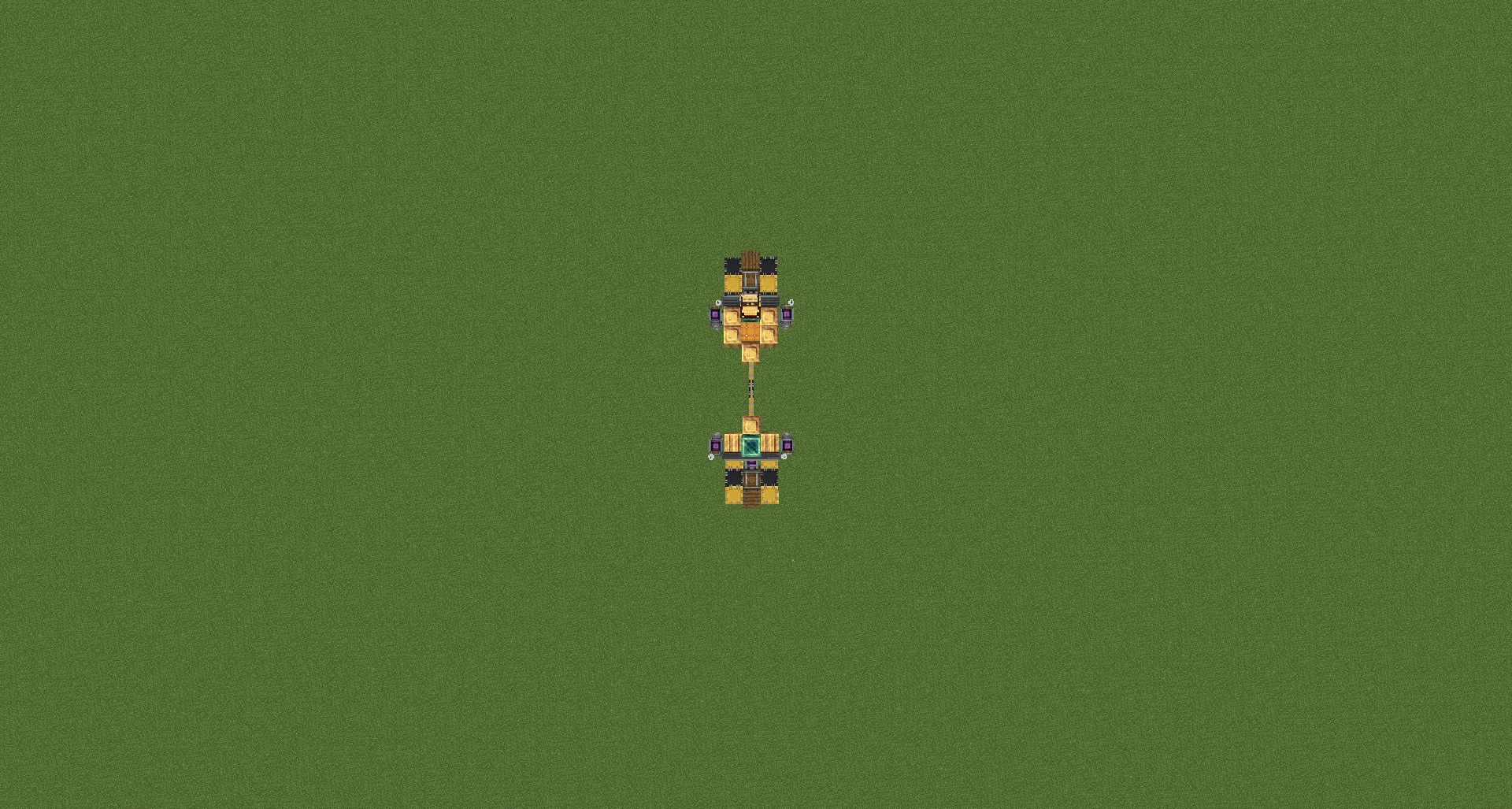
- Compact size fits into small spaces with dimensions of 14x4x5 blocks.
- Total block count is only 58, making it very light and easy to spawn.
- Creative mode thrusters provide steady power for long flights.
Schematic Specs:


 Top Blocks Used
Brass Sheet Metal 11Yellow Symmetric Sail 8Black Symmetric Sail 7Redstone Link 6Creative Thruster 6
How to Use:
- Open the Create Schematic Cannon or use the Schematic and Quill tool.
- Load the Wasp 002 Schematic file into your Minecraft world.
- Place the hovercraft in an open area with enough space to fly.
- Sit in the pilot seat and use the thrusters to move.
- Keep the thruster power at a safe level to avoid flying out of control.
⚠ Warning:
Do not, under any circumstances, make the power of the thrusters too high, unless you want to play Create Space Program.
I will be making a survival friendly version soon, and it will also use the thrusters.
Have fun and fly free!!!
Screenshots:
Requirements:
 Create Mod Required
createdeco Required
simulated Required
createpropulsion Required
aeronautics Required
Wasp 002 Schematic Download Links
Click to rate this post!
[Total: 0 Average: 0]
You May Also Like

This post has no comments yet. Be the first — your comment will appear here.