


Sword Armor Trims Data Pack (26.2, 1.21.11) – Decorate Every Blade

 0
0 

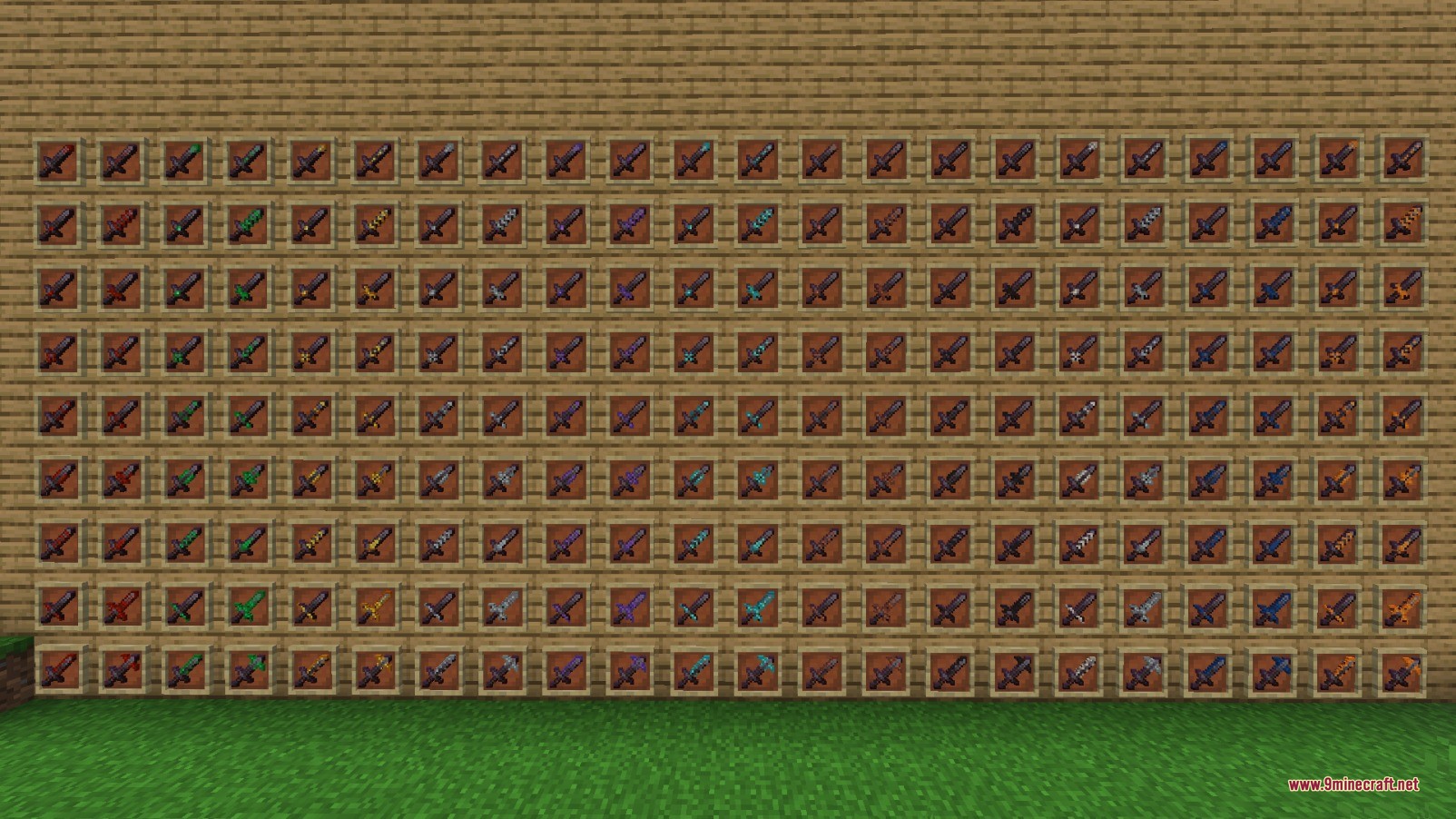
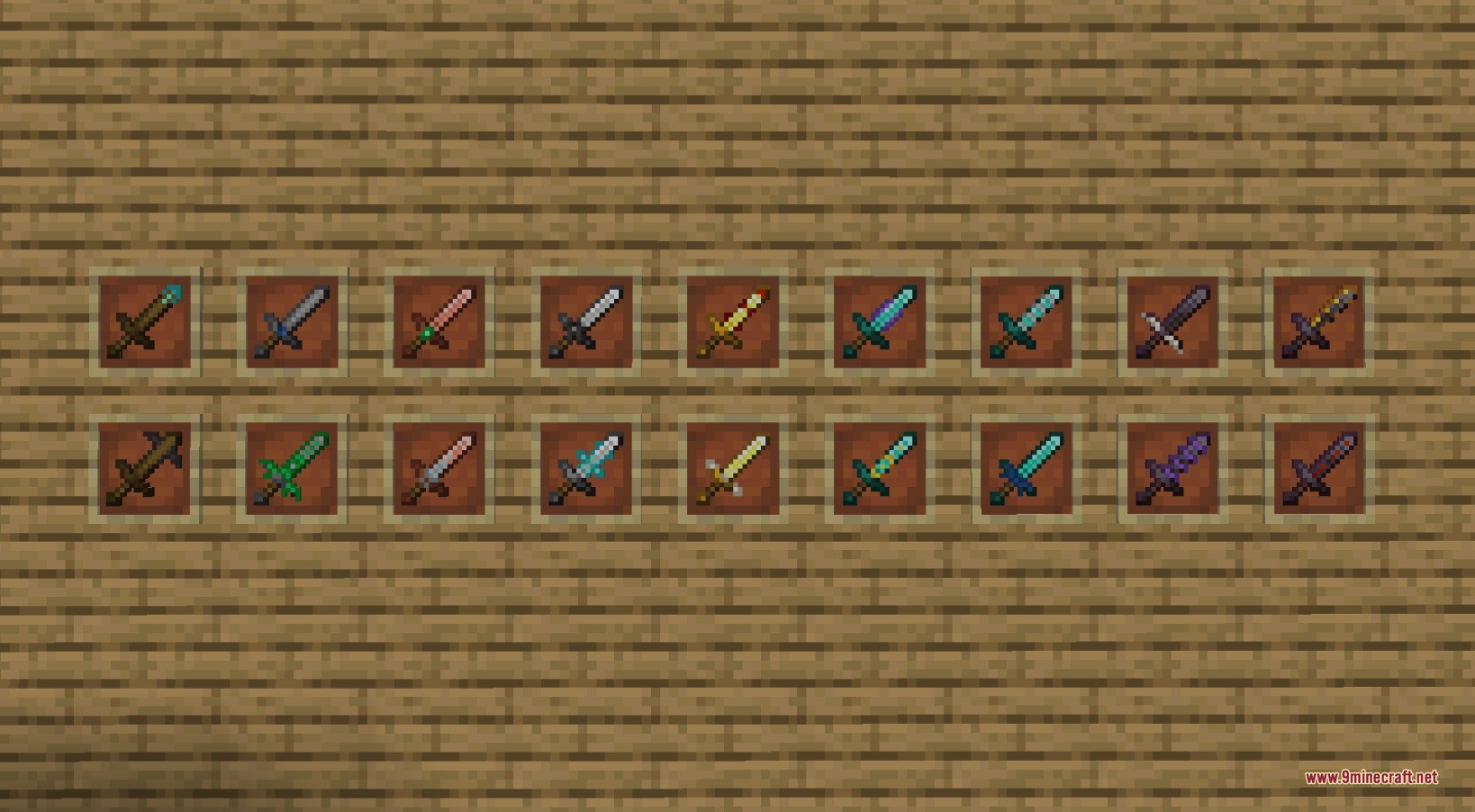
Sword Armor Trims Data Pack unlocks trim customization for every sword in your inventory. You can combine any blade type from wood to netherite with trim templates and minerals at a Smithing Table. The pack brings 199 distinct visual patterns to each tier, giving you over a thousand new looks. It works smoothly on servers without breaking regular vanilla gameplay.
Features:
- Lets you apply any armor trim template to all sword tiers from wood to netherite.
- Works with all 11 smithing materials including iron, gold, diamond, redstone, and amethyst.
- Adds 199 distinct visual patterns for each sword tier for 1393 total combinations.
- Runs on servers so players can customize weapons together in multiplayer worlds.
- Keeps normal sword damage, enchantments, and durability completely untouched.
How to Use:
- Place down a standard Smithing Table.
- Insert your chosen armor trim template into the left slot.
- Place your sword into the middle slot.
- Add your chosen ingot, crystal, or mineral into the right material slot.
- Take out your newly trimmed custom sword.
Screenshots:
How to Install:
New to Minecraft? Follow our step-by-step guide to install Data Packs on your PC.View Guide
Requirements:
KSPACK Required
Sword Armor Trims Data Pack Download Links
For Minecraft 26.2
For Minecraft 26.1.2, 26.1.1, 26.1
For Minecraft 1.21.11
For Minecraft 1.21.10, 1.21.9
Click to rate this post!
[Total: 0 Average: 0]
You May Also Like



This post has no comments yet. Be the first — your comment will appear here.