


Wolf Hot Air Balloon Schematic (1.21.x) – Cute Wolf Themed Hot Air Balloon Decoration

 0
0 

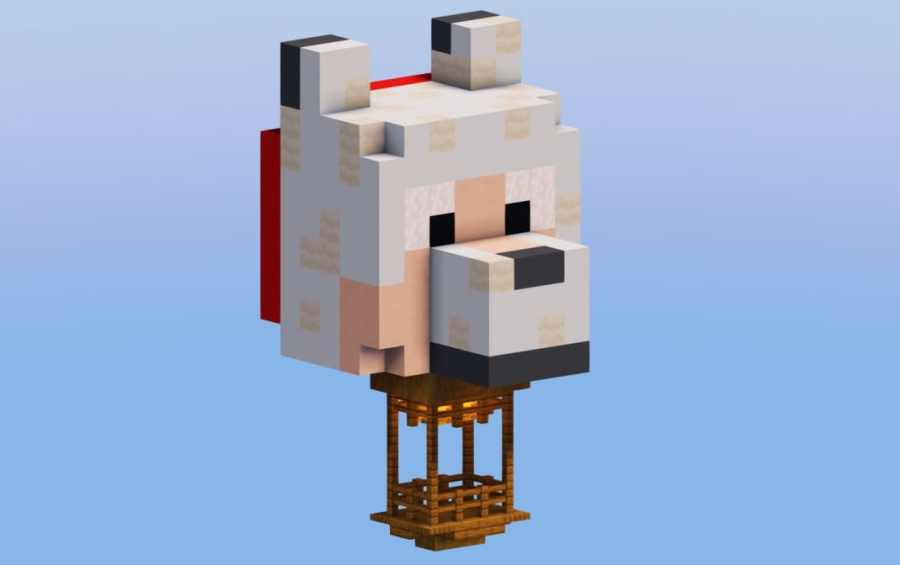
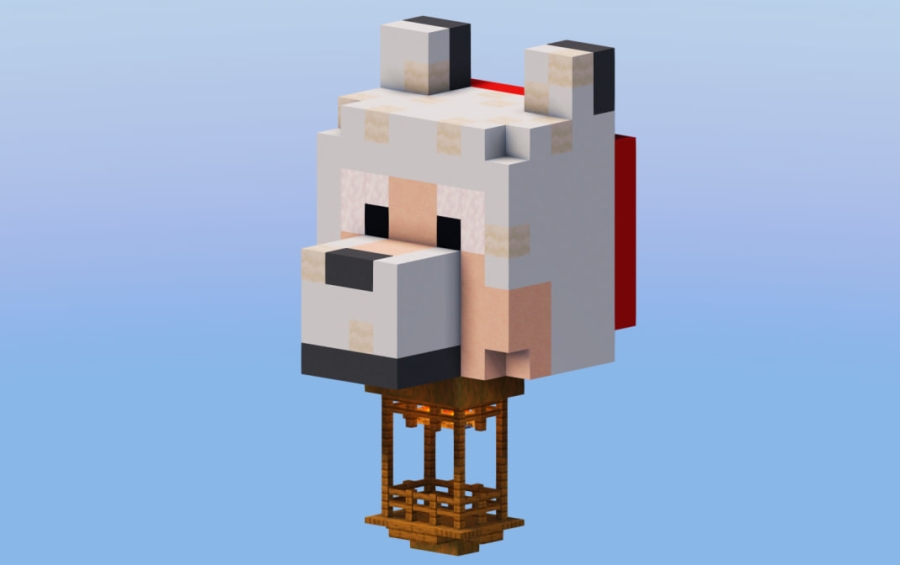
Wolf Hot Air Balloon Schematic adds a cute decoration to your Minecraft world. It features a hot air balloon that looks like a white wolf or dog. You can place it above your house or base to make it look better. This build works with tools like WorldEdit or the Litematica mod. It is a small project that uses 494 blocks, so it fits in many places.
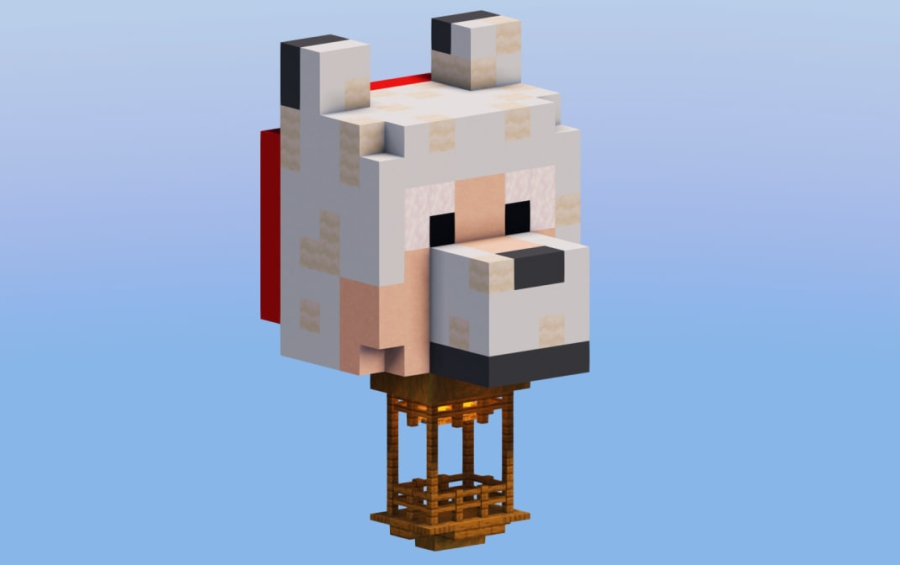
3D Preview:
Features:
- Cute Design: The balloon has a funny white wolf or dog skin that stands out.
- Small size makes it easy to place in tight spots around your world.
- Uses exactly 494 blocks to create the full structure.
- Fits perfectly on top of any player base or village house.
- Works with the .schem file format for quick building with mods.
Schematic Specs:
 Minecraft1.21.x
 Dimensions8×16×9
 Total Blocks494
 Top Blocks Used
White Concrete 157Light Gray Wool 153Mushroom Stem 32Spruce Fence 28White Terracotta 26
How to Use:
- Download the .schem file to your computer.
- Install WorldEdit or the Litematica mod to help you place the schematic.
- Load the schematic into your game using the tool’s menu.
- Choose a high spot, like the roof of your base, to place the balloon.
- Paste the build into your world to finish the decoration.
Screenshots:
Wolf Hot Air Balloon Schematic Download Links
For Minecraft 1.21.x
Click to rate this post!
[Total: 0 Average: 0]
You May Also Like


This post has no comments yet. Be the first — your comment will appear here.