


AddurDisc Mod (1.20.1, 1.19.2) – Build Your Base to Your Favorite Music
 168
168
 0
0


🌐 Good news — we've translated this article into other languages!
Or pick the one you like:
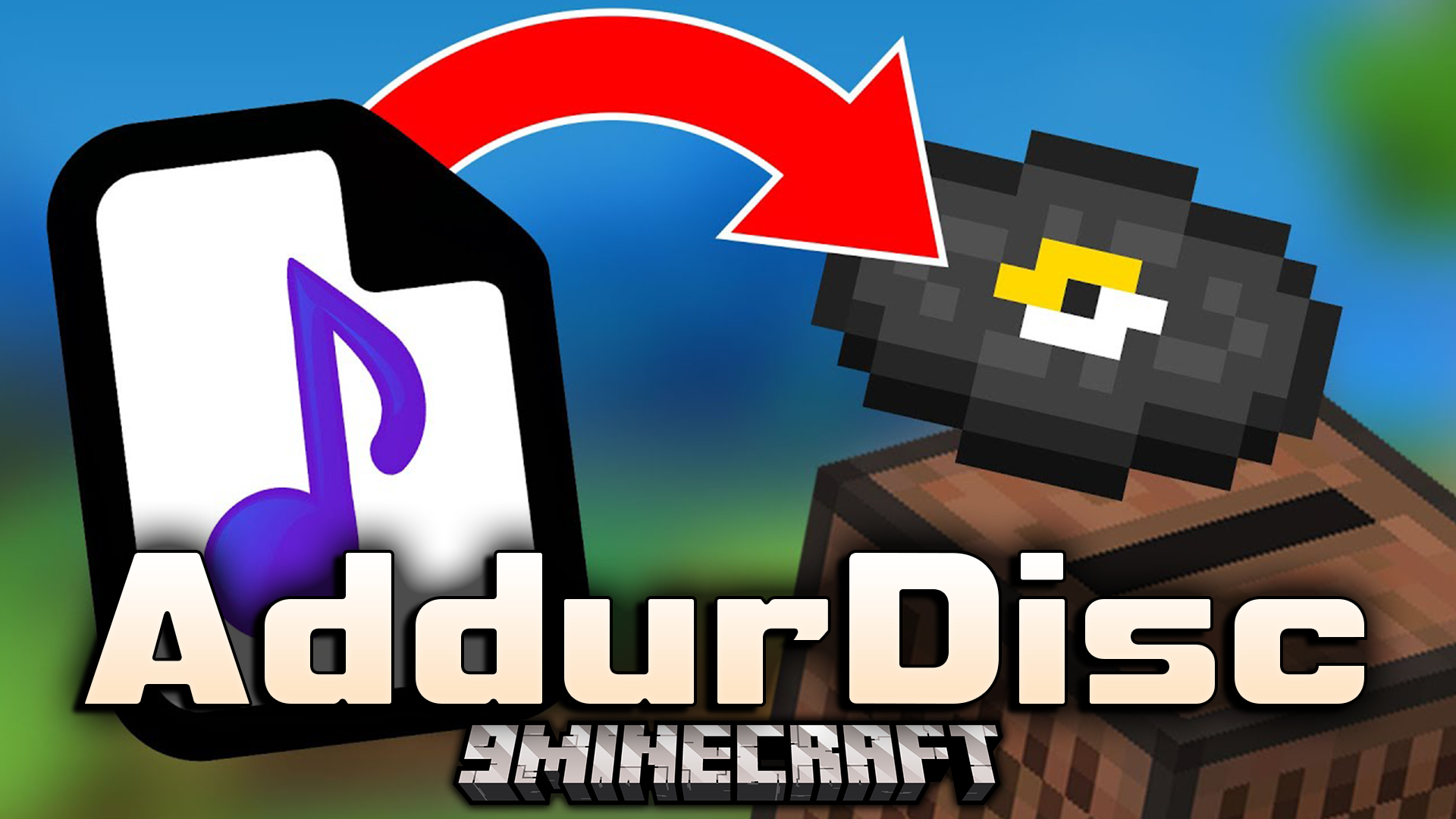
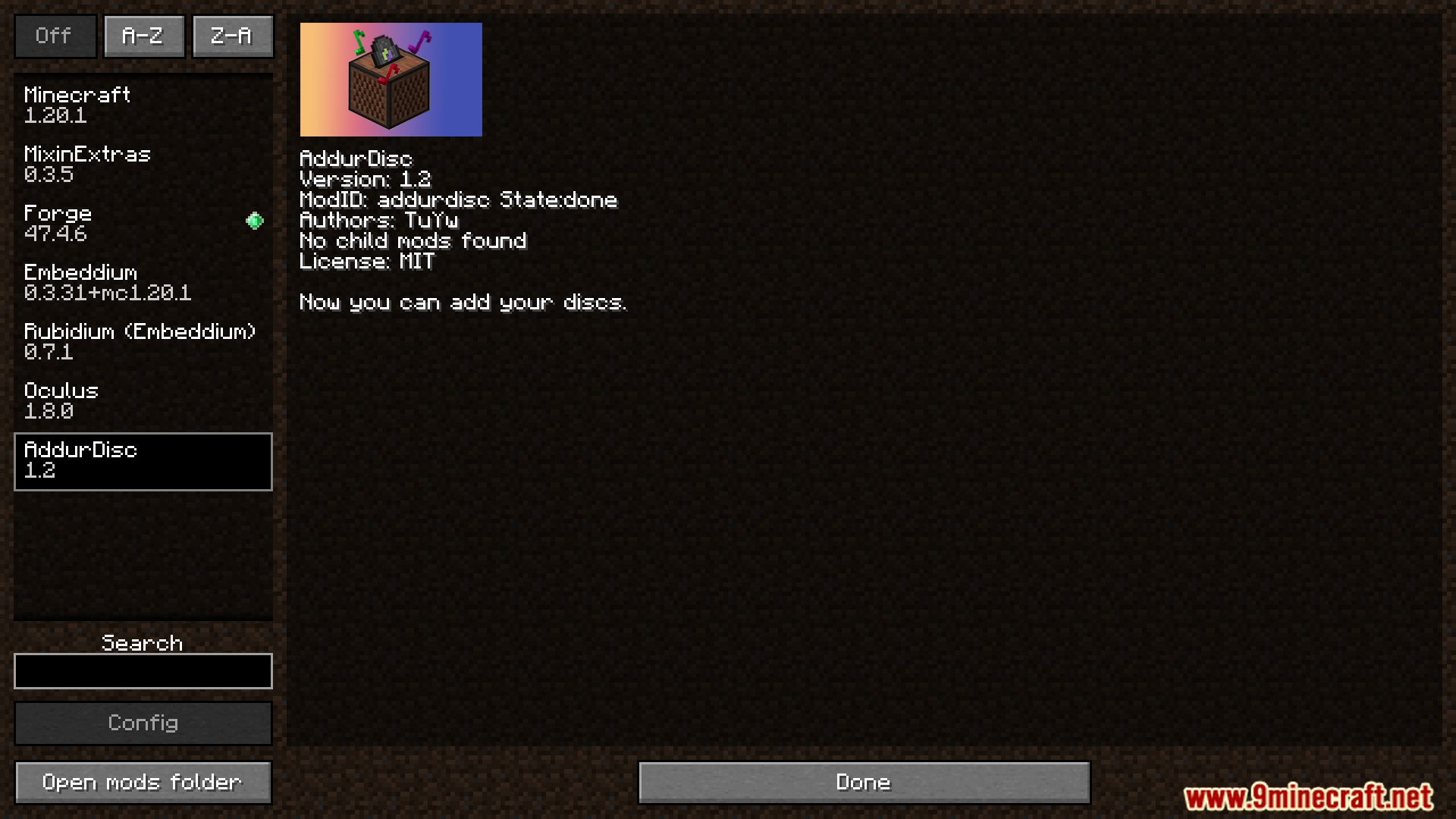
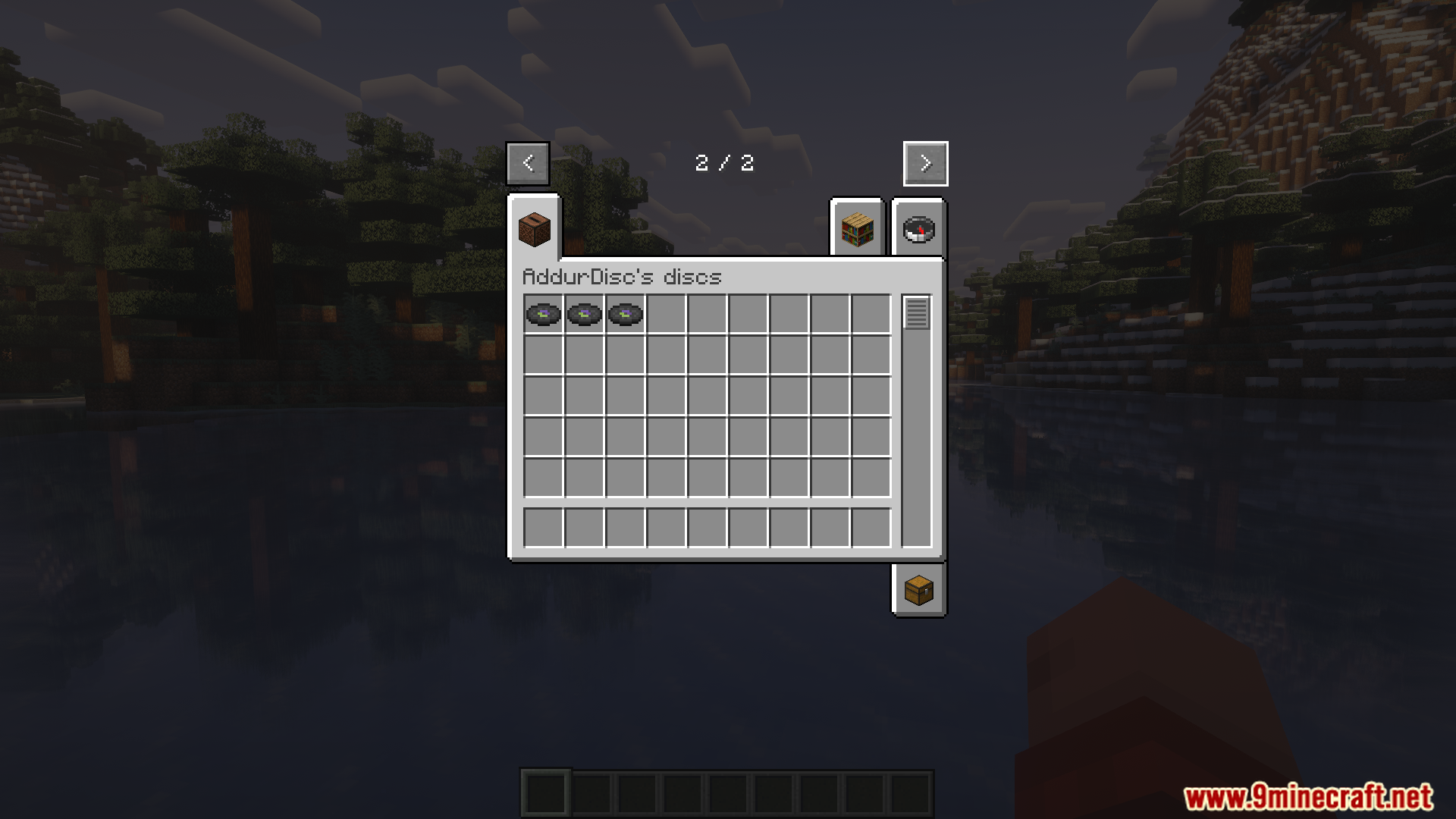
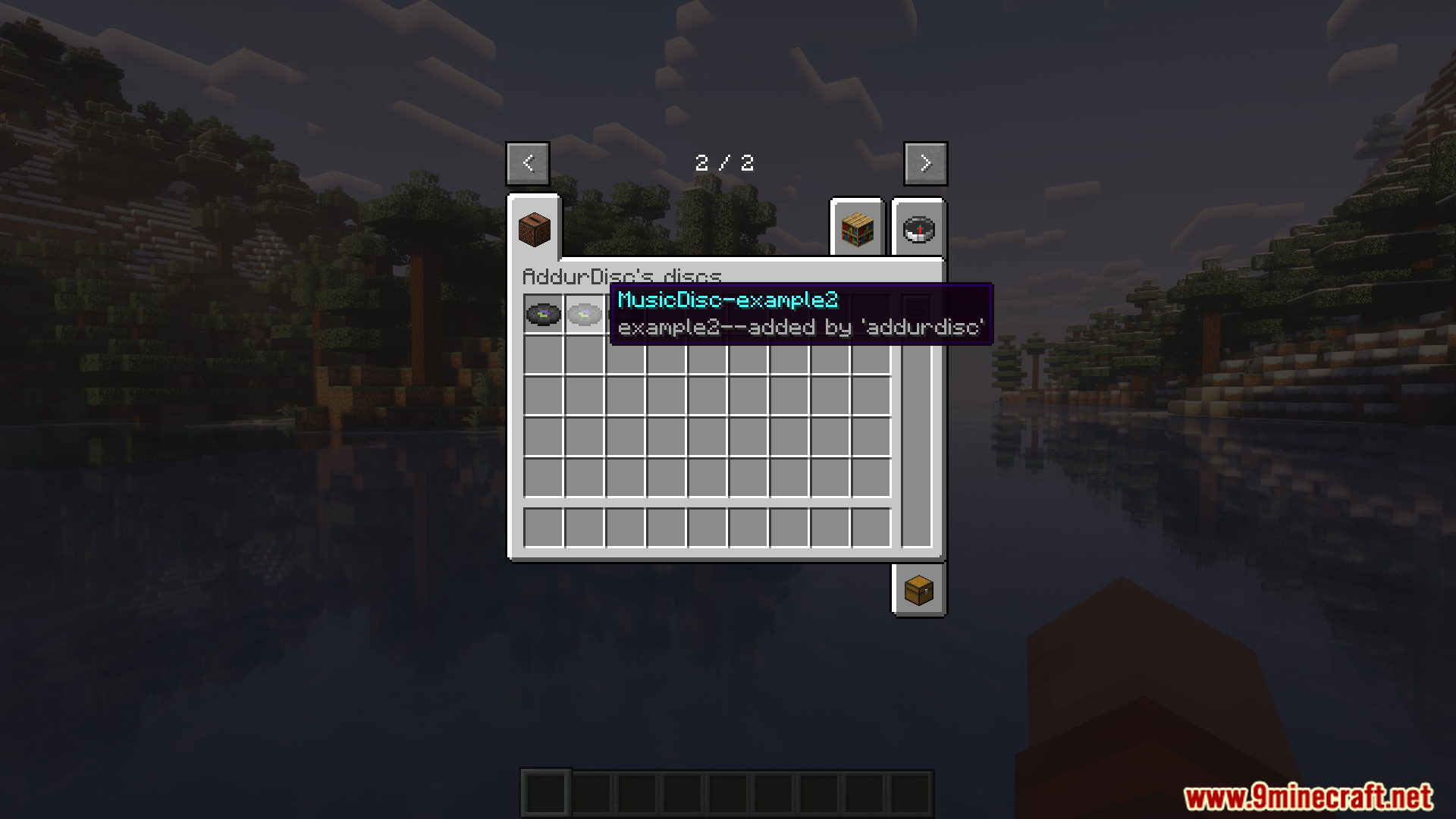
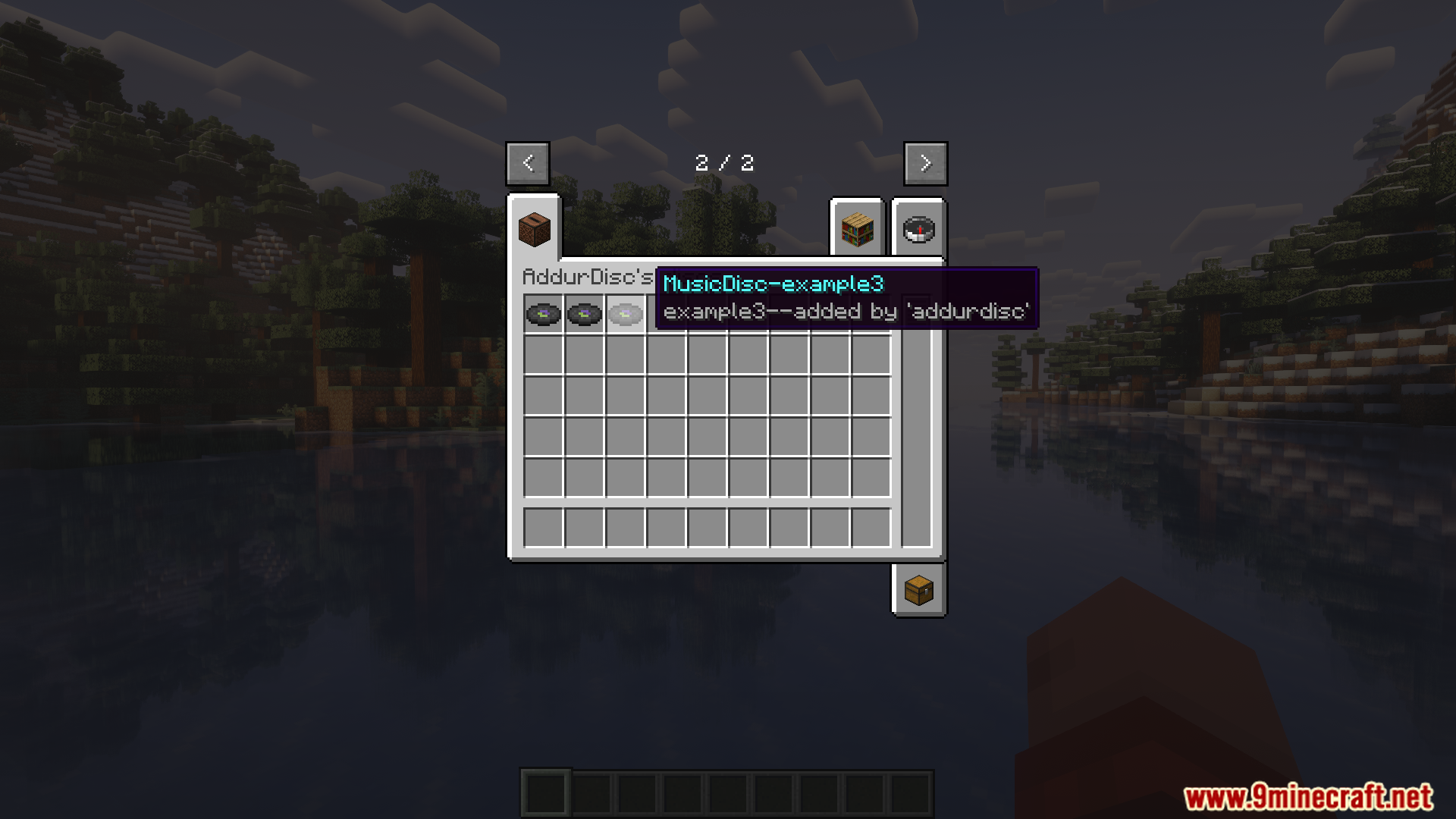
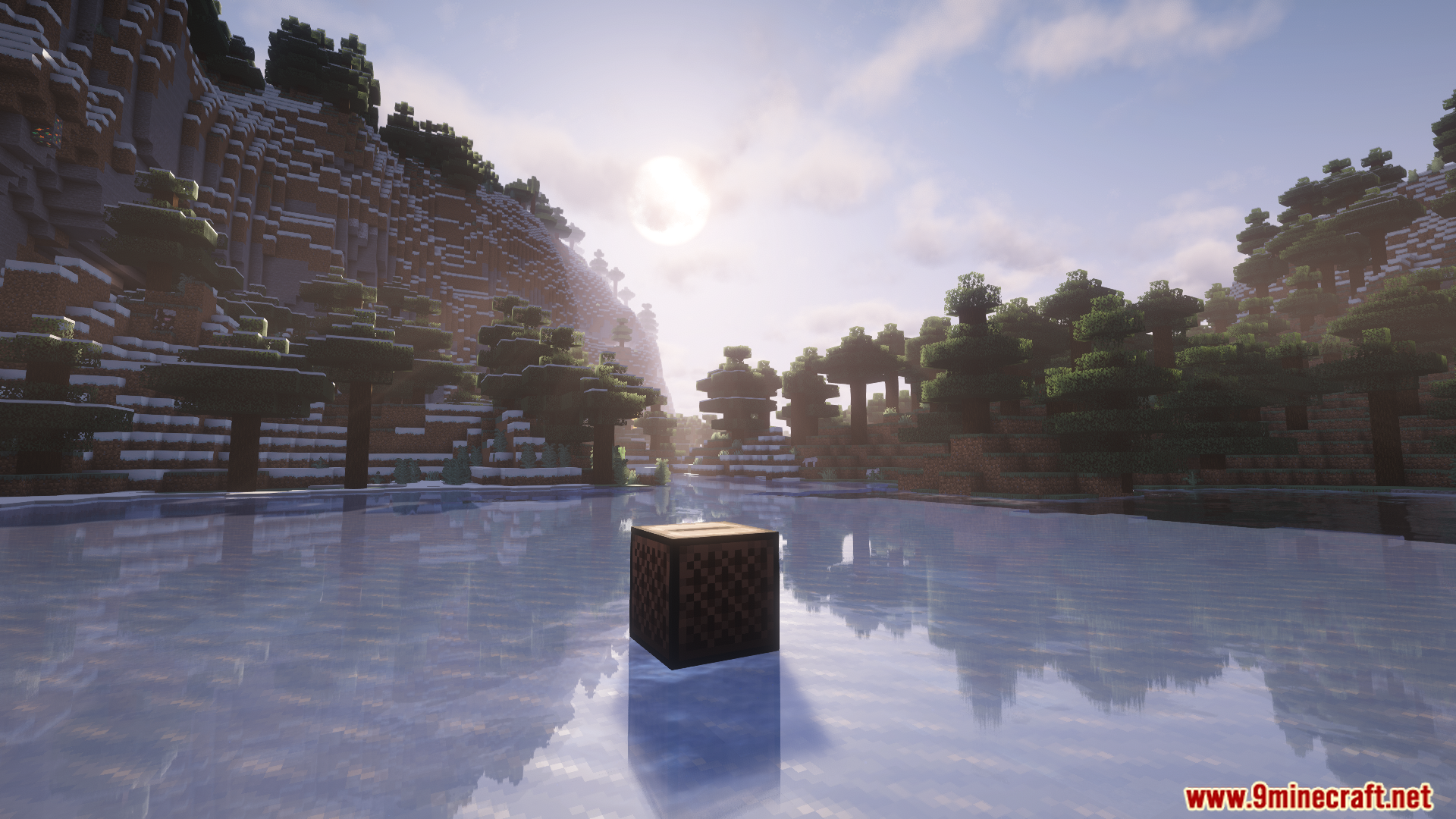
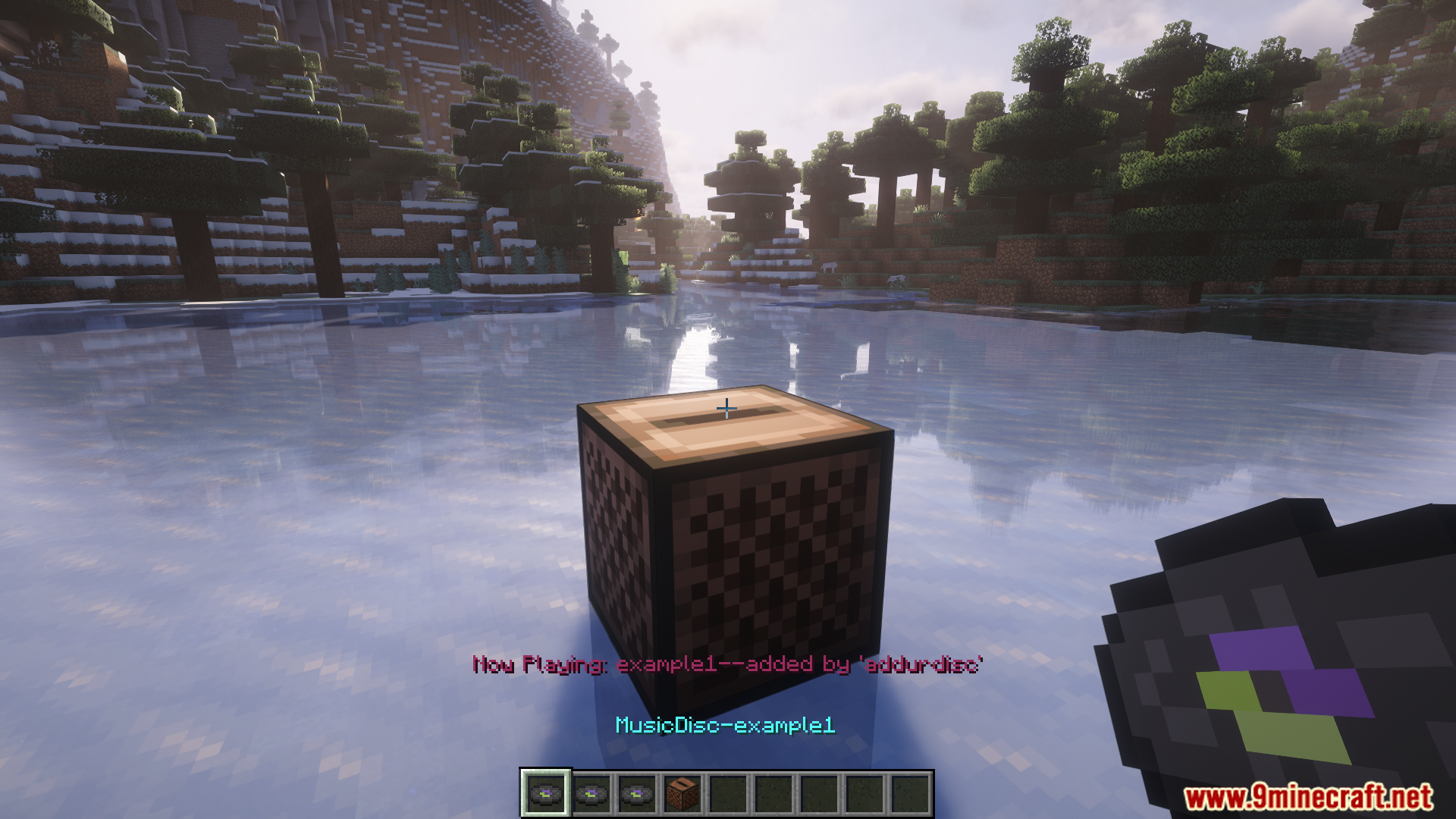
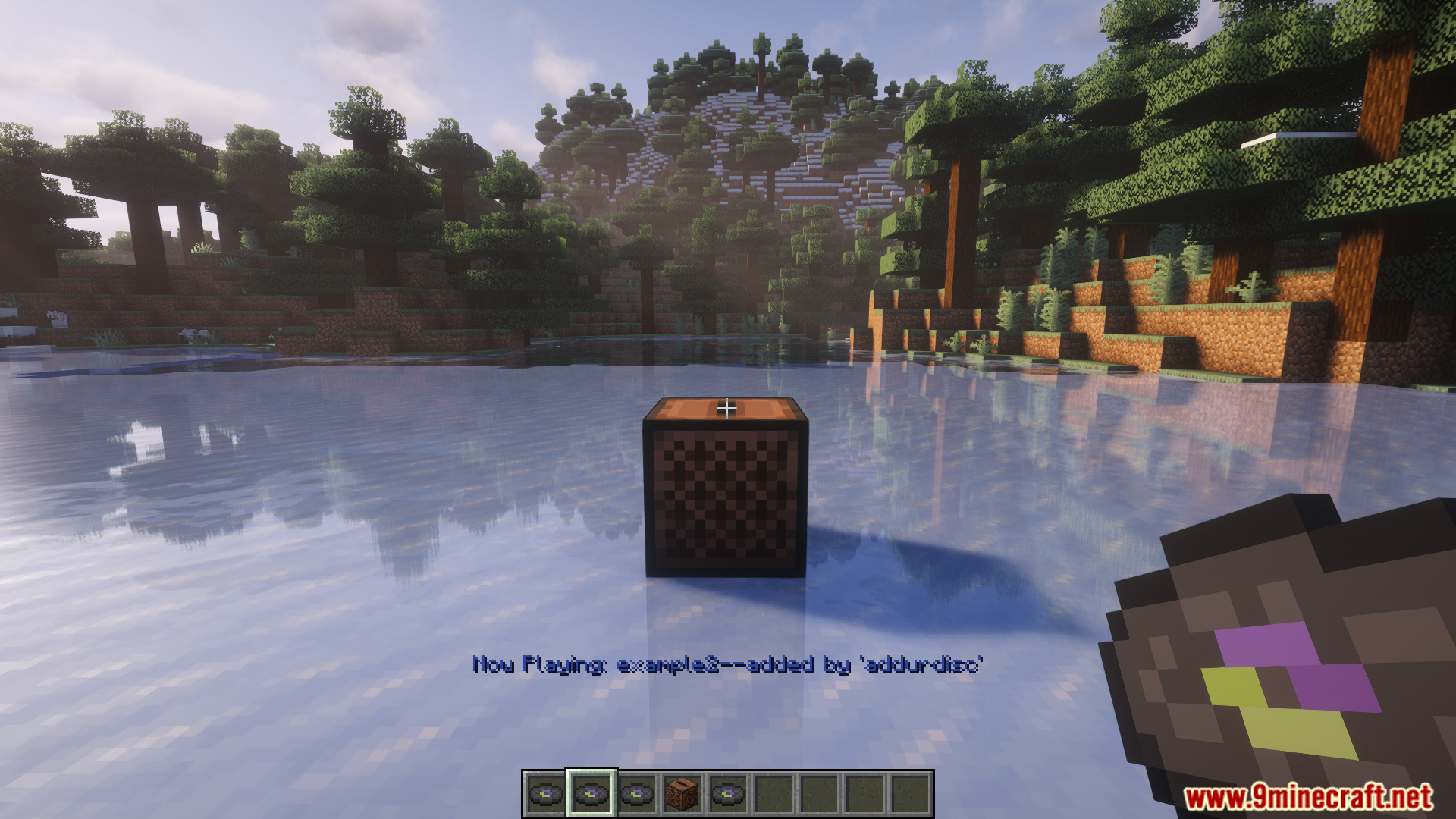
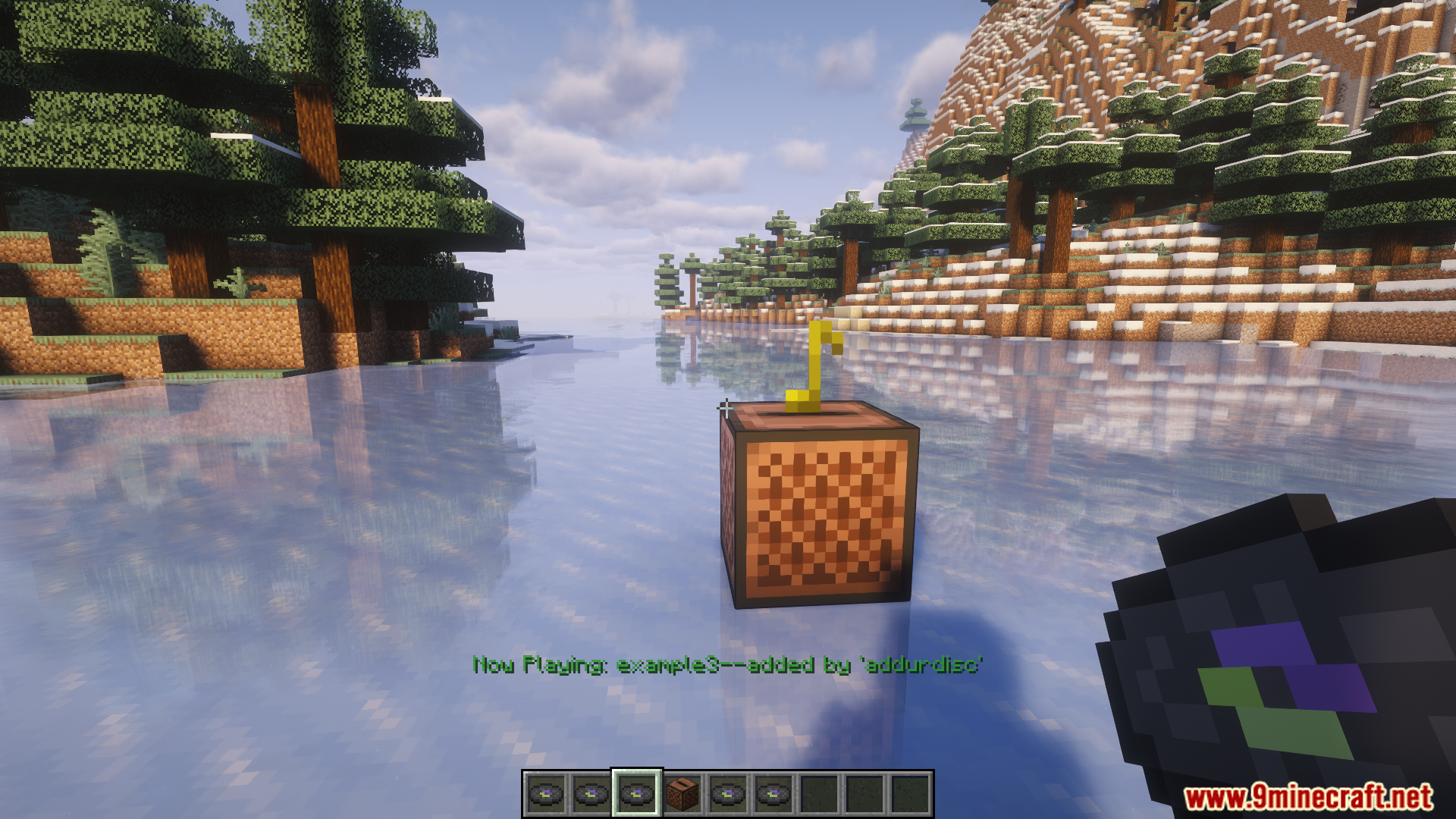
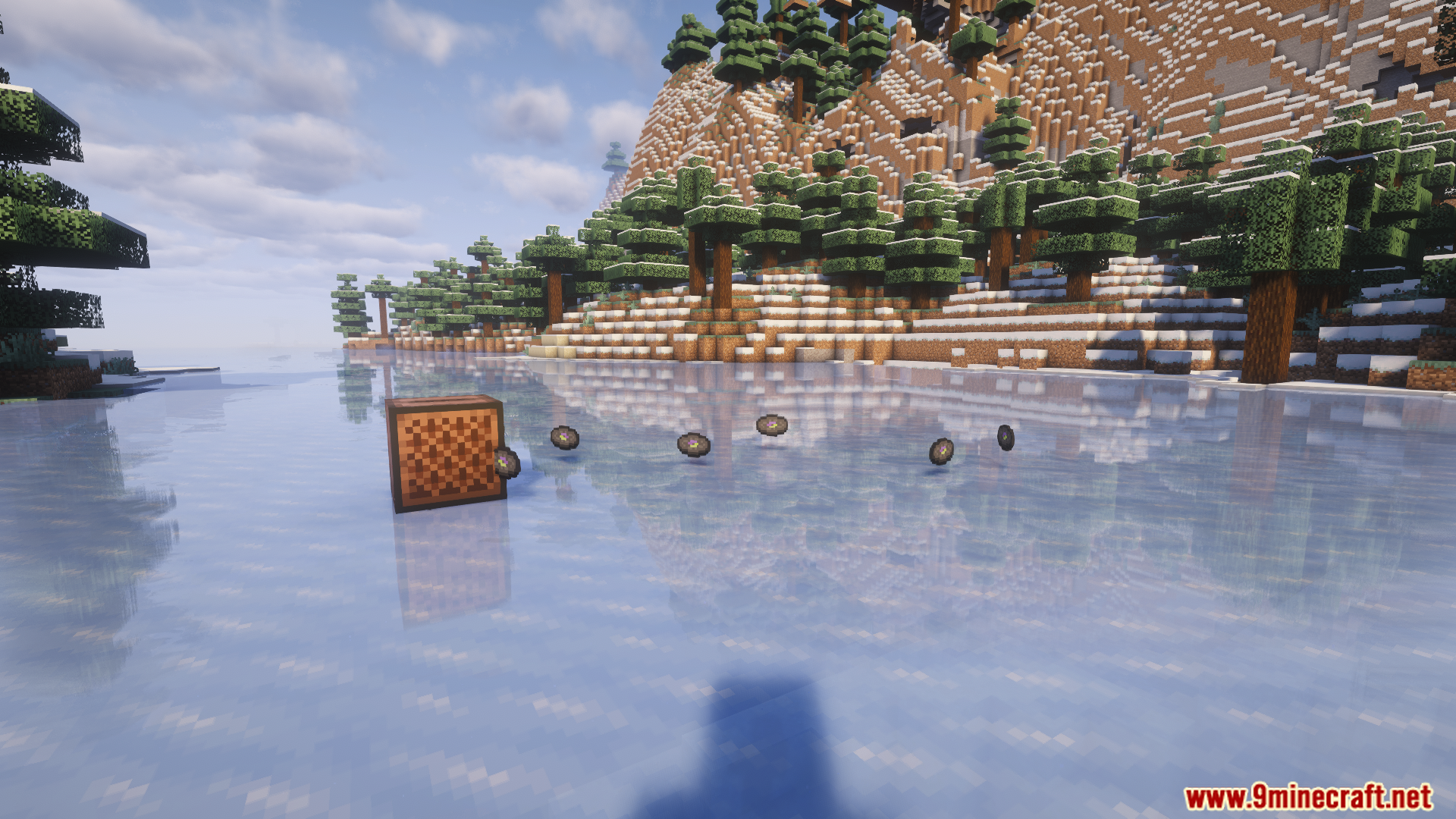
AddurDisc Mod lets you add your own music to Minecraft as playable discs. Simply place an OGG audio file into the mod’s folder, and it will appear in-game as a brand new music disc. You can also change the look of each disc with custom textures and even edit their names.
Features:
- Lets you add your very own songs into the game as new music discs.
- You can give each new music disc its own custom picture.
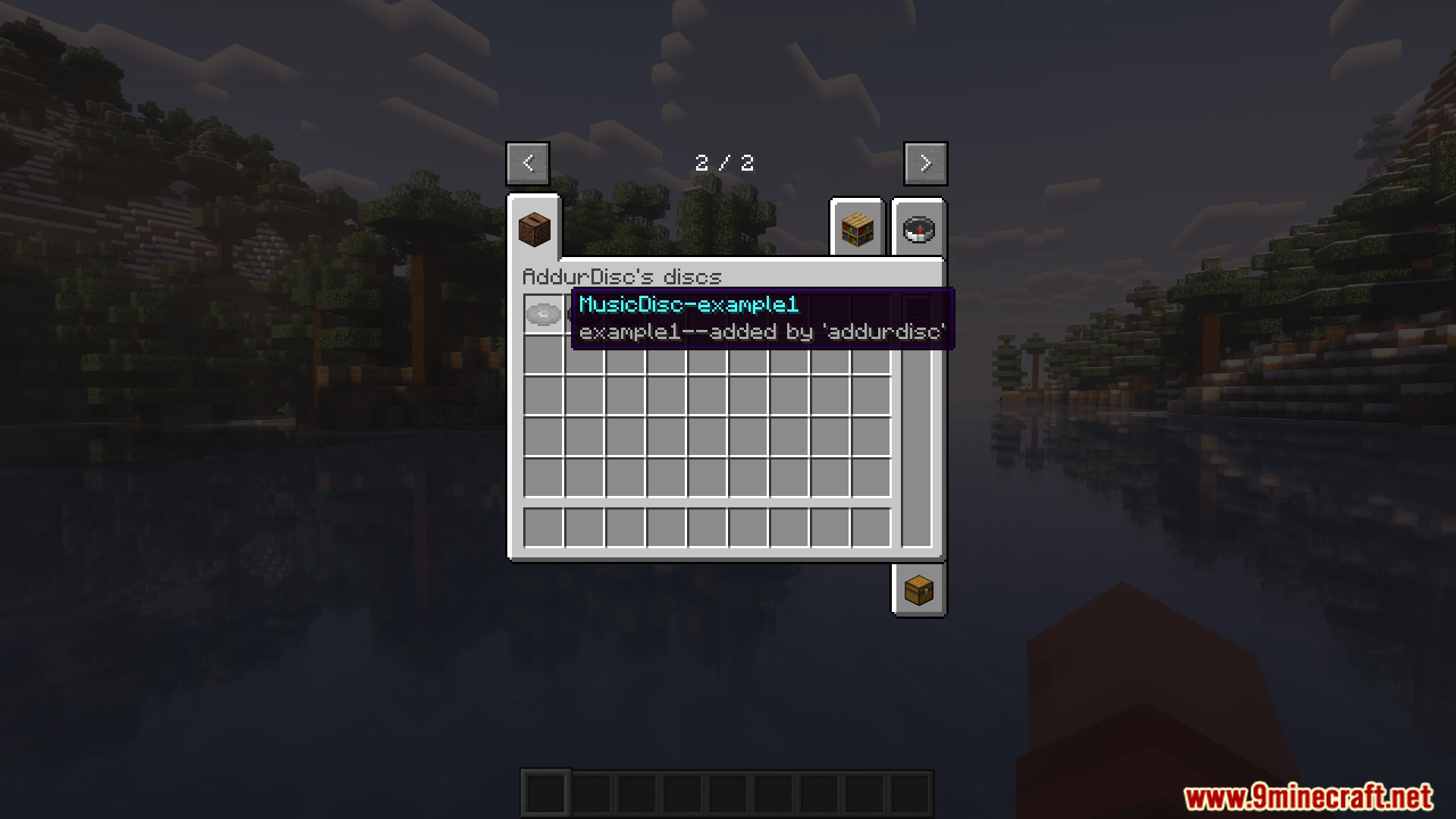
- Allows you to set custom names and descriptions for every disc you add.
- You can choose whether Creepers can drop your custom discs when defeated.
- Lets you change the folder where the mod looks for your custom music and pictures.
Audio Tips:
- The mod includes advice on how to fix your audio files if they don’t play correctly in the game.
- You can convert your songs to mono sound to make them work better with Minecraft’s sound effects, like hearing them fade with distance. The mod provides commands for this, such as:
ffmpeg -i input.ogg -ac 1 output.ogg
How to Use:
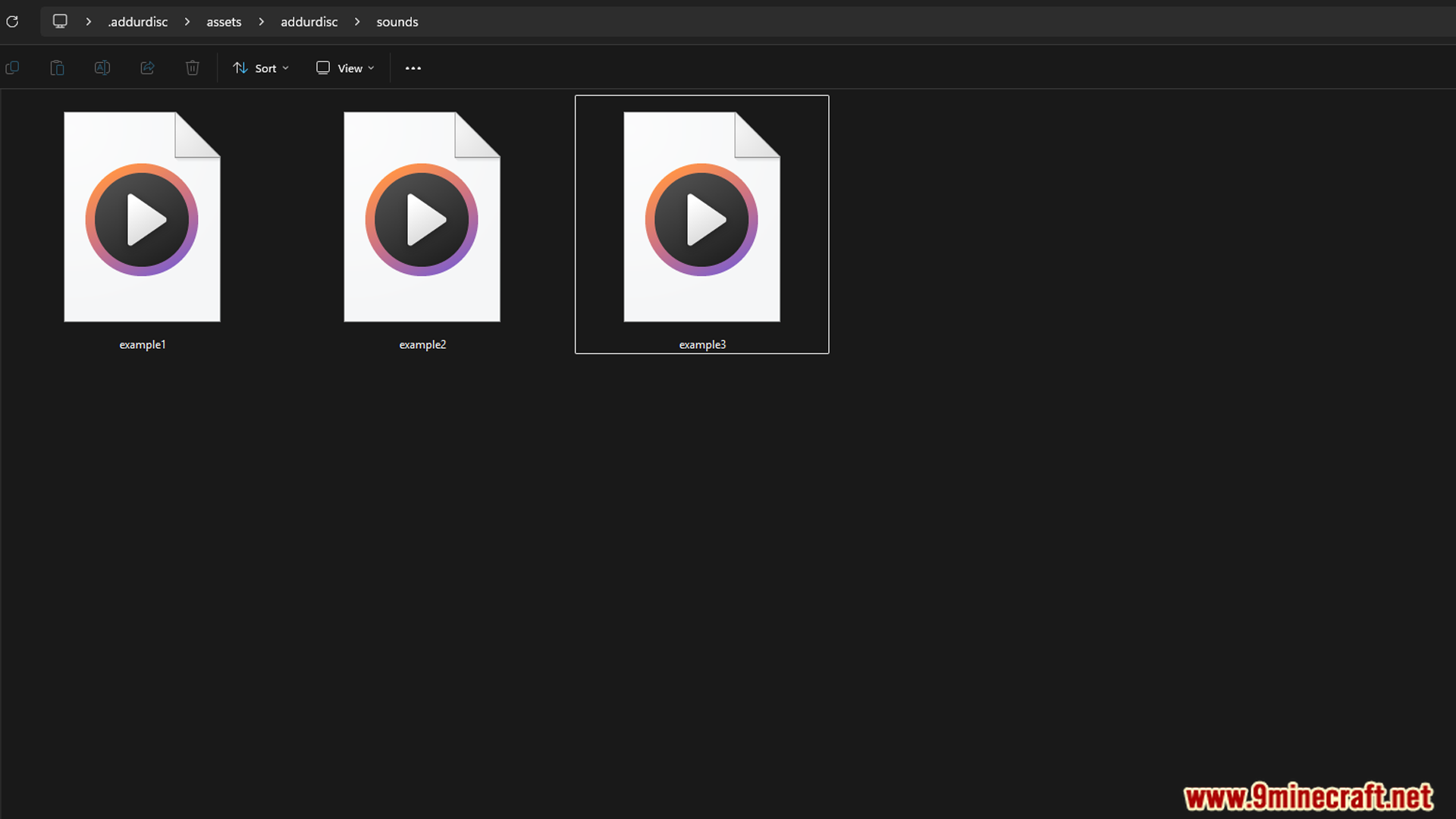
- Put your song (which must be an .ogg file) into the
.minecraft/.addurdisc/assets/addurdisc/sounds/folder. - Make sure the filename only uses lowercase letters, numbers, and the symbols – . _
- To give the disc a custom look, replace the .png image file in the
.../texture/item/folder. - To change the disc’s name and description, edit the
en_us.jsonfile in the.../lang/folder after setting refreshLang to false in the config. - Important for servers: The sound files on the server must be exactly the same as on the players’ computers.
Configuration:
You can change how the mod works by editing its config file. The options include:
- Changing the folder where your custom files are stored.
- Turning creeper drops for your custom discs on or off.
- Setting
refreshLangto false, which lets you manually edit disc names and descriptions in the language file.
Screenshots:
How to Install:
New to Minecraft? Follow our step-by-step guide to install Mods on your PC.View Guide
AddurDisc Mod Download Links
For Minecraft 1.20.1, 1.20
Forge version: Download from Server 1 – Download from Server 2
Fabric version: Download from Server 1 – Download from Server 2
For Minecraft 1.19.2
Forge version: Download from Server 1 – Download from Server 2
For Minecraft 1.18.2
Forge version: Download from Server 1 – Download from Server 2
Click to rate this post!
[Total: 2 Average: 5]
You May Also Like



This post has no comments yet. Be the first — your comment will appear here.