


AgriCraft Mod (1.20.4, 1.20.1) – Engineer Your Perfect Farm
 7,600
7,600
 0
0
 April 14, 2025
 InfinityRaider
AgriCraft Mod brings a detailed crop breeding system to Minecraft. This mod lets you cross-breed plants to create entirely new species and improve their stats. You can use its genetics system to increase how fast your crops grow, how much food they produce, and more. It works with vanilla plants and also supports crops added by many other mods, making your farm more productive and interesting.
Mutations:
Show More
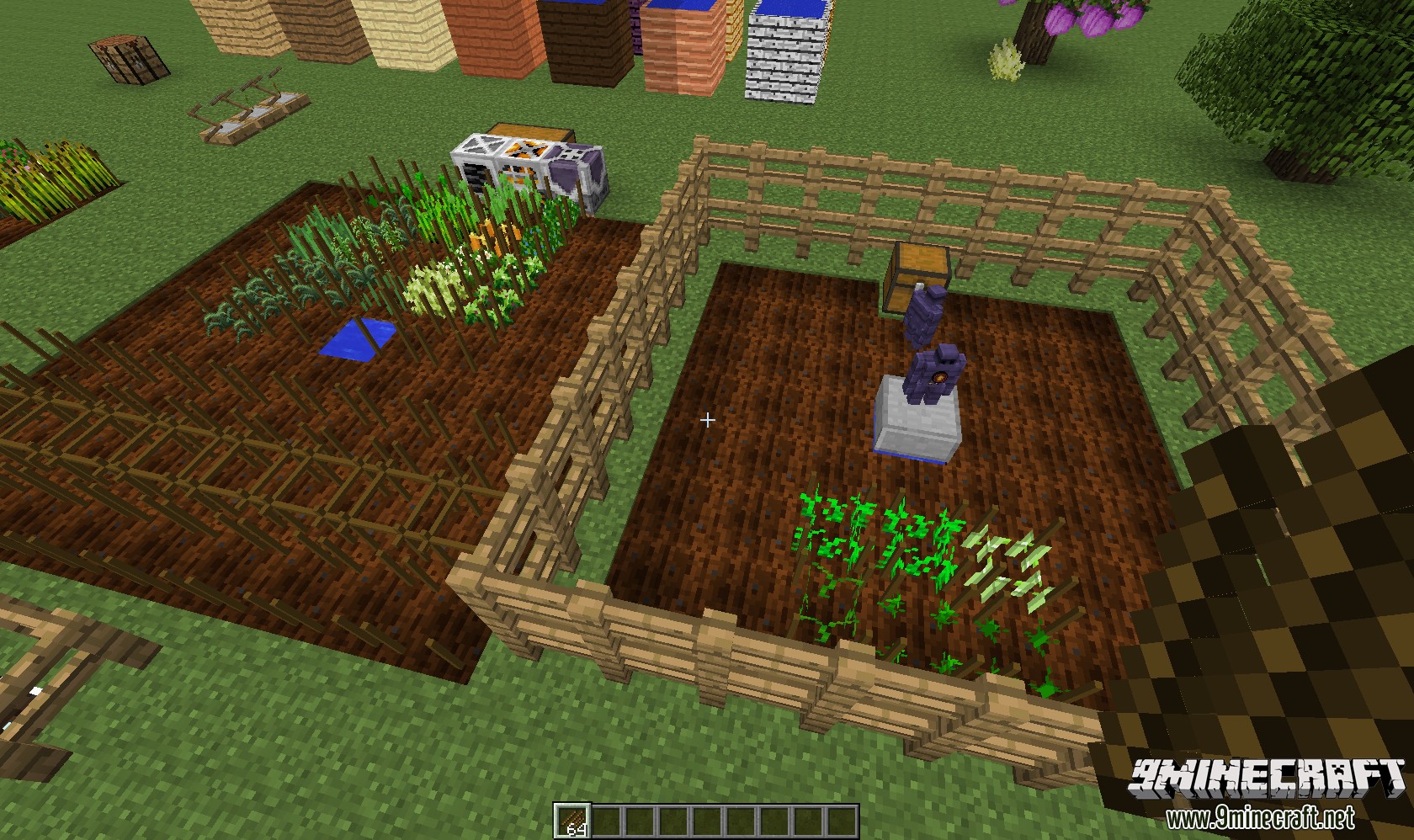
Mutations are the core mechanic of this mod. To mutate plants into other plants you first need to put some crops on farmland. If you apply crops to existing crops it will make it into a crosscrop. The more fully grown plants planted on crops next to a crosscrop the sooner a mutation will occur, mutations are actually crossbreeding of crops.
The mutation happens this way:
If there are at least 2 fully grown crops next to a crosscrop, a mutation can sprout on the crosscrop. This mutation is either one of the surrounding crops or a brand new one. Also the stats of the crop (growth, gain and strength) can increase (the more crops around a crosscrop, the higher the chance of stats increasing).
The mutations follow this algorithm:
- Chance to mutate in a new plant (default 20%, can be changed in the config):
- Check surrounding crops and find possible mutations (specified in the configs, see later).
- At random, one of the found mutations is chosen (if there are no compatible mutations found, nothing happens).
- If the resulting mutation cannot grow on this spot, the plant will not sprout (for example, some plants require a base of a certain block, or another block near them).
- If the spot is favorable for the plant to grow, the mutation has a certain chance to sprout (depending on it’s tier, the higher the tier, the lower the chance).
- You will see a new plant growing if the mutation was successful and new stats will be inherited based on the surrounding crops.
- Check surrounding crops and find possible mutations (specified in the configs, see later).
- Chance to sprout one of the surrounding plants (default 80%)
- At random one of the surrounding plants is chosen to sprout on the crosscrop.
- Just as with mutations, the spot has to be favorable for the plant to grow, else nothing will happen.
- Then the possible new plant has a chance to actually sprout, also depending on the tier. (these chances can be overridden in the configs, for example to balance out certain mods like Magical Crops).
- If everything went right you will see a new plant sprouting with new inherited stats.
Adding custom mutations:
Show More
In the /config directory you will find an agricraft folder containing a configuration file and a mutations file. The mutations file contains default mutations based upon what mods you enabled integration for in the configuration file (if you enabled mod integration for mods that aren’t installed, it will not generate the defaults for those mods).
If you wish to reload the default mutations, there is also a config option for that.
Currently there are default mutations for: Vanilla, AgriCraft, Pam’s Harvestcraft, Natura, Plant Mega Pack and Pam’s Weee Flowers.
Now if you wish to add/remove/customize mutations, you can do that in the mutations file. If you wish to add mutations for a mod that isn’t implemented yet, that’s possible, but you have to define the exact name from the itemRegistry for that seed. (you can use NEI to get these names)
When you launch MineCraft, AgriCraft should ouput all registered mutations to the log. If you defined a name wrong you will see “null” in the mutations (example: “harvestcraft:cornseedItem = null + minecraft:seeds_wheat”).
This config file also contains instructions on how to specify these mutations or advanced mutations.
The Journal:
Show More
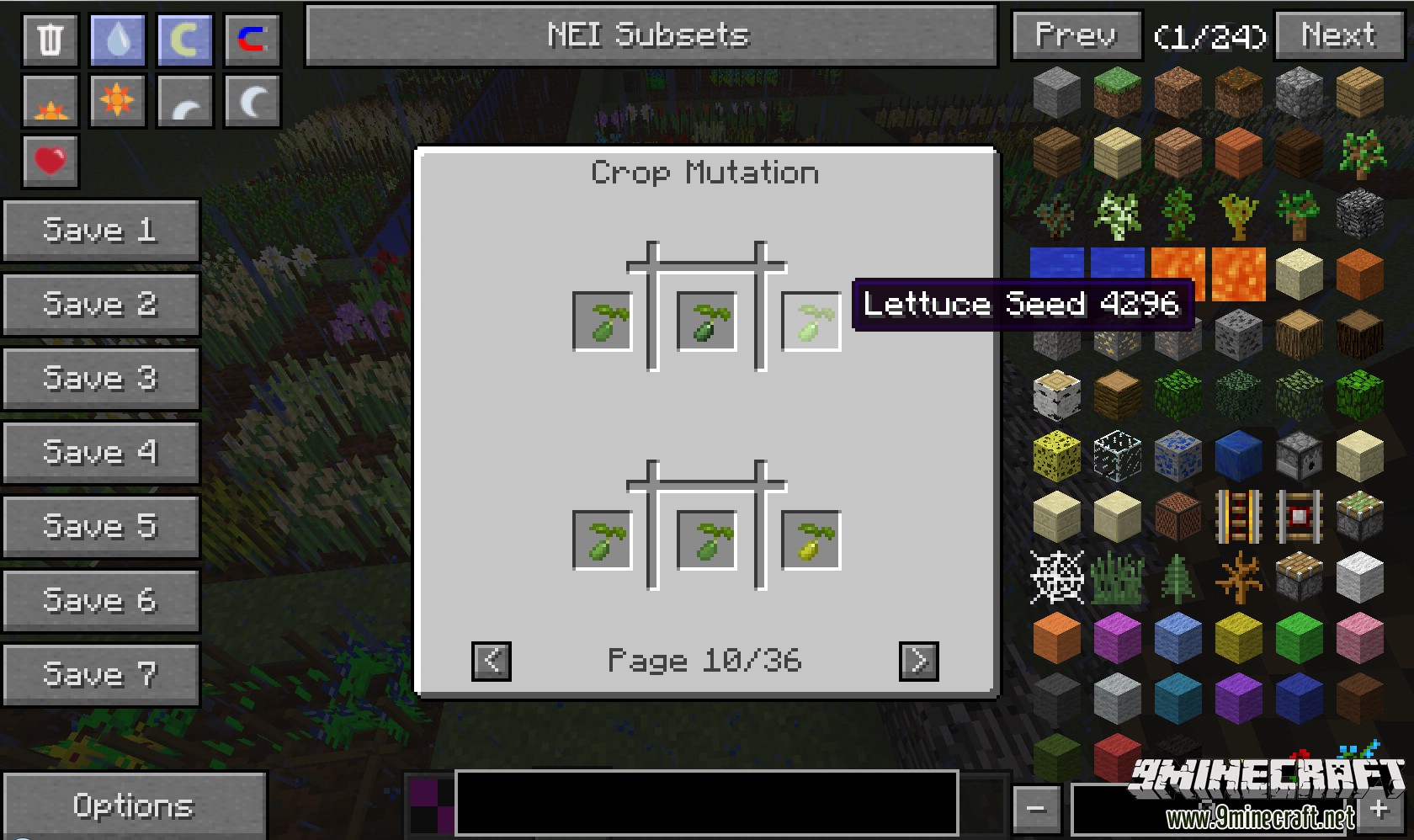
This mod has support for NEI, meaning NEI can tell you all the mutations, but if you want to explore them yourself, you can disable this in the config. Then the journal will be your best friend, you will also need a seed analyzer, the journal and the seed analyzercan be crafted as follows:
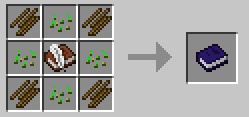
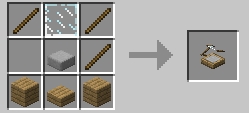
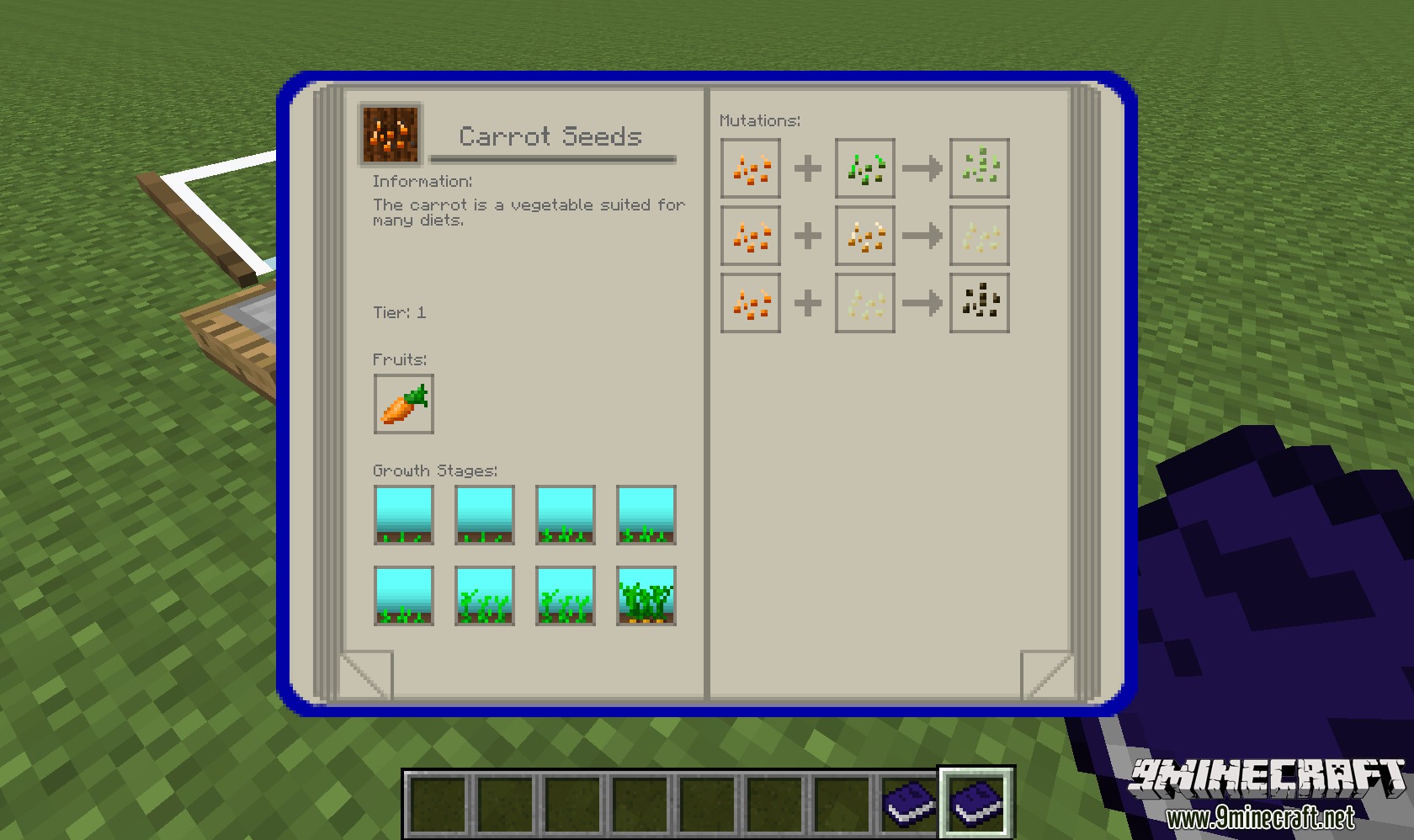
Next, put your journal in the dedicated slot in the seed analyzer. Now every seed you analyze will be written down in your journal. You can read information, the tier, growth stages, fruits and if you have discovered all the seeds required for a mutation (parent seed 1 + parent seed 2 = mutation) the mutations as well.
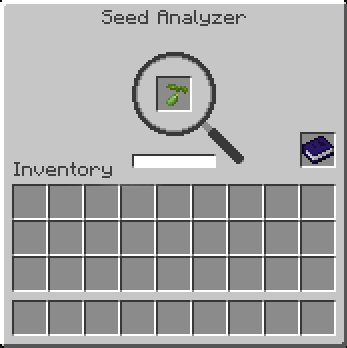
If you wish to copy your journal, put it in a crafting grid with a blank book and quil. If you analyze a seed, you will also be able to tell what stats this seed has. The interface of the seed analyzer looks like this:
Irrigation Systems:
Show More
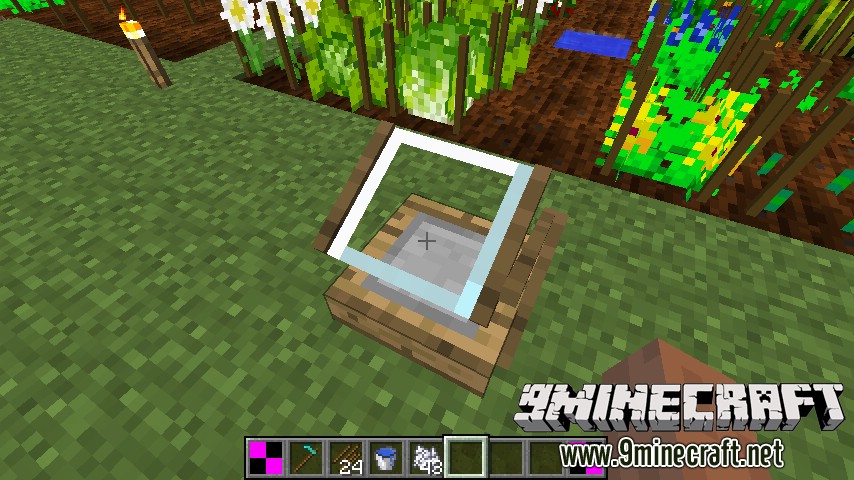
Irrigation systems consist of 3 components: the tanks for gathering/buffering the water, the channels for transporting the water and the sprinklers for actually irrigating the land.
These components are crafted like this:
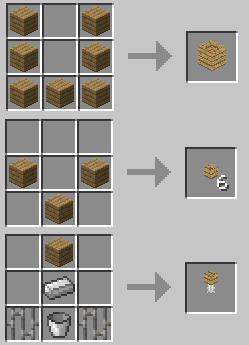
The tanks and the channels can be crafted with any wood, however all the planks have to be the same material.
The tank and the channel will look like the wood used to craft them.
Tanks are multiblocks and will connect to other tanks placed next to them, tanks and channels only connect to other tanks and channels if they are made of the same material.
Tanks are filled when it is raining, additionally you can also use other mods to pump water in them.
Next an irrigation channel has to built from your tank to the spot you wish to irrigate. If the waterlevel in the tank is higher then the level in the channel, water will flow from the tank to the channel and vice versa.
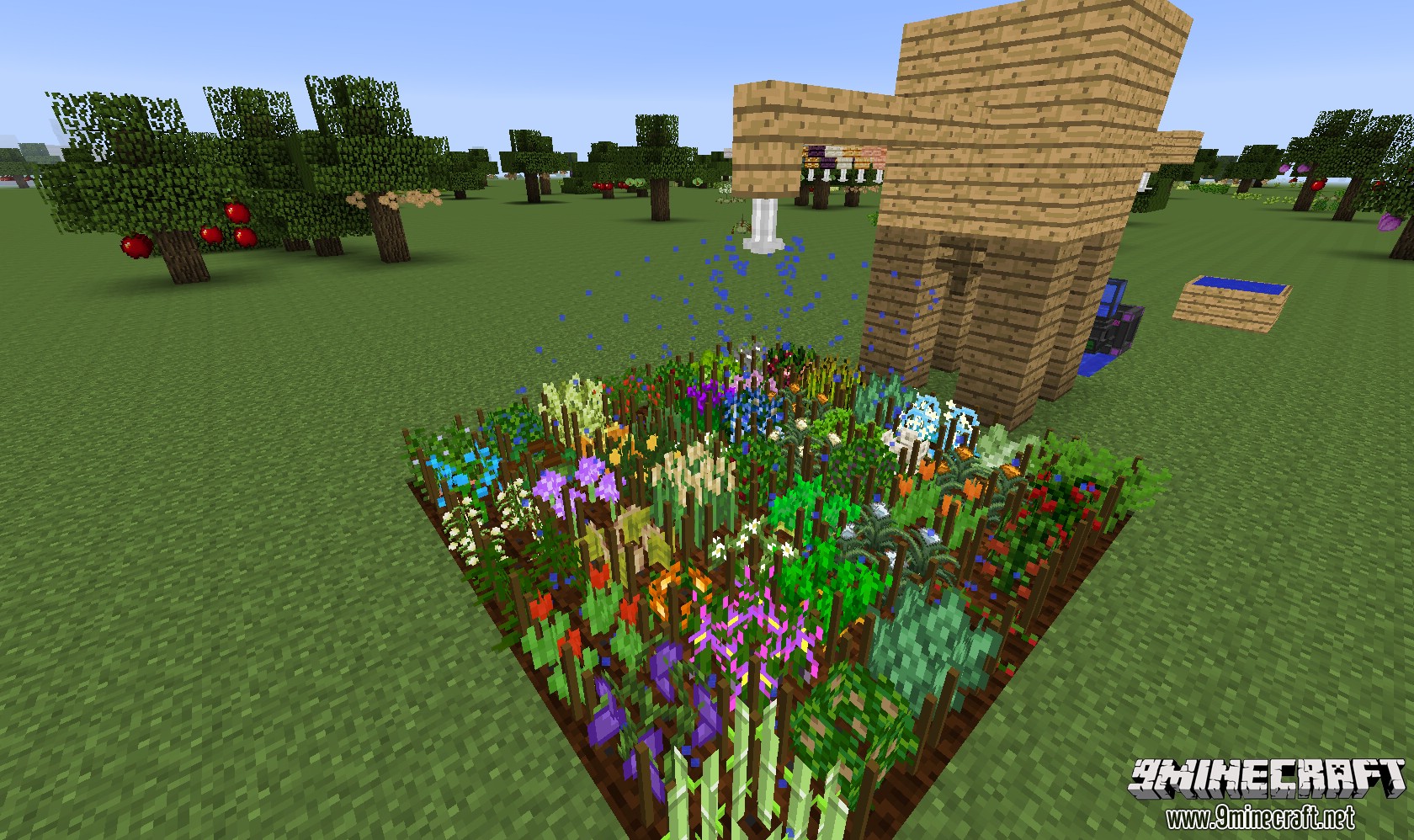
You can then attach sprinklers on irrigation channels, these will irrigate the farmland (you no longer need a water source nearby) and will speed up the growth of plants.
If you don’t like irrigation systems you can disable this in the config.
Features:
- Introduces a genetics and mutation system for all crops.
- Cross-breed plants to create new types or improve their stats like growth speed and yield.
- Adds an irrigation system with water tanks, channels, and sprinklers to automate watering.
- Plants have specific growth requirements, needing the right soil, light, and even seasons to thrive.
- Watch out for weeds, which can grow on your crops, slow them down, and eventually kill them if not removed.
- Includes a detailed configuration file to customize the mod’s features.
- Works well with many other mods, allowing you to cross-breed their unique plants.
- You can add your own custom crops and mutations through JSON files.
How to Use:
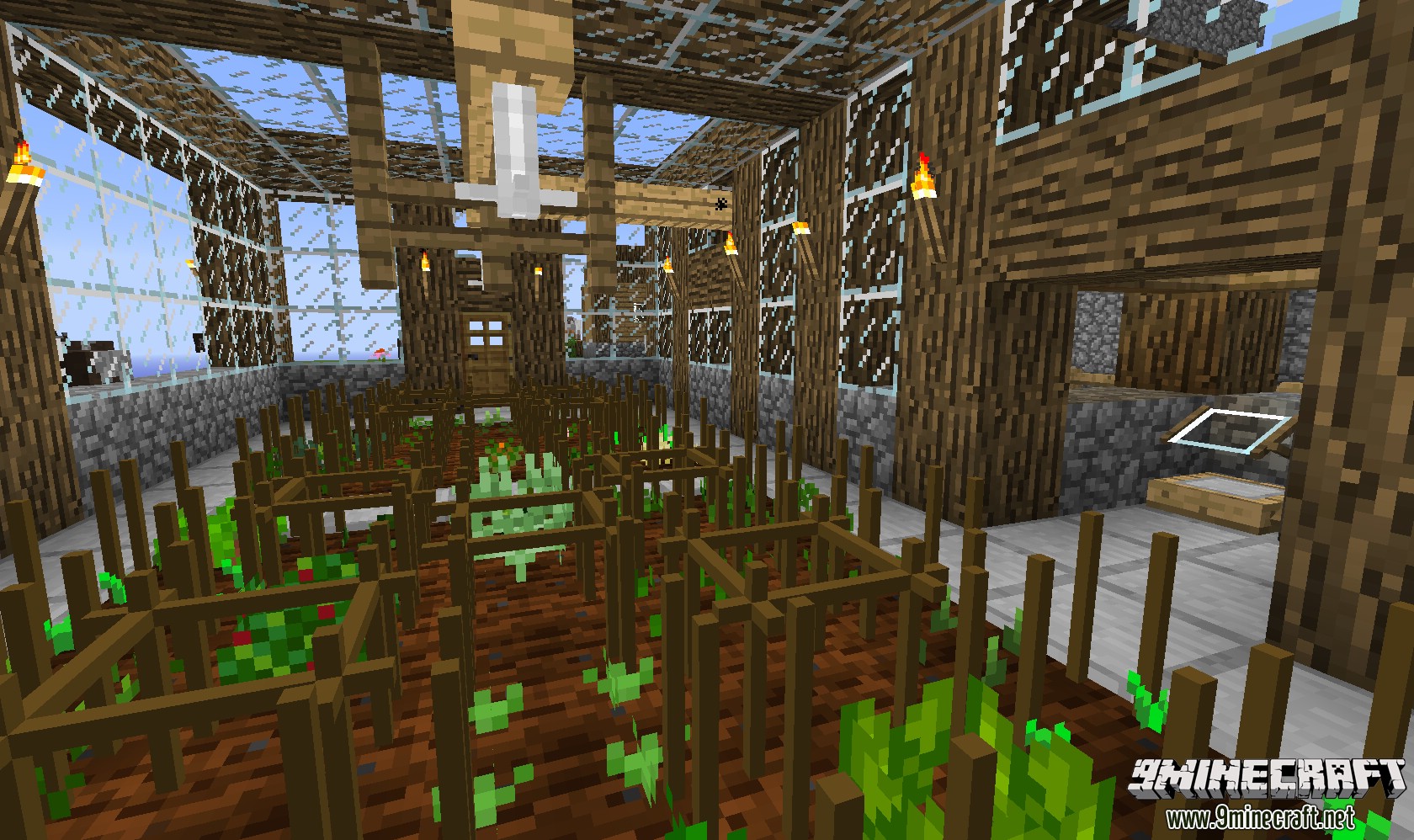
- Start Cross-Breeding: Place crop sticks on farmland. Plant two different, fully grown plants next to an empty set of crop sticks (a cross-crop). A new plant may eventually grow on the empty sticks, which could be a hybrid.
- Analyze Your Seeds: Craft a Seed Analyzer to check the stats of your seeds, such as Growth, Gain, and Strength.
- Keep a Journal: Craft The Journal. When you analyze a seed with the journal in the analyzer, it will record the seed’s information and any mutations you’ve discovered.
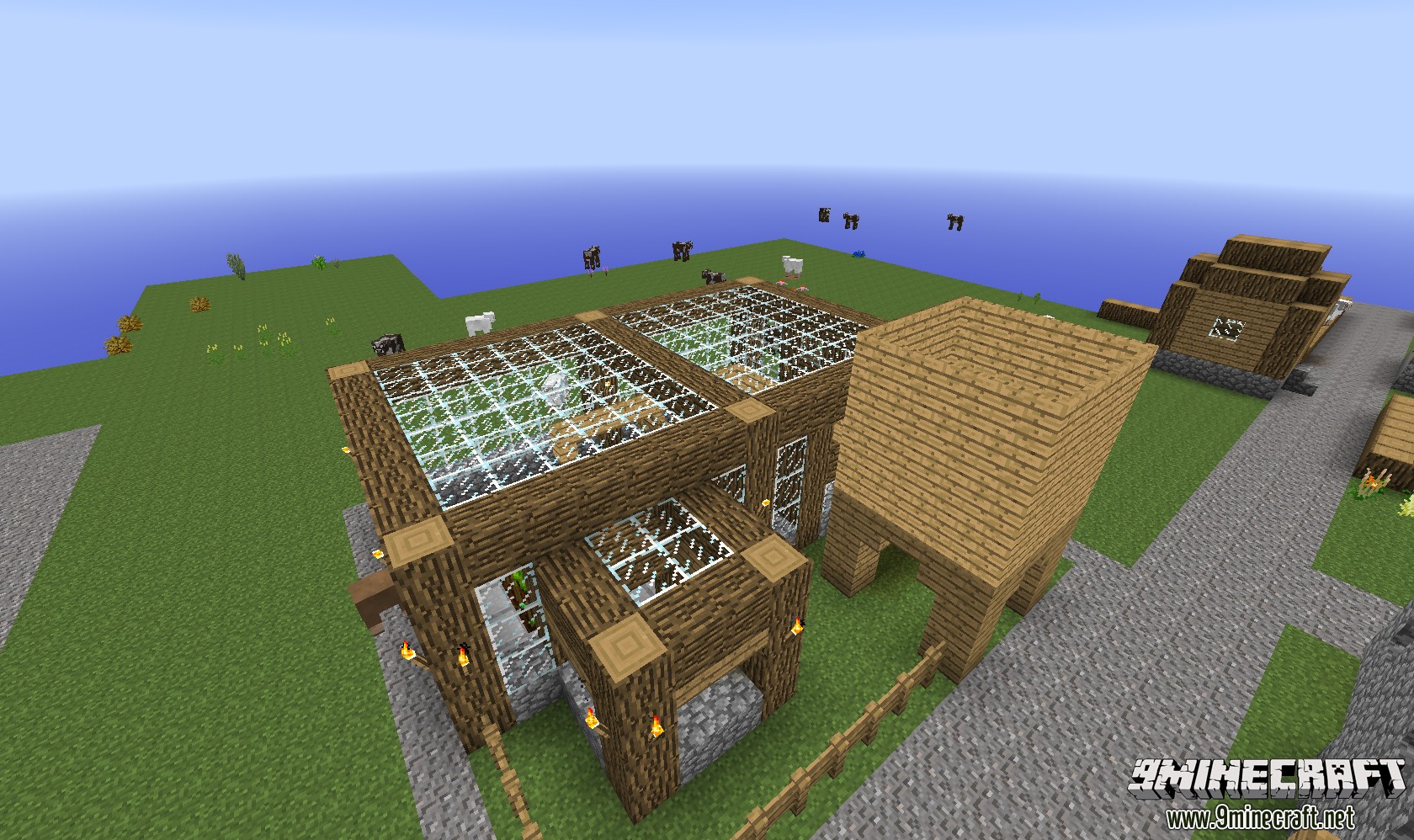
- Build an Irrigation System: Craft water tanks, channels, and sprinklers. Tanks collect rainwater, which flows through channels to power sprinklers. Sprinklers will water your farmland and speed up plant growth.
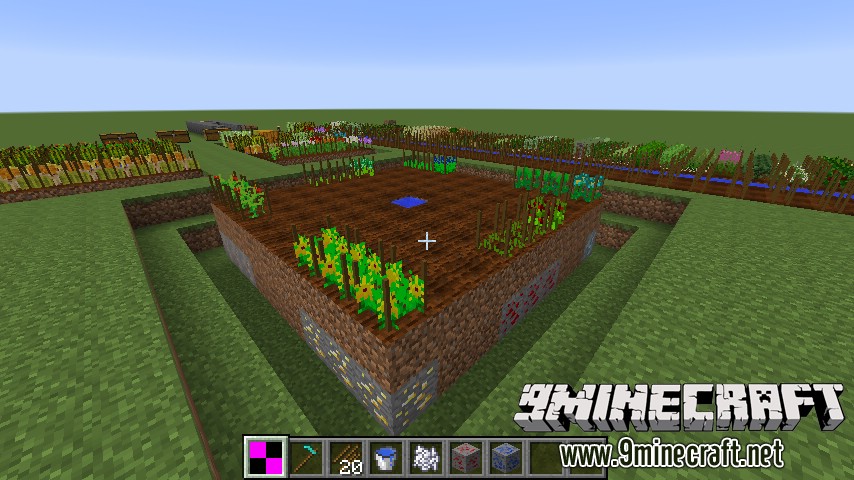
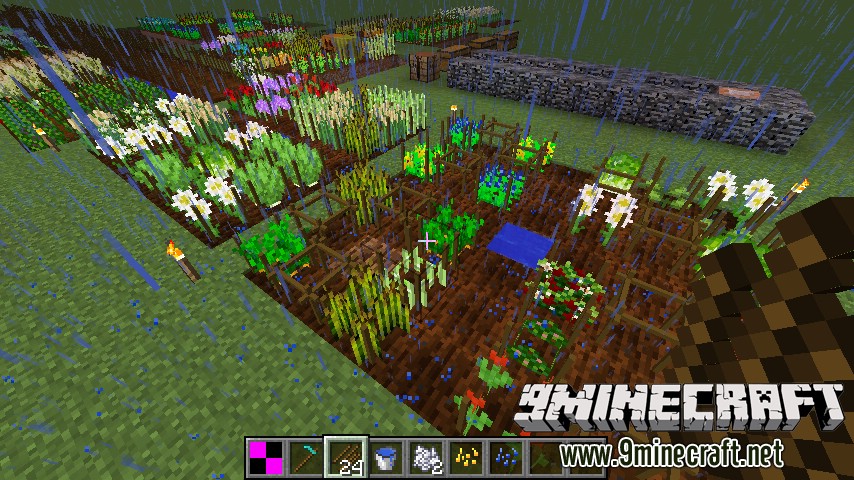
Screenshots:
How to Install:
New to Minecraft? Follow our step-by-step guide to install Mods on your PC.View Guide
Requirements:

AgriCraft Mod Download Links
For Minecraft 1.7.10
Forge version: Download from Server 1
For Minecraft 1.8.9
Forge version: Download from Server 1
For Minecraft 1.12.2
Forge version: Download from Server 1
For Minecraft 1.16.5
Forge version: Download from Server 1
For Minecraft 1.18.2
Forge version: Download from Server 1
For Minecraft 1.20.1, 1.20
Forge version: Download from Server 1 – Download from Server 2
Fabric version: Download from Server 1 – Download from Server 2
For Minecraft 1.20.4
Forge version: Download from Server 1
Fabric version: Download from Server 1
NeoForge version: Download from Server 1
You May Also Like



















This post has no comments yet. Be the first — your comment will appear here.