
Asian Castle House Schematic (1.21.x) – Medium Vanilla Asian Castle Temple Build

 0


Asian Castle House Schematic brings a medium-sized temple build into your Minecraft world. This vanilla structure spans 29×40×31 blocks and uses 5,220 blocks in total without needing any mods. It comes as a LITEMATIC schematic file ready to paste straight into your world.

3D Preview & Editor:
How to place this schematic
.litematic This is a Litematica schematic. You place it with the Litematica mod, which shows the build as a ghost overlay you fill in.
| 1 | Install Litematica (plus MaLiLib) for your Minecraft version. |
| 2 | Put the .litematic file in .minecraft/schematics. |
| 3 | In game press M → Load Schematics, pick the file, then Load. |
| 4 | Position the ghost preview, then build it by hand — or turn on Easy Place to place blocks straight from your hotbar. |
Features:
- Asian Temple Theme: Combines real-life building ideas with Minecraft styles in a temple-themed structure.
- Medium Scale Footprint: Covers 29×40×31 blocks (X × Y × Z) with 5,220 placed blocks in total.
- Builds strictly with vanilla Minecraft blocks, so you do not need any mods to place it.
- Ships as a LITEMATIC file so you can load the full structure directly into your world.
Schematic Specs:
 Minecraft1.21.x
 Dimensions29×40×31
 Total Blocks5,220
 Top Blocks Used
White Concrete 545Dark Oak Slab 448Polished Blackstone Bricks 439Polished Blackstone Slab 372Stone Brick Slab 361
Screenshots:


Asian Castle House Schematic Download Links
For Minecraft 1.21.x
Click to rate this post!
[Total: 0 Average: 0]
QUICK MINECRAFT SURVEY · ONE TAP
Build Tools & Schematics
How often do you use the vanilla `/fill` and `/clone` commands instead of installing building mods?
1 responses · See the full results →
You May Also Like
Picked for this page
 Gold Farm Schematic (1.21.x) – Automatic Nether Roof Gold Farm
 Pokémon Temple Arena Japanese Litematica Schematic (1.21.x) – Large Asian Fortress With Fighting Rin
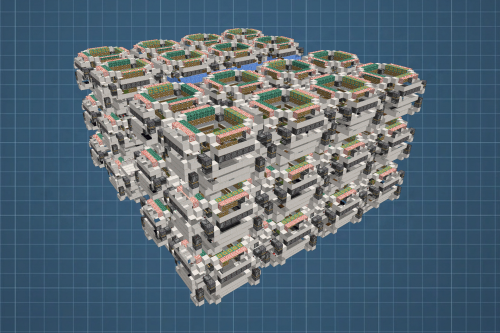 Mossinator V2 72k Bonemeal per Hour Schematic (1.21.x) – Massive Moss Farm For Endless Bonemeal
 The Damocles Schematic (1.21.x) – Giant Futuristic Space Station Build
 Medium House 6 Schematic (1.20.x) – Ready To Use Vanilla House Build
 Medium House 3 Schematic (1.20.x) – Ready To Build Vanilla Home Schematic
 Tower 2 Schematic (1.20.x) – Tall Vanilla Minecraft Building Schematic
 Small House 11 Schematic (1.20.x) – Tall And Compact Vanilla Home Build
 Small House 10 Schematic (1.20.x) – A Compact Vanilla Home Blueprint For Players
 Big House 5 Schematic (1.20.x) – A Ready-Made Vanilla House Build
 Mountain Schematic (1.21.x) – Large Classic Vanilla Peak Ready To Paste
 Arena on Ocean in End Style with Obsidian Pillars Schematic (1.21.x) – Large Vanilla End Arena Over
Most viewed in Schematics over the last 7 days
 64 Module Cobblestone Farm Schematic (1.21.x) – Massive Automated Stone Gathering Build
- Gold Farm Schematic (1.21.x) – Automatic Nether Roof Gold Farm
 Fastest Bonemeal Farm Donut Smp Schematic (1.21.x) – Fast Redstone Bonemeal Farm Build
 Kelp Farm 2.0 Schematic (1.21.x) – Efficient Automatic Kelp Farming System For Survival
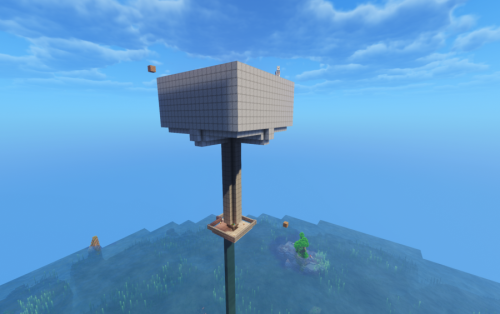 Easy Creeper Farm Schematic (1.21.x) – Simple Survival Gunpowder Farm Build For Minecraft
 Villager Trading Hall Schematic (1.21.x) – Modern Shop Build For 48 Villagers
 Bamboo Farm Schematic (1.21.x) – Small Automated Redstone Bamboo Farm
 Minutes End Base Before Spoke Null End Video Schematic (1.21.x) – Giant Unstable SMP End Base Schema
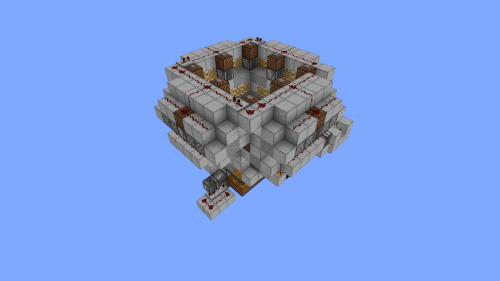 4k Bonemeal Farm Made by Basicredstone Schematic (1.21.x) – Compact Redstone Bonemeal Farm Build
 Unstable SMP S Bomer Schematic (1.21.x) – Large Bomber Machine Build For Worlds
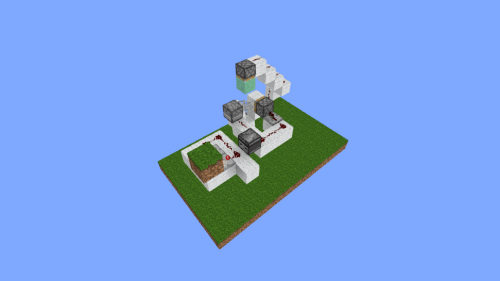 Rail Gun Wind Chagre Schematic (1.21.x) – Compact Rail Gun Wind Charge Build
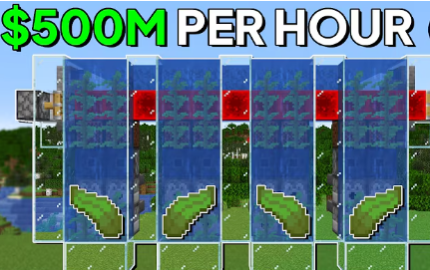 The Fastest Kelp Farm 500m per Hour Schematic (1.21.x) – Fast 4-Tick Vanilla Redstone Kelp Farm
More from Schematics
 Beta House Update Schematic (1.21.x) – Classic Beta Style Home Schematic
 Water Drinking Hall in Iwonicz Zdroj Schematic (1.21.x) – Historic Spa Architecture for Town Builds
 Item Fetcher with Hopper Minecart Schematic (1.21.x) – Automated Minecart Item Fetching System
 2 Player Tower House with Full Interior Schematic File Schematic (1.21.x) – Medieval Shared Base Wit
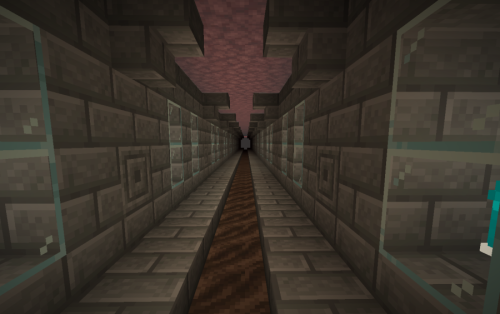 Stone Bricks Tunnel Schematic (1.19.x) – Clean Nether Corridor for Safe Travel
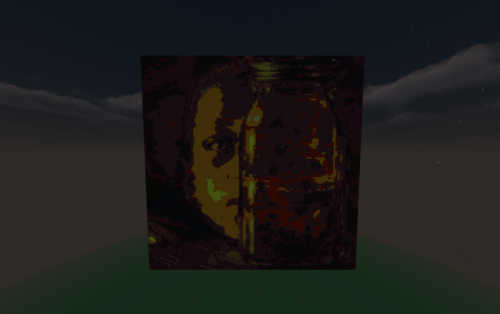 Alice in Chains Jar of Flies Schematic (1.21.x) – Album Cover Pixel Art for Minecraft
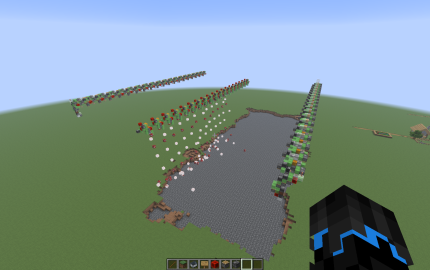 Full Trencher 7×7 Chunk Schematic (1.21.x) – Redstone 7×7 Chunk Trencher With Return System
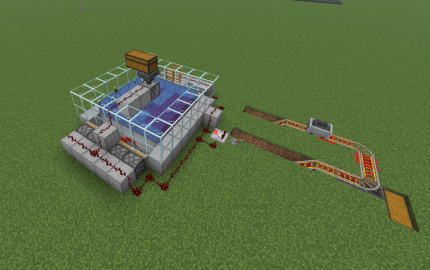 Sea Pickle Farm Schematic (1.21.x) – Simple Redstone Farm for Over 1,000 Pickles per Minute
 Unstable SMP Wemmbu and Flamefragsv1000 Players Schematic (1.21.x) – Big Arena From The 1000 Players
 Nuclear Plant Nuclear Factory Oryginal by Hrdn Schematic (1.21.x) – Large Modern Nuclear Plant With
 Spawn PVP Server Schem Schematic (1.21.x) – Small Vanilla Build For PvP Server Spawns
 Automated Sugarcane Farm Schem Schematic (1.21.x) – Compact Redstone Farm For Automatic Sugarcane Ha

This post has no comments yet. Be the first — your comment will appear here.