


Aurora Veil Shaders (26.1.2, 1.20.1) – Animated Aurora Sky With Global Color

 0
0 

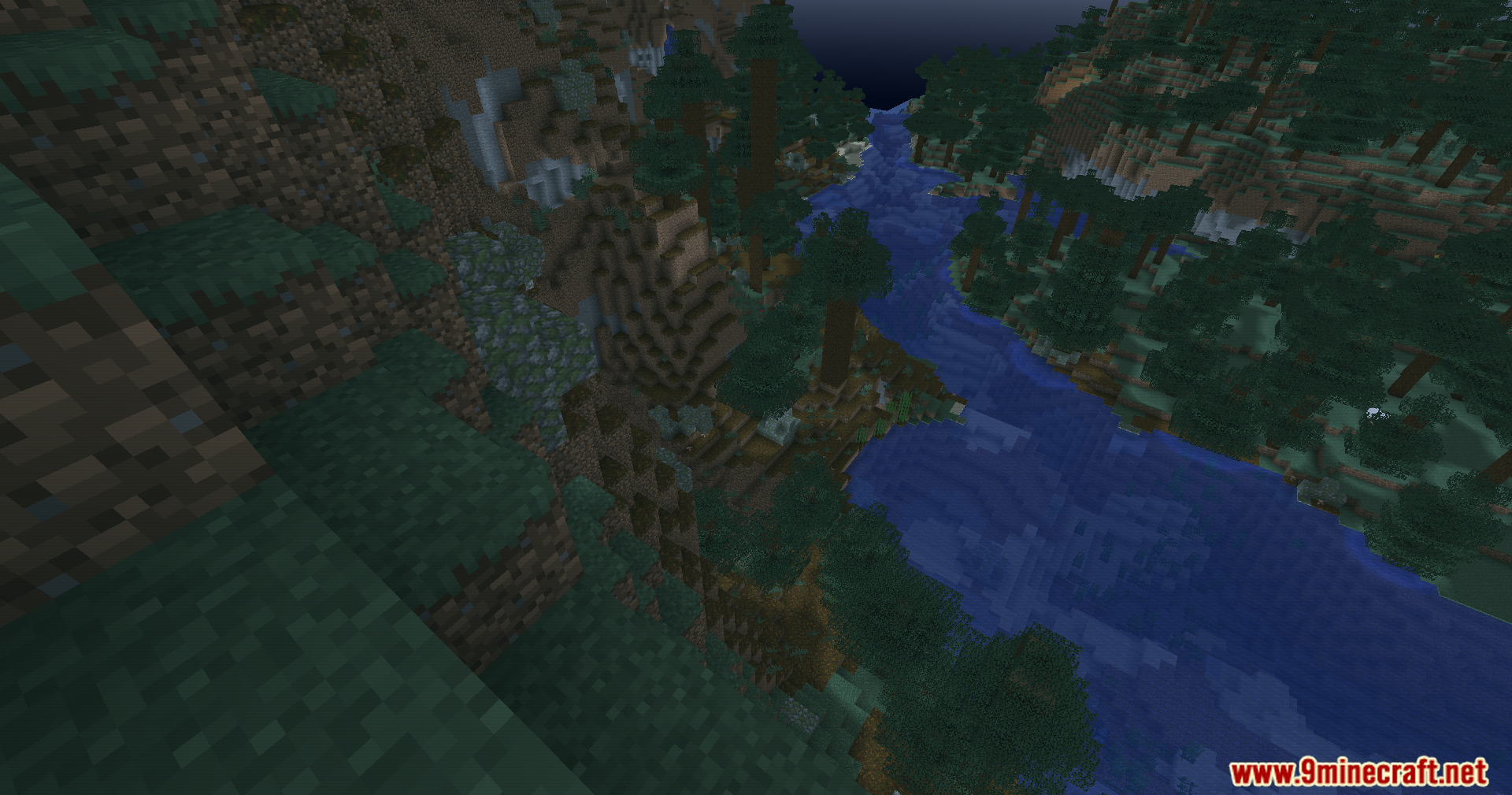
Aurora Veil Shaders paints your Minecraft world with beautiful aurora colors. This shader pack replaces the normal sky with a moving aurora effect that shifts between teal, blue, and purple. It also changes the colors of the whole world to match the sky, making everything look slightly cyan or teal. The effect gets much stronger when night falls in the game. It runs on a simple system, meaning it changes colors on your screen without needing heavy lighting calculations. You get a fresh, colorful look for both the Overworld and the Nether while keeping the game running smoothly.
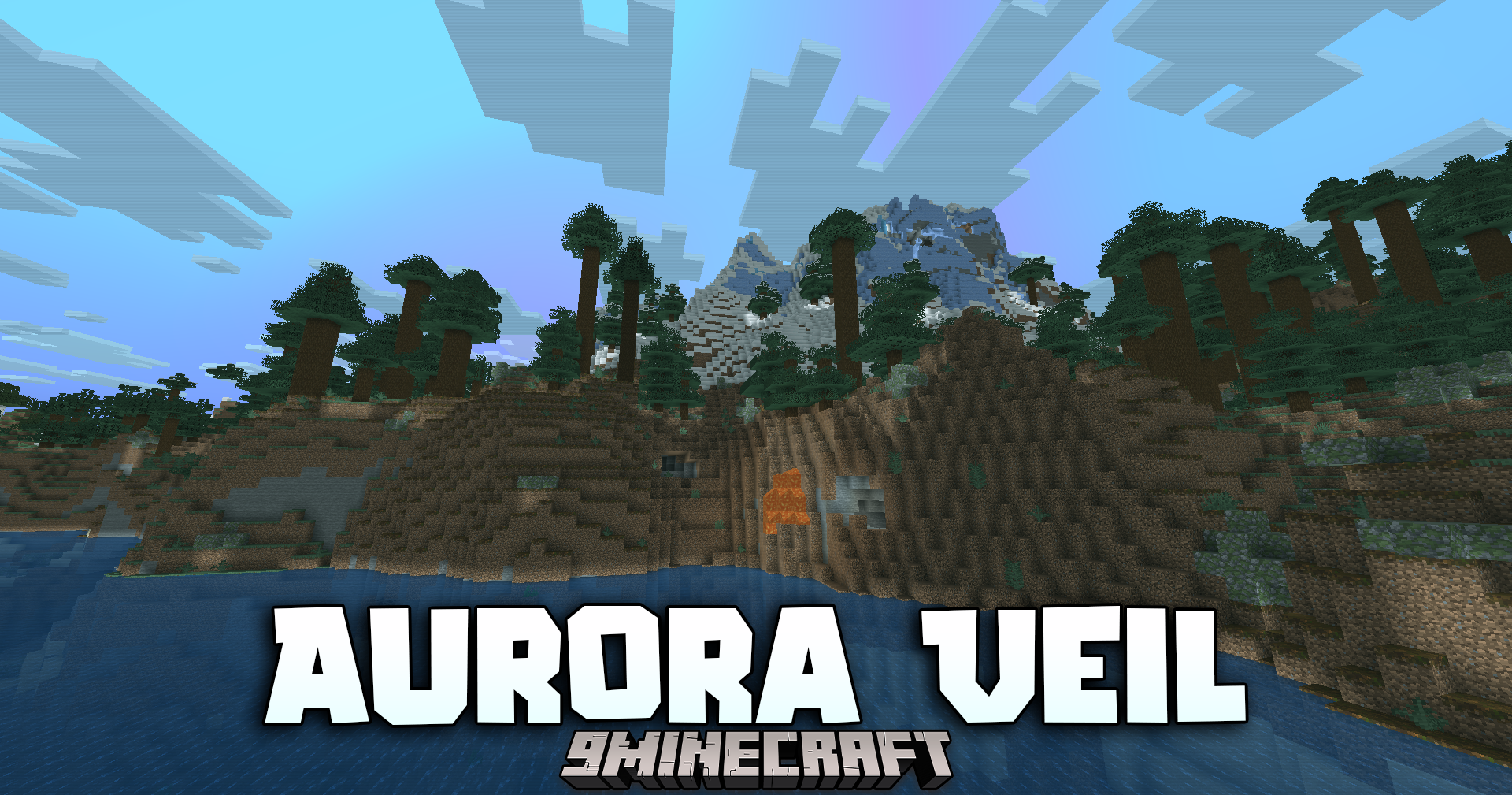
Features:
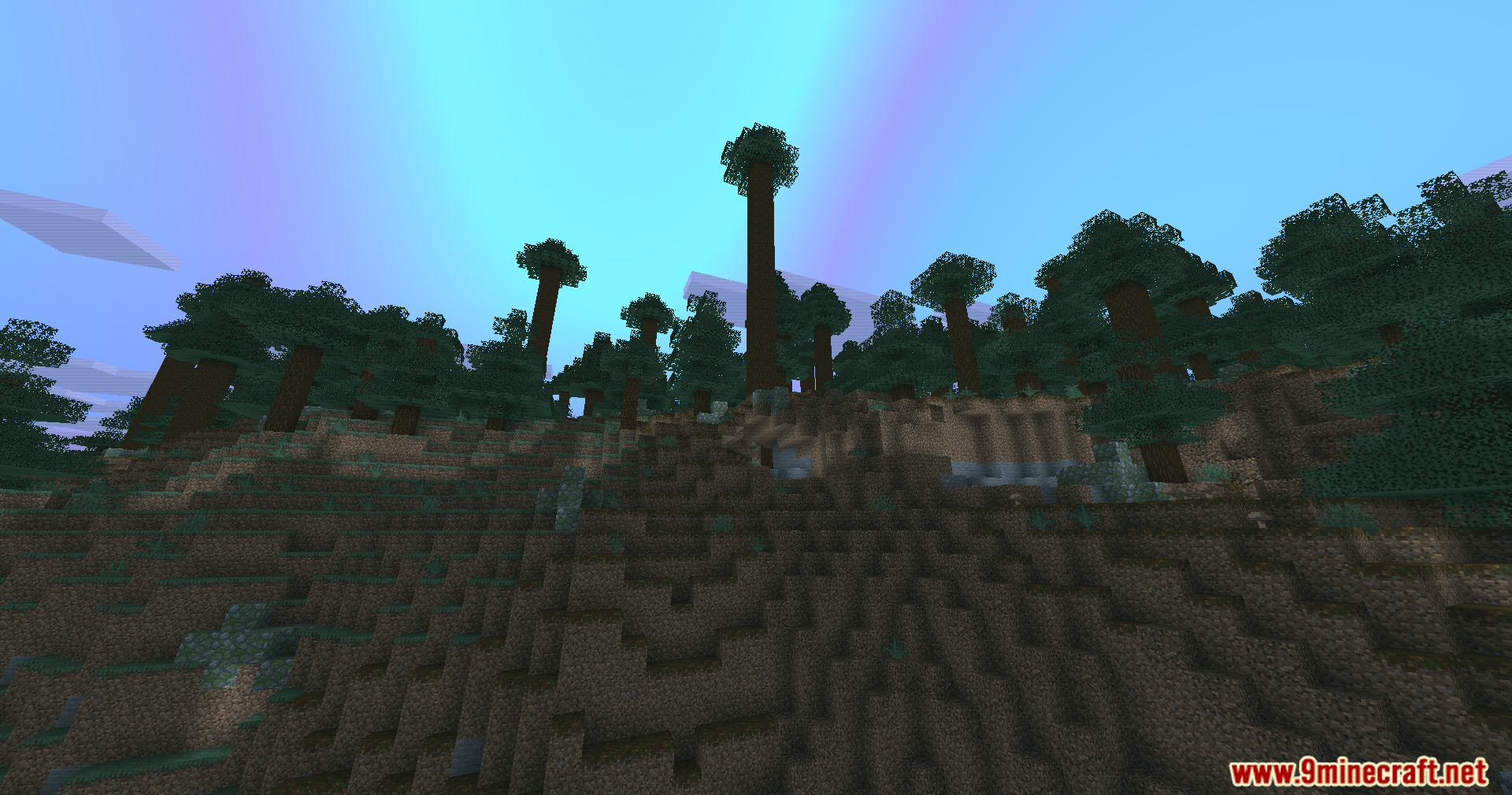
- Procedural Aurora Sky: Replaces the standard Overworld sky with an animated aurora that changes colors and gets brighter at night.
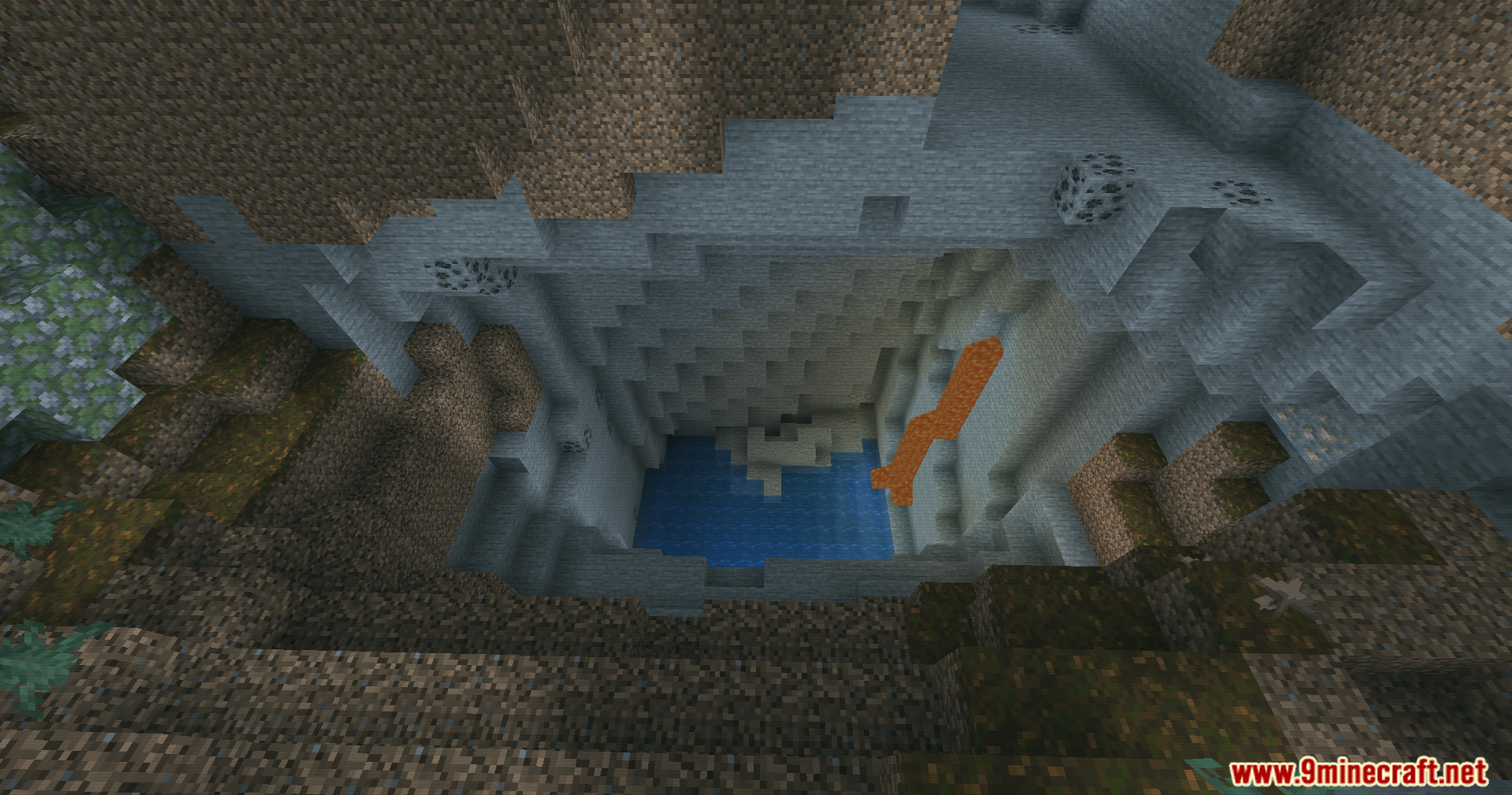
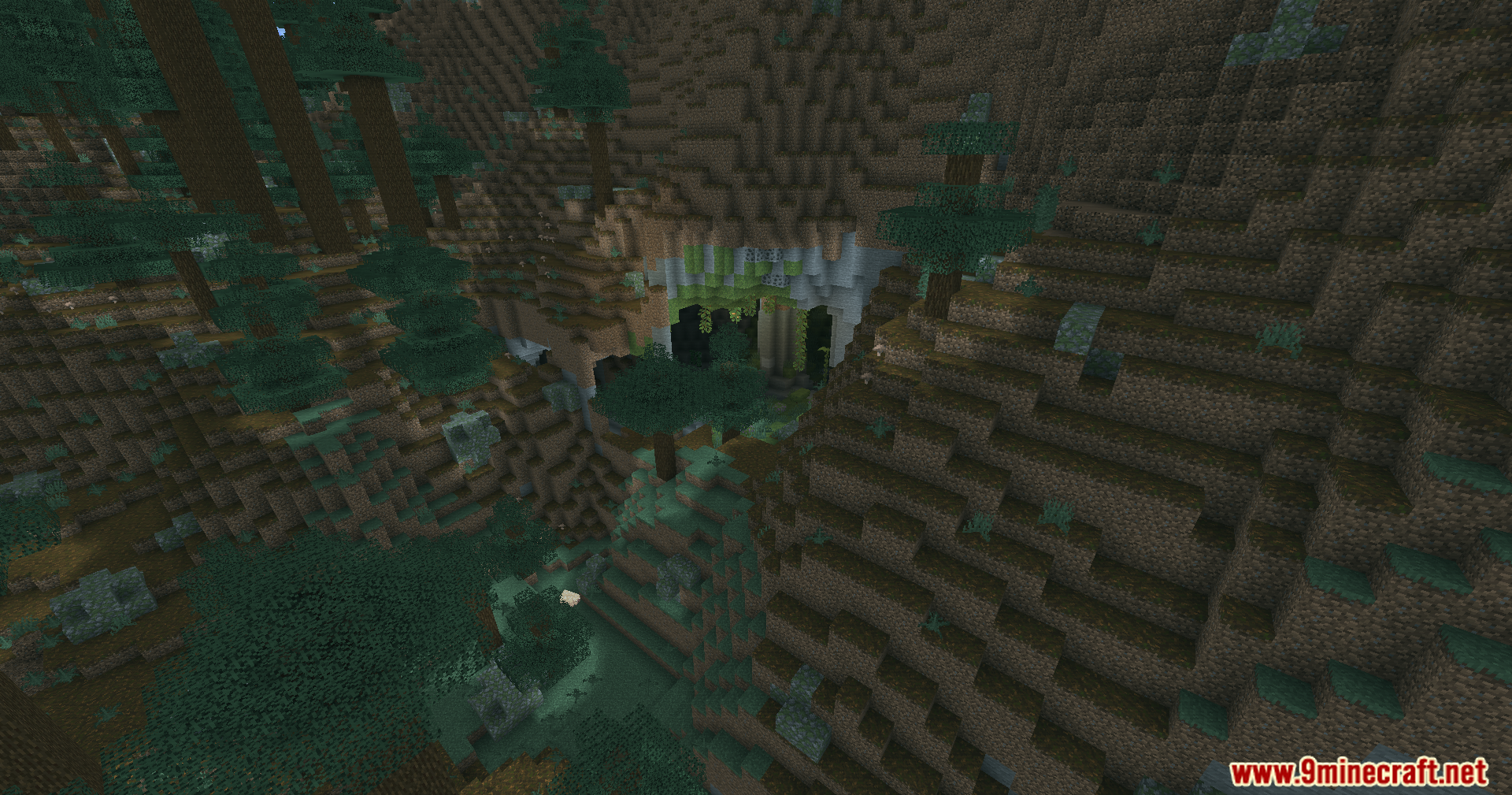
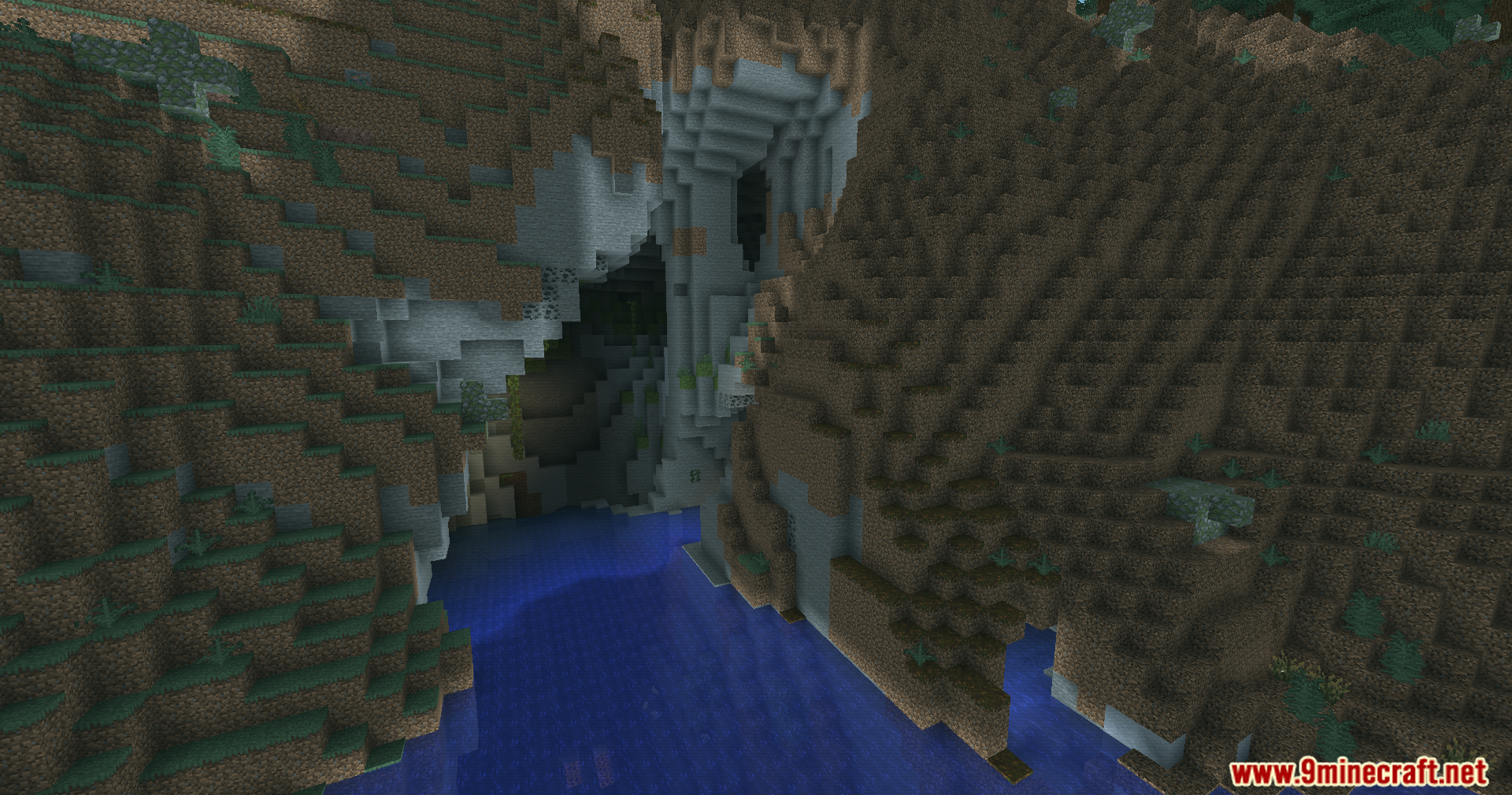
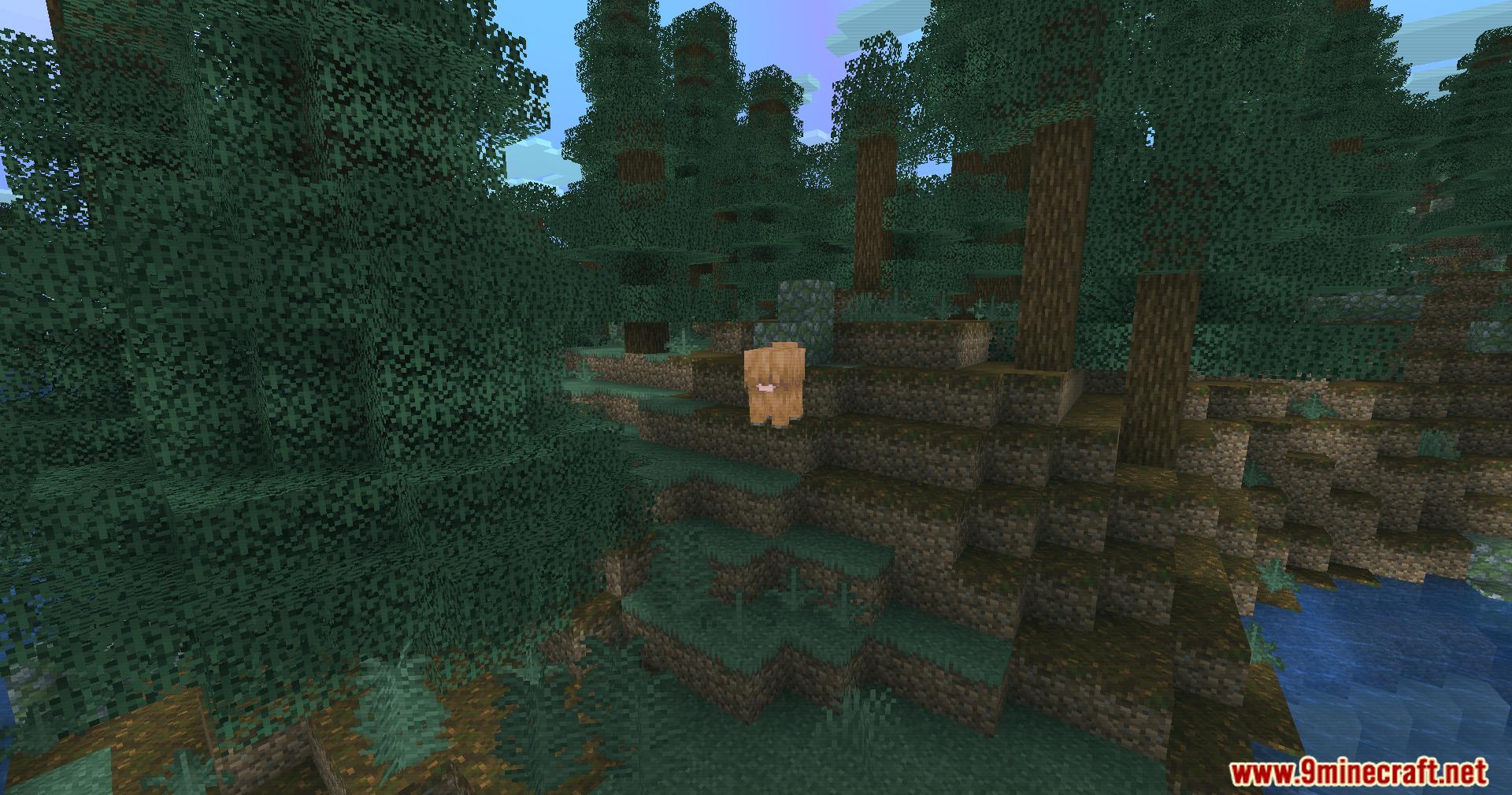
- Global Color Grading: Applies a special color filter over the whole world, shifting blocks and lighting toward cool teal and cyan tones.
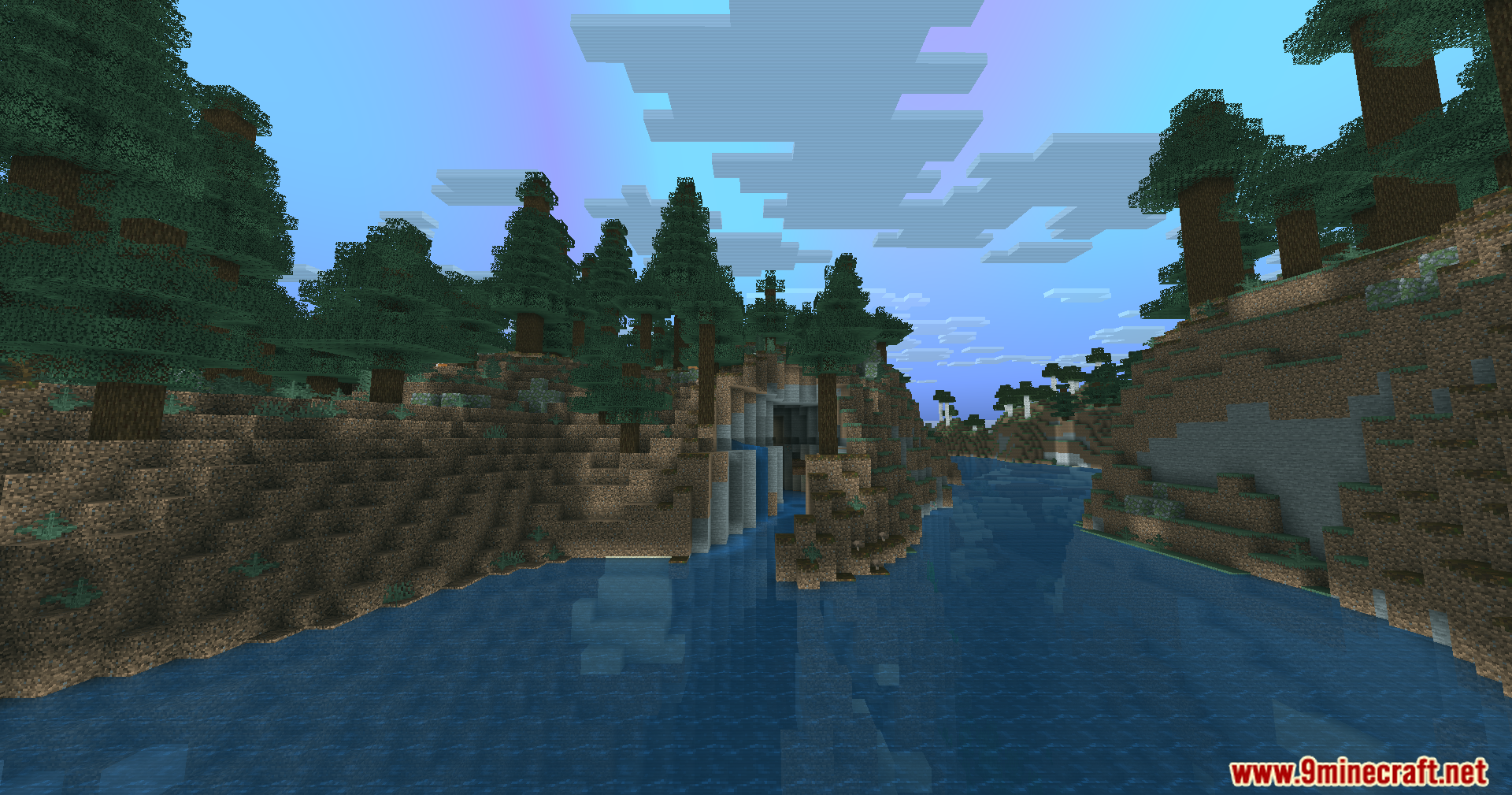
- Tints the clouds with a gentle animation that cycles through green, teal, purple, and blue colors.
- Adds a shifting teal-to-purple reflection effect on water surfaces based on how much sky light hits them.
- Adjusts water transparency to make it look clearer while keeping the colorful surface reflections.
- Changes the fog color when your camera goes underwater or dips into lava.
- Creates a gentle, moving brightness shimmer across your screen for a magical look.
- Treats the Nether to its own special color pass, turning the hot dimension into a mix of teal and violet.
- Keeps your player hand and held items looking normal by blocking the color filter from affecting close objects.
- Runs on a lightweight rendering system that only uses basic math instead of heavy light tracing.
Screenshots:
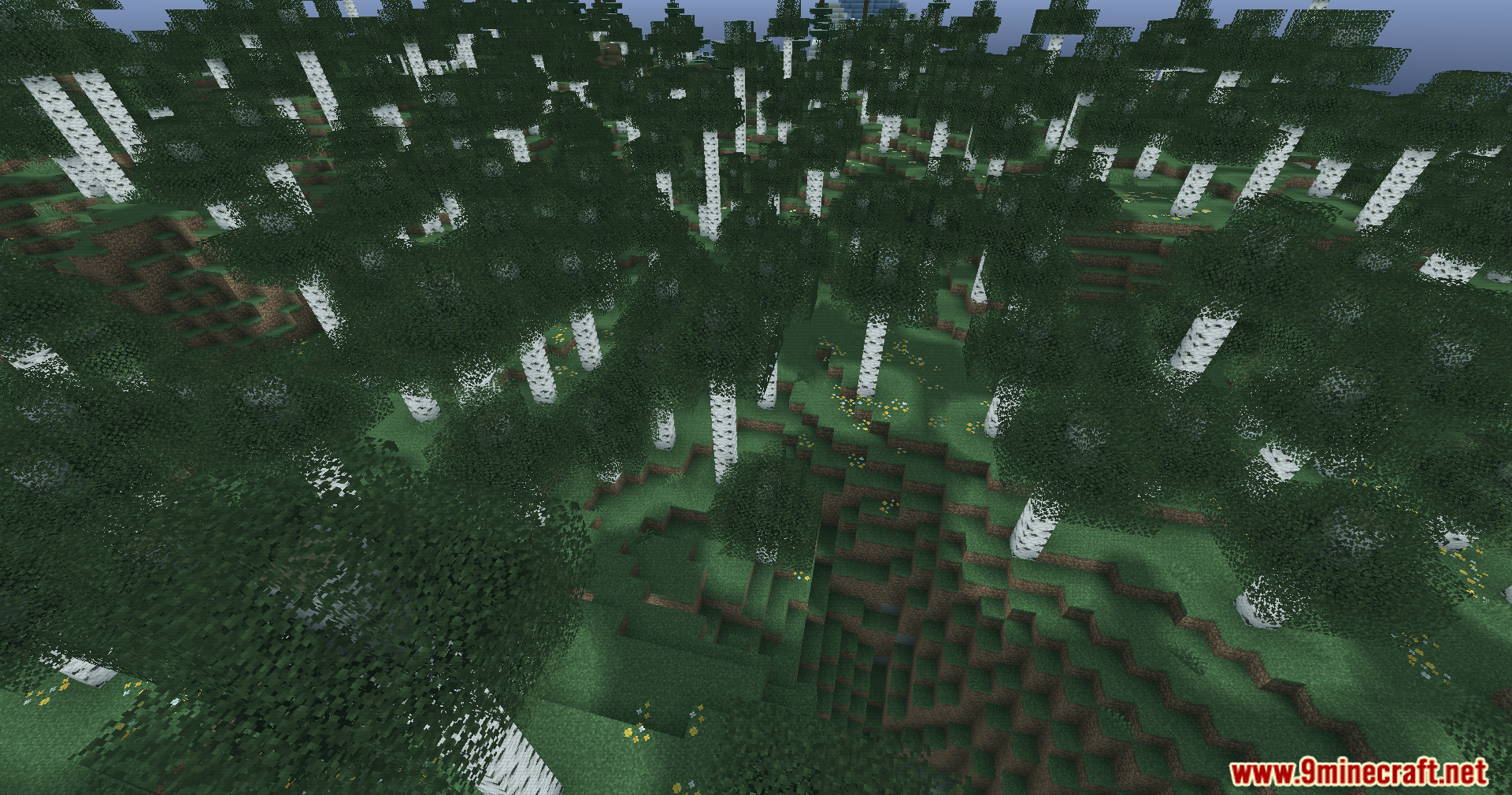
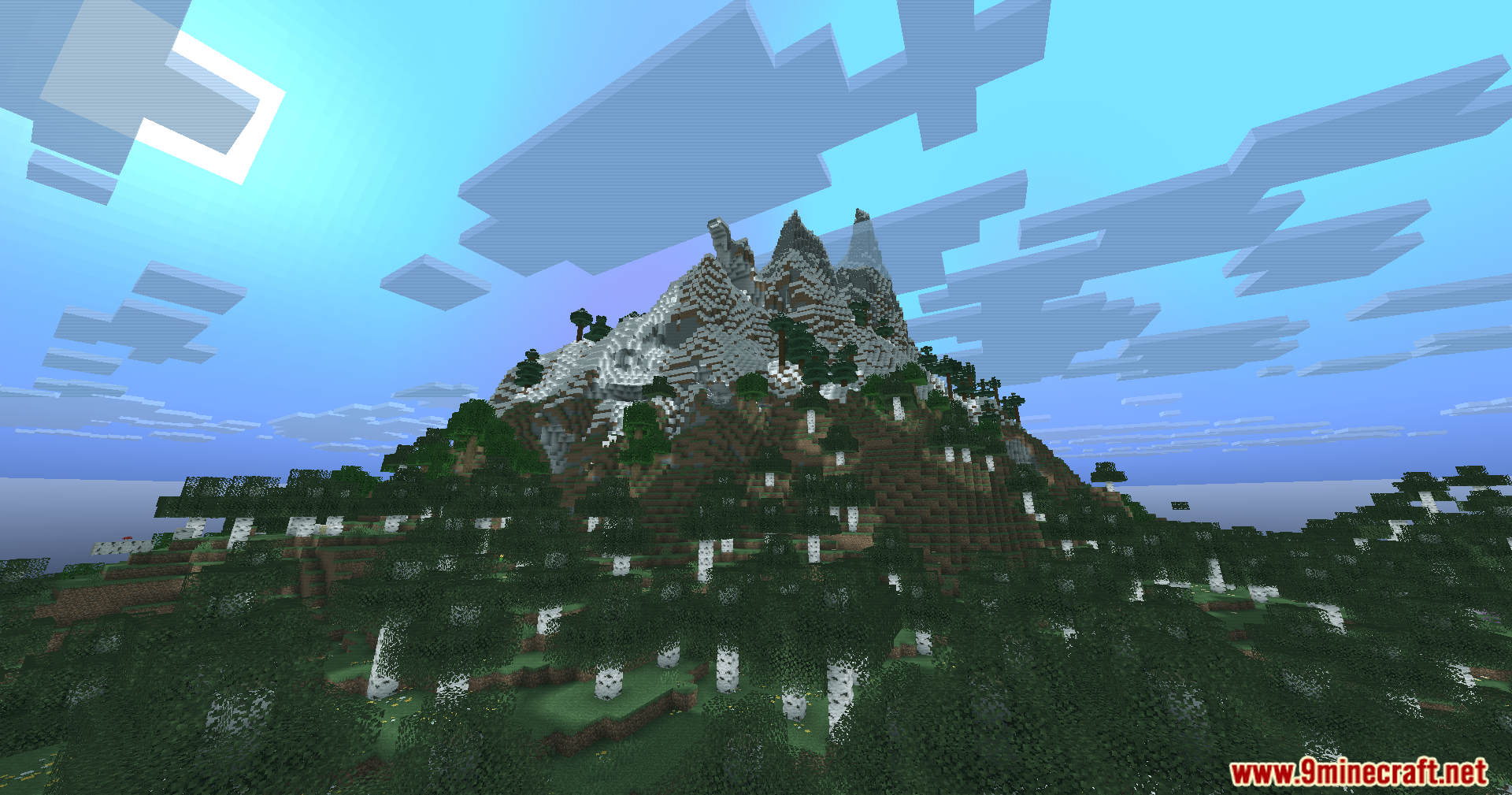
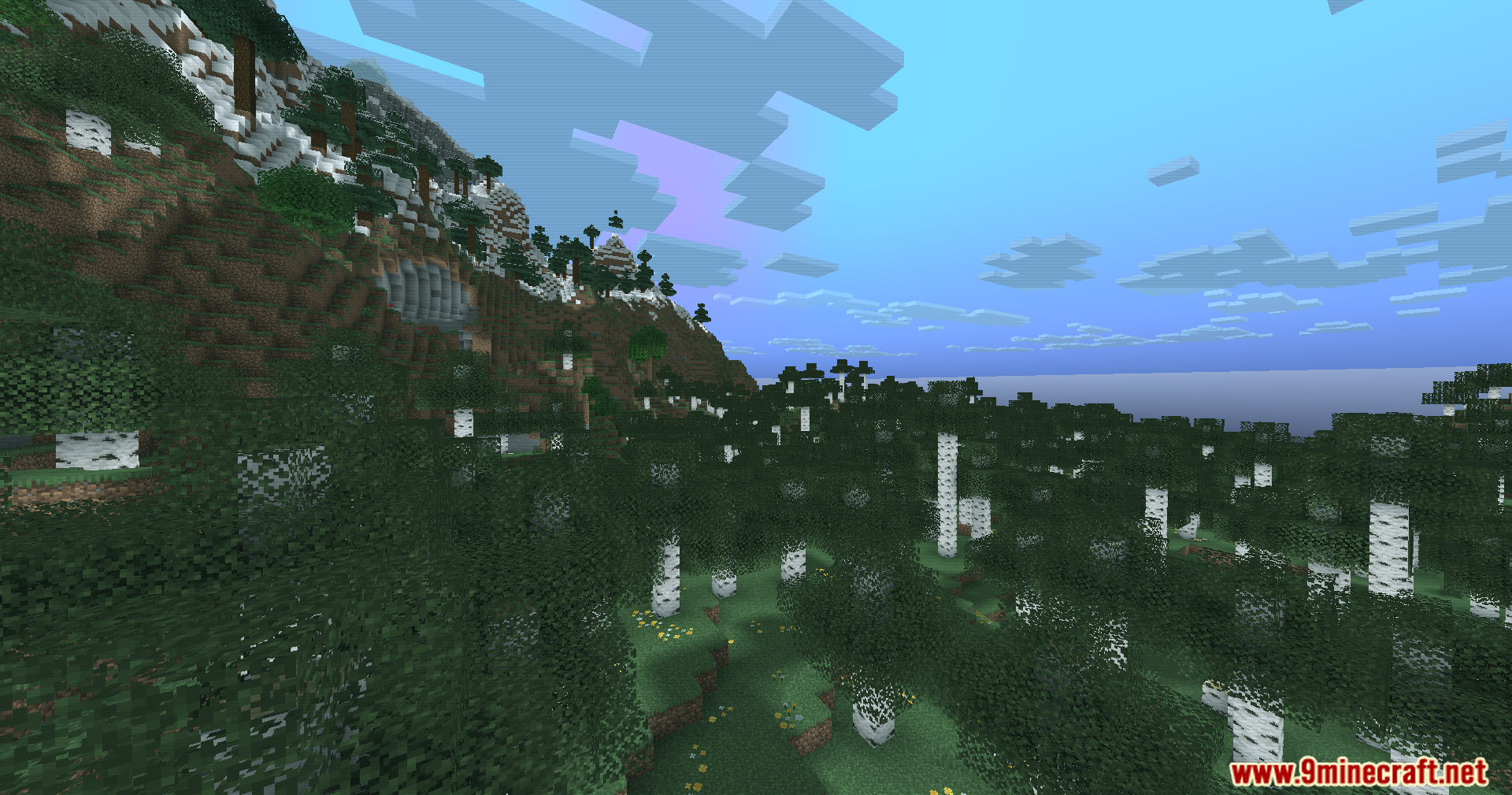
How to Install:
New to Minecraft? Follow our step-by-step guide to install Shaders on your PC.View Guide
Aurora Veil Shaders Download Links
For Minecraft
26.1.2,
26.1.1,
26.1
All Versions Covered
26.1.2
26.1.1
26.1
1.21.11
1.21.10
1.21.9
1.21.8
1.21.7
1.21.6
1.21.5
1.21.4
1.21.3
1.21.2
1.21.1
1.21
1.20.6
1.20.5
1.20.4
1.20.3
1.20.2
1.20.1
1.20
1.19.4
1.19.3
1.19.2
1.19.1
1.19
1.18.2
1.18.1
1.18
1.17.1
1.17
All Versions Covered
26.1.2
26.1.1
26.1
1.21.11
1.21.10
1.21.9
1.21.8
1.21.7
1.21.6
1.21.5
1.21.4
1.21.3
1.21.2
1.21.1
1.21
1.20.6
1.20.5
1.20.4
1.20.3
1.20.2
1.20.1
1.20
1.19.4
1.19.3
1.19.2
1.19.1
1.19
1.18.2
1.18.1
1.18
1.17.1
1.17
Click to rate this post!
[Total: 1 Average: 5]
You May Also Like

This post has no comments yet. Be the first — your comment will appear here.