


Bridging Mod (26.2, 1.20.1) – Build Bridges Over the Void

 0
0  5 days ago
🌐 Good news — we've translated this article into other languages!
Or pick the one you like:
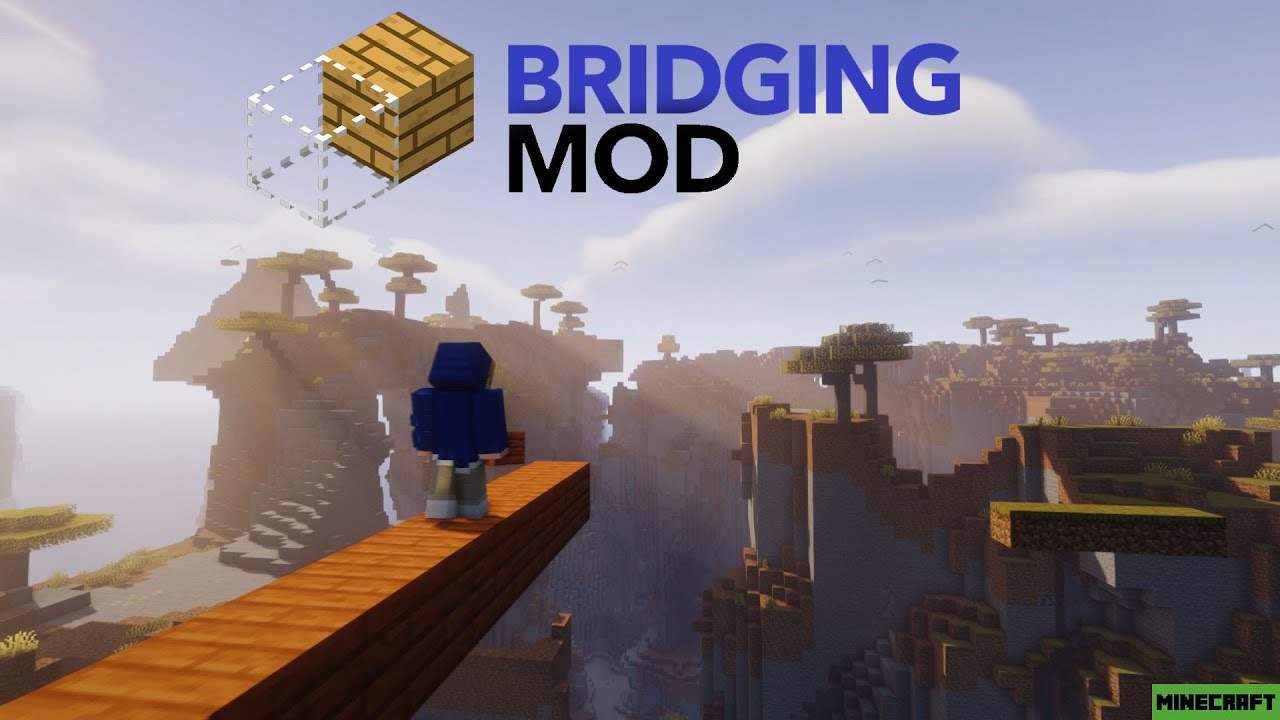
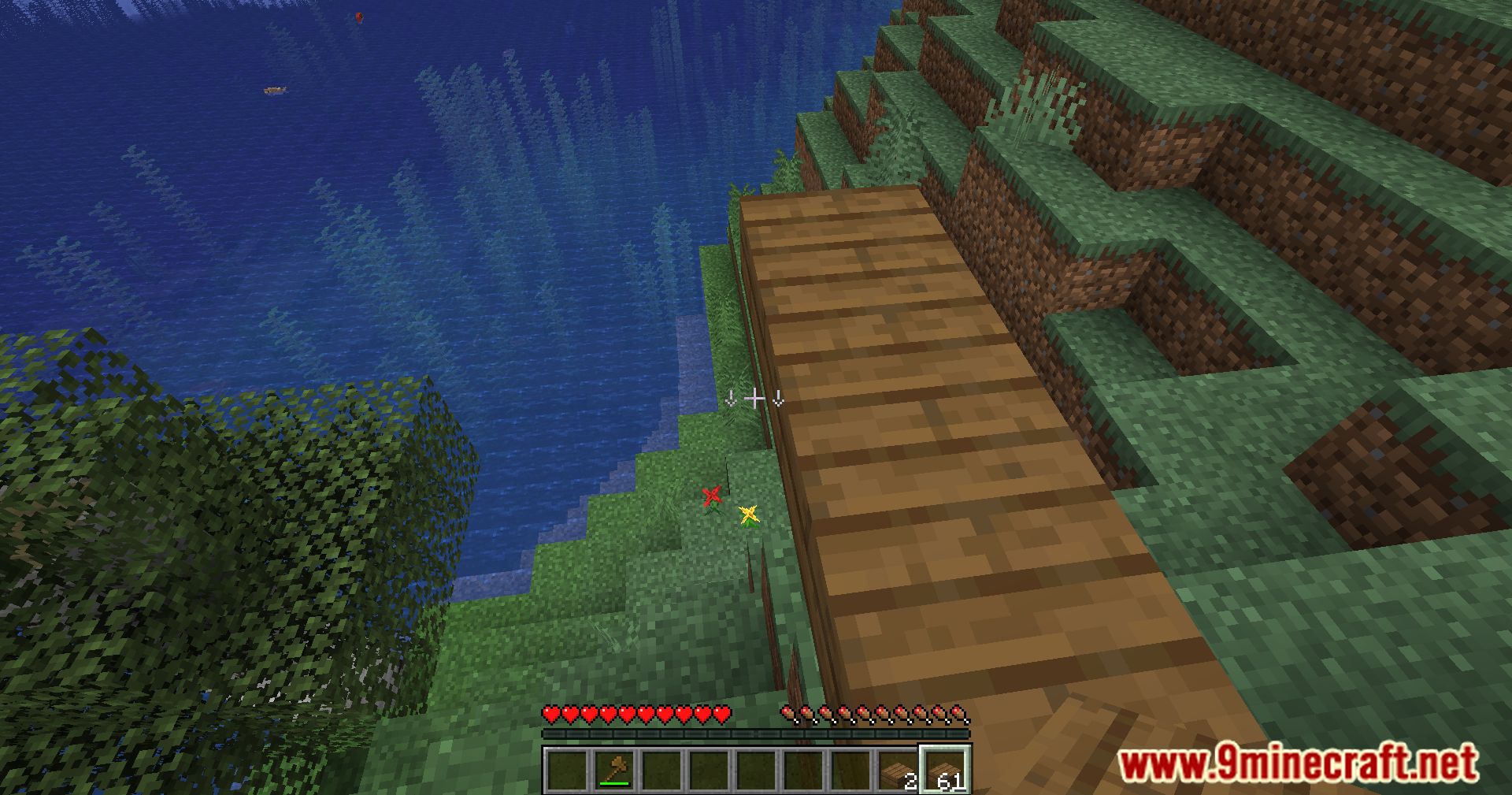
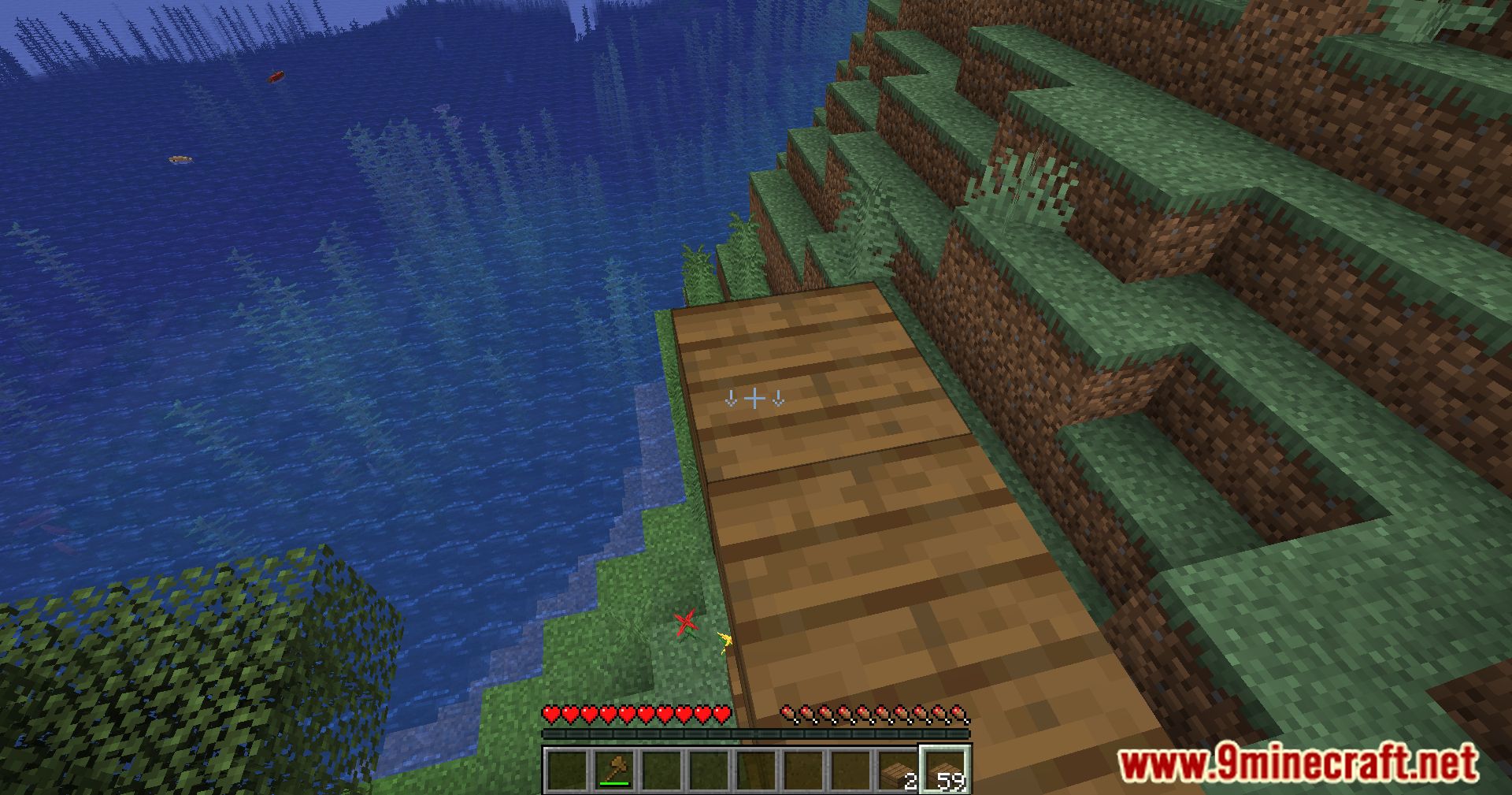
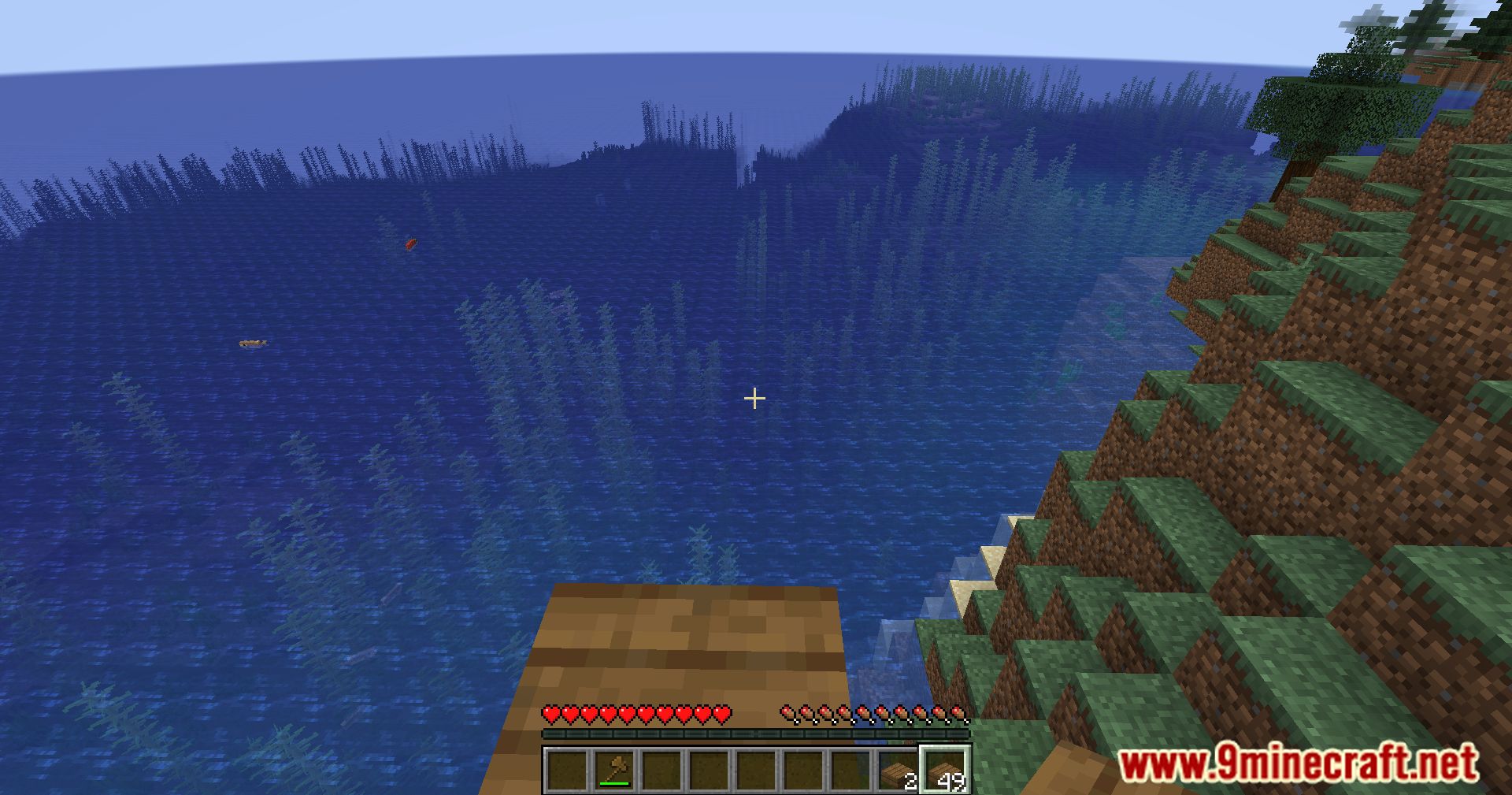
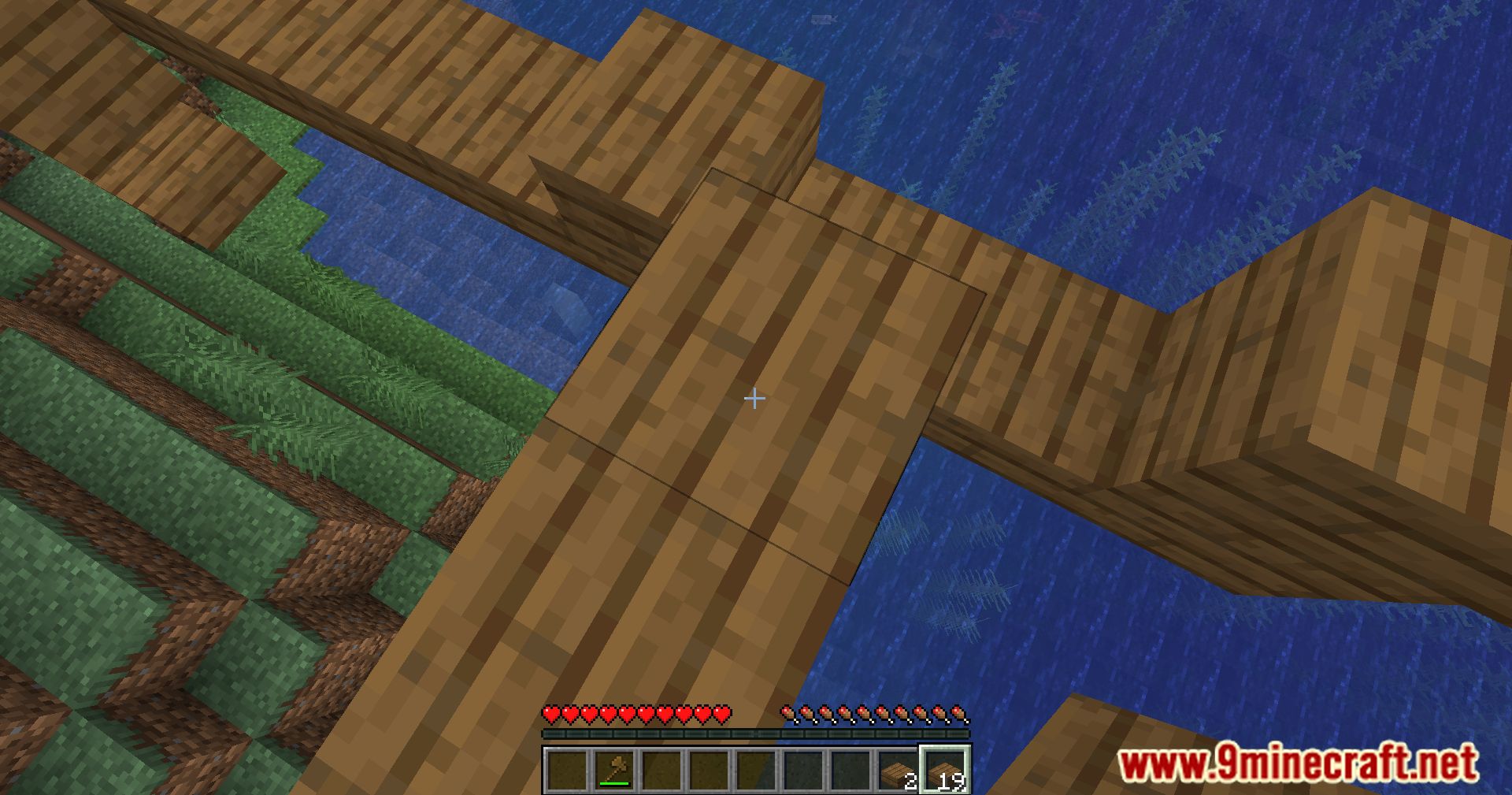
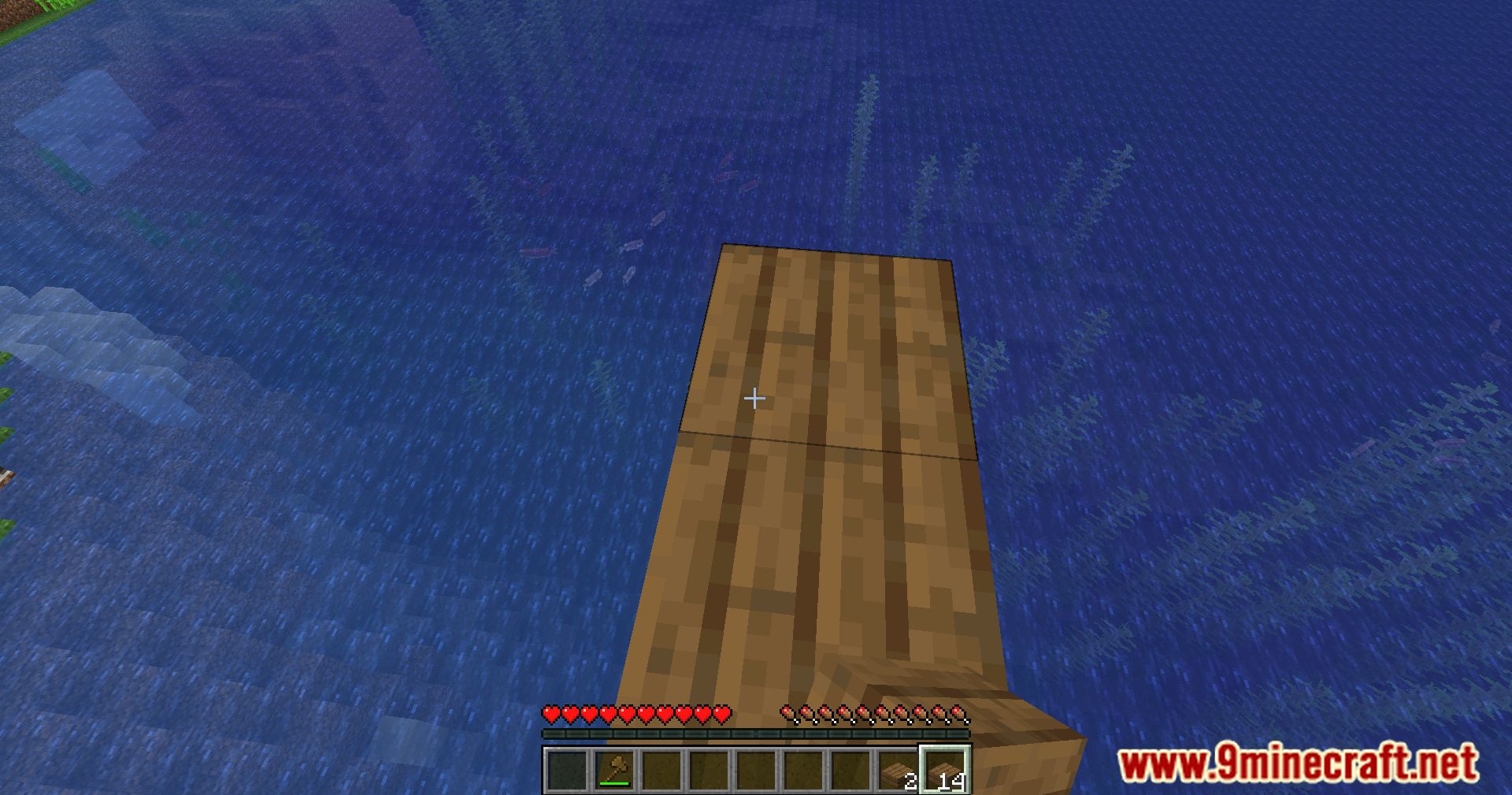
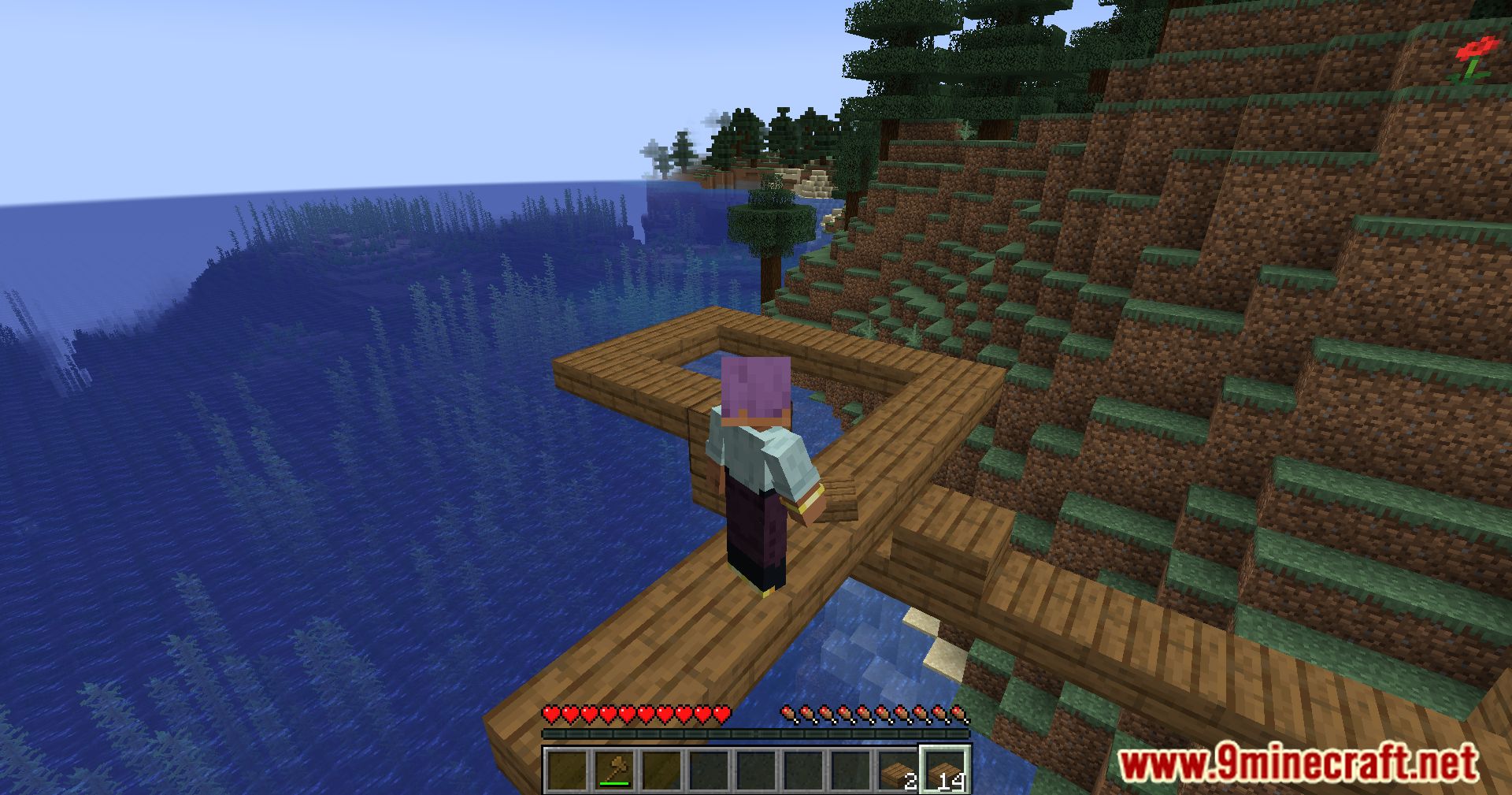
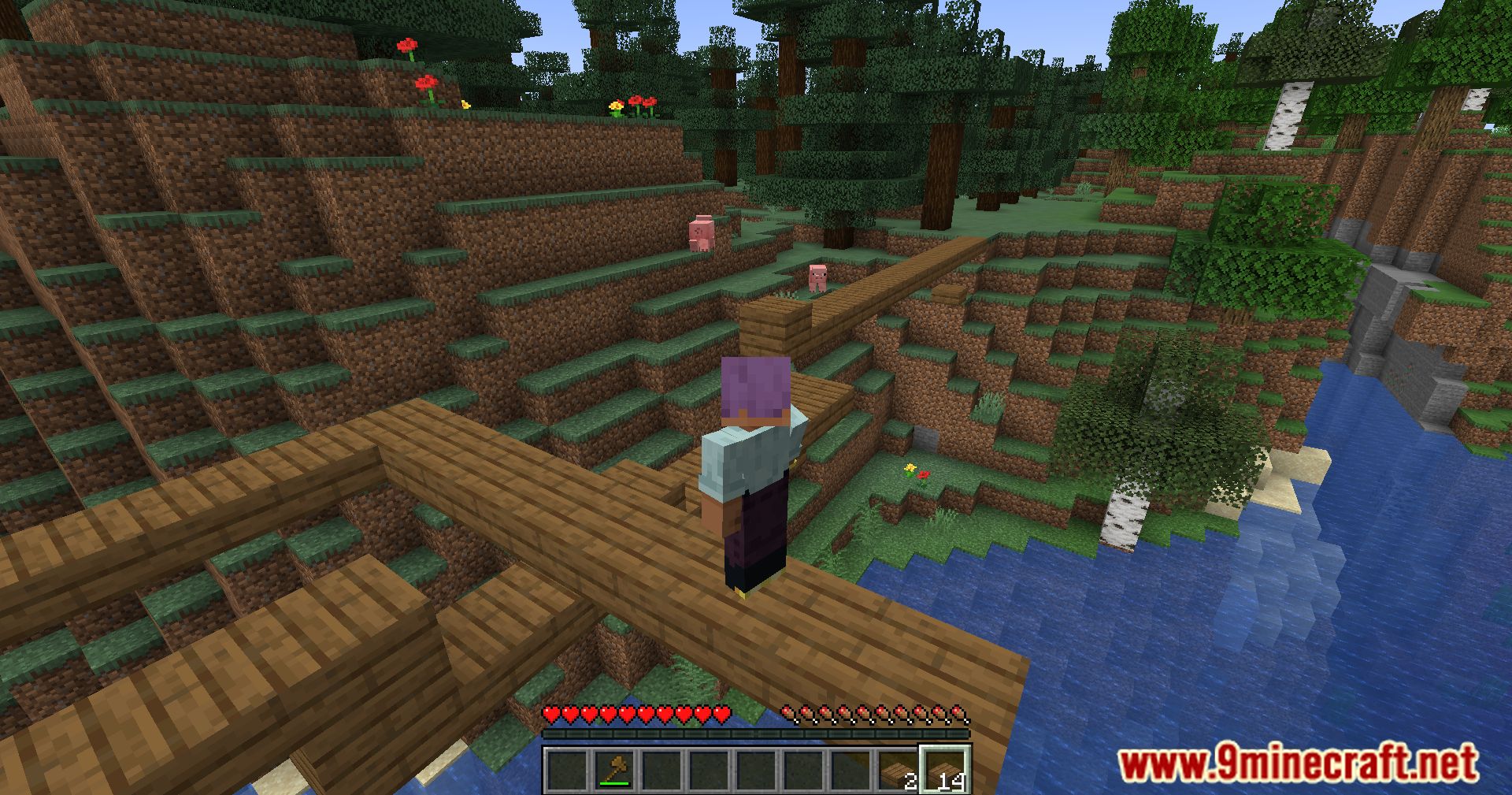
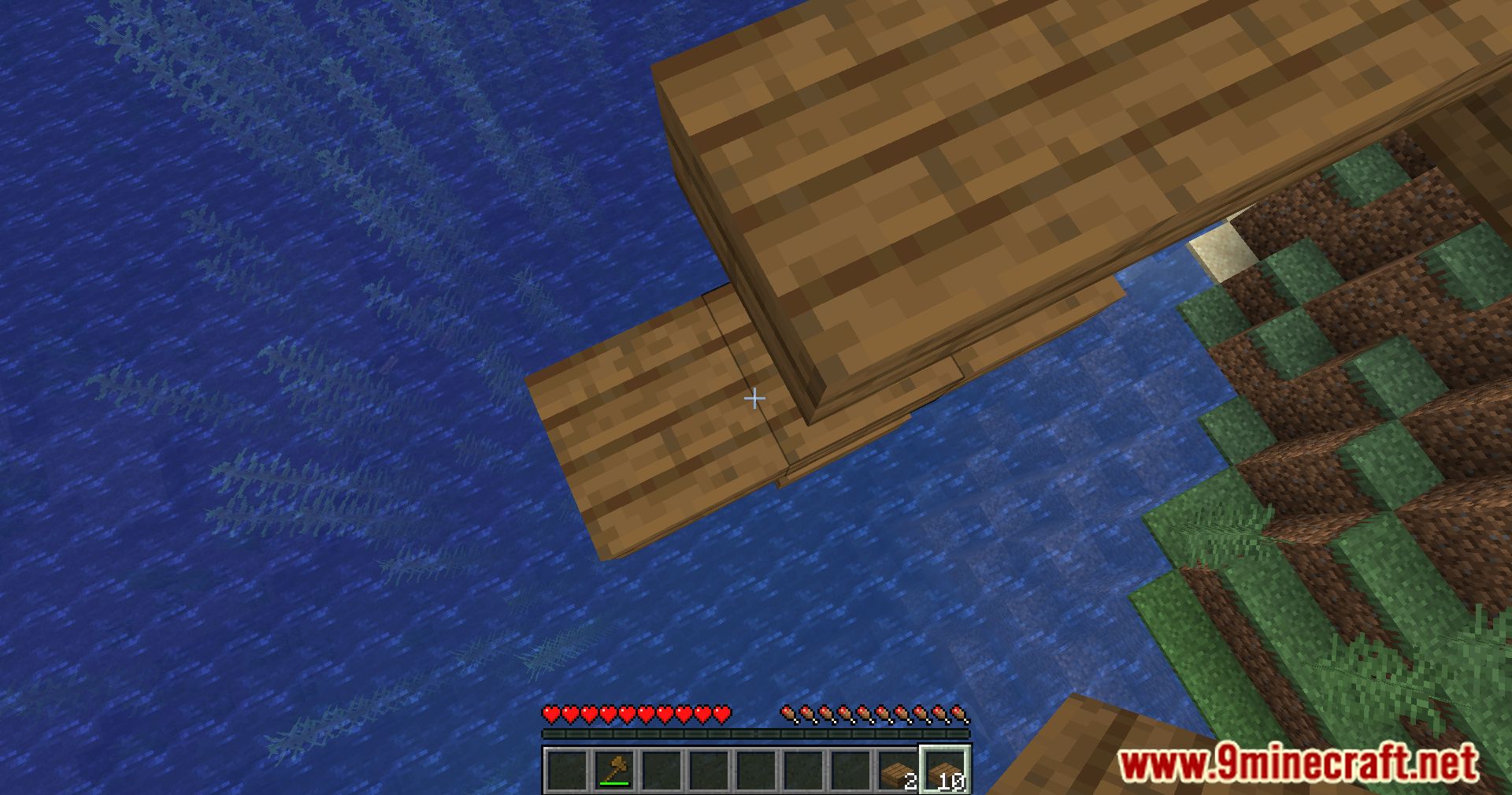
Bridging Mod adds a building feature that lets you place blocks in the air, similar to how it works in Minecraft: Bedrock Edition. This makes it easy to build bridges over gaps or create platforms without needing to sneak over the edge. You can place blocks in front, above, or below your character. It is important not to use this on large online servers because it may be considered an unfair advantage.
Features:
- Place blocks in empty spaces in front of you, above you, or below you.
- A special crosshair appears to show where the block will be placed.
- An outline box shows the exact placement position when the F3 menu is open.
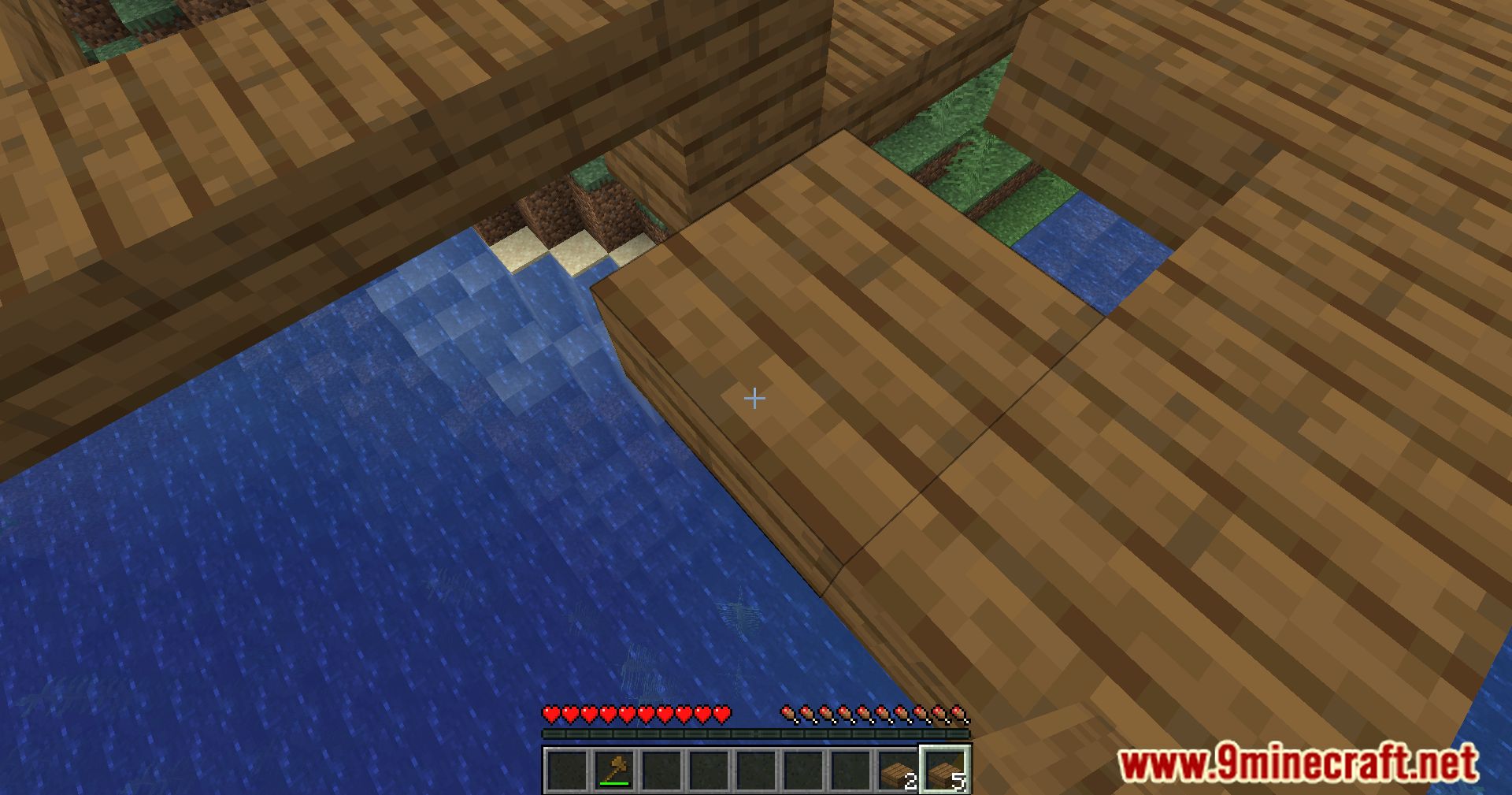
- Works correctly with slabs and other partial blocks.
- You can change settings like placement delay or turn off the crosshair.
Screenshots:
How to Install:
New to Minecraft? Follow our step-by-step guide to install Mods on your PC.View Guide
Requirements:
 Fabric Loader Required
 Fabric API Required
 Minecraft Forge Required
 NeoForge Required
Quilt Loader Required
YetAnotherConfigLib Required
Bridging Mod Download Links
For Minecraft 26.2
For Minecraft 26.1.2, 26.1.1, 26.1
For Minecraft 1.21.11
For Minecraft 1.21.10, 1.21.9
For Minecraft 1.21.8, 1.21.7, 1.21.6
For Minecraft 1.21.5
For Minecraft 1.21.4
For Minecraft 1.21.3
For Minecraft 1.21.1, 1.21
For Minecraft 1.20.6
For Minecraft 1.20.5
For Minecraft 1.20.4, 1.20.3
For Minecraft 1.20.2
For Minecraft 1.20.1, 1.20
For Minecraft 1.19.4
For Minecraft 1.19.3
For Minecraft 1.19.2
For Minecraft 1.19.1, 1.19
For Minecraft 1.18.2
For Minecraft 1.18.1
For Minecraft 1.17.1
Click to rate this post!
[Total: 29 Average: 3.3]
You May Also Like






This post has no comments yet. Be the first — your comment will appear here.