
Chopper 1.0 Schematic (1.21.x) – Compact Helicopter for Mid Game Travel

 0


Chopper 1.0 Schematic gives you a compact flying vehicle built for mid-game travel. It uses 118 blocks to form a functional helicopter measuring 10 blocks wide, 6 blocks tall, and 11 blocks long. The design relies on mechanical parts from Create and flight addons to lift off into the sky. While it defaults to a creative motor for testing, you can swap the motor for a portable engine to fly it in survival mode.
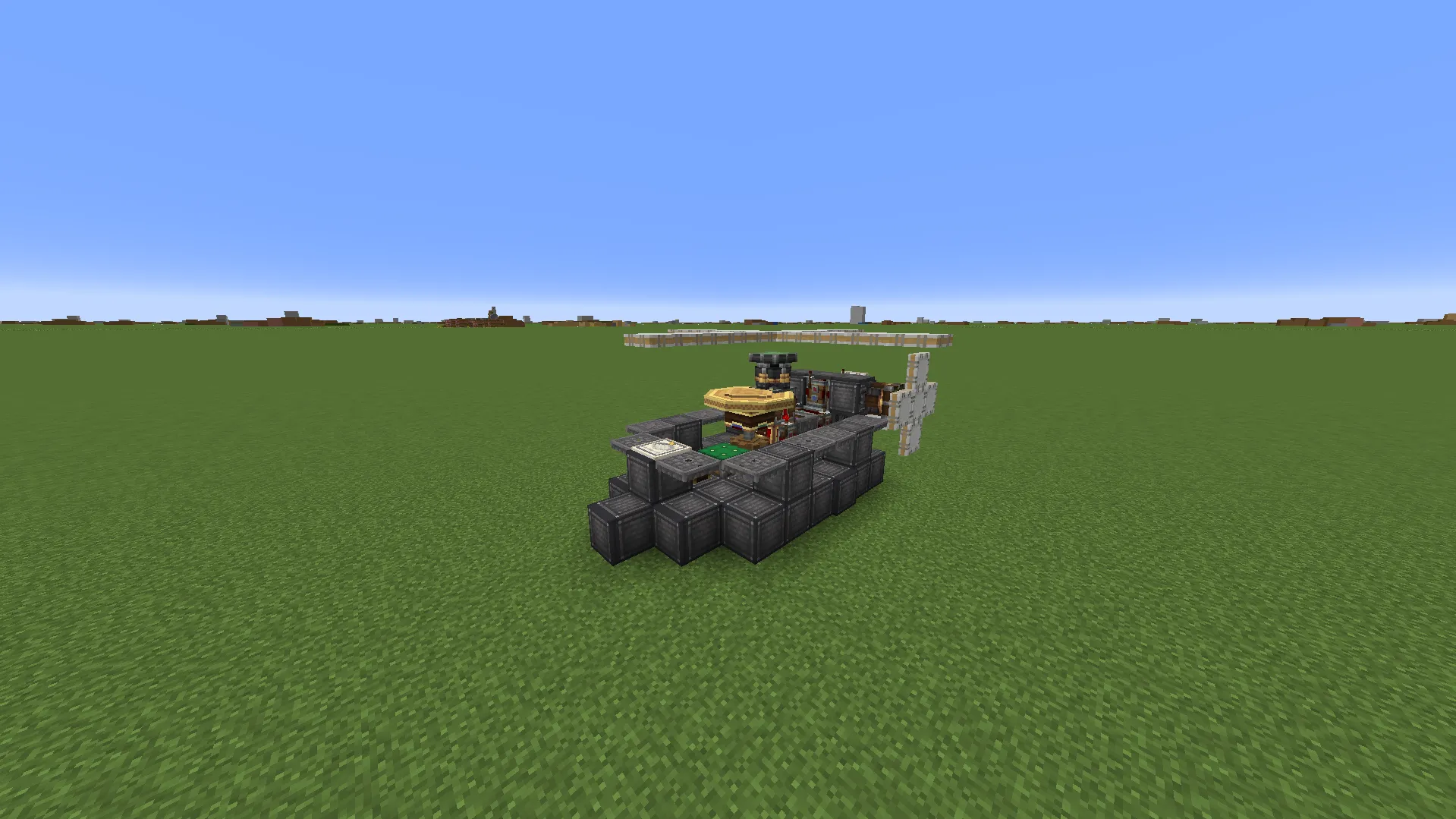
3D Preview & Editor:
How to place this schematic
.nbt This is a vanilla structure file. It loads through structure blocks with no mod at all, within the 48×48×48 size limit.
| 1 | Put the .nbt file in <your world>/generated/minecraft/structures. |
| 2 | Give yourself a structure block: /give @s structure_block. |
| 3 | Place it, open it and switch the mode to LOAD. |
| 4 | Type the file name without .nbt, press LOAD, then PLACE. |
Features:
- Mid-Game Transport: Serves as a fast and nimble flying vehicle to help you travel across your world.
- Survival Ready: Lets you replace the creative motor with a portable engine for normal survival gameplay.
- Builds into a compact footprint with dimensions of 10 blocks wide, 6 blocks tall, and 11 blocks long.
- Uses exactly 118 blocks, keeping the structure lightweight and quick to assemble.
- Combines decorative props, custom casings, and aeronautic components to create an authentic aircraft style.
Schematic Specs:


 Top Blocks Used
Industrial Iron Block 68White Symmetric Sail 27Copycat Layer 14Industrial Iron Trapdoor 12Redstone Link 6
Requirements:
 Create Mod Required
simulated Required
aeronautics Required
copycats Required
createdeco Required
createcasing Required
aeroworks Required
Chopper 1.0 Schematic Download Links
For Minecraft 1.21.x
Click to rate this post!
[Total: 0 Average: 0]
You May Also Like
Picked for this page
 Airbus A380 800 Schematic (1.21.x) – Fly the Largest Commercial Airplane
 The Songbird Schematic (1.21.x) – Large Flying Base for Create Mod
 Casa SteamPunk Schematic (1.21.x) – Ready to Build Steampunk House
 Jet Powered Atm10 Aero Car Schematic (1.21.x) – Jet Powered Car for Create Aeronautics
 Creative More Compact Walker Schematic (1.21.x) – Tiny Walking Machine for Create Mod
 Create Aeronautics Mini Helicopter Minimal Resources Compact Size Fast Schematic (1.21.x)
 Military Fight Heli Schematic (1.21.x) – Compact War Helicopter Build for Create
 Tank Mouse Controlled Schematic (1.21.x) – Fully Functional Mouse Controlled
 The Lotnos V3 Schematic (1.21.x) – Fast Mechanical Car for Create
 The Railway Airship Schematic (1.21.x) – Flying Machine with a Mini Base
 Garlic Drone Schematic (1.21.x) – Flying PvZ Garlic Drone Build for Create
 Ch 53e Super Stallion Survival Friendly Schematic (1.21.x) – Heavy Military Helicopter
Most viewed in Create Mod Schematics over the last 7 days
 Working SpaceX Starship and Mechazilla Tower with Chopsticks Based off the 13th Flight Test (1.21.x)
 British Rail’s Class 143 Efmf Version Schematic (1.20.x) – Small Diesel Pacer Train for Create Mod
 Arasaka Tower Schematic (1.21.x) – Massive Black Industrial Skyscraper Build
 Pillager Defensive Cannon Schematic (1.21.x) – Compact Pillager Style Cannon for Create
 Project StarGaze Schematic (1.21.x) – Build and Drive Your Own Military Vehicle
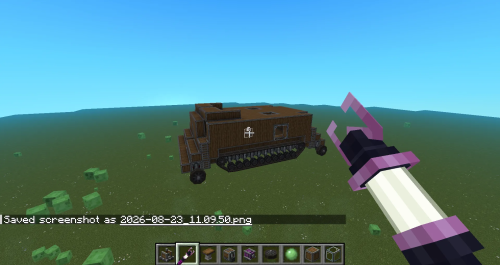 Mole Mk1 Schematic (1.21.x) – Creative Motor Vehicle Build for Create
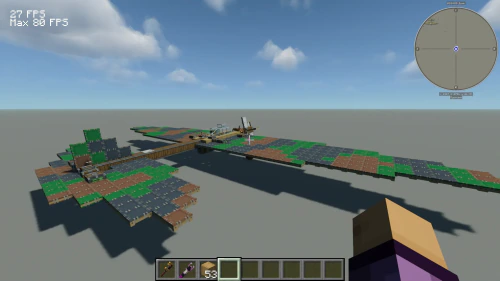 Il 2 Schematic (1.21.x) – Vintage Flying Machine for Create Mod
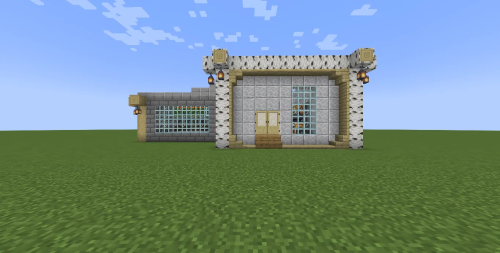 Farm Quarts and Golden Nuggets Schematic (1.21.x) – Compact Early Game Quartz and Gold Farm
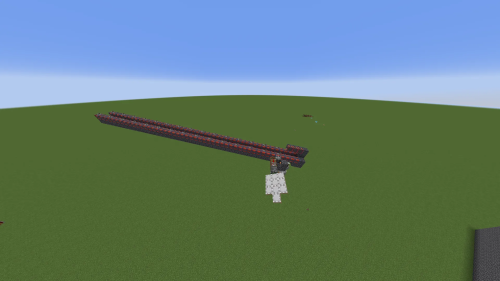 Rail Gun Schematic (1.21.x)
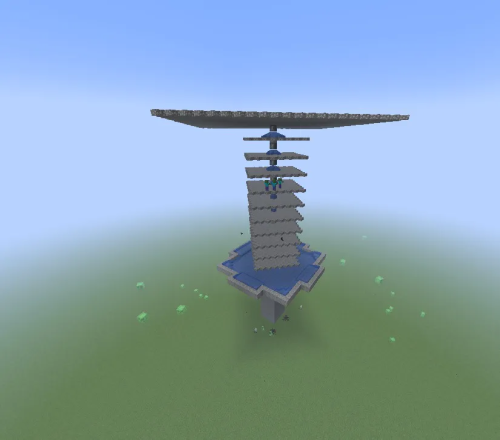 A Simple Mob Trap Schematic (1.21.x) – Build a Massive Automatic Mob Farm Structure
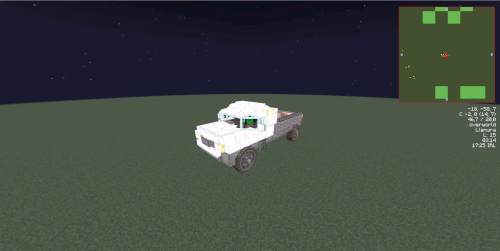 Camioneta Schematic (1.21.x) – Driveable Pickup Truck with Gear System
 Ultimate Nuclear Reactor Schematic (1.21.x) – High Power Reactor Build for Create
More from Create Mod Schematics
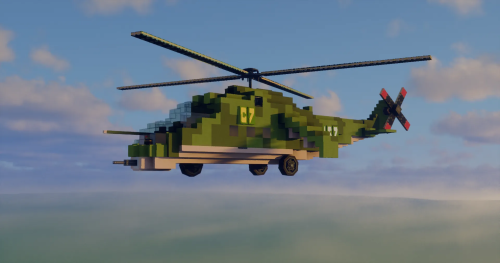 Mil Mi 24 Schematic (1.21.x) – Fly a Fast Survival Ready Attack Helicopter
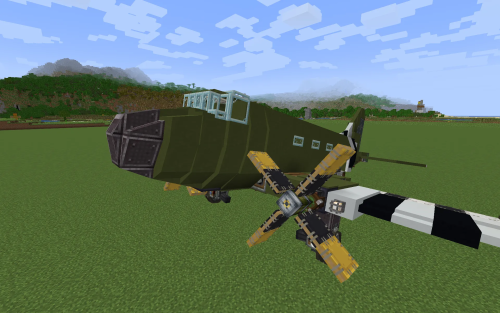 Douglas C 47 Skytrain Schematic (1.21.x) – Fly a Classic Transport Plane with Your Friends
 Diesel Aircraft Schematic (1.21.x) – Medium Single-Engine Twin-Tailed Flying Machine Build
 Flower Ship Schematic (1.21.x) – Build a Giant Flying Flower Airship in
 Rudolph Simple Early Airship 10 M S Schematic (1.21.x) – Simple Balanced Airship Using One Portable
 Compact Train Casinging Maker Schematic (1.21.x) – Small Automated Train Casing Factory for Create
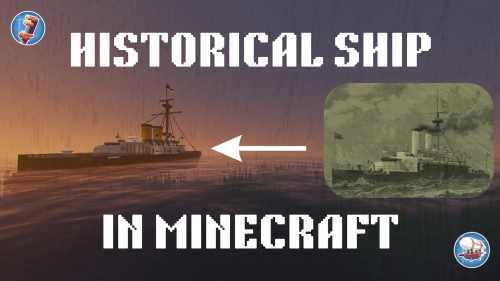 Hms Collingwood Admiral Class Ironclad Battleship Schematic (1.21.x) – Historic Warship
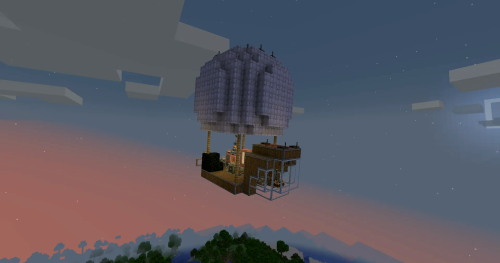 Cool Airship Schematic (1.21.x) – Compact Diesel-Powered Flying Machine for Create Mod
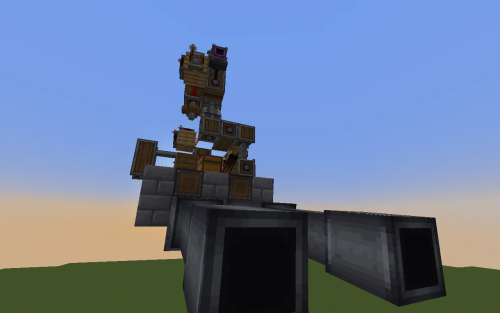 Dual Aimable Autoloading Cannons Schematic (1.21.x) – Twin Autoloading Cannon Frame for Airships
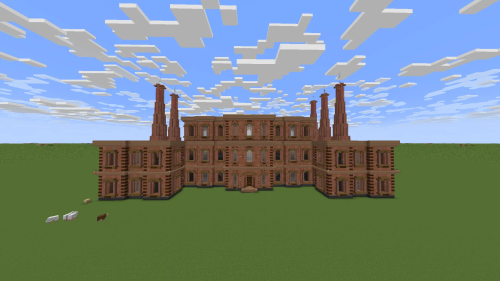 A Huge Empty Factory Schematic (1.21.x) – Three-Floor Industrial Building for Create Engineers
 Max Steam Engine Schematic (1.21.x) – High Power Steam Generator Setup for Create
 Bigger Iron Gen Not Great Schematic (1.21.x) – Brass Iron Farm Build for Create Mod

This post has no comments yet. Be the first — your comment will appear here.