


Cosmetic Armor Reworked 9minecraft Mod (26.2) – Look Good Without Losing Stats
 0
0
 0
0
 2 minutes ago
 9Minecraft Team
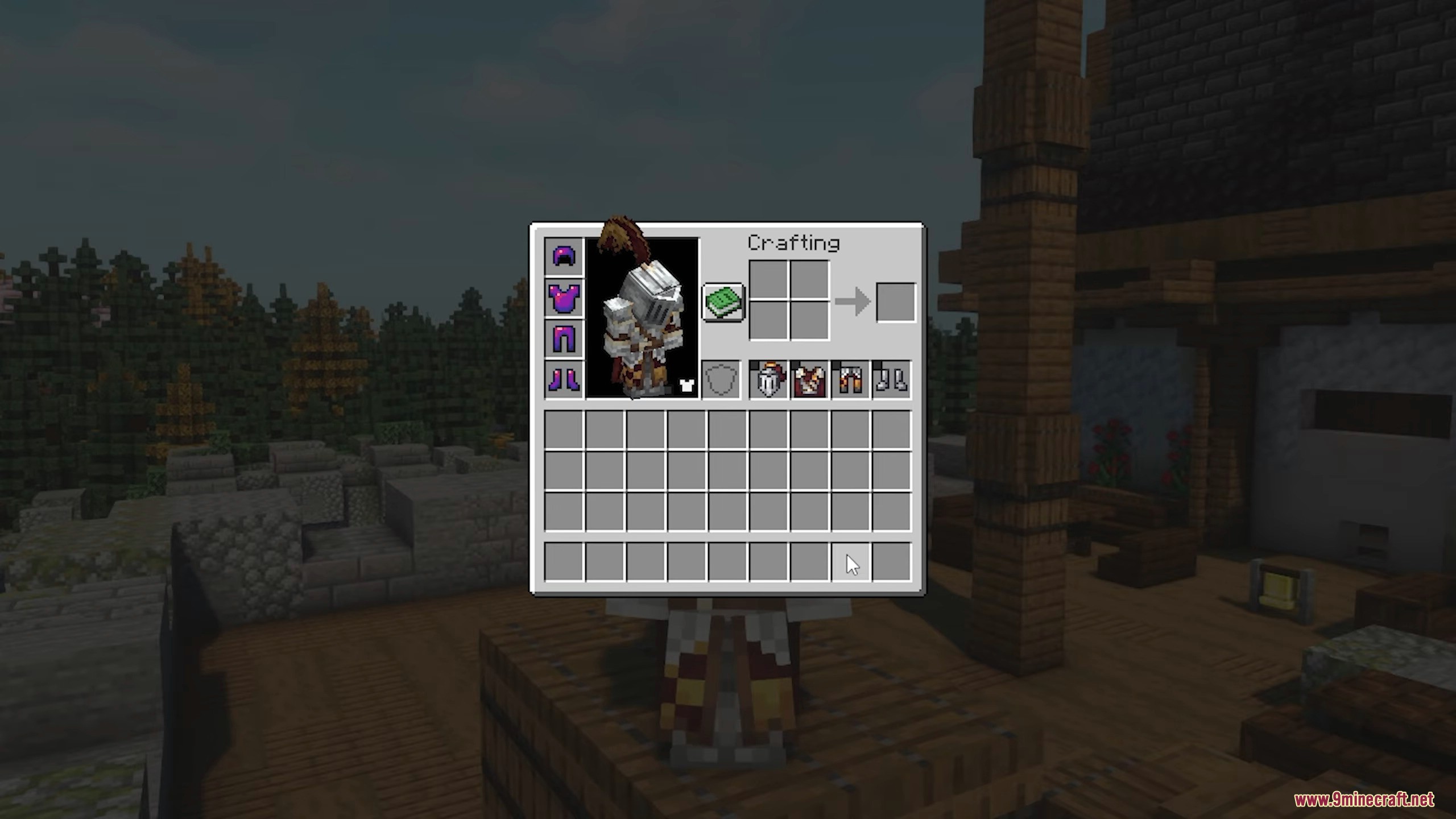
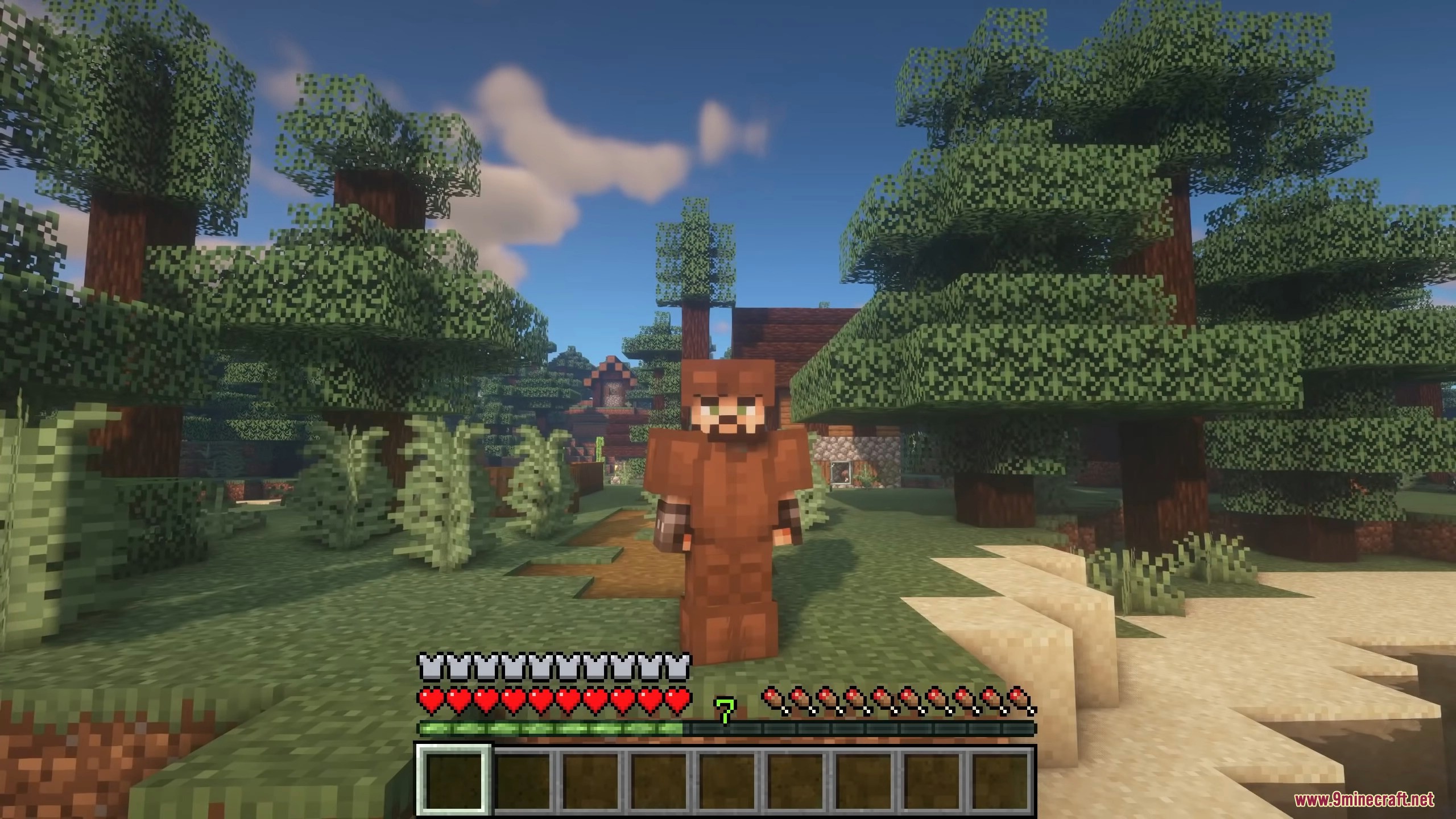
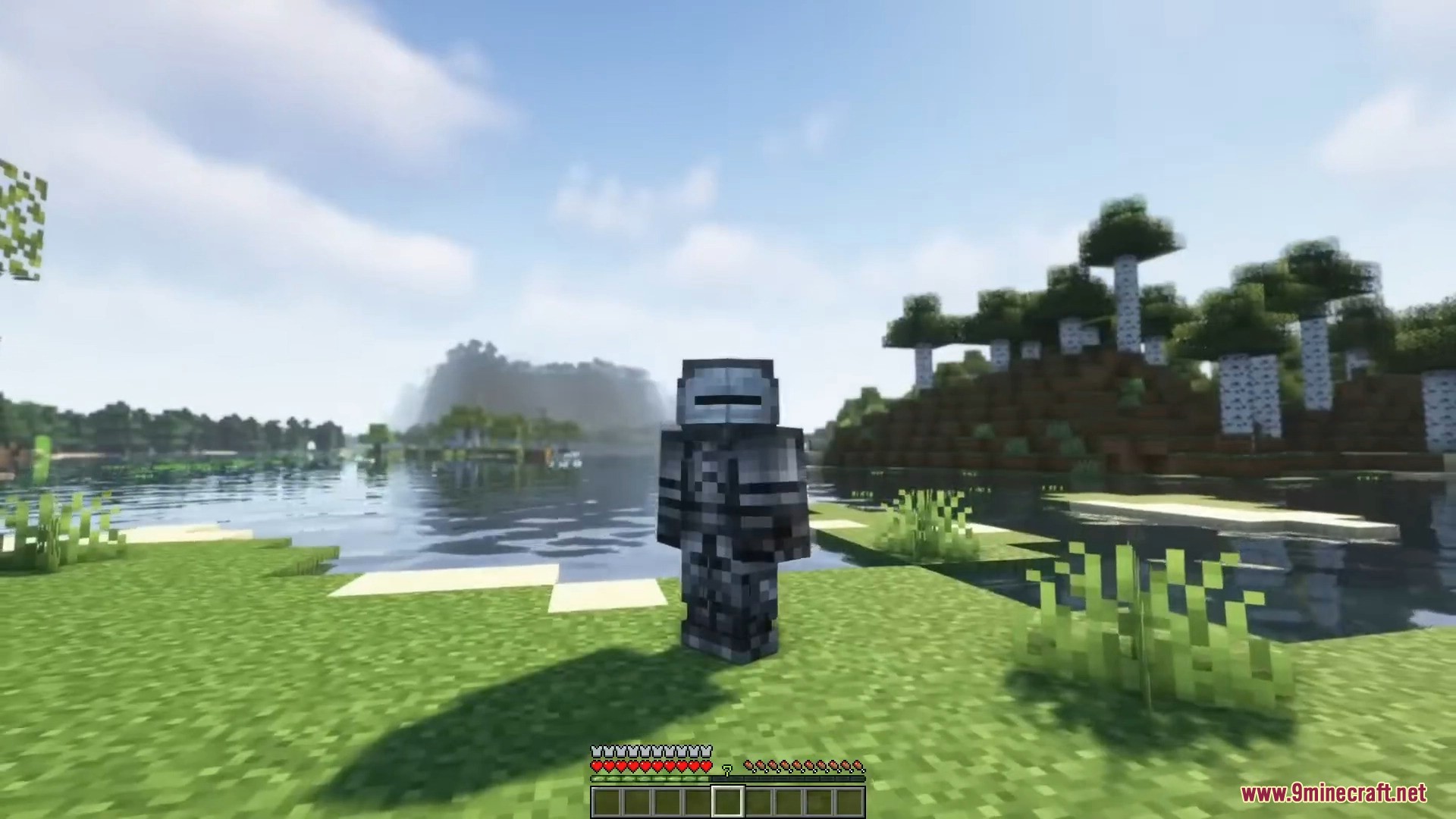
Cosmetic Armor Reworked 9minecraft Mod lets you wear two full sets of armor at once – one that actually protects you and a second that only changes how you look. Equip your strongest gear for real defense, then drop any armor you like into the cosmetic slots to display that look instead, so your appearance never depends on what you are actually wearing.

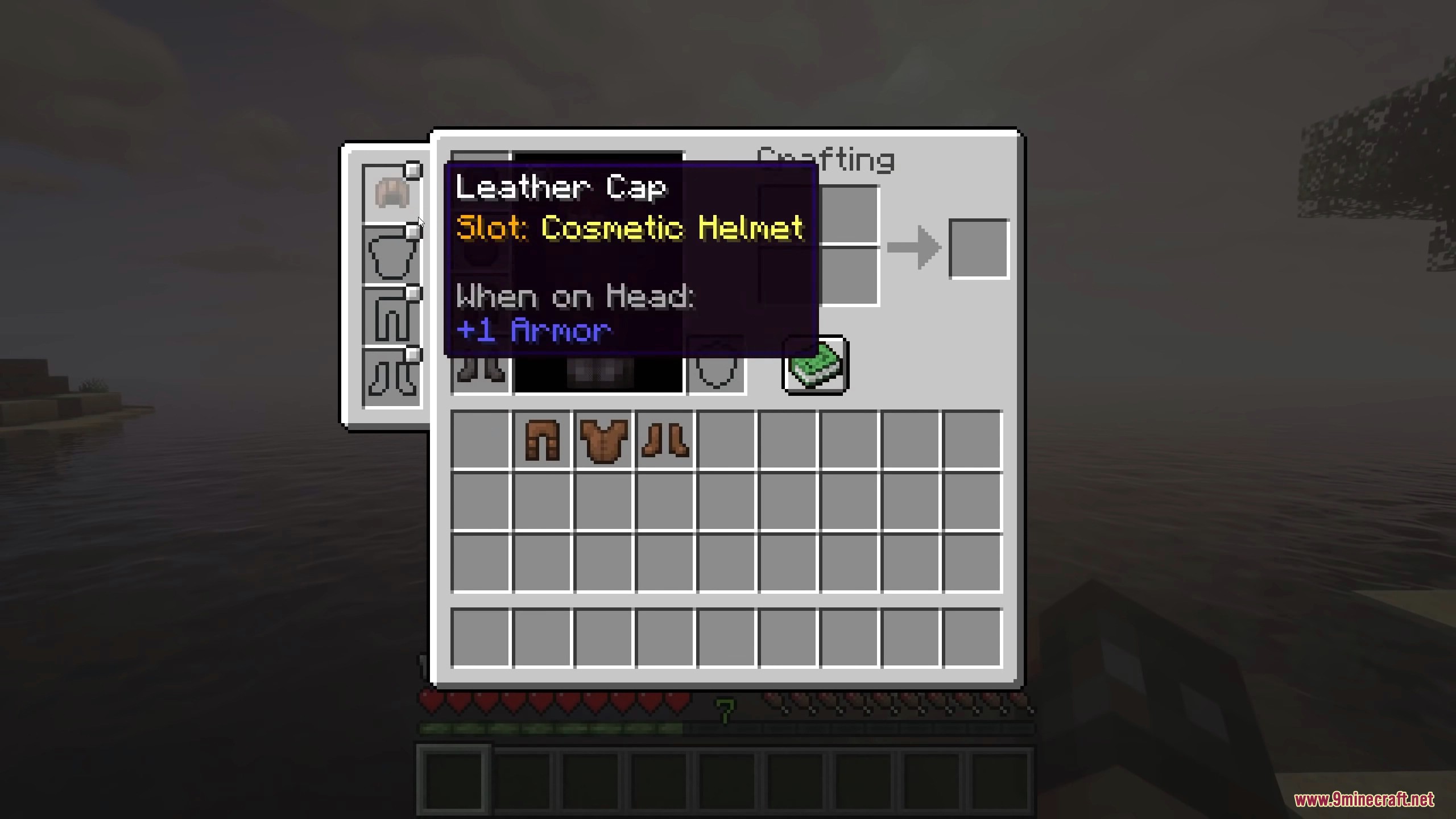
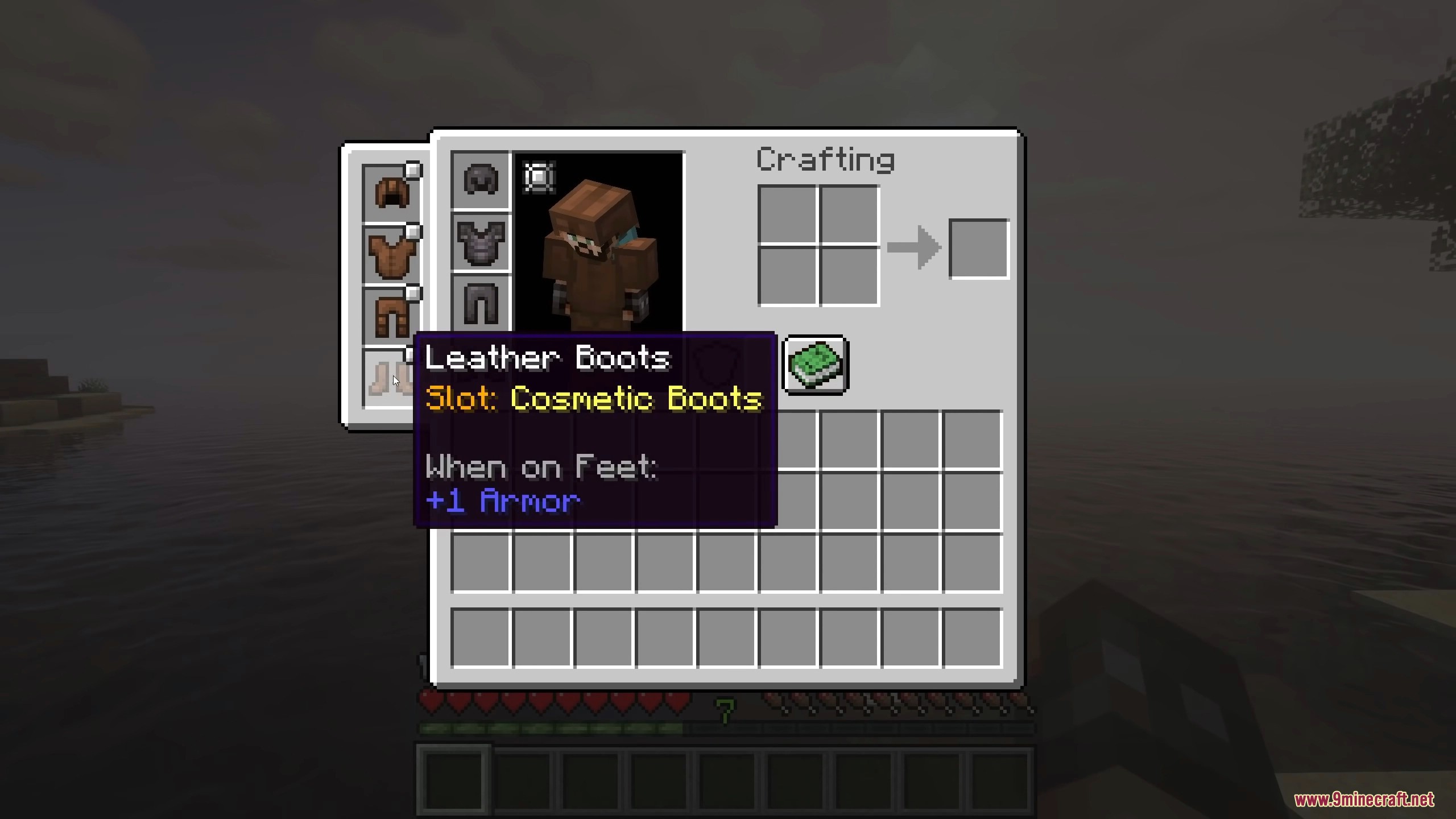
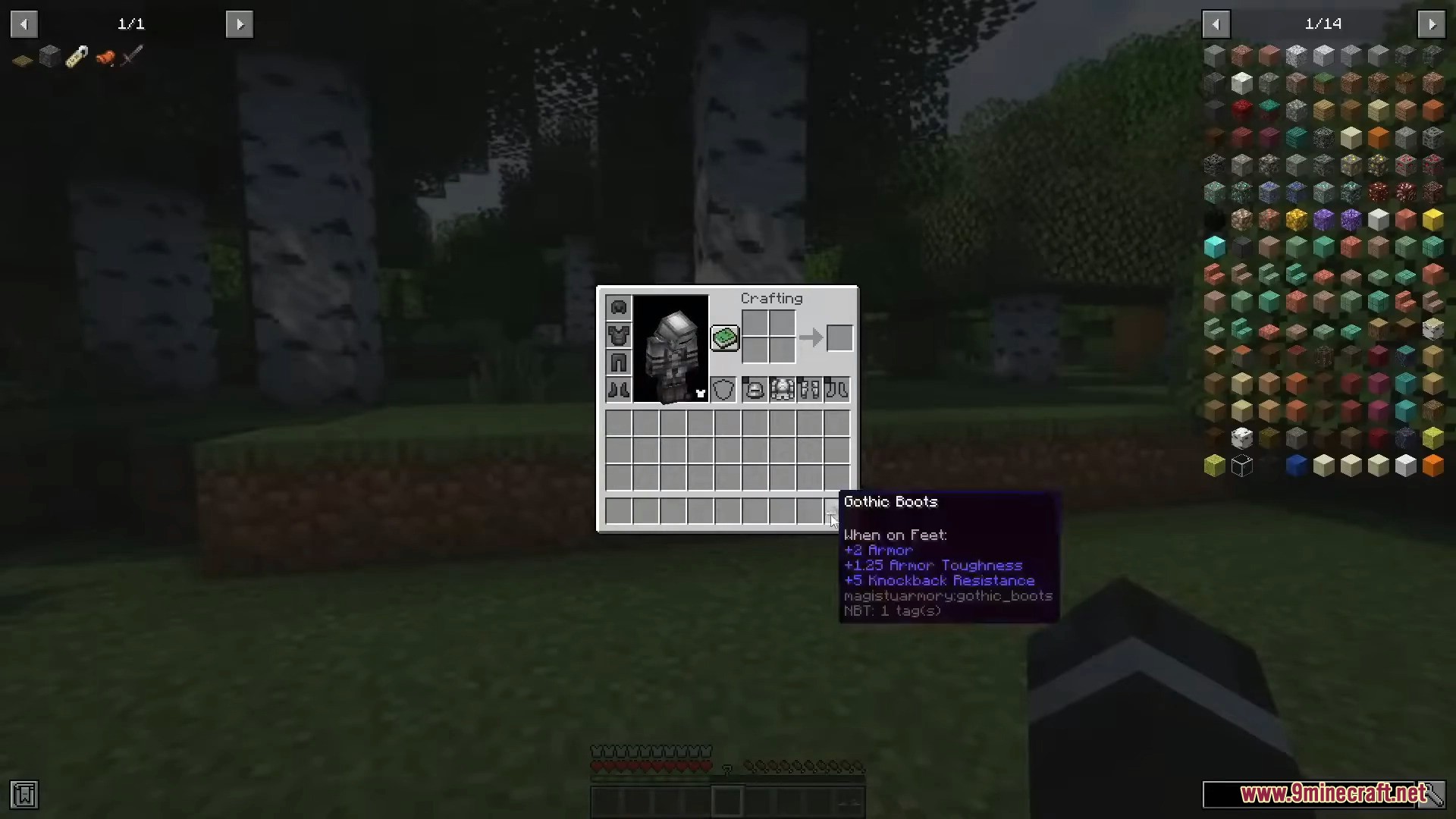
It adds four cosmetic armor slots right next to your normal armor in a dedicated inventory screen, opened from a small button in your inventory. You can hide individual armor pieces to show your skin instead, mix and match any styles you want, and even disable the mod on your own client for fair PvP – the cosmetic look never interferes with the protection you are really wearing.
Features:
- Wear one set of armor for protection and display a completely different set.
- Four dedicated cosmetic armor slots in their own inventory screen.
- A button in your inventory opens the cosmetic armor screen instantly.
- Hide any armor piece to show your bare skin in that slot instead.
- Mix and match freely – cosmetic pieces are purely visual.
- Toggle the mod off on your own client for fair PvP.
- Lightweight and friendly on servers.
How to Use:
- Open your inventory and click the cosmetic armor button to open the cosmetic screen.
- Drag any armor pieces into the four cosmetic slots to display that look.
- Keep your real protective armor equipped in the normal armor slots.
- Use the hide toggles to show your skin for any slot instead of armor.
Screenshots:






Requirements:

For Minecraft 26.2
You May Also Like
















This post has no comments yet. Be the first — your comment will appear here.