
Crimson Core Steam Engine Mk1 Schematic (1.21.x) – High Power Lava Steam Engine Setup
 16
 0


Crimson Core Steam Engine Mk1 Schematic adds a high-power lava engine setup for the Create mod and Create: Rubberworks. This design provides two level 4 steam engines that generate over 120,000 SU together. It uses lava from Crimson Trees to keep the engines running without stopping. A built-in Threshold Switch manages the fuel levels so the system does not waste energy when the tanks are full. You can get rotational power from three different outputs on the front and sides of the build. This compact factory piece is perfect for players who need a lot of energy in a small space.

3D Preview & Editor:
Materials
35 types · 378 blocks
| Vanilla 8 | ||||||||
| Oak Planks | 151 | Crimson Nylium | 20 | Nether Wart Block | 17 | |||
| Crimson Stem | 8 | Pointed Dripstone | 6 | Netherrack | 5 | |||
| Polished Diorite | 3 | Comparator | 1 | |||||
| Create 21 | ||||||||
| Fluid Tank | 37 | Fluid Pipe | 24 | Blaze Burner | 8 | |||
| Powered Shaft | 8 | Steam Engine | 8 | Mechanical Pump | 7 | |||
| Depot | 7 | Encased Chain Drive | 6 | Shaft | 6 | |||
| Redstone Link | 3 | Gearbox | 3 | Large Cogwheel | 3 | |||
| Clutch | 2 | Speedometer | 1 | Rotation Speed Controller | 1 | |||
| Stockpile Switch | 1 | Stressometer | 1 | Andesite Funnel | 1 | |||
| Mechanical Arm | 1 | Spout | 1 | Cogwheel | 1 | |||
| Create Connected 2 | ||||||||
| Encased Chain Cogwheel | 11 | Six Way Gearbox | 1 | |||||
| Bellsandwhistles 1 | ||||||||
| Ornate Iron Trapdoor | 16 | |||||||
| Rubberworks 1 | ||||||||
| Sapper | 6 | |||||||
| Gnkinetics 1 | ||||||||
| Worm Gear | 2 | |||||||
| Simulated 1 | ||||||||
| White Portable Engine | 1 | |||||||
How to place this schematic
.nbt This is a Create mod schematic. The Schematicannon builds it for you, block by block, from the materials you load into it.
| 1 | Put the .nbt file in .minecraft/schematics. |
| 2 | Open a Schematic Table, drop in an Empty Schematic, pick the file and write it. |
| 3 | Hold the written schematic and position the outline in the world, then confirm. |
| 4 | Place a Schematicannon, load it with the building blocks and gunpowder for fuel, then hit play. |
| 1 | Place the schematic in your world without rotating it to ensure all mechanical parts align correctly. |
| 2 | Fill the water reservoirs following the order of wood, stone, and iron pickaxes shown in the reference images. |
| 3 | Remove and then replace all the Sappers to make sure they start working properly. |
| 4 | Put a bucket in the depot and add coal to the Portable Engine to start the initial movement. |
| 5 | Add lava buckets directly to the reservoir or Blaze Burners if you want to speed up the startup process. |
Features:
- Power Generation: Two level 4 steam engines work together to produce a massive 120,000 SU.
- Uses lava fuel provided by Crimson Trees and the Create: Rubberworks addon for constant power.
- Threshold Switch automatically stops lava collection when the reservoir reaches 40 buckets.
- Smart automation restarts the fuel production once the lava level drops to 8 buckets.
- Offers a 64rpm power output on the front side for standard machinery.
- Includes two 96rpm side outputs for machines that require higher rotation speeds.
- Compact design uses only 378 blocks and fits into an 11x7x16 area.
Schematic Specs:
 Minecraft1.21.x
 Create Mod6.0.10
 Dimensions11×7×16
 Total Blocks378
 Top Blocks Used
Screenshots:


Requirements:
 Create Mod Required
Crimson Core Steam Engine Mk1 Schematic Download Links
For Minecraft 1.21.x
How often do you play pre-made modpacks instead of making your own?
16 responses · See the full results →
You May Also Like
Picked for this page
 ED 250 Pendolino Schematic (1.21.x) – Five Car Electric Passenger Train
 Basic Wheat Farm Schematic (1.21.x) – Small Automated Crop Farm Build
 Really Cheap and Simple Charcoal Farm Schematic (1.21.x) – Compact Fuel Factory for Create Mod
 2te121 Schematic (1.20.x) – Soviet Heavy Freight Diesel Locomotive Build
 Ballistic Heavy Guided Rocket Schematic (1.21.x) – Build a Powerful Long Range Guided Rocket
 Modular Medium Pressure Turbine Schematic (1.21.x) – Build a Powerful Modular Steam Turbine System
 Areonauticcs Digger 3×3 Cheap Schematic (1.21.x) – Simple 3×3 Tunnel Digging Machine
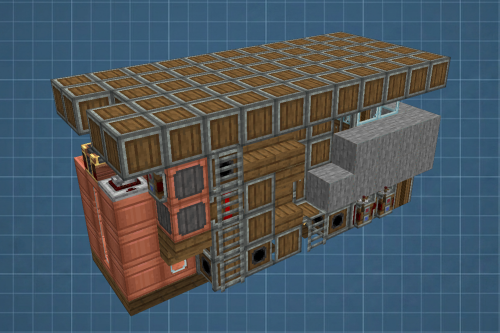 The Juicebox a Refuelling Vehicle Schematic (1.21.x) – Compact Tracked Tanker for Create Mod
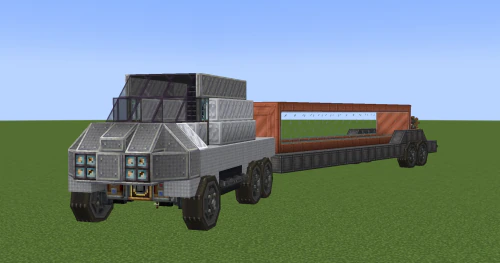 Large Semi Truck Fluid Tanker Schematic (1.21.x) – Heavy Duty Fluid Transport for Create
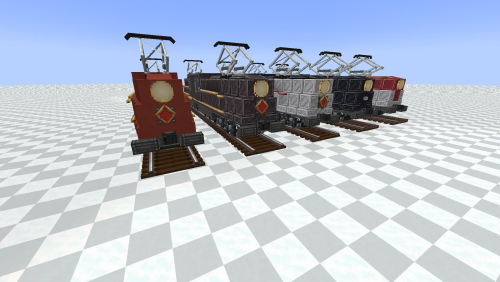 Gg1 Locomotive Schematic (1.21.x) – Build Iconic Pennsylvania Railroad Electric Trains
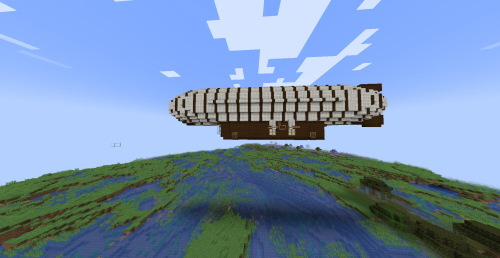 Cargo Blimp Mk1 Schematic (1.21.x) – Large Flying Cargo Airship Template
 Tank Pt Sau Artileriya Dlya Vzroslykh Voynushek Tanks Tank Destroyers and Artillery for Grown up War Games Schematic (1.21.x)
Most viewed in Create Mod Schematics over the last 7 days
 Copper Flying Ship That Can Also Act as a Normal Boat Schematic (1.21.x) – Dual Purpose Copper
 Rail Gun Schematic (1.21.x)
 Arasaka Tower Schematic (1.21.x) – Massive Black Industrial Skyscraper Build
 Agrimotor Schematic (1.21.x) – Build a Functional Create Mod Tractor
 Starter Iron Farm Schematic (1.21.x) – Simple Early Game Iron Production Build
 Large Submarine Schematic (1.21.x) – Build a Large Submarine for Travel
 F16 Falcon Schematic (1.21.x)
 Thrall 40ft 53ft Well Car Nbt Schematic (1.20.x) – Legendary Double Stack Container Train Car
 Sd40 2 Blue Nbt Schematic (1.20.x) – Classic Blue American Locomotive
 Diesel Engine Train Schematic (1.21.x) – Heavy Freight Locomotive for Create Mod
 Compacted Alloy Farm Schematic (1.21.x) – Automatic Andesite Alloy Factory for Create
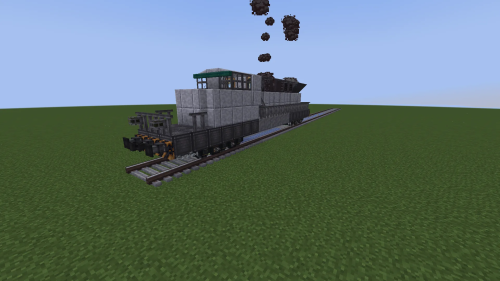 Sd40 2 White Nbt Schematic (1.20.x) – White American Sd40-2 Locomotive
More from Create Mod Schematics
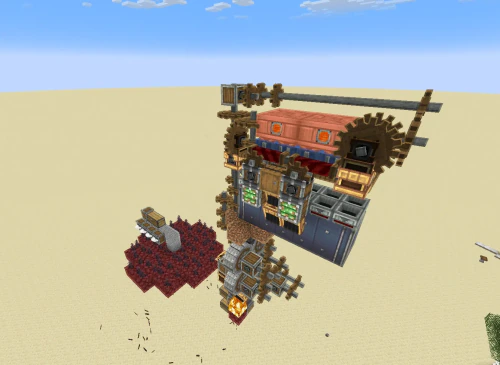 TNT Farm 10 Min Schematic (1.21.x) – Build a Fast Automatic TNT Factory
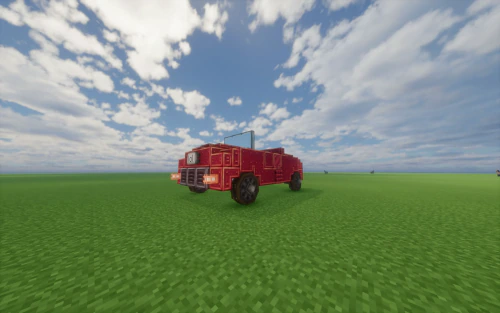 Small Red Convertible Survival Friendly Schematic (1.21.x) – Compact Red Car for Survival Worlds
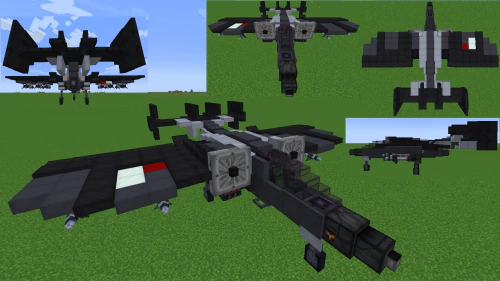 Ats Hussar V1 Schematic (1.20.x) – Build a Combat Jet with Create Mod
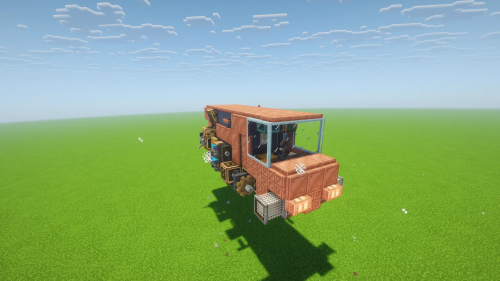 Hovercraft Cargo Mk1 Schematic (1.21.x) – Compact Cargo Vehicle Blueprint for Create
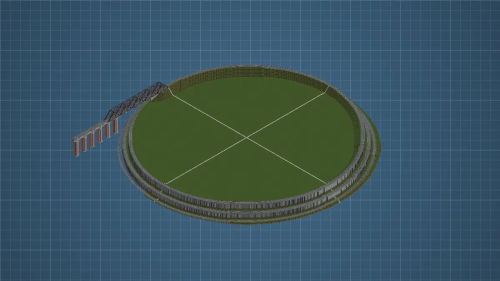 Montaña Con Marcas DE Recorrido Para Trenes Schematic (1.21.x) – Large Mountain Train Track
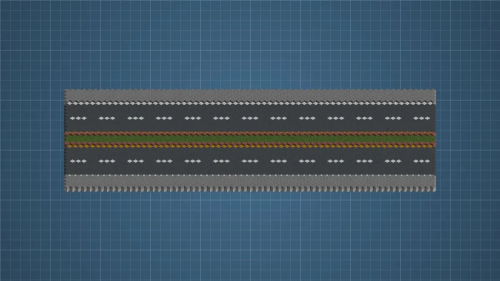 Carretera Inclinada DE Cesped Schematic (1.21.x) – Sloped Road Design for Create Mod
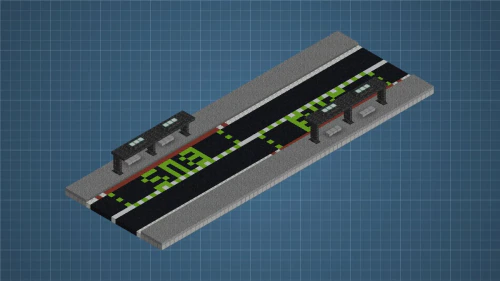 Parada DE Bus Schematic (1.21.x) – Simple Bus Stop Build for Create Mod
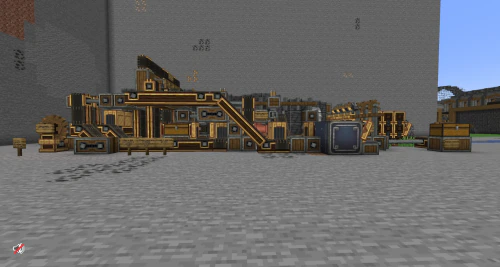 C G Z E I Farm Improved Schematic (1.21.x) – Automatic Resource Farm for Five Metals
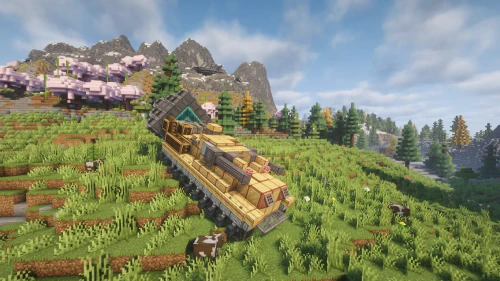 Doretta Drg Schematic (1.21.x) – Compact Mining Machine for Create Mod
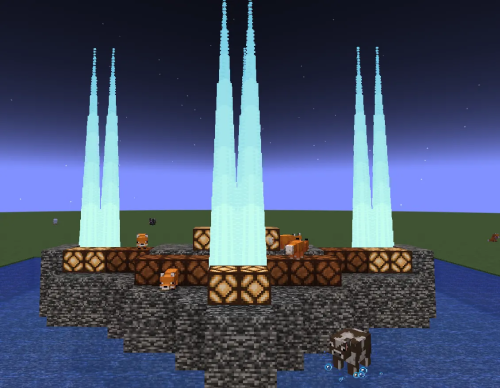 Fire in Water Stage Schematic (1.21.x) – Stunning Fire Performance Stage
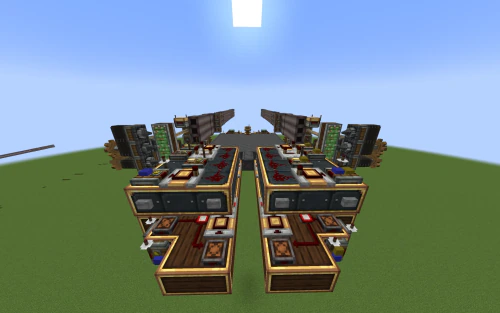 Huⅲ Inedia Main Turret Prototype Schematic (1.21.x) – Powerful Triple Cannon Turret for Create Mod
 Maus Schematic (1.21.x) – Powerful German Super Heavy Tank Build

This post has no comments yet. Be the first — your comment will appear here.