
Culverin Class Air Cruiser Schematic (1.21.x) – Giant Armed Airship with Working Turrets

 0


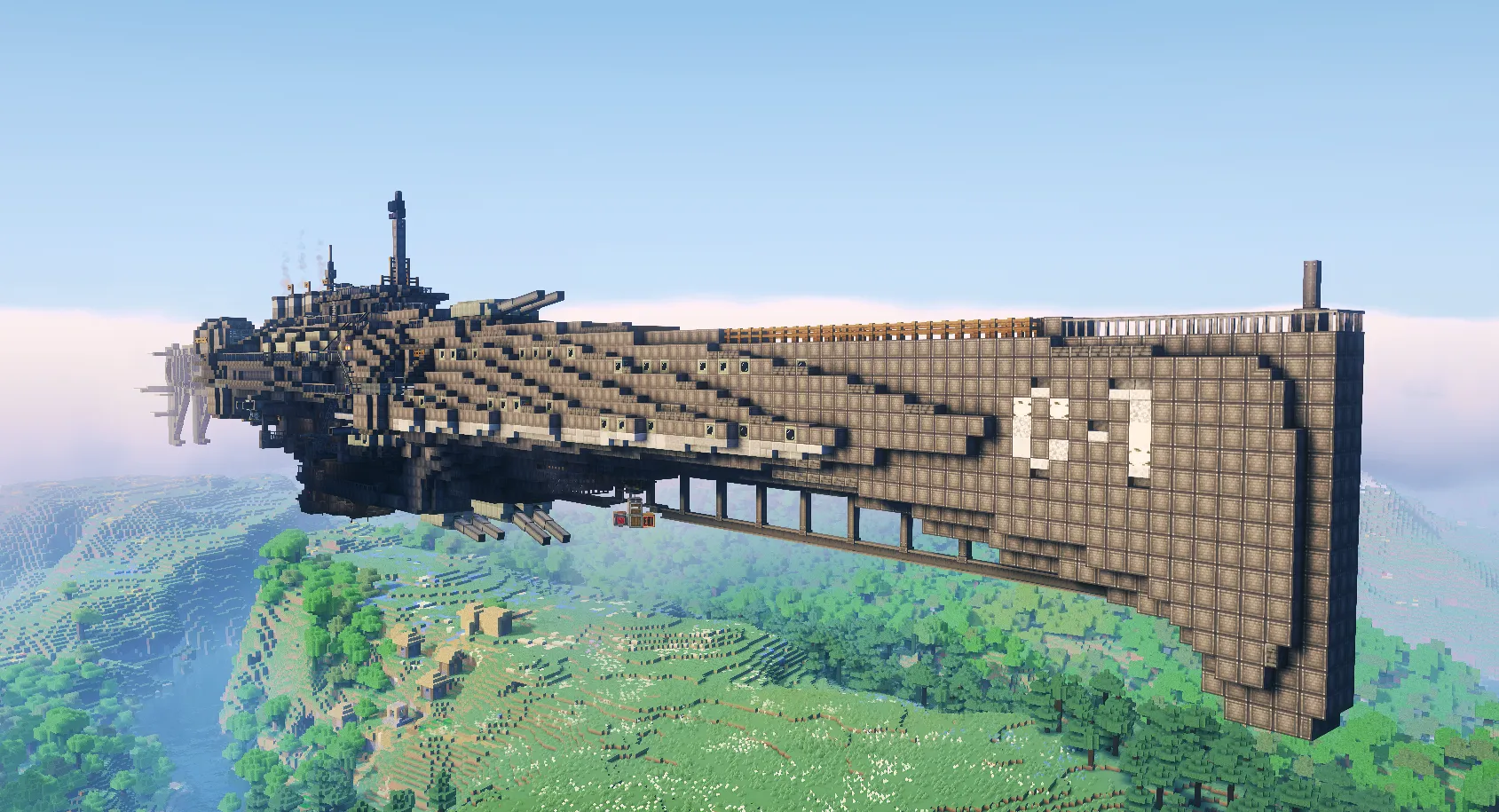
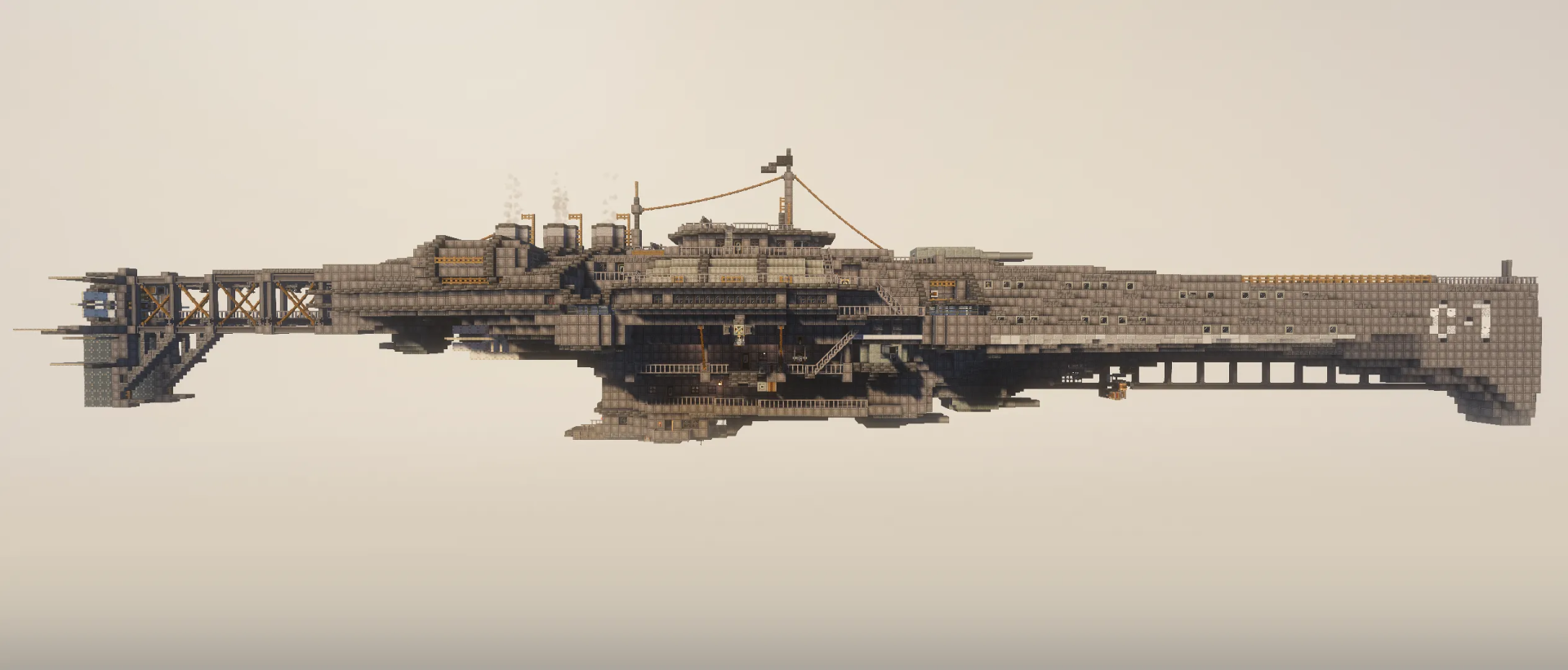
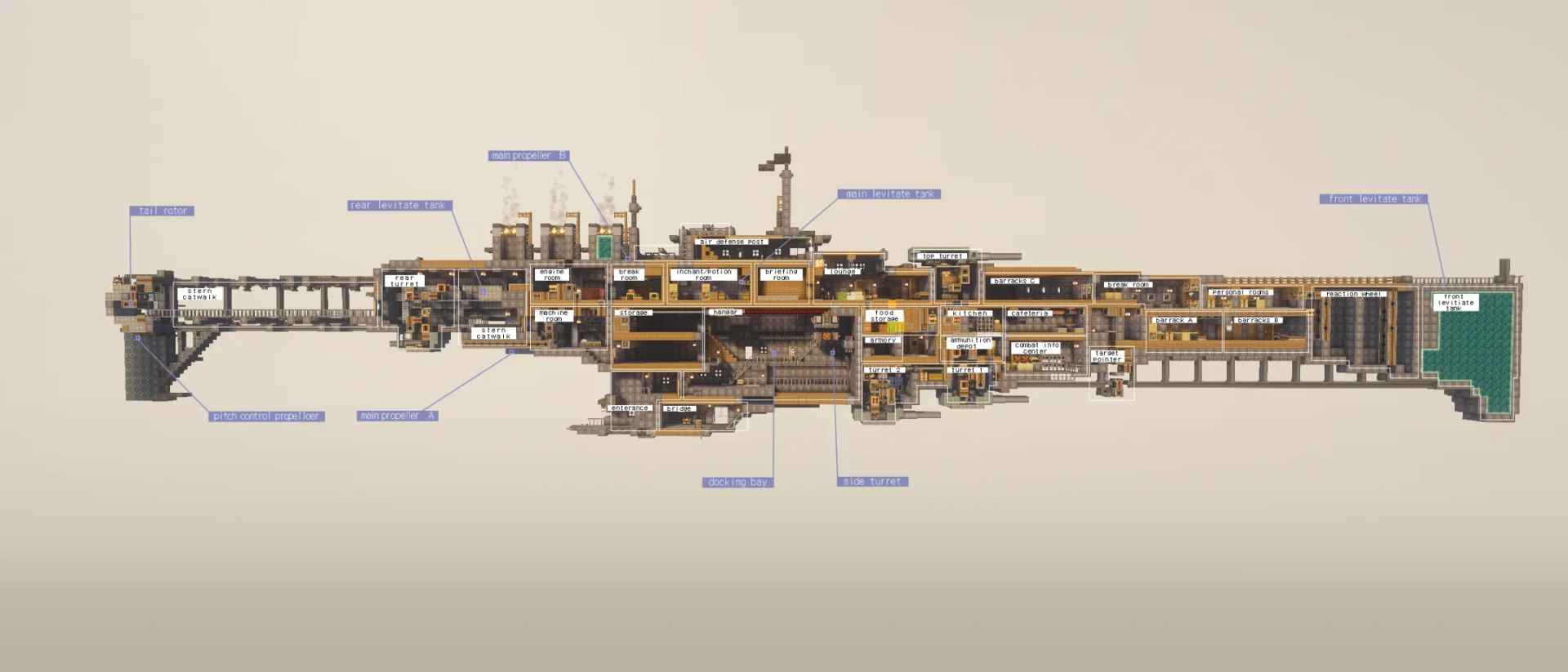
Culverin Class Air Cruiser Schematic adds a huge armed aircraft for Create and Create Aeronautics. This flying ship measures 31 by 37 by 176 blocks and uses 20,659 blocks in total. It comes packed with working turrets, autocannons, two side docking bays, and a bottom cargo ramp. You can steer the airship from the bridge and fire its weapons using keyboard controls. It requires Create, Create Aeronautics, Create Big Cannons, Create Deco, Create Copycat+, and Farmer’s Delight to run.
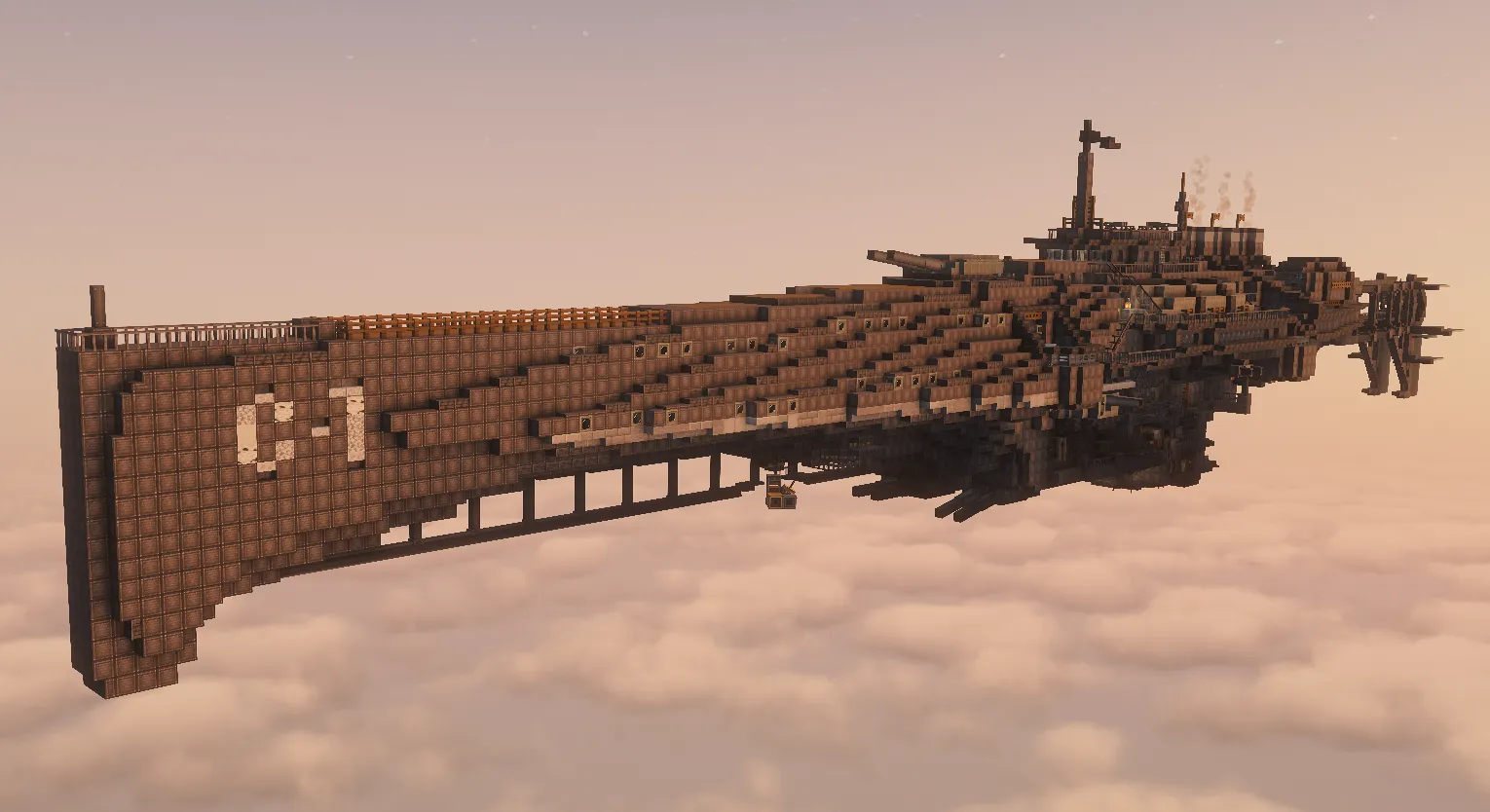
3D Preview & Editor:
How to place this schematic
.nbt This is a vanilla structure file. It loads through structure blocks with no mod at all, within the 48×48×48 size limit.
| 1 | Put the .nbt file in <your world>/generated/minecraft/structures. |
| 2 | Give yourself a structure block: /give @s structure_block. |
| 3 | Place it, open it and switch the mode to LOAD. |
| 4 | Type the file name without .nbt, press LOAD, then PLACE. |
Features:
- Full Weapon System: Equips the aircraft with multiple working turrets and autocannons on the top, bottom, sides, and rear.
- Cargo and Docking: Includes a working bottom cargo ramp and 2 side docking bays.
- Bridge Controls: Lets you pilot the entire airship from the bridge using a steering wheel, thrust levers, and guiding signs.
- Uses a total of 20,659 blocks with dimensions of 31 by 37 by 176 blocks.
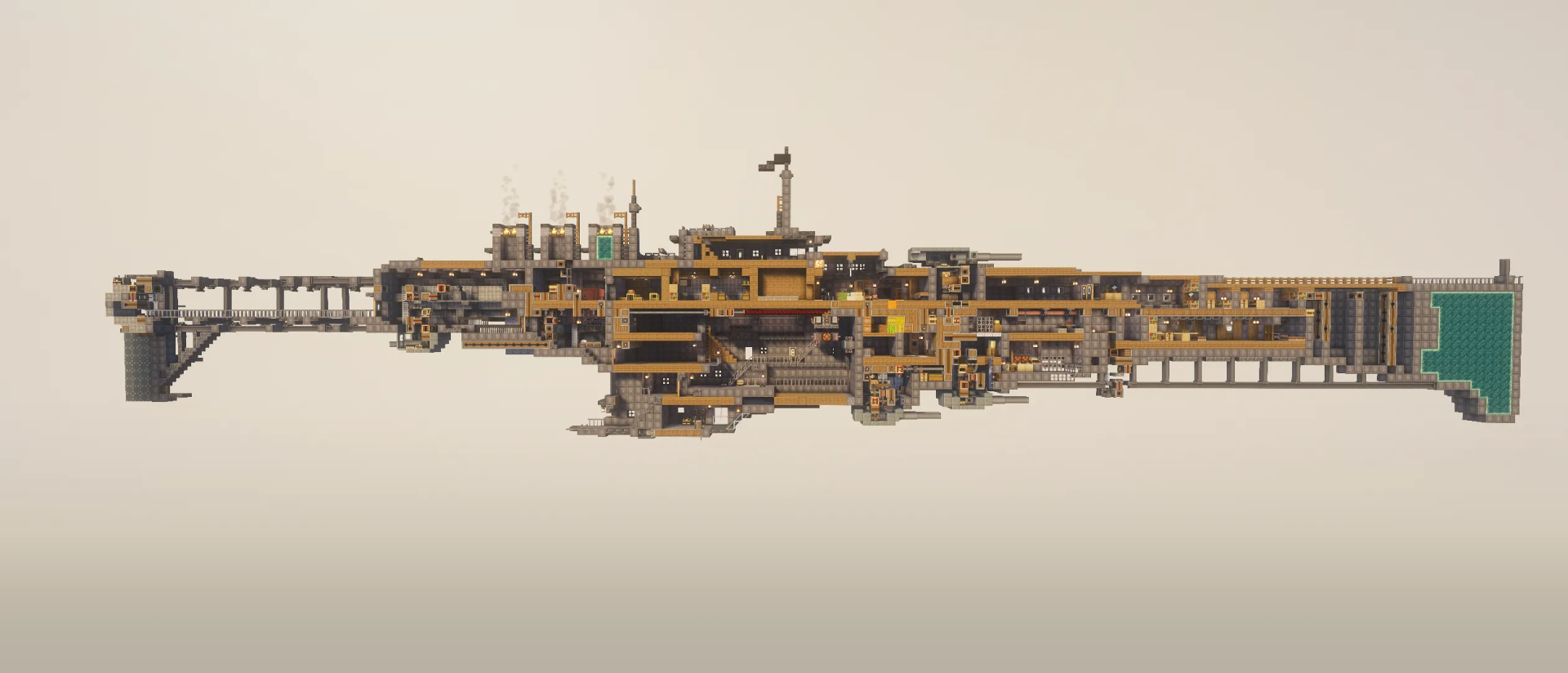
- Features a complex internal structure packed with built-in circuits, redstone, and machinery.
- Requires some initial buckets inside the engine room to start up the engine.
Schematic Specs:


 Top Blocks Used
Industrial Iron Block 8,482Spruce Planks 1,619Levitite 1,592Deepslate Tile Slab 909Light Gray Envelope 832
Armament:
- 2 Dual Air-to-Ground Turrets mounted on the bottom of the ship.
- 1 Dual Air-to-Air Turret placed on the top.
- 2 Secondary Turrets positioned on the sides.
- 1 Dual Rear Turret guarding the back.
- 2 Side Autocannons and 4 Top Autocannons.
How to Use:
Ship Control:
- Place some initial buckets in the engine room to get the engine ready.
- Go to the bridge to operate the aircraft and check the in-game signs for extra control details.
- Turn the steering wheel to steer the ship left or right.
- Pull the levers right next to the steering wheel to move forward or backward (setting 15 is stop, and setting 14 is max thrust).
Turret Control:
- Press W, A, S, and D to aim and move the turrets.
- Press Spacebar to fire the weapons.
Screenshots:
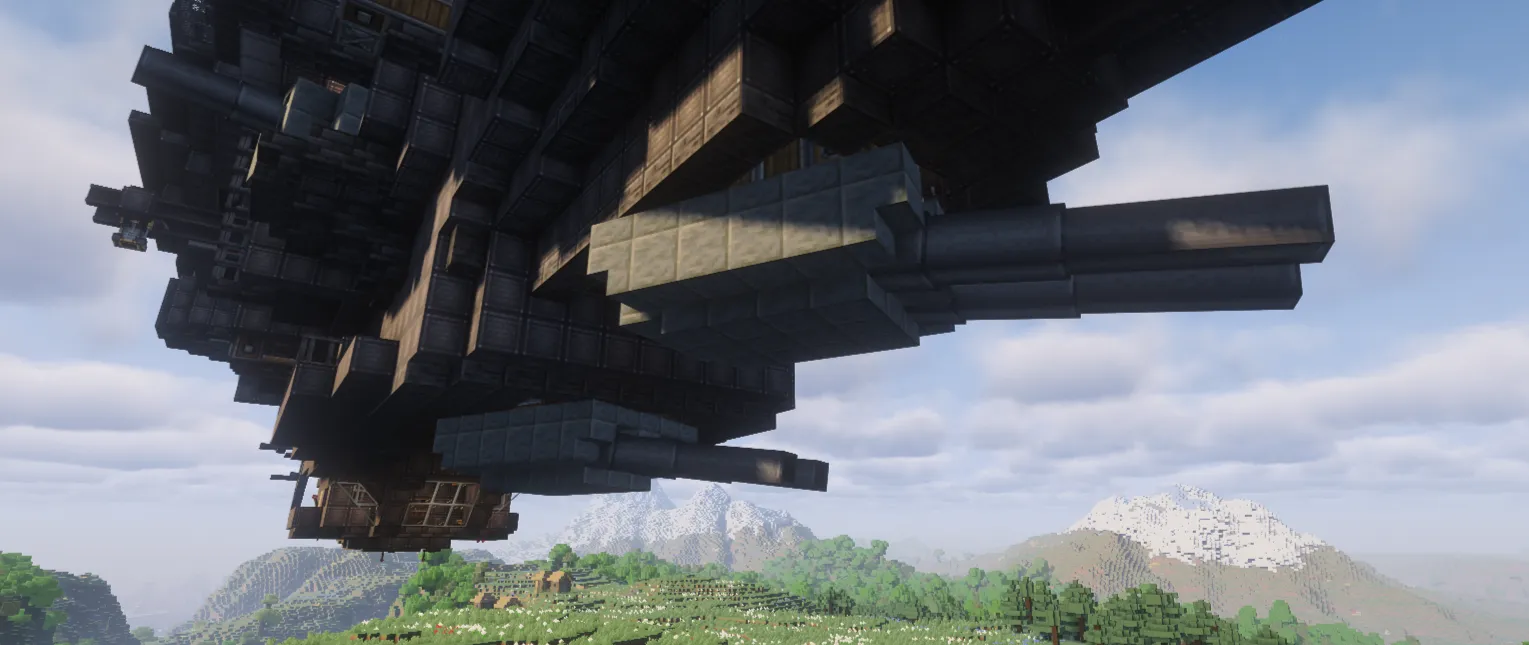
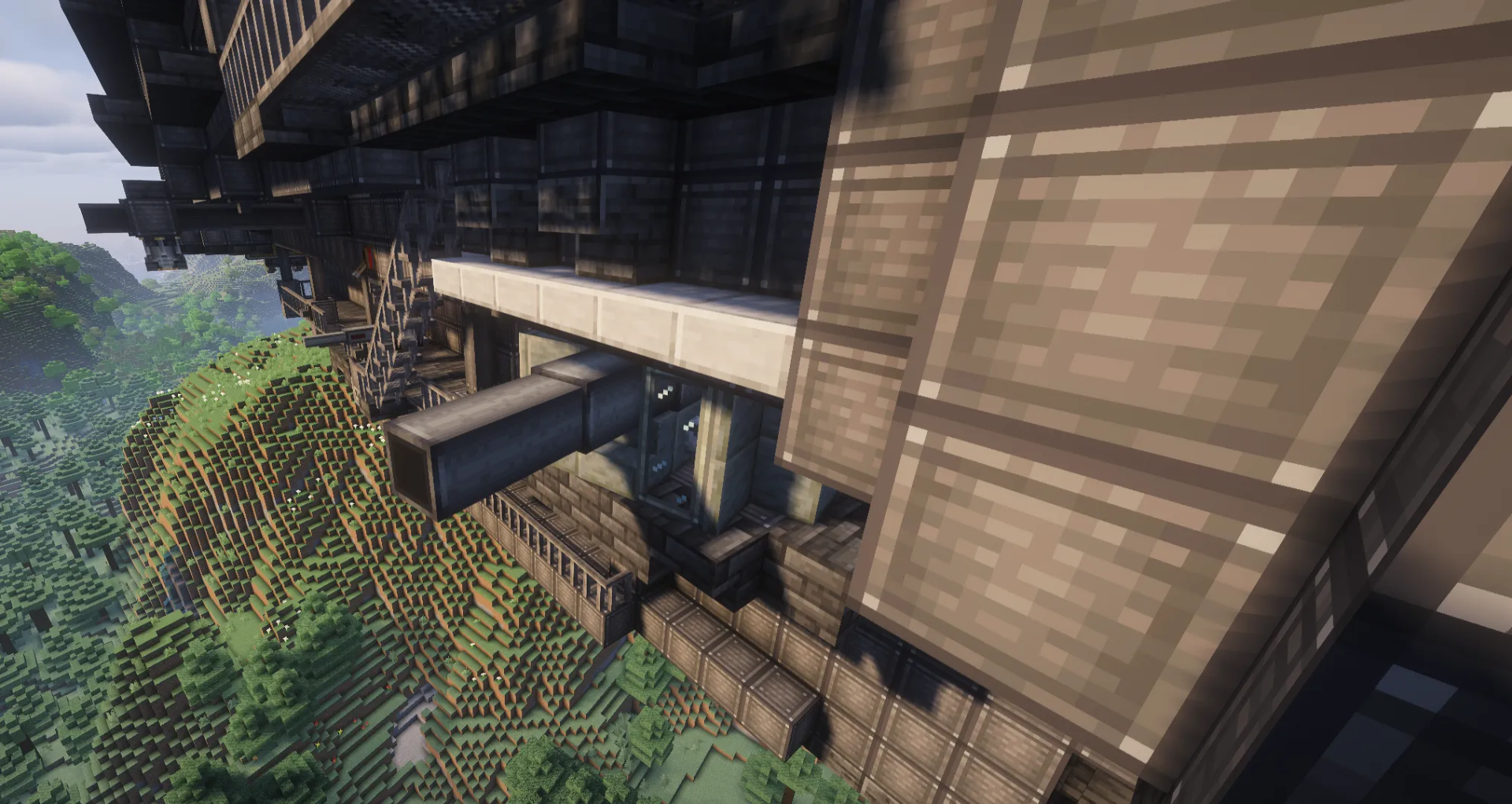
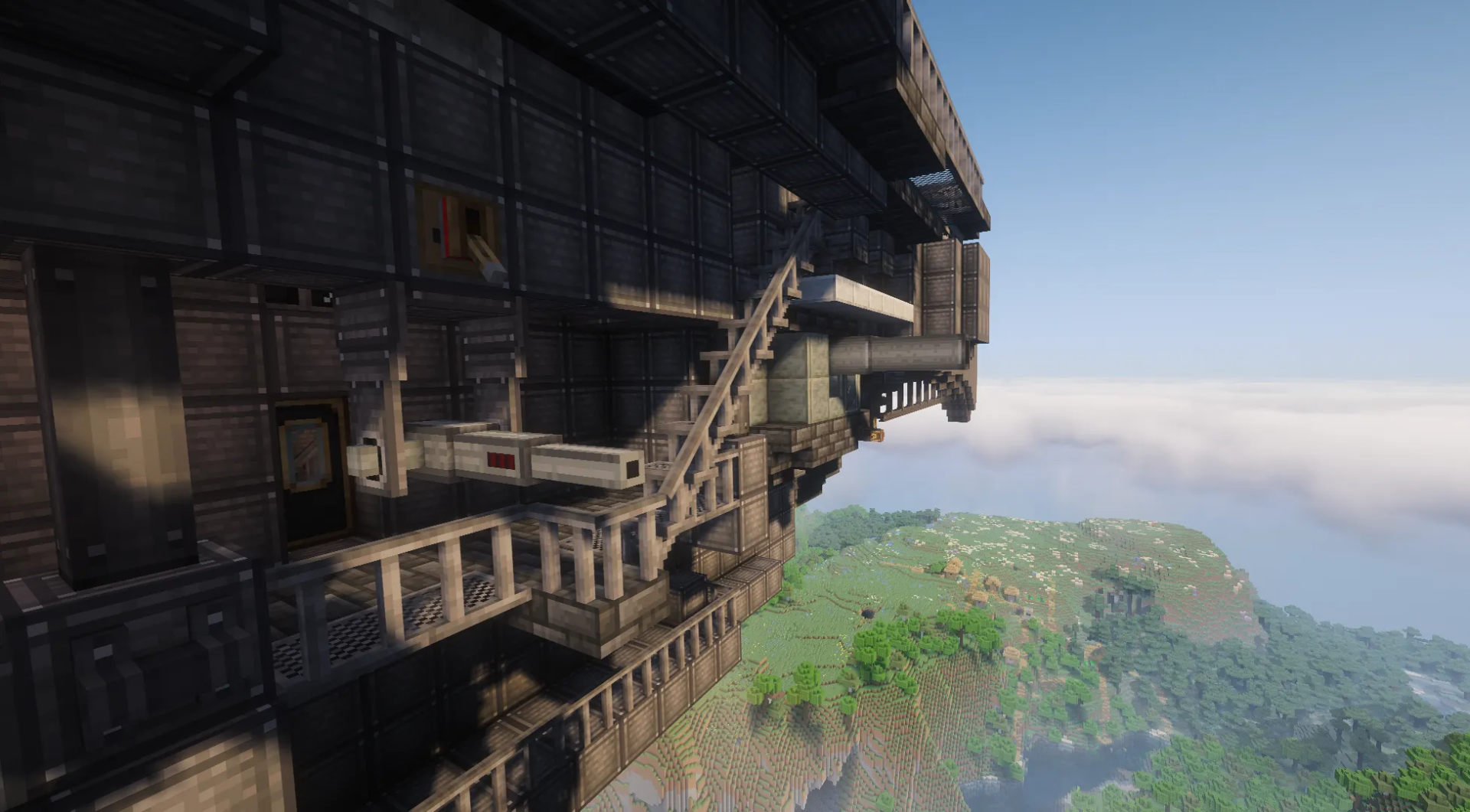
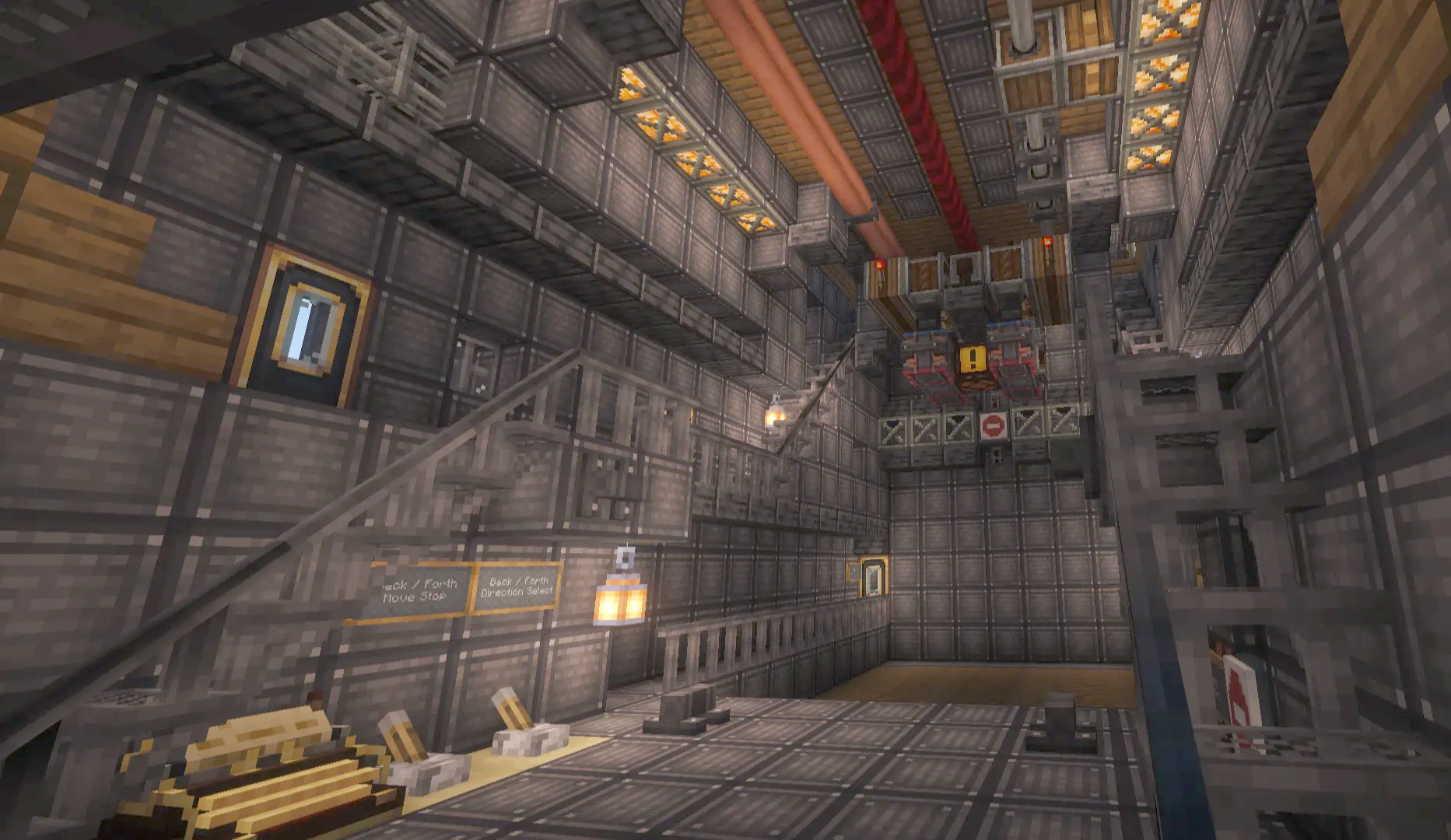
Requirements:
 Create Mod Required
createdeco Required
simulated Required
copycats Required
farmersdelight Required
createbigcannons Required
aeronautics Required
Culverin Class Air Cruiser Schematic Download Links
For Minecraft 1.21.x
Click to rate this post!
[Total: 0 Average: 0]
You May Also Like
Picked for this page
 The Nautilus Fully Survival Friendly Schematic (1.21.x) – Luxury Survival Submarine for Create Mod
 Self Sustaining Slimeball Bonemeal Farm Dragons Plus Schematic (1.21.x) – Automated Slime
 Mining Machine Schematic (1.21.x) – Heavy Drilling Vehicle Blueprint
 Aero Nuva Schematic (1.21.x) – Fast Helicopter Mobile Base Build
 Eruption Castle Schematic (1.21.x) – Big Burnt Castle with Working Farms
 Easy Survival Friendly Bike Schematic (1.21.x) – Simple Survival Bike for Create Aeronautics
 Gg1 Locomotive Schematic (1.21.x) – Build Iconic Pennsylvania Railroad Electric Trains
 Compact Red Fuel Power Schematic (1.21.x) – Small Diesel Engine for Vehicles
 Maddy Volo 3.0 Schematic (1.21.x) – Compact Flying Airship Build for Create Mod
 V2 of the Refinment Wall Schematic (1.21.x) – Improved Industrial Refining Wall Build
 Small Diesel Car 3x2x5 V2 Schematic (1.21.x) – Compact and Fast Diesel Vehicle Build
 Compact Train Casinging Maker Schematic (1.21.x) – Small Automated Train Casing Factory for Create
Most viewed in Create Mod Schematics over the last 7 days
 Working SpaceX Starship and Mechazilla Tower with Chopsticks Based off the 13th Flight Test (1.21.x)
 Arasaka Tower Schematic (1.21.x) – Massive Black Industrial Skyscraper Build
 Project StarGaze Schematic (1.21.x) – Build and Drive Your Own Military Vehicle
 Il 2 Schematic (1.21.x) – Vintage Flying Machine for Create Mod
 Rail Gun Schematic (1.21.x)
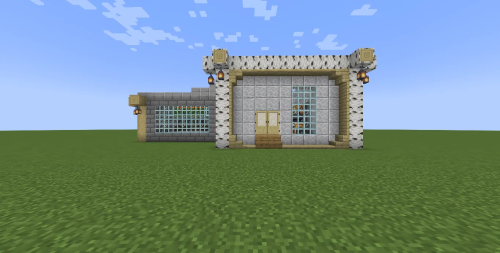 Farm Quarts and Golden Nuggets Schematic (1.21.x) – Compact Early Game Quartz and Gold Farm
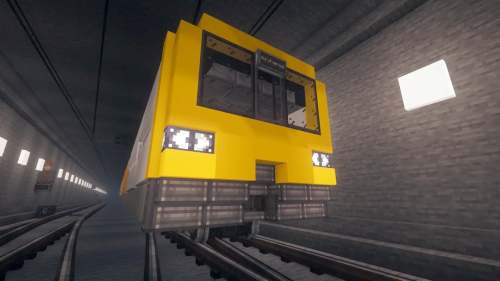 British Rail’s Class 143 Efmf Version Schematic (1.20.x) – Small Diesel Pacer Train for Create Mod
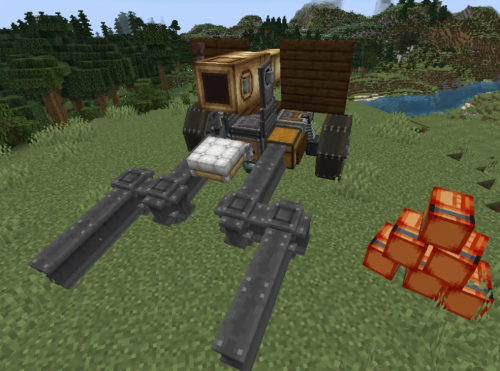 Pillager Defensive Cannon Schematic (1.21.x) – Compact Pillager Style Cannon for Create
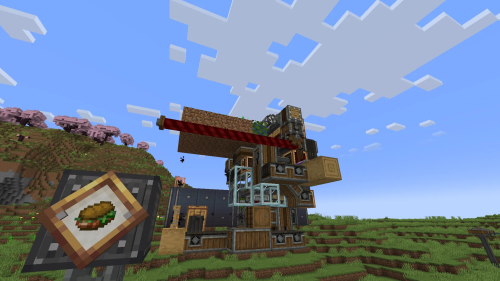 ChickenSandwich Farm Schematic (1.21.x) – Automatic Farm Build Using Create Packages
 Hnelon’s Medieval House Schematic (1.21.x) – Medieval House Build for Your World
 A Simple Mob Trap Schematic (1.21.x) – Build a Massive Automatic Mob Farm Structure
 Mole Mk1 Schematic (1.21.x) – Creative Motor Vehicle Build for Create
More from Create Mod Schematics
 Mobile House Car Schematic (1.21.x) – Compact Steampunk Rv Ground Vehicle
 Vent Miner Schematic (1.21.x) – Compact Molten Vents Miner Build for Create
 Boiler Schematic (1.21.x) – Compact Steam Boiler Setup for Turbines
 The Coaster Crane Schematic (1.21.x) – Tall Industrial Crane for Item Transport
 Simple Unmanned Freight Drone Schematic (1.21.x) – Compact Flying Cargo Drone Build
 Steinwinter Supercargo 2040 Schematic (1.21.x) – Drive a Unique 1983 German Prototype Truck
 Vizer Skeleton Schematic (1.20.x) – Automated Wither Skeleton Farm Built for Create Mod
 Fast Compact Coal Powered Vehicle for Create Mod Schematic (1.21.x)
 Magnet Generator 200k Su Schematic (1.21.x) – High Output Rotational Power Blueprint
 Olympiques Schematic (1.21.x) – Build a Massive Titanic Style Ocean Liner
 Small Survival Plane No Other Addons Required Schematic (1.21.x) – Mid-Size Survival Aircraft
 Compact Flying Vehicle for Swift Travel Schematic (1.21.x)

This post has no comments yet. Be the first — your comment will appear here.