
Hnelon’s Medieval House Schematic (1.21.x) – Medieval House Build for Your World

 0


Medieval House Schematic gives you a ready-made medieval house to place in your world. It saves you the time of building a home block by block. This build uses 3,780 blocks and fits well in villages or starter bases.
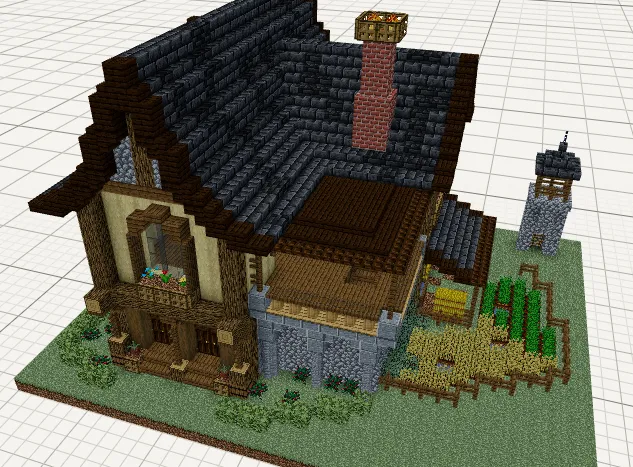
3D Preview & Editor:
How to place this schematic
.nbt This is a vanilla structure file. It loads through structure blocks with no mod at all, within the 48×48×48 size limit.
| 1 | Put the .nbt file in <your world>/generated/minecraft/structures. |
| 2 | Give yourself a structure block: /give @s structure_block. |
| 3 | Place it, open it and switch the mode to LOAD. |
| 4 | Type the file name without .nbt, press LOAD, then PLACE. |
Features:
- Medieval Style: Brings a classic medieval house look to your world.
- 3,780 Blocks: Uses a total of 3,780 blocks, so the house has plenty of detail.
- Stands 20 blocks tall, which gives the house a solid shape.
- Comes as a Create mod schematic, so it is ready to use with Create.
- Works as a good home for survival worlds, towns, or roleplay builds.
Schematic Specs:
 Minecraft1.21.x
 Create Mod6.0.10
 Dimensions3134×20×2048
 Total Blocks3,780
 Top Blocks Used
Grass Block 773Spruce Planks 438Stripped Birch Log 351Oak Log 254Deepslate Brick Stairs 224
Requirements:

Medieval House Schematic Download Links
For Minecraft 1.21.x
Click to rate this post!
[Total: 0 Average: 0]
You May Also Like
Picked for this page
 Aeronautics Crawler Schematic (1.21.x) – Walk Across the Land in a Mechanical Spider
 Flying Schematic (1.21.x) – Steer a Mechanical Airship in the Sky
 1 Wide Tileable Fast Shulker Loader Schematic (1.21.x) – Efficient High Speed Shulker Unloading
 Diesel Generator 1.5 Schematic (1.21.x) – Massive Power Plant Build for Create
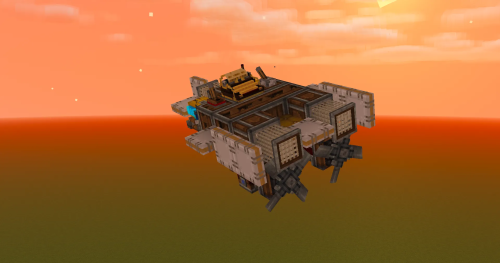 Arundo Aucta Schematic (1.21.x) – Compact and Fast Flying Machine
 Kio0 V2 Helicopter No Addons Schematic (1.21.x) – Fly a Working Mechanical Helicopter Build
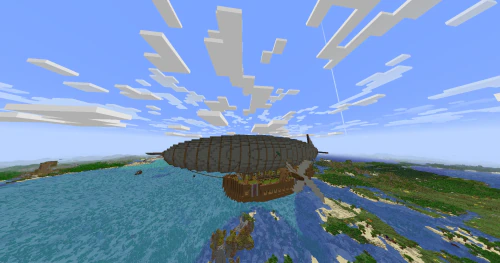 The Emerald Airship Schematic (1.21.x) – Large Survival Flying Base with Elevator
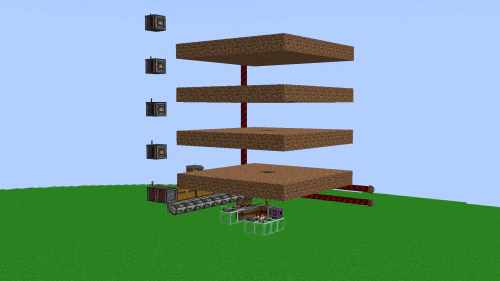 Scalable Elevator Farm Schematic (1.20.x) – Build an Automatic Vertical Crop Farm
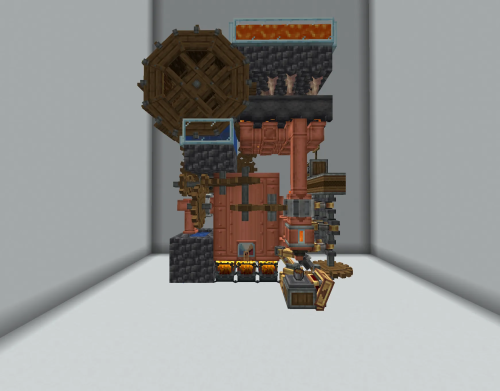 5x8x11 Level 9 Self Sufficient Steam Engine Schematic (1.21.x) – Compact Self Running Steam Power
 Substation 16k Passive Su Schematic (1.21.x) – Early Game Power Station Build
 Compact Self Sufficent Lvl 2 Boiler for Aeronautics Schematic (1.21.x) – Compact Automated Boiler
 Ef65 Schematic (1.21.x) – Japanese Electric Locomotive Build for Create
Most viewed in Create Mod Schematics over the last 7 days
 Avrora Schematic (1.21.x) – Massive Flying Base for Sky Travel
 Arasaka Tower Schematic (1.21.x) – Massive Black Industrial Skyscraper Build
 Petushara Simple Water Powered High Speed Schematic (1.21.x)
 Camioneta Schematic (1.21.x) – Driveable Pickup Truck with Gear System
 8×8 Offroad Climber Schematic (1.21.x)
 Il 2 Schematic (1.21.x) – Vintage Flying Machine for Create Mod
 Project StarGaze Schematic (1.21.x) – Build and Drive Your Own Military Vehicle
 Farm Quarts and Golden Nuggets Schematic (1.21.x) – Compact Early Game Quartz and Gold Farm
 Rail Gun Schematic (1.21.x)
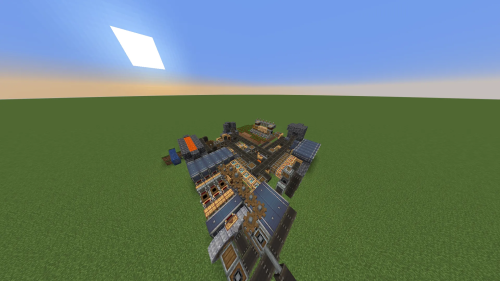 Golden Carrots Farm Schematic (1.21.x) – Fully Automated Golden Carrot Factory Build
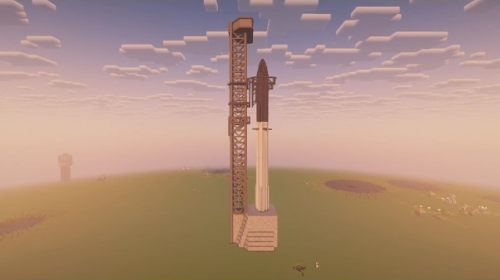 Working SpaceX Starship and Mechazilla Tower with Chopsticks Based off the 13th Flight Test (1.21.x)
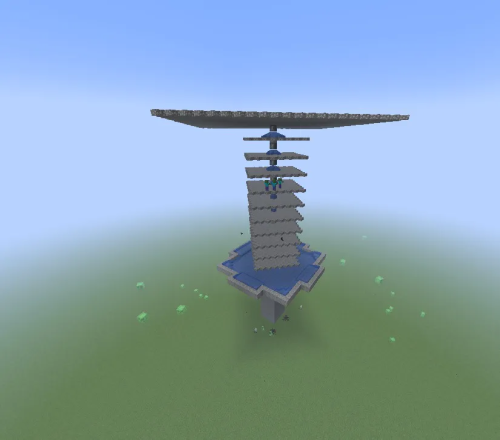 A Simple Mob Trap Schematic (1.21.x) – Build a Massive Automatic Mob Farm Structure
More from Create Mod Schematics
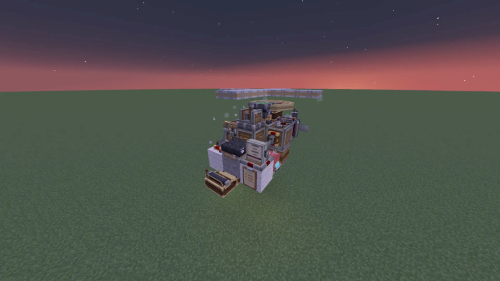 Bapbap2815’s Helicopter Schematic (1.21.x) – Small Flying Machine with Two Engines
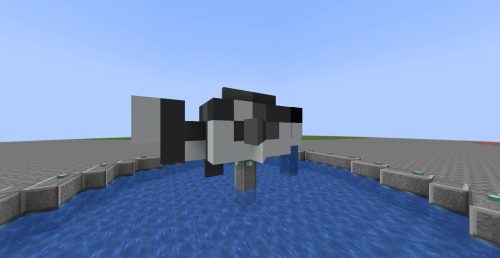 Fish Schematic (1.21.x) – Small Fish Build for Fountains and Decor
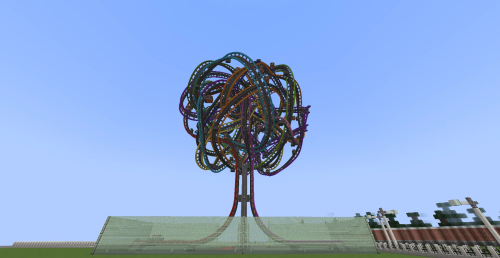 Knot a Coaster Schematic (1.21.x) – Ride a Knotted Coaster Built in Create
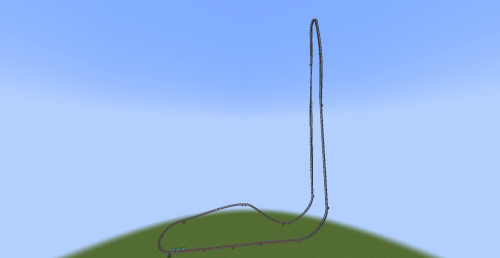 Kingda Ka Schematic (1.21.x) – Remade Six Flags Coaster for Create
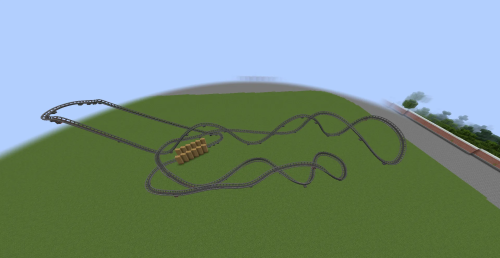 El Toro Schematic (1.21.x) – Six Flags Roller Coaster Built in Create
 Max Steam Engine Aero Ouroboros 400 Schematic (1.21.x) – Self-Feeding Steam Engine Power Build
 Gft Ta16 Aeronautics Train Schematic (1.21.x) – Mix and Match Train Carriages Freely
 Minecart Contraption Basalt Farm Schematic (1.21.x) – Easy Expandable Basalt Farm for Create
 Gloster Meteor Schematic (1.21.x) – Small Jet Fighter with Twin Autocannons
 Smoothy Plane Schematic (1.21.x) – Smooth Mid-Speed Flying Machine for Create
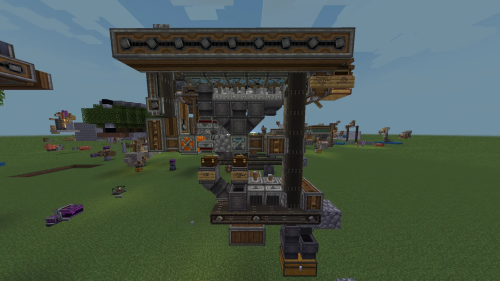 Train Tracks Factory Vanilla Create Schematic (1.21.x) – Make Train Tracks from Nothing with Create
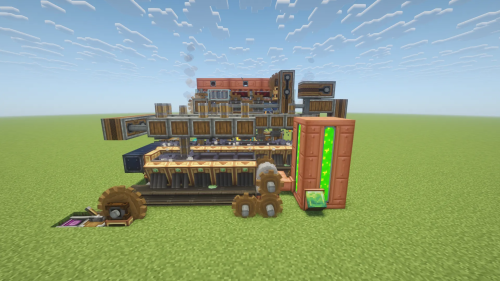 The Best XP Farm in Create Mod No Silverfish Schematic (1.21.x) – Automatic XP Farm Without Any

This post has no comments yet. Be the first — your comment will appear here.