
DarkerNeon Purple Resource Pack (26.1.2) – Sleek Dark Purple Neon Menus and HUD
 13
 0


DarkerNeon Purple Resource Pack transforms the look of your in-game interface with a dark purple glow. It swaps the standard gray menus for a modern black and purple neon look across your screen. Every menu, health icon, and storage window gets a clean visual update that feels easy on the eyes during long gaming sessions.

Features:
- Changes all HUD icons including health, hunger, and armor bars into glowing purple symbols.
- Adds a custom dark background image across the main title and pause menus.
- Restyles all menu buttons, sliders, and interactive widget textures.
- Updates survival and adventure mode player inventories with dark neon borders.
- Replaces the full creative mode inventory screen with matching dark purple tabs.
- Reskins storage containers and workstations including chests, furnaces, and crafting tables.
- Gives villager trading screens and horse inventory panels the same sleek neon style.
Screenshots:


How to Install:
New to Minecraft? Follow our step-by-step guide to install Resource Packs on your PC.View Guide
DarkerNeon Purple Resource Pack Download Links
For Minecraft
26.1.x
All Versions Covered
26.1.2
26.1.1
26.1
All Versions Covered
26.1.2
26.1.1
26.1
Click to rate this post!
[Total: 0 Average: 0]
You May Also Like
Picked for this page
 Highlighted Netherite Resource Pack (26.3, 1.20.1) – Never Miss Netherite
 Cute Pumpkin Resource Pack (1.21.1, 1.20.1) – Friendly Smiles for Cozy Vanilla Farms
 Autumn Fall Resource Pack (26.2, 1.20.1) – Cozy Autumn Forests and Warm Golden
 Fluffy Carpets Resource Pack (26.3, 1.20.1) – Ultra Cozy Plush
 Char1ie’s Backrooms Resource Pack (26.3, 1.20.1) – Liminal Horror and Endless
 1×1 Ultimate Resource Pack (26.3, 1.20.1) – A Minimalist World of Flat Solid
 Xe 16x 13K Resource Pack (1.8.9) – Clean Vaporwave Visuals for Fast PvP Fights
 Wood Totem Cross Resource Pack (1.21.11, 1.21.1) – A Rustic Wooden Cross
 18w43a Wood Resource Pack (26.3, 1.20.1) – Classic Snapshot Planks
 High on Animations Resource Pack (1.20.1) – Subtle Motion for a Living Vanilla
 Clean Stained Glass Resource Pack (26.2, 1.20.1) – Crystal Clear Windows
 Black Keys Resource Pack (26.3, 1.21.1) – A Comfortable Dark Mode Interface
Most viewed in Resource Packs over the last 7 days
 Jenny Mod Skins Resource Pack (1.12.2) – Uzaki, Klee, Mita, and More
 Jenny Mod Skin Pack Mega Collection – 310+ Characters
 Jennycraft Resource Pack (1.20.1) – Skins for Jennycraft Mod
 Dewier’s 20k Resource Pack (1.8.9) – Texture Pack
 750 Models Addon for Yes Steve Model Mod
 Animation Collection for Jenny Mod – 60+ Animations, Updated Regularly
 Vanilla+ 3D Crystal Resource Pack (1.21.1, 1.20.1) – Texture Pack
 Patrix Resource Pack (26.3, 1.20.1) – The Peak of Photorealism
 Mandala’s GUI Dark Mode 9minecraft Resource Pack (26.3) – Eye-Soothing Dark Mode Menus
 Bare Bones 9minecraft Resource Pack (26.3) – Official Cinematic Trailer Look
 Mizuno’s Craft 9minecraft Resource Pack (26.3) – A Cozy Handpainted Storybook World
 Bloom & Serenity UI Resource Pack (1.21.1, 1.20.1) – Cozy Room-Themed GUI
More from Resource Packs
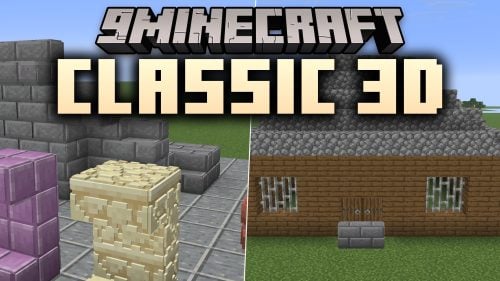 Classic 3D 9minecraft Resource Pack (26.3) – Vanilla Blocks with Real Depth
 MTR3 4 Eurostar Class 373 Resource Pack (1.21.11, 1.20.1)
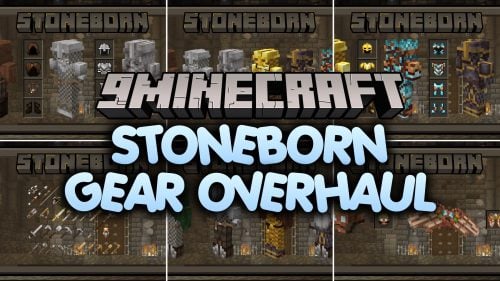 STONEBORN Gear Overhaul Resource Pack (1.19.2, 1.12.2)
 Excalibur Hold My Items Support Resource Pack (1.21.11, 1.21.1)
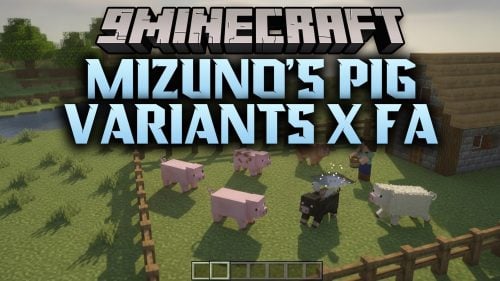 Mizuno’s Pig Variants X FA Resource Pack (26.2, 1.21.11)
 Melody’s Cute XP Orbs Pink Resource Pack (1.21.11, 1.20.1)
 Emissive Trim Armors Resource Pack (1.21.5, 1.20.1) – Radiant Gear in Darkness
 Egg Like Totem Resource Pack (1.21.11, 1.21.1) – Goofy Villager Nose Totems
 Beastial Fresh Animations Patch Resource Pack (26.3, 1.21.11)
 Donut Smp Essentials Resource Pack (26.3, 1.20.1) – Zero Visual Clutter
 Small Caps DEEZ Resource Pack (26.3, 1.20.1) – Clean Small Caps Font Style
 Pumpkins Reforged Resource Pack (26.2, 1.20.1) – Spooky Garden Patches

This post has no comments yet. Be the first — your comment will appear here.