


Dawn Client Launcher (26.2, 1.20.1) – Play Java and Bedrock Together
 17
17
 0
0

🌐 Good news — we've translated this article into other languages!
Or pick the one you like:
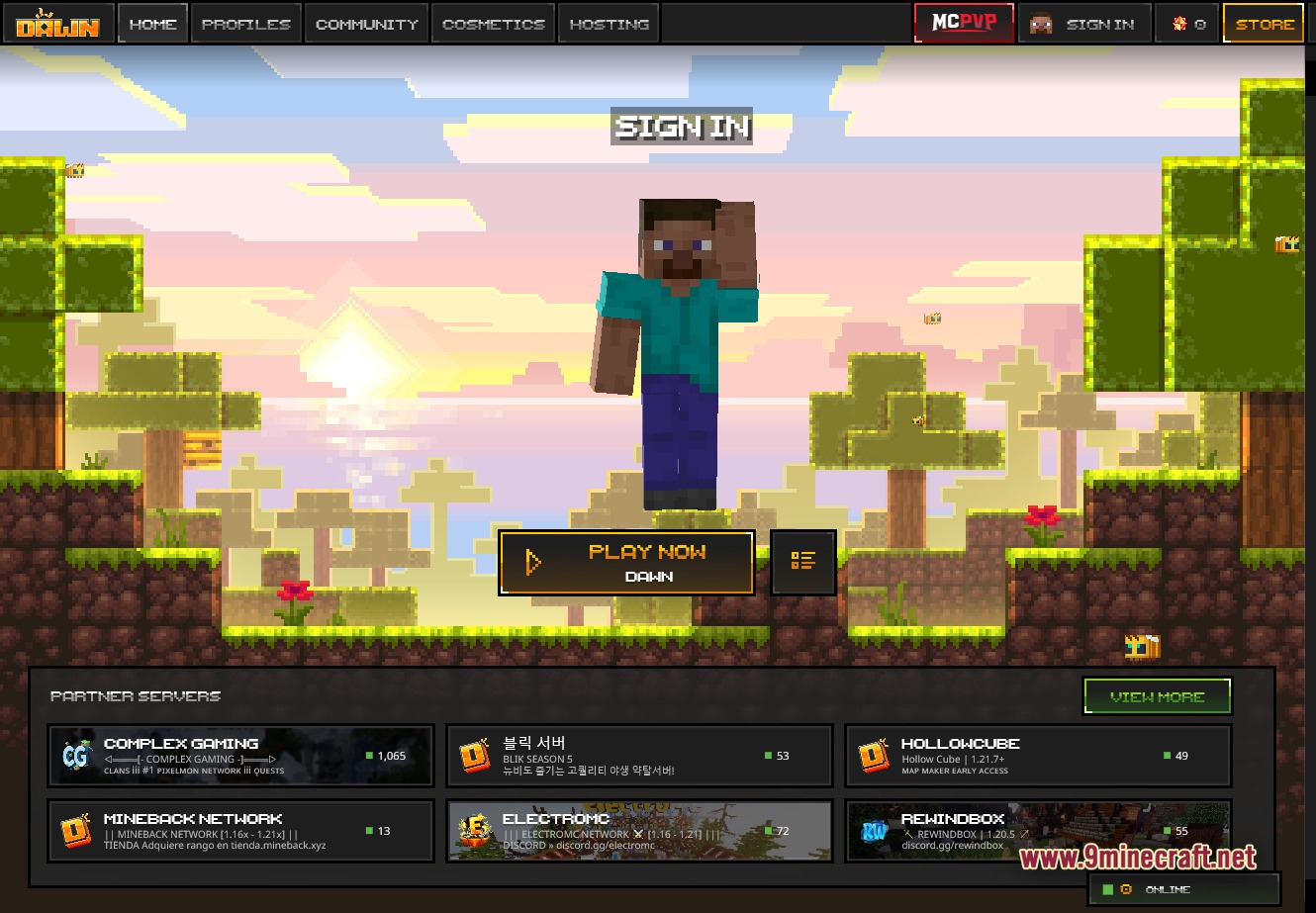
Dawn Client Launcher gives you a simple way to play both Java and Bedrock editions from one place. It replaces the standard menu with a pixel-art interface that makes switching between game versions fast and easy. You get a special mod-friendly profile, plus quick access to Bedrock Preview and Release builds. This launcher also packs in extra tools for PvP players and helps you manage your favorite servers.
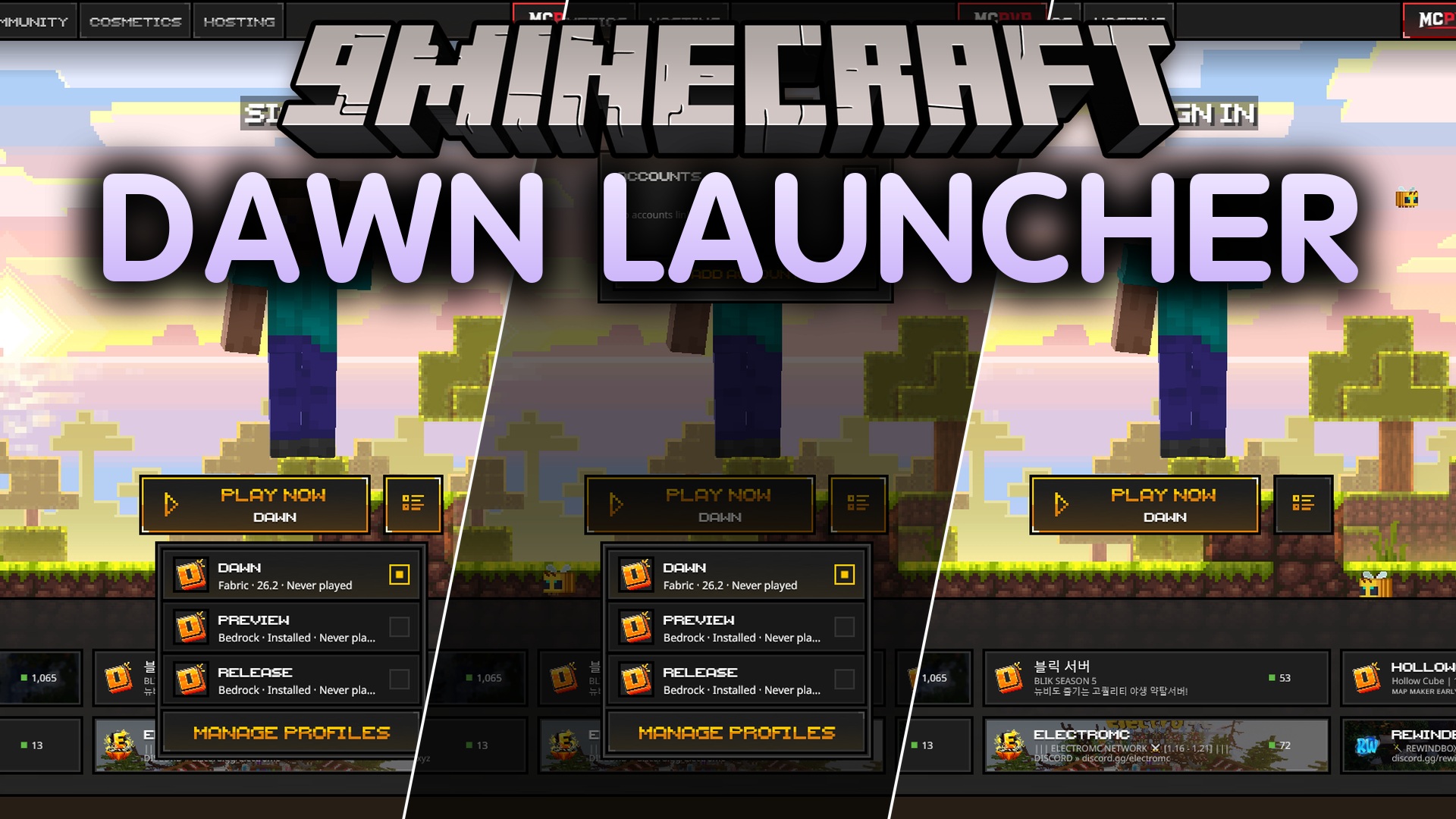
Features:
- Central Hub: Gives you quick access to both Java and Bedrock editions from a single screen.
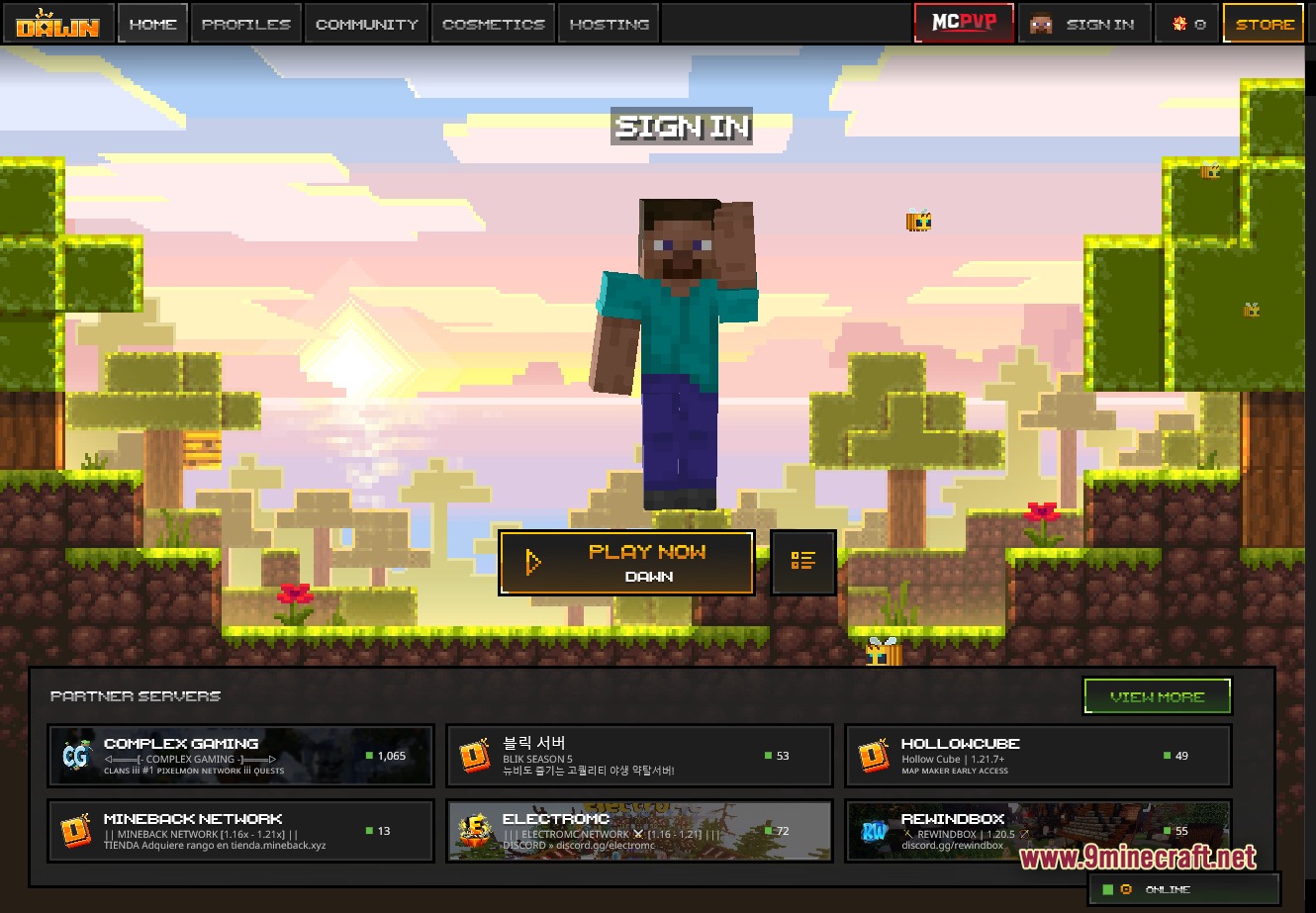
- Pixel-Art Theme: Changes the main menu into a fun, Minecraft-style pixel art interface.
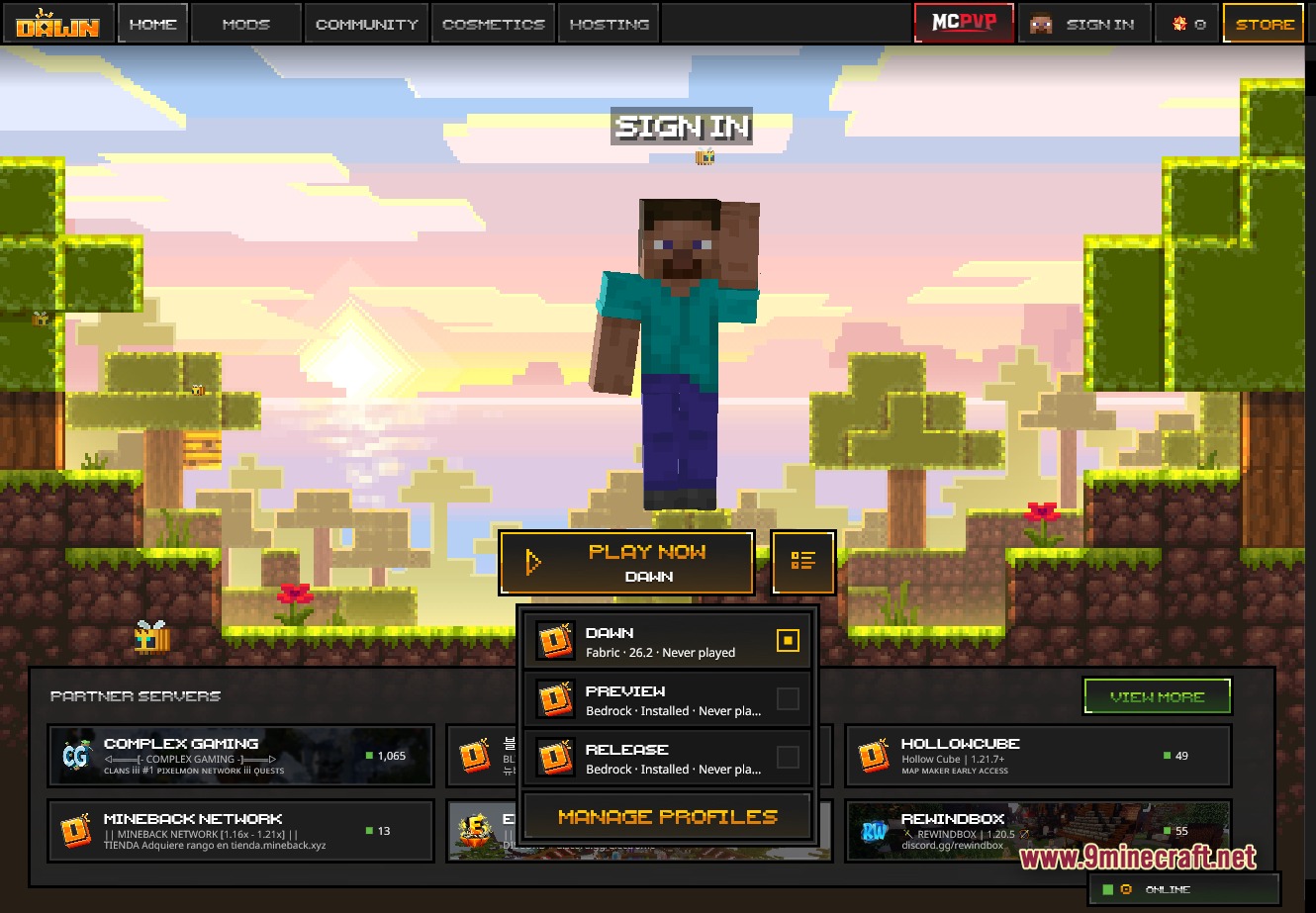
- Fast Switching: Lets you swap between three main game profiles with just one click.
- Carries a digital signature so your computer recognizes it as a safe program.
- Works on Windows, macOS for Apple Silicon, and Linux.
- Works with both offline accounts and official Microsoft Xbox accounts.
- Updates itself automatically so you always have the newest version.
Launcher Features:
- Gives you a multi-profile picker for the special build, Bedrock Preview, and Bedrock Release.
- Lets you manage profiles and set up your mods for each one individually.
- Starts your game instantly with a large PLAY NOW button.
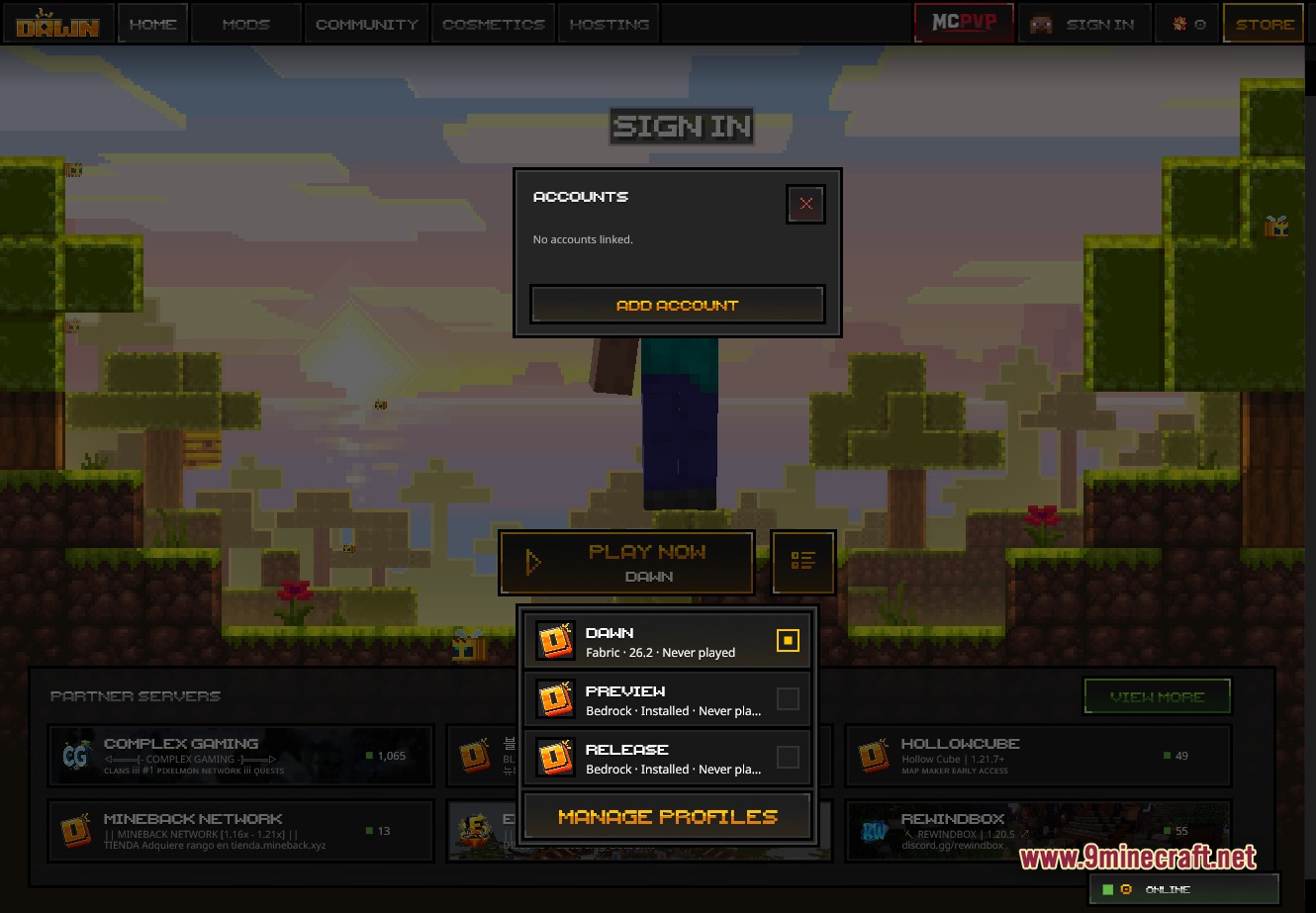
- Takes care of account logins for both Microsoft Xbox and offline profiles.
- Includes a built-in auto-updater to keep the software current.
- Runs on multiple platforms with a Windows installer, macOS file, and Linux options.
Client Features:
- Reduces your delay by up to 25 milliseconds for better PvP combat on compatible servers.
- Packs a verified anti-cheat system for fair tournament play.
- Adds an in-game menu where you can turn on helpful tools like a CPS counter, damage indicators, and custom crosshairs.
- Lets you change how your screen looks with custom fog, brightness controls, and block overlays.
- Gives you a wardrobe menu to put on skins, capes, and other fun cosmetics.
- Lets you turn every single mod on or off directly from the launcher.
Multiplayer & Community:
- Adds a quick-join button to send you straight into MCPVP matches.
- Shows a list of partner servers with live status updates so you know who is online.
- Lists popular networks like Complex Gaming Pixelmon, MineBack Network, and ElectroMC right in the menu.
- Includes a store tab where you can get new cosmetics for your character.
- Connects you with other players through a special community tab.
- Gives you a hosting section if you want to rent a server for your friends.
Screenshots:
Dawn Launcher Download Links
Click to rate this post!
[Total: 0 Average: 0]
You May Also Like


This post has no comments yet. Be the first — your comment will appear here.