


Iron Backpacks Mod (1.12.2, 1.11.2) – Deine mobile Kommandozentrale
 6,689
6,689
 0
0

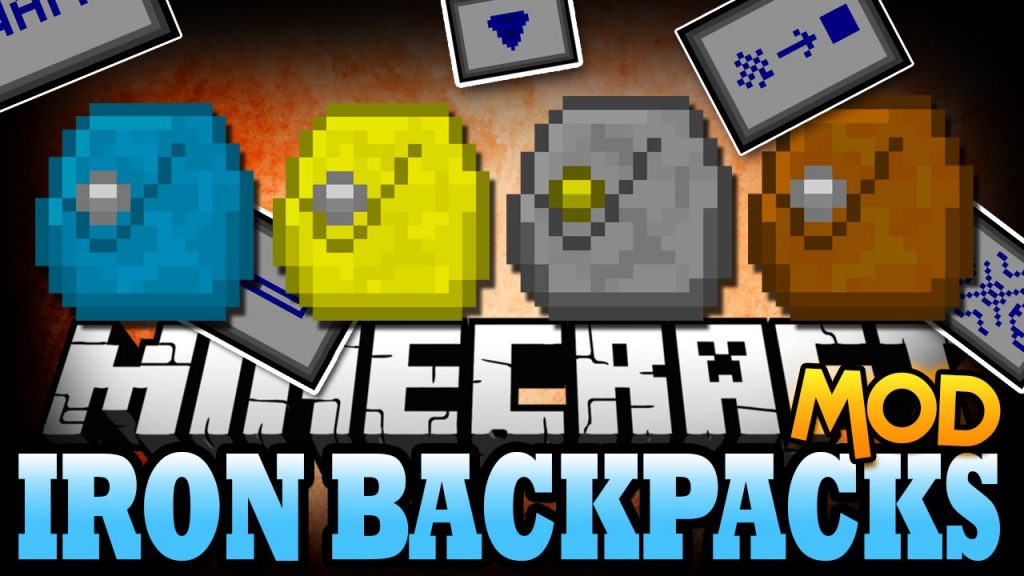
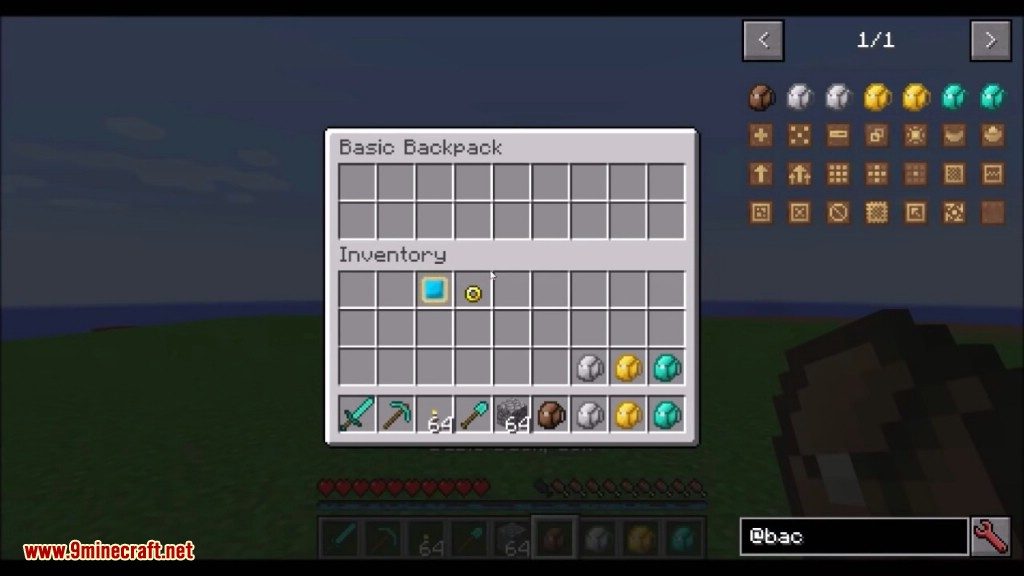
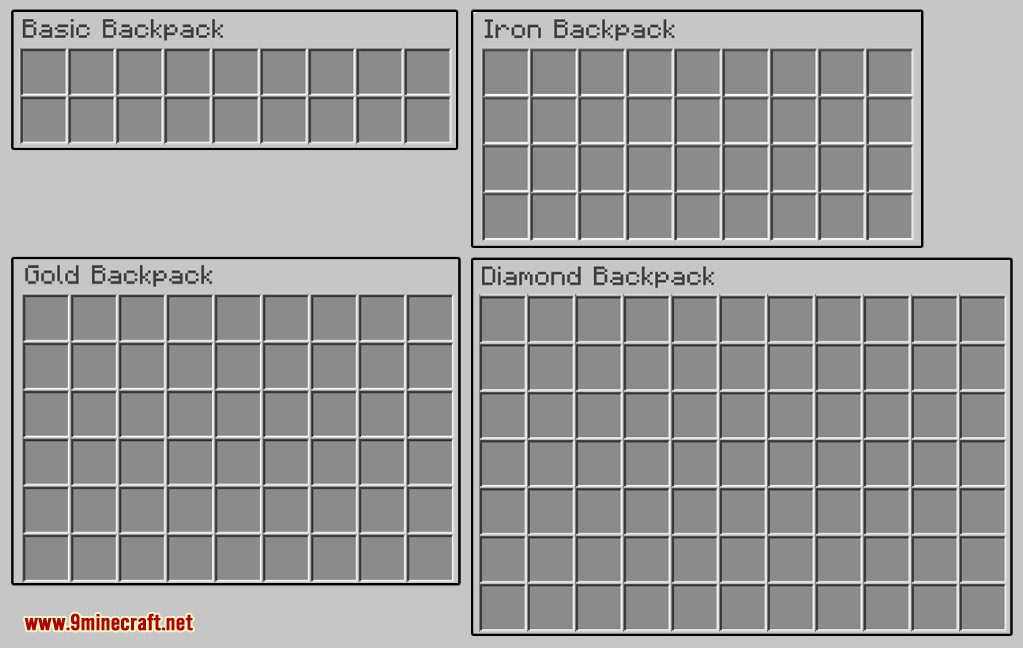
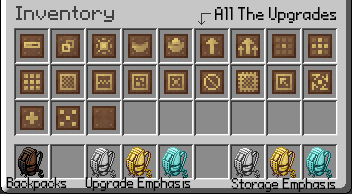
Die Iron Backpacks Mod fügt Minecraft ein nützliches, tragbares Aufbewahrungssystem hinzu. Sie bietet abgestufte Rucksäcke, die du upgraden kannst, darunter Basic-, Eisen-, Gold- und Diamant-Versionen. Jeder Rucksack verfügt über Upgrade-Punkte, mit denen du über 20 verschiedene Spezialfähigkeiten hinzufügen kannst, um die Funktionsweise anzupassen. Du kannst die Rucksäcke auch ausrüsten, woraufhin sie auf dem Rücken deines Charakters im Spiel erscheinen.
Features:
- Fügt vier Rucksack-Stufen hinzu: Basic, Eisen, Gold und Diamant.
- Upgrade Rucksäcke auf die nächste Stufe, um Speicherplatz und Upgrade-Punkte zu erhöhen.
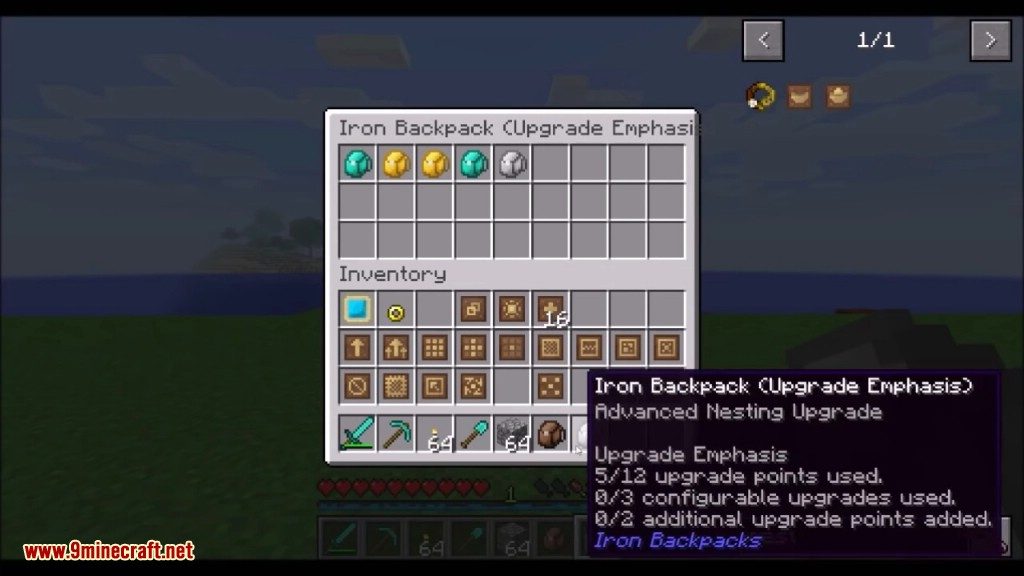
- Spezialisiere High-Tier-Rucksäcke auf maximalen Stauraum oder mehr Upgrade-Slots.
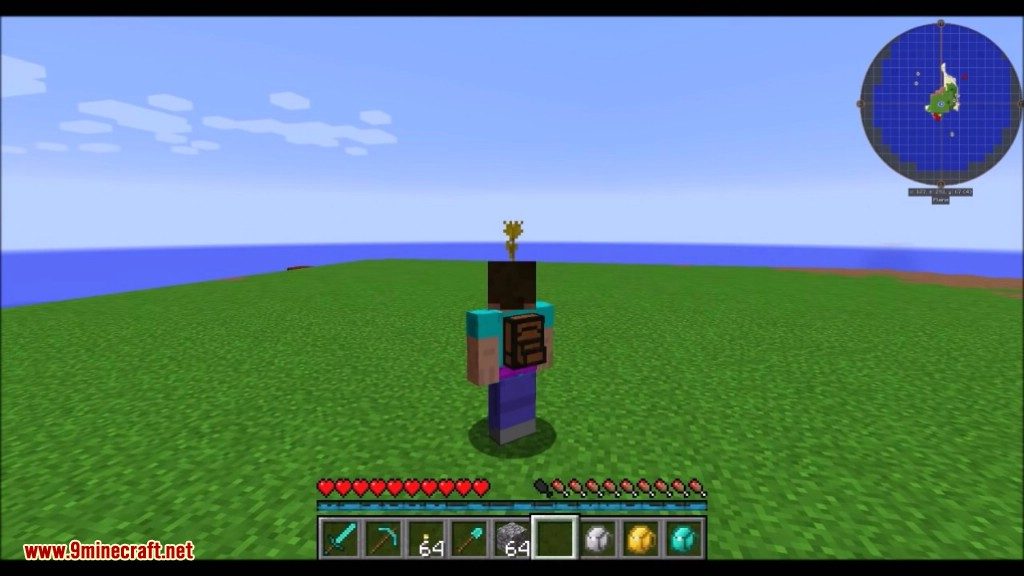
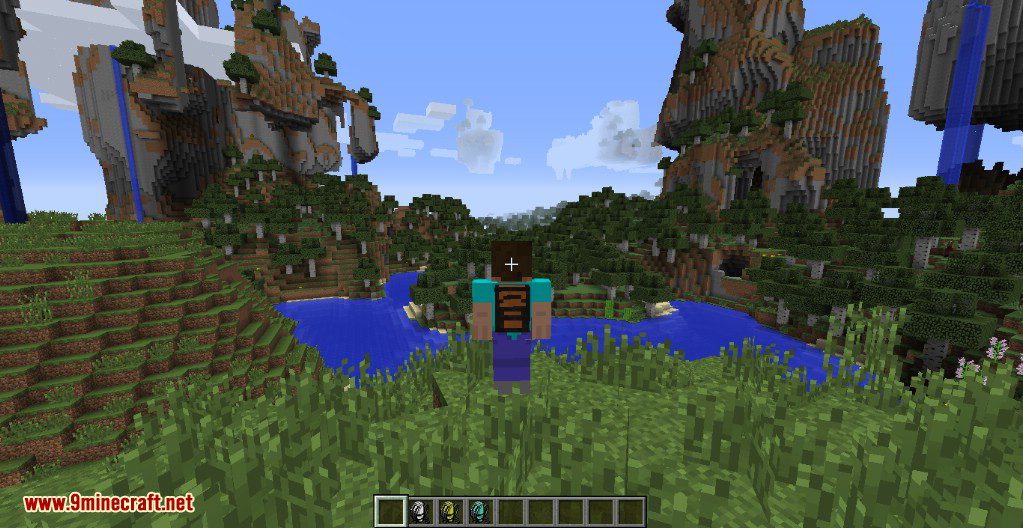
- Rüste einen Rucksack aus, um ihn an deinem Charaktermodell zu tragen.
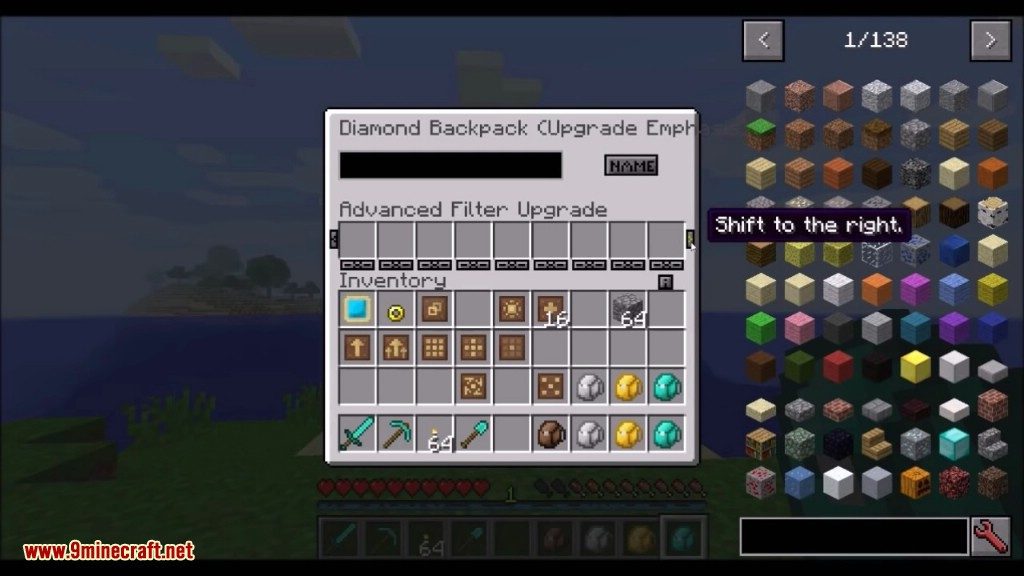
- Wähle aus über 20 modularen Upgrades, um die Fähigkeiten deines Rucksacks anzupassen.
- Nutze Upgrades für smartes Item-Sammeln, automatisches Auffüllen des Inventars und schnelles Einlagern in Truhen.
- Installiere ein Upgrade, mit dem du deinen Rucksack und dessen Inhalt nach dem Tod behältst.
- Füge ein Upgrade hinzu, das Items automatisch komprimiert, um Platz zu sparen.
- Die Mod ist extrem konfigurierbar, um verschiedenen Spielstilen gerecht zu werden.
Bedienung:
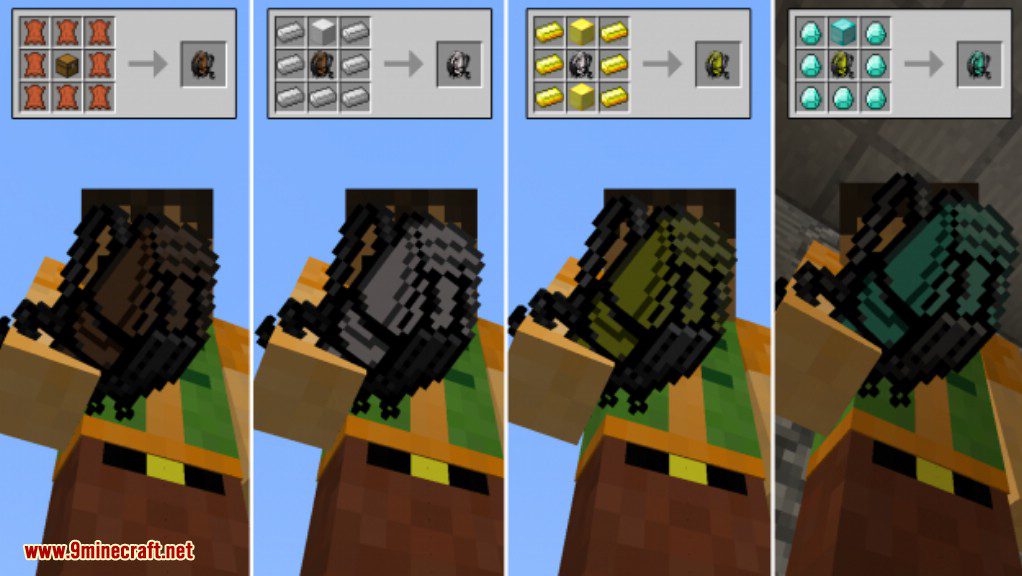
- Beginne mit dem Craften eines Basic Backpack aus 8 Leder und einer Truhe.
- Rechtsklicke auf den Rucksack, um das Hauptinventar zu öffnen.
- Halte die Shift-Taste und mache einen Rechtsklick, um das alternative Inventar für Upgrades zu öffnen.
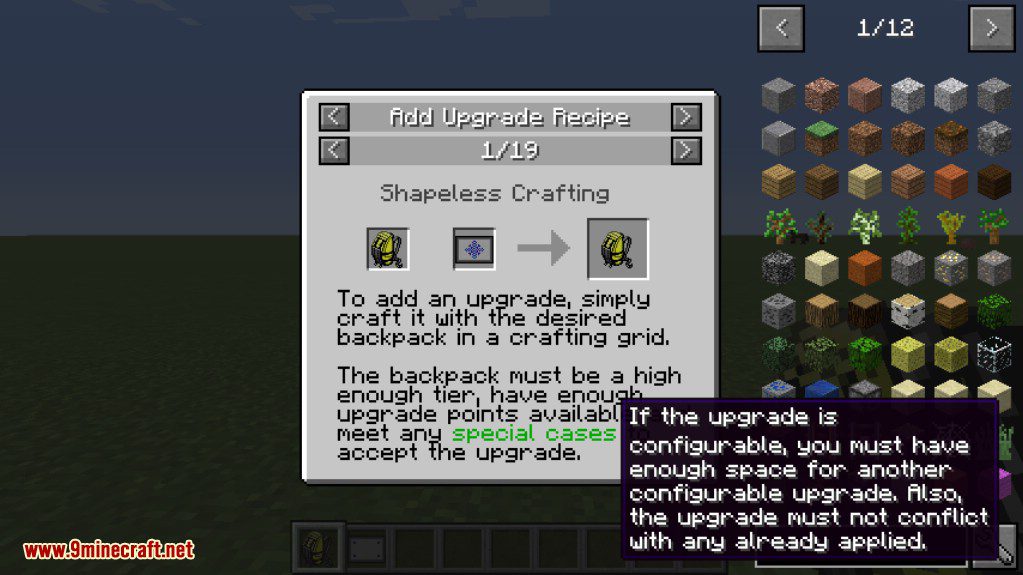
- In neueren Versionen wendest du Upgrades mit einem Amboss auf deinen Rucksack an.
- Du kannst einen Rucksack ausrüsten, indem du standardmäßig die Taste ‘B’ drückst.
- Um den ausgerüsteten Rucksack zu öffnen, drücke standardmäßig die Taste ‘R’.
Upgrades:
Button Upgrade
Das Button-Upgrade fügt dem Hauptinventar 4 Schaltflächen hinzu.
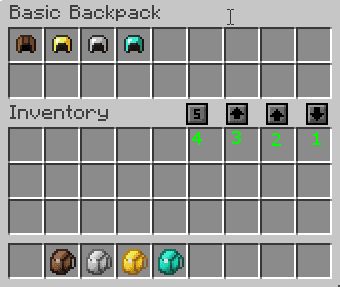
- [4]- Sortiert alle Items im Rucksack. Standardmäßig nach Item-ID (aufsteigend), aber per Rechtsklick kannst du auf alphabetische Sortierung nach Item-Namen umschalten.
- [3]- Verschiebt alle Items aus deinem Inventar (die 3 Reihen über deiner Hotbar) in den Rucksack.
- [2]- Verschiebt alle Items aus deiner Hotbar in den Rucksack.
- [1]- Verschiebt alle Items aus dem Rucksack in dein Inventar.
Das Upgrade fügt auch Buttons zum konfigurierbaren Inventar hinzu, mit denen du die Items in jeder Reihe mit einem Klick löschen kannst.
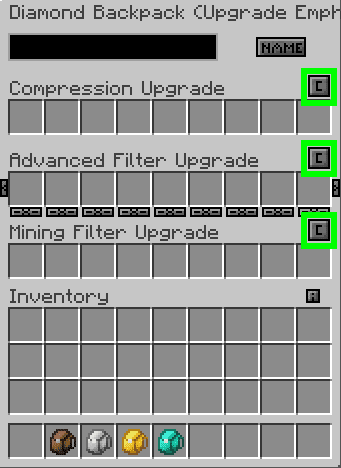
Alle Buttons haben In-Game-Tooltips, falls du mal unsicher bist. Die Verzögerung, bis diese erscheinen, beträgt standardmäßig 1 Sekunde, kann aber beliebig konfiguriert werden.
Compression Upgrades:
Die Kompressions-Upgrades craften Items automatisch, sobald sie vom Rucksack aufgenommen werden.
- Das Compression Upgrade craftet Items in einem 3×3-Gitter. Wenn zum Beispiel Redstone im Filter eingestellt ist, wird versucht, Redstone-Blöcke zu erstellen, sobald 9 oder mehr Einheiten gesammelt wurden.
- Das Small Compression Upgrade craftet Items in einem 2×2-Gitter. Wenn zum Beispiel Sand im Filter eingestellt ist, wird versucht, Sandstein zu erstellen, sobald 4 oder mehr Einheiten gesammelt wurden.
- Das Decompression Upgrade craftet Items eigenständig zurück. Wenn zum Beispiel ein Redstone-Block im Filter eingestellt ist, wird er beim Aufheben in 9 Redstone zerlegt.
Eternity Upgrade:
- Das Eternity Upgrade ermöglicht es dir, deinen Rucksack und dessen Inhalt zu behalten, wenn du stirbst. Das ist ein super Weg, um Items abzusichern, aber es funktioniert nur einmal pro Upgrade. Du musst also nach jedem Tod ein neues einbauen.
Nesting Upgrades:
- Das Nesting Upgrade erlaubt es dir, Rucksäcke in Rucksäcken zu lagern. Damit kannst du eine absurd riesige Inventarkapazität schaffen, wenn du einen Pack komplett mit anderen Packs füllst. Wenn du gerne alles mitschleppst, ist dieses Upgrade ein Muss.
Crafting Rezepte:
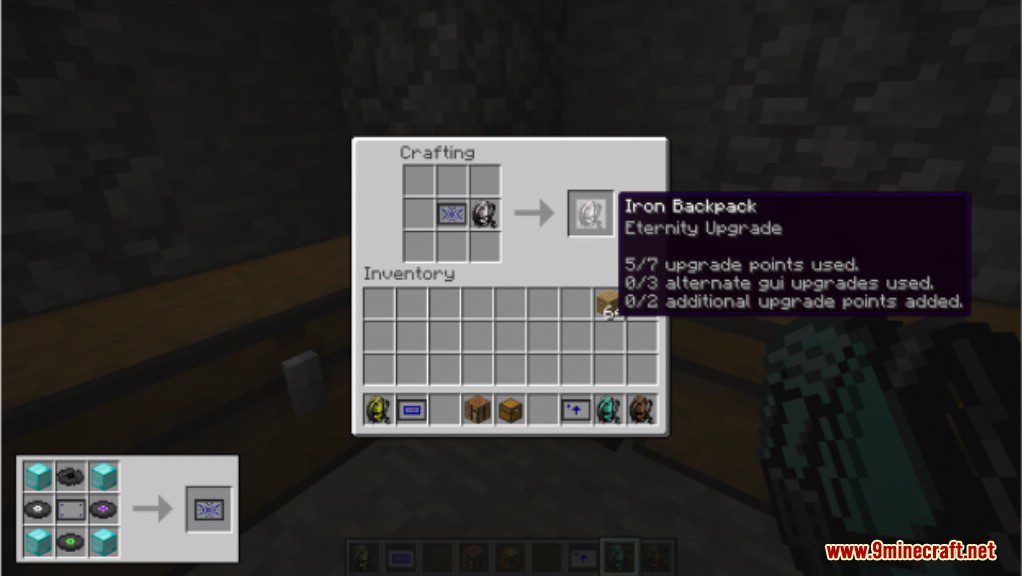
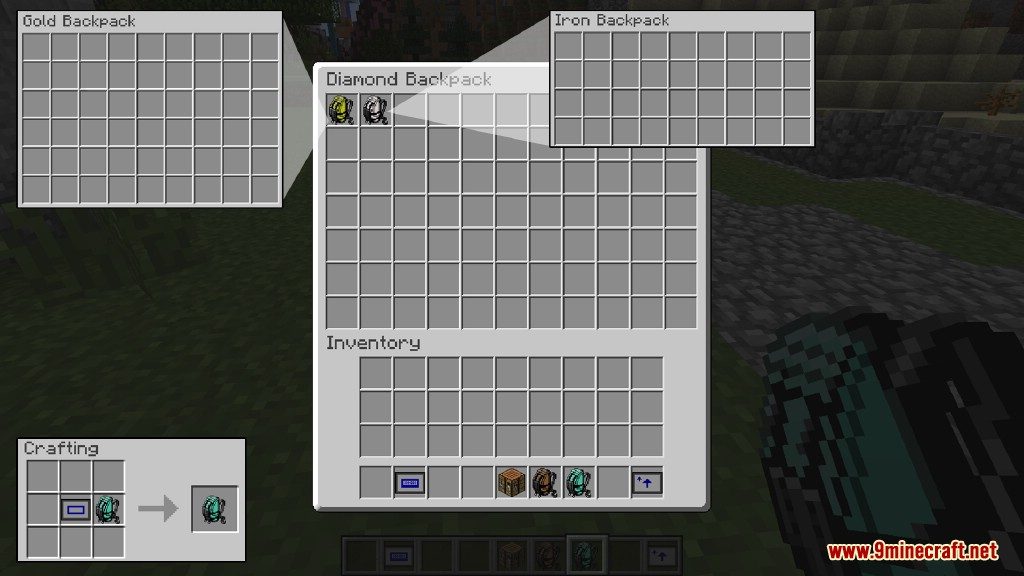
Screenshots:

Installationsanleitung:
Iron Backpacks Mod Download Links
Für Minecraft 1.7.10
Für Minecraft 1.8.0
Für Minecraft 1.8.9
Für Minecraft 1.10.2
Für Minecraft 1.11.2
Für Minecraft 1.12.2, 1.12.1, 1.12
Das könnte dir auch gefallen

Dieser Beitrag hat noch keine Kommentare. Sei der Erste – dein Kommentar erscheint hier.